Hi there, hopefully I’m posting this in the correct forum.
I started having a problem a couple weeks ago with my FP2 having a delayed response to movement within the room. I am using zone detection settings. When I move from one zone to another the automation doesn’t trigger right away like it used to. It takes a couple seconds to trigger. When I watch the movement in the app, I see the icon for the person moving in a couple second delay. I unplugged the FP2 and the hub. Waited a few minutes and then plugged them both back in. That seemed to fix the problem then. But today the problem started again. I unplugged the FP2 and also the hub. Plugged them back in and the problem still persists. Not sure if there was a firmware update recently and that is the cause or if there could be something else I’m overlooking? Has anyone else experienced this? And if so, how did you resolve it? Thanks so much for any insight and feedback.
Dale
1 Like
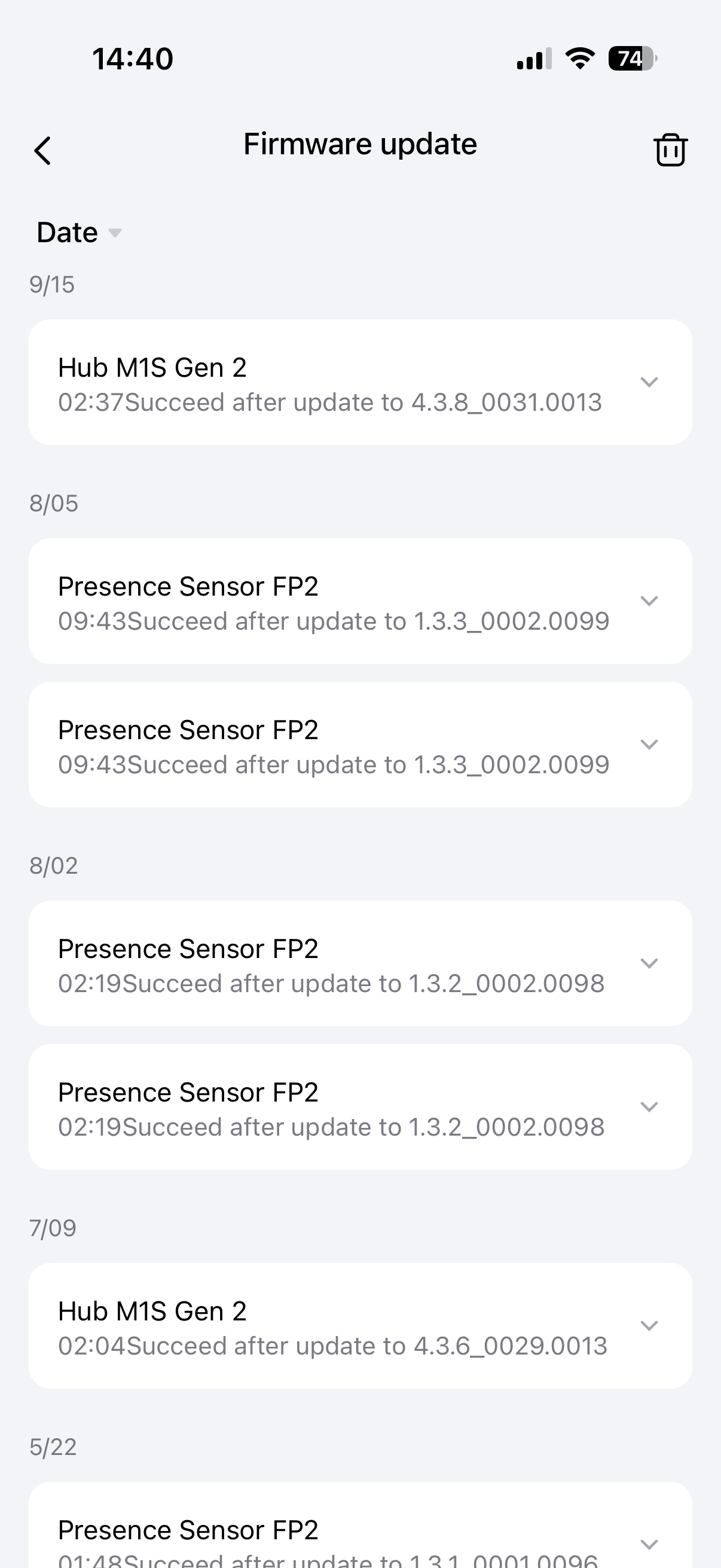
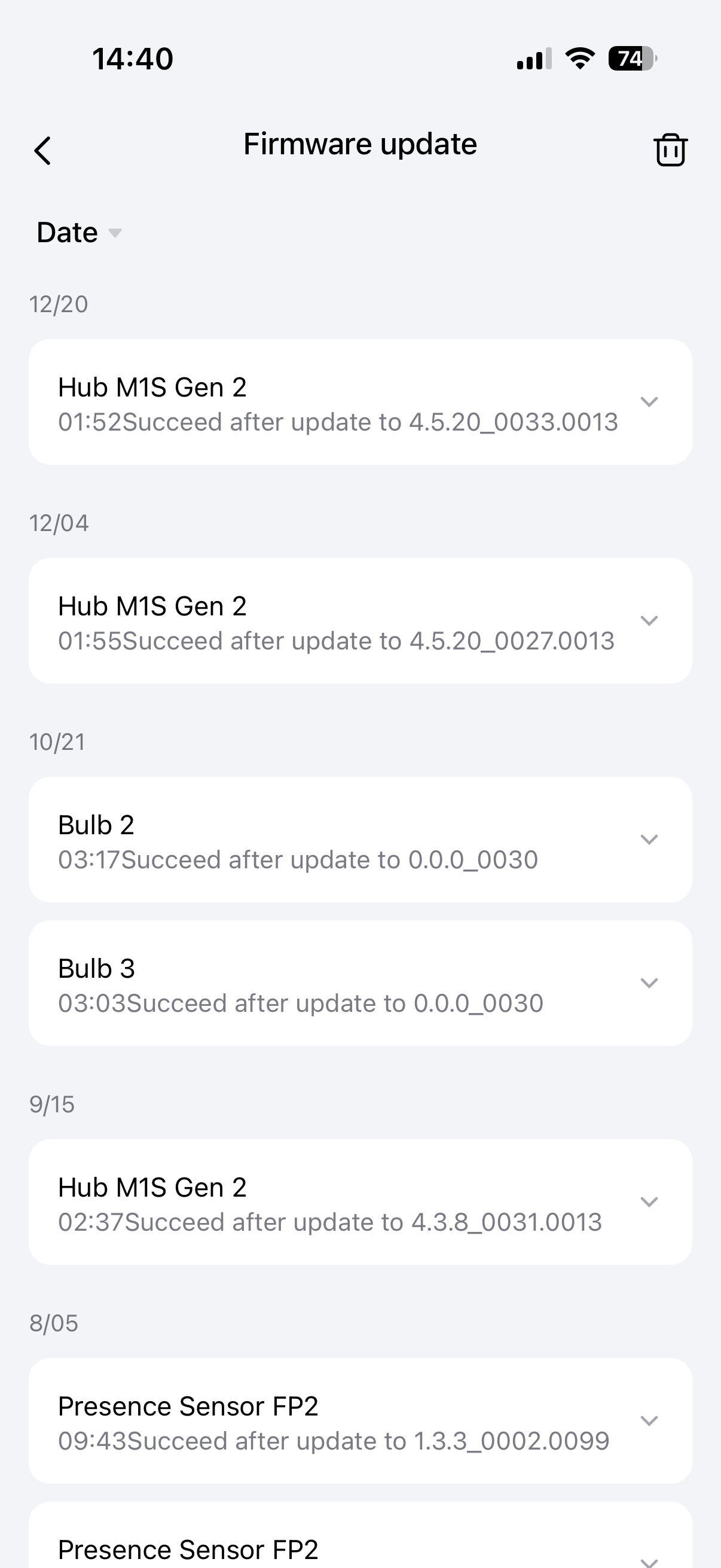
Hello, please look in the update log when the update was made. Maybe you are right, it is an update error. The log is in the section where there are update notifications.
1 Like
Hi again,
The problem seems to be worse now and seems to be all the time instead of intermittently, like before.
I have tried everything, reset device, reset hub, different power supply, changing the WiFi channel, etc… all to no avail.
I checked the update log and have attached a screenshot of it. But the problem started well after the latest FP2 update. First it was intermittent delays and now it’s all the time. It’s really annoying and frustrating.
Any other suggestions?
Thank you.
1 Like
Also one additional thing… I seem to be getting a lot more “ghosting” issues too. Meaning when only one person in the room, it shows multiple people in different zones. Before, I would get an occasional ghosting issue, now it happens more frequently. I have run the AI presence function multiple times and it doesn’t seem to matter. There are no new items or pieces of furniture in the room either.
Thanks for the help.
1 Like
Hello, please tell me what other devices you have?
I’m asking because I want to know what gateway you’re using and the gateway firmware version. I also had delays, I turned off the internet in the house and tested the automations for LOCALITY. I found 6 automations, among them was the one that “maddened” me with its speed.
I noticed the same thing, with additional problem that it takes very long to detect person waking into the room and walking around. I can walk all around the room and it shows like I’m standing on one spot and not moving. For me all this problems also started just couple of weeks ago.
Yeah I’ve been having same issue. It is very slow to detect …sometimes even though it does detect presence, the automation associated with it does not activate. All firmware for the devices and hubs are up to date.
I’m also getting detections in areas that are marked as interference zones
I had issues with my FP2 lagging as well and started into a deep dive of my network setup over the holidays. I use an ASUS mesh router with 4 ASUS WAPs. I had smart connect turned on and it was wreaking havoc on my IOT devices. I ended up completely segmenting my 2.4 ghz IOT network which made a world of difference.
The FP2s connect directly to wifi (at least mine are) and the issues I was having were related directly to channel utilization of the 2.4ghz network which caused the FP2 to lag on updates and ground my home assistant automations to a halt.
I found throwing all of my router and HA logs into ChatGPT very worthwhile. Might be something to check.
1 Like