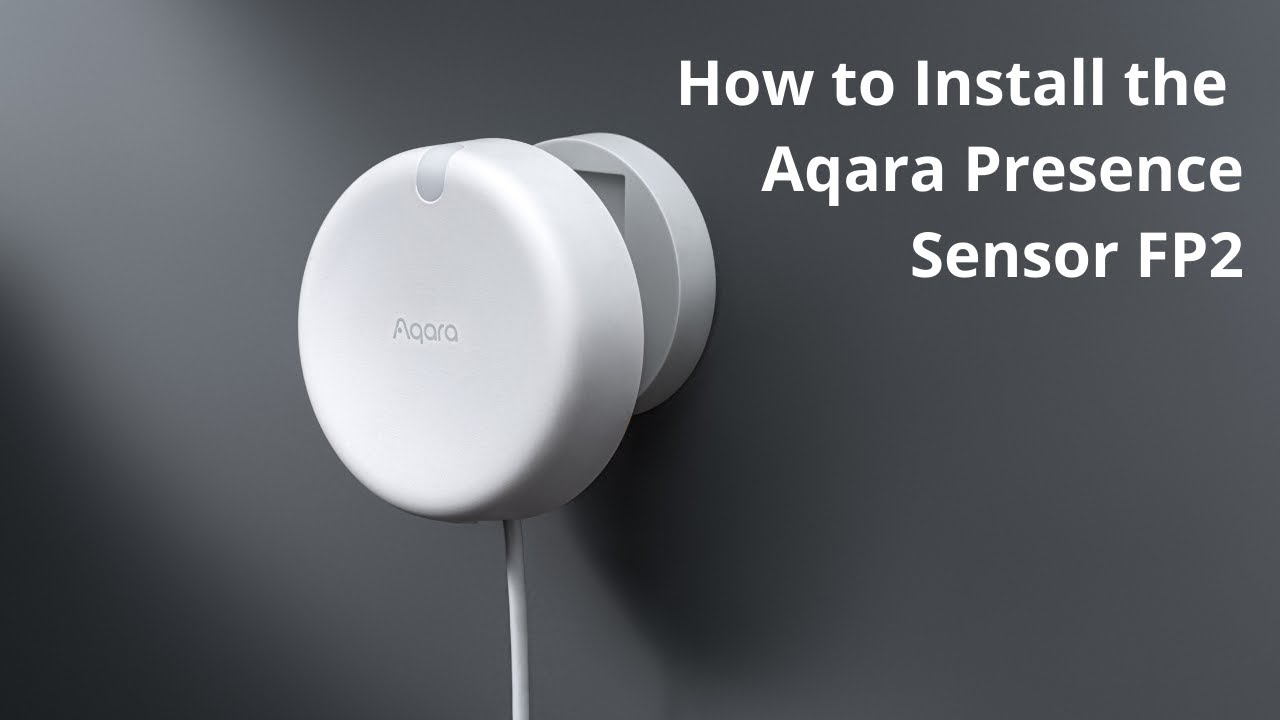
I’ve had a number of Aqara’s FP2 presence sensors for a few years now and I can’t but help think that there is maybe a massive flaw in the way the AI Learning is used.
I’m thinking mainly about pets and most people don’t want their pets picked up by the sensor.
When the user initiates AI Learning to try and improve on its capability of recognising only people how does an empty room hope to achieve that?
Surely AI Learning should be initiated when just the pets are in the room then the app (its AI) learns to ignore cats, dogs etc because it will know what to look for. Essentially by selecting AI Learning you are saying ignore what’s in the room now so having the pets in the room when running the learning should help identify the pets to be able to ignore them.
Otherwise, how will it differentiate between a dog and a small person.
Maybe just me but I think the AI Learning is all wrong and that’s why I still, years later, have my FP2’s trigger presence when my cat enters a room.
@glider Thank you for sharing your detailed thoughts and experiences with the FP2’s AI Learning—your perspective is definitely thought-provoking and taps into a concern many users might have.
From the reference information, the FP2’s AI learning function is generally designed to be run in an empty room. The idea is that the sensor learns the “background” of the space without any movement or presence, helping it distinguish between genuine occupancy and environmental interference when it’s actually in use. This means it’s not specifically learning what a pet “looks like” during the learning process, but rather what the absence of any person or pet should be.
Your suggestion about running AI Learning with only pets present is interesting, but according to the documentation, the current method does not support this approach. The AI isn’t trained to recognize and ignore pets during the learning phase—it simply calibrates to the space’s baseline and attempts to adapt its detection to reduce false positives using manual zone settings and sensitivity adjustments. That’s likely why your FP2 still triggers with your cat: it doesn’t have a specific “pet ignore” mode built into the AI learning process.
While this might not be the answer you hoped for, your feedback is valuable. If you’d like to see improvements or changes to this process, I encourage you to submit your suggestions via manual customer service feedback in the Aqara app. Also, perhaps others in the community have found creative workarounds or have similar experiences to share!
Let’s keep the conversation going—maybe together, we can surface some useful tricks or at least provide more input for future enhancements.
It seems the AI Person Detection setting would allow for ignoring pets. However, I actually would rather it just label it as pet or robovac and let the user decide if they want it ignored or not. There are cases where I actually want an automation to trigger on the pet detection but not the person section.
@dproctor95 You’re absolutely right that the AI Person Detection setting is designed to minimize false alarms from non-human movements like pets or robot vacuums . It’s a great observation that having the ability to label these triggers (like “pet” or “robovac”) and let users decide whether to ignore them could add more flexibility—especially for automations where you might want to trigger actions based on pet activity specifically.
Currently, the FP2’s AI Person Detection focuses on reducing non-human interference rather than labeling, but your suggestion for more granular control is valuable. If you’d like to see this feature, I encourage you to share your feedback via manual customer service in the Aqara app.
Thanks for bringing this up—it’s a great point for the community to discuss. Maybe others have similar needs or workarounds to share!
Sometimes the issue isn’t the AI itself but how the device is aligned or what settings you’ve got. In fact, I personally disabled the AI-learning mode in some rooms because it caused more trouble than it solved for me.
I’d recommend mounting the FP2 sensor at around 1.8 to 2.2 meters (roughly eye to chest level). This gives it a good “view” to detect both sitting and standing positions.
In my first setup, I installed the FP2 in a large room at about 2 meters height, with a slight downward tilt. Because of that angle, my cat was detected, which caused the light to turn on every time she moved through the area.
After some trial and error, I reinstalled the FP2 on another wall, this time at around 1.5 meters, mounted vertically and facing straight ahead (no downward tilt). I chose this lower height because the new position covered a much smaller area of the room, so the sensor didn’t need as wide a range. Now it only covers the upper area of the room where people are normally present - and since then, my cat hasn’t been detected at all.
And by that I mean, she doesn’t even appear on the map anymore.
Here are a few additional things I’ve set up:
If the lights don’t turn off automatically, I created a scene in the Aqara app that tells the FP2 no one is in the zone. I can trigger this scene via Siri, and my door lock also activates it when I leave.
At night, I use another automation that disables the light-triggering automation when I activate the night alarm. This was mainly useful in my first setup, when my cat could still trigger the lights.
By the way, the same applies to the Aqara P2 sensor - when mounted higher up and facing straight ahead, it also won’t be triggered by my cat.