Each click will launch a 15 minute settings window, and the settings will take effect quickly
I have already tried changing the settings and configuring it but after a few minutes the message shows up again.
You are not alone with this problem. I have the same problem.
1 Like
I have found the reason, you have sent reset device after you setting the On-site Configuration. You can just set radar detection area but not reset device.
2 Likes
What do you mean? I didn’t reset it… I restarted it.
Yes restarted is also.
Step 1: some configuration is set.(APP will wait set result)
Step 2: deive is restarted during app setting.
Step 3: app read the setting data is “NULL”, cause show the tips alway and don’t send the setting data to device again.
I’m having a difficult time understanding this message. Could you write it in your own language and have ChatGPT translate it?
好的,我用我的母语重新描述一下这个问题发生的原因:
第一个原因是:
在您设置参数的过程中,下发了重启设备这条指令。
导致了APP识别指令下发是否成功这一步失败了(原因是在设置雷达侦测范围 这个参数的时候,设备返回了一次设置结果给到APP,APP 在设备重启后找设备读取设置结果, 设备没有响应APP),就导致了APP 会一直提示您,有参数正在设置当中。
所以解决这个问题的办法就是重新设置一下雷达侦测范围,但是不要下发重启设备。
2 Likes
Thanks! Will try that.
Sadly, that didn’t work. I have changed the setting to 1.75m, went back and left it alone for 20 minutes, when I came back, the configuration/blue message was back.
I then changed the setting back to 1.5m and after 15-20 minutes the same blue message was there.
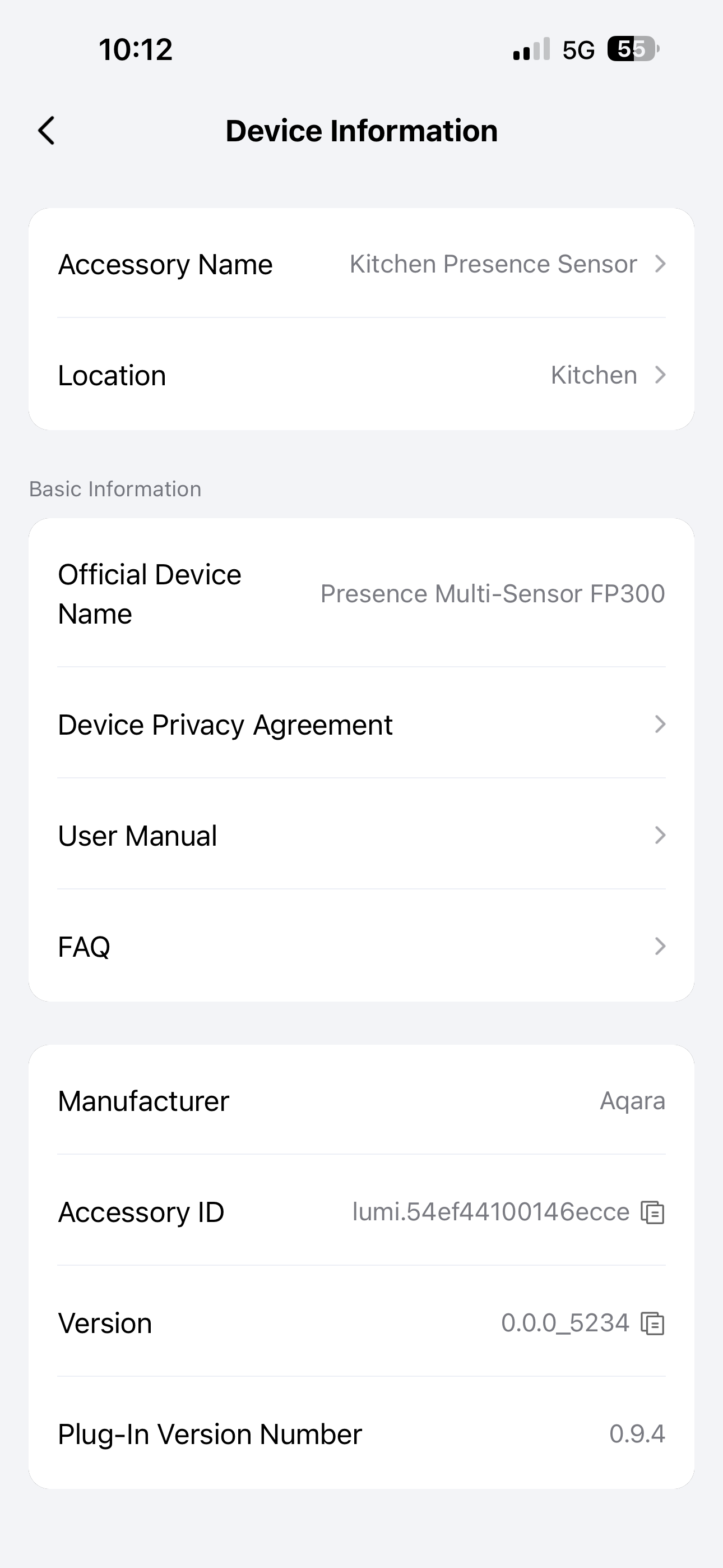
There is another issue that can lead to this phenomenon. The current online version of our RN plugin cannot recognize the spaces in the anti light pollution period data, causing it to always assume that the configuration is in effect. RN version 0.9.4 has fixed this issue, but the plugin version has not been launched yet. You can wait for the 0.9.4 to be launched, which will automatically fix this problem.
If this problem is too annoying, it can be solved by restoring the device to factory settings without setting the anti light pollution mode.
I will inquire about the release time of version 0.9.4 and get back to you later.
1 Like
Thank you very much. Please do let me know when you intend to release it. If possible, I’m willing to test it out on a beta version.
The 0.9.4 is already launched. It can recognize the spaces now.You can reset the anti light pollution period, and 0.9.4 will no longer display the prompt window continuously
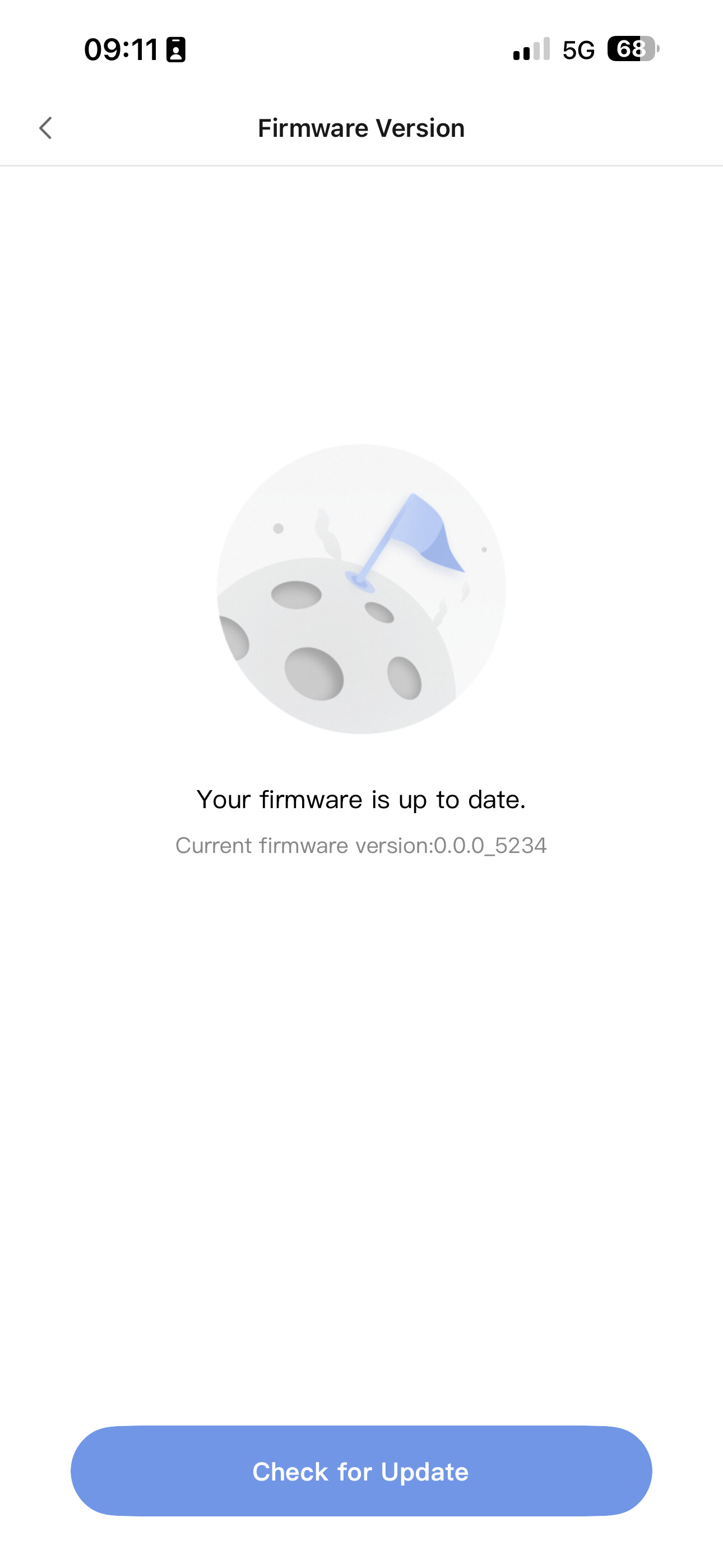
Not the firmware version.
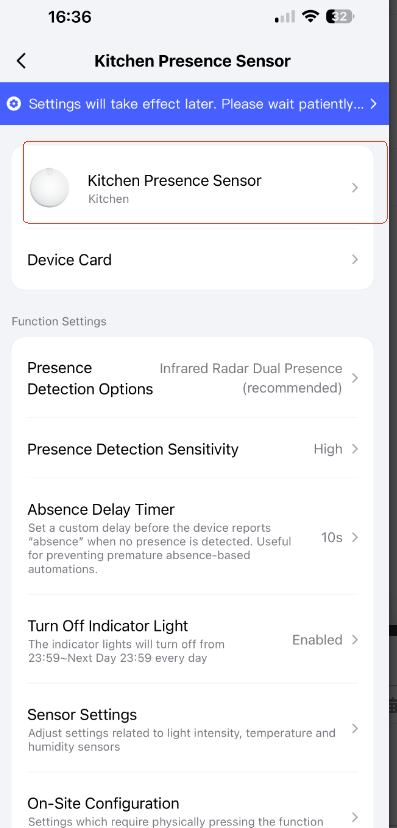
Click inside the red box and then pull to the bottom to see the plugin version
Can you show on the video or via screenshots how to reset that?
This is a video to solve the problem. Just click the device button and set the radar detection area. Do not click the restart button, it will be restored afterwards. If you need to restart, you need to perform the restart operation after one and a half hours, otherwise it may trigger the exception again.
I just noticed this morning that my battery is reporting only 10% battery left. Will be following this thread.
1 Like
You can try restarting the device to see if the problem is resolved.