I have a question that maybe someone can help me with?
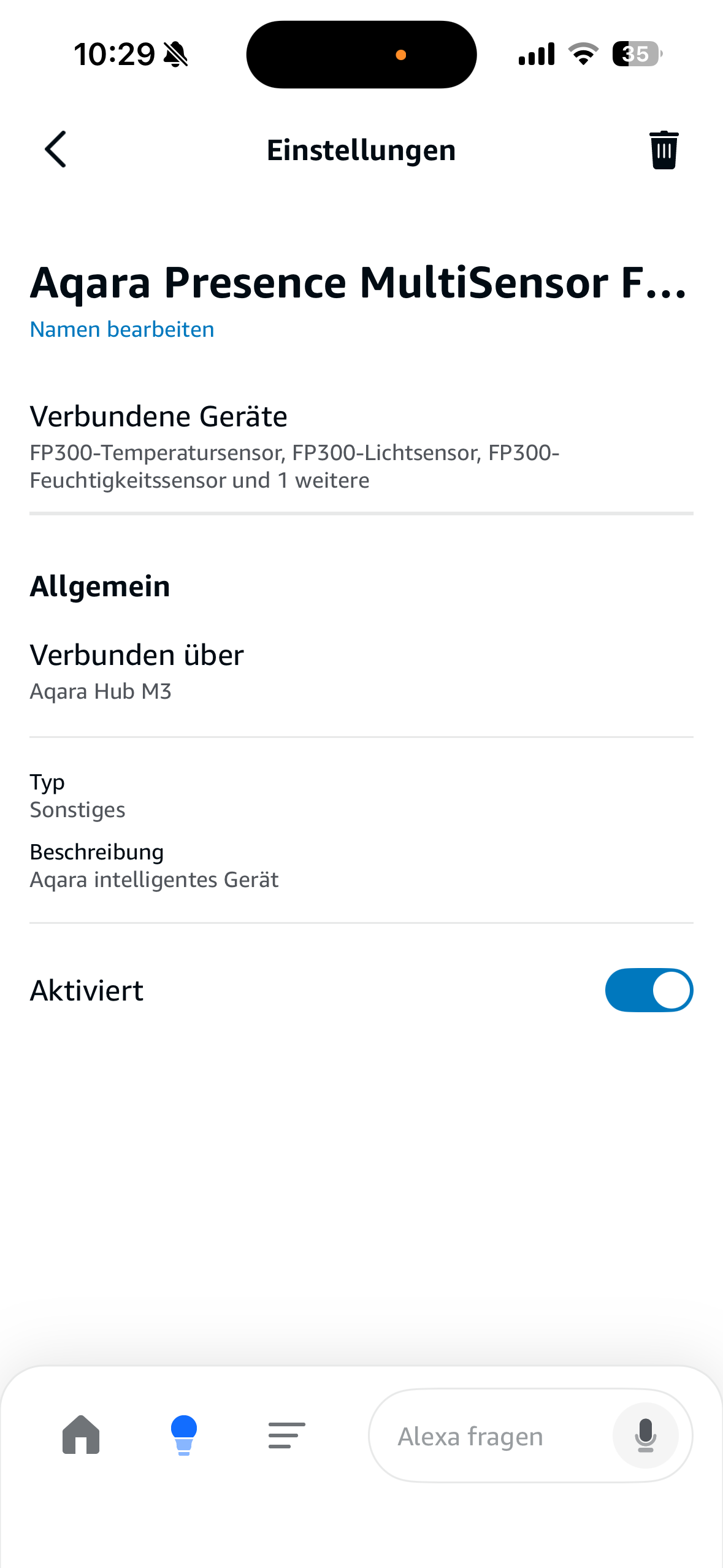
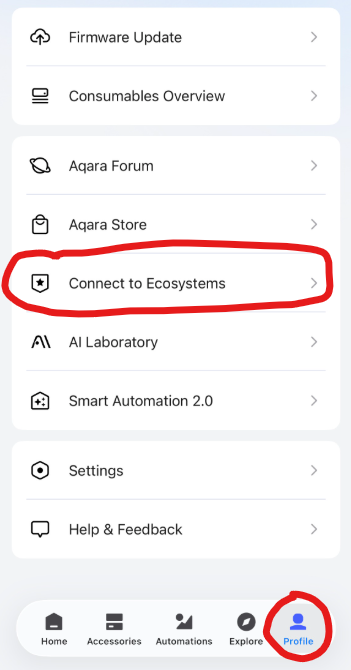
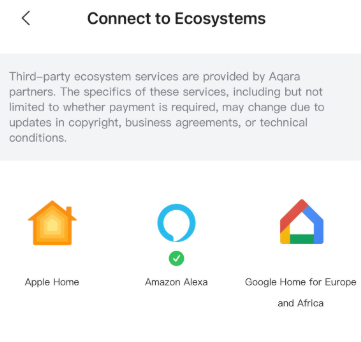
Two days ago I received the long-awaited FP 300. I set this up via Zigbee on my M3 Hub. I added the M3 Hub via Matter in Alexa.
In HomeKit, it has been inserted without any problems and also works as a trigger seemingly without problems.
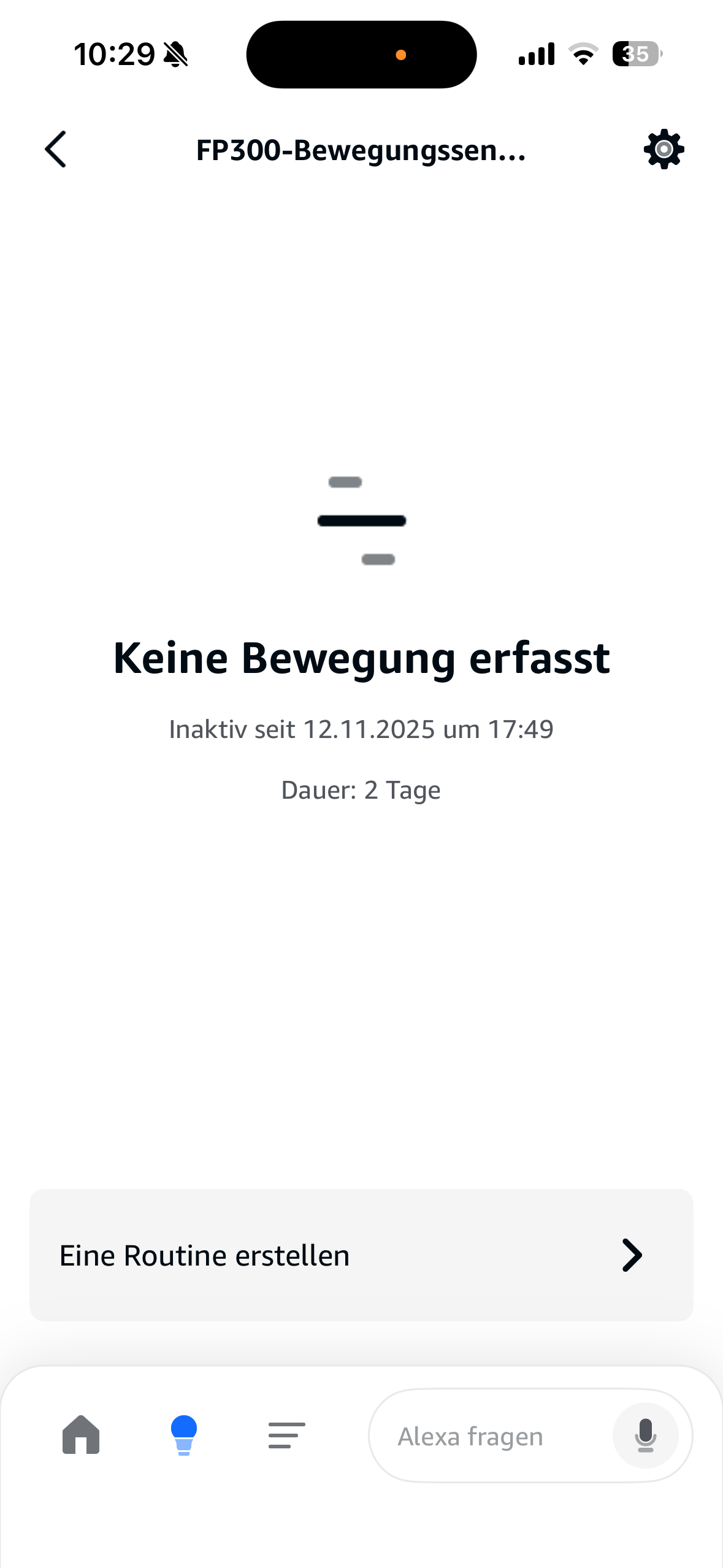
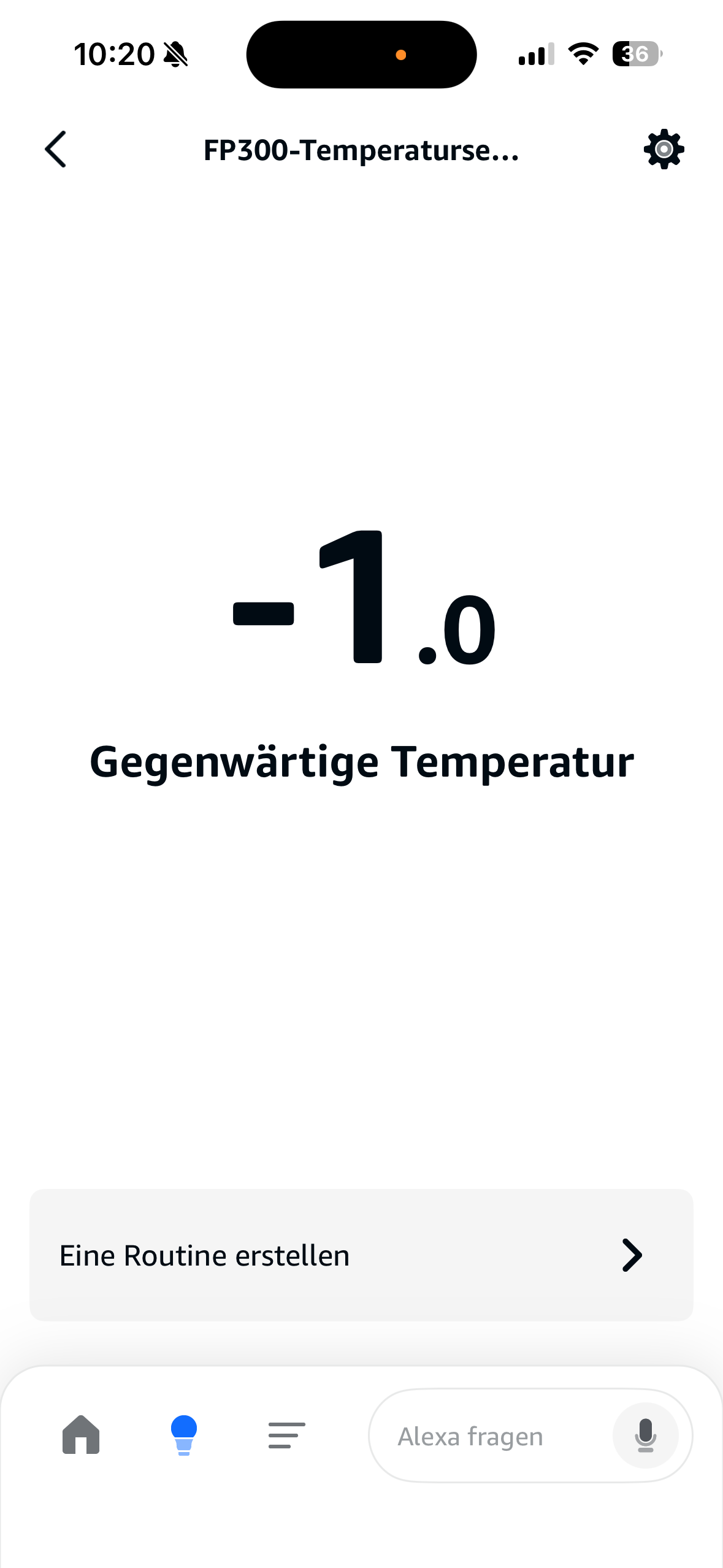
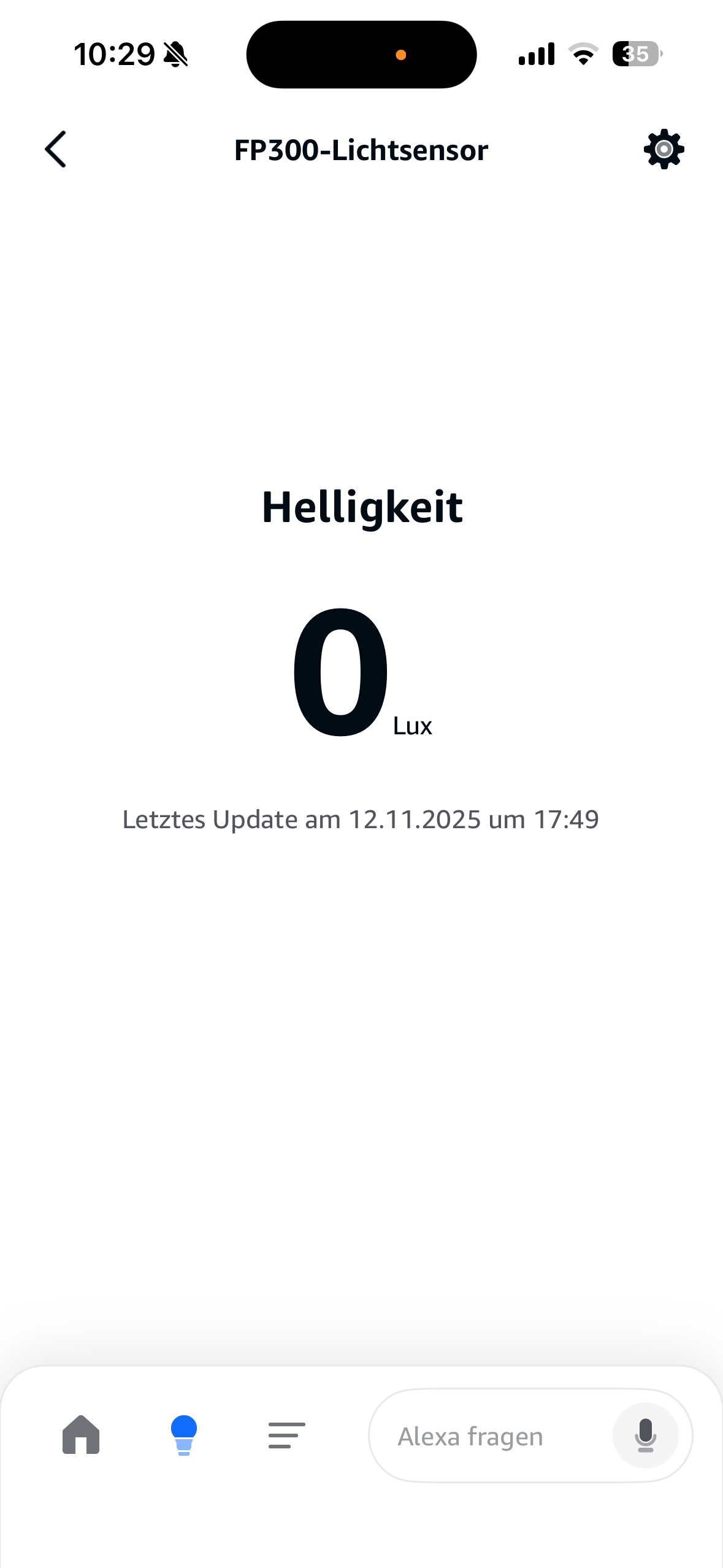
In Alexa, it seems to be added via M3 Hub, but no movement, presence, etc. is detected there. Therefore, I can’t use it as a trigger for a routine. Likewise, the temperature sensors show -1° in the apartment, which of course is not true.
Do you have any idea what I could have done wrong or can do to use it there again as a trigger for routines?
I only have the Alexa app on my iPhone. It recognizes my FP2 presence sensor without any problems. I only have a P2 with Matter and no FP300. To add Matter devices, you need an Echo device that supports the Matter protocol. I’m sorry, but unfortunately I don’t have a compatible Echo device. That’s why I can’t test the P2, unfortunately.
@Freddy Maybe you could share a few screenshots from the Alexa app? Maybe someone else has an idea.
Wait until the blue light stops flashing, then wait a little longer. Then press the small button on the sensor housing 10 times quickly. This will perform a factory reset. The sensor will then re-enter pairing mode. When it starts flashing blue again, try adding it to the app.
I just tried it, but without success. I don’t understand why it is, especially since I had already registered it twice and now it doesn’t work anymore. I’ve already restarted my phone, I took also out the battery.
If you haven’t already done so, you may also want to restart the M3 Hub and the Apple Home Hub. You may also want to check whether the sensor is still in the Apple Home app and whether it has gone after restarting.
I have also heard from others that they needed to try several times to pair the device.
Hello! I was very excited to finally get my long awaited FP300 – and love my Aqara devices. This is the first that has been a true struggle to setup. I am also have problems with Alexa integration. I’ve tried many times over several days, restarted devices, added and readded and reset many times. The furthest I’ve gotten is Alexa finding the FP300 sensors but they are stuck in a disconnected state. My latest attempts to add to Alexa get stuck on a password request for the thread network hosted by my M3. I can see the thread network in the Aquara app (M3 properties) but no idea where the password is seen or set. Please help this is so frustrating, all other aqara sensors (FP1, FP2) have been seamless and easy. This is painful! Thanks. Scott
After some research, I’m going to up upgrade my Alexa Show 8 Gen 2 (2023 version) to a newer version that has a thread router. I didn’t know I’d need the upgrade of this relatively newer device to make the FP300 work more seamlessly (assuming this works), however the price of the FP300 is much lower than could be expected so there’s that. More later on how this works out.
Did it work out for you? My main Border Router is Alexa Echo 4th gen and I had been having issues having my FP300 stay connected, sometimes I would have to manually press the reset button to get new readings for humidity&temperature.