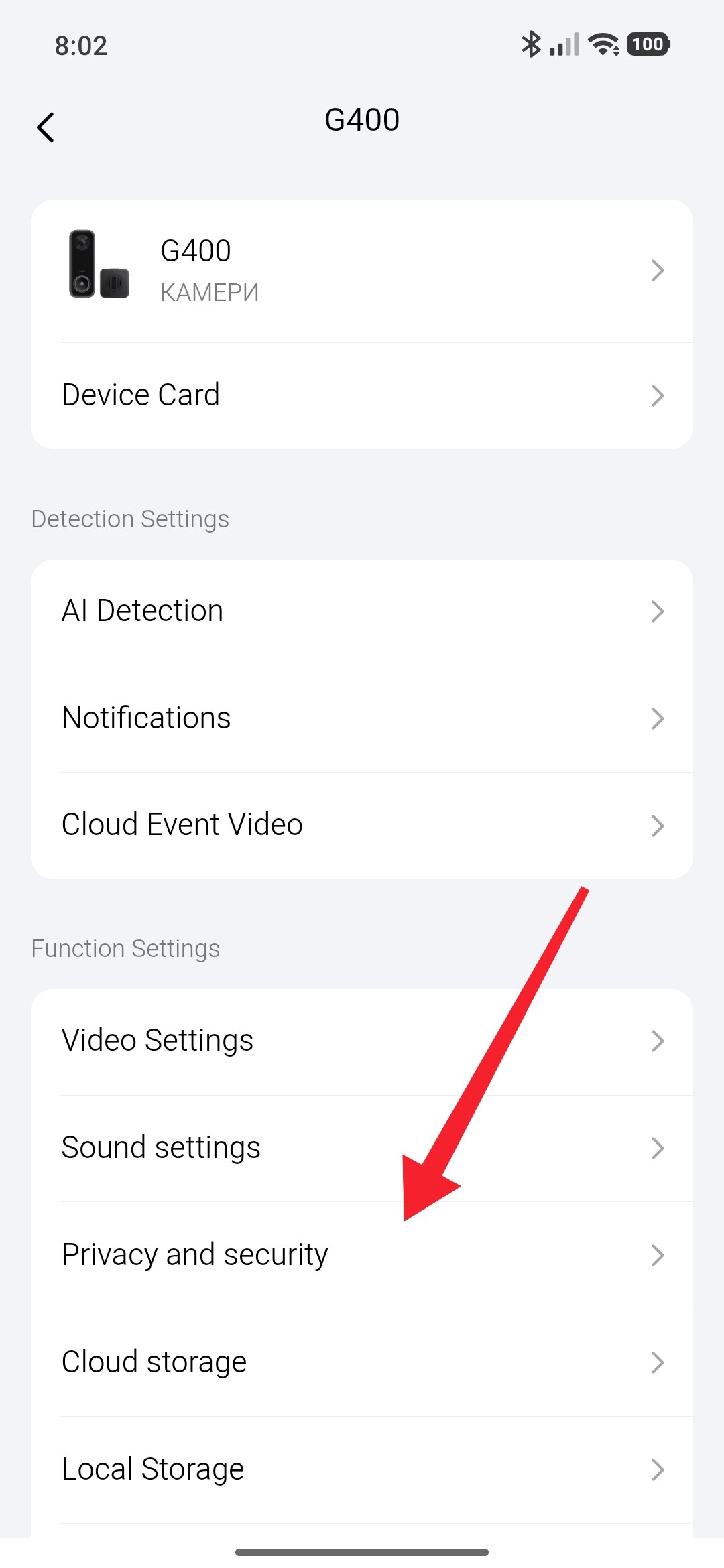
Question! Just installed a G400 doorbell and it’s been in for about two days. It literally has disconnected both nights at 8:25pm and doesn’t reconnect until around 0630 in the morning. It’s connected to the Aqara app and HomeKit. The doorbell has power and lights up yellow when I push the button but the chime doesn’t work and it shows disconnected in both apps.
Is there a setting I am missing somewhere? Everything is still connected including the lock and thermostats
1 Like
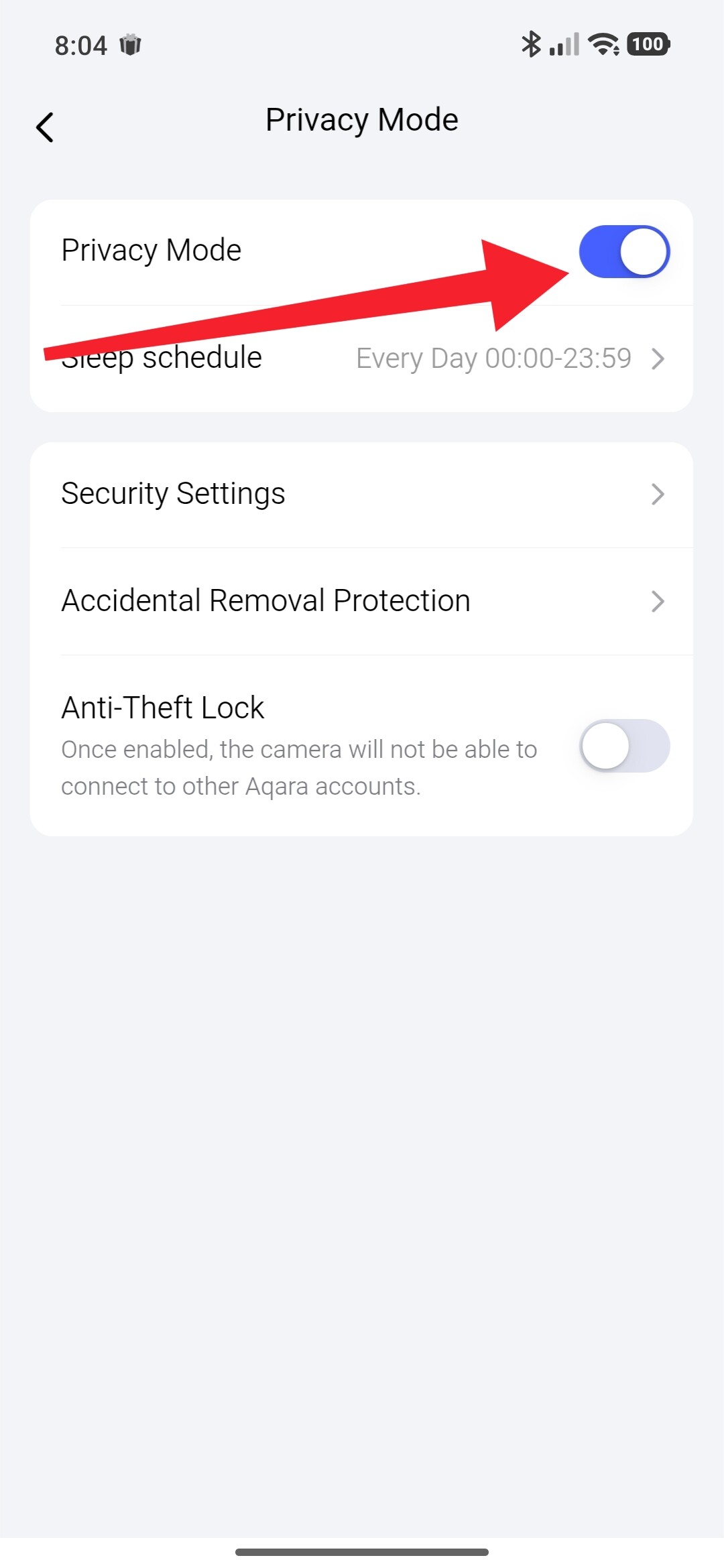
Hey thanks for the response! That was first thing I thought as well, but unfortunately no I don’t have privacy mode turned on at all. I even turned it on to see if it was possibly a glitch. The time under that option has 00:00-23:59 but like I said it is turned off. It literally acts like I have some sort of setting that makes it go offline at that those specific times though. When privacy mode is on does the doorbell disconnect? As currently I can’t even connect to it during those times.
I couldn’t find anything under the Apple Home settings either.
Look at these settings so I don’t repeat the screenshots. There you will analyze the automations. Judging by the time, yours turns off during sunset(20.25)/sunrise(06.30).
Do you have any firewall or device scheduling on your network side? For example, on my network every night at 9:00pm the iPads, tablets, and other family devices are blocked from the network for kids/screen-time.
The timing seems too precise to be random. Wondering if something like this is scheduled on your side and the doorbell was accidentally added to the schedule?
1 Like
This issue has nothing to do with automation, but rather appears to be a network issue, as the call is unavailable at this time, so these links are useless. @DustinDep You should contact support at Support@aqara.com to determine the cause. They can review the logs and determine the cause.
Hello, I think the reason is a weak power supply. During the period when additional consumption is turned on (IR backlight or something else), then the problem appears. What kind of power supply do you have? What is its power?
Hey Thanks! Unfortunately no I have Zero automations setup the only thing showing under there is that it is bound to both of my W200 thermostats thats it.
Hey I am using my doorbell wiring for that, but I think you may be on to something. I will look and see and if nothing else I will test it with POE to see if thats it.
1 Like