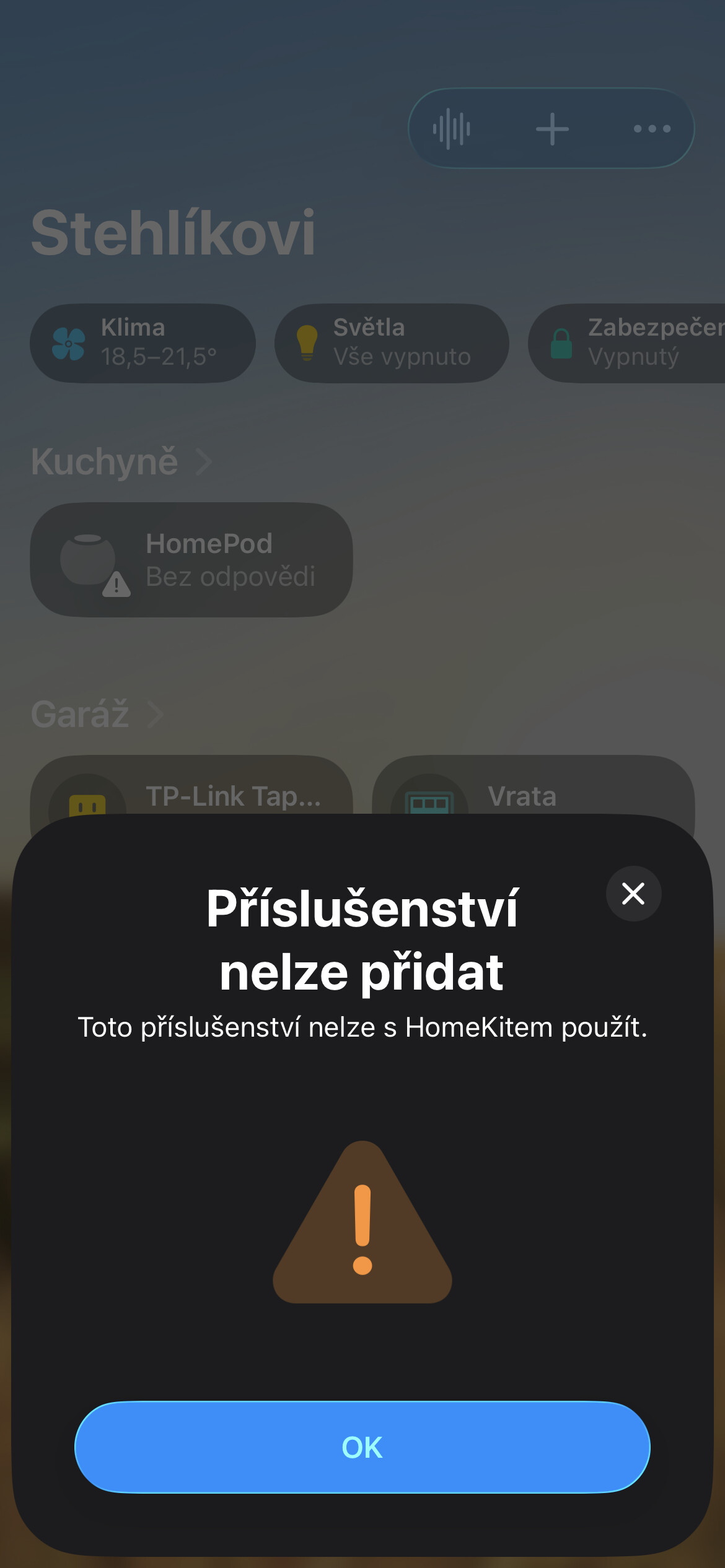
Hello, I have my Aqara G410 Doorbell since end of 2025. It works fine until march. Sometimes I was not able to connect to the camera after I receive notification someone ring the bell. My setup was connected to Aqara app first, but main usage was via HomeKit, because of integration to my home like live view on TV or notifications to HomePod. I tried to solve the problem with removing the camera from HomeKit and Aqara app, reset it to factory setting. After this I can connect the camera to Aqara app, but when I try to add it to HomeKit, I got error “This accessory is not possible to use with HomeKit.”
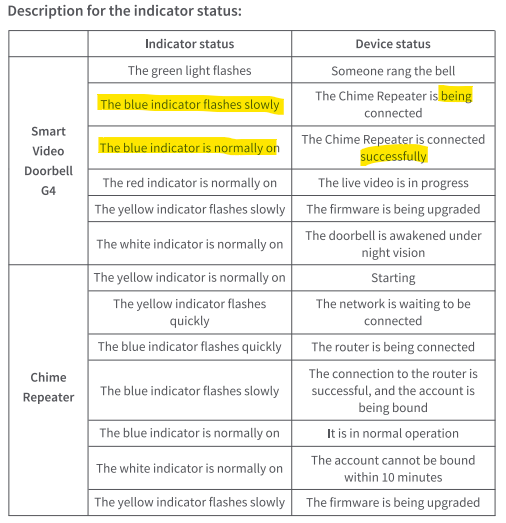
I double check my Home there is no trace of this doorbell there. I also tried to use add the device through QR, through manual adding to HomeKit, use another device (my iPad) to add it there. I restarted HomePod and Apple TV. Also disconnect HomePod and use only Apple TV. But still the same. Doorbell starts blue blinking when I want to add it to HomeKit but error pop up immediately. Blinking stops after about a minute.
Tried to reset the device few times but with the same result. Also tried to remove the M3 Hub and reconnect to HomeKit, and it was flawless.
Is there someone who solve this issue? Aqara support gives me info, that I should contact the seller to fill the complaint.