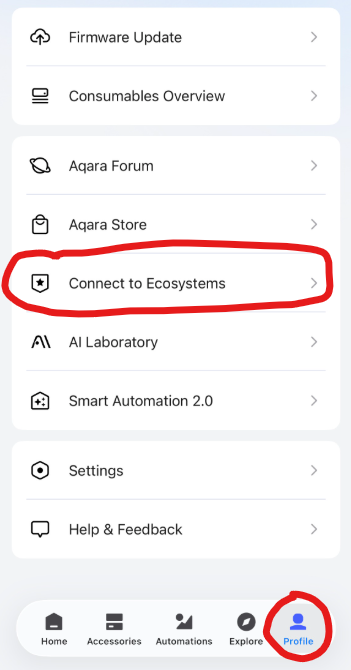
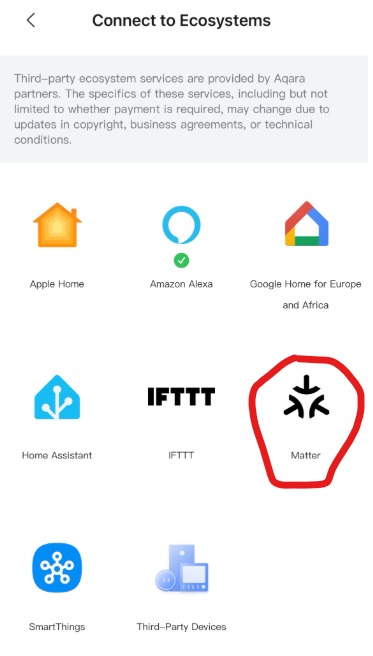
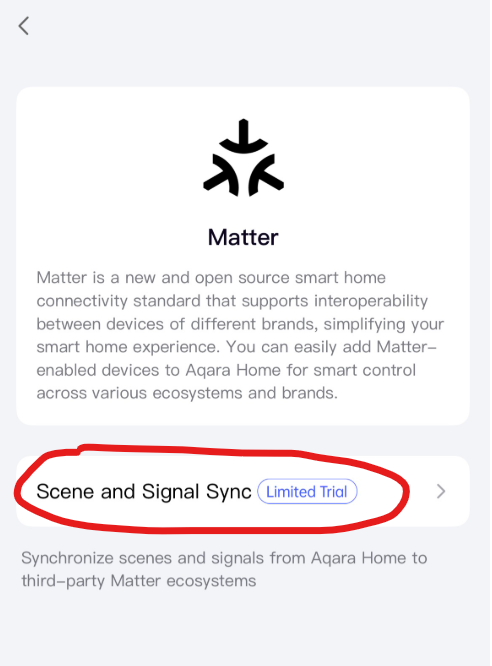
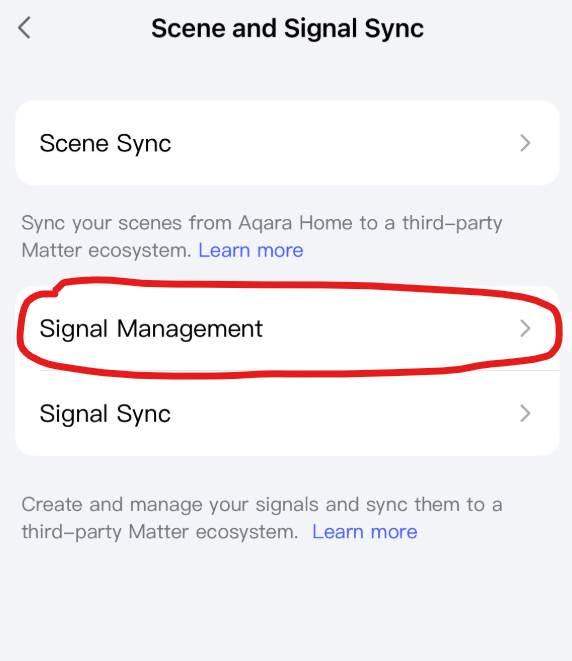
HomeKit only provides motion detection, camera, and doorbell functionality. Theoretically, you could then use LLM Vision or similar software in Home Assistant to recognize objects, people, or animals in the camera image. However, the connection via HomeKit is exclusive, and you would have to disconnect from Apple Home in order to use it with HomeKit Device Integration in HA.
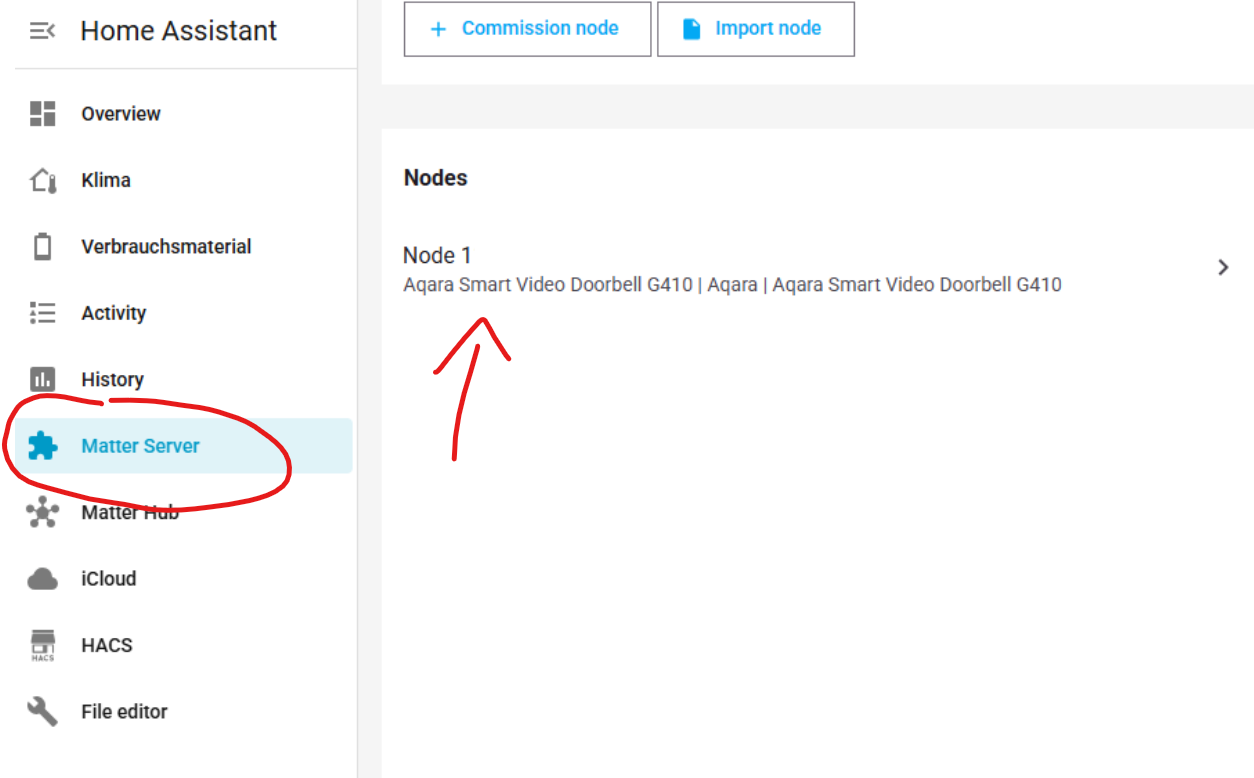
Since the G410 acts as both a Matter bridge and a controller, you don’t need a USB dongle. All you need to do is install the Matter Server add-on, then add the G410 using the HA smartphone app. Please don’t hesitate to ask if you need further assistance.
Settings → Add-ons → Add-one store (Button) → Official add-ons
→ Matter Server → Install
After installation, click on:
“Open web UI” Button or “Matter Server” in the menu → + Commision node → Commission existing device
Open the Aqara Home app and navigate to the following:
Accessories → Search for your G410 and tab on it → three dots in the top corner → Third-Party Matter ecosystems → Matter Paring Code → Copy paring code
Switch back to Home Assistant, paste in the pairing code and press the Button “Commission”.
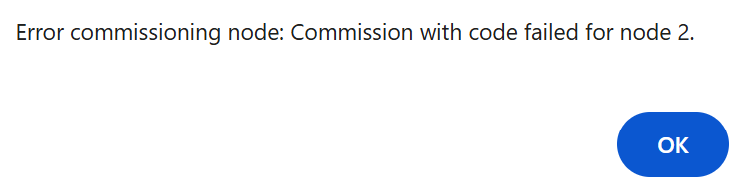
If it does not work, please check whether IPv6 (mandatory) is functioning at:
Home Assistant → Settings → System → Network → Configure network interfaces
→ IPv6
If you were successful, all Zigbee devices and Matter signals or scenes set up on the G410 hub will now be forwarded to Home Assistant via Matter Bridge. In addition, you can set up additional Matter over Thread or Matter over WiFi devices using the “+ Commission node” button.
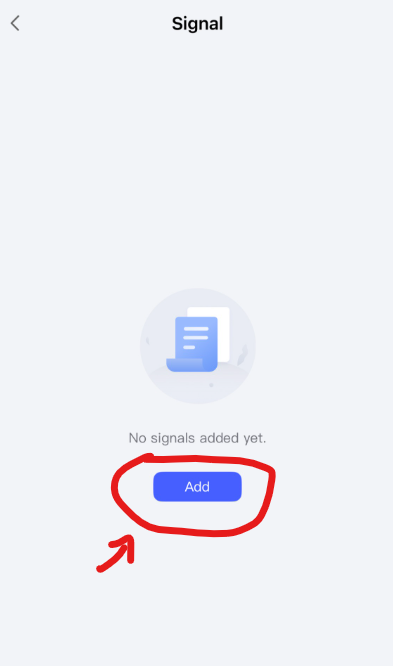
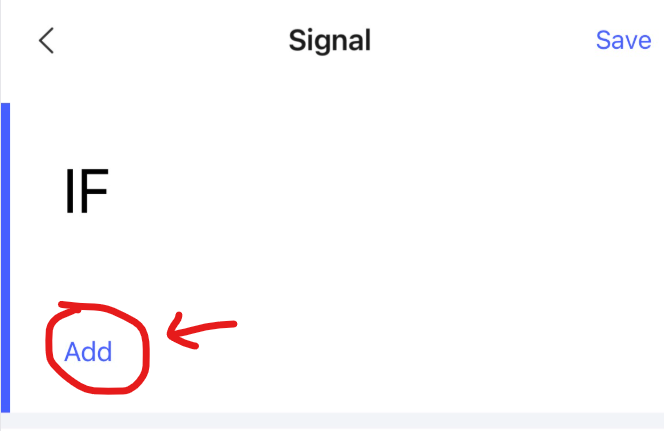
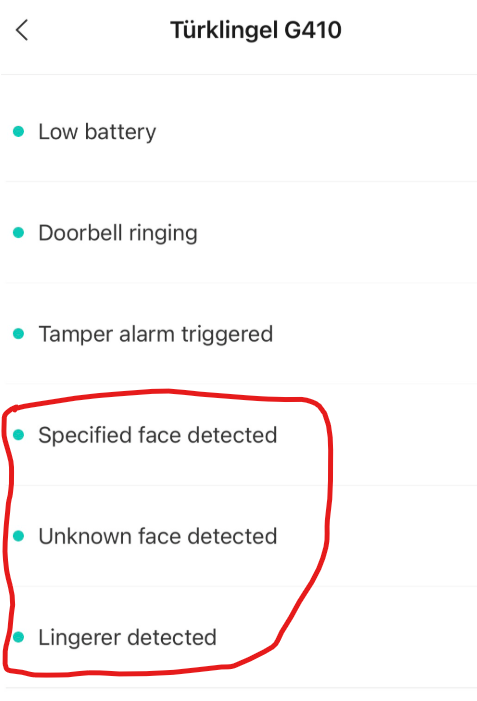
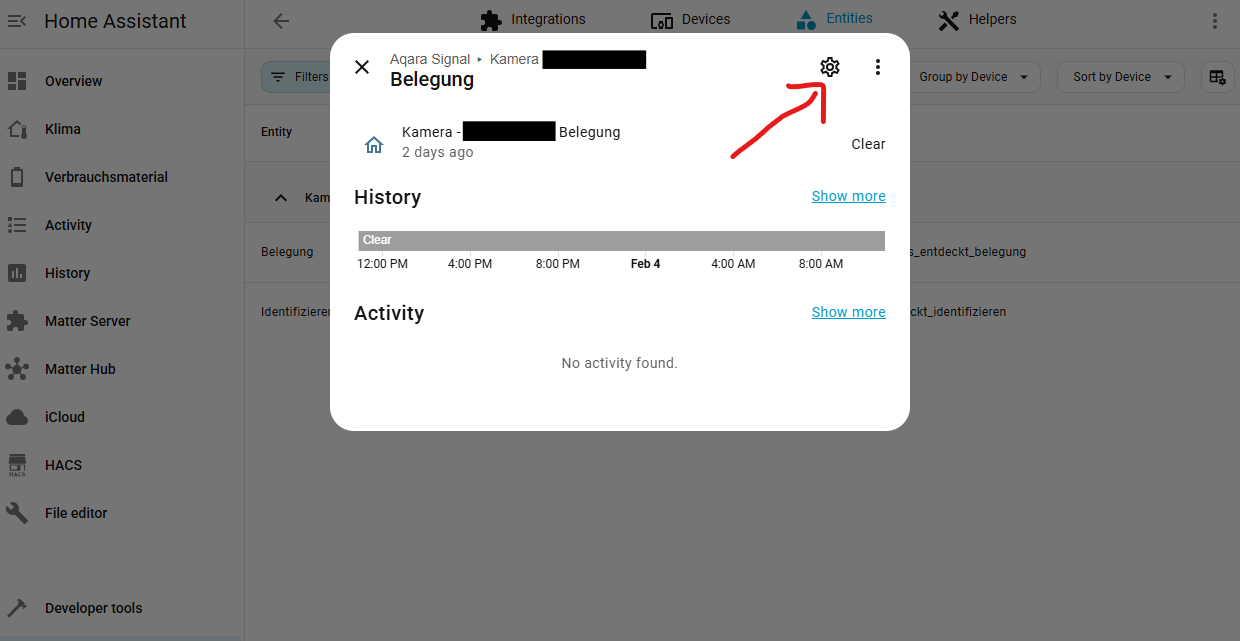
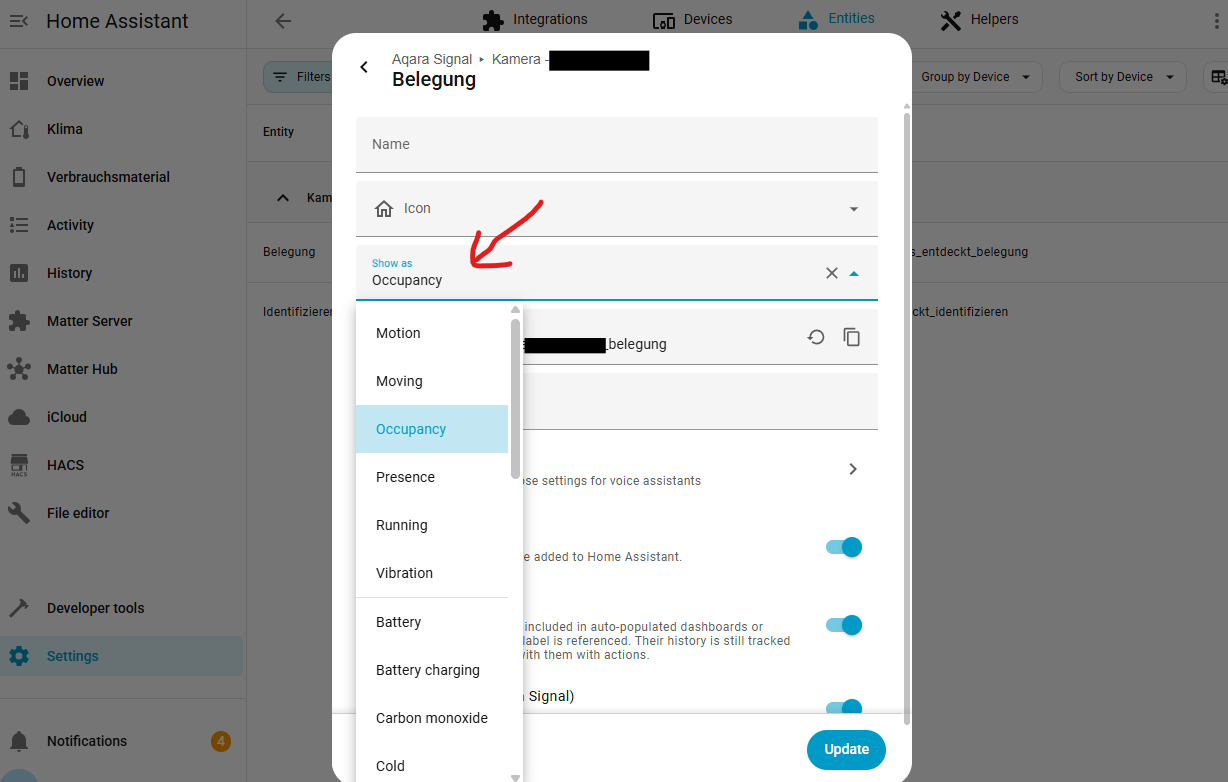
Take a look at my very first post. Once you have created the Matter signal, it should appear as an occupancy sensor in HA.
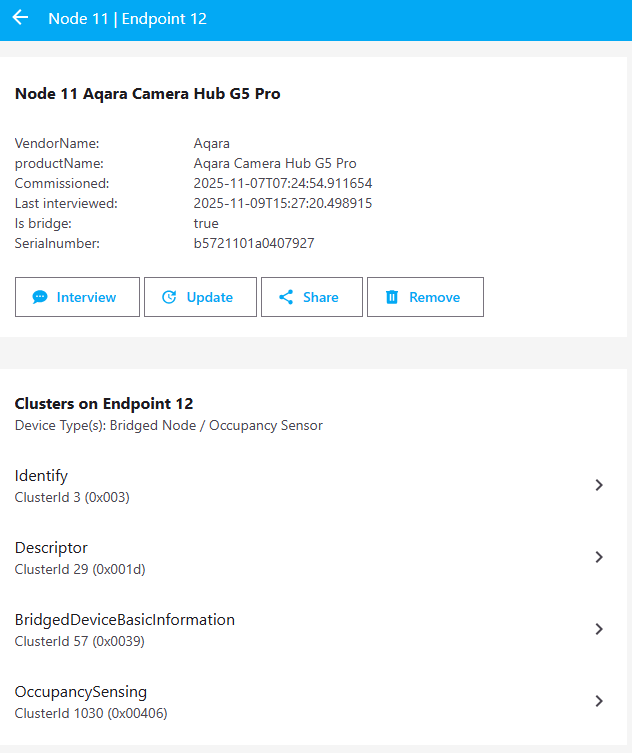
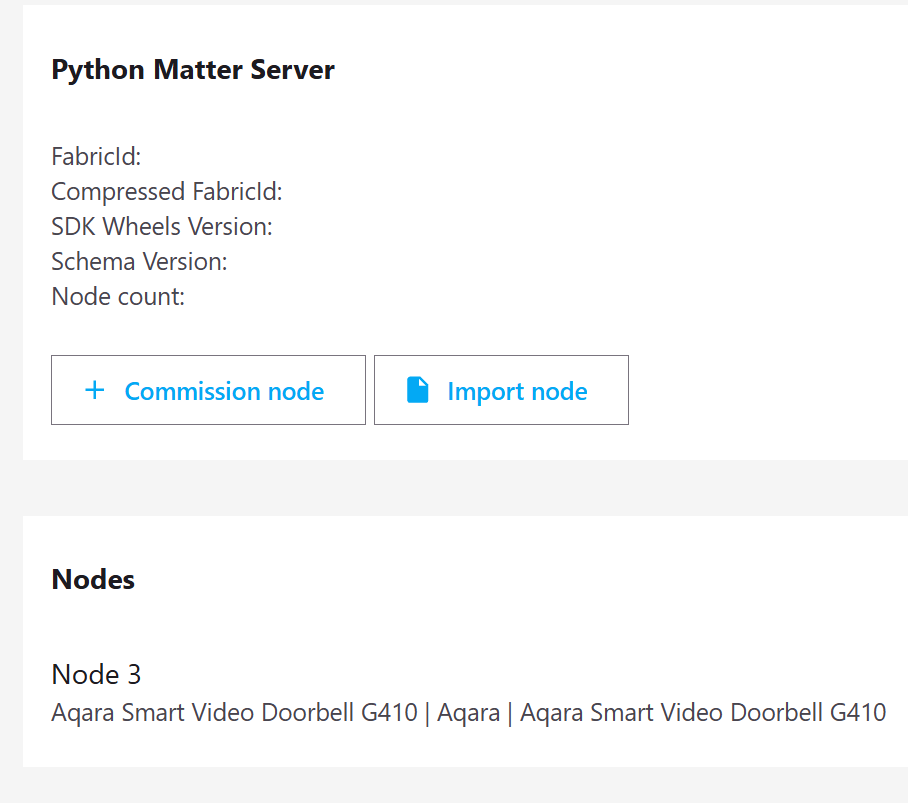
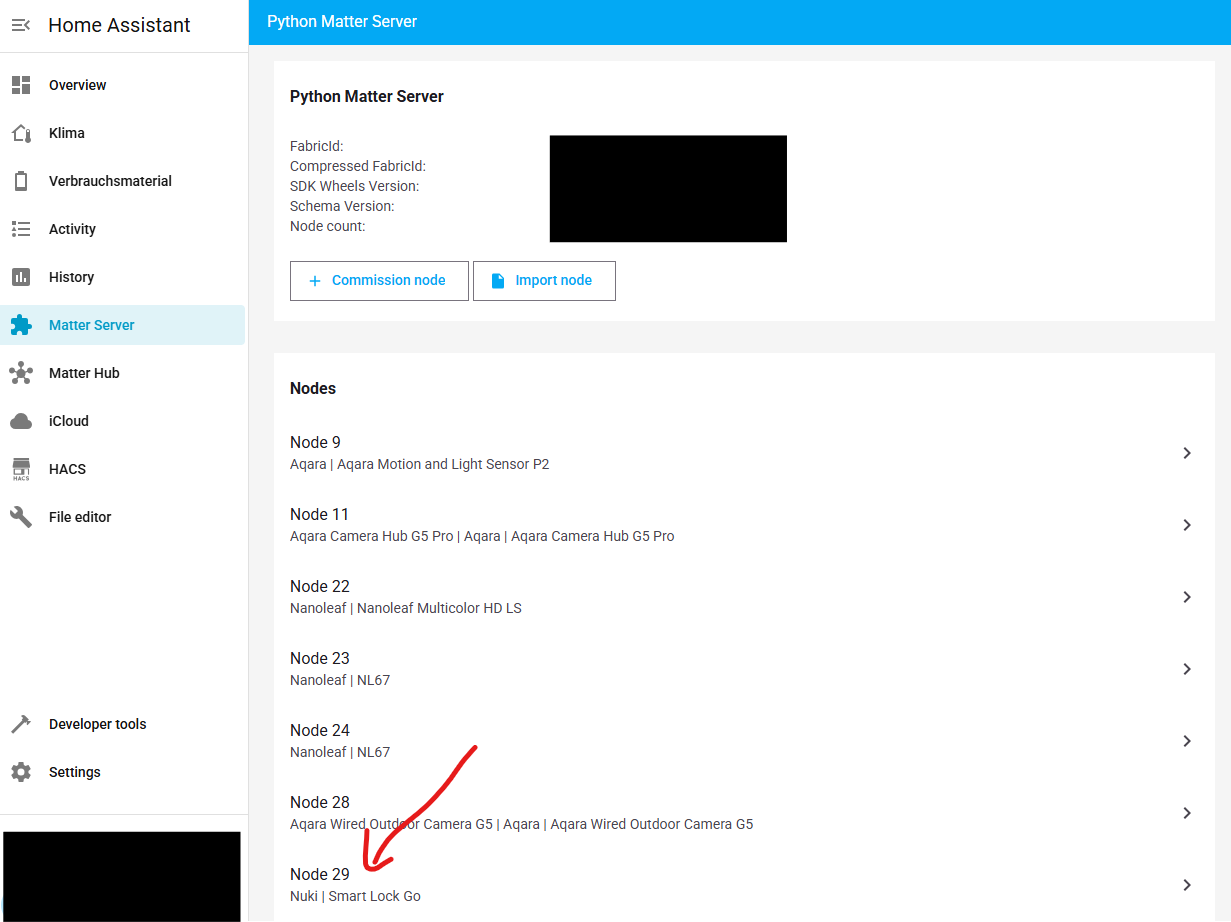
To check, click on the Aqara Smart Video Doorbell G410 (Node 3) in the Matter Server overview and an endpoint should appear with the device type(s): Bridged Node / Occupancy Sensor. If you still have any Zigbee devices connected to the hub, they will also be displayed there.
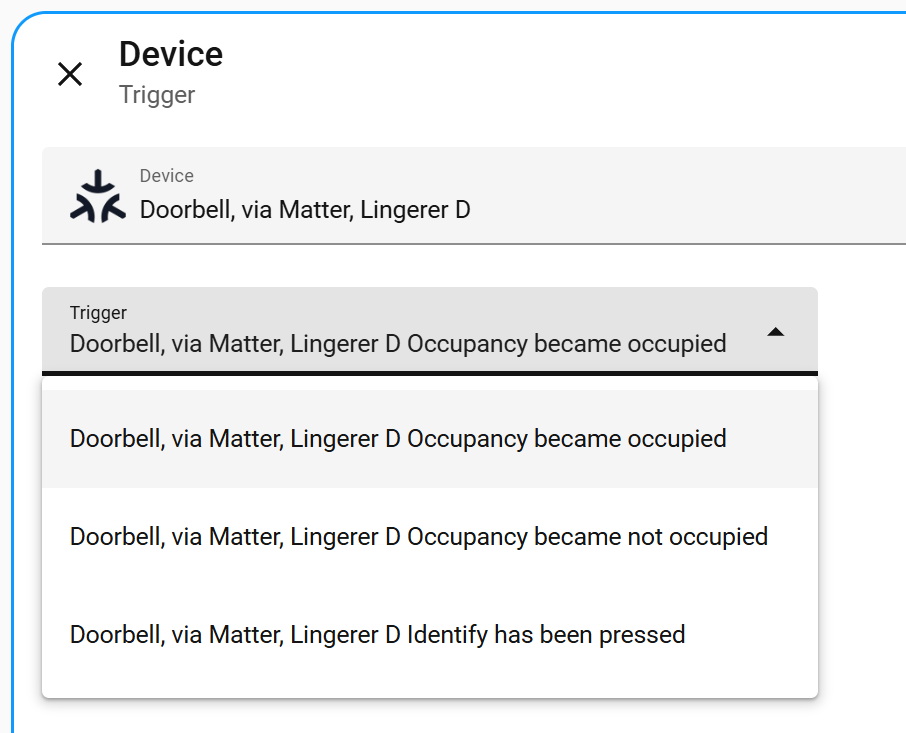
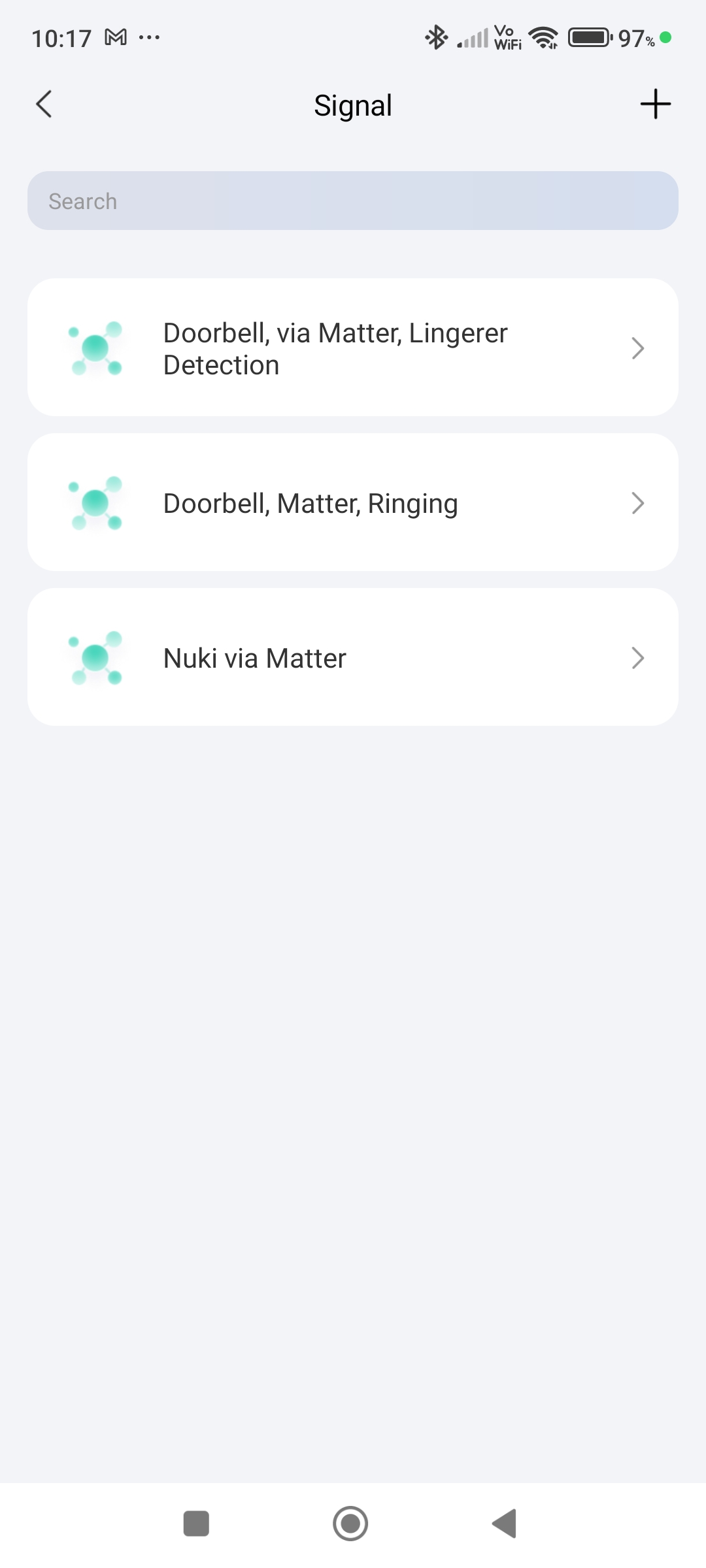
Hi, thank you so much for your help, amazing knowledge, this what I now get in my automation editor (See image below), bit strange that everything comes up as Occupancy, even doorbell push/ringing.
Would you happen to know? I have a Nuki Door lock, which has Matter, could that be connected to HA via the G410, if so is that done in the Aqara app, or HA
You can definitely add it to Aqara and Home Assistant. You just have to decide where to add it first. If you have an Apple Home Hub or a Google Nest Hub, you can also integrate it into these ecosystems.
If you were able to integrate it successfully, then several entities should be present, and locking and unlocking should also work.
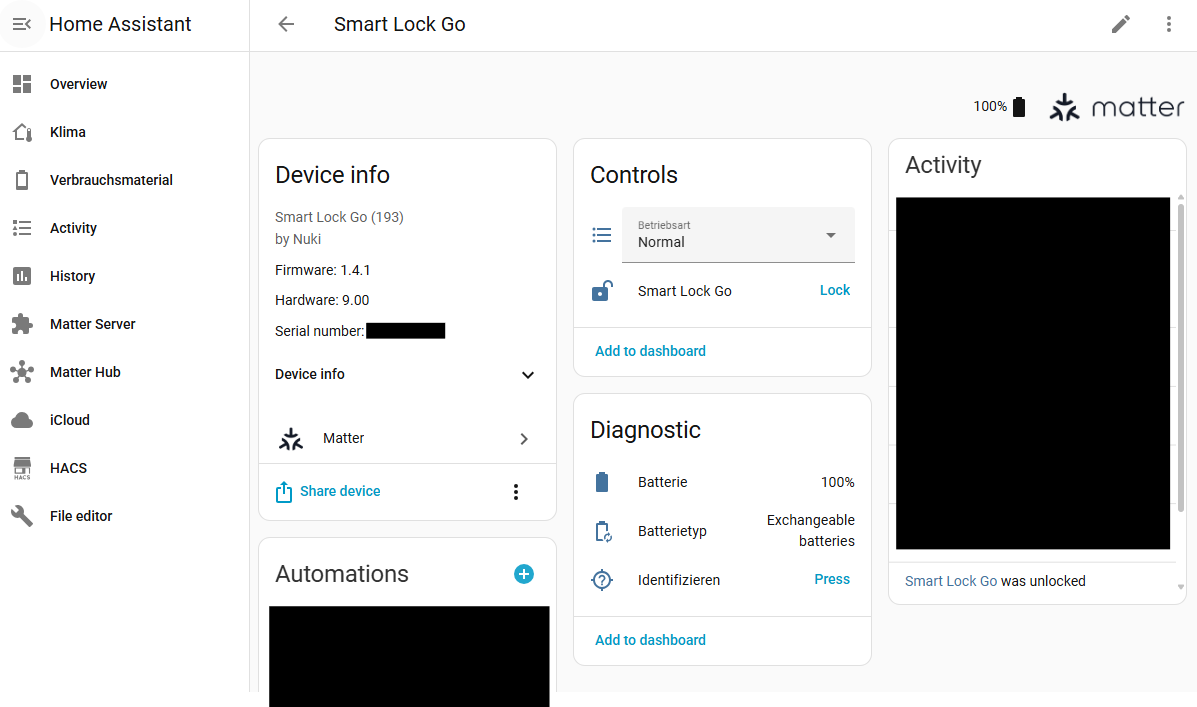
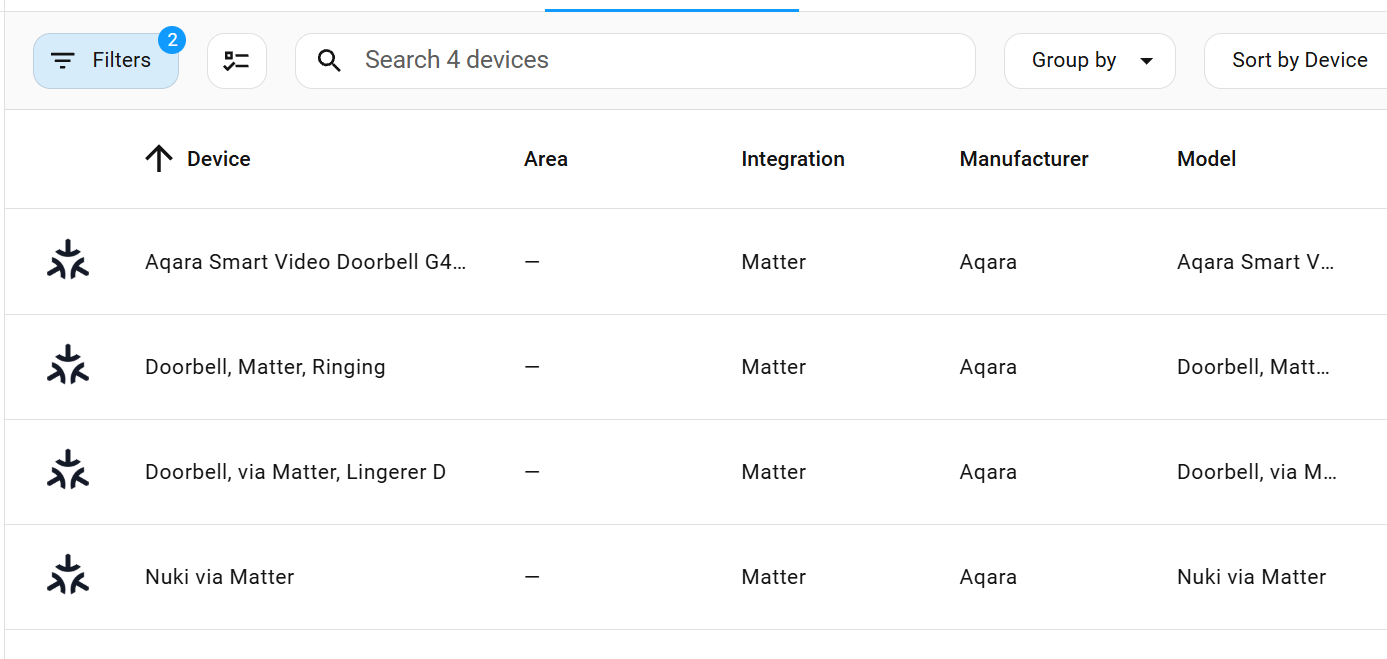
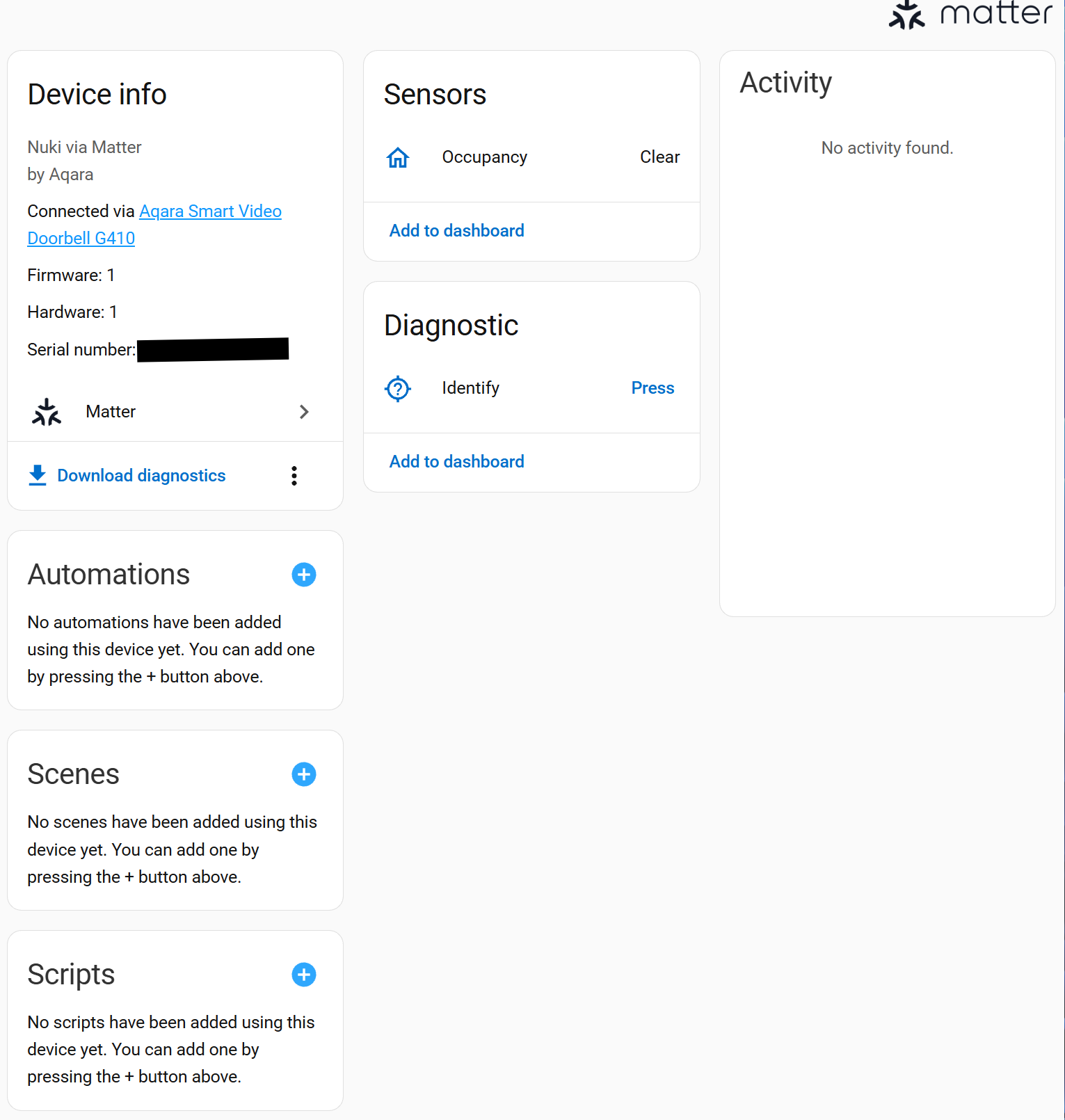
Can you describe the problem in more detail? Try filtering for “Matter” under Settings → Devices & services → Devices → Filters → Integrations; the Smart Lock should then appear there. Click on it and it should look like this:
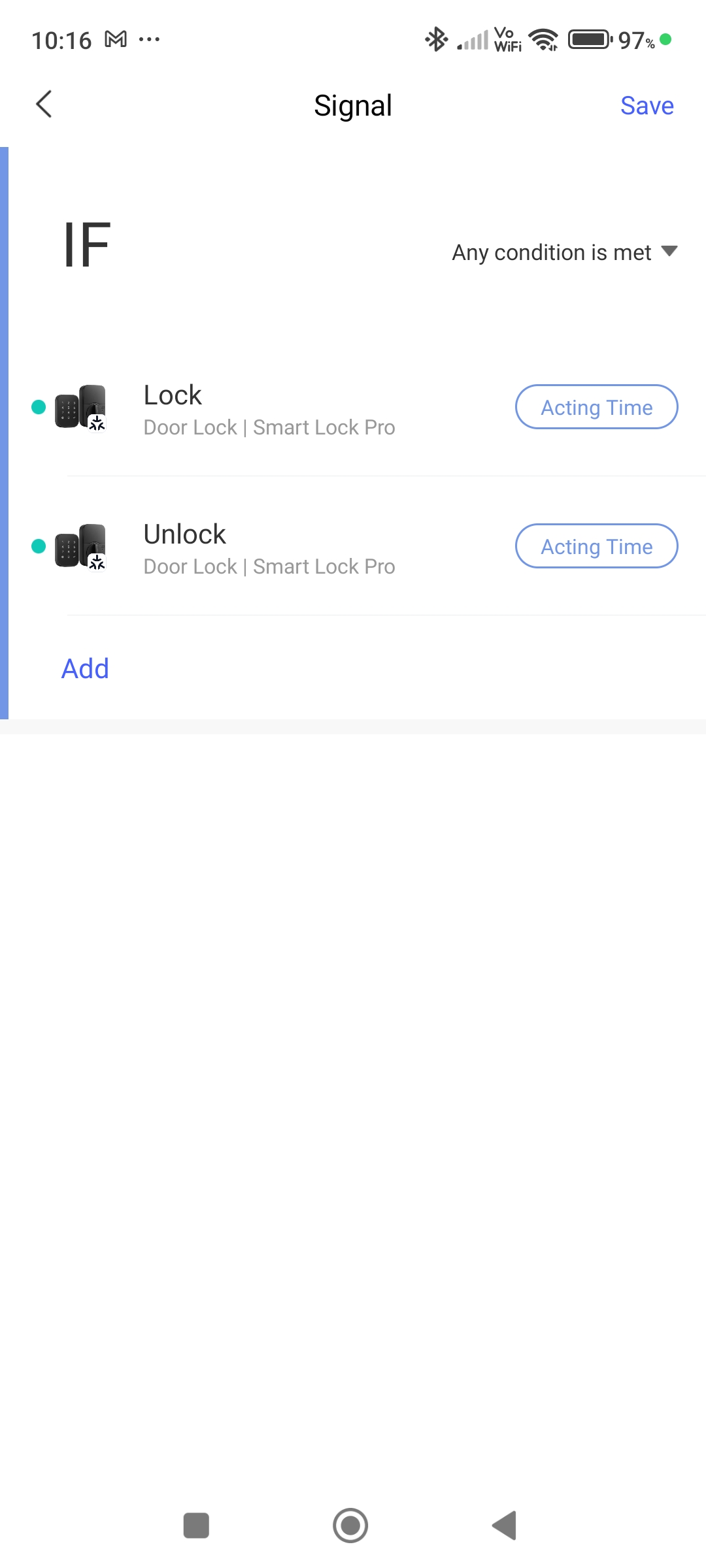
You have now created a signal that acts as an occupancy sensor and indicates when the lock is opened or closed. If you want to perform actions, you need to use scenes and forward the scenes via the Matter bridge, but this is completely unnecessary here, as you can integrate Nuki directly into Home Assistant.
Delete this Matter signal.
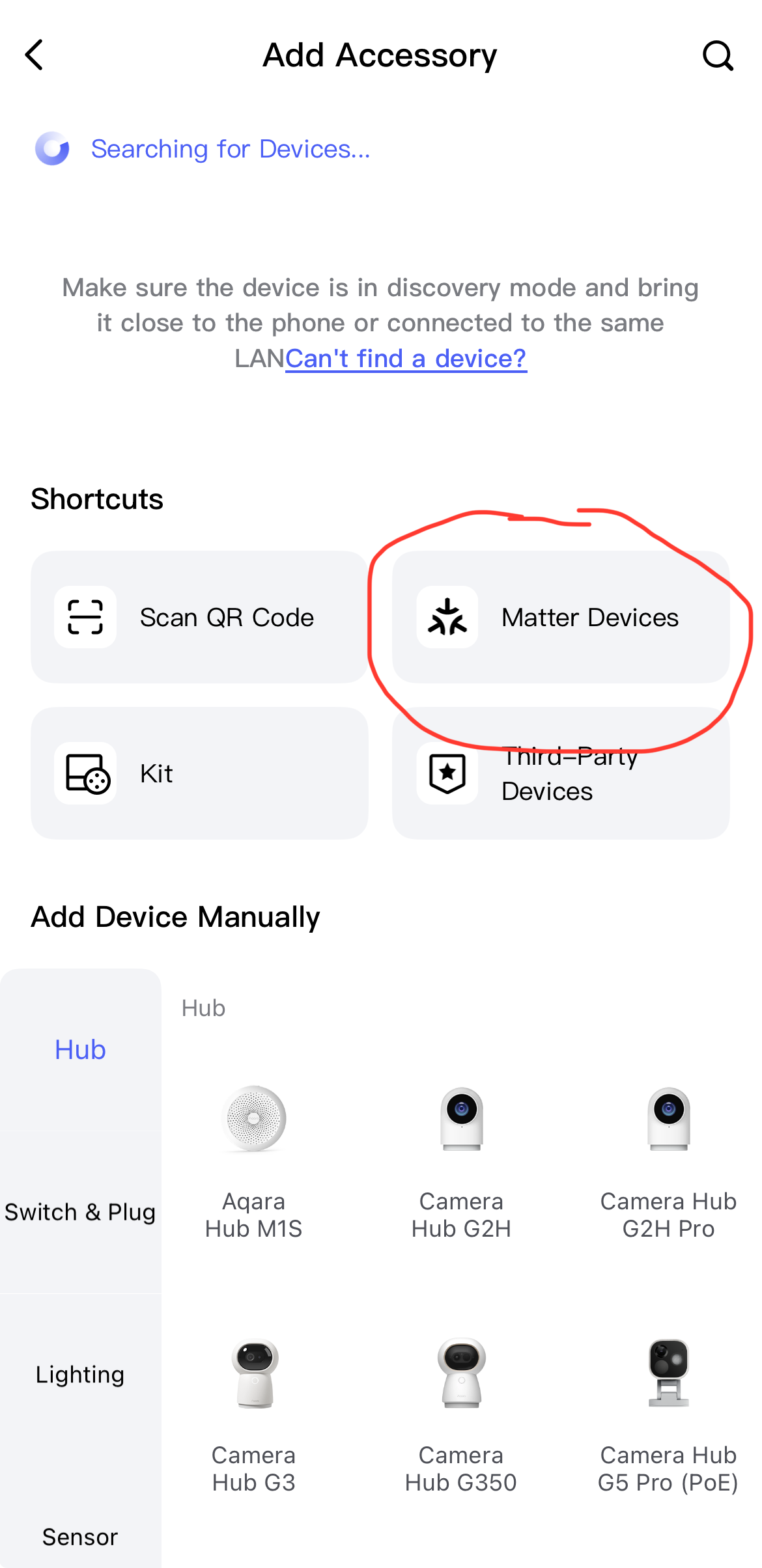
Then go to the Aqara Home app under
Accessories → search for the Nuki lock → Click on the three dots in the top right corner → Third-Party Matter Ecosystems → Matter Pairing Code → copy the pairing code
Switch to the Home Assistant app, go to
Matter Server in the menu → + Commission node → Commission existing device → paste the pairing code → press “Commission” button
Just to reiterate:
Any Zigbee devices or items that you create under ‘Scene and Signal Sync’ will be passed on to Home Assistant via the Matter Bridge.
Matter devices can always be connected directly to Aqara and Home Assistant.