I installed the G410 doorbell and am using a Sandisk 512GB microSD card for local recording and storage.
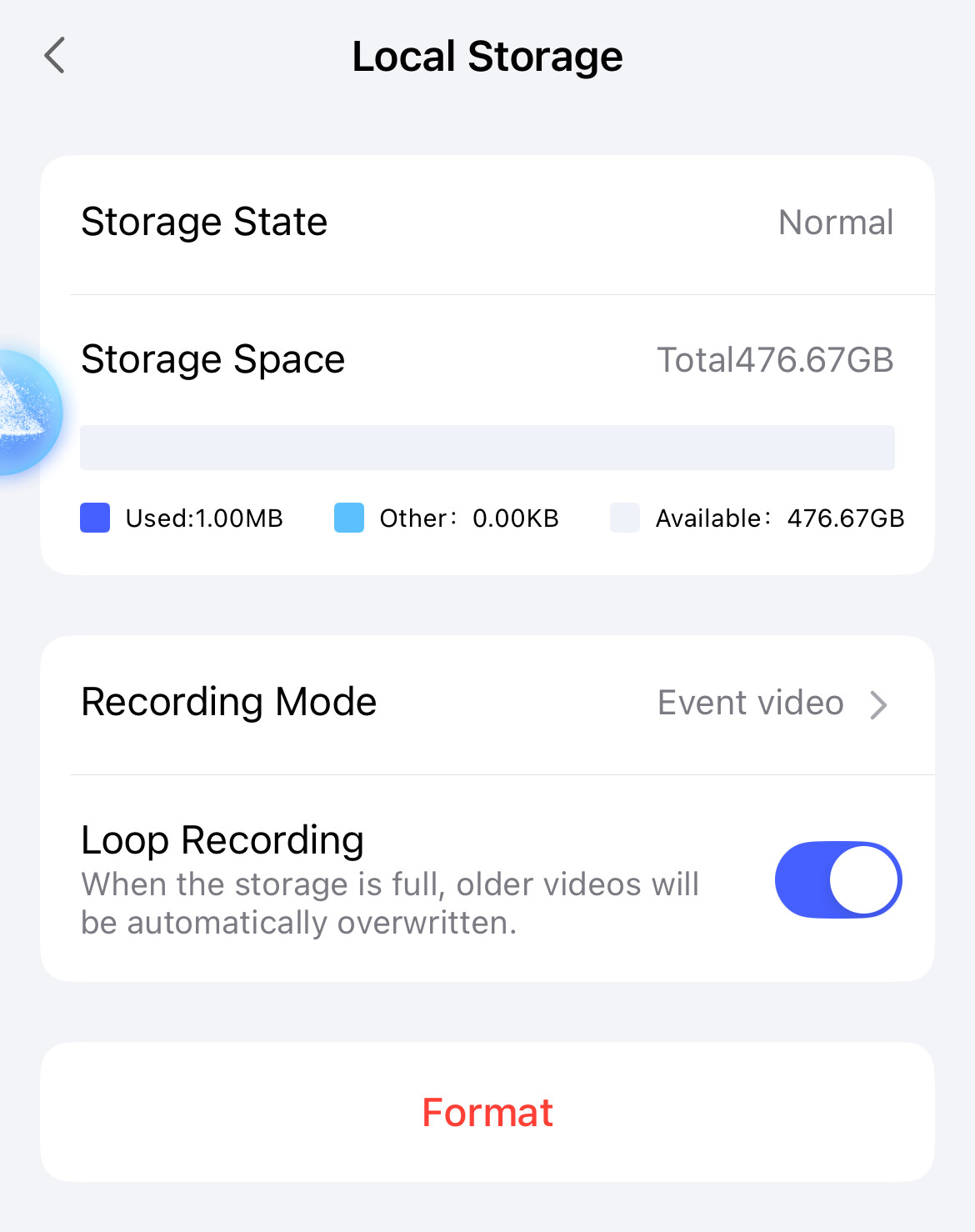
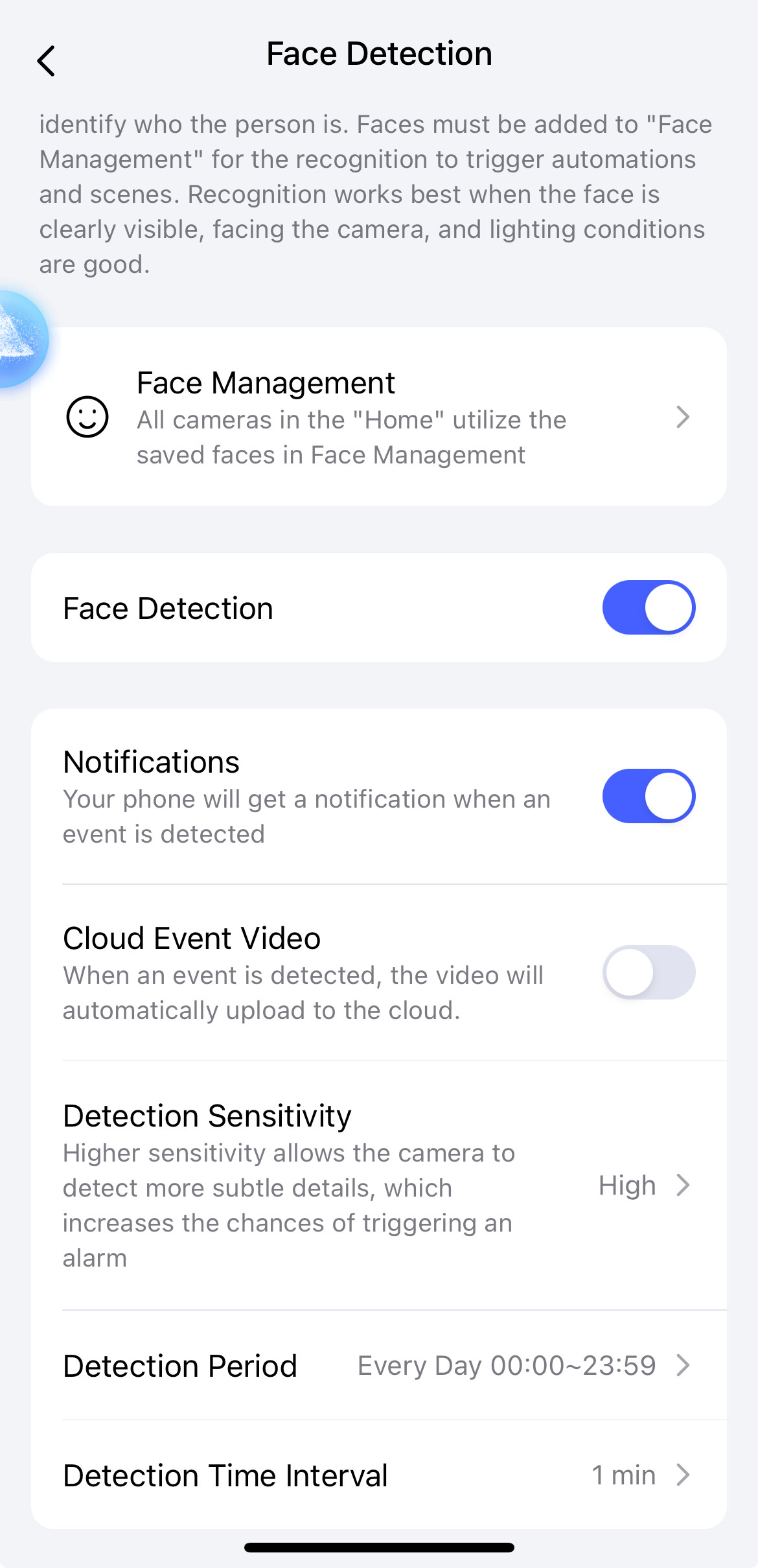
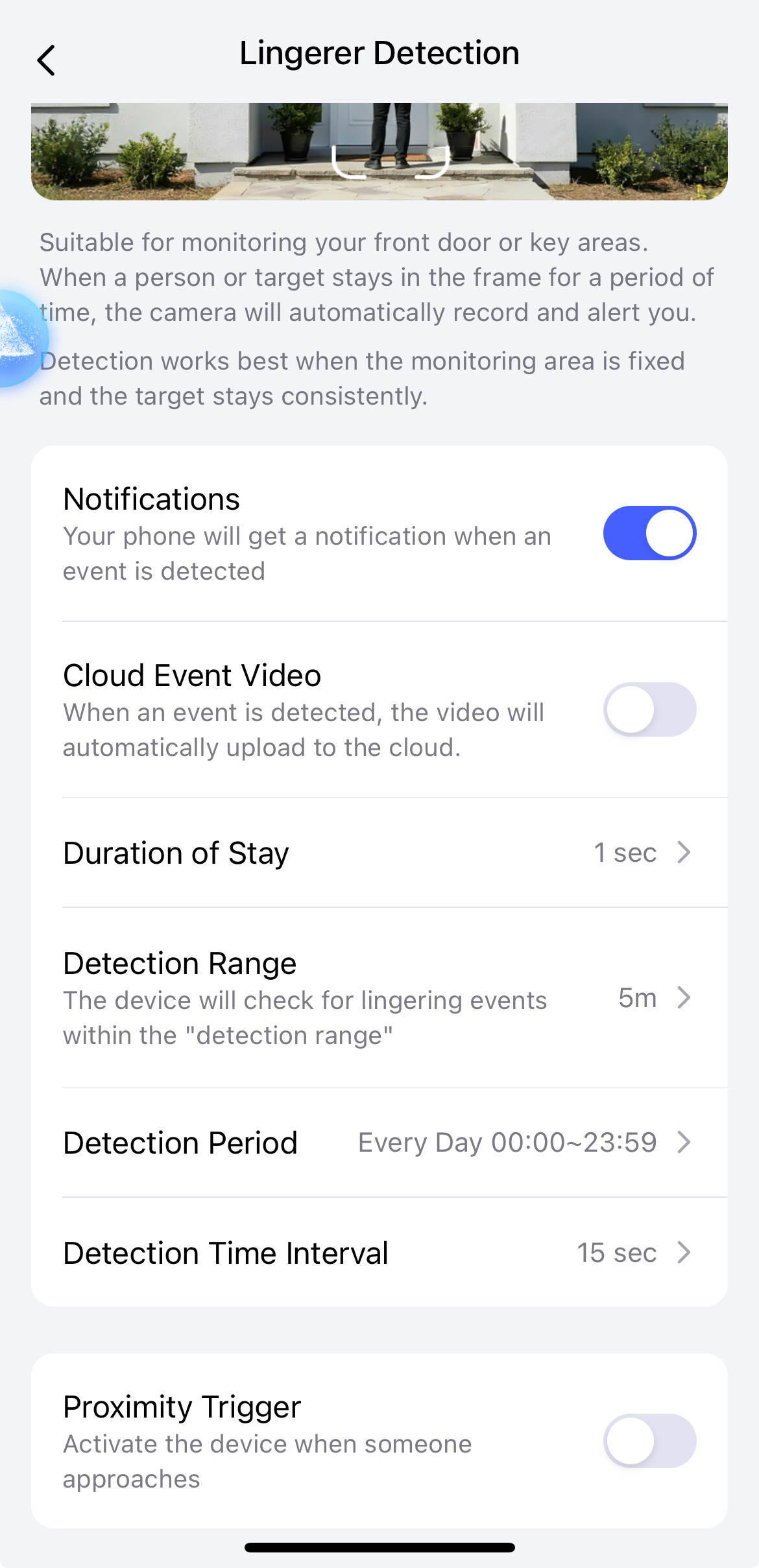
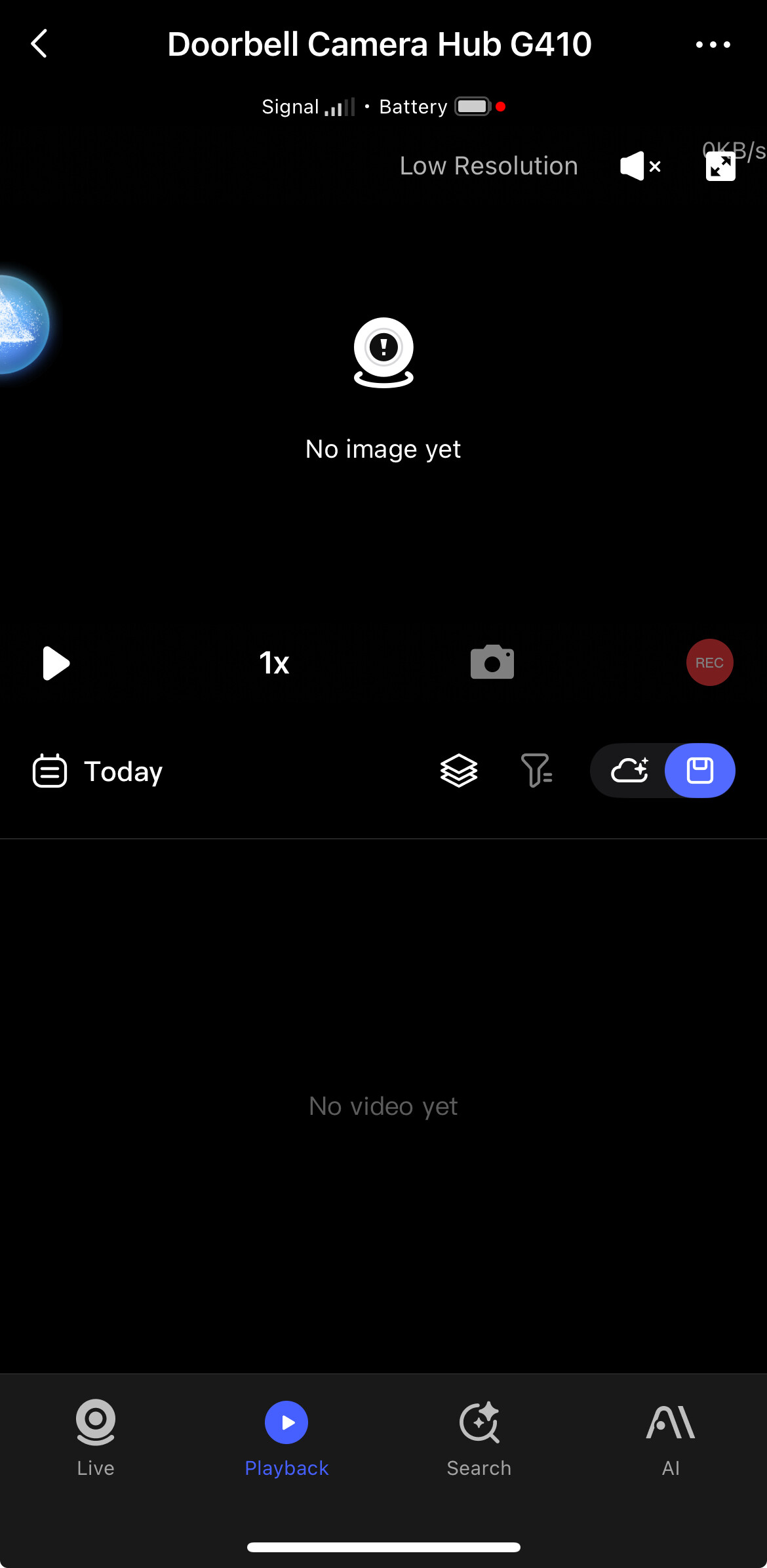
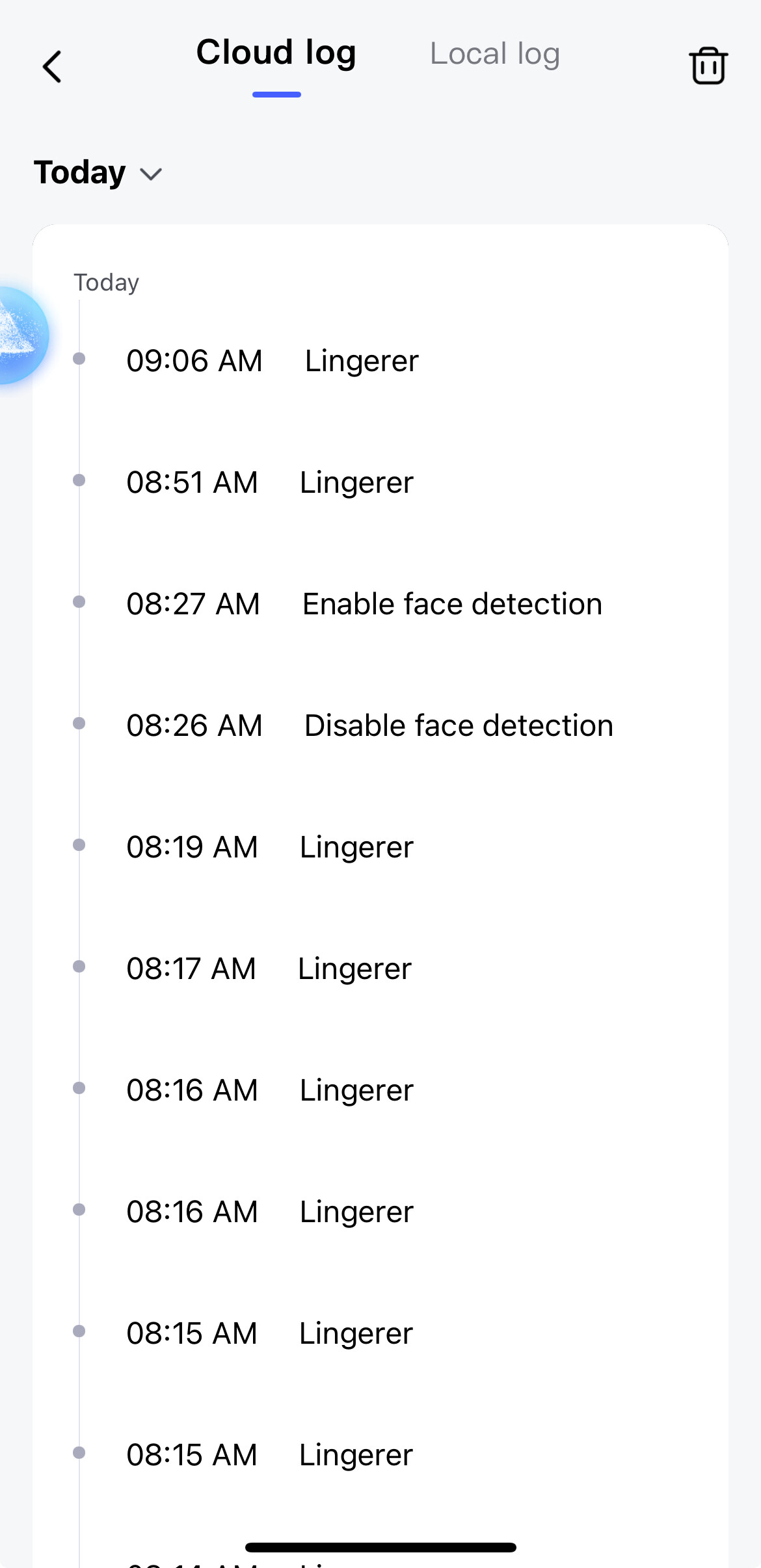
However, I am not able to get the doorbell to record anything on the microSD card. It does record ‘Lingerer’ and other events but then doesn’t record. Caveat, it does record to the cloud when I turn cloud on recording on.
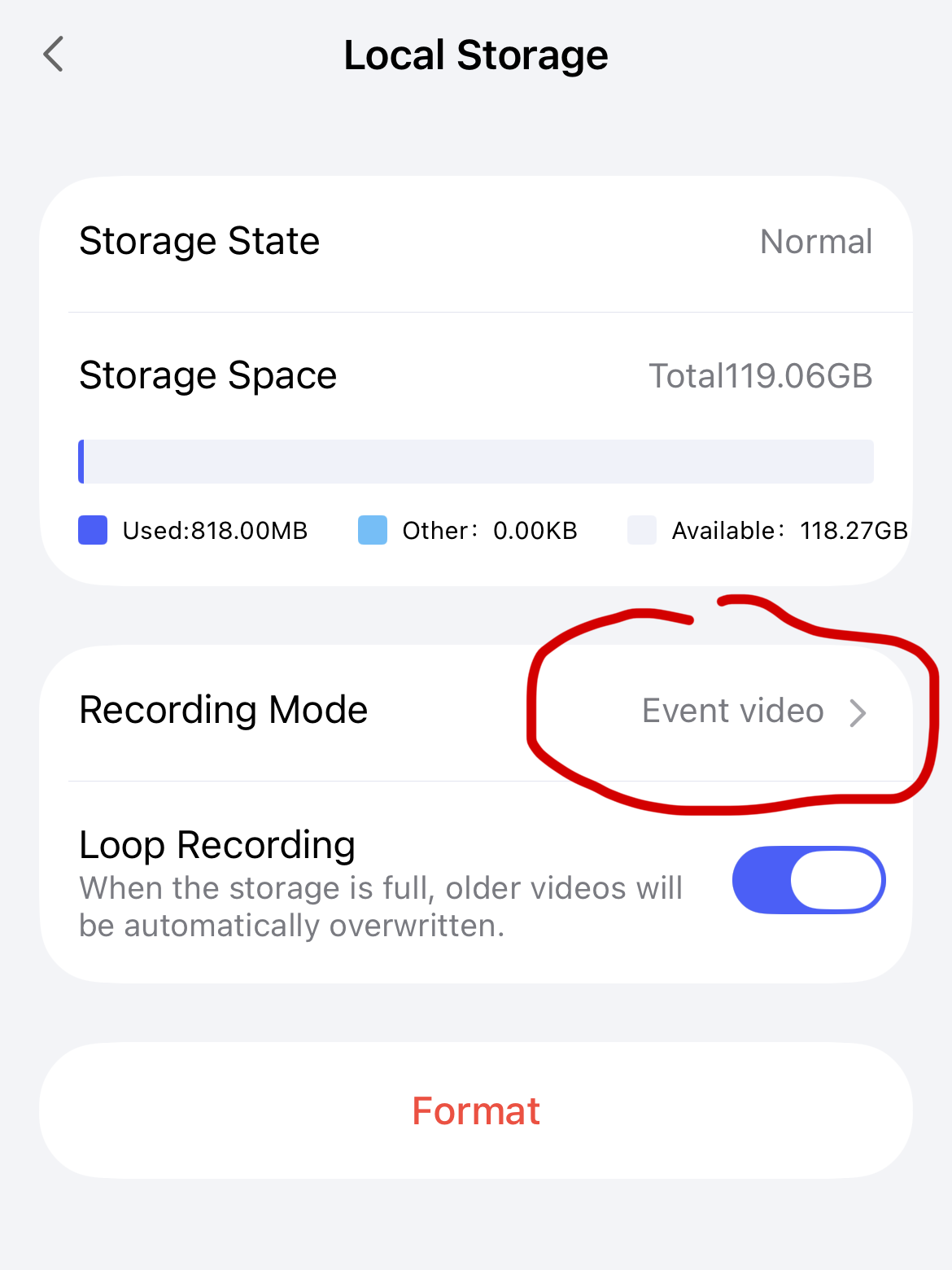
I strictly want to record events on the microSD card. I’ve attached screenshots of the settings and the log and playback (cloud and Local) to show what I’m seeing. I like the Aqara doorbell but want the local recording to work as intended.
2 Likes
Hello, welcome to the forum.
- How long has it been since you inserted the memory?
- Did you format it.
- For an experiment, turn on recording to the cloud and check how it writes there.
You might need to wait a while, I did, once, I thought the flash drive was bad. The next day I logged in again and saw all the recordings for the week (without skipping any videos).
2 Likes
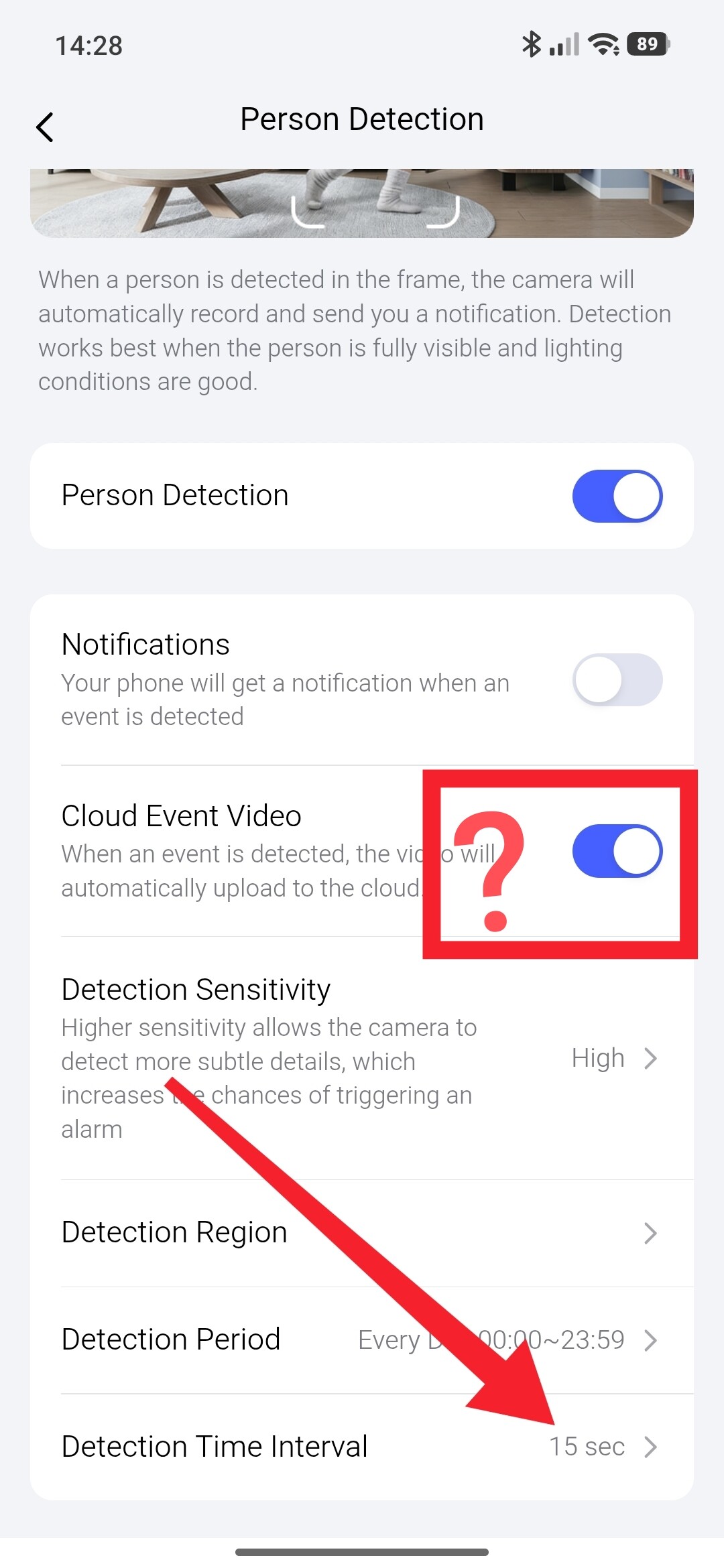
Hi, He says that the recording works when ‘Cloud Event Video’ is enabled, but he only wants it saved to the SD card. However, enabling ‘Cloud Event Video’ means that it’s recorded to both the SD card and the cloud. As far as I know, there’s no setting to disable cloud recording unless the subscription expires. Is that right?
3 Likes
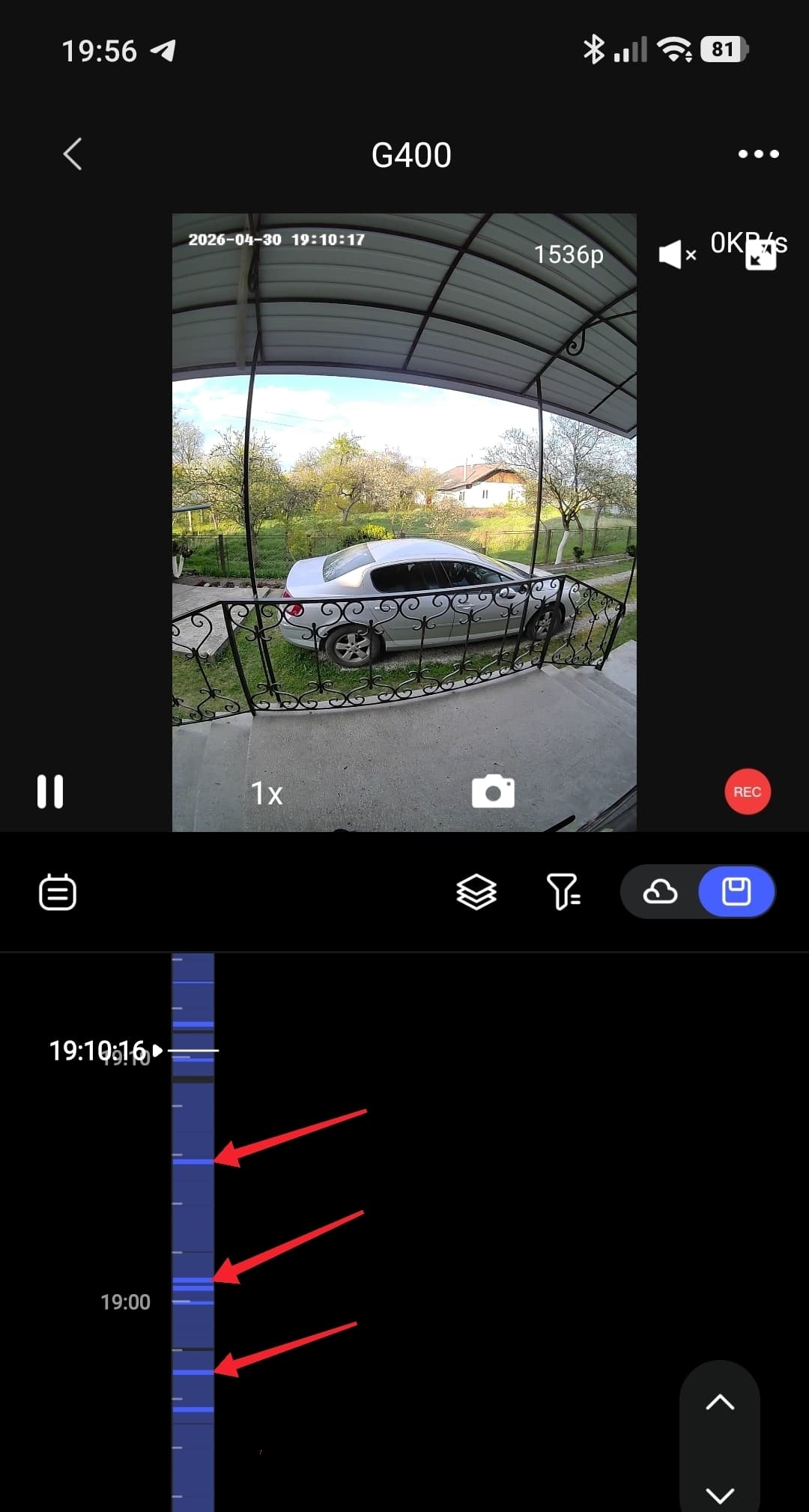
I have it constantly on SD, if there is no event selection, the event that the AI is looking for is simply not highlighted in color on the time timing. Blue bars are events. There will be no event analysis, there will be no blue bars.
2 Likes
I can’t say for sure, I always have a subscription 
Is this switch not working? For me it blocks other functions for AI (movement, animal). They are not marked on the time line.
2 Likes
Hi there, as this issue has already been resolved with our support team via email, we’ll be closing this topic on the forum as well. If you have any further questions or run into any other issues, please feel free to reply directly to our support email. Thanks for your support and understanding!