Hey Aqara community!

I’ve been experimenting with the vehicle detection features on my G5 Pro PoE, and I’m trying to build a smarter driveway automation.
I’ve already trained the camera to recognize my Mitsubishi Outlander PHEV using Specified Vehicle Detection, and it’s doing a pretty good job recognizing it!
Here’s what I’m trying to achieve:
 When my specific PHEV arrives: Send a notification that my Outlander has arrived home.
When my specific PHEV leaves: Send a notification that my Outlander has left home.
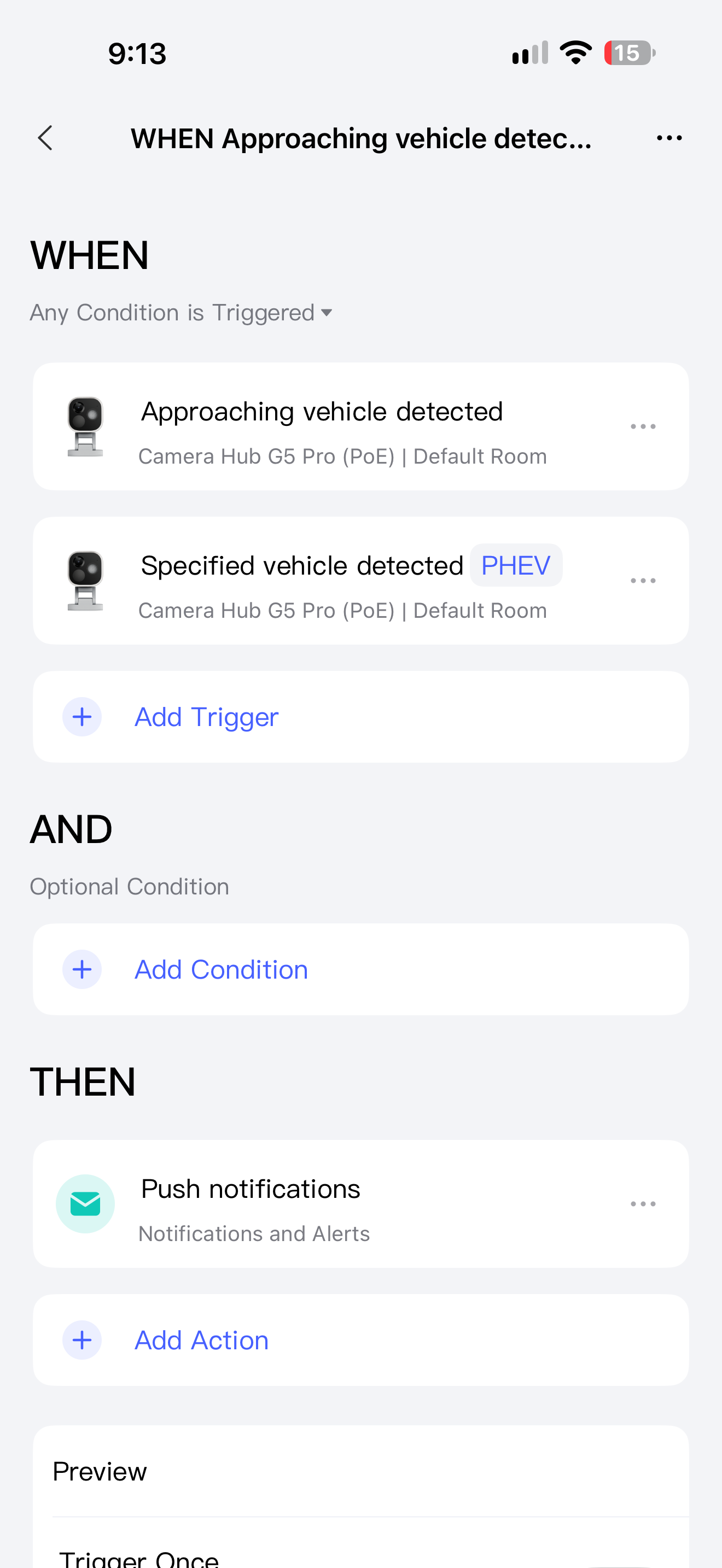
The tricky part is that Aqara offers Approaching Vehicle Detected, Vehicle Moving Away Detected, and Specified Vehicle Detected as separate triggers.
If I select both Approaching Vehicle and Specified Vehicle under WHEN, with Any Condition is Triggered, either event can activate the automation independently, including other vehicles.
I’m trying to avoid false notifications when another car enters or leaves the driveway.
Is there a way to combine these detections so the automation only triggers when the approaching or departing vehicle is my specified PHEV? Perhaps through AND conditions or another workaround?
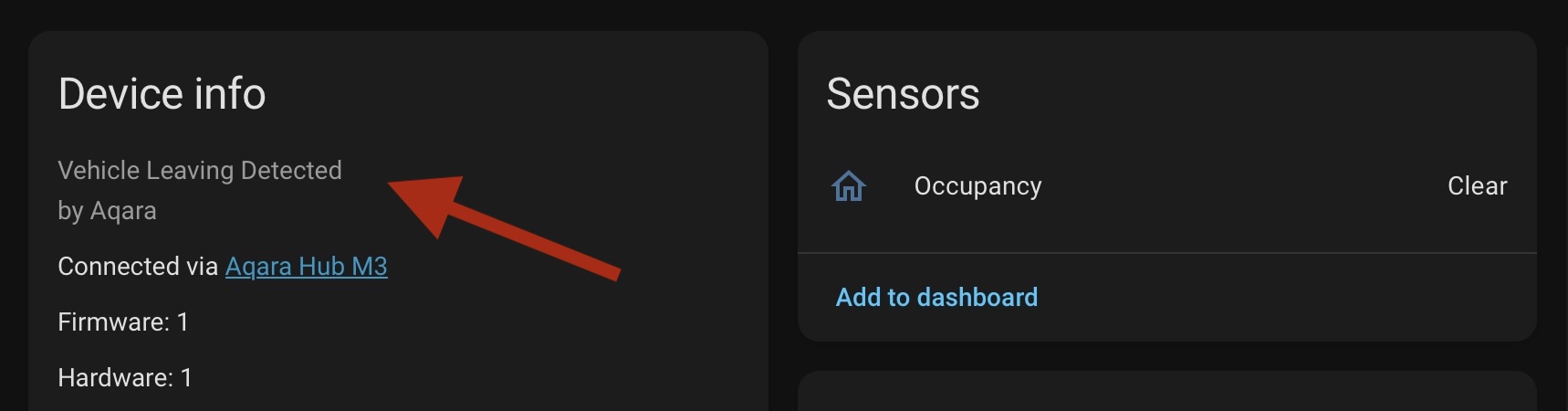
Eventually, I’d love to feed these notifications into Home Assistant to update my Outlander’s presence status automatically.
Has anyone managed something similar with the G5 Pro?
Would appreciate any suggestions! 
Screenshot attached for reference.