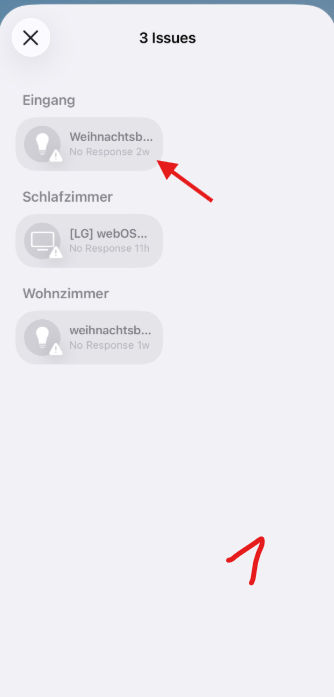
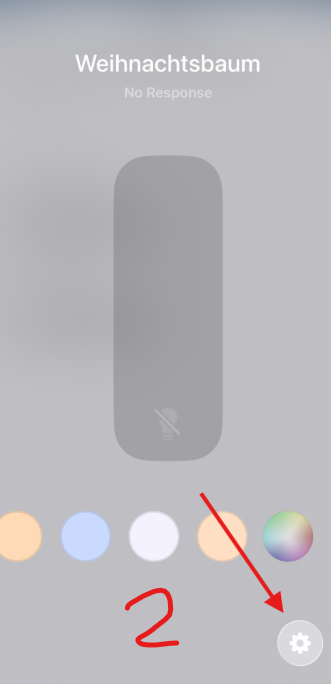
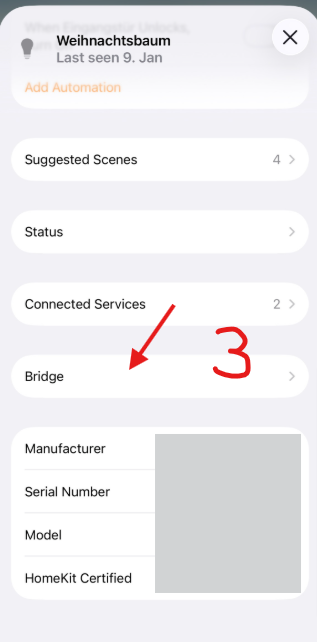
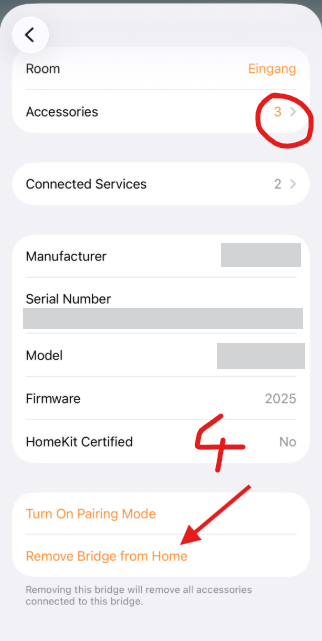
I have 4 door/window sensors connected to homekit. Initially I connected them via both homekit from the aqara app and through Matter. I realized what I did and unlinked them and started over, I reinstalled only through the aqara/homekit connection. Now I have 12 sensors (8 ghost ones) in homekit, and four of them say “This accessory is not responding”. I understand I can hide them in a hidden ghost room, but that seems not a perfect solution.
How can I clean this all up? Is the only solution to start a new Home in Homekit? Thoughts? Thanks!