So I recently bought the new doorbell cam G400
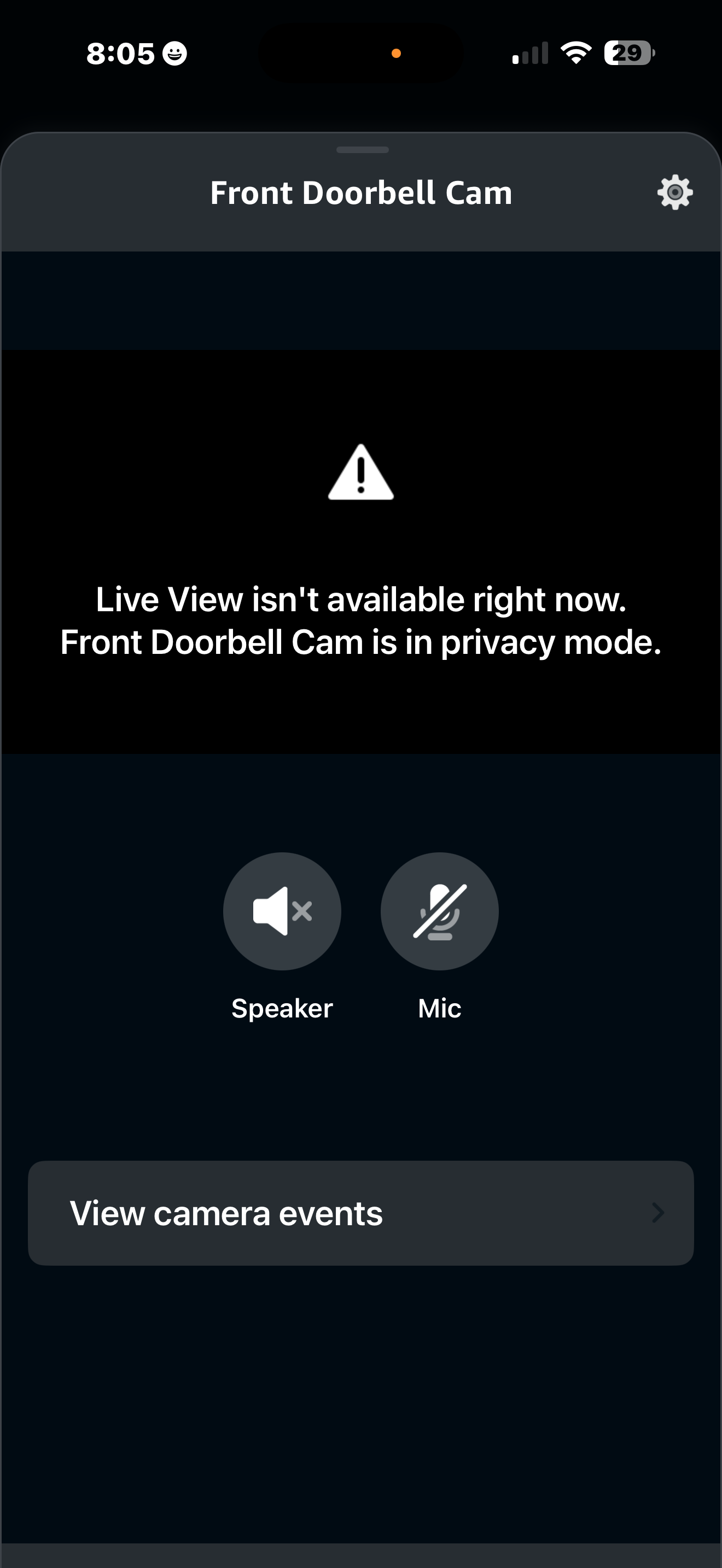
I got it installed and added to Aqara app and Apple HSV as well issue I am having with Alexa . It shows the cam there but won’t live view I just keep getting this error.( see pic ) any help would be nice.
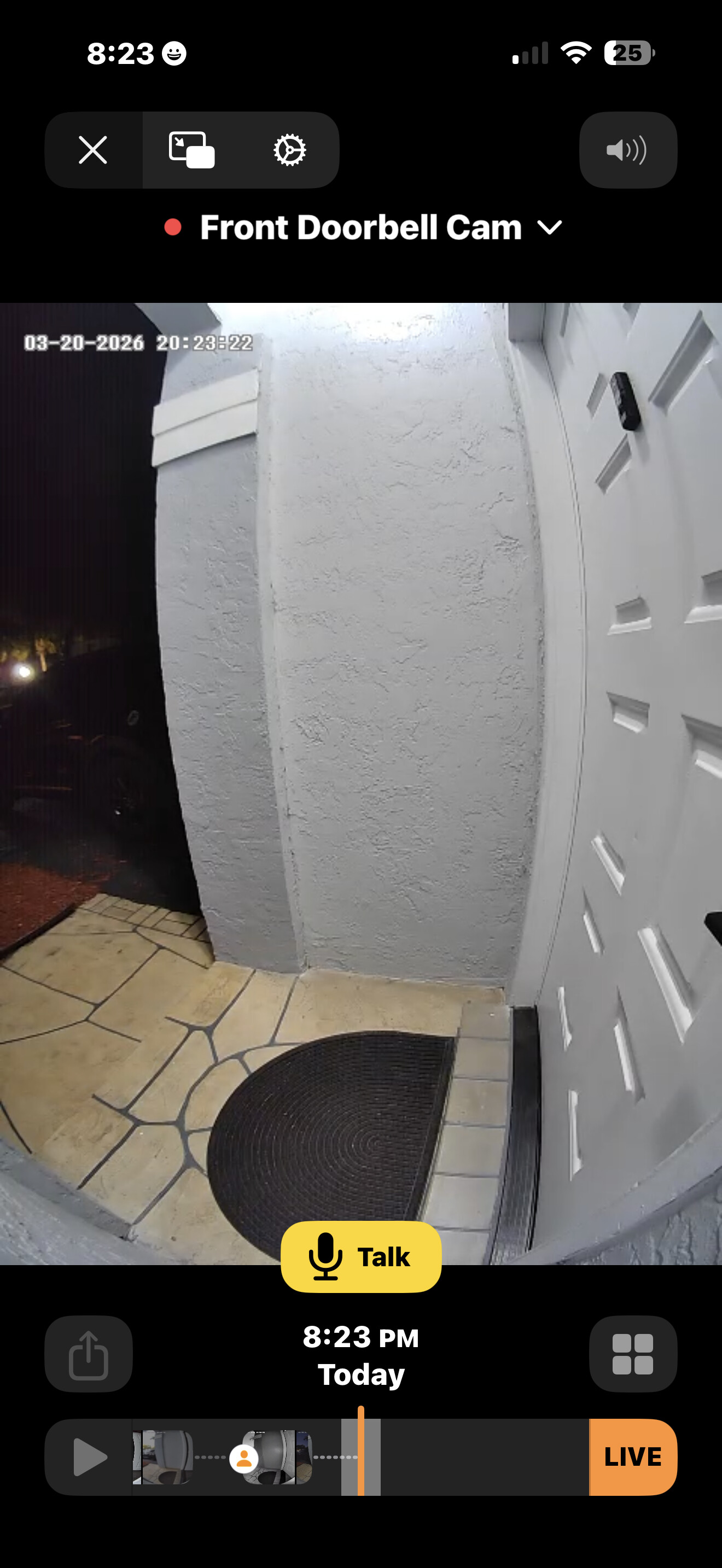
As you can see shows ok and working in Apple.
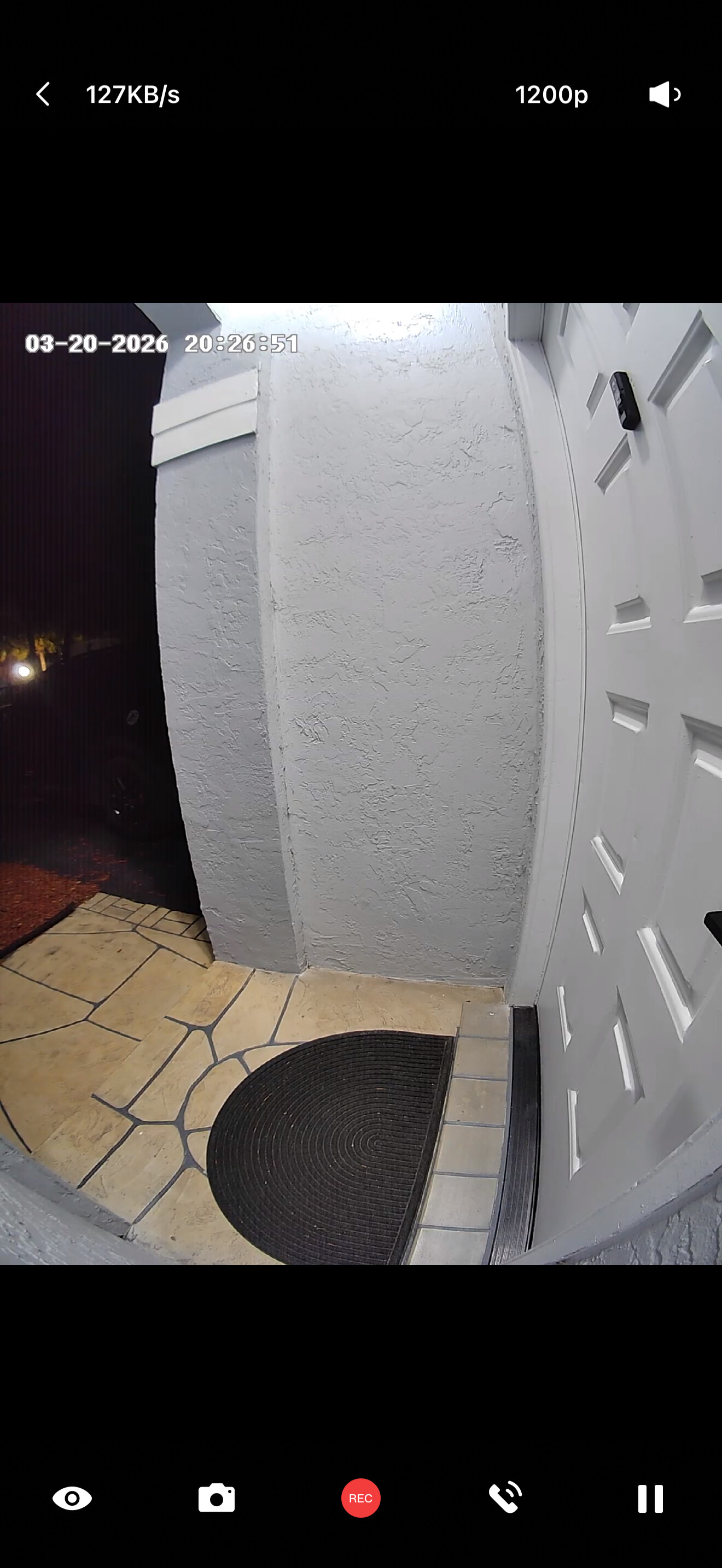
As you can see shows up on Aqara app as well.
1 Like
I found that a large quantity of my Aqara devices don’t integrate into Alexa properly so it I think is not rare to come across issues like this
1 Like
Then they shouldn’t advertise that they do.
That error usually means privacy mode is enabled in the Aqara app, which blocks Alexa live view.
Turn off privacy mode and make sure the camera is shared/linked properly in Alexa, then try again.
2 Likes
I do not have privacy mode enabled any were . Live view shows in Aqara app and Apple just not Alexa
Could you reach out to our support at support@aqara.com? We need more infos to figure out the issue.
Yes i have sent them a Email.
1 Like
To be positive, and even though you didn’t turn it on. From the live view in Aqara app, go to 4 dots at top right, then settings, then see what’s under privacy mode section
Thanks you but i did check and rechecked and Privacy Sleep Mode is off. I am not new to Aqara or smart home.
1 Like
I have Tried deleting ALEXA app i have tried redoing the Aqara Skill and the Doorbell cam comes back but with that odd live view error.
So get a reply back from Aqara Tech and this is what it says;…
" Our R&D team has reproduced the issue you reported and is working with Alexa to expedite a fix.
Could you pls wait for a while?
Sincerely,
Daisy
Aqara Technical Support"
2 Likes
Glad to hear that! Feel free to contact our support team via email, and I hope the issue will be resolved soon.
1 Like