Say you’re at a point where you just want to start over with HA. You installed HA on a mini pc. Do you need to redo your ubunto live boot? Or is there a better way? Asking for a friend… 
Do you have a first boot up backup file of home assistant?
If your Home Assistant is already up, running, and you can log into your normal dashboard, follow these steps:
Go to the Backups section
In the left sidebar, go to Settings > System > Backups.
Upload the computer’s backup file
Click the three vertical dots in the top-right corner of the screen and select Upload backup. Choose the .tar file from your computer.
Select and initiate the restore
Once the upload finishes, your backup will appear in the list. Click on it, choose Full backup (recommended), and click Restore in the bottom right corner.
4 Likes
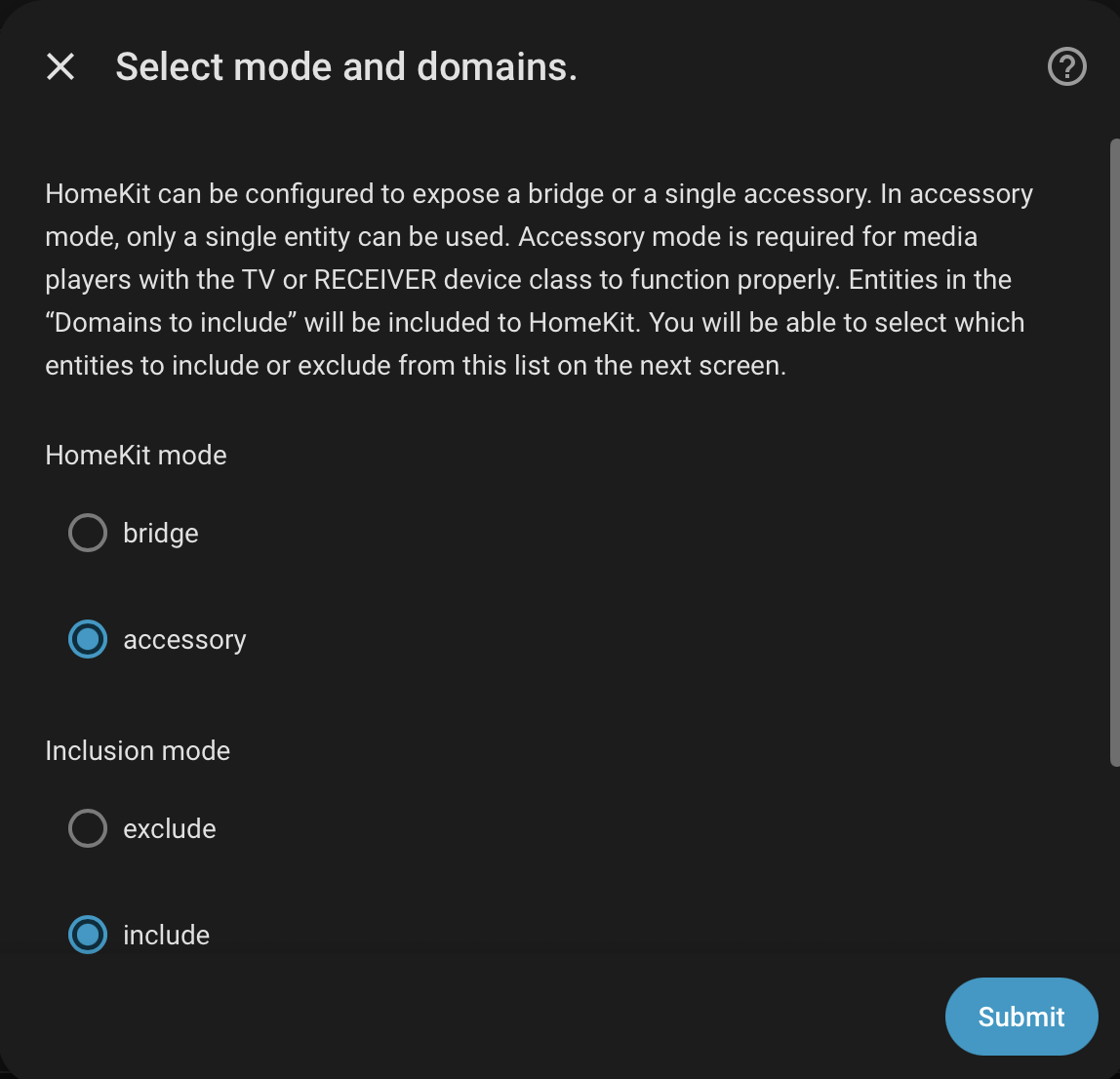
Thanks. I think this might just be a steeper learning curve than I can handle at this point. I keep running into things I don’t know to add or ignore because I don’t have a clue what a Homebridge 807D 4E4A is. And I have no idea whether to choose a bridge or accessory, or what to “expose.” BUT, I appreciate the help you and others have given me. (Oh, and I didn’t backup my initial install. But that would have been smart.) 
Taking a step back from the Home Assistant of it all… what is it you are trying to accomplish? What devices do you have, and where do you want to use them?
That’s a great question!
I have mostly Aqara:
Four cameras, M3 and M200 hubs, three door/window sensors, three motion detectors, a T2 relay to control a fan/light combo, a smart switch for light, a thermostat, and four water leak sensors.
Non-Aqara stuff:
Two garage door openers (Tailwind).
A Bulldog valve to shutoff my water if any leaks break out.
A Smartwings window shade.
Lots of smart lights (Hue).
I thought I wanted to quit Ring security and do my own. I tried Apple Home and thought it was pretty cool. I have been impressed with my Aqara devices. Getting them into Apple Home was simple enough, but I was really disappointed that I couldn’t do TTS to my HomePods.
So I installed HA on a mini-pc and found it pretty easy (thanks to people here) to get Piper to speak through my HomePods. I got my cameras into HA, and automations seemed pretty straightforward.
But then I have three ecosystems (Aqara, Apple, HA) that I share all of my devices with. I needed Apple for the front end, Aqara so I could get updates, and then HA so I could use my HomePods in a straight-forward way and keep everything local. But the number of ways I could mess things up grew exponentially once I started working with HA.
I’d say this is a pretty common set up to have multiple ecosystems like this. And all of the reasons you mentioned are legitimate.
I also use TTS for my homepods on Home Assistant. You can almost replace this functionality with the intercom in shortcuts, but it’s clunkier.
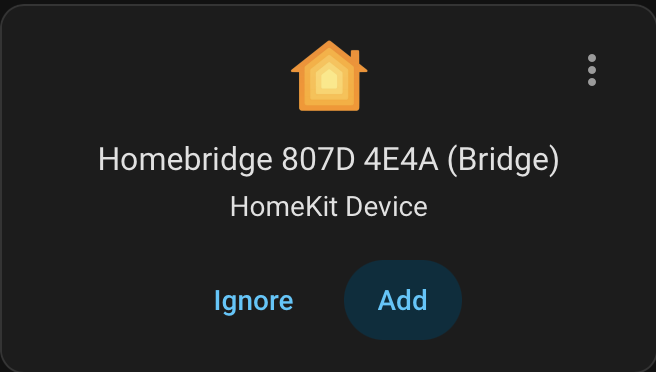
The screenshot you showed in your last comment appears to be a HomeKit bridge that Home Assistant is discovering on the local network. Home Assistant can discover unpaired HomeKit Accessories directly. Based on the naming - are you also running homebridge?
Let’s forget brands for a second and think in terms of frameworks. Based on what you shared, we can put your devices into these categories - Matter, HomeKit, Bridged (zigbee) [not sure which Bulldog model you have - so this could be an exception].
My suggestions.
-
Matter & HomeKit devices pair directly to Home Assistant
-
Bridged accessories, like your Aqara and Philips Zigbee devices, paired to their hubs and then pair those hubs to Home Assistant via Matter also.
-
Then you can use the built-in HomeKit bridge functions to expose all of your devices to Apple Home to get the benefits of Scenes, Siri, Adaptive Lighting, CarPlay, etc…
Exception could be your Aqara Thermostat - if it’s a W200 and you want to use Adaptive Temperature use Matter multi-admin and pair to both Apple Home, Aqara, and Home Assistant Individually.
If that still feels like too much and you want additional help, let me know where you’re stuck.
1 Like
Since you don’t have a backup file I would simply start fresh like before. You did it once and a second time should be easier. (It should take all of 10-15 minutes like before)
Re-install Home Assistant on the Beelink Mini PC again. After the first boot and you login again (same username-password) to Home Assistant rather than diving into devices and bridges and other distractions click/tap ignore and perform a Backup
Settings-System-Backups and backup the fresh new system (bottom right of screen). When it’s done (10 seconds later) download the file to your computer and save it for a rainy day.
While you’re in that area, go back and setup auto backups 1x a day. It’s free and painless.
After the backup drama is over and Home Assistant is purring again you can navigate back to Settings-Devices & Services and look over things to install again or ignore for the moment.
Ignore that pop up HomeKit Device install option shown in your screen shot. You can return to that when you feel like digging deeper. Ignoring it does not hurt anything or mess anything up.
Rule #1: Keep it simple
Rule #2: At the end of a day do a manual backup IF you made any changes to your system.
do this for a week so you get efficient with backing up. Then let the auto backup take over.
Rule #3: Only install devices in Home Assistant when you have time to chase.
2 Likes