david
November 5, 2025, 2:45pm
1
Hello fellow Aqara users, because of the lack of toggle option on groups the process of toggling from a single button is tedious and a bit of a pain especially with 3rd party integrations involved.
I’ve post a couple of topics / solutions but I’d love to know your solutions at doing the toggle from a single button press.
Dave
2 Likes
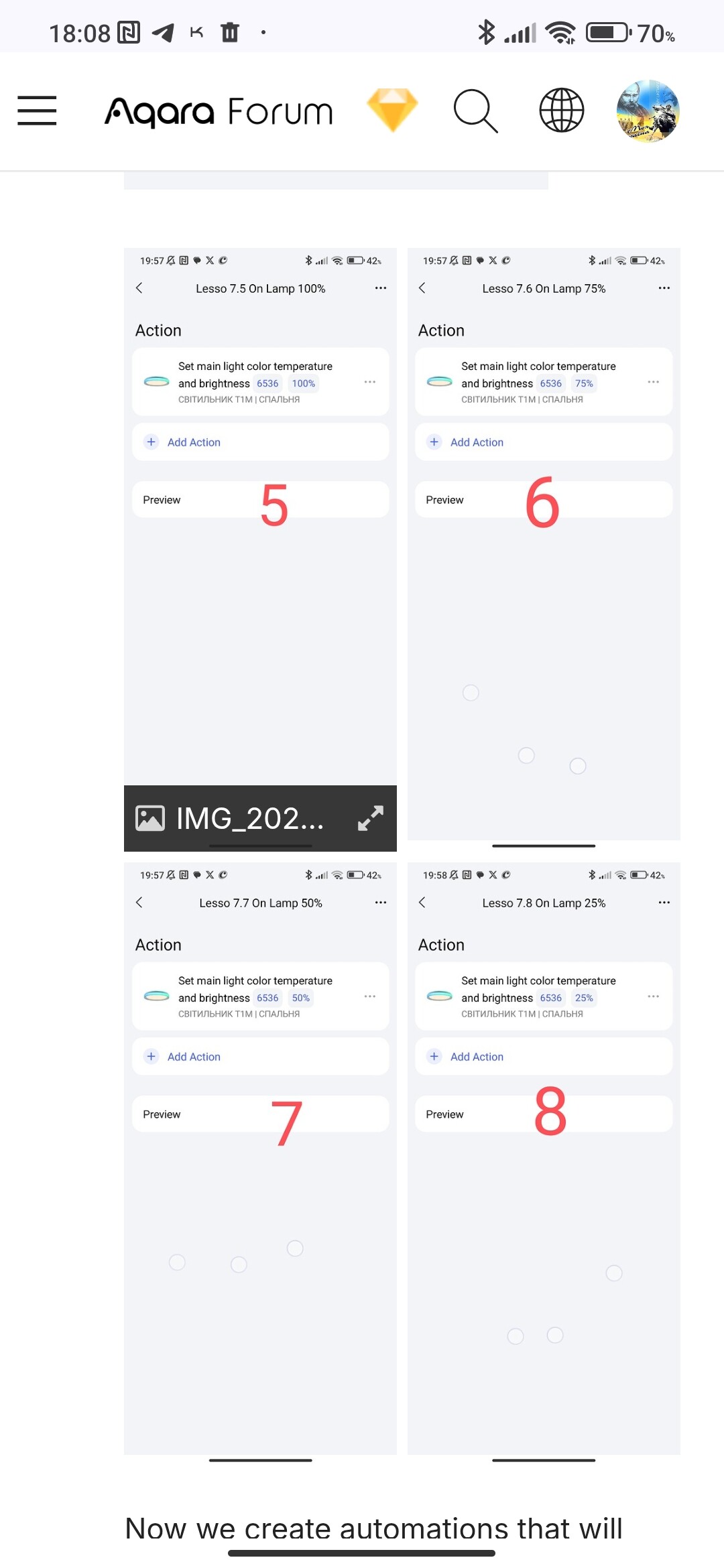
Hi, I described it here. Maybe a little modified, but the algorithm is similar. Lesson 7. Controlling Aqara smart lamps using switches (wired and wireless)
2 Likes
david
November 5, 2025, 4:07pm
3
You misunderstood I’m talking groups not individual lights
1 Like
In this part (of the scene), I’m starting a group of lamps, and then following an algorithm. That’s why I said it’s similar to your question.
4 Likes
david
November 5, 2025, 4:26pm
5
How do you toggle a group what would be your path of least resistance using a single button click from a single button?
3 Likes
Marc3k
November 5, 2025, 4:57pm
6
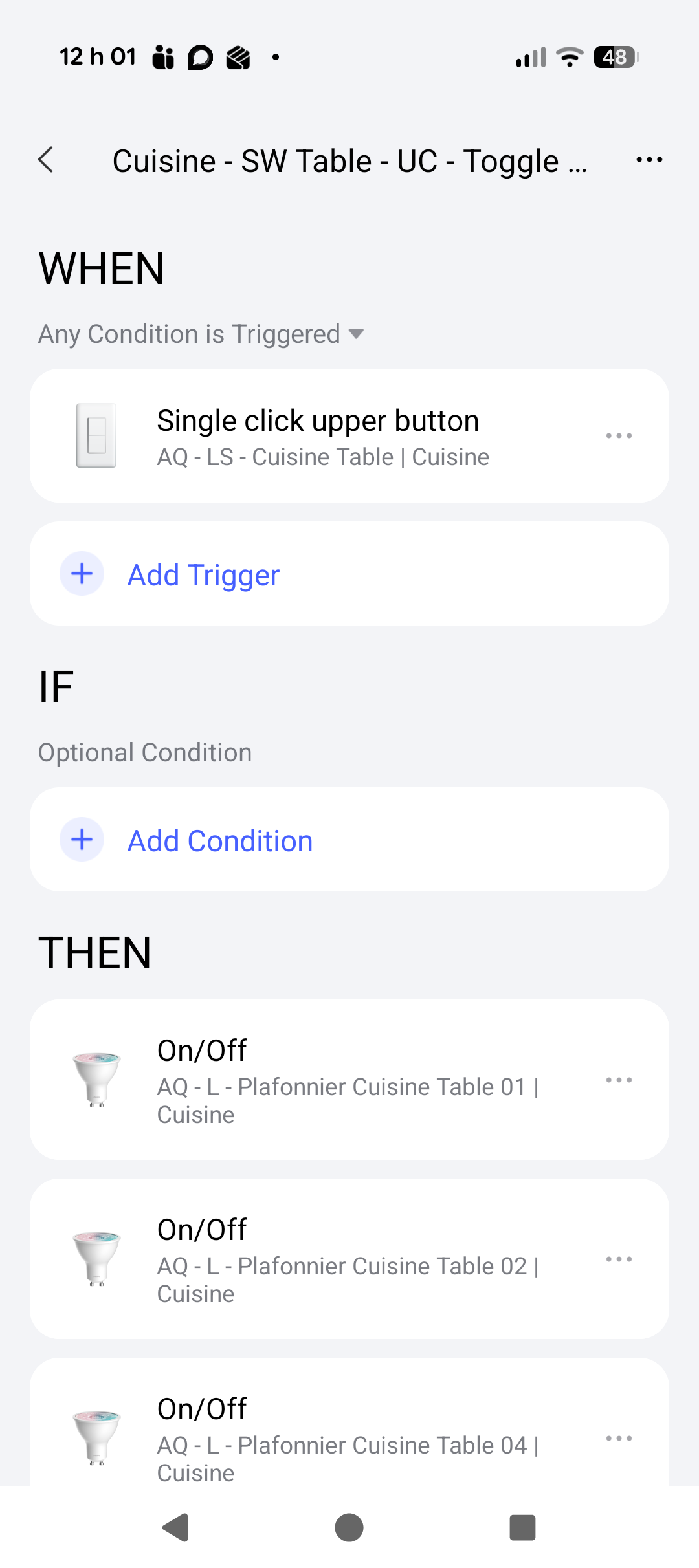
Add a condition in the automatisation to see if a light in the group is on or off.
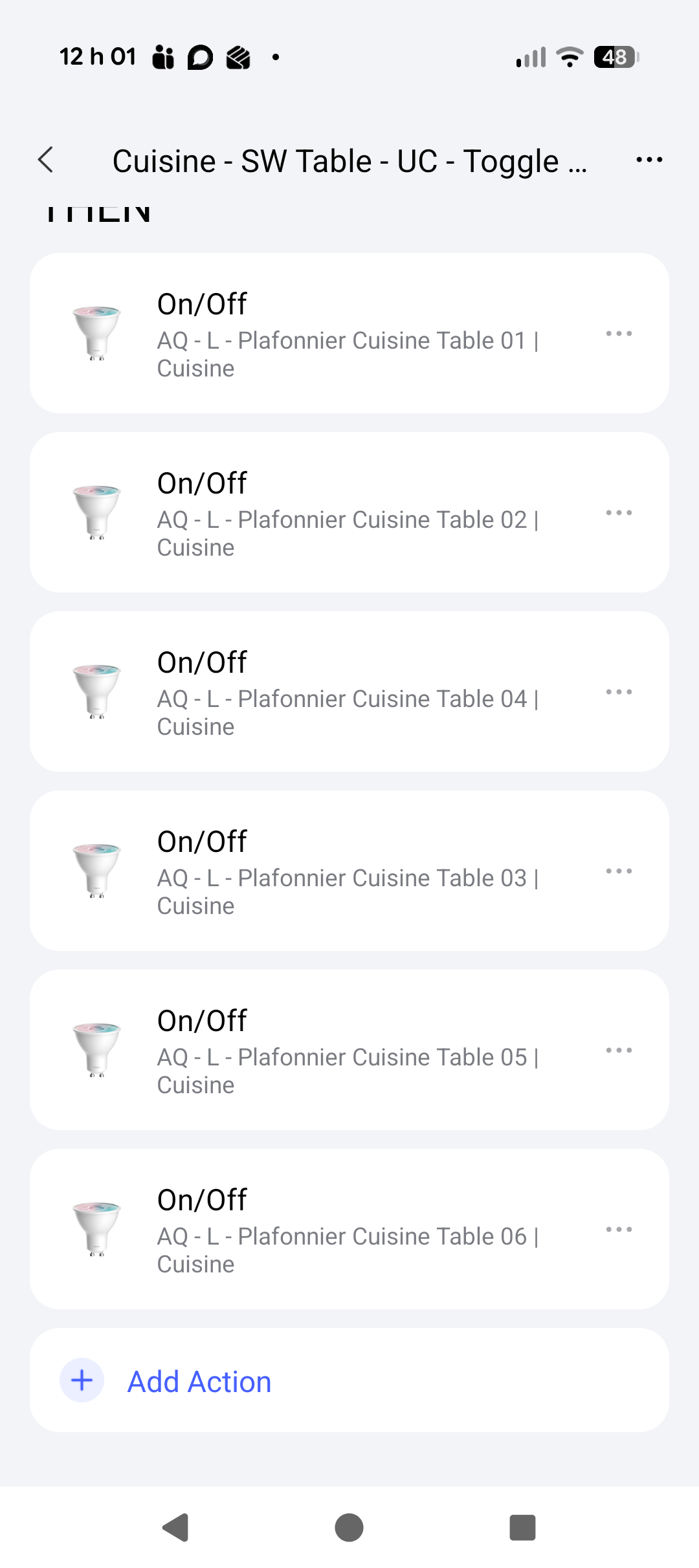
Or just add one automatisation that toggle on/off all your individual light .
Those are my solution for now.
3 Likes
david
November 5, 2025, 4:59pm
7
Either solution had issues which is why I’ve been asking Aqara did over a year to give us a toggle option on groups as well as the ability to use groups over matter.
2 Likes
Marc3k
November 5, 2025, 5:02pm
8
What issue do you have ? Im using this across the house without any issue
3 Likes
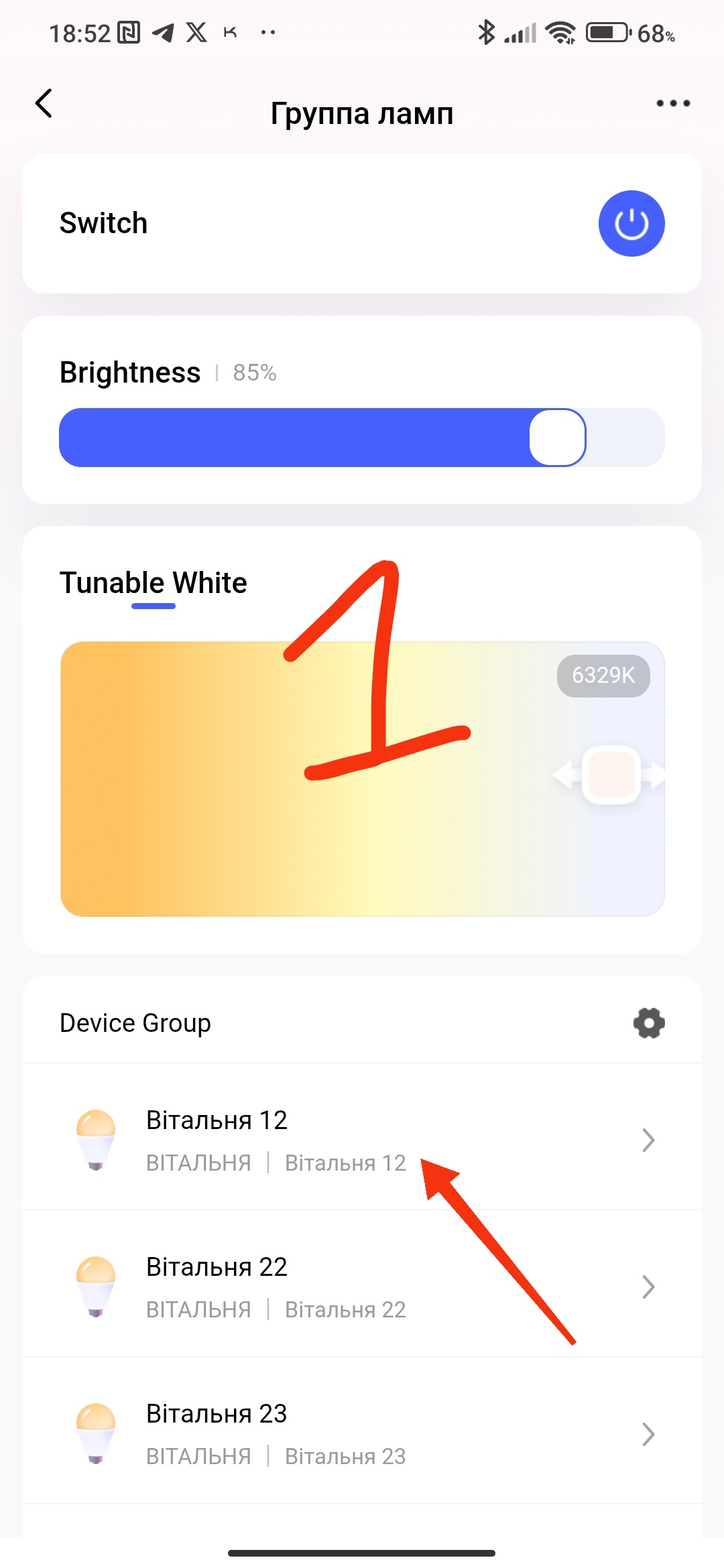
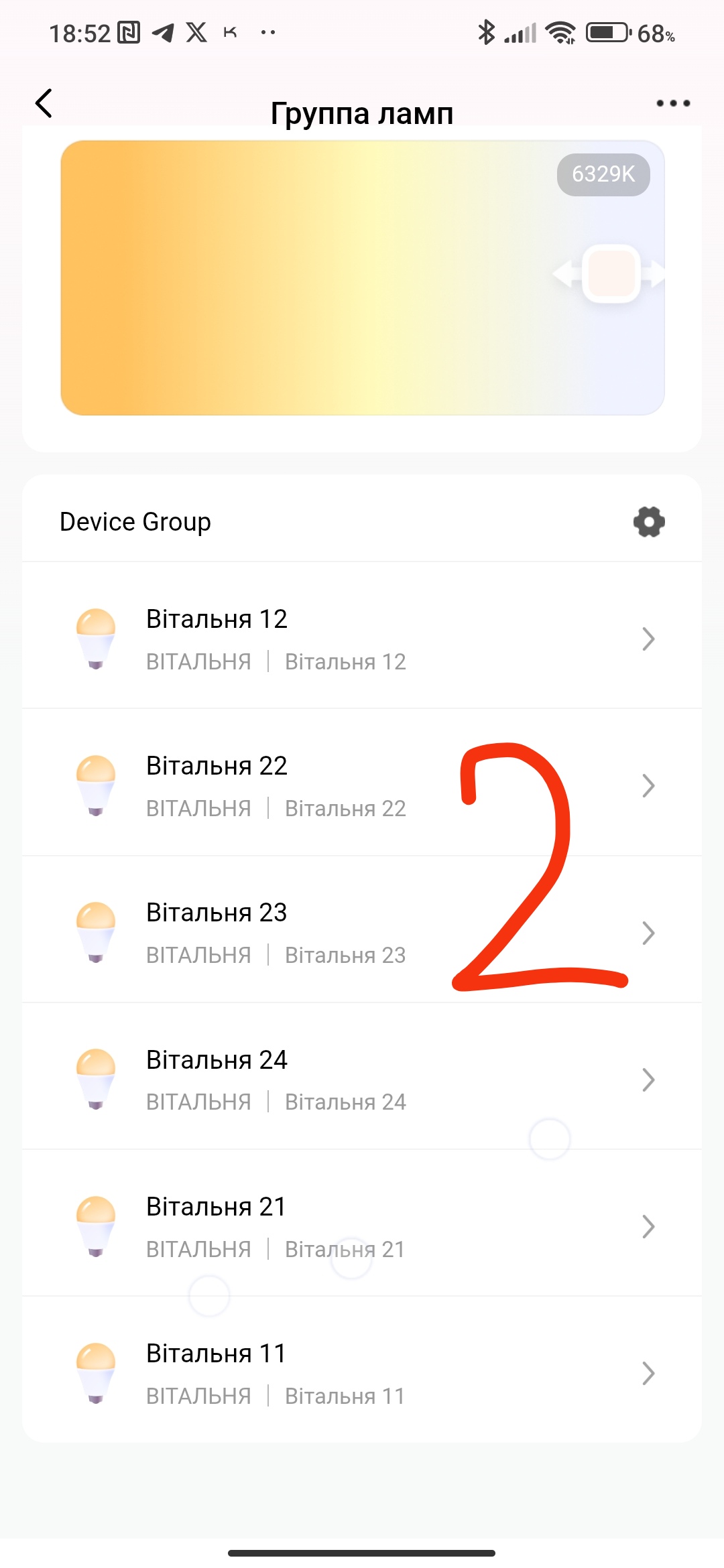
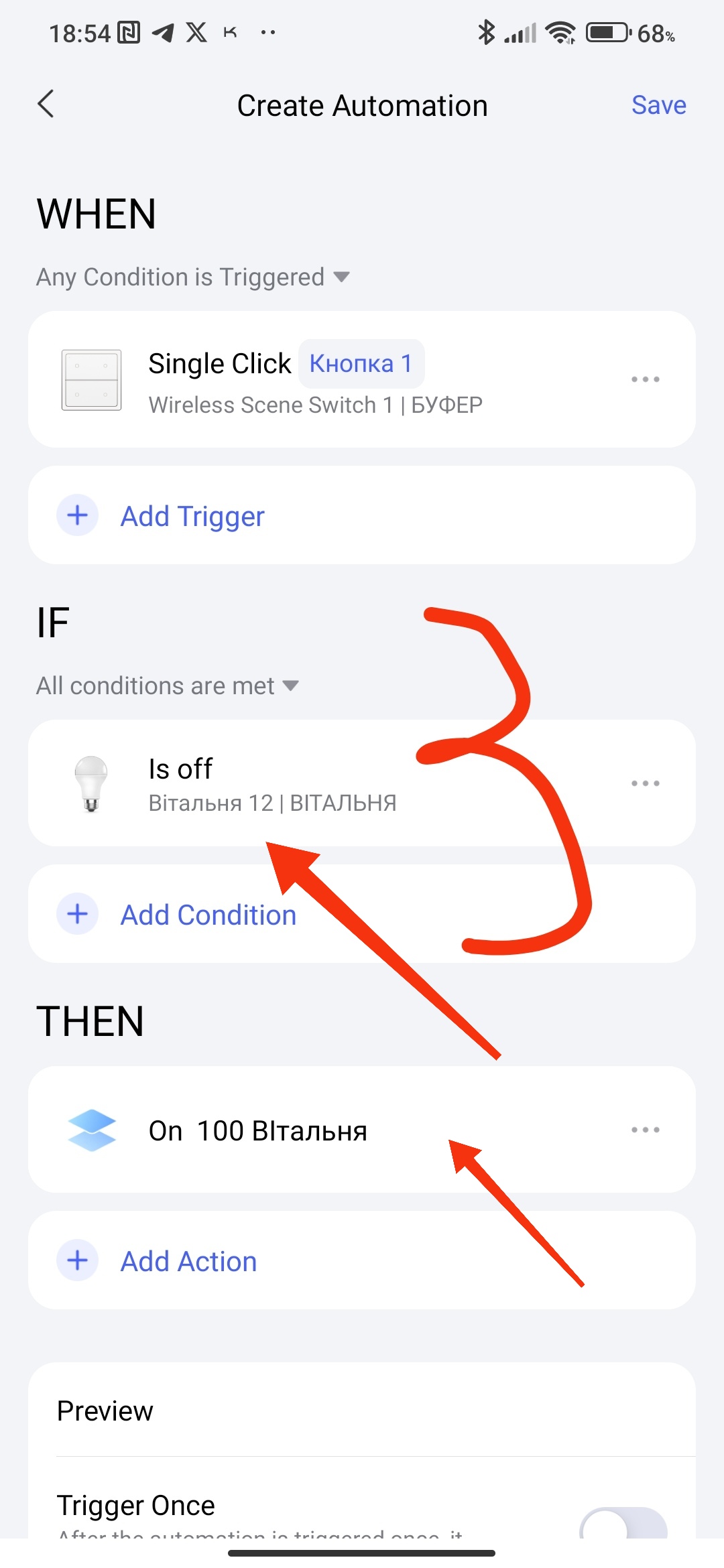
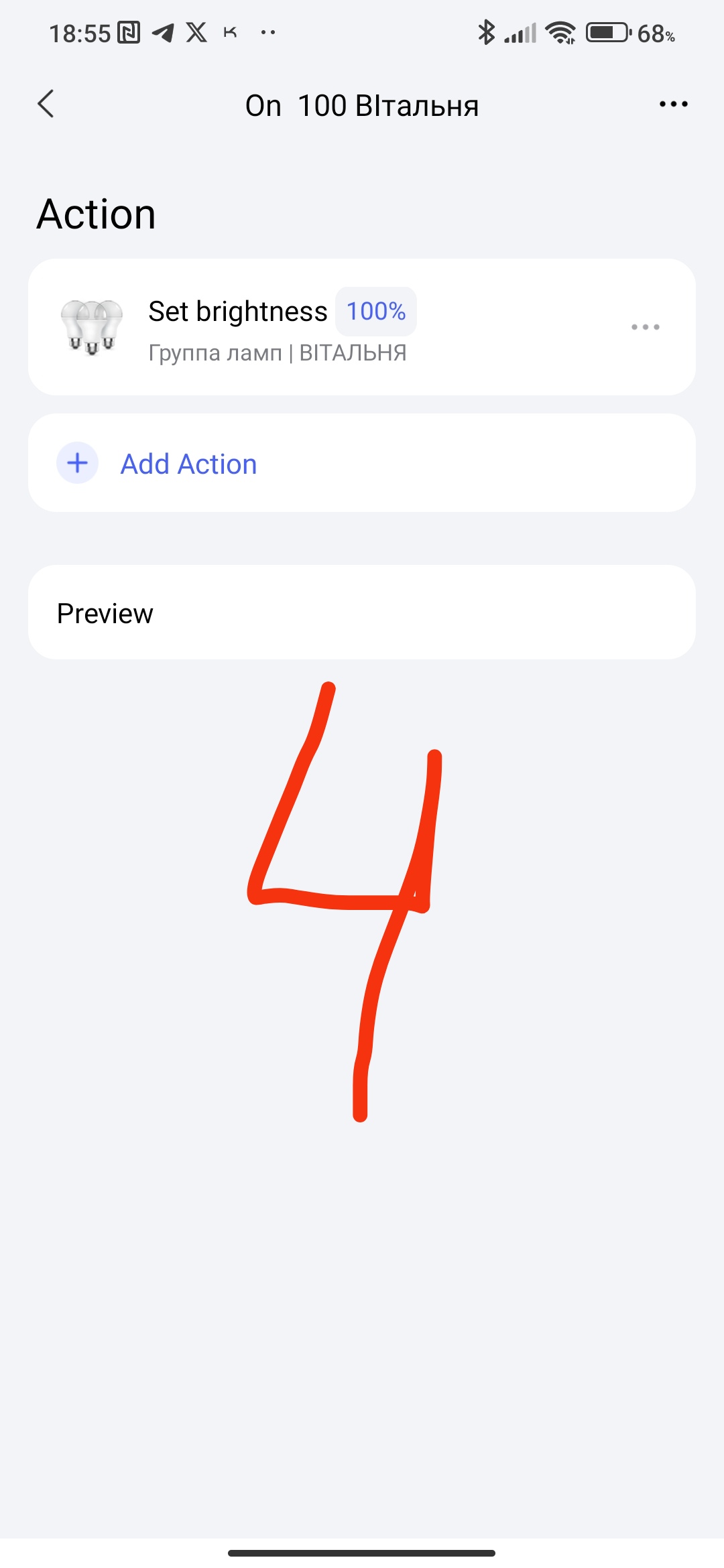
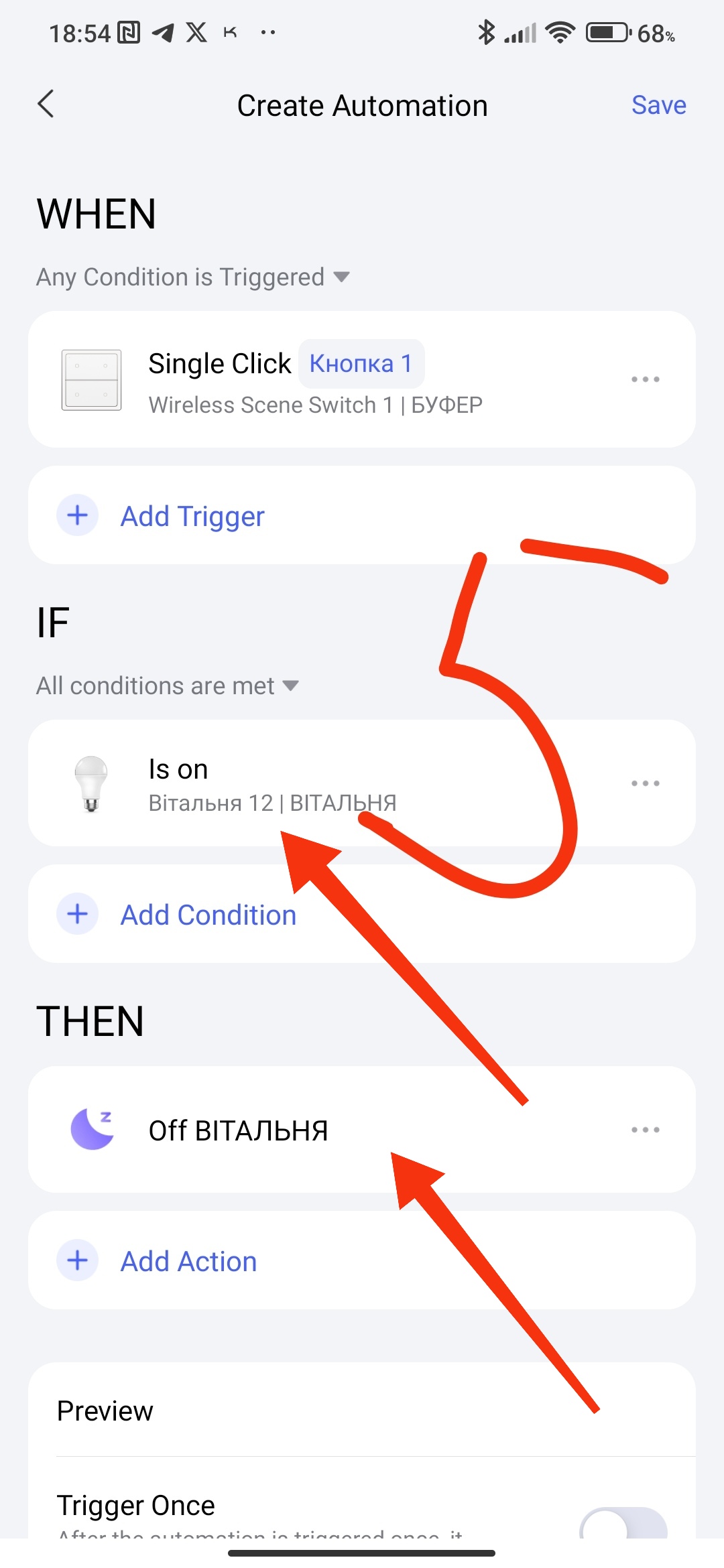
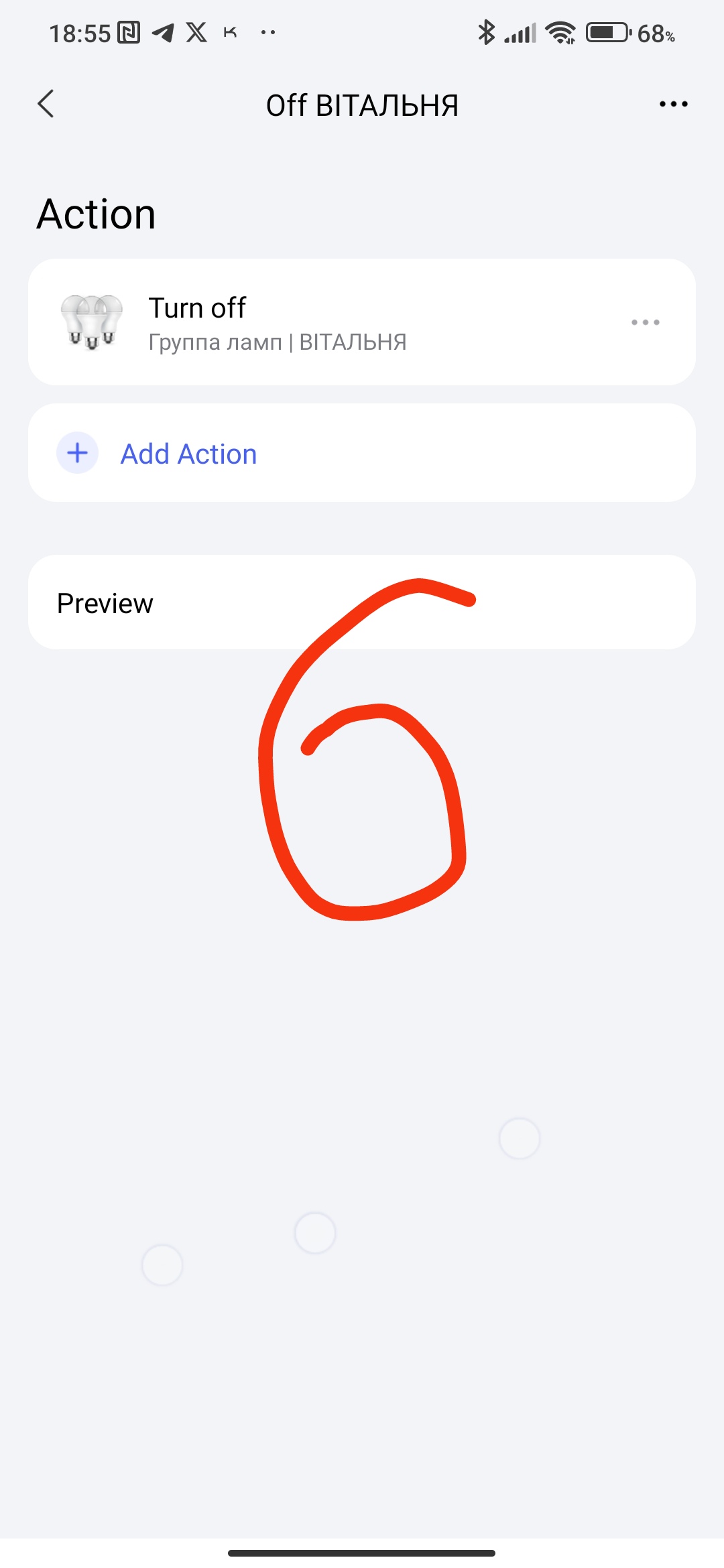
My sequence for one button that works On/Off per group. I take one lamp from the group as a trigger (controller).
Swap 6 with 4 places.
4 Likes
david
November 5, 2025, 5:18pm
10
This is the solution I use but I requires 2 automations and works much better under automations 2.0 that it did with previous version.
For me it’s not ideal as in having 2 automations with conditions.
The group should just have a toggle option and be visible under matter or homekit.
I use groups all the time and it’s one of my biggest frustrations.
I also use home assistant with matter and the synchronisation of colour between platforms can sometimes not update.
4 Likes
david
November 5, 2025, 5:19pm
11
Your solution is not groups
3 Likes
david
November 9, 2025, 11:30am
12
Lights occasionally going out of sync.