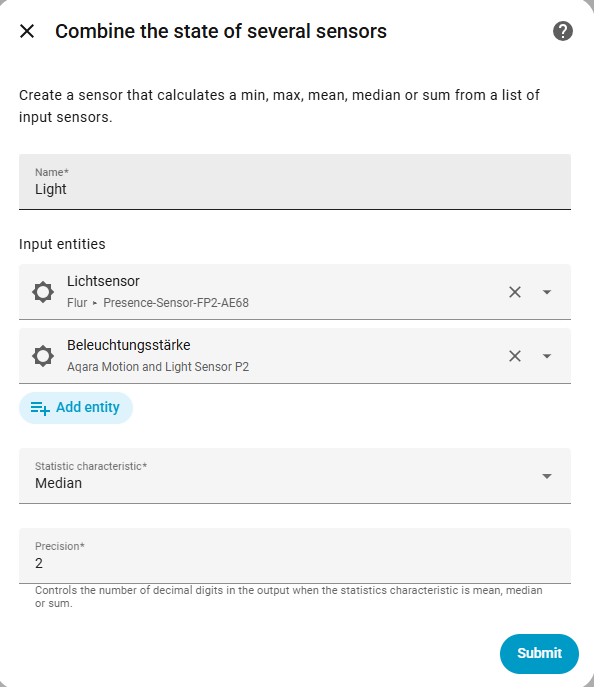
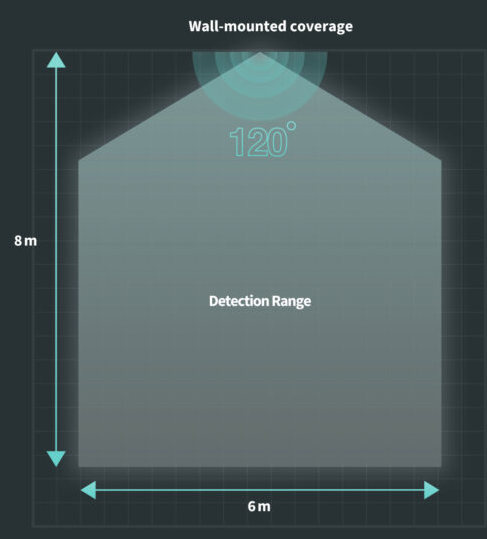
I wanted three motion sensors, two from Aqara and one from another brand to control the same light in my vestibule. No matter which sensor detects activity, the goal is simple: the light should turn on. The vestibule connects several rooms, each equipped with its own motion sensor, and I want the lighting to react regardless of the entry point used.
A straightforward idea would be to group these sensors into a single logical entity. Unfortunately, the Aqara app doesn’t support creating a “sensor group”, and one of my sensors isn’t from the Aqara ecosystem anyway (also a Zigbee device). This makes the approach impossible within Aqara’s platform.
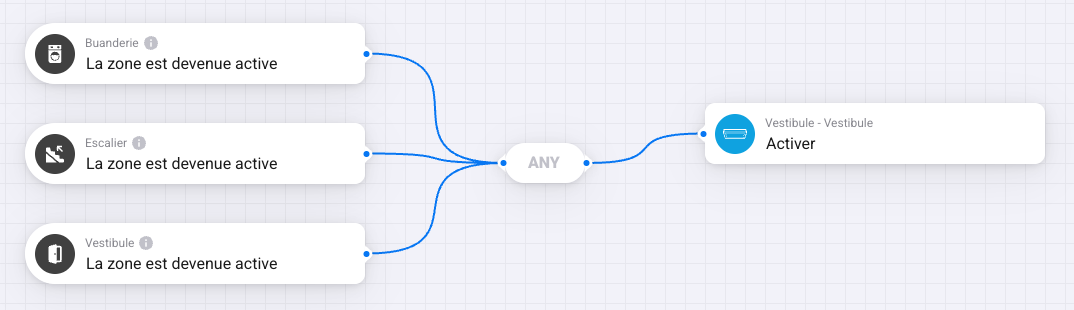
Homey Pro works differently. It also doesn’t provide a built-in option to combine several motion sensors into one virtual device. However, Homey introduces a very useful concept: zone activity. Whenever something happens in a zone, like a light turning on, a person passing by, music starting, that zone becomes active. This behaviour makes it easy to create a flow that turns on the vestibule light based on the zone’s activity, no matter which sensor triggered it.
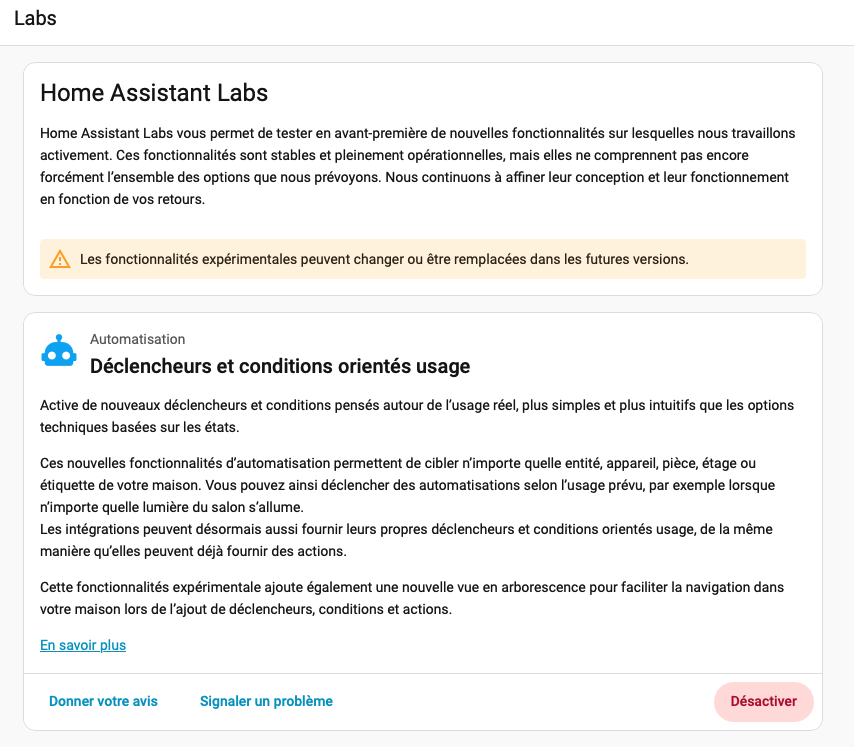
Recently, Home Assistant introduced an even more flexible solution. In the latest version, it is now possible to activate “labs” features, the first one let you enhance the automation panel. You are now able to assemble multiple devices into a kind of logical group and define a trigger based on whichever one becomes active first. As soon as one sensor detects motion, the group is considered active, which allows the light to turn on immediately without managing each device individually.
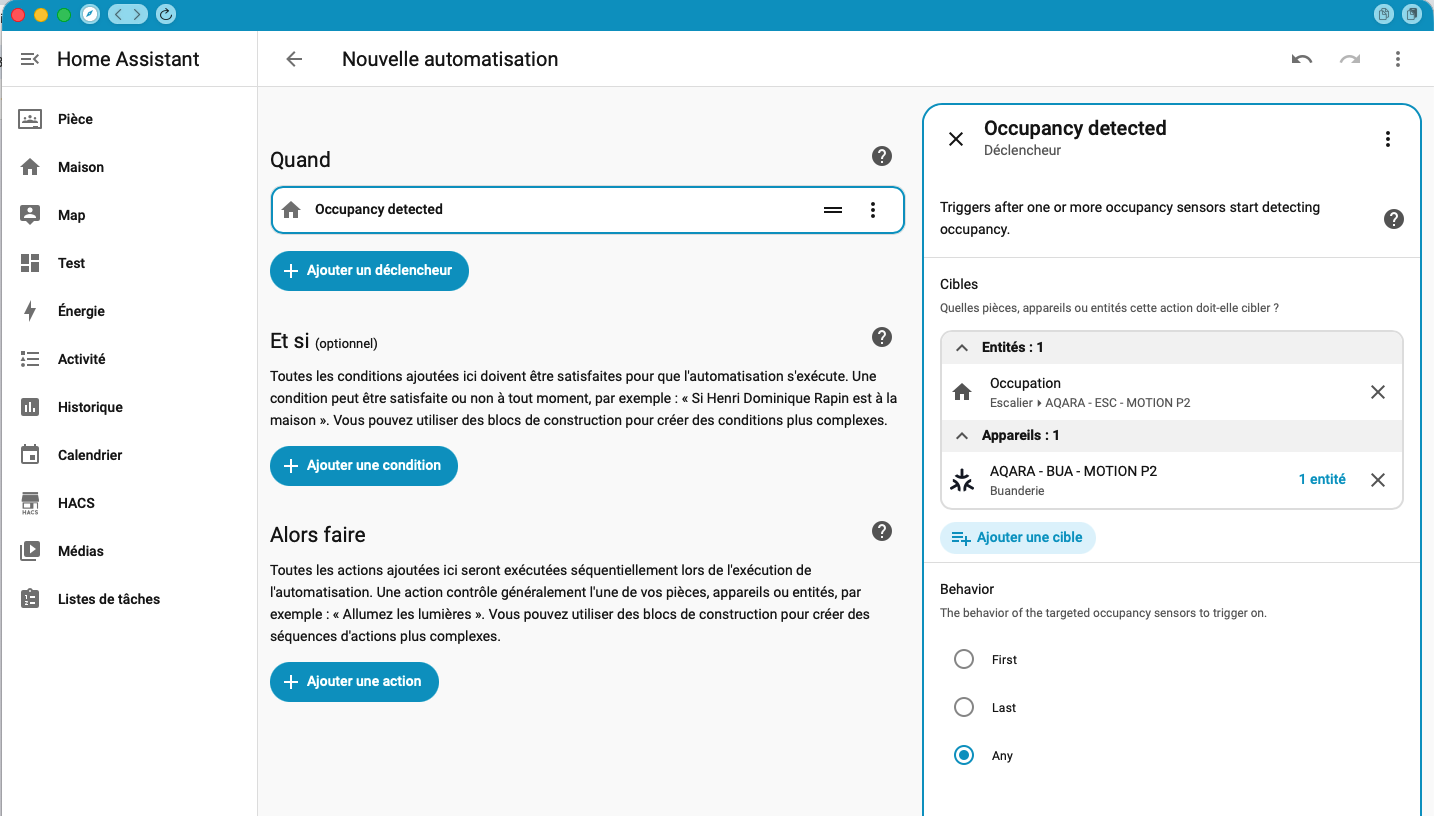
This new feature simplifies the handling of complex setups like my vestibule and offers a more consistent and powerful automation model for mixed-brand environments.
to enable this “lab” feature activate in the new section or wait until the final releases 
Hope this helps