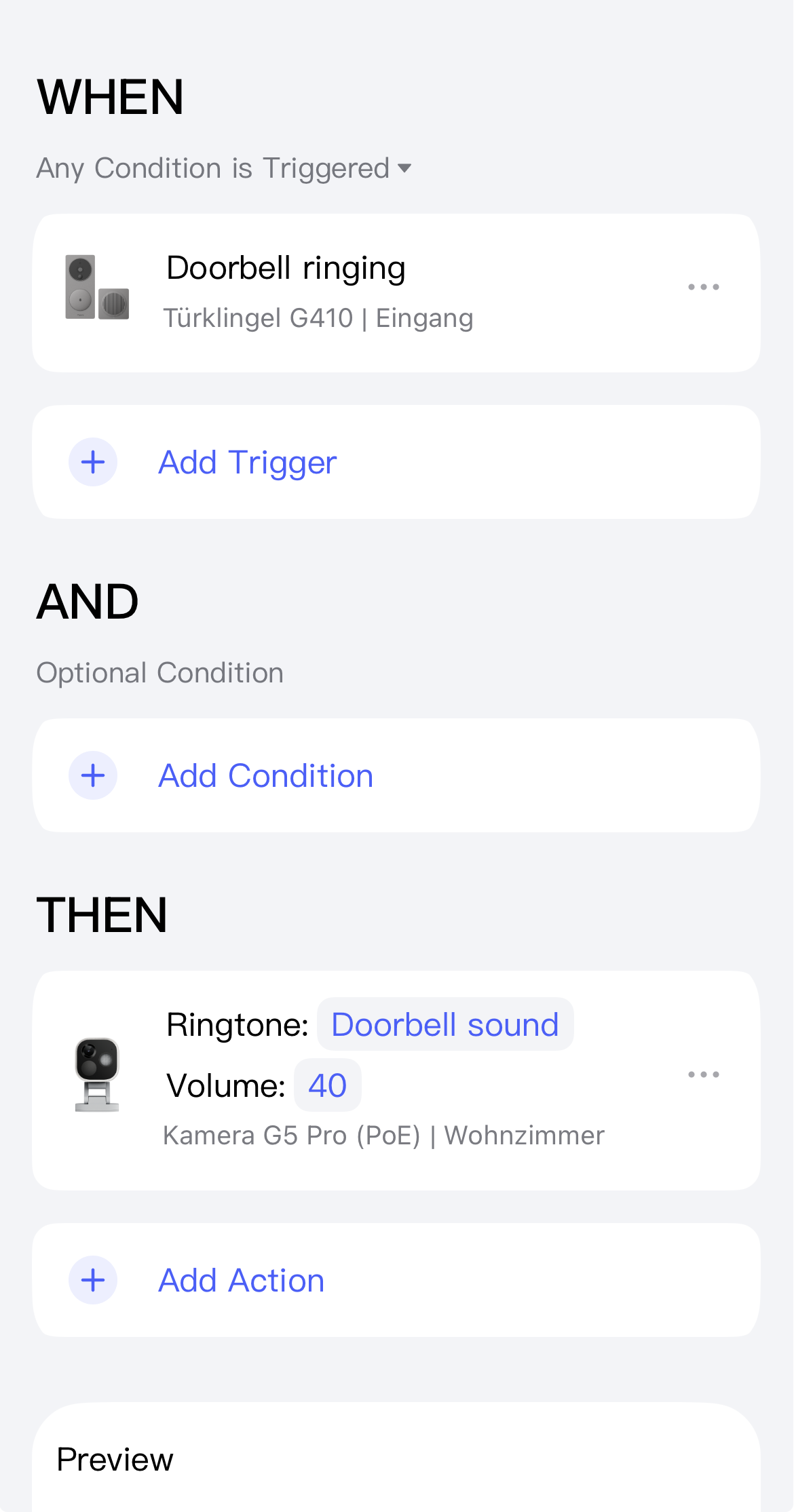
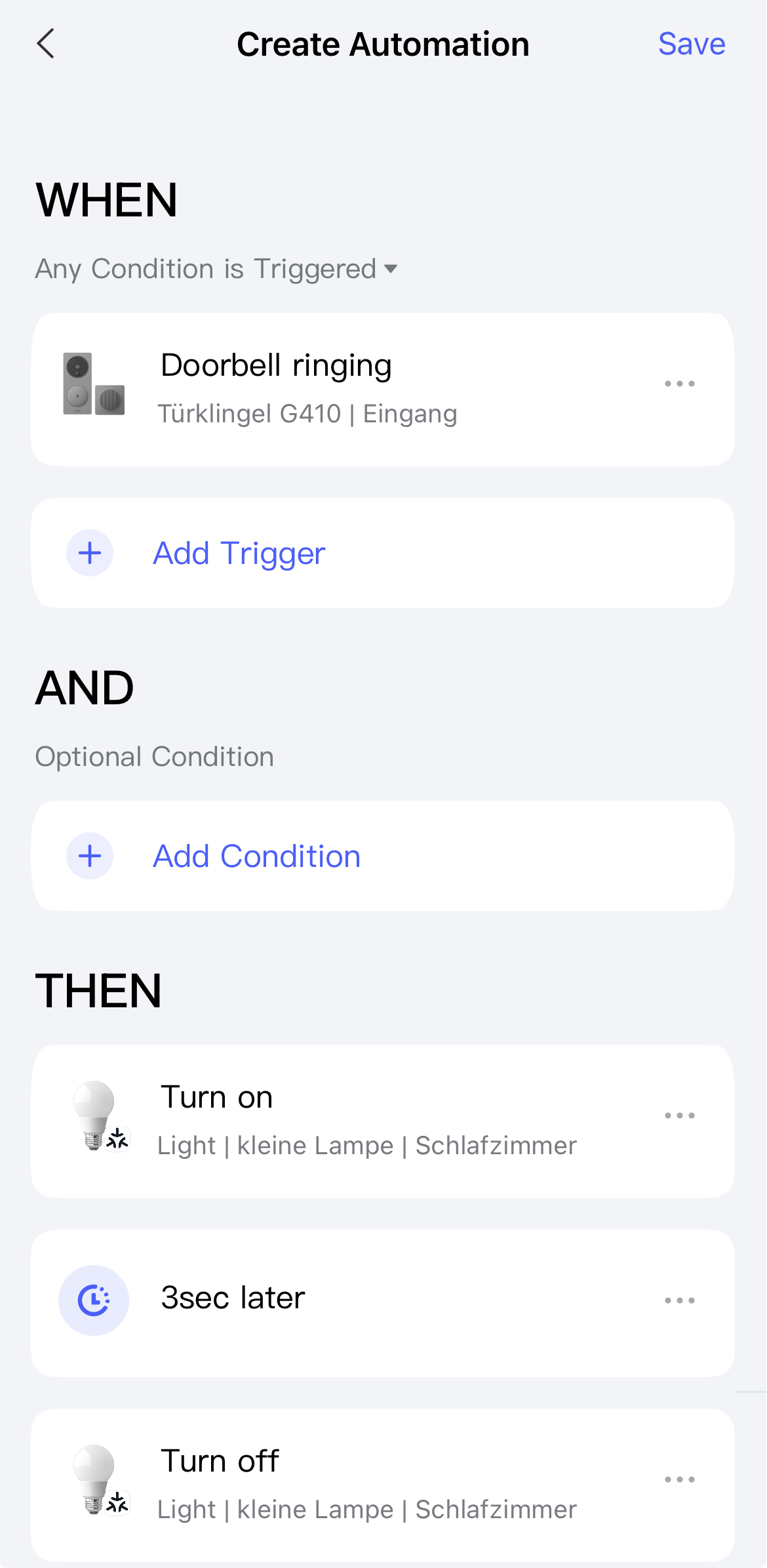
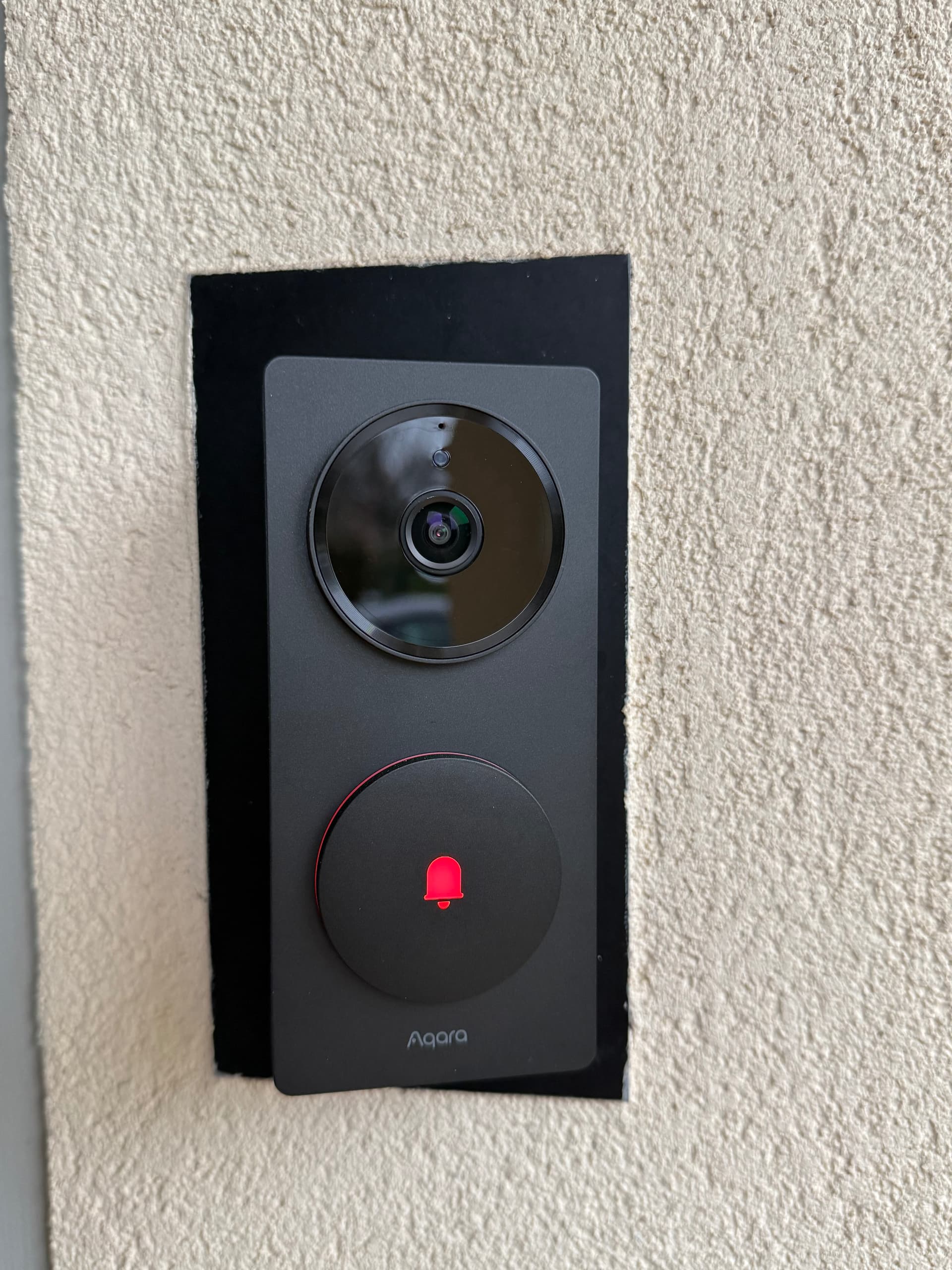
I am an happy user of the Aqara G410 doorbell, the direct evolution of the very popular Aqara G4. After several weeks of use, the conclusion is simple: it’s a reliable product, easy to install, and particularly well integrated into the Apple ecosystem, especially thanks to its native compatibility with HomeKit and HomeKit Secure Video.
A Two-Part Architecture
The Aqara G410 doorbell consists of two separate modules:
- The outdoor doorbell, which includes the camera and call button.
- The indoor chime, which acts both as a speaker and a communication hub.
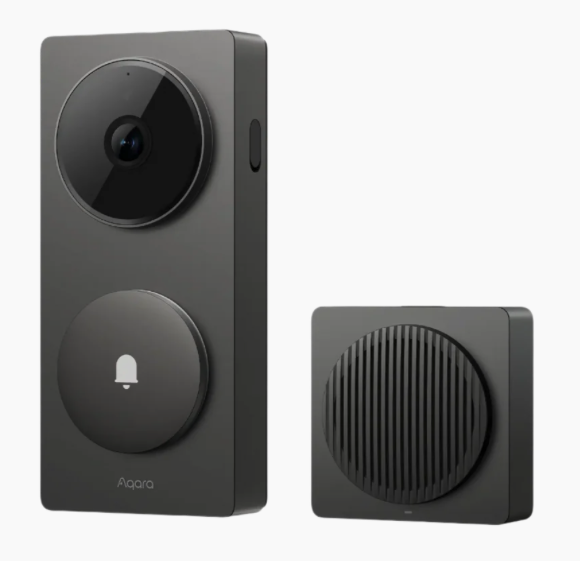
This chime plays an essential role because it ensures communication between the doorbell and your home network. Unlike some competing solutions that rely solely on direct Wi-Fi, Aqara uses a proprietary radio connection here (I guess? ).
An important constraint must therefore be considered: the distance between the doorbell and the chime should ideally remain under about 10 meters. This range may vary depending on the environment. Structural walls or reinforced concrete can significantly weaken the signal, so it is recommended to place the chime in an open location.
Sometimes Limited Sound Coverage
Although the built-in chime is powerful enough for an apartment or a small house, it can become difficult to hear in certain situations: Multi-story/level homes, very long houses, distant rooms etc …
Of course, a notification is sent to your iPhone or iPad, but keeping your smartphone with you at all times is not always realistic in everyday life.
Can You Add an Additional Chime?
At the moment, Aqara does not offer an additional chime compatible with the G410. This is partly because the included chime is not just a simple speaker. because it also acts as a Matter router, which makes its architecture more complex.
Another approach is therefore needed to extend sound coverage throughout the home.
The Simplest Solution: Use HomePods as Chimes
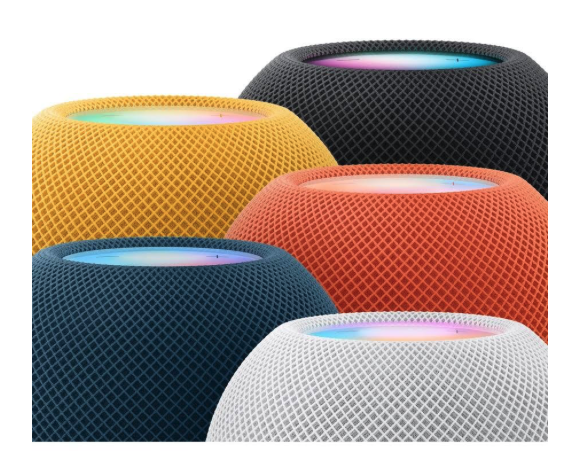
If you are using the Apple ecosystem, the best solution is to turn your HomePod or HomePod mini speakers into additional chimes. This feature is built directly into the Home app and does not require any complex automation.
When someone presses the doorbell, all selected HomePods automatically play a chime sound.
The HomePod mini is also an affordable option (around 100 €) that additionally provides voice assistant capabilities and music playback, with remarkable sound quality for its size.
Step-by-Step Setup in the Home App
The setup only takes a few steps:
- Open the Home app on your iPhone or iPad.
- Go to your Home settings.
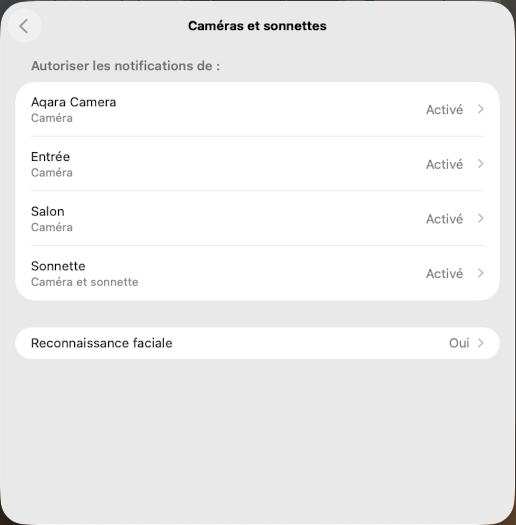
- Select the “Cameras & Doorbells” section.
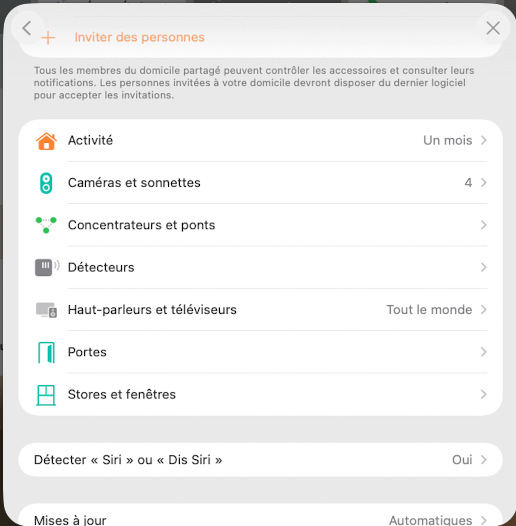
- Choose your Aqara G4 or G410 from the list.
- Scroll down to the “Doorbell Chime” section.
- Select the HomePod or HomePod mini devices that should ring when the button is pressed.
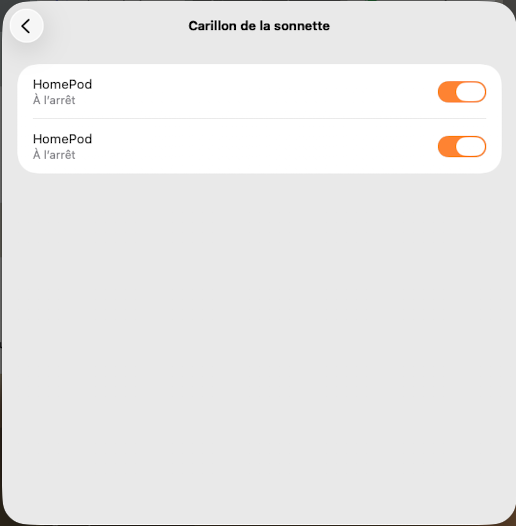
Once enabled, the feature works immediately and requires no additional configuration.
A Limitation to Be Aware Of
It is not possible to customize the chime tone on HomePods. The sound is defined by the system, which means you may hear two different chimes in your home: the Aqara chime and the HomePod chime.
After several weeks of use, this setup has proven to be very reliable. Notifications are almost instantaneous and ensure you never miss a visitor, even in a large house.
Integration with the Apple ecosystem remains one of the major strengths of the Aqara G410, which stands out for its simplicity and overall consistency.
I hope this helps.
(French version : HomeKit : Comment ajouter des carillons à la sonnette Aqara G410 ? – Les miscellanées Numériques )