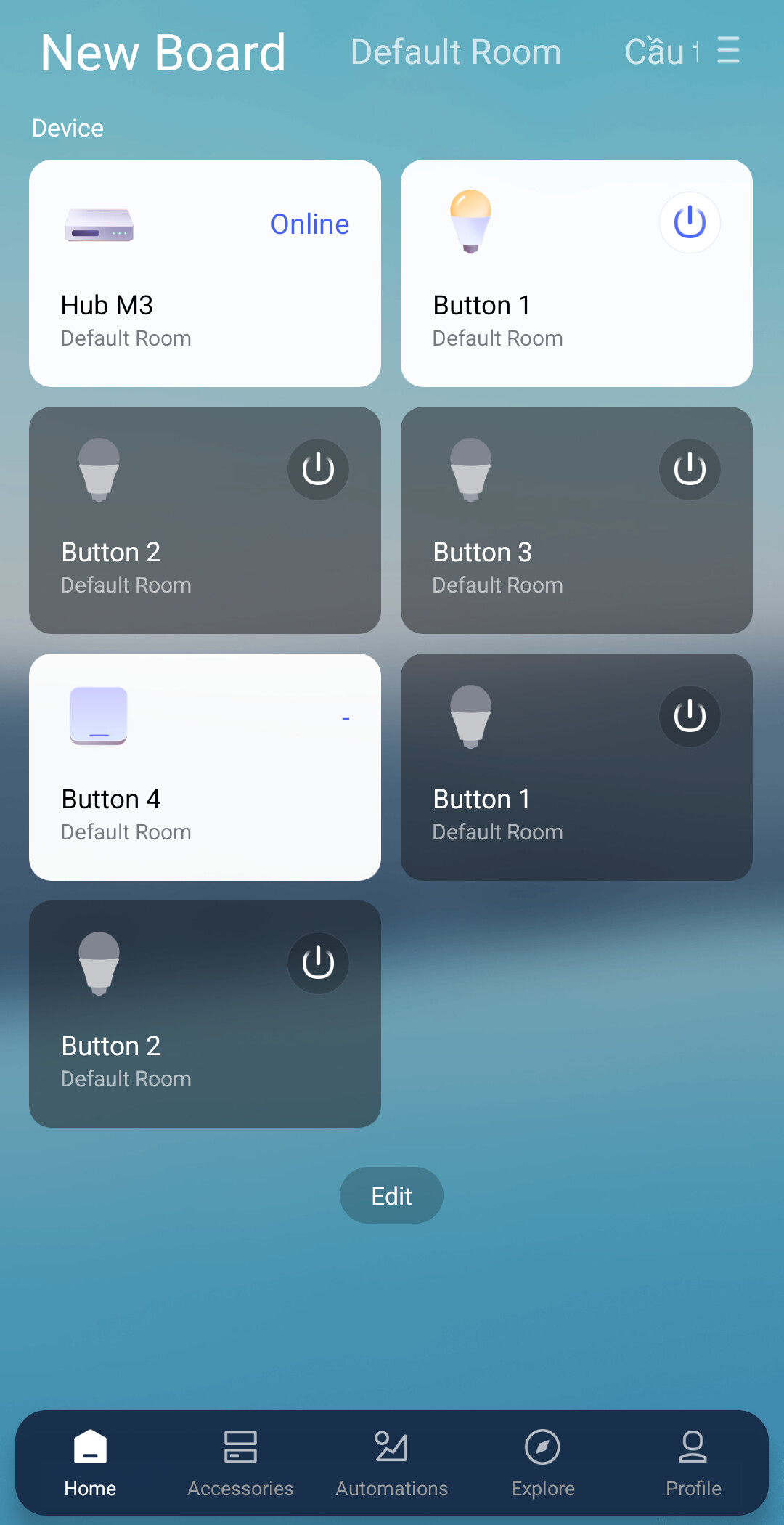
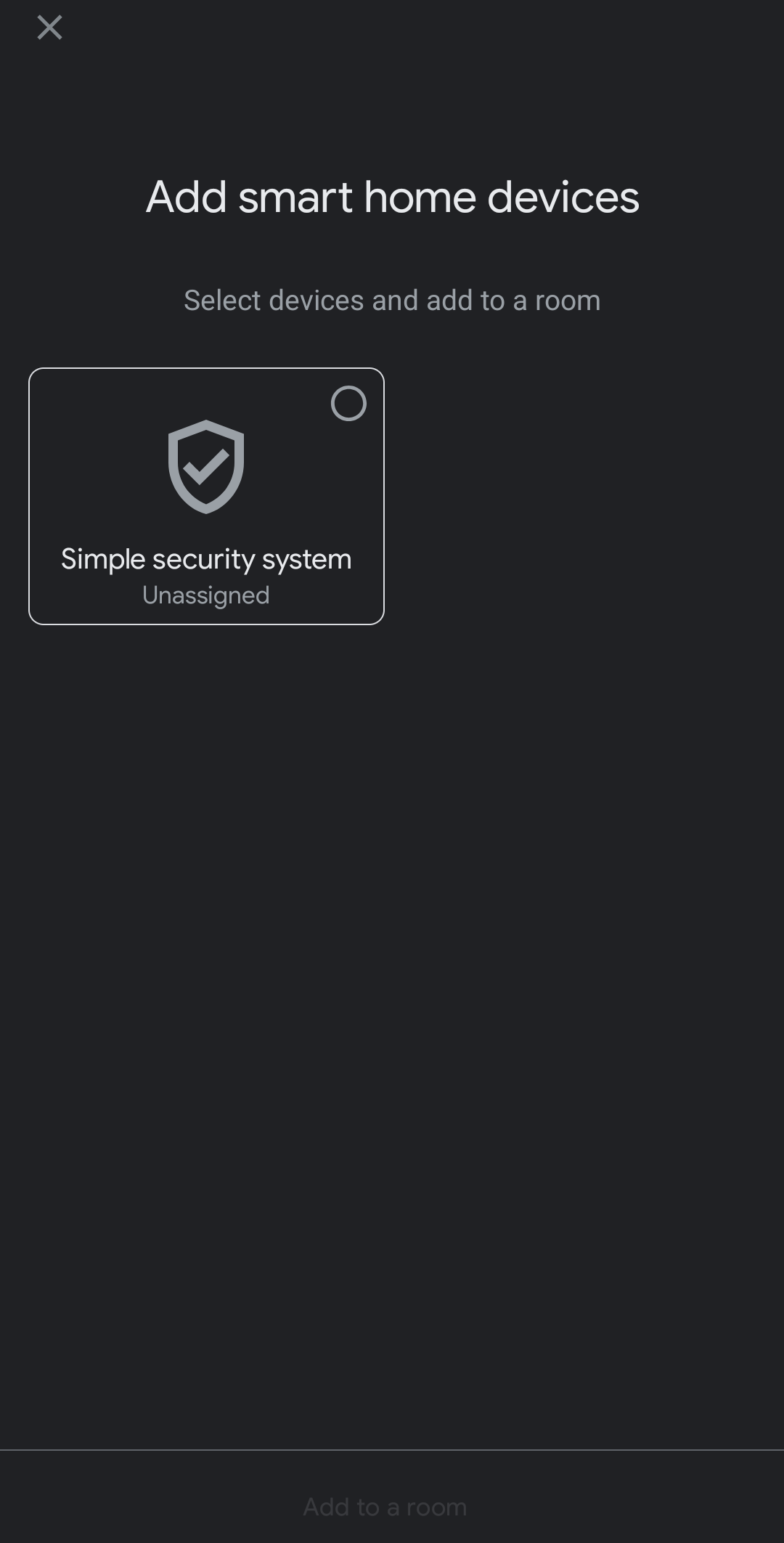
On the Aqara Home and Google Home apps, I’ve selected the same area. On Aqara Home, I have an M3 Hub and an H2 light switch, both working normally. However, when I link them to Google Home, I only get a “Simple security system” control and no Aqara devices. I searched on Google and learned that I need a Google Hub. Can anyone help me link them to Google Home without buying a Google Hub? Thank you!
@phuc747 You don’t need to buy a Google Hub to get your Aqara devices working with Google Home! Since you already have the Aqara Hub M3, you’re all set to bridge your devices like the H2 light switch directly.
Here’s what you can do:
- Make sure your H2 light switch is properly paired with the Aqara Hub M3 in the Aqara Home app.
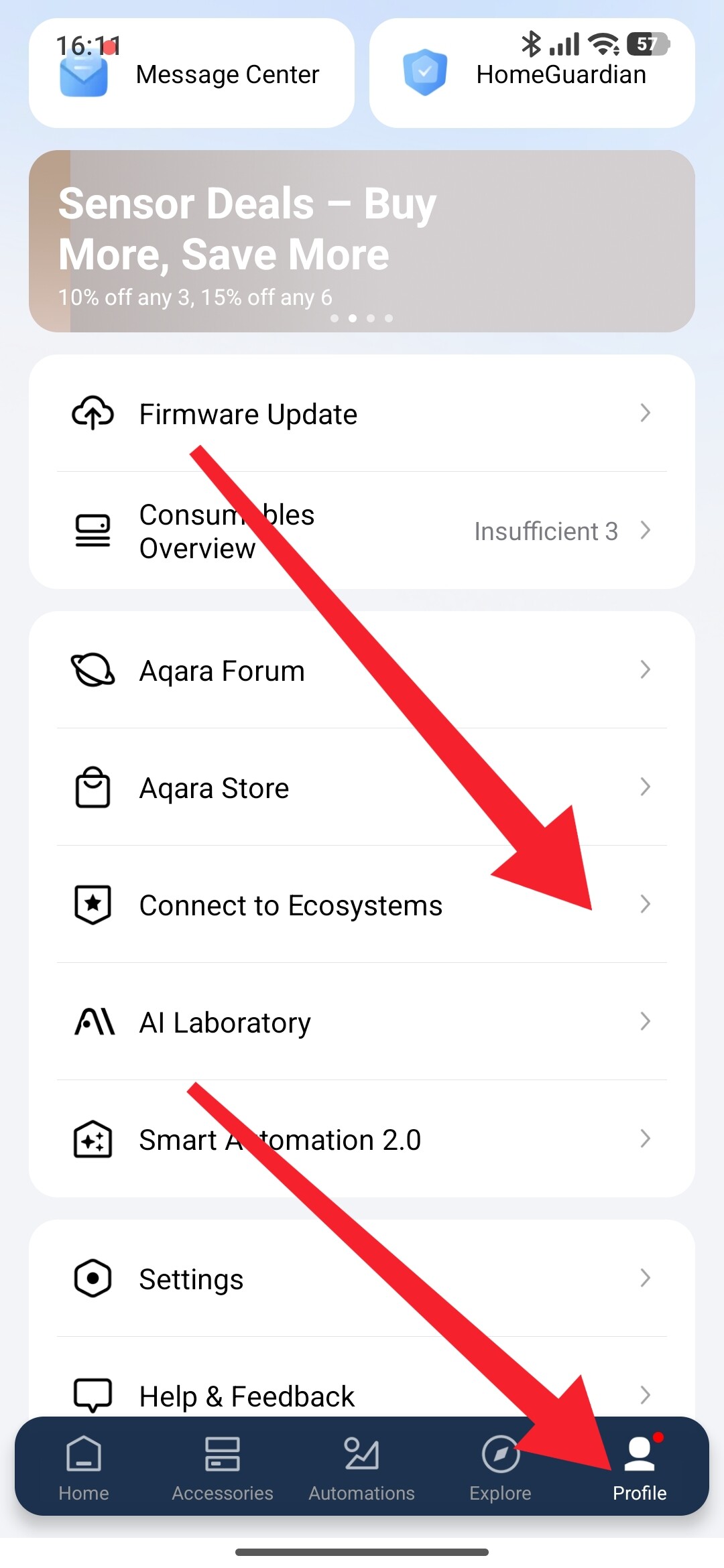
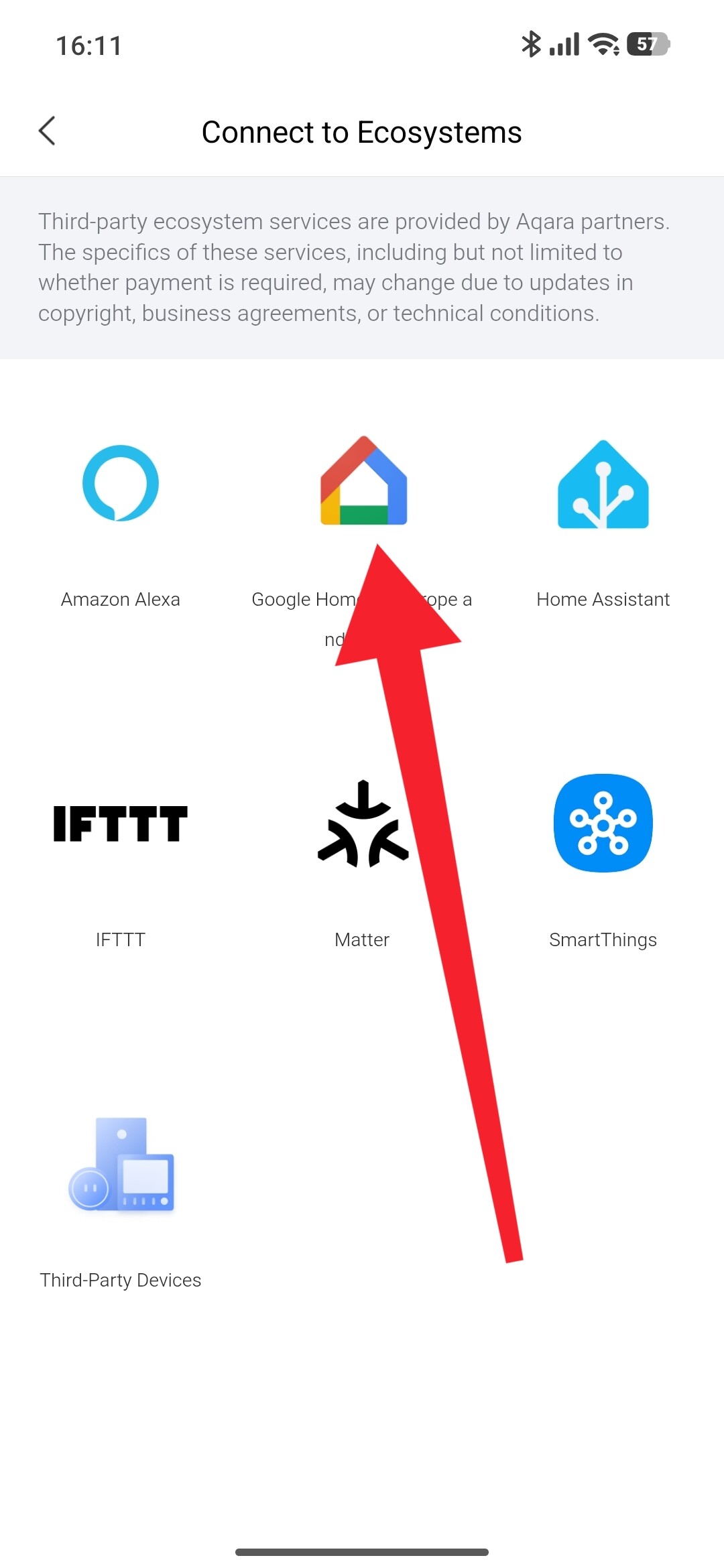
- In the Aqara Home app, go to Profile > Connect to Ecosystems > Google Home, and tap Link to authorize the connection.
- Open the Google Home app, tap Add device > Works with Google, and search for “Aqara” to link your account.
- Once linked, your compatible devices (like the H2 switch) should appear automatically—no Google Hub required!
Also, if you’re using Matter-compatible setups, the Hub M3 supports advanced bridging to expose Zigbee and Thread devices to Google Home via Matter. You can scan the Matter QR code from the hub’s settings in the Aqara Home app under Settings > Device Page > Expose to Matter.
If devices still don’t show up, double-check that your hub firmware is up to date and that the specific device model is supported for Google integration.
This information comes from community discussions and user experience summaries and may vary by environment. Please verify carefully.
Reference: Third-Party Compatibilities
1 Like
I have updated the firmware for my Hub M3 to the latest version (my current version is 4.5.45_0017). I have tried all the steps you mentioned, but there are no devices listed on Google Home. Please provide further assistance.
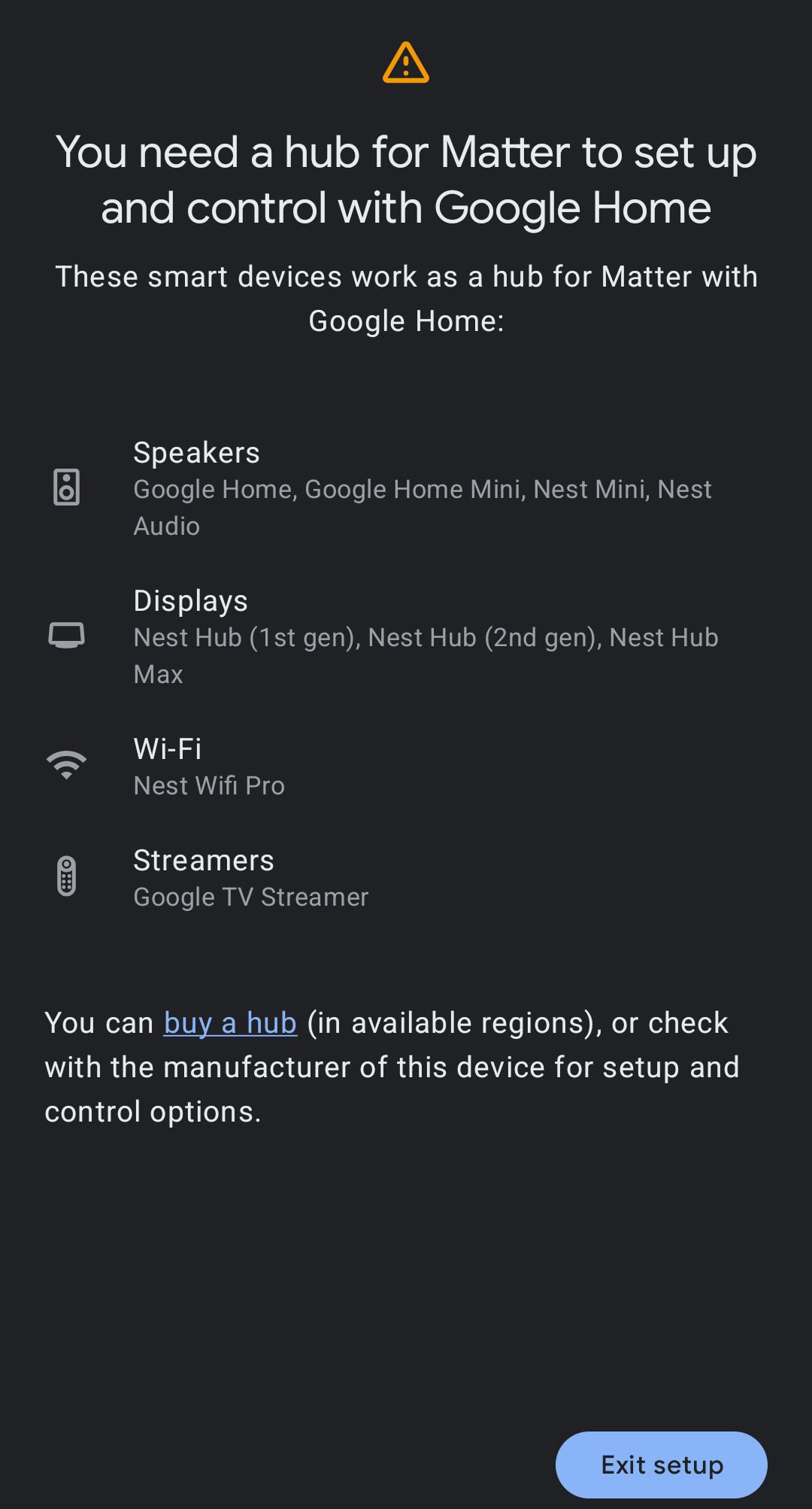
@phuc747 Hey @phuc747, thanks for following up and sharing those screenshots! I can see you’ve already put in solid effort with the firmware update and linking steps. Let’s dig a bit deeper into this Google Home integration issue.
Based on the reference info, here are a few additional things to check:
-
Try Matter Bridging Method: Since you have the Hub M3, you can expose your devices to Google Home via Matter. Go to Aqara Home app > Settings > Device Page > Expose to Matter, then scan the Hub’s Matter QR code in the Google Home app (Add device > Add Matter device > Scan QR code).
-
Device Compatibility Check: The Hub M3 should support exposing compatible child devices to Google. Compatible devices typically include Aqara Wall Switches, smart plugs, and sensors. Your H2 light switch should be supported, but it’s worth confirming the specific model compatibility.
-
Network & Thread Settings: If you’re using Thread mode for the H2 switch, ensure the Thread network is properly generated in the Aqara Home app. Sometimes replacing the Thread network can help (note: this requires resetting current Matter devices).
-
Account Linking Verification: Double-check that the Aqara account linked to Google Home is the same one showing your devices in the Aqara Home app.
If none of these steps resolve the issue, I’d recommend reaching out to the Aqara Home App Customer Service Team (Profile > Help & Feedback > Customer Service) or scan the QR code below for more efficient support:

If you don’t have an Aqara Home account, please click here to create a ticket.
This information comes from community discussions and user experience summaries and may vary by environment. Please verify carefully.
Reference: Third-Party Compatibilities
Hang in there—smart home integrations can be tricky, but we’ll get this sorted! 
I followed your instructions, but there are no devices listed in “Automation” even though I have 3 devices on my Aqara Home. I’m not sure if the region I selected on Aqara Home and Google Home (Vietnam) is restricted or if there’s a service error related to the cloud connection.
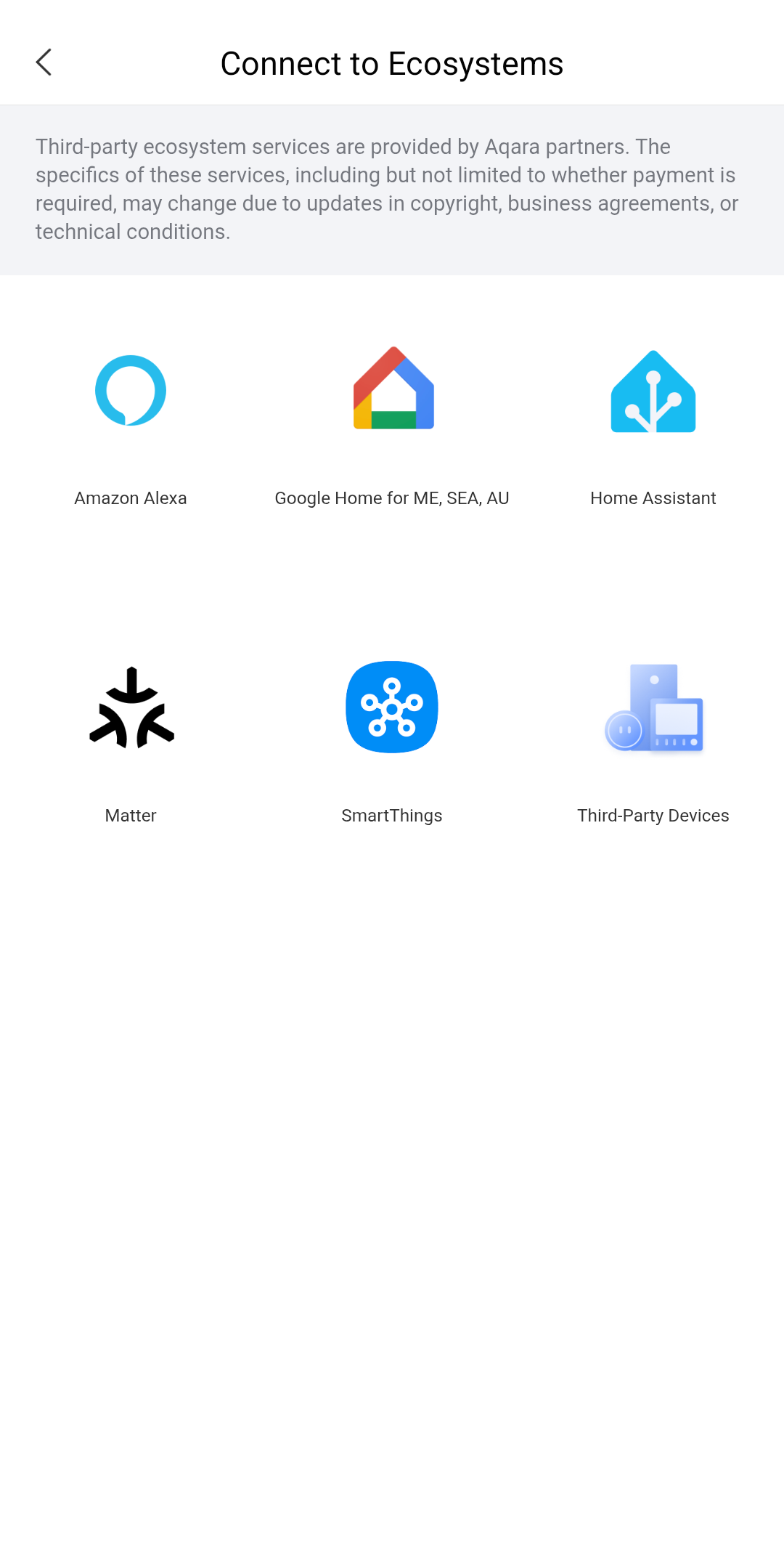
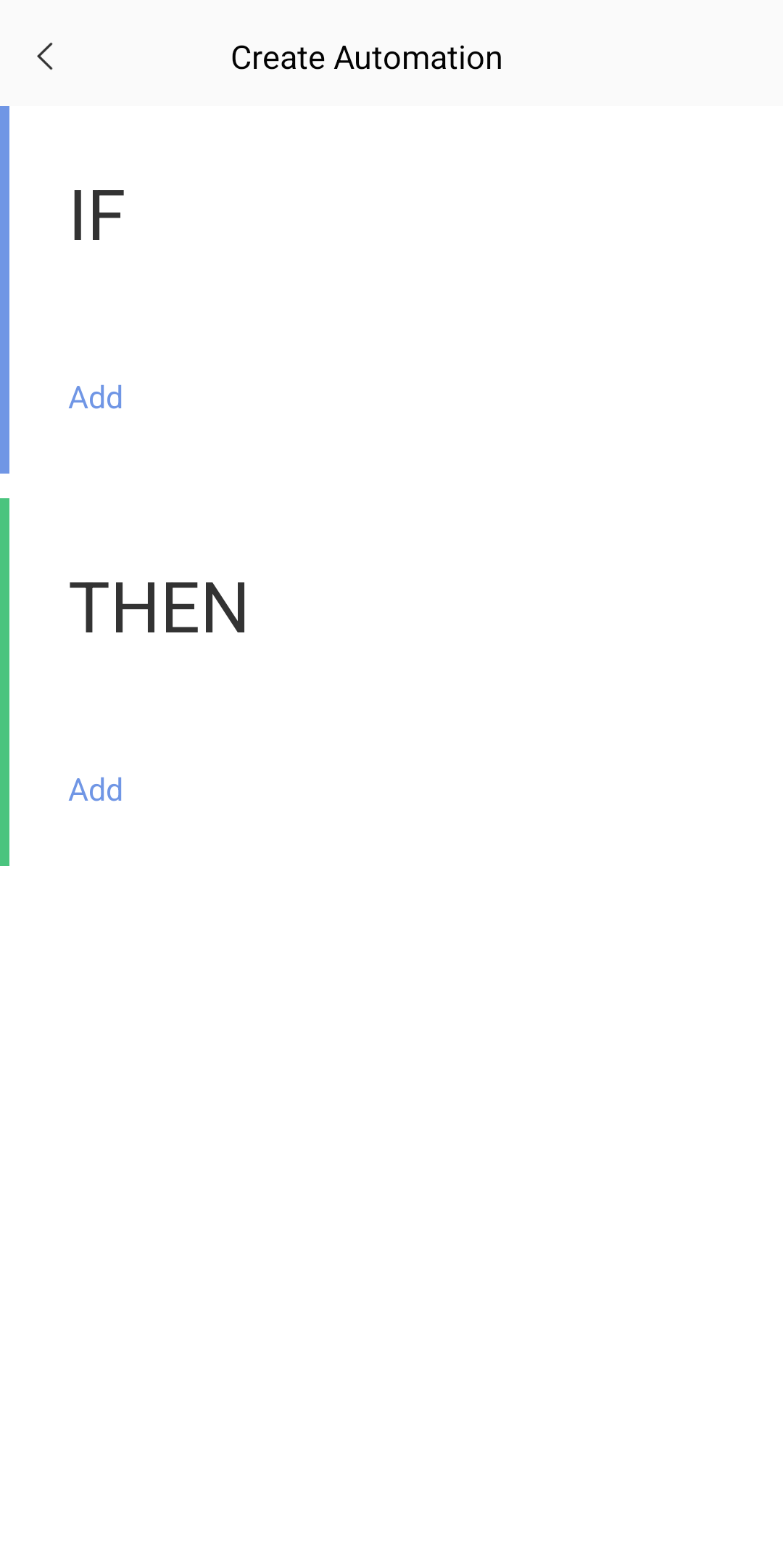
I followed method 1, but Google Home prompted me to buy a Google Hub. The devices I’m using are the M3 Hub and H2 switch, using the Zigbee protocol. I’ve created a ticket as you instructed, and I’m hoping for your support to resolve this issue.
@phuc747 Hey @phuc747, thanks for the update and for creating the ticket!  I understand how frustrating it can be when Google Home prompts you to buy additional hardware despite having a capable hub like the M3.
Since you’re using the Hub M3 with Zigbee protocol for your H2 switch, here are a couple of key points that might help clarify the situation:
-
Cloud-to-Cloud Linking for Zigbee Devices: For Zigbee devices like your H2 switch, the traditional method is to link through Aqara Home’s ecosystem connection rather than Matter. Go to Aqara Home app > Profile > Connect to Ecosystems > Google Home, bind your Google Account, and your compatible devices should sync over. This doesn’t require a Google Hub.
-
Hub M3 Matter Bridging: The Hub M3 does support bridging Zigbee devices to Matter platforms, but Google Home’s Matter implementation may have specific controller requirements. The prompt to buy a Google Hub might be related to Google’s Matter controller expectations rather than your Aqara setup.
-
Compatible Device List: The Hub M2/M3 supports exposing devices like Aqara Wall Switches, smart plugs, and sensors to Google. Your H2 switch should be compatible, but firmware and region settings can affect visibility.
Since you’ve already created a ticket, the Aqara Home App Customer Service Team will be able to dig into your specific account and device configuration more deeply. They can verify if there are any region-specific limitations or account linking issues affecting your setup.
For future reference, if you need to reach support again: Profile > Help & Feedback > Customer Service or scan the QR code below:
If you don’t have an Aqara Home account, please click here to create a ticket.
Hang in there—the support team should be able to get this sorted for you soon! Feel free to update us once you hear back.
This information comes from community discussions and user experience summaries and may vary by environment. Please verify carefully.
Reference: Third-Party Compatibilities