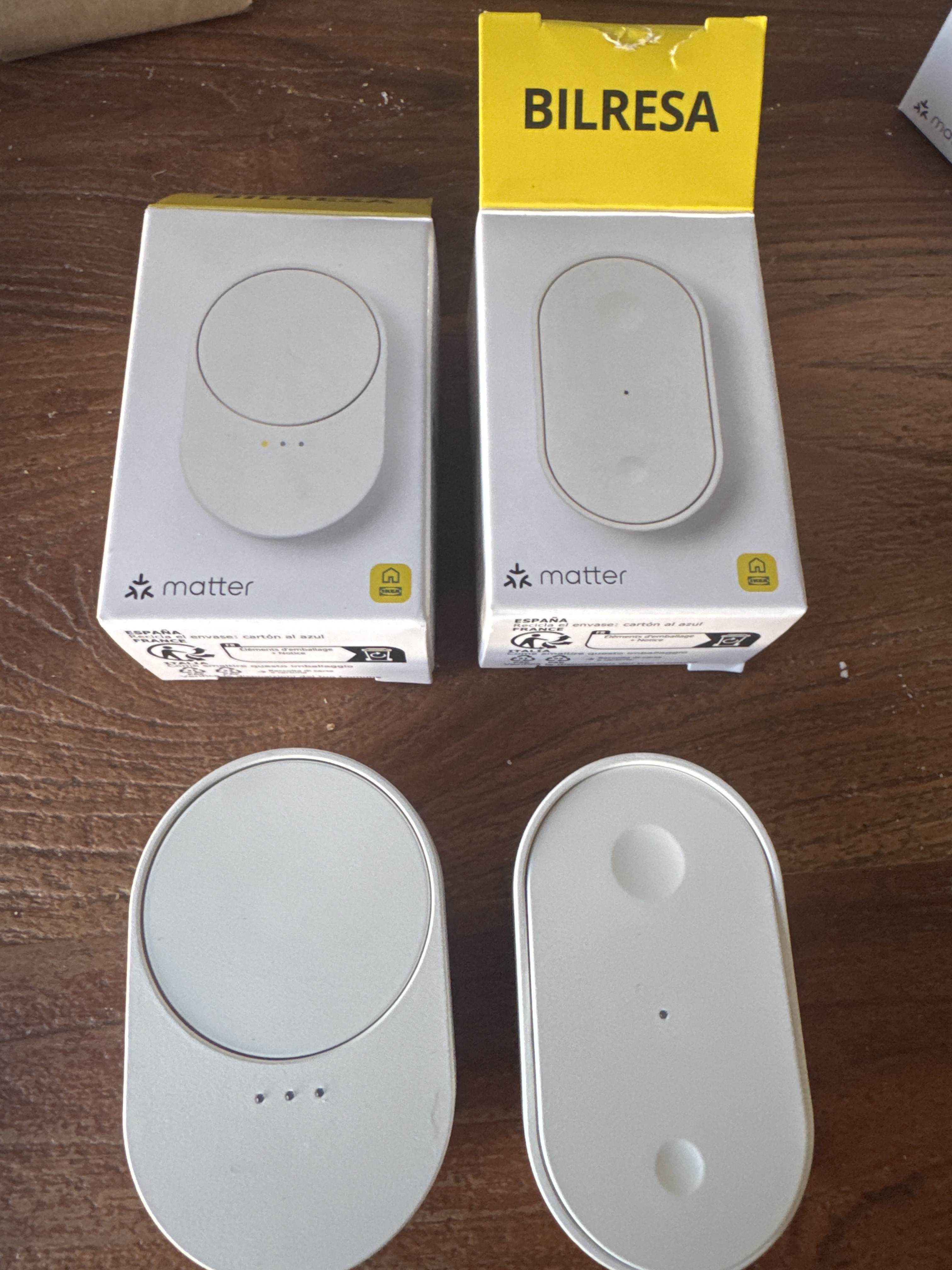
Has anyone succeeded in adding the IKEA BILRESA remote control with dual button or scroll wheel to the Aqara M3 Hub via the Aqara Home app?
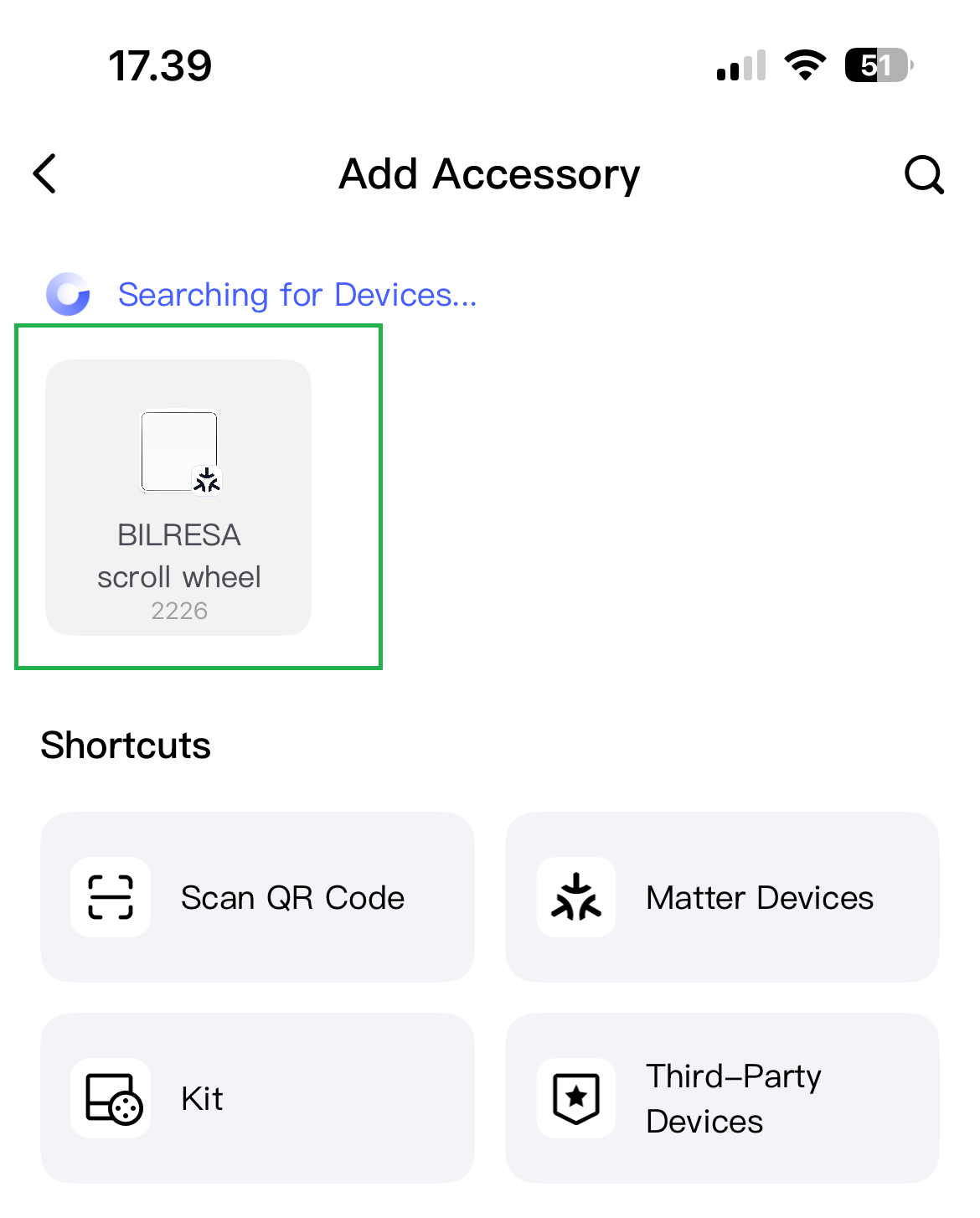
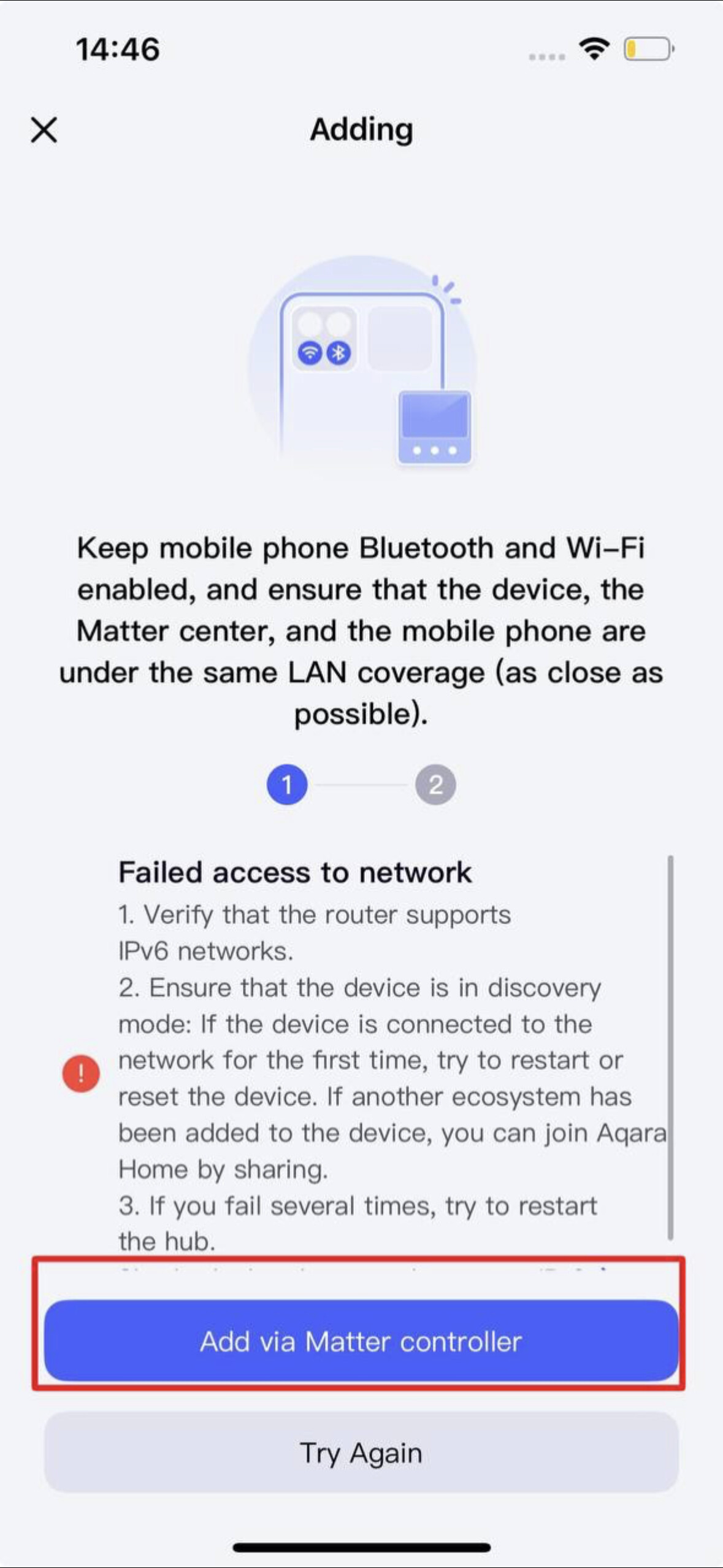
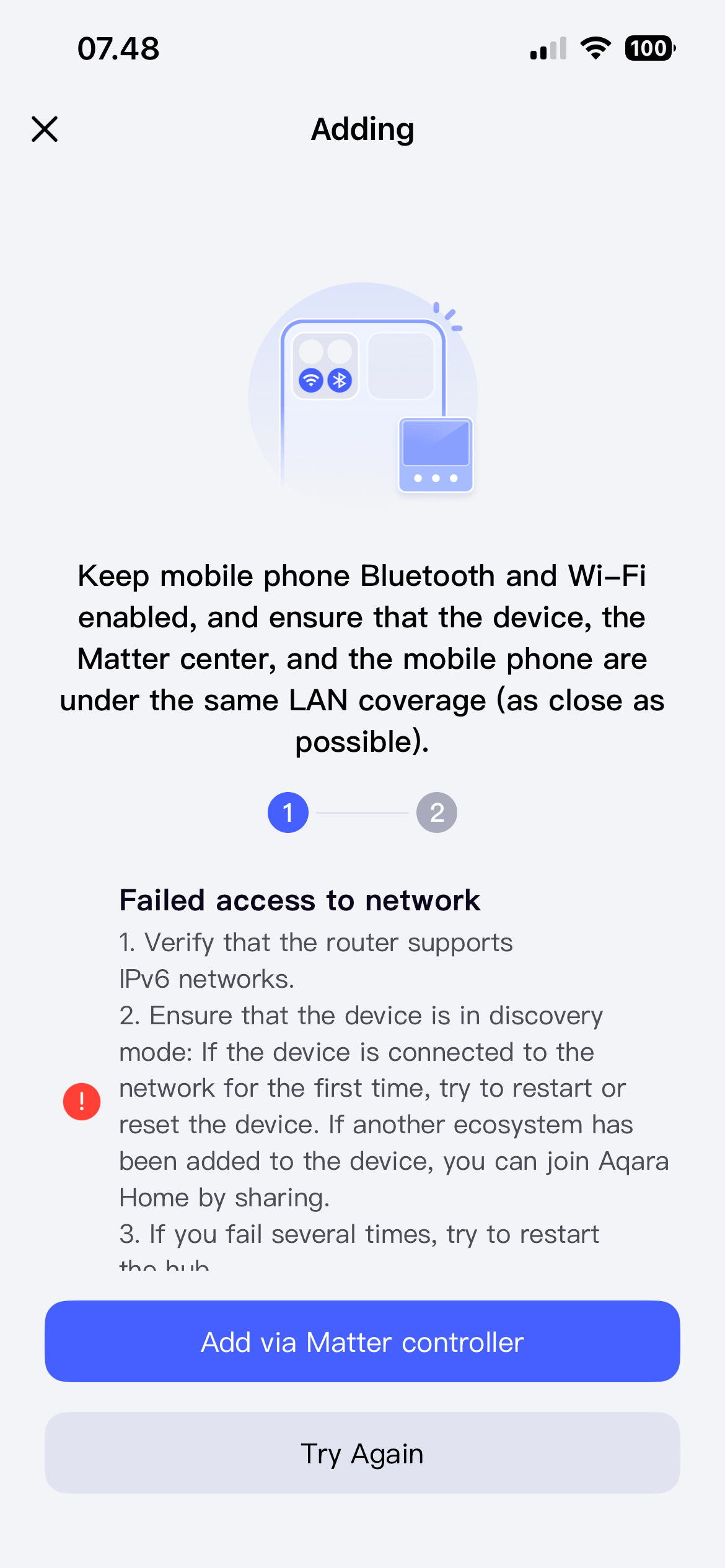
The app can find the BILRESA device when trying to add a new device but after scanning the QR code then the app gives a “Connection Failed” error after a couple of minutes. I tried on both an iPhone and Android phone with the same error.
Hello @thomas30 . I added this device to the Aqara Home app on release day. You should try adding it again, but before doing so, it’s recommended to update the app and hub to the latest version, and reboot the router and M3. If you’ve already added the device to any system and then try to add it to Aqara Home, the “matter” code on the device won’t work. You need to add it to the system where the remote control is already added.
Thanks for your replies and good to hear that it should work. The devices have not been added to any other TBRs. The QR code is what the app wants to scan which for the devices is the same as the Matter code.
I checked and there are no updates to the Hub M3 firmware or the app. My Hub M3 is on firmware 4.5.20_0019 and my iPhone Aqara Home app is on version 6.0.6. Restarting my router or Hub M3 makes no difference – I still get the same error.
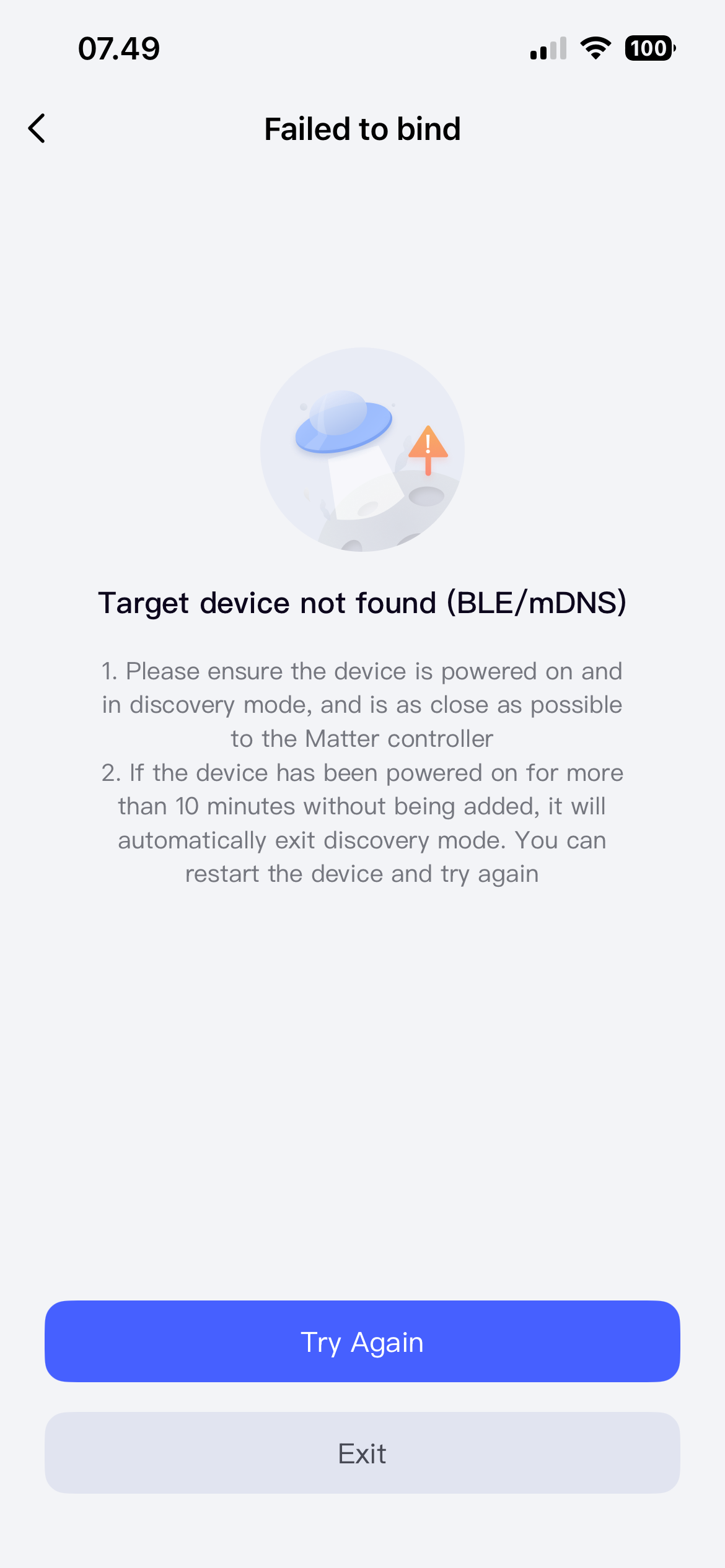
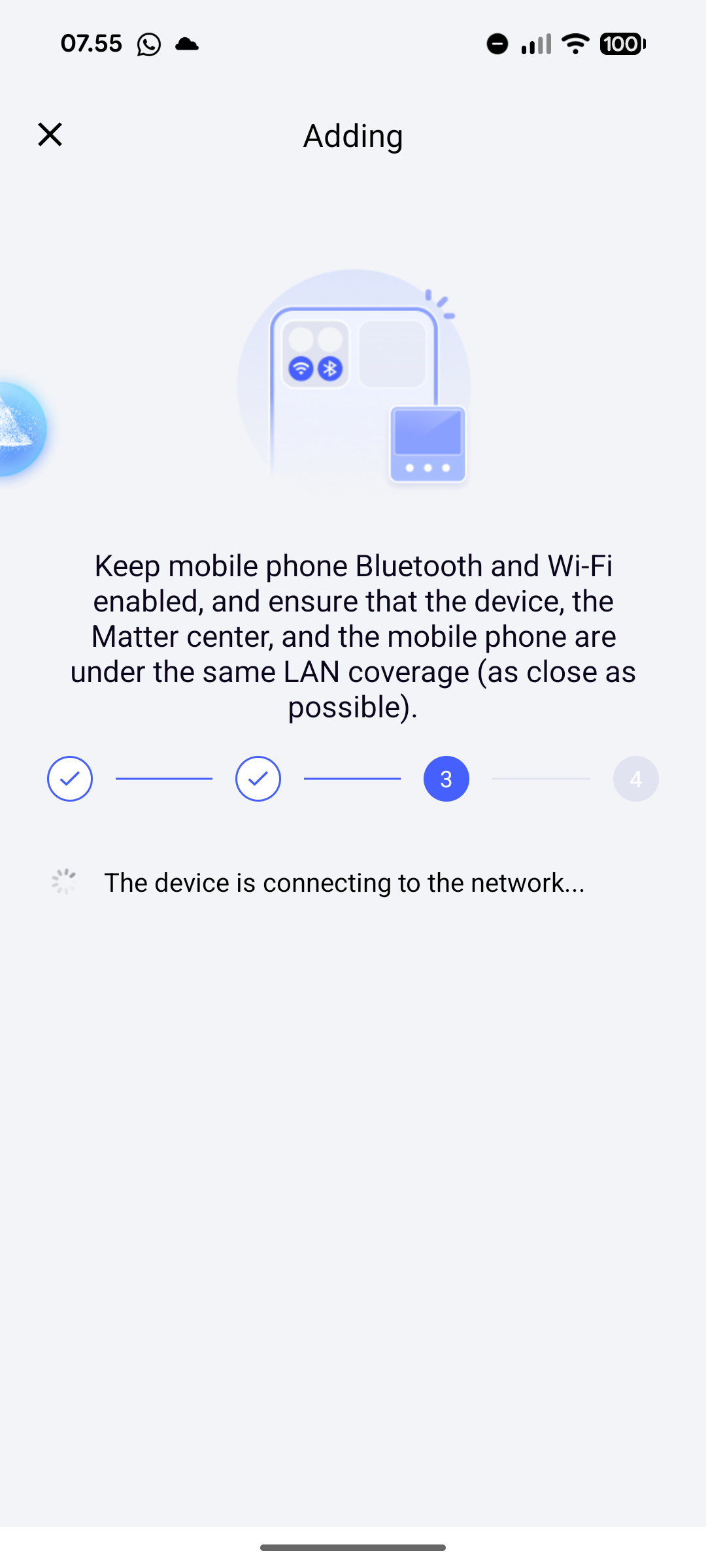
On Android it never gets past step 3. I Tried letting the app run at this setp for +10 minutes but nothing happens. After this time, the BILRESA device stops being in binding mode:
Looks like the binding time is run out already?
I unfortunately don’t have this device but it there a physical button to press again to stay in binding mode?
I think I found the issue. The BILRESA was too far away from the Hub M3. After moving it closer the connection succeeded and I am now able to connect the IKEA devices to the hub.
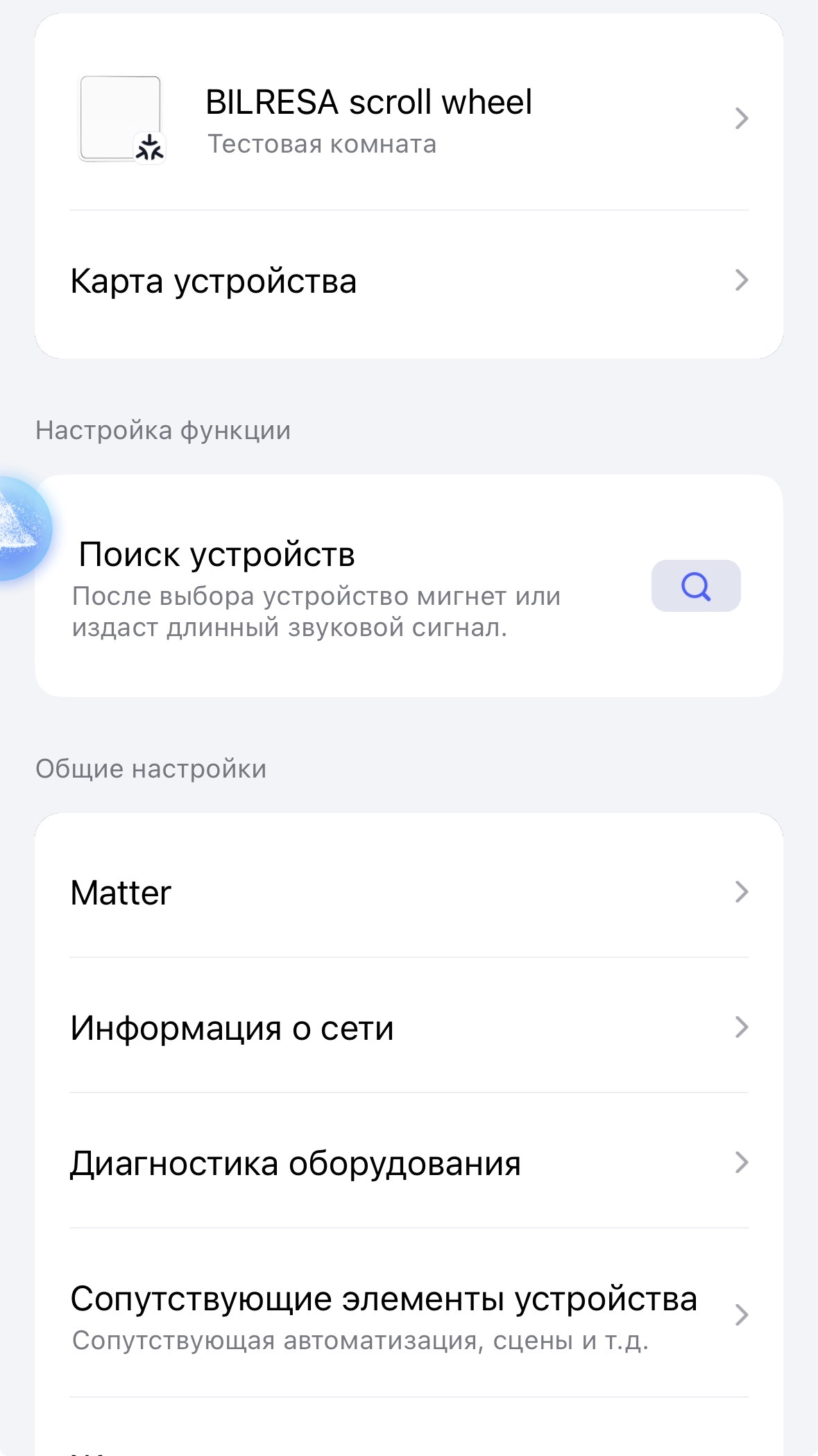
I can therefore now see the BILRESA as matter devices in the Aqara app. But if I click on the Hub M3 under devices in the app then the BILRESA devices are not listed under “Child Devices” of the Hub M3. Here I only see my other Zigbee devices and no Matter devices. Is there a reason for this?
You need a Hub which can act as a Thread Border Router (TBR). To my knowledge the Hub M2 does not support this but the Camera Doorbell Hub G410 should.
Ok thanks. I have some Matter devices connected with my doorbell. I’ve read that the M3 can connect to any device. For instance, it successfully connected to an IKEA Zigbee product. But when I tried to connect the doorbell, I couldn’t find my IKEA air purifier.
Hi,
I’m experiencing the exact same issue with the BILRESA and the Aqara M100 Hub.
When using the Android app, it gets stuck on step 3.
I’ve tried moving the BILRESA closer to the M100, but that didn’t help.
Google Home did manage to pair with it, but that doesn’t solve the problem because the BILRESA has no functionality in the Google Home app.
Hi, I can also confirm. All new equipment that requires switching between Thread and Matter I have to do only with the help of an iPhone. All further settings I do from Android.
Finally I could add both the two button and the wheel Bilresa remotes to my M3.
Keep pushing the small button between the batteries to keep the remote active otherwise it goes to sleep mode and pairing fails.
Now the programming on the wheel remote I am struggling because no wheeel button recognized but 9 big/small buttons/switch with single/double/long press options.
Dont really know how the bottons work…is there a grouping ? Or what are those 3 leds represents?
I can remote three devices by changing/selecting with button under the wheel?