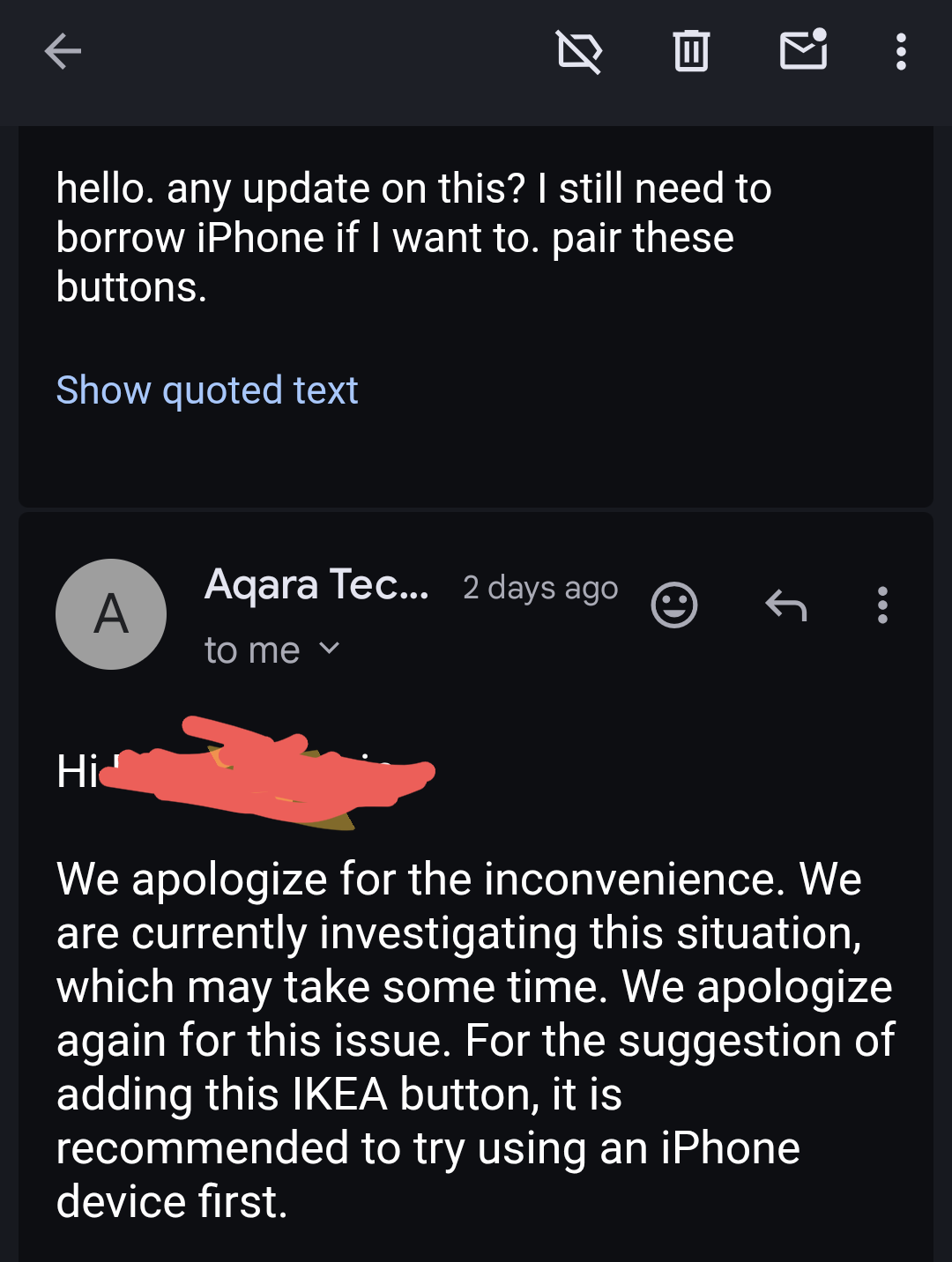
So, I’m not sure if you are aware, but neither of them pairs with the Android app; they always get stuck on the 3rd or 4th stage. However, they pair without any problems with the Apple app.
Hello, yes, I also confirm that a number of devices where you need to switch from Thread to Zigbee are installed only from the iPhone. Android is not suitable, it stops at a certain stage.
6 Likes
I was only able to pair a new Ikea water leak sensor with the Android app, but it took me like 10 attempts. I was about to return all of these devices, but I borrowed the iPhone, and everything worked perfectly.
I hope it will be fixed soon 
Edit: I had no problems pairing it with tuya android app and Google Home Android app, and using their Matter controllers, but I wanted to use the Aqara app, due to the best automations.
7 Likes
It’s easier for me, my wife has an iPhone, I’ll temporarily confiscate it from her at the time of connection🤣
9 Likes
Hi, and after pairing (scroll wheel) You see scroll wheel (rotate in automation) function (in Aqara app)?
7 Likes
It was working yesterday, but today is not responsive anymore, and wheel is programmed as single and double click, middle click is still working
edit: scroll is basically useless, it won’t trigger anymore when I scroll the wheel
6 Likes
Eureka, to make it work you need to scroll wheel minimally, to hear only one click while scrolling. If you scroll more than 1 click, you will trigger double click, if it is 2 clicks on the wheel, but if you scroll until you hear 3 clicks it won’t trigger anything at all.
Here video for single click trigger, and yes, if you scroll more it won’t trigger single click automation:
Edit: Ok, to trigger double click you have to move wheel like that:
until you hear 2 clicks, if you scrool more, for example 3 clicks it won’t trigger any automation.
Ok, so it’s 21 independent triggers. Hope that post will help everyone.
11 Likes
This is cool, but how to count 19 automation, can you make a video🤣
Just kidding😊
6 Likes
hah ;d
here video of all triggers for IKEA Bilresa Scroll:
6 Likes
Anyway. it is almost not possible to control brightness of the bulb with that scroll.
You have to just stop after one click or 2 clicks and wait, and do it over again, if you scroll too much nothing will happen
5 Likes
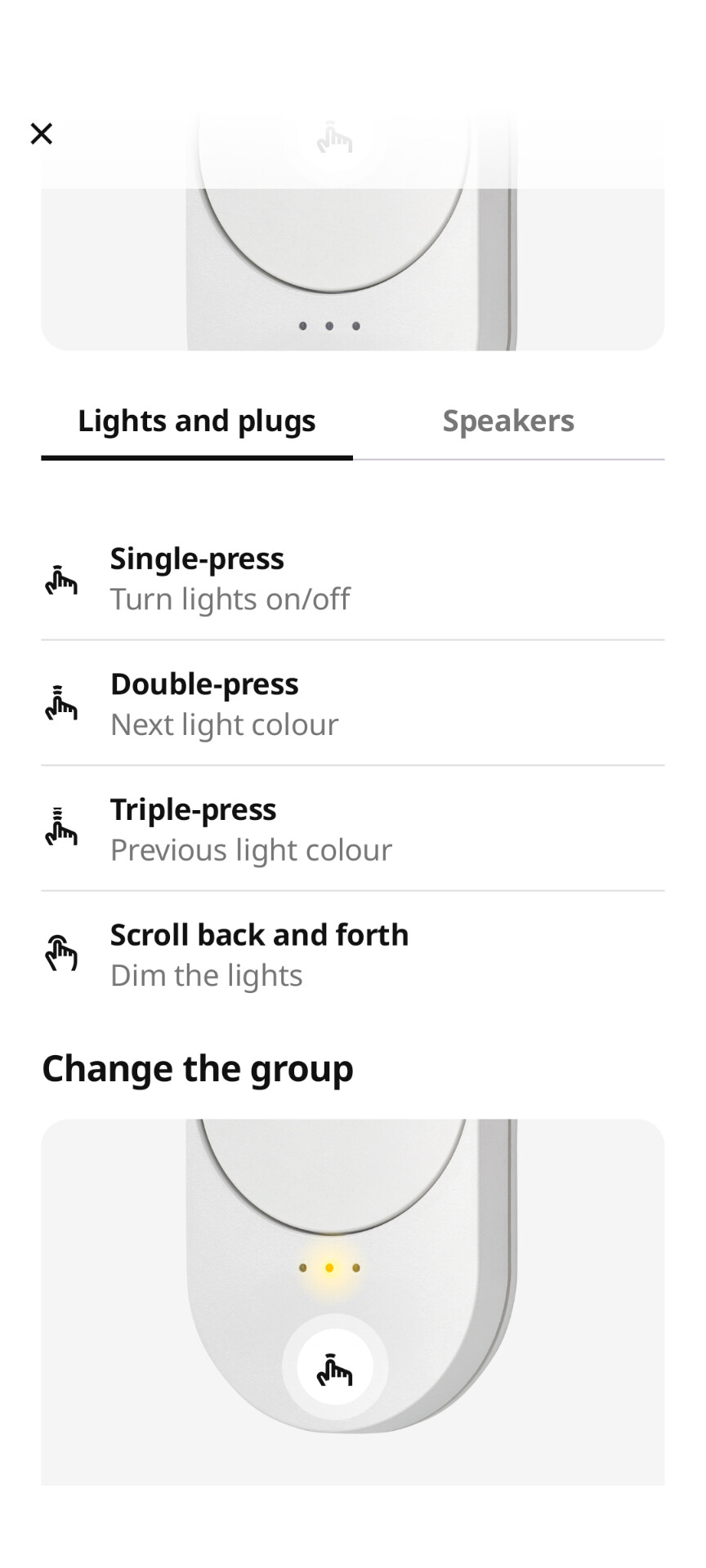
This is how it works in Ikea system and can steer easily hue lights. Matter is still weak. Aqara implementation still has way to go
6 Likes
I still can’t believe matter standard didn’t add native support for scrolling left and right.
1 Like
Exactly. And ikea scroll it is not only not avail in Aqara, same for Google and Smart Things. Either matter sucks or it is wrong implementation by Ikea
2 Likes
it’s matter fault, just wheel is not supported correctly yet, IKEA just used workarounds
1 Like
I really wanted to steer my Hue with Aqara. Actually can do that only with S1plus. Checked with s1, s1 e and s100 - no support to matter lights, really a pitty
2 Likes
In SmartThings you can use my custom driver that exposes the scroll events and includes lots of automation options. I don’t know if it’s possible to extend Aqara support for devices like in other platforms or you’re just limited to what Aqara offers.
2 Likes
What about the IKEA light bulbs, are they fully compatible?
yes, working ok
Absolutely agree