When I bought the Aqara G410 doorbell, I knew it would integrate perfectly with the Apple ecosystem. And indeed, the integration with HomeKit works remarkably well.
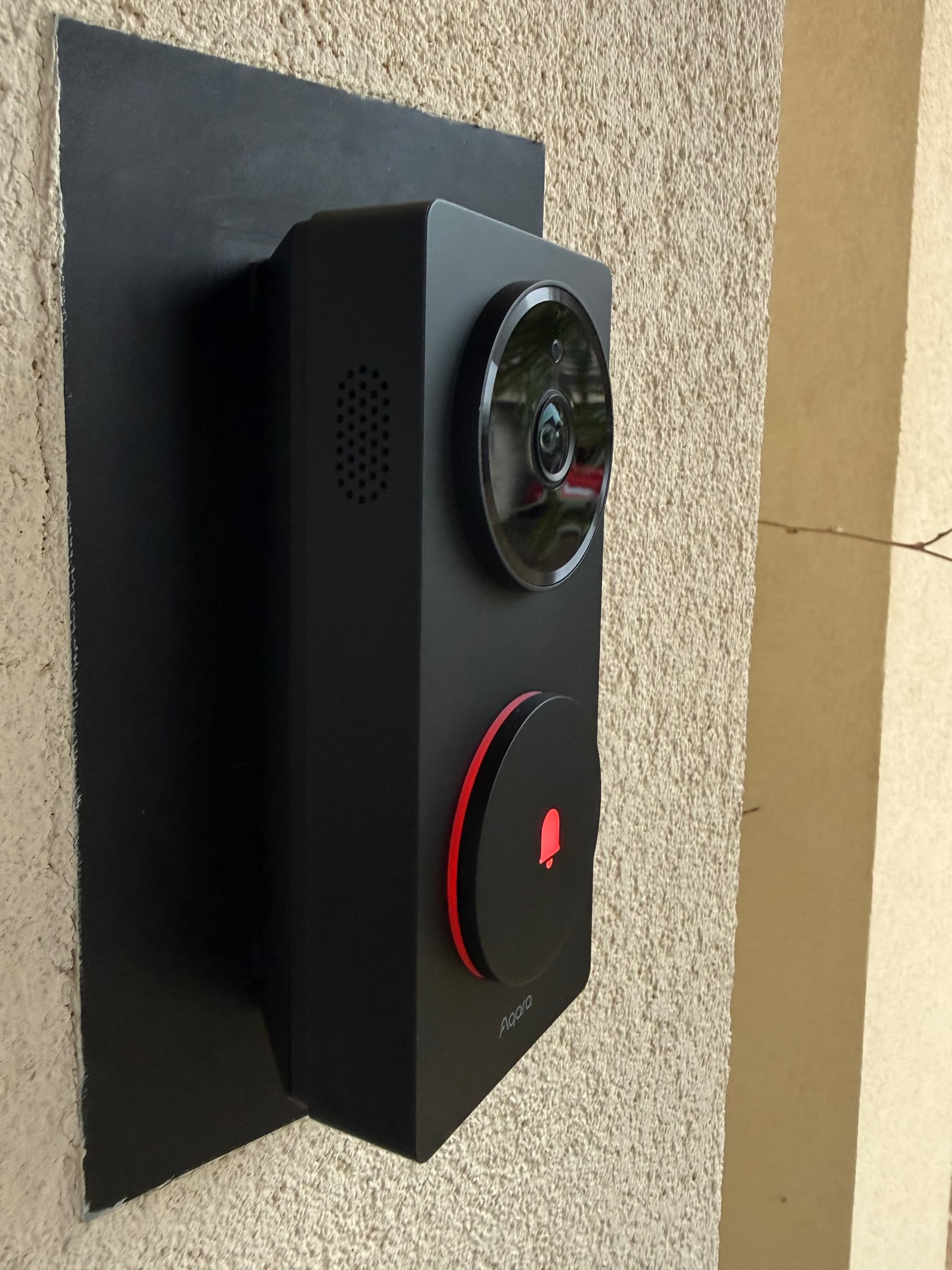
Once added to the Home app, videos are recorded in HomeKit Secure Video. Face, vehicle, and package recognition is reliable and brings real day-to-day convenience. The whole experience is stable and consistent, and from that perspective, I am very satisfied.
But like many “advanced” users, I don’t limit myself to a single platform. I also use Home Assistant and Homey Pro for other home automation needs, which led me to explore different ways to integrate the G410 into these environments.
Integration via HomeKit: a workable but restrictive solution
The first approach is to go through HomeKit. It works, but it comes with an important limitation: a device can only be paired with one HomeKit instance at a time.
In practice, to use it in Home Assistant or Homey Pro via HomeKit, you need to remove the doorbell from your existing HomeKit setup and put it back into pairing mode. This can be inconvenient if you already rely heavily on the Apple ecosystem.
In Home Assistant, you need to use the Apple HomeKit Controller integration to add the device.
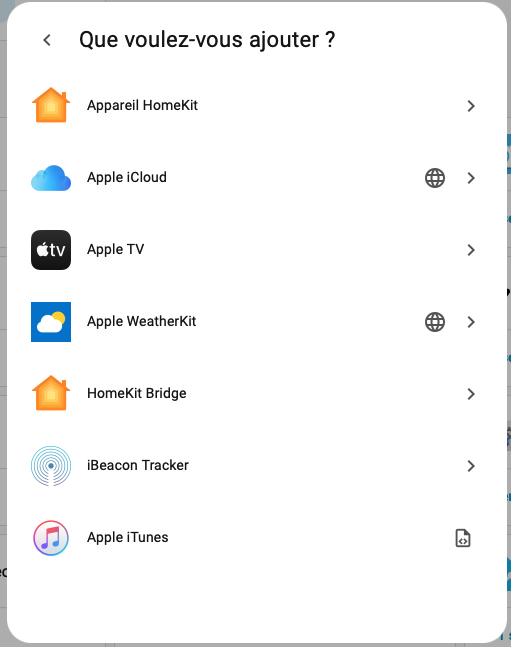
In Homey Pro, you can install the HomeKit Controller app and then add the doorbell.
Another approach in Homey is to create a virtual button that is triggered via HomeKit when someone rings the doorbell. This method works, but it is relatively complex to set up and not very elegant.
Fortunately, Aqara offers a more modern approach.
Integration via Matter with Aqara: a much more promising approach
The second method relies on Matter. Aqara has taken the lead on this matter by allowing certain events to be shared via Matter.
The prerequisite is to have an Aqara Matter router. This can be the G410 itself or a hub such as the Aqara Hub M3. This is the setup I use.
If your hub is not yet connected to your platforms, go to the Matter section in the Aqara Home app, get the pairing code, and add the device to Home Assistant or Homey.
Once paired, the doorbell usually does not appear directly as a doorbell with all its features. It is typically exposed as a generic Matter device, without immediately usable events.
The key is therefore to share automations.
Creating automations and exposing them via Matter
The idea is to create signals in Aqara Home and then synchronize them via Matter. These signals will then appear in Home Assistant or Homey as usable sensors.
Here is the procedure.
- Open the Aqara Home app.
- Go to your profile.
- Select “Connect to ecosystems”.
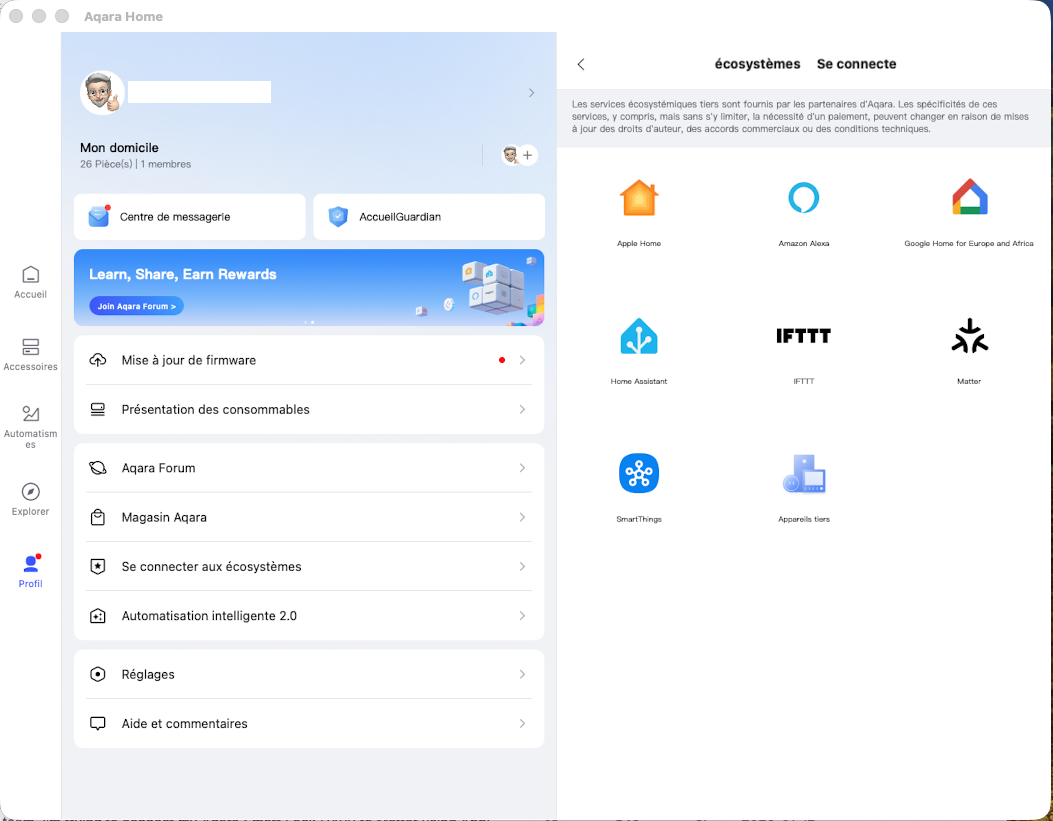
- Open the Matter section.
- Go to “Scene and Signal Synchronization” (experimental feature).
- Open “Signal Management”.
(your should be empty)
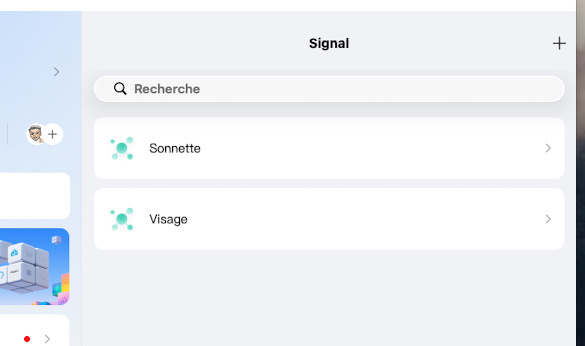
- Tap the add button to create a signal.
- Define the condition, for example when someone rings the doorbell.
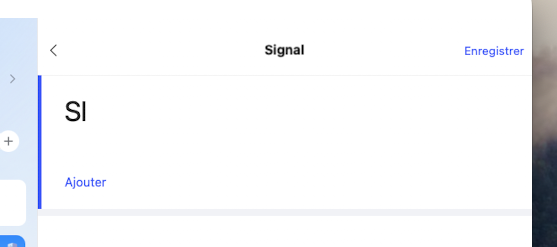
- Give the signal a clear name, such as “Doorbell” or “Face detected”.
- Save.
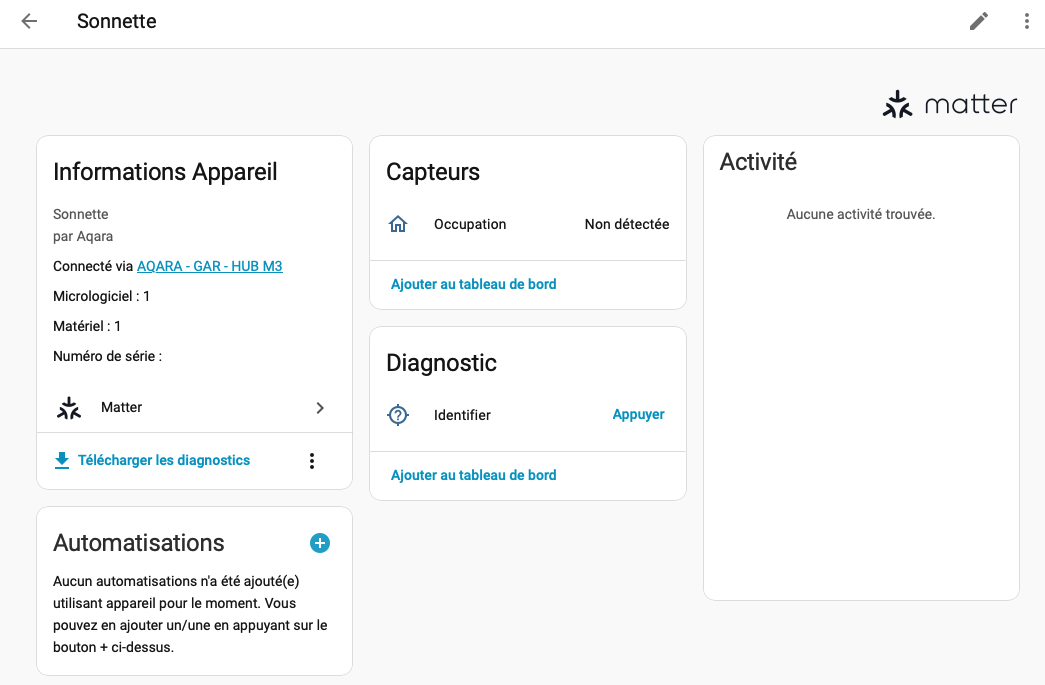
As soon as it is saved, the signal usually appears in Home Assistant or Homey as a detector or virtual sensor.
In home Assistant: (in the Matter Section)
In Homey:
(It appears to be a motion detector.)
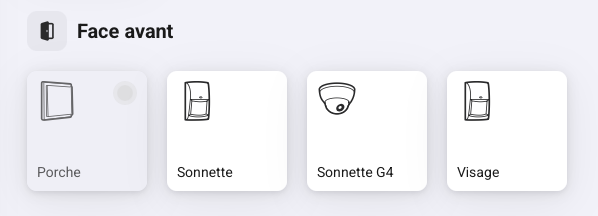
You can now use them as a detector in HA and Homey scripts/ Flows.
You can repeat the process to expose different events, such as face detection or other alerts.
An experimental but already very useful solution
Even though this feature is still marked as experimental, it already makes it possible to effectively use the Aqara G410 doorbell in third-party platforms.
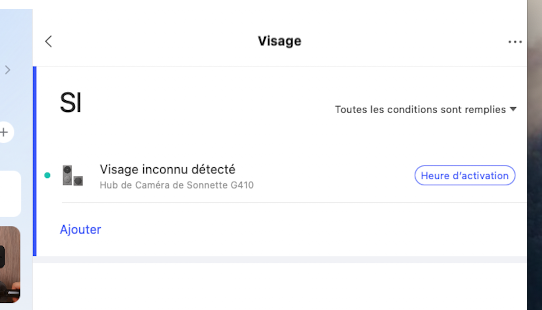
In my setup, for example, I created a specific signal for face detection, which allows me to trigger advanced scenarios in my other home automation systems.
Like an unknown face detection:
I have not tested this approach with Google Home, but given how Matter works, similar mechanisms will likely be possible as implementations continue to evolve.
Hope this helps.