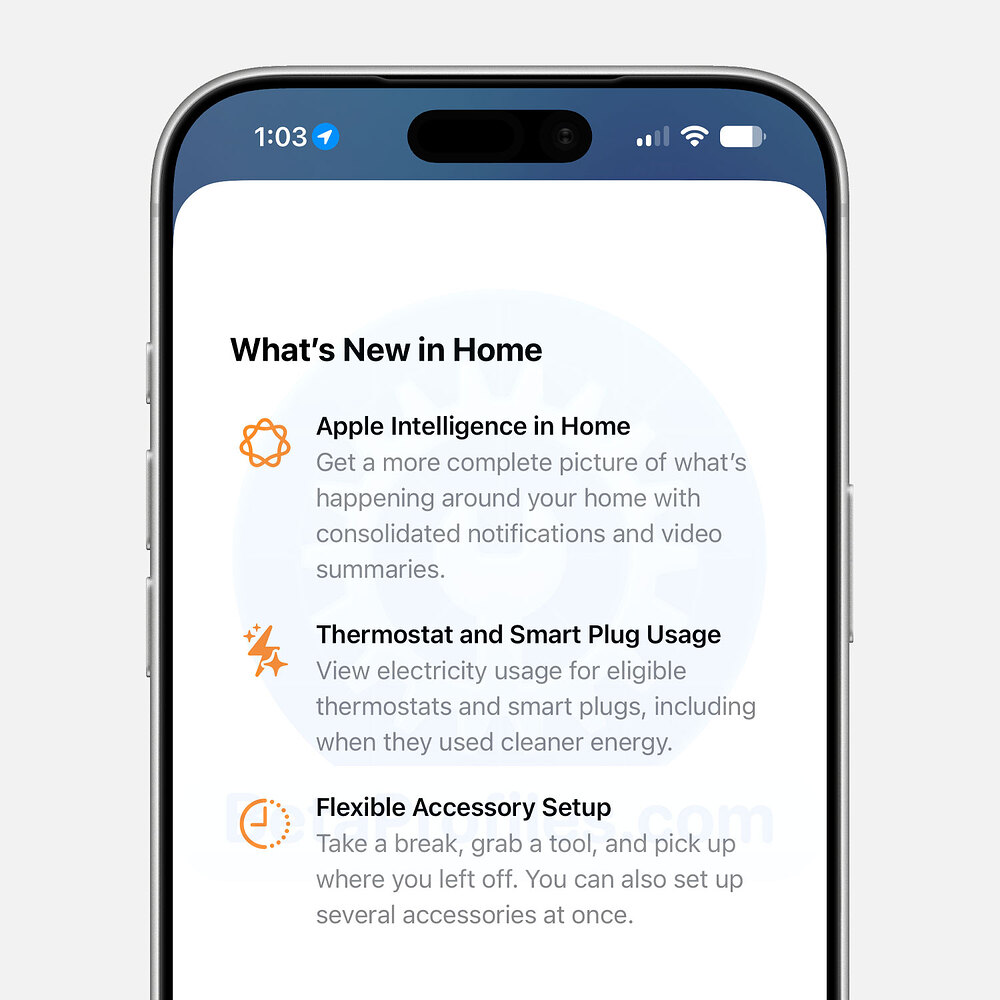
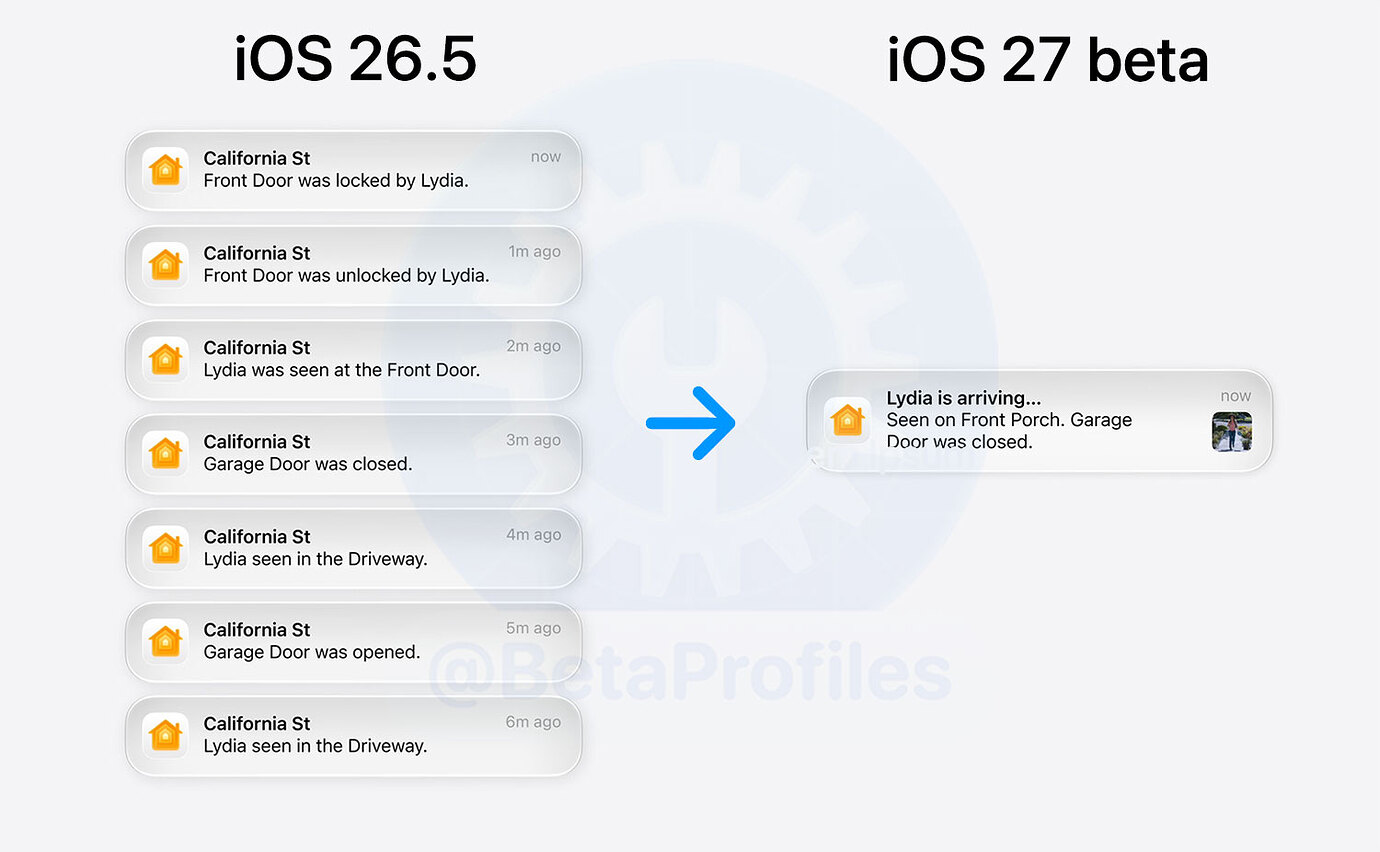
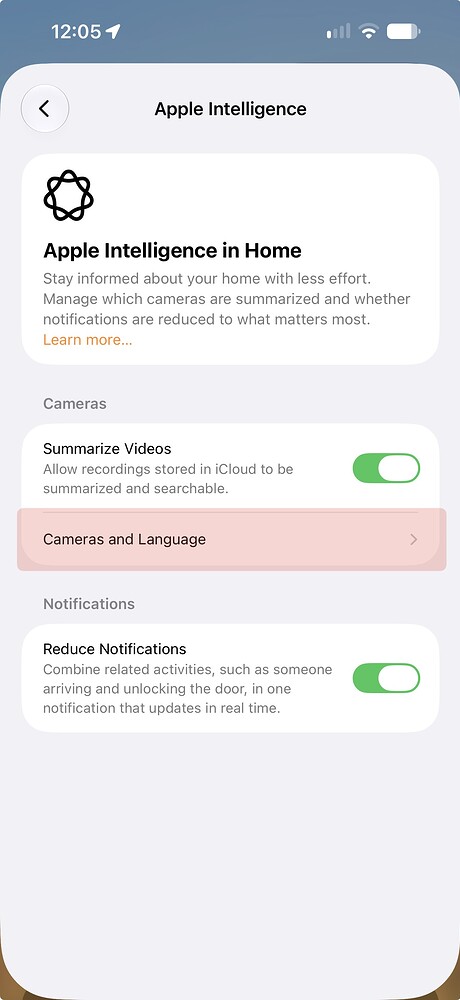
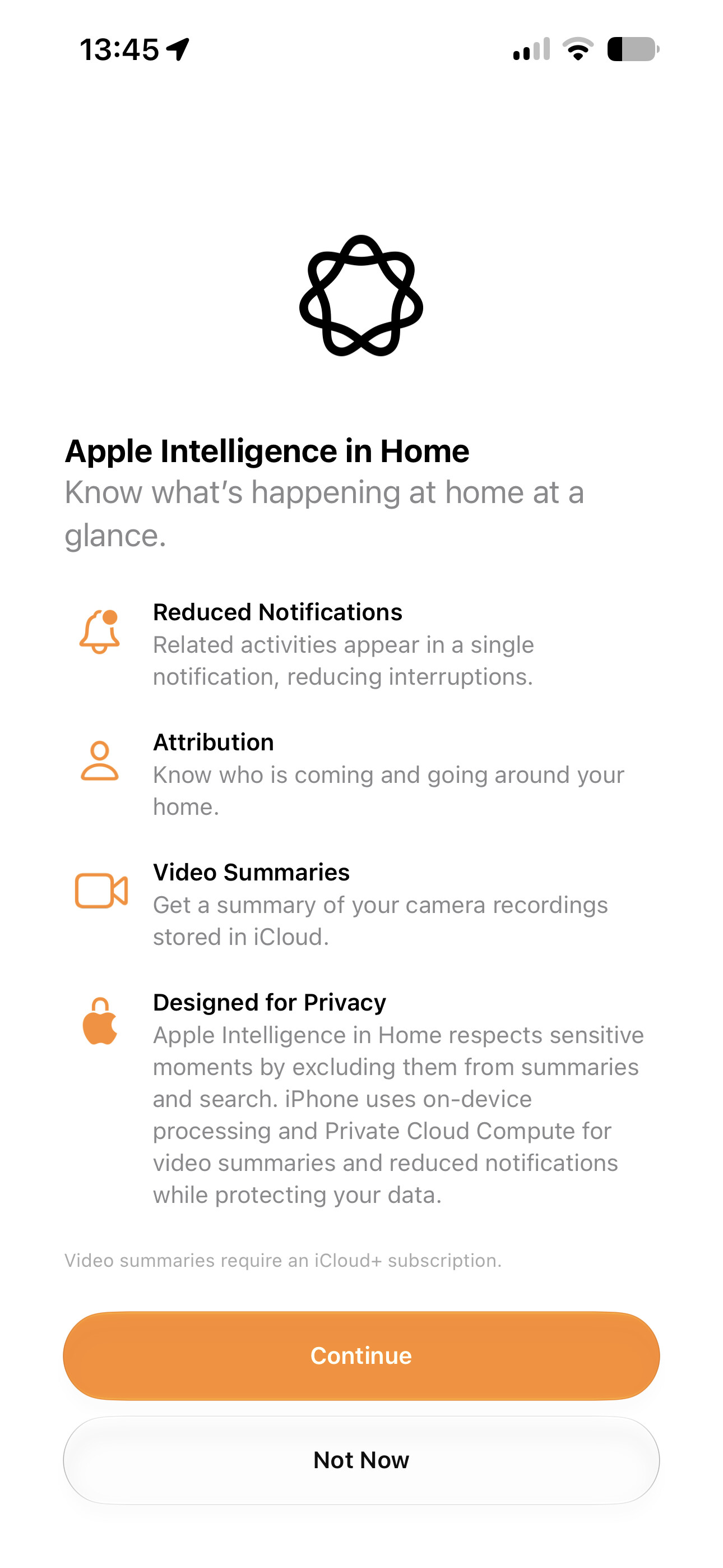
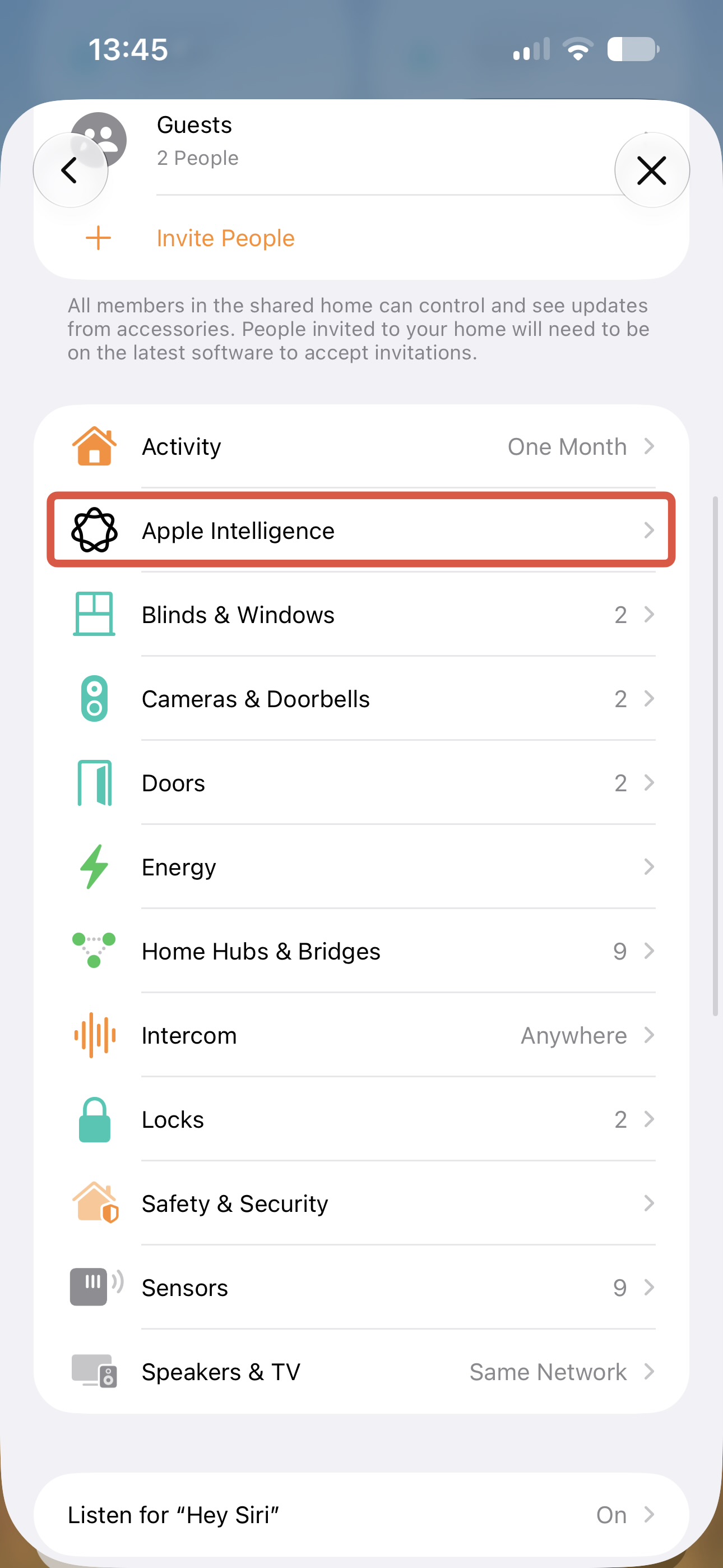
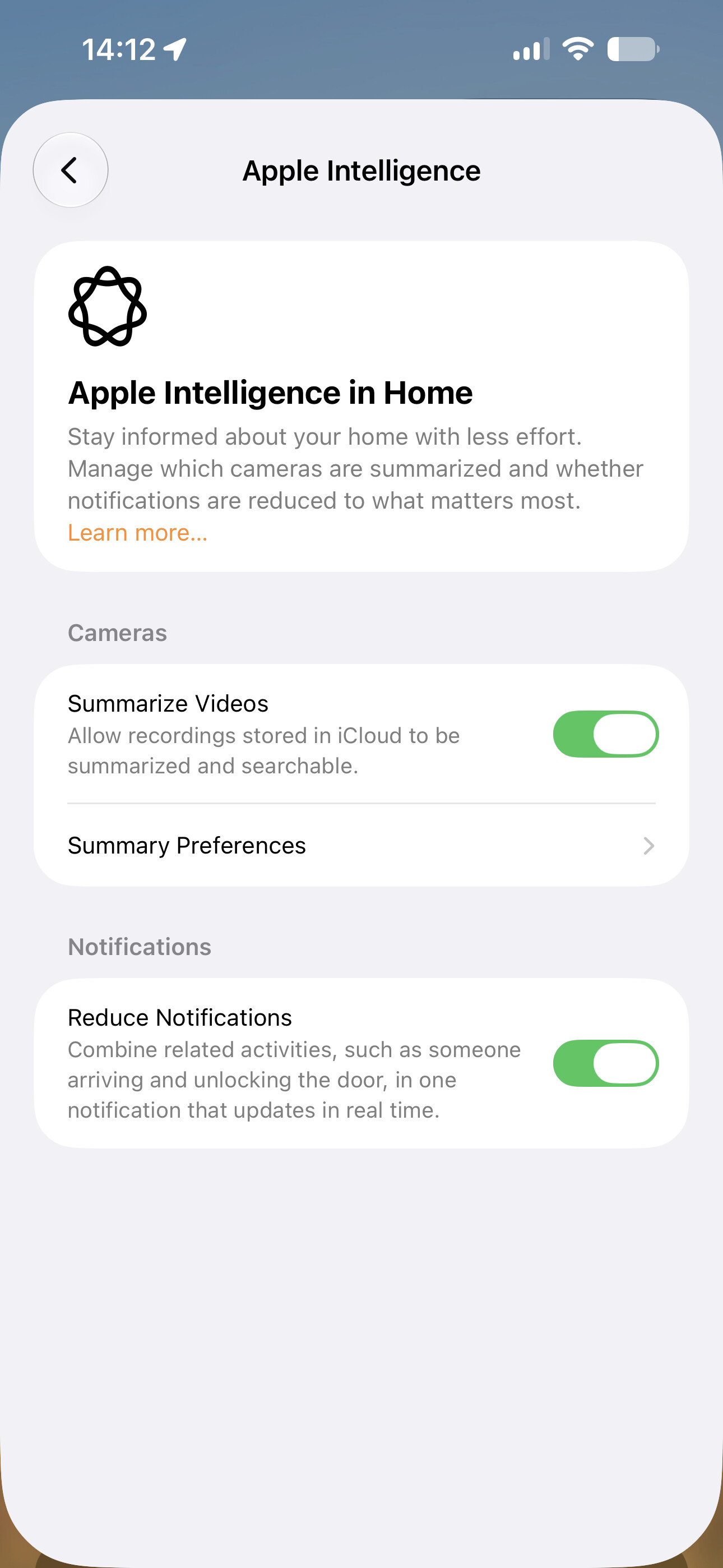
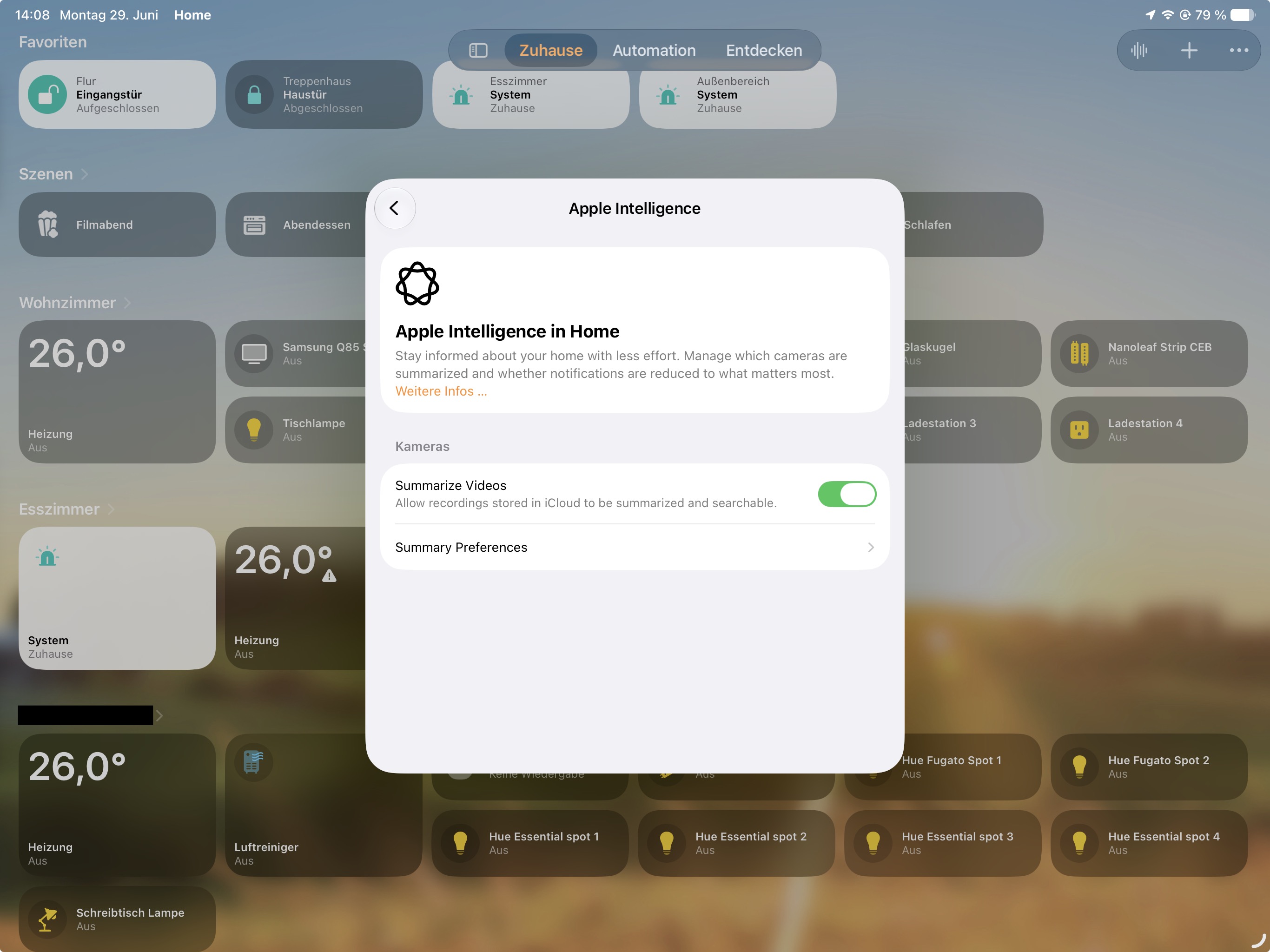
Apple Intelligence now summarizes your notifications and updates them live based on your activity in your home. This helps to reduce interruptions and keep you focused.
Requires Home Hub updated to tvOS 27 or HomePod Software 27
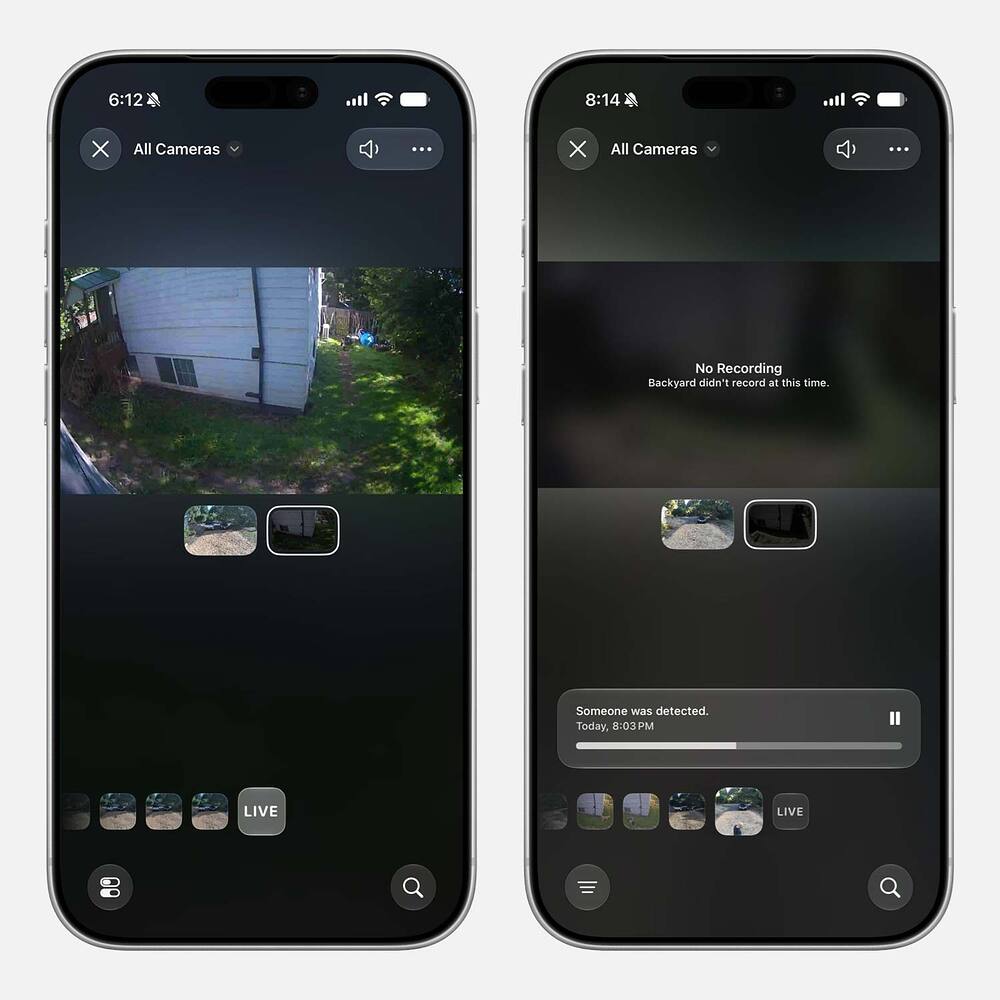
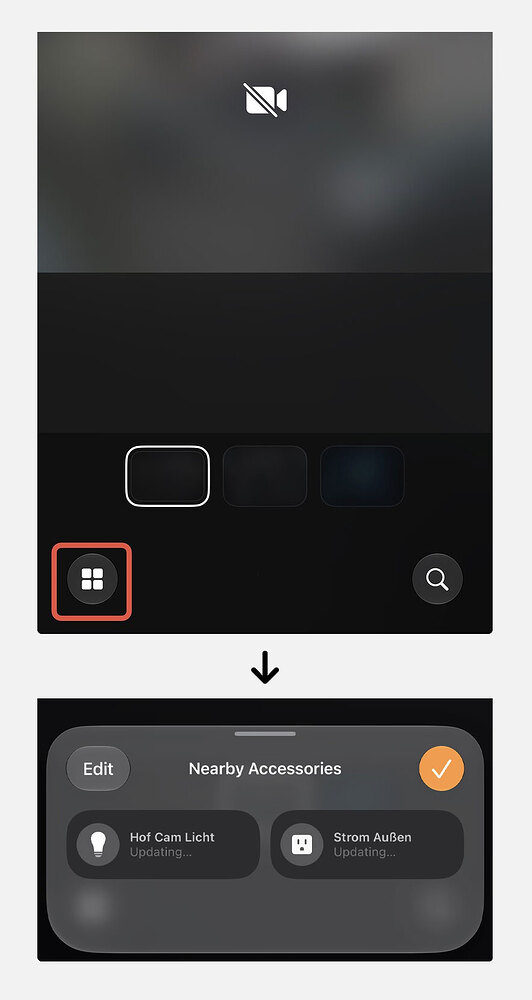
Updated Camera Streams with 4K Support
Apple added the support to stream and record your Camera Streams in 4K quality.
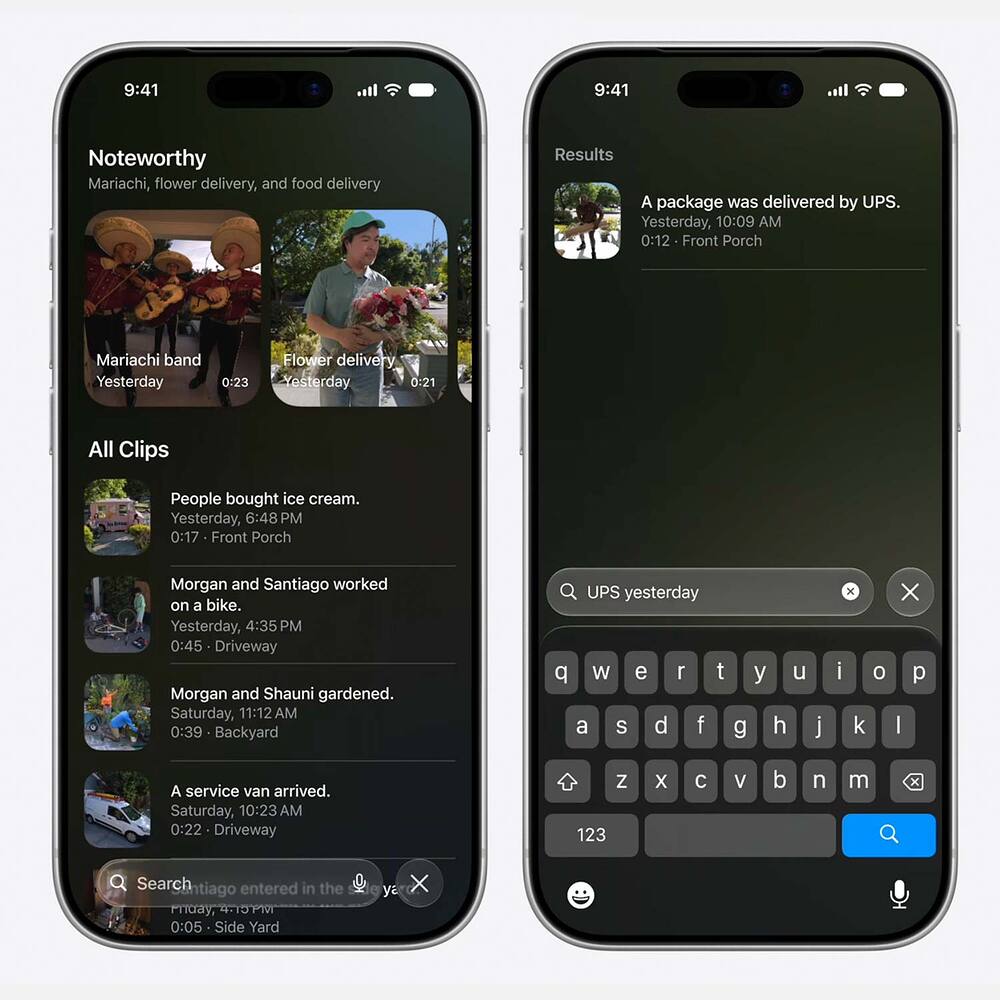
Apple also redesigned the Camera Stream Interface and added for Apple Intelligence to Generate Video Descriptions and a search button to search for your videos.
Apple Intelligence also switches between multiple Camera Streams if you’re watching your recorded clips.
Now for the Aqara Team:
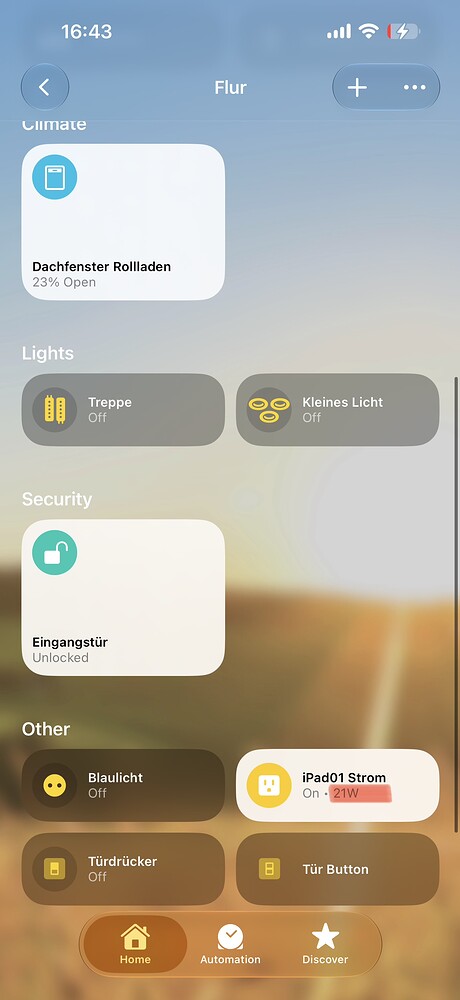
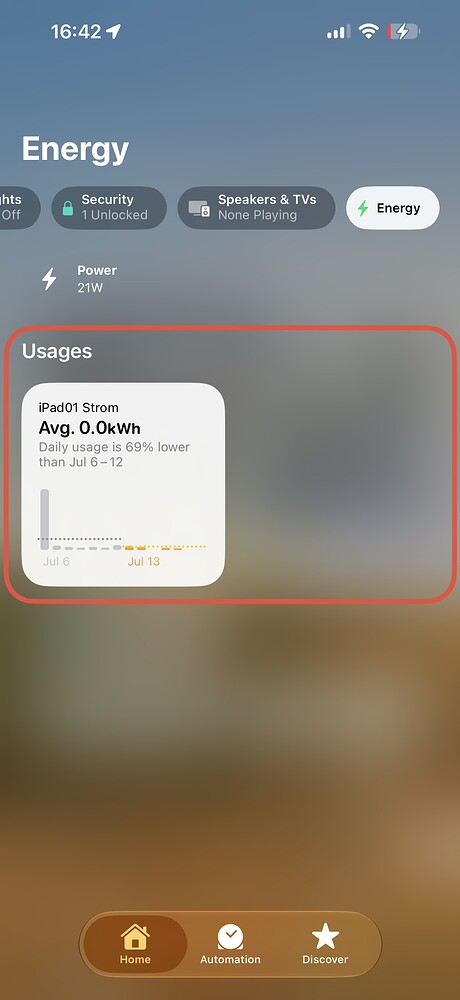
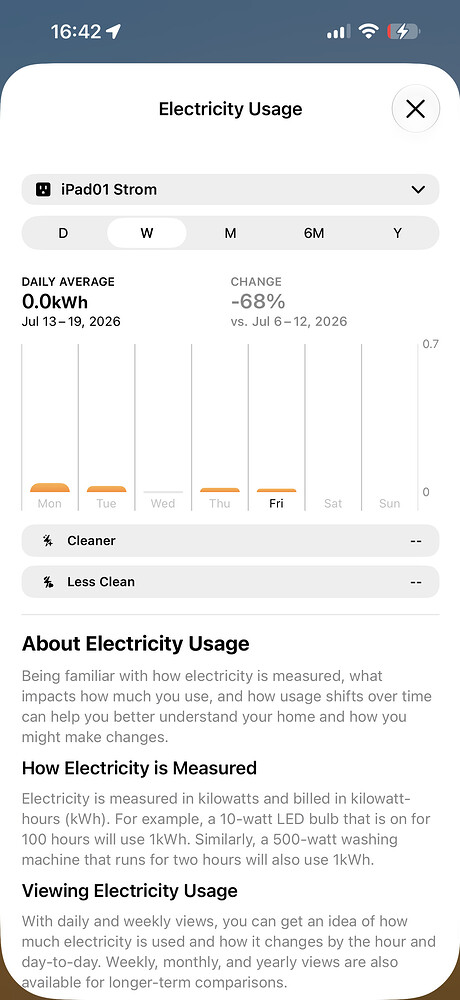
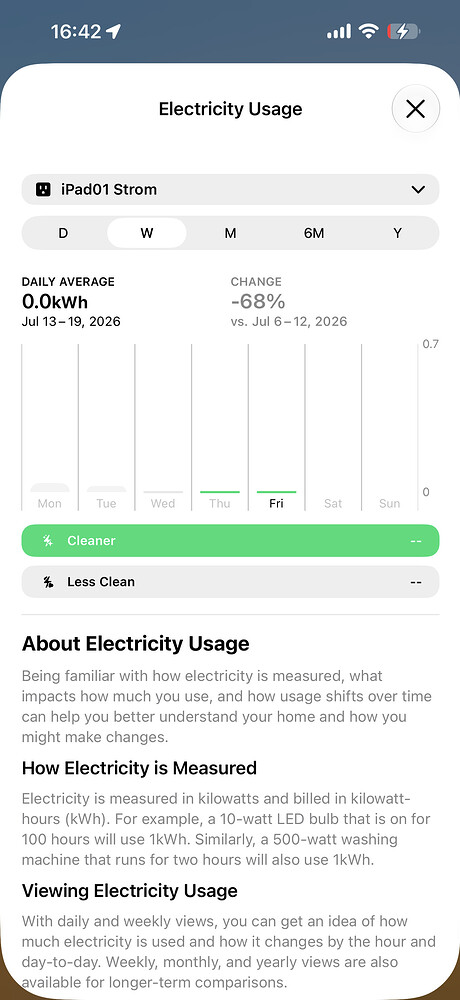
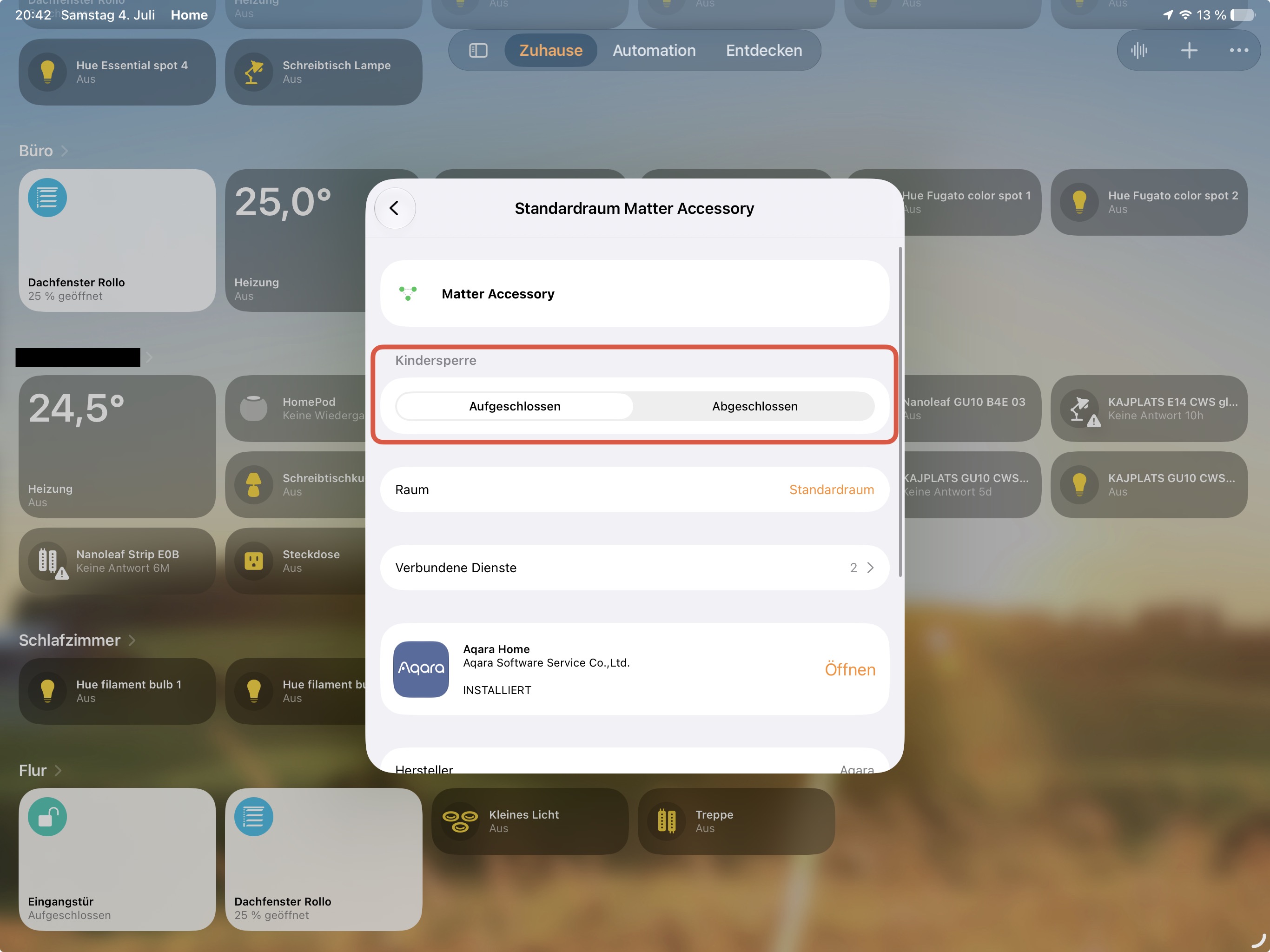
It would be nice, if Aqara Cameras would stream in 4K (when they don’t do it yet) and that smart plugs and switches would deliver the energy consumption with the HomeKit Connection to Apple Home and not only via the Matter Protocoll.
Image Credit
@betaprofiles
Cameras and Languages
AI Summaries are available in many languages. Not just English. It also requires an iCloud+ plan with at least 2TB.
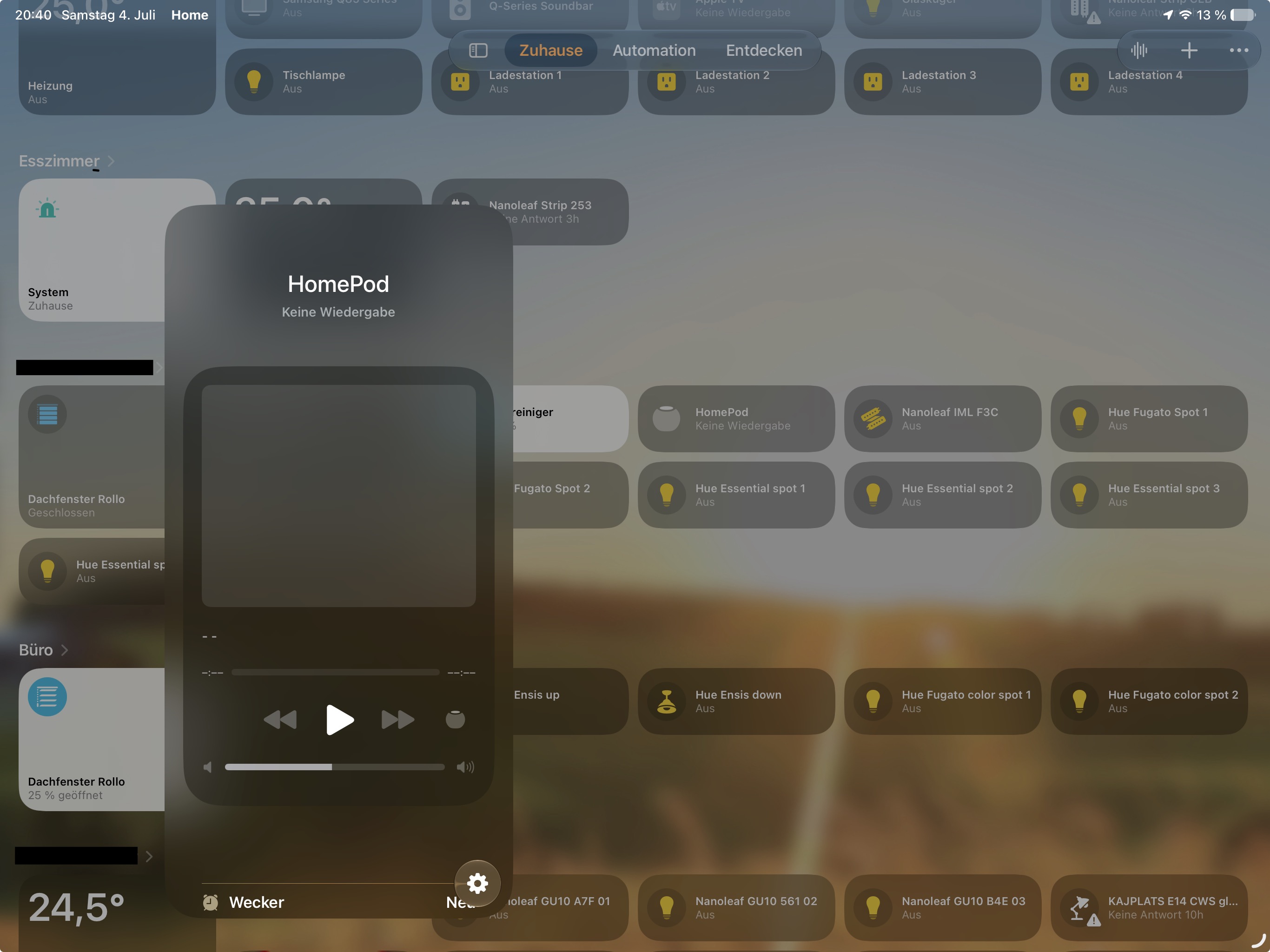
Will we finally get text to voice via homepods? I don’t understand why homekit access to homepod speakers weren’t a core part of homekit from the beginning.
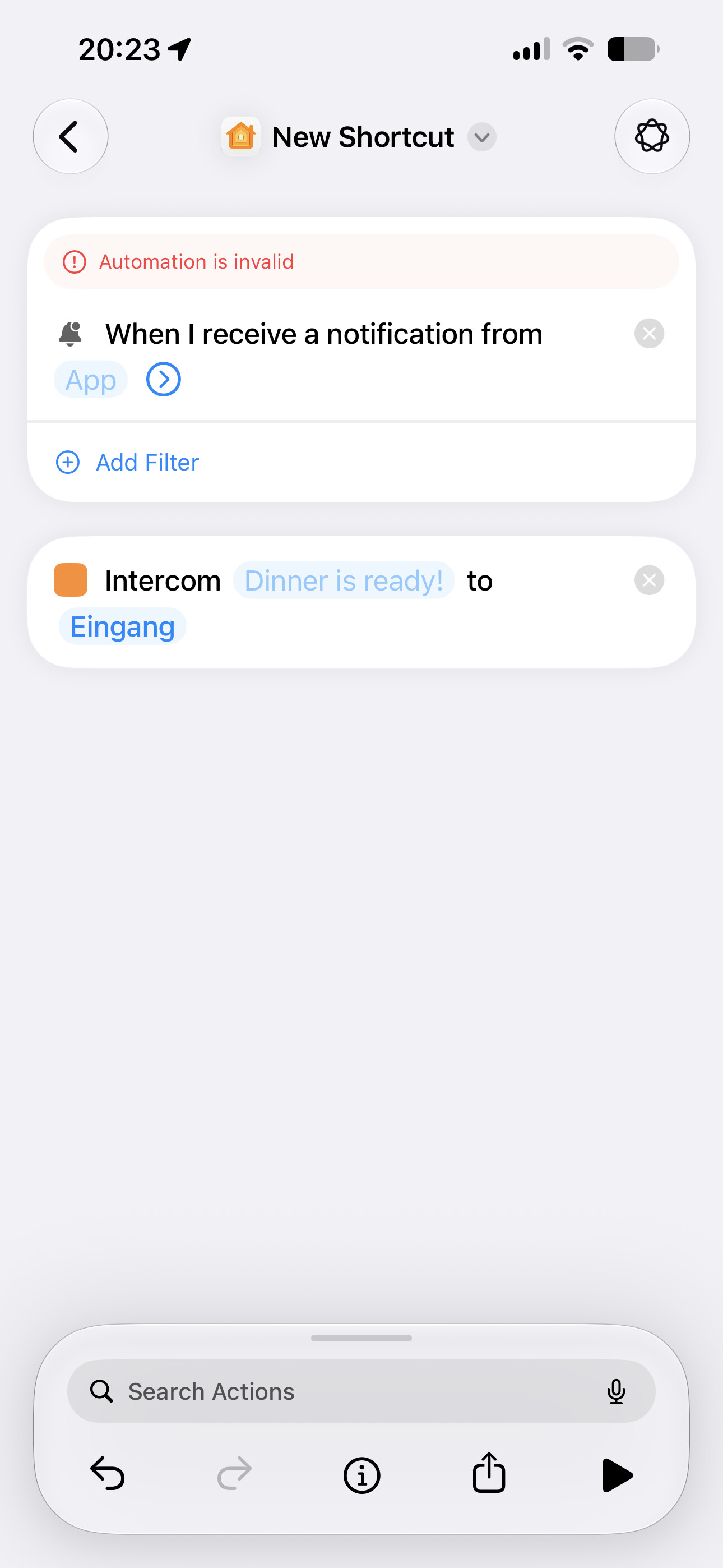
Unfortunately not. Apple doesn’t added the option to send an Intercom via the HomeKit Shortcuts.
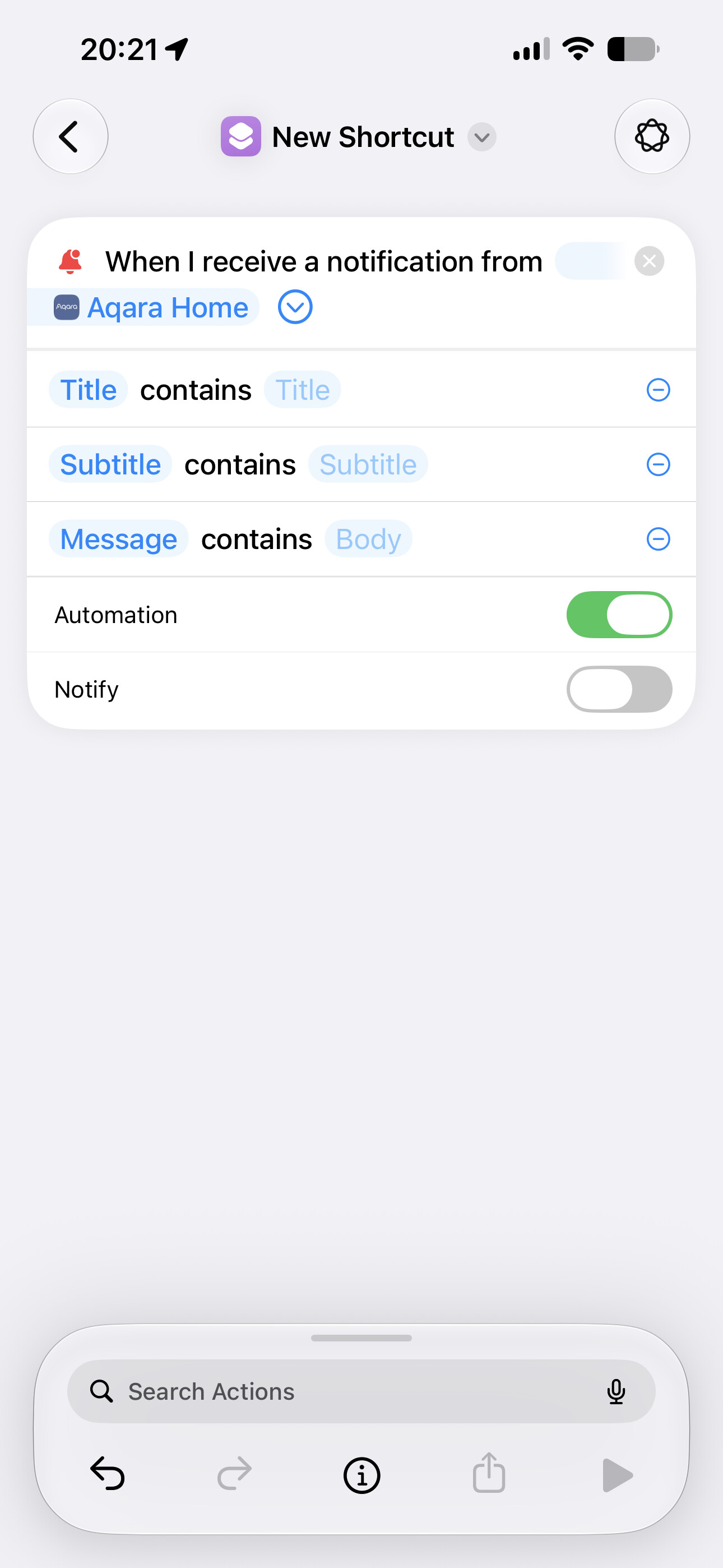
But you can use the new Automations Trigger if you have an always active (always connected to Wi-Fi / Ethernet) device with anyAppleOS 27 you can send Intercom to your home.
Combined with some filters you can automate your intercoms, as long as your device is connected to your local network and your Aqara Home / Home Assistant Notifications arrive.
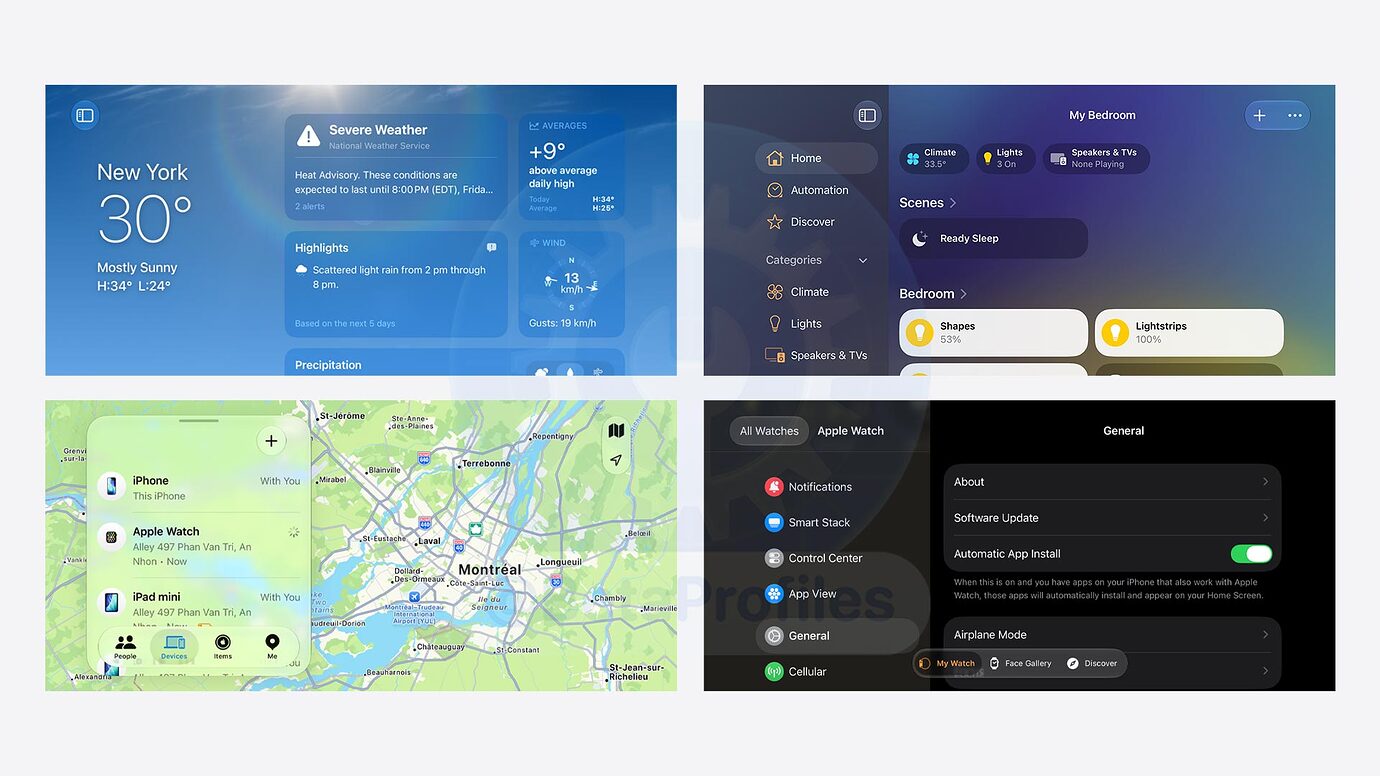
I appreciate any update on the Apple Home features
I came across an article on Macrumors that says Apple Intelligence Home features requires a 2TB iCloud+ plan
Well I already using ios27 RC and I have to say that is fast my only issue is that is still not well optimized as my batterie is draining a bit faster then on ios26 more from no were Apple home app drains batterie during the night when the phone is on standby and I have no idea why I eliminate my G3 camera as I thought was the issue but it isn’t as las night apple home app drained 20% of batterie.now I eliminate the E1 hub and Aqara air quality monitor S1 from my home app and see this night as is will still draining I my have erase all my home from apple home app and treads then all back witch will be an pain and hours spend to add each device again.so yeah ios27 brings many improvements under the hud and some new features but also some batterie issues.
Well I didn’t had this draining with beta1 and 2 all started after the beta 3 then when I saw that beta 6 was same I downgrade to ios26 till the RC was released and I have to say that on ios26 .6.2 didn’t had issues with batterie draining during the night but since I update to ios27 RC it started again and when I look into the batterie what drained it shows me apple home app 20%, find my 1%,homescreen 1% and do not remember what was the other one that drained 1% so last night my phone dropped 23% of batterie on standby. Is weird because I do not understand why or what makes apple home app to drain sow much is why this time I eliminate the E1 and Aqara air quality monitor S1 since this send information during the hole day mostly during the night is where send more info when the CO2 rise on my bedroom but still I am not 100% if this is the issue.by the way I have an iPhone 15 pro with more then 930 charges and 84% batterie capacity but even sow I can go with it the hole day but because during the night drops that much well lets say that during the day I have to charge it my be 2 times depending how much I use my phone
I have an iPhone 15 Pro Max too. My battery has around 700 cycles and a maximum capacity with 87%.
My battery is even more efficient with iOS 27
You should probably create an issue in Apple’s Feedback Assistant App.
I already did that back on beta5 and beta6 and even send them screenshot of the battery info and nothing.but what I learn from my experience with apple support is that you need to fix their issues as they have no idea what they are doing.now what I did today was that I erased the apple home app from my iPhone and install it again from AppStore also I reset my Apple TV 4K and my 2 HomePod mini and surprise now I got apple intelligence on apple home app witch I had it back on beta1/2 but then from no were has gone.now looks like the home app works and load a better then before will see how it goes tonight if will still drain my battery.
For the Apple Intelligence Features in Apple Home, at least one of your Home Hubs (Apple TV or HomePod / mini) need to be updated to tvOS 27 or HomePod Software 27.
Hope it works for you now.
All were updated to ios27 but on some point that disappeared back on beta 3 I think and now that I restore all it appears again weird.even before everything was working fine the only thing was during the night were apple home app drained 20%