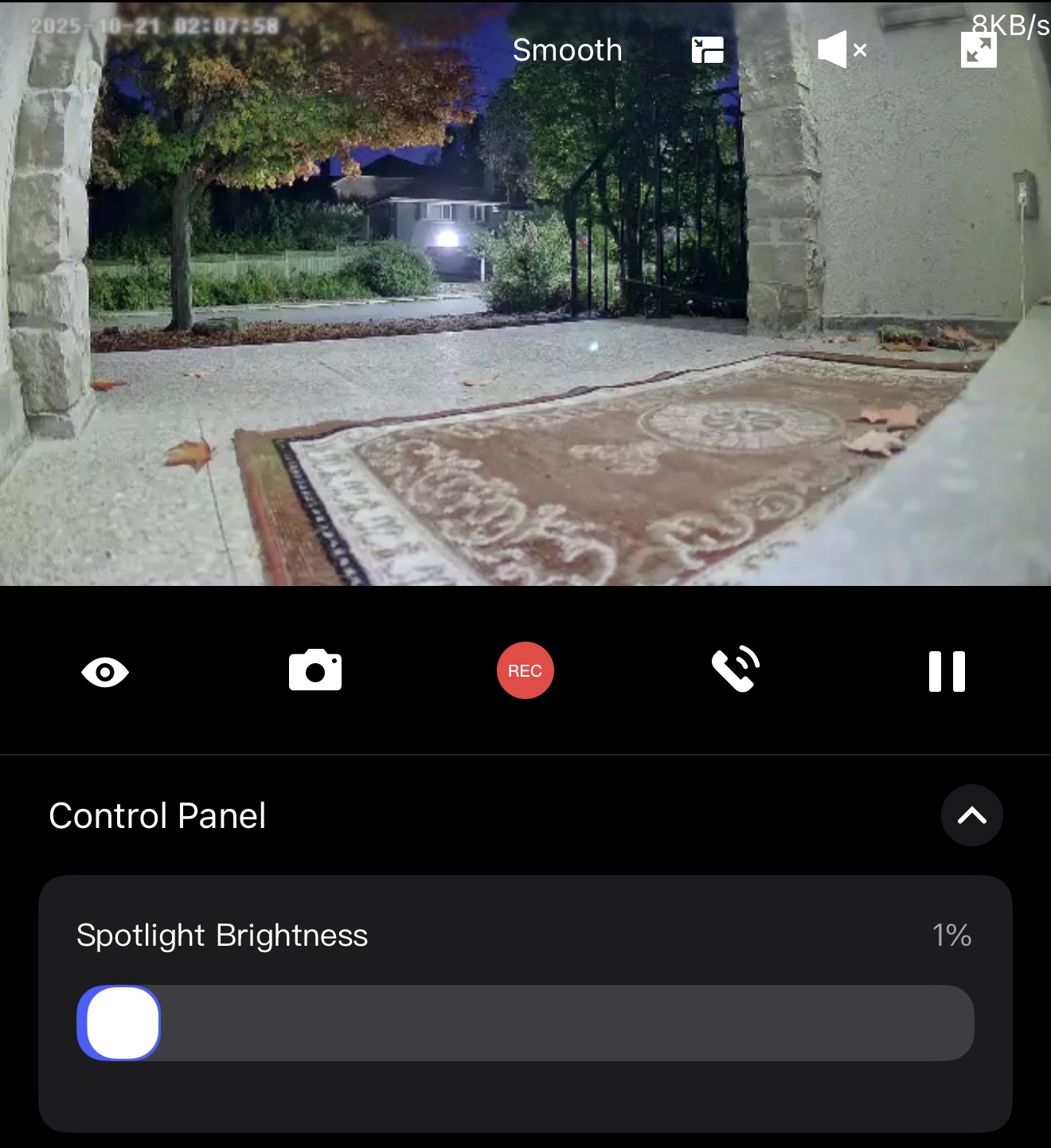
This has been happening for the past few weeks and it’s not fixed yet. So here I am:
@AqaraSting13 As of I can see this is issue happening on G5 Pro Wifi and G3 Cameras. G2H Pro is working fine.
G410 is ehhhhhhhh
Kitchen Camera and another camera is randomly connecting and disconnecting randomly today. Great that you guys put a remote restart button in the app so I don’t have to go and unplug it and back in 
And no it’s not a wifi issue as I have literally got the beefiest wifi router out right now and everyother smart device is working fine.
I get over gigabit speeds wirelessly with this thing.
@KolloApple I’m sorry to hear you’ve been dealing with these issues for a few weeks—let’s try to work through them.
For the random disconnections with the kitchen camera, you might want to check if the camera’s indicator light is solid blue (a key sign of a stable connection) . If not, restarting the router and camera again could help, even though you mentioned using the remote restart feature—sometimes a full power cycle (unplugging for 2 minutes) can resolve lingering glitches . Since you’ve confirmed your Wi-Fi is strong, this might still be worth a try.
Regarding the cropped multi-view feed on the G5 Pro and G3 cameras, the troubleshooting resources we have don’t specifically address aspect ratio or cropping issues. It’s possible this could be related to app or firmware compatibility, so ensuring both the Aqara Home app and your cameras have the latest updates might help.
If these steps don’t resolve things, or if you’d like further support, feel free to reach out to Aqara customer service through the app (Profile > Help & Feedback > Customer Service) for more personalized assistance.
Thanks for sharing your experience—other community members might have encountered similar issues and could chime in with additional tips!
2 Likes
@KolloApple I’m sorry to hear you’ve been dealing with these frustrating issues—multi-view feed cropping and random disconnections can really disrupt the smart home experience, especially when you’ve already confirmed it’s not a WiFi problem. After checking our current troubleshooting resources, we don’t have specific guidance for the multi-view cropping issue on G5 Pro WiFi and G3 cameras or the random disconnections you described.
Since you found the remote restart button helpful, that’s a great step! For further assistance, I’d recommend reaching out to Aqara Customer Service through the Aqara Home App (Profile>Help&Feedback>Customer Service) or by clicking here to create a ticket—they can help with more in-depth troubleshooting. The community might also have insights, so feel free to share more details here; other users might have encountered similar situations.
Thanks for bringing this to light, and we hope you get a resolution soon!
1 Like
@KolloApple I’m sorry to hear you’ve been dealing with these issues—let’s break this down.
For the multi-view feed cropping on your G5 Pro and G3 Cameras: The current troubleshooting resources don’t specifically cover this cropping behavior, but it’s worth checking if your Aqara Home app and camera firmware are up to date (sometimes display optimizations are included in updates). If the issue persists, sharing more details (like app version, firmware numbers) might help the community troubleshoot together.
For the random disconnects with your kitchen and other cameras: Even with a strong router, a few factors could still be at play. Try checking the camera’s power supply (ensure the cable and adapter are secure, as unstable power can cause drops) and verifying that both the app and camera firmware are fully updated . Since you mentioned the remote restart button is helpful, that’s a great first step—sometimes a quick reboot resolves temporary glitches.
If these steps don’t help, reaching out to Aqara Customer Service (via the app: Profile>Help&Feedback>Customer Service) would be the best next move for personalized support. Thanks for sharing your experience—detailed reports like yours help the community stay informed!
Let me know if you try any of these and how it goes—happy to help brainstorm further.
1 Like