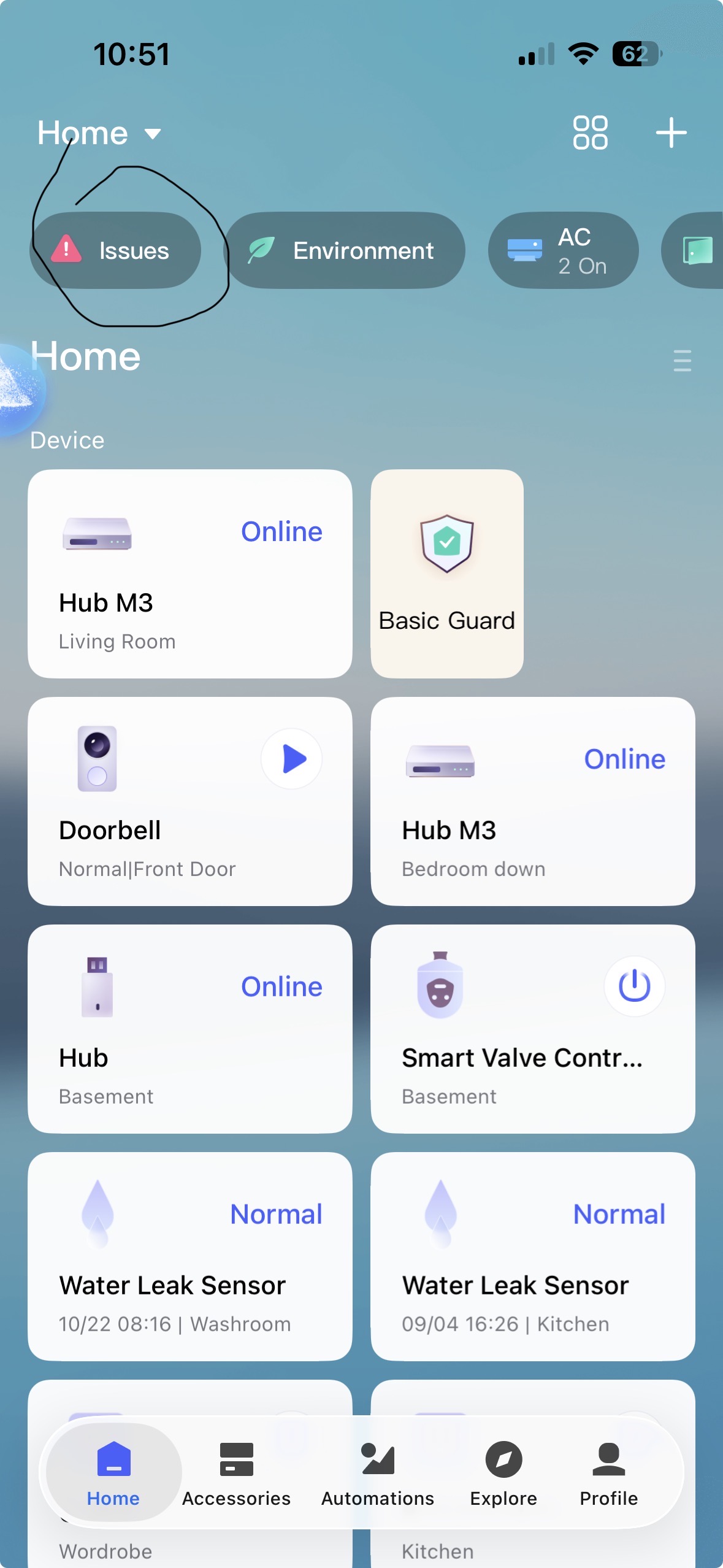
“Issues” warning is ON in my app,but the content is empty.
All devices are online.Network is ok.
Router and hubs restarted with no effect.
This is a very vague error message. Could you take a screenshot? Is something not working? Can you tell us exactly when and where the message appears after opening the app? Did you restart your smartphone too?
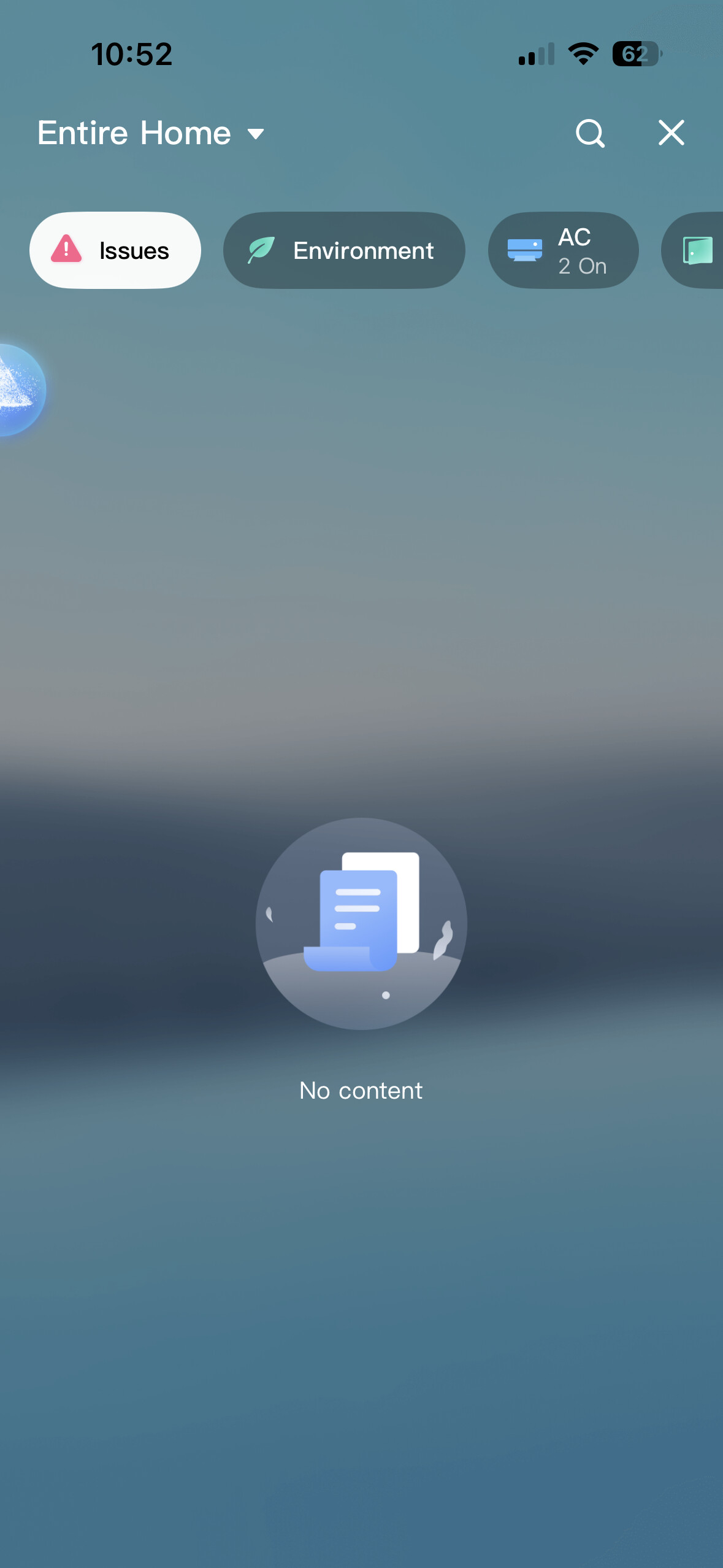
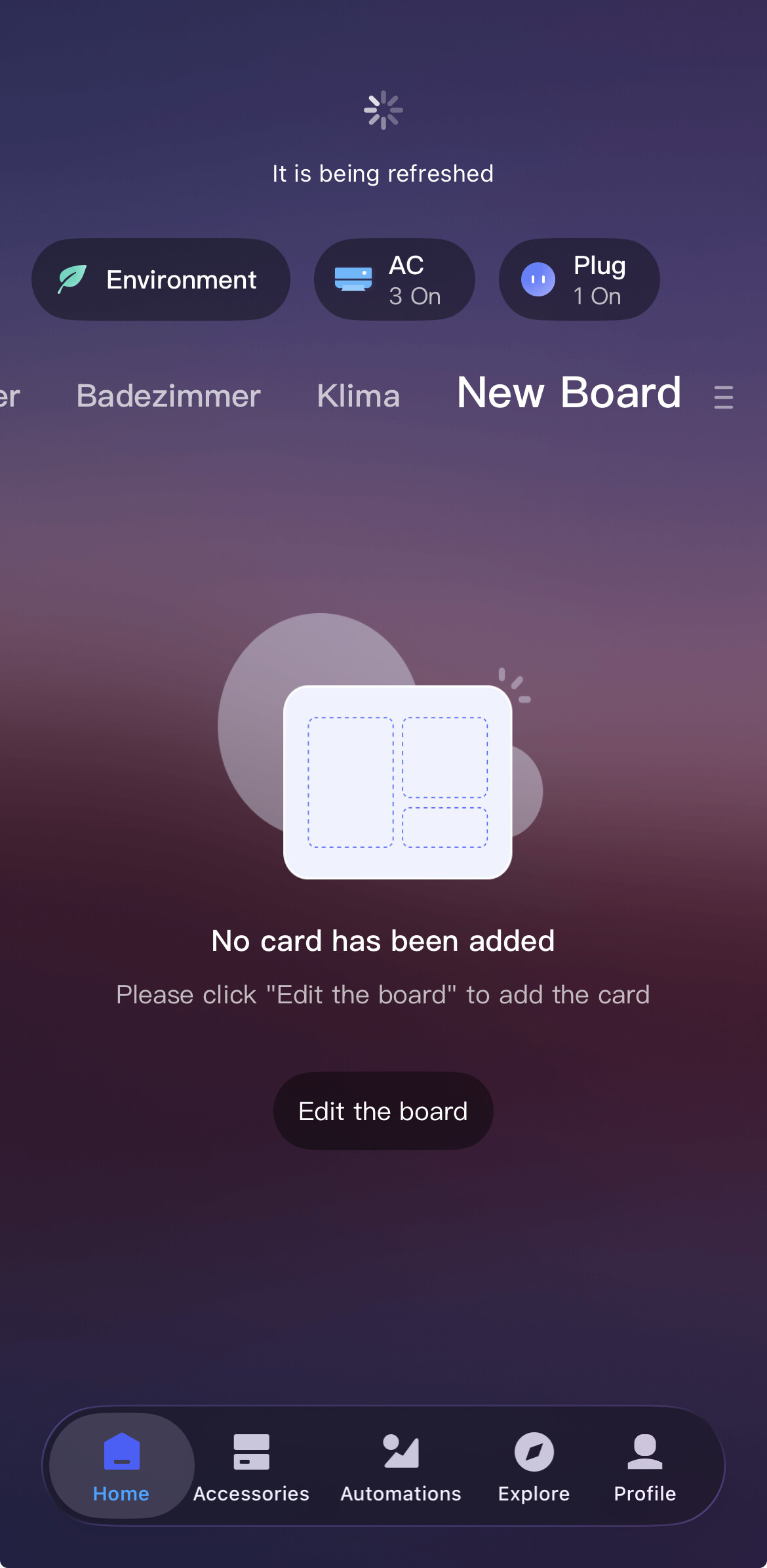
No it does not
In that case, Aqara Support would probably be the best point of contact. They may be able to find something in your account’s logs.
Still not solved
Hey, did you update the app? Did you get in touch with support back then?
The app is updated.
The support says that there is now problem when content is empty.
But this icon shouldn’t be there.
It should only appear when there’s a problem. When it’s there like this, I have to check every time to see if there’s any content.
In my other house the icon isn’t there — it only appears when there’s a problem, and when I fix it, it disappears.
It used to be the same here, but for the past few months it hasn’t disappeared.
Is just what I had last week after a power failure but in my case even if didn’t showed the device I knew what was as I have 2 smoke detectors and the one from bedroom I had to press on his buttons till my M3 was detect it even if was showing me as online and working.aqara support didn’t give me much as I contact them even give them permission to my account and the only thing that they sad it was that my M3 hub has low signal and wasn’t that ether as my M3 has great WiFi signal and it is at 2m from the router in the same room without obstacles.this error it must be some issue with the app.so I suggest to press the buttons on each device one by one till you heard that the device is online or what ever the M3 hub says or depending what hub do you use to connect your devices then for sure that will disappear at least for me was much easy and it worked
1 Like
I have exactly the same issue when I use the local connection. When I disable the option, everything starts working properly again.
2 Likes
“I tried all of this, but it doesn’t work.
Now I noticed that the Entrances icon is also active and it shows that one is open. I have three window sensors and all three are closed. I deleted them from the app and reinstalled them, but no effect — the issues and entrances are still lit up without any content.”