I have posted before on the Aqara app lagging, and have now attached a video showing how bad it really is. The set-up is a 2 M3 hubs, 2 G5 pro and a G410 backbone. All connected to a UniFi backbone and U7Max WiFi api’s with 1GB fiber connection.
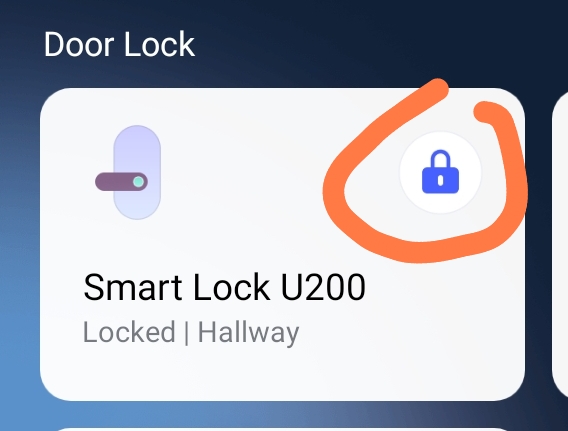
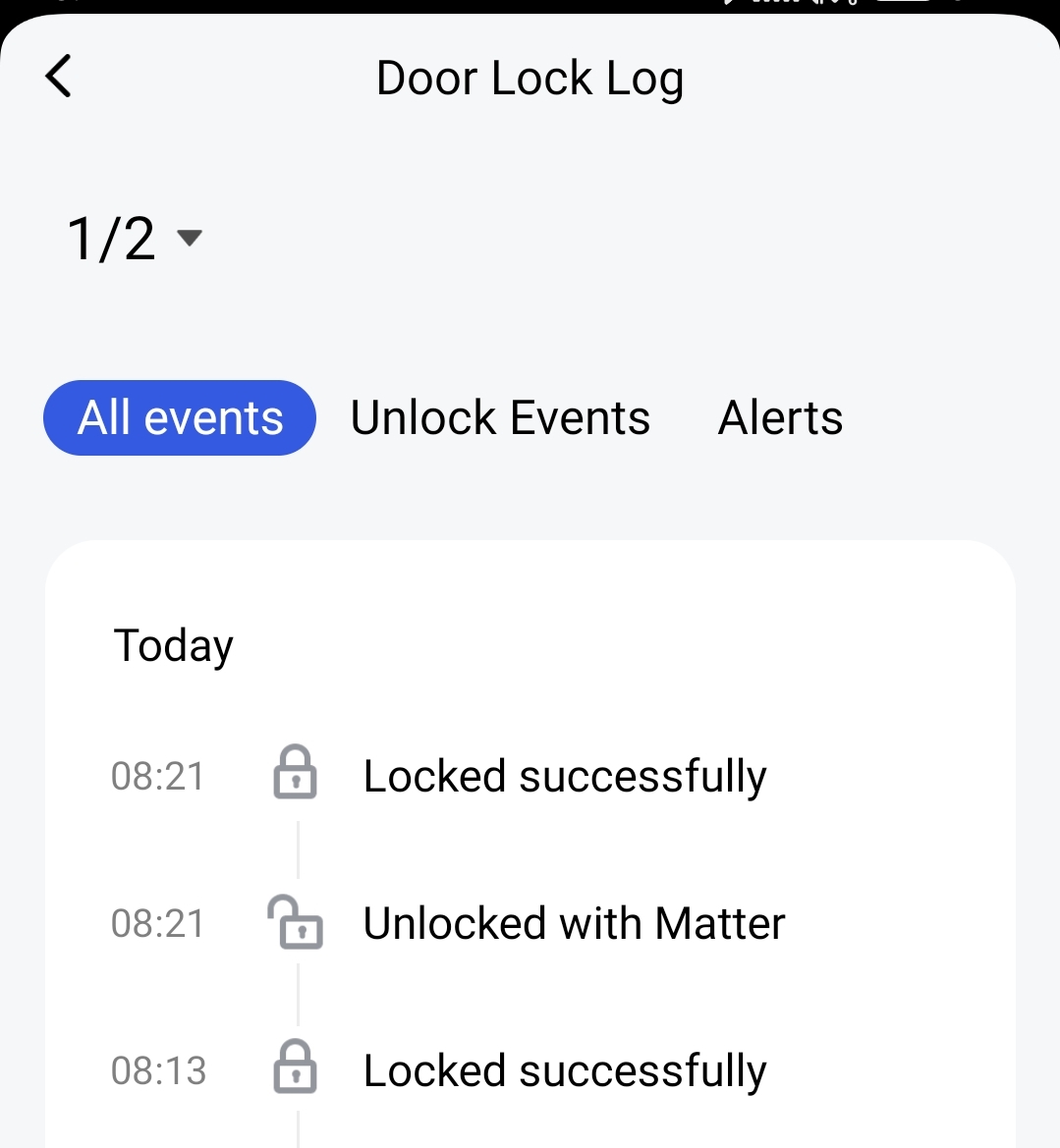
I’m on my home network wifi UniFi network with full coverage and despite I just locked the U200 which the device log also confirms in the video the app is showing the U200 as u locked despite it being locked… clearly the Aqara app needs some more work as it never used to be this bad (and yes tried rebooting devices, phone etc. it this is still the same outcome.
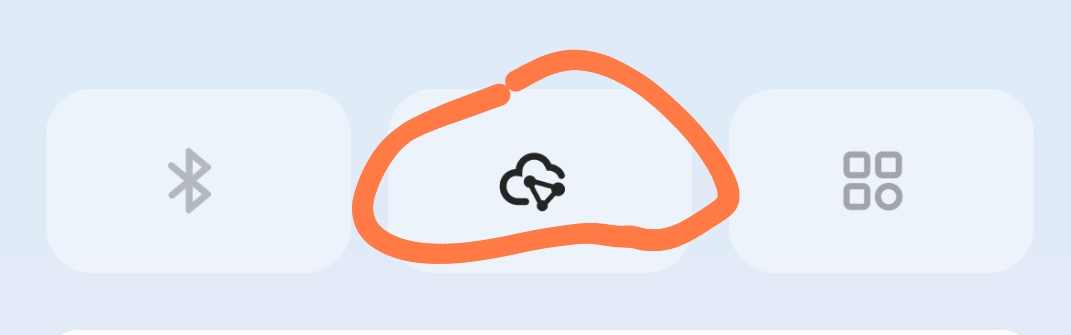
Am I missing something here? You describe your great network setup with fast Internet connection. Very nice, by the way. However, the video shows that the connection is established via Bluetooth. So the network doesn’t come into play at all. And as far as I know, most smart door locks with batteries go into sleep mode to save power and have to be woken up first.
Also, the log says “Unlocked with Matter” and “Bluetooth unlock”. Does both happen via the app, or do you still use Home Assistant or something similar?
My guess was that it is connected to the app via Bluetooth and locked/unlocked via Matter by another system/smartphone. Then it makes sense that the app still shows an old status. It first has to reconnect via Bluetooth to determine the current status. And by lagging, do you mean the incorrect/missing status of the lock or the slow Bluetooth connection establishment?
Unfortunately, I currently have to use a different lock because the U200 doesn’t work for me. But I would recommend it to my parents. My current lock is initially accessed via Bluetooth and, when switching to Wi-Fi (Matter over Wi-Fi), only via Wi-Fi and no longer via Bluetooth. Could it be that the U200 establishes the connection depending on the Bluetooth range?
Yes, of course there will be no difference between Wi-Fi and mobile data. In both cases, the connection is established via Matter-Over-Thread. However, the video from mikkelgraverjensen shows that the connection is established via Bluetooth. And then, of course, it takes longer to establish a connection depending on how far away you are from the lock.
Dear John. Regardless of BT or not the app on the phone should still update the status but it doesn’t that the problem. As you could see from the video the log says it’s locked but the app icon shows unlocked. That’s the issue.
It is the same for all the rest of the products in the app like all my different light so it’s a general delay in the app and not related to BT or anything else. I’m not a newbie and have been using smart homes for many years in 8 different locations so this is not a std issue. I’m suspecting it can be an app cache thing so might have to delete the app and reinstall it as you can’t clear the cache on iOS.
If it happens via the app, then the app knows the status. I think the problem arises when the status is changed outside the app and the app can only know the changed status when it queries the status from the lock (or keypad).
Apparently, the status is not recorded in the border router either.
It’s similar with Bluetooth. Devices can connect to the smartphone, but the question is whether the app is allowed to run in the background/actually runs and has access to the status change.
The same phenomenon also occurs with third-party devices via Matter. If the app is closed, it cannot detect whether the device is turned on or off. The problem: when the device is opened in the app, the status is not queried and is therefore displayed incorrectly.
Sometimes there is also wrong status showing in the app, so the app is showing lock as open when it’s actually locked, the light turned on when it’s actually turned off etc. only way to fix it is to toggle it on/off 1-2 times in the app for it to “catch up” so there is some work to be done in the app/hubs for it to keep the sync regardless of how the devices are operated.
You unlock the lock → the blue button is disabled → “unlocking please wait” → the message disappears but the button remains disabled = confirmation of the lock status was not received → so the status in the overview/app is incorrect
Later, when there is a Bluetooth connection, you can see that the status can be retrieved and the button changes and becomes enabled.
I strongly suspect that the status is stored in the app and if it is changed externally or reset in quick sequence in the app and no feedback is received from the lock, the status in the app remains incorrect.
In my opinion, this is not purely an error in the app and is therefore difficult to solve. What should the software developer do if he has no confirmation after switching? Right, he keeps the old status. A better solution would be to set the status to “unknown” after changing it. But how should this be displayed in the overview?
And every time you access the overview, all stages should be set to ‘unknown’ (as it could theoretically have a different status to the last one), and each device in the overview must be queried again. That takes time. This could also become problematic if it occurs every time you access the overview, particularly if there are non-responsive devices underneath. How high should the timeout be set without it taking forever, and how low can it be set without all devices constantly displaying an unknown status?
no idea for true, I only use Bluetooth for changing settings and I don’t use the app a lot of times so I don’t bother to much, and as long automations, opening and closing working correctly through matter integration I’m ok with it.
I today deleted the Aqara home app on my iPhone, restarted the phone and reinstalled the app, and that seemed to remove the lag so my suspicion is that the cache in iOS keeps growing causing the problem, and as you cannot clear that unless you delete the app and reinstall it that’s currently the only solution.