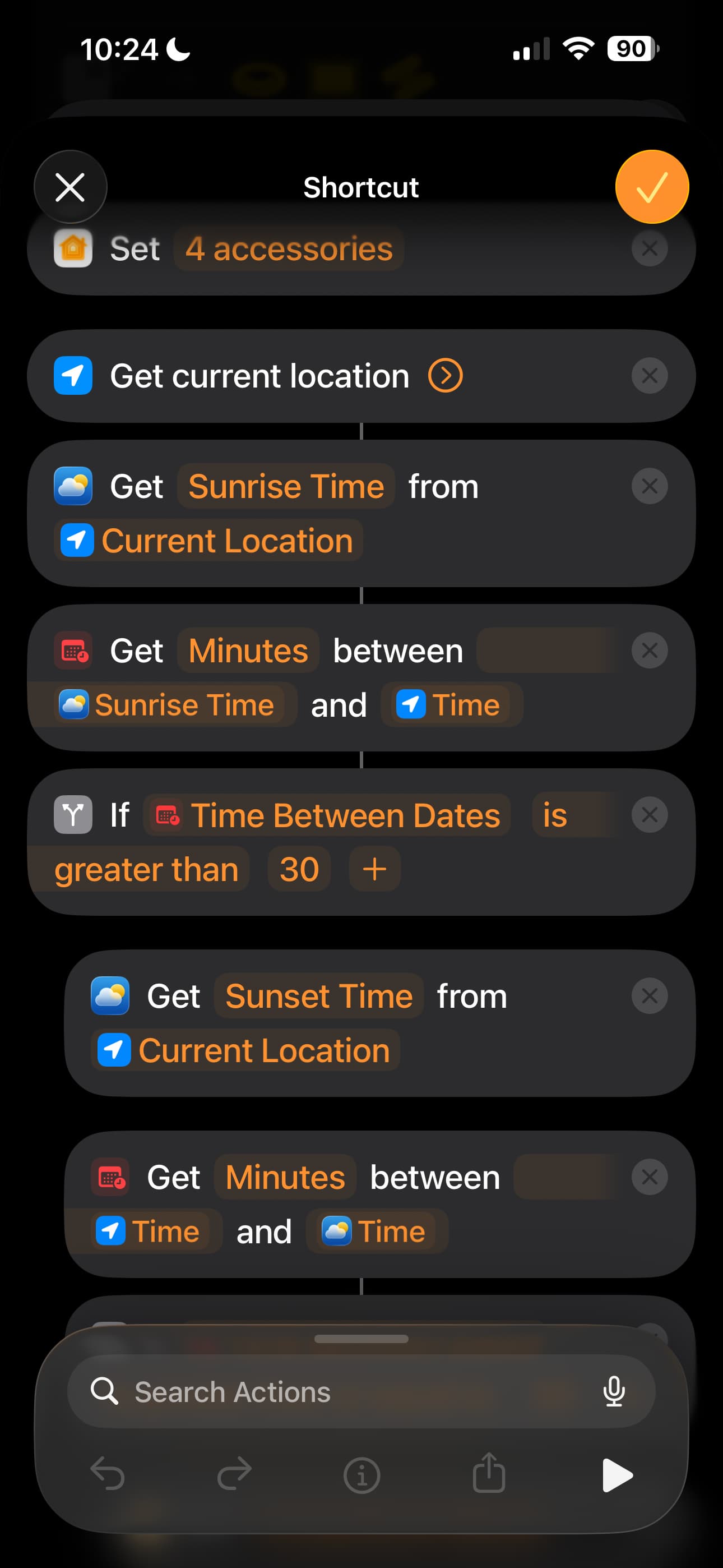
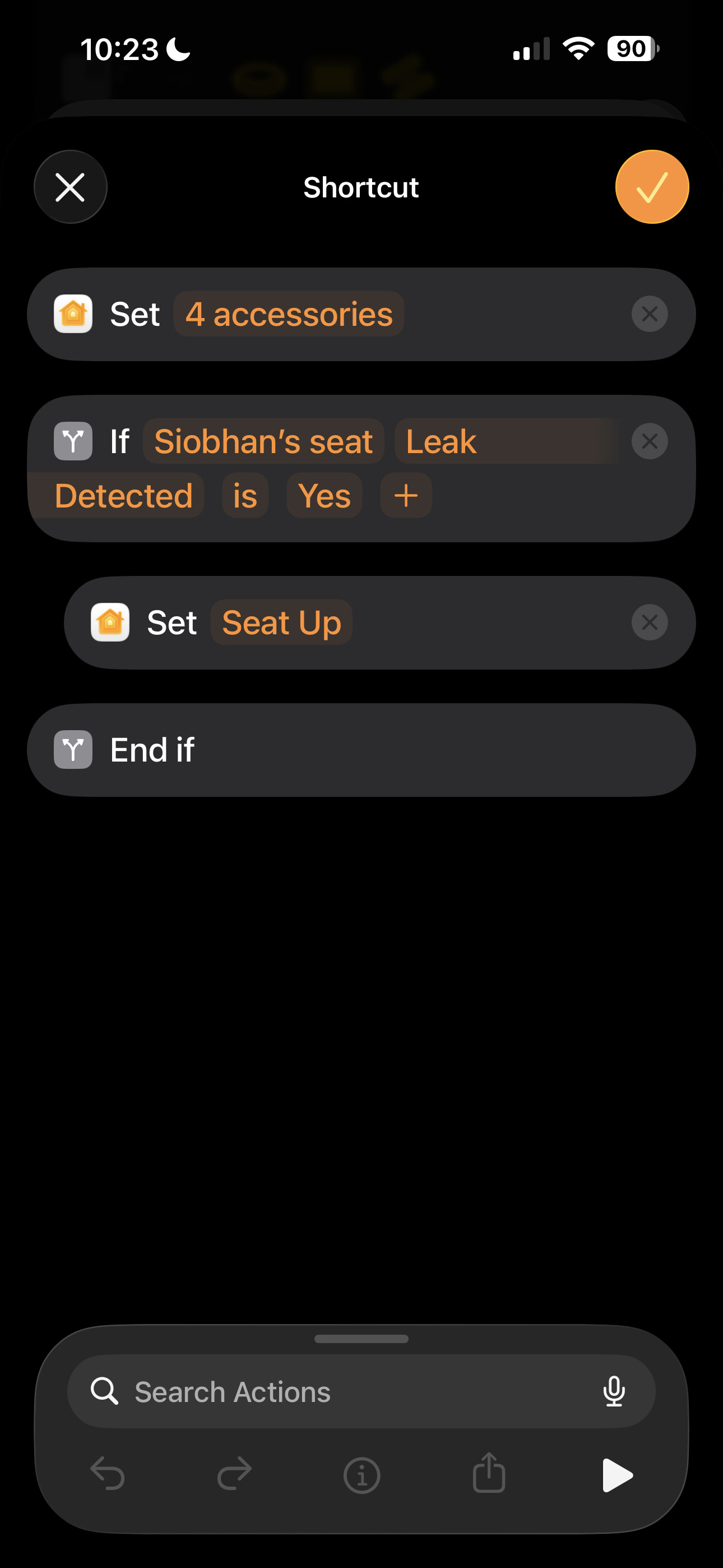
I have connected a car seat pressure sensor to a T1 Leak sensor. Very easy to do as each terminal of the pressure sensor just connects to one of the small hex bolts on the bottom. Now I know if someone is sat in a seat or not.
So, when I turn on my tv (Via HDMI-CEC) it turns on my Denon AVR, it then turns off the ceiling light (Aqara Switch), Closes the Blinds (Eve - Aqara didn’t have a device then), Turns on my behind the TV lights (Nanoleaf) and raises the foot rest on my chair if I’m sat in it (Using Switchbot to press the button).
When I turn off the TV, it turns off the AVR, lowers my foot rest, turns off the TV lights and turns on some smaller ones (Don’t want full glare) and, if day time it raises the blinds.
Just a quick question. It sounds like you are using the Apple TV as the trigger for your events (I could be reading this completely wrong). If so, how are you doing this? All the Apple Home app lets me do with the Apple TV is pause/play. It doesn’t even show up as a trigger option.
I’m actually using the TV coming on as a trigger, not the tv. I have my LG TV connected into Apple Home. In my case that is done via Home Assistant as it is a 2016 model and doesn’t support Apple Home directly.