After the recent update of Aqara Home for iOS I discovered a serious regression.
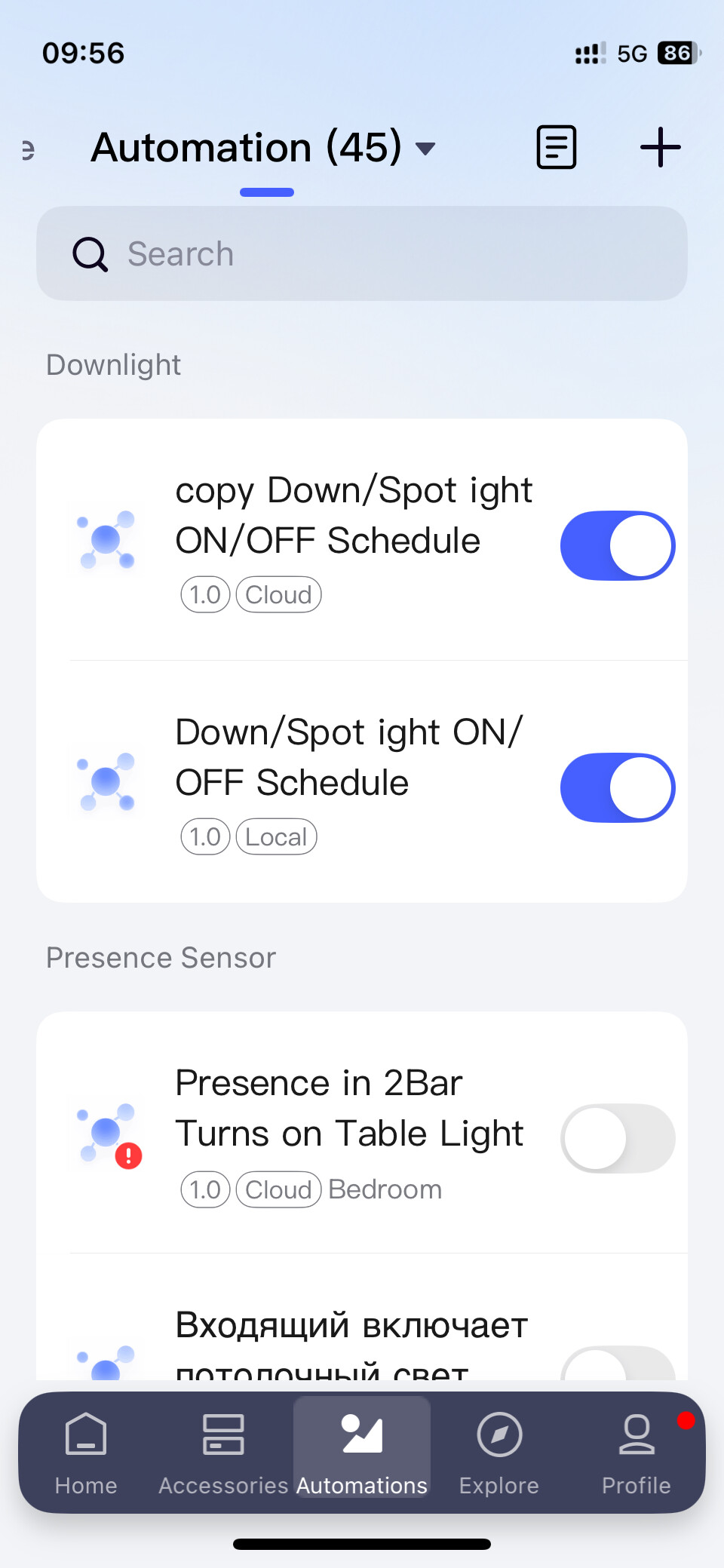
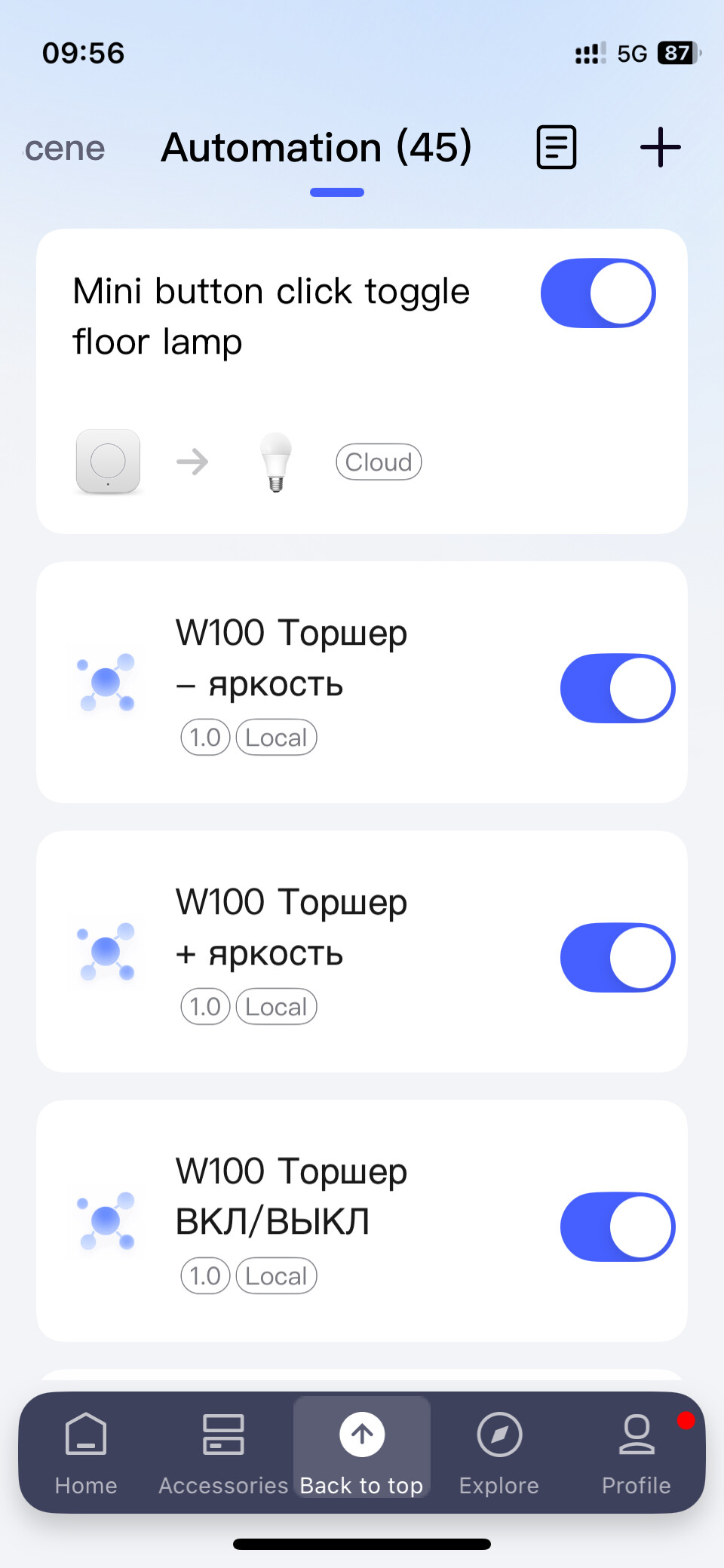
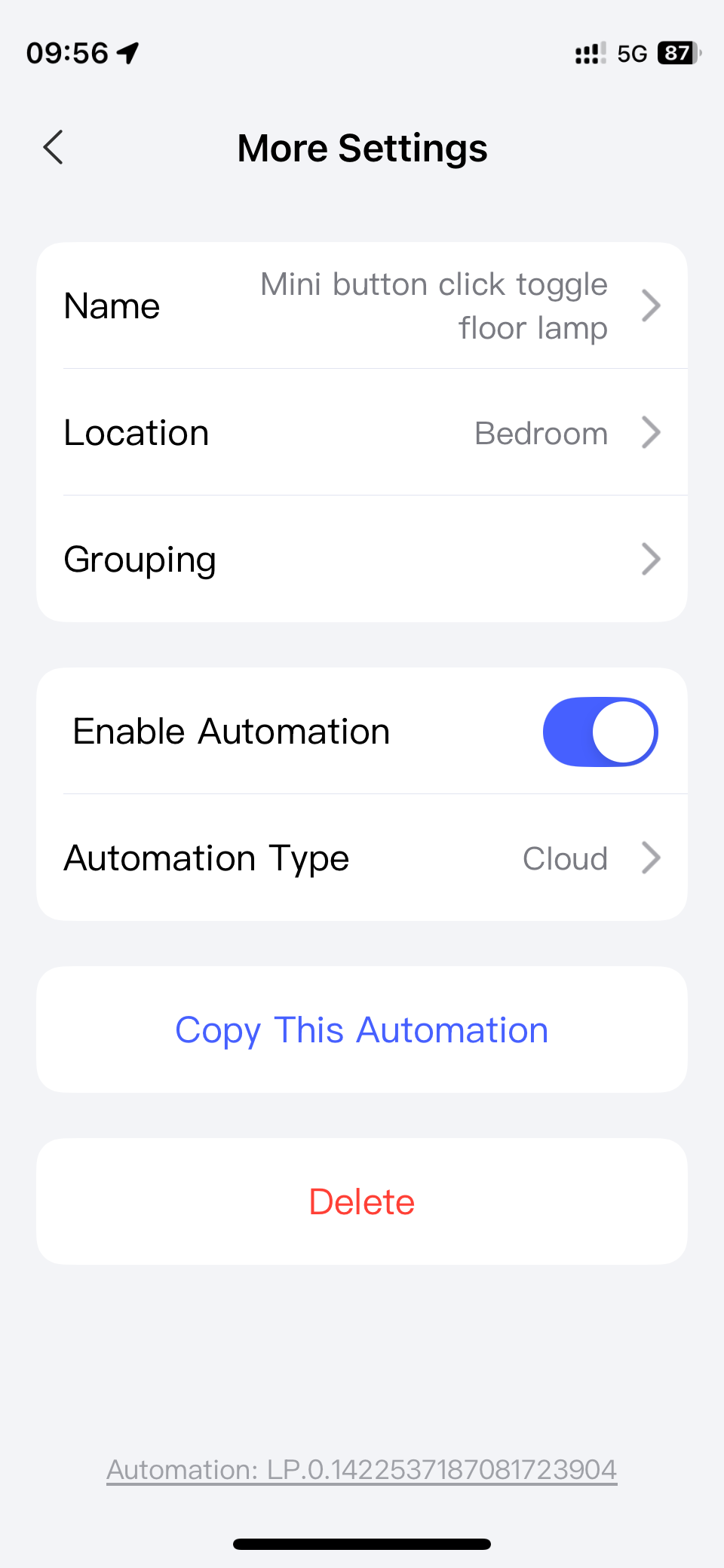
• Automations converted to the new version (v2) no longer run locally, but instead are executed through the cloud. Even the simplest “button → light” scenario now requires internet.
• Duplicates of old (v1) automations also lose local execution, even though the devices and conditions are completely identical.
• As a result, the original automation works locally, while its copy or v2 version runs only via cloud, and there is no way to change this.
I use a Camera Hub G3, a current model that previously handled Zigbee automations locally without issues. Now this functionality is broken.
Is this a temporary bug or a new strategy? If it’s intentional, it raises serious concerns about the future of Aqara’s approach to local smart home control.
That would make sense for new v2 automations, but the problem is deeper. Even in v1, simple duplicates of existing automations no longer run locally.
For example, I showed in my screenshot: the original v1 automation still works locally, but an identical copy of it in the same v1 does not.
In the new app I can disable v2 and continue using v1, but I can no longer create new local automations — only the old ones survive. With the same hub firmware and the same devices, local execution is already gone just because of the app update.
So the issue is not only about the hub firmware, but about the app itself.
I have a similar issue with G4, U200 and M100. I have turned V2 off so automations run locally. You should open a ticket with Aqara support support@aqara.com
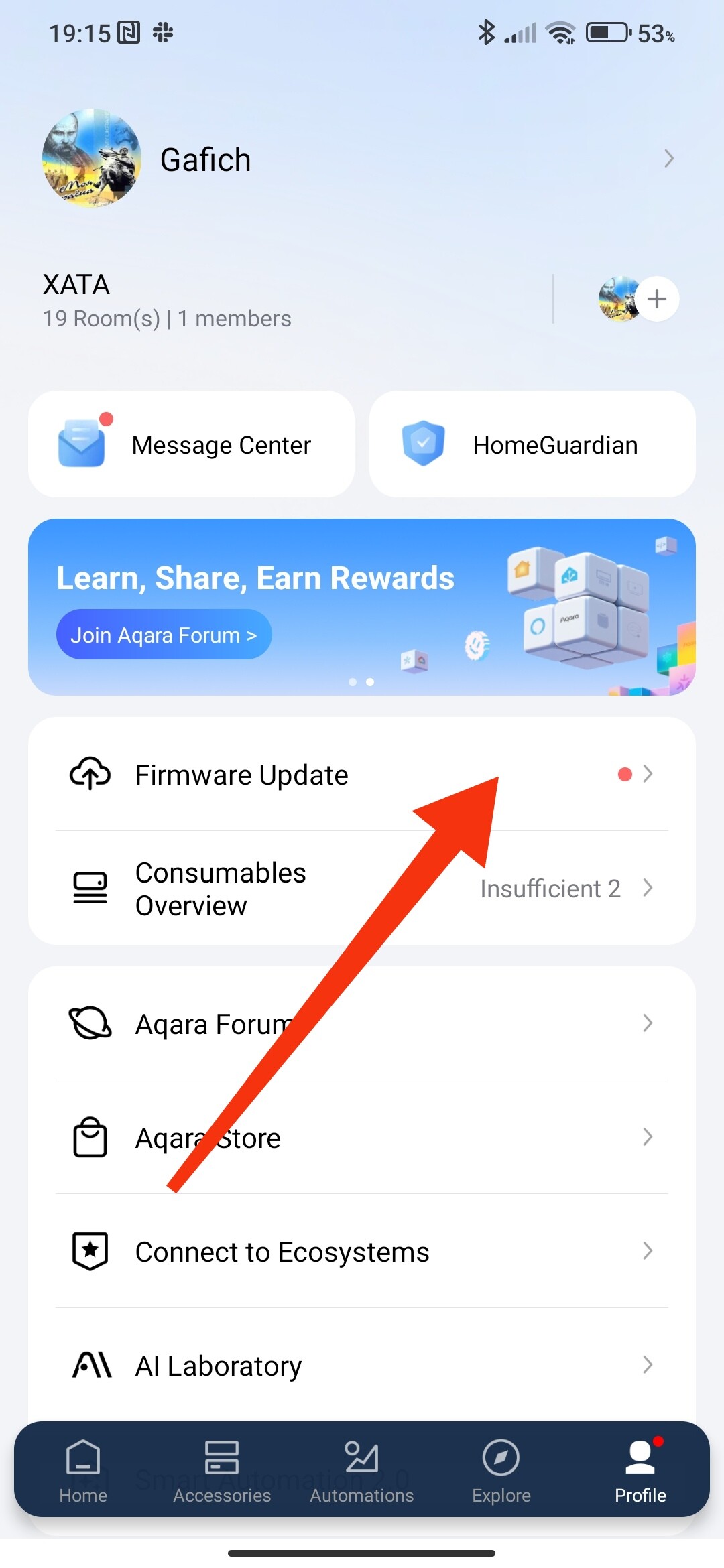
Temporary note - as of 01. 10.2025 automation 2.0 provides local automation if the gateway has been updated to a version no lower than 4.3.7. Lower versions do not support local automation. I suggest waiting for new firmware versions, they are coming gradually.
Update on local automation issue in Aqara Home iOS app
Earlier I reported that when duplicating an existing local automation in v1, the copy stopped working locally and was executed through the cloud.
After more testing I found a workaround: if you open the duplicate, change something small (e.g. action time), save it, and then revert the change and save again — the automation starts working locally again.
This only works if “Automation v2” is disabled in the app settings.
So it seems to be a software bug in the app, not in the hub firmware. Hopefully Aqara will fix this in future updates.