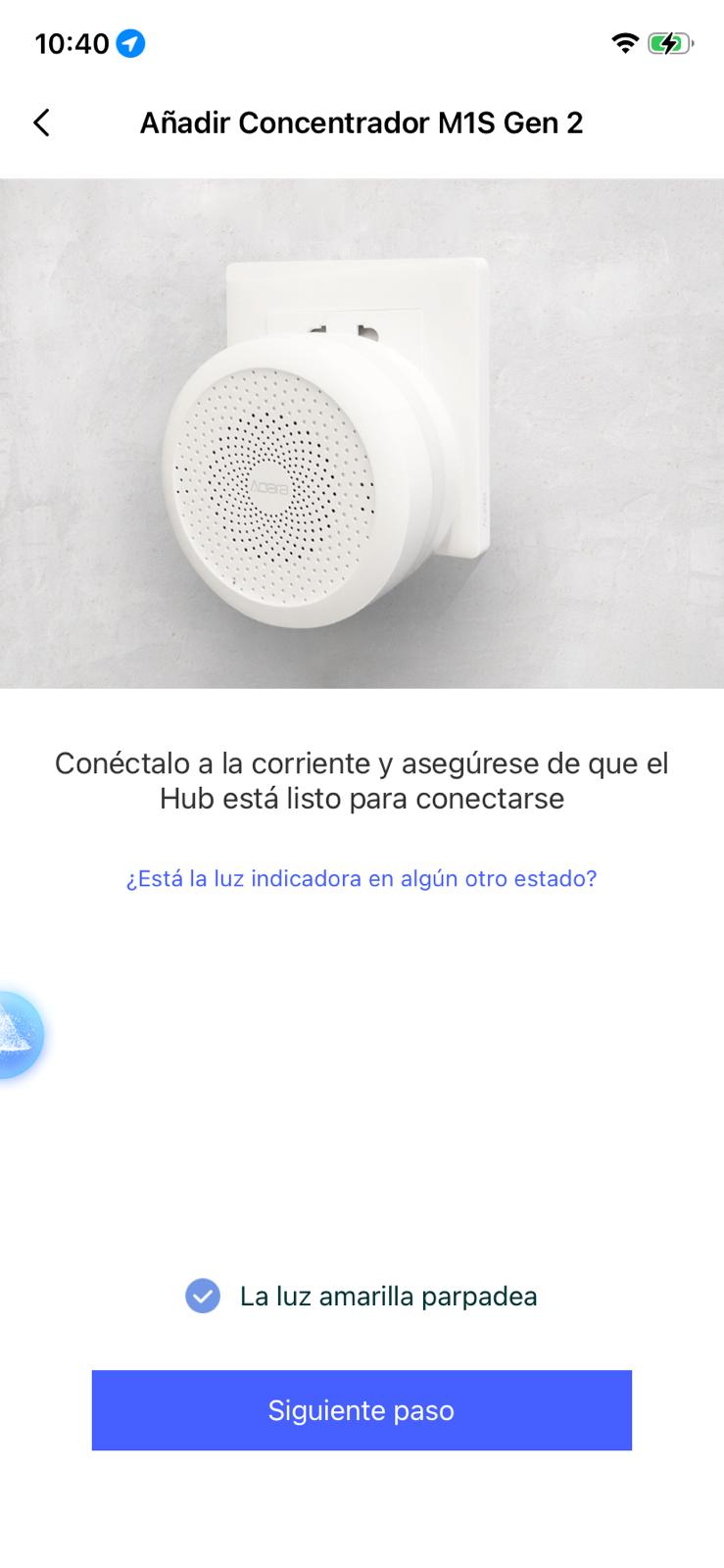
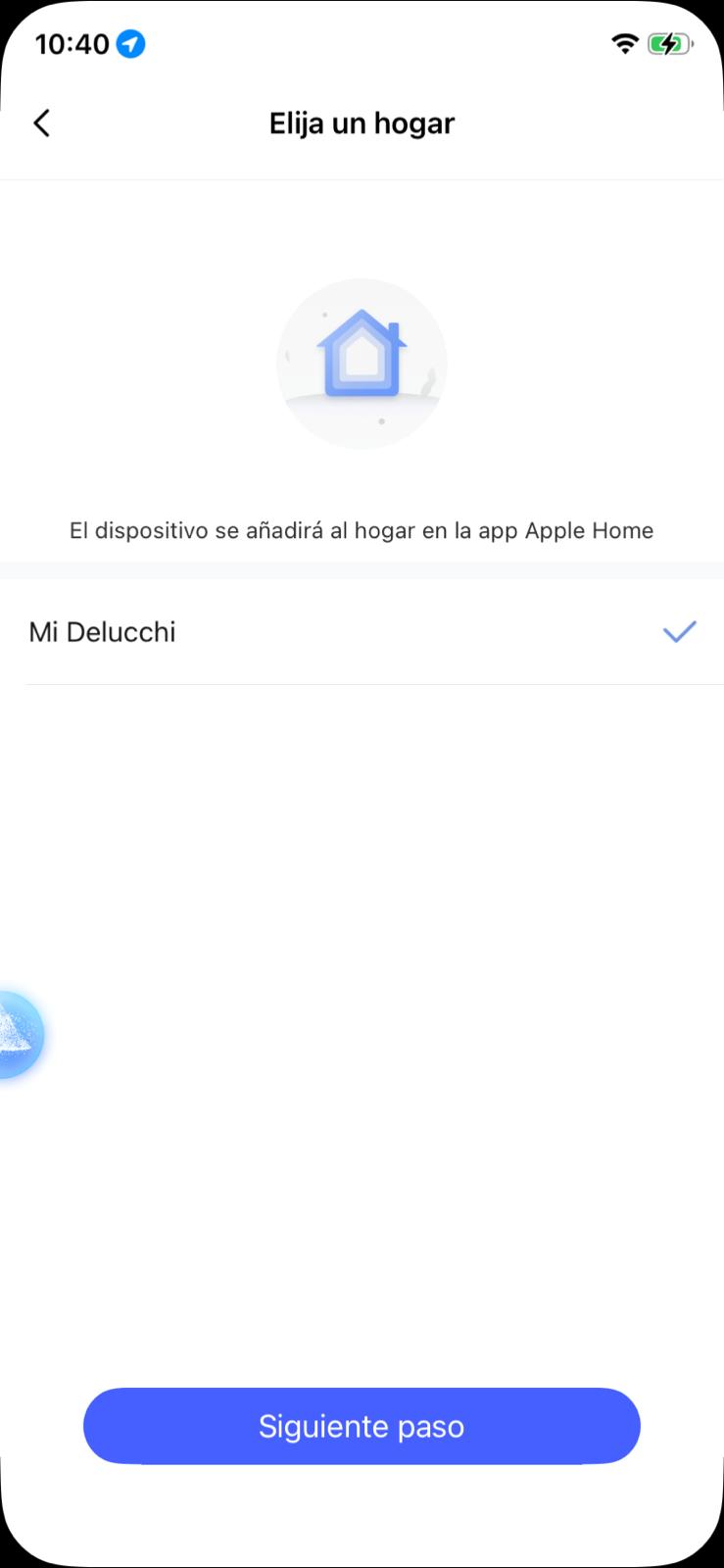
I’m setting up a new Hub M1S Gen 2 and running into an annoying loop. I want to add the hub to the Aqara Home app first (bound to my Aqara account) to ensure I have full control over settings and firmware before exposing it to Apple HomeKit.
The Problem: When I try to add the device in the Aqara app (iOS), as soon as I scan the code or select the device, it immediately triggers the native iOS “Add to Home” prompt.
If I proceed with HomeKit, the hub gets added to Apple Home, but it often fails to bind correctly to the Aqara app/server afterwards (it doesn’t appear in my device list in the Aqara app, or it appears as a HomeKit-only device).
What I want: To bind the M1S Gen 2 specifically to my Aqara Account/Server first, and then decide later if/when to bridge it to HomeKit.
Question: Is there a specific pairing mode or a workaround to bypass the forced HomeKit prompt and pair it purely via the Aqara protocol initially?
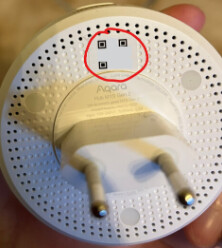
This is a little tricky with the M1S Hub because the codes are on the back of the device when it is plugged into the outlet. There is also a sticker on top of the housing with the Apple Home numerical code, which is of course the first thing you see.
When you unplug it, the stickers with the codes are visible, but the app starts searching immediately after scanning and cannot find the hub because it’s not powered.
I photographed the codes on the back, plugged the hub back in and entered the numerical code manually.
That’s right, I don’t think it even comes with codes for Aqara, which complicates the setup because it automatically redirects me to Apple HomeKit, which is frustrating. I had previously managed to configure it with Aqara, but now that I’ve formatted it, I want to configure it again and I’m having this problem.
Sorry for the late reply. You’re correct: there’s only one QR code on the back, but I was still able to use it in the Aqara Home app. It’s added via HomeKit, but the hub is also then in the Aqara app. If the hub doesn’t appear under “Accessories”, try restarting the hub and your smartphone.