Hello all… Just setting this M3 hub and vibration sensor up today for the first time. I can see the M3 Hub in the Apple Home app but how do I add the vibration sensor to my Apple Home App? I can see the vibration sensor in the Aqara App and it is communicating with the hub.
@voyager You seem to be experiencing an issue with adding the vibration sensor to the Apple Home App. You can contact customer support for assistance.
Contact the Aqara Home App Customer Service Team (Profile> Help & Feedback > Customer Service) or scan the QR code:

This will be more efficient. If you do not have an Aqara Home account, “Please click here” to create a ticket.
Did you use HomeKit or Matter integration with HomeKit Home?
I didn’t notice this, but I have two vibration sensors, and they didn’t appear on Home / HomeKit. However, they are visible in Homey and Home Assistant. Is this a bug? Or does HomeKit not support vibration sensors?
I’m using the M3 and Matter to share the sensors across the two other platforms.
In Homey:

In Home Assistant:

I found them, but they’re hidden in the top menu under « Presence. » HomeKit thinks they’re some kind of motion detection.
To find them, look at the default room where new devices are added and check the Presenc. Then, move to the right room.
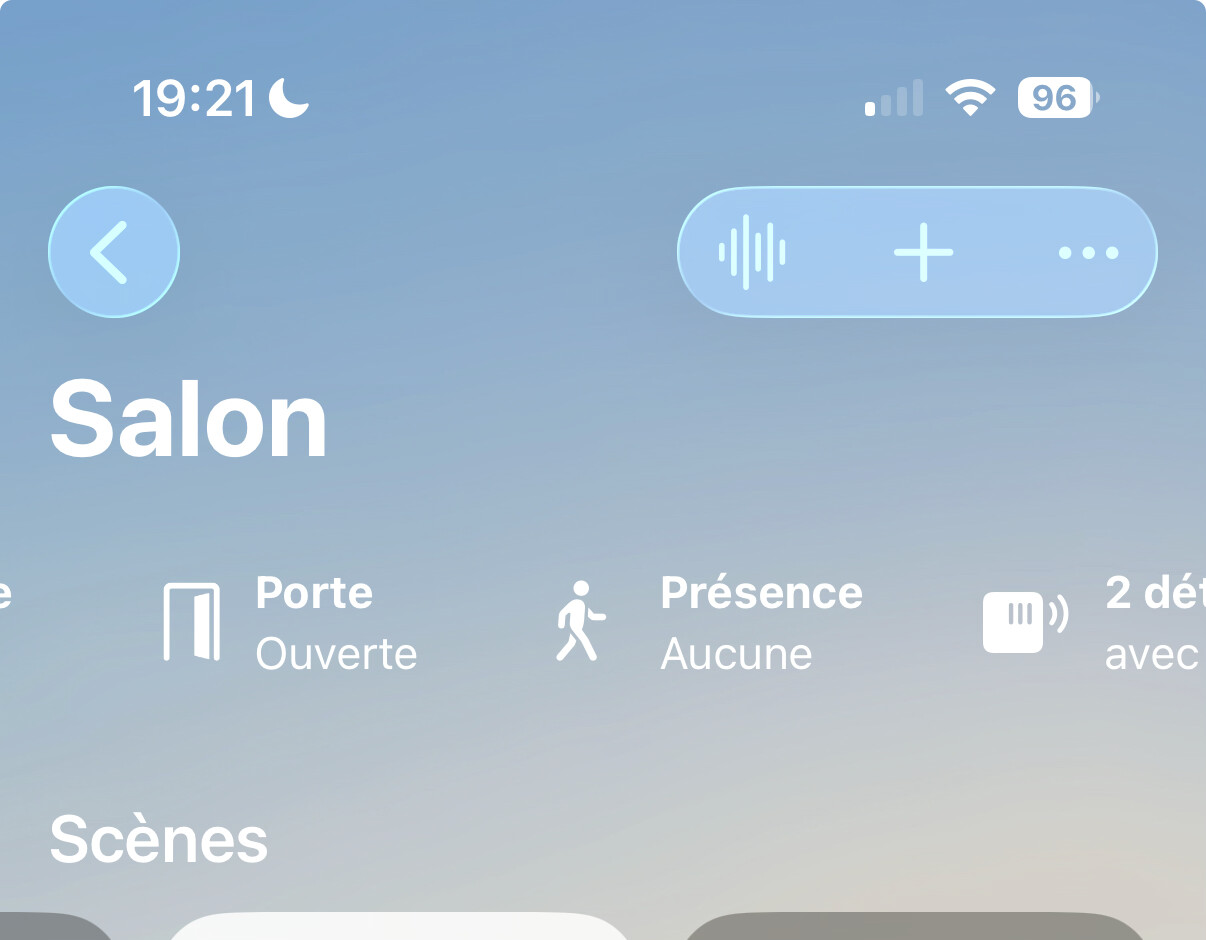
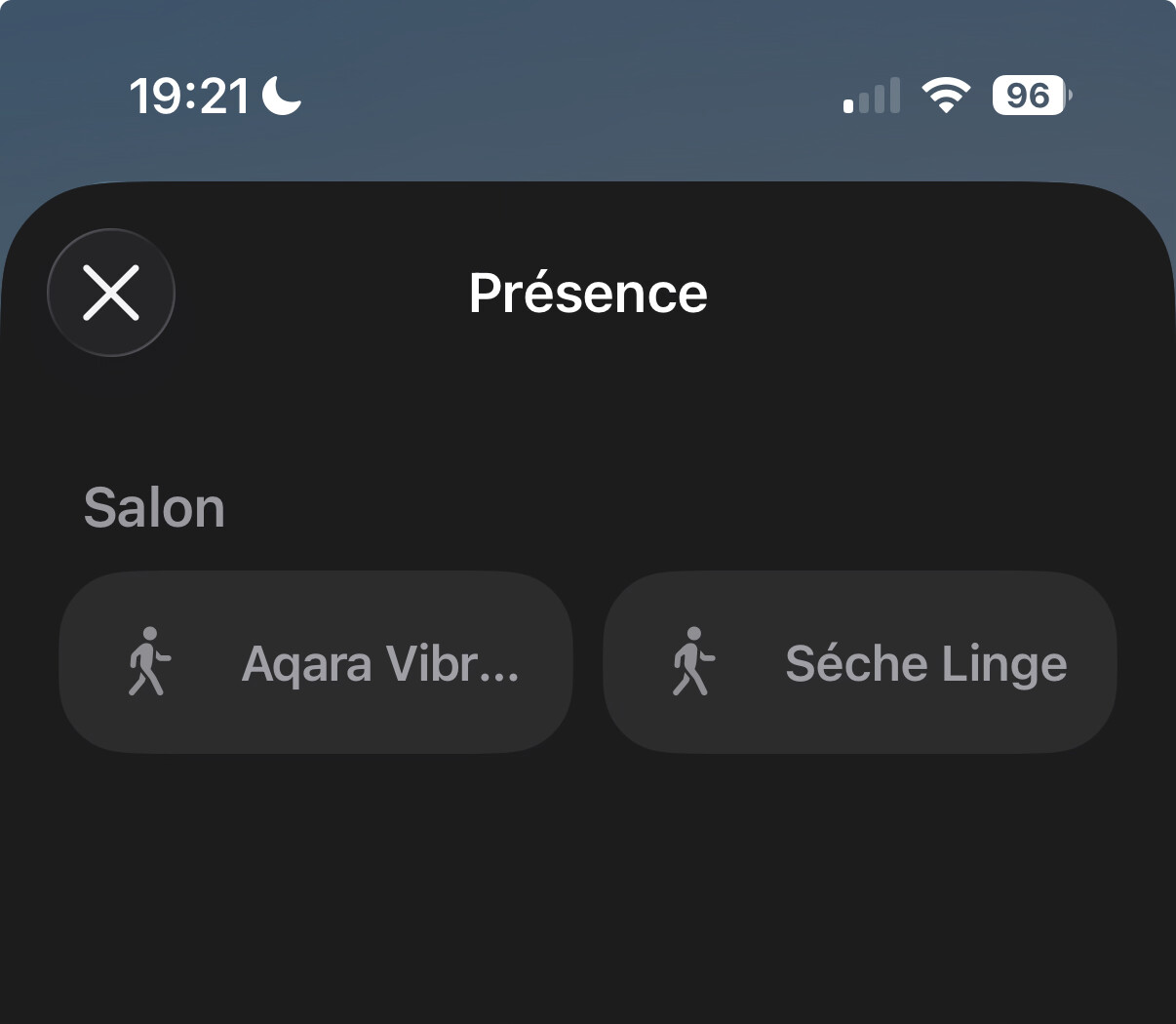
Alternatively, you can go to the « concentrator and bridges » section in the Home parameter and look at the Aqara M3 hub. All devices associated with it will be listed there.
2 Likes