I need someone’s help if know how to resolve this. I created a mess by mistake. So I have a few Aqara hubs that I was trying to clean up my thread network. And I merge first the M3 hub into Apple’s thread network but I didn’t know that I had to do it slowly. And first I add the M3 and 24 hours later, by coincidence, I figured it worked so I brought in my doorbell hub, my G5 hubs, which are two, my W200 hub, all of them at the same time and I have like 50 Govee lights. connected in my home. through matter over Wi-Fi and have all my automations run thru Aqara so when I merge all those hubs at the same time I’m not sure what happened but should’ve done it one by one slowly not at the same time and what happened that I lost the connection to all my lights they all got unbounded from Matter. So know I have to physically reset each light and re pair them thru Matter again BUT here’s where the problem comes in.
I CANNOT get them back to pair with my M3 hub thru Matter over WiFi it says unable to pair accessory or unable to connect to network.
I didn’t a lot of troubleshooting and still can’t get them to pair so I’m wondering if is my Eero 7 max mesh system? Or my hub? Or my phone? They do connect to their Govee app but I can’t get them over to Aqara or Apple but what’s weird only the COB Strip from Govee has no issues connecting to Matter over WiFi I guess has a powerful chip then the other lights.
I don’t know what else to do but I think I’m going to call Eero router company if is the system not allowing to make the connection. Can someone help? Pointers?
Hi there, it looks like you’re experiencing a support-related issue. We’ve automatically created a support ticket for you and will reach out via the forum email within the next two business days.
If other members have any suggestions or insights on this topic, feel free to share!
Wow, 50 Matter over WiFi lights. I always struggled getting my Govees onto
the network. And yes, they would pair with the Govee app but that didn’t help. Resetting Govees wasn’t always easy either. I had to reset them before they would pair with a new configuration.
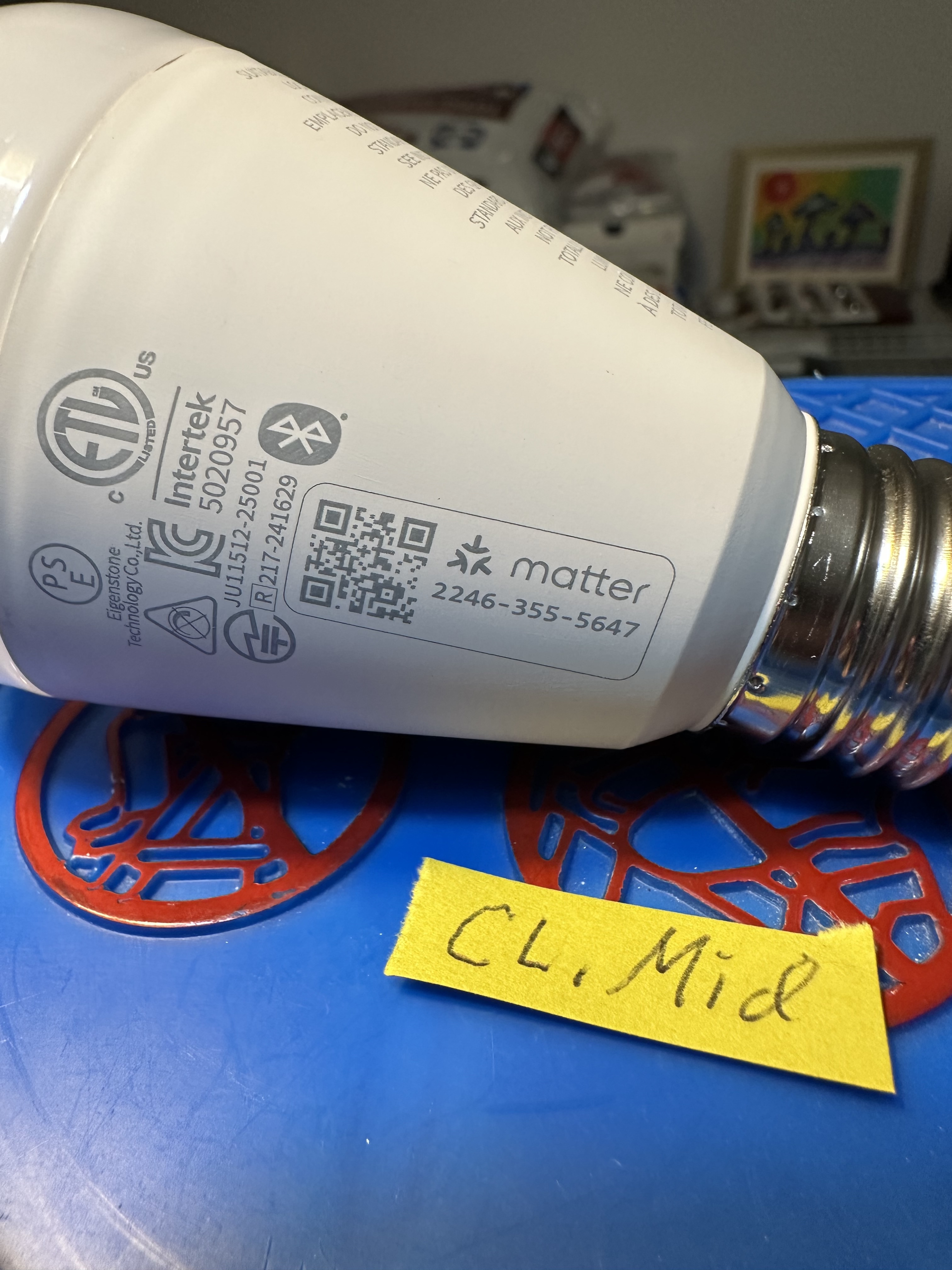
I changed over to Aqara Matter over Thread. And resetting Aqara lights is just a matter of switching the lights on 5 times in a row. And to keep from having to get the ladder out, I have lots of pics like this:
Oh I do have Aqara light bulbs and other lights from Aqara and I connect those lights through Zigbee. It is way much easier and reliable protocol. But is the Govee lights I can’t get them to pair to another ecosystem thru Matter
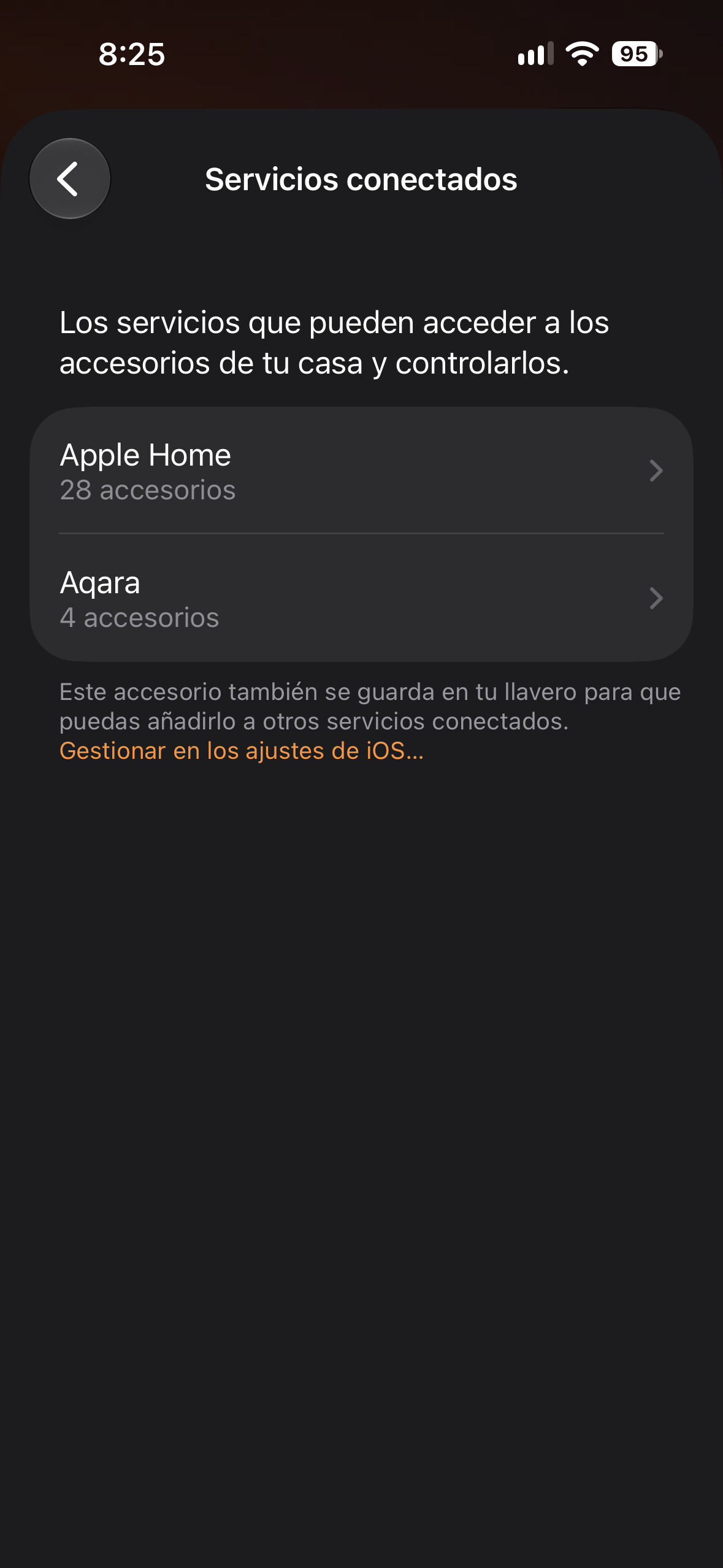
Hey there.did you reset the M3?also those lights did you added them on aqara app?or were only added to apple home app?since you mentioned that you have added them tru M3 hub.please point steep by steep what exactly you did.i ask because if you had them added on apple home app and also Aqara home app you need to check here on connected services on apple home app and delete then if show there and then try to add them back
Stupid question but did you already try to fully reset them? If the didn’t change, they might e.g. reuse old Matter credentials which did change in this process
Yes I add them on Aqara first and then pass them over to Apple since is easier the transfer. But all the lights got unbounded from the Matter controller which is the Hub M3 and now I can’t re add them
I already did that reset the M3 reset the lights and the lights don’t want to connect gives me an error message Unable to add accessory or Unable to connect to network. I’m thinking maybe is my Eero max 7 mesh system that is not allowing the connection but not 100% sure
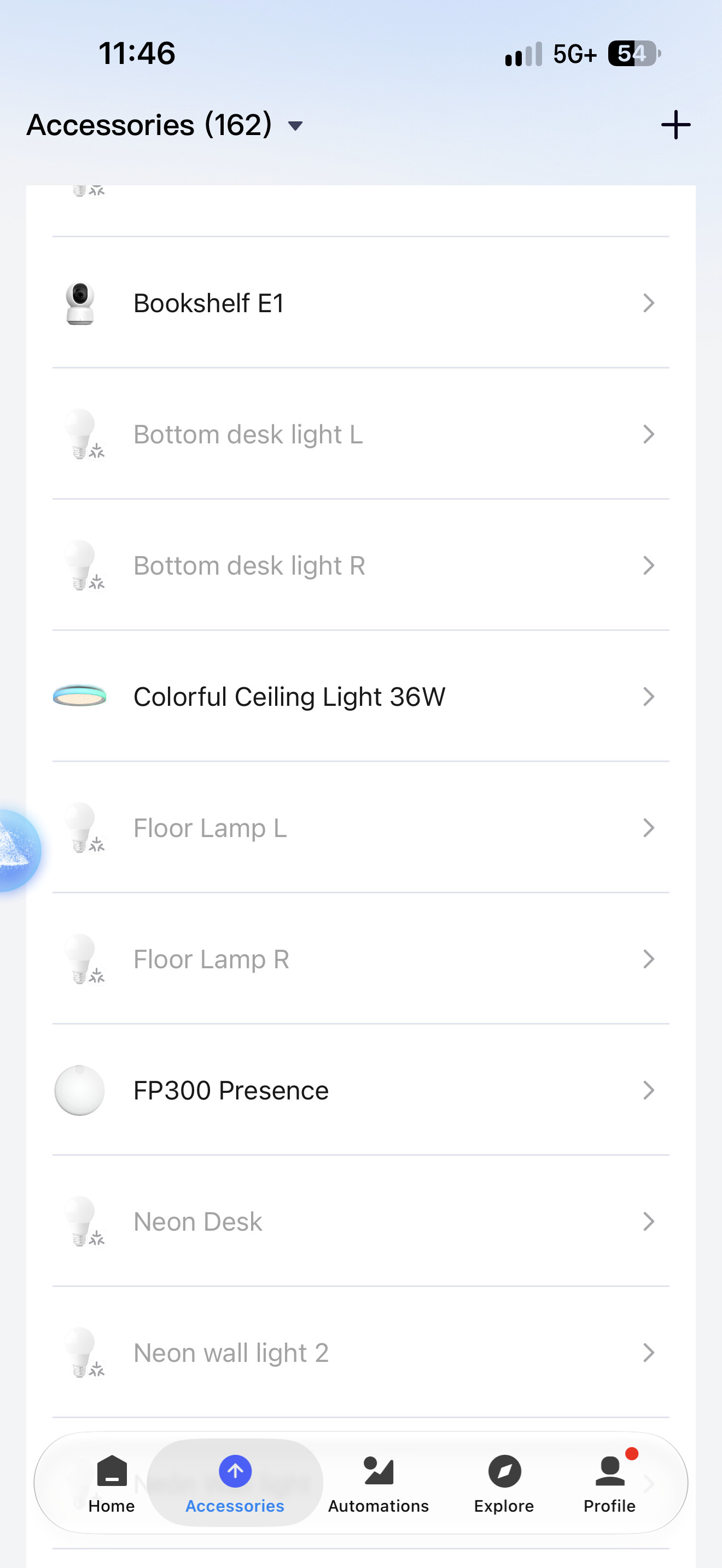
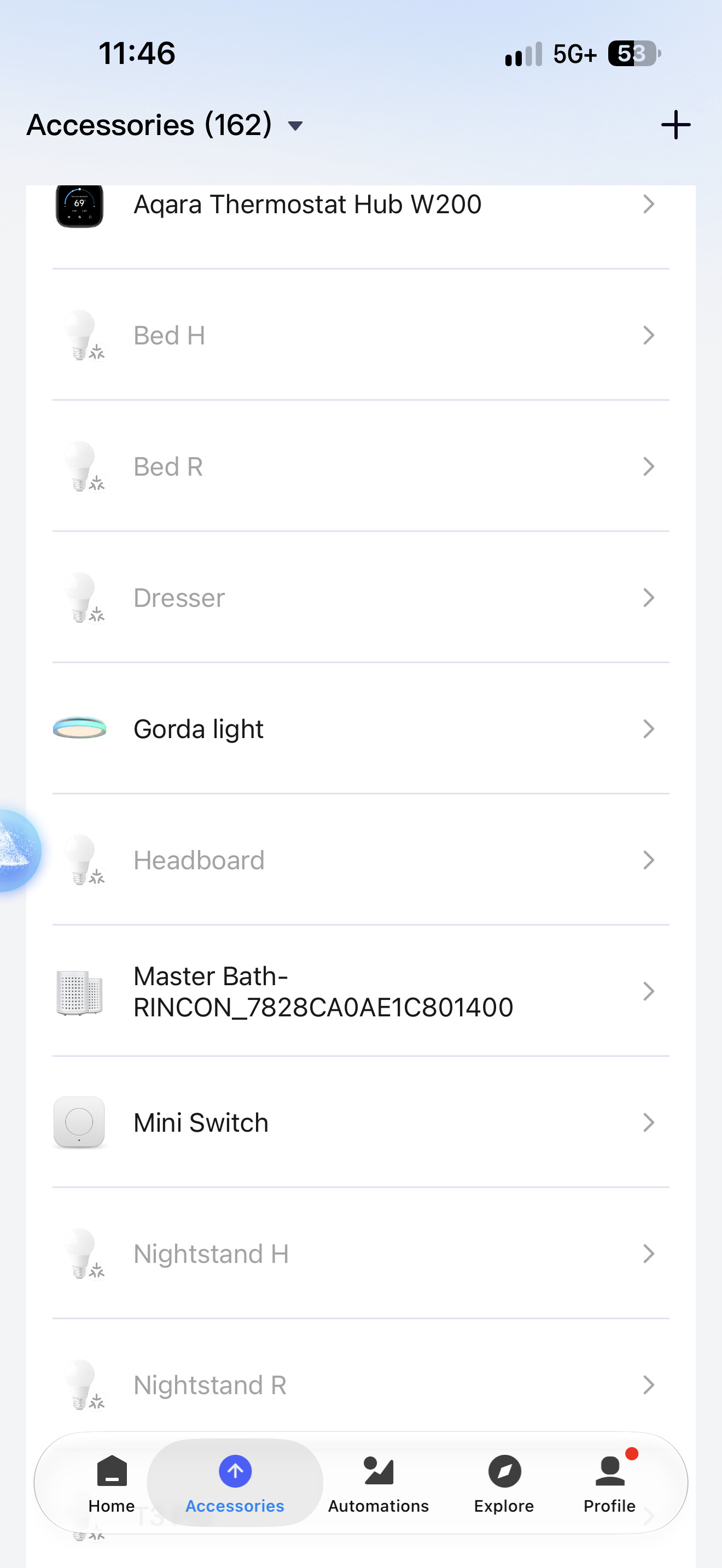
Look at a few lights they show greyed out meaning not bound or online. I have an Eero mesh system that not sure if that’s the cause not allowing the connection maybe it locked out the lights?
Turn OFF the Thread Network option in the Eero router settings. Eero tries to take over your Thread Network and any Thread devices don’t know where to connect. (Apple Home or Eero Thread Network). After disabling the Eero Thread option give any Thread device a little time to make adjustments and connect to the Apple Home Thread again.
50 WiFi Bulbs is an issue, it does not make a difference how good your WiFi system is. (Don’t add anymore WiFi Bulbs) work on eliminating WiFi bulbs in the future if you can.
Use a Hub that can control all the Bulbs it keeps your Network Healthier
Hubs are your Network friend and will prevent issues like you are experiencing.
So you want 1 Thread Network (Apple Home)
Reserve WiFi for Smart Phones, TV’s, Smart Speakers, Laptops, Guests etc.
Keep letting the Aqara M3 do it’s thing and pass any device over to Apple Home.
Now that you have identified 50 WiFi bulbs is causing chaos blow them up and start over. Try to get your Network Healthy again and reduce all the interference.
Ok, let me rephrase their not Bulbs their Govee strip lights different models for different things Aqara just classified them as bulb but in reality their Govee lights meaning lamps,strips,outdoor lights, sconces all from Govee and yes I have like 50 but everything was working fine thru Matter over WiFi but until I made the mistake to merge all the hubs into one unified thread network Apple it unbounded all my Matter devices. And now is hard to re add them to my set up because it won’t connect even if I do a hard reset. My Eero thread is been off from the moment I bought the system so not sure what’s the problem why they won’t connect. Is it Eero? Or my phone?
Their Not thread devices, I have no issues with my thread devices. I have an issue to connect my Matter devices over WiFi they won’t connect. When I merge my thread network it dropped all my Matter over WiFi devices
Are you using an iPhone to add the Matter devices?
If so, go to Settings → General → Matter Accessories → select a device → Remove Accessory, and then try adding it again. In my case, this has helped most of the time.
You’re right, my apologies on the Matter devices seen in the screen shots. I was focused on Thread and multitasking your mess.
I was hoping to point out the numerous things going on so you can separate them out and work on one at a time. It helps figure things out.
WiFi
Thread
Hubs
@JohnD has a point or as I mentioned blow them up and start fresh with the Lights giving you issues. Sometimes it’s easier than trying to figure out what went wrong.
As mentioned think twice about adding anymore WiFi devices, consider the Hub option and let the Hub to the heavy lifting. Try to keep the WiFi clean.
Apologies if I missed it on the thread but if you haven’t tried already, go into the Eero app - settings - troubleshooting- my devices is 2.4Ghz only - pause 5ghz for 10 mins
Thank you. I know it’s difficult not to add Wi-Fi devices, especially if I’m so into GOVEE lights for my house, creating a ambience and that’s the only product that they make matter over Wi-Fi, and I use Aqara to run all my automations., but since Aqara is planning to launch lightning products I’m going to look into that like you say, let the hub run everything