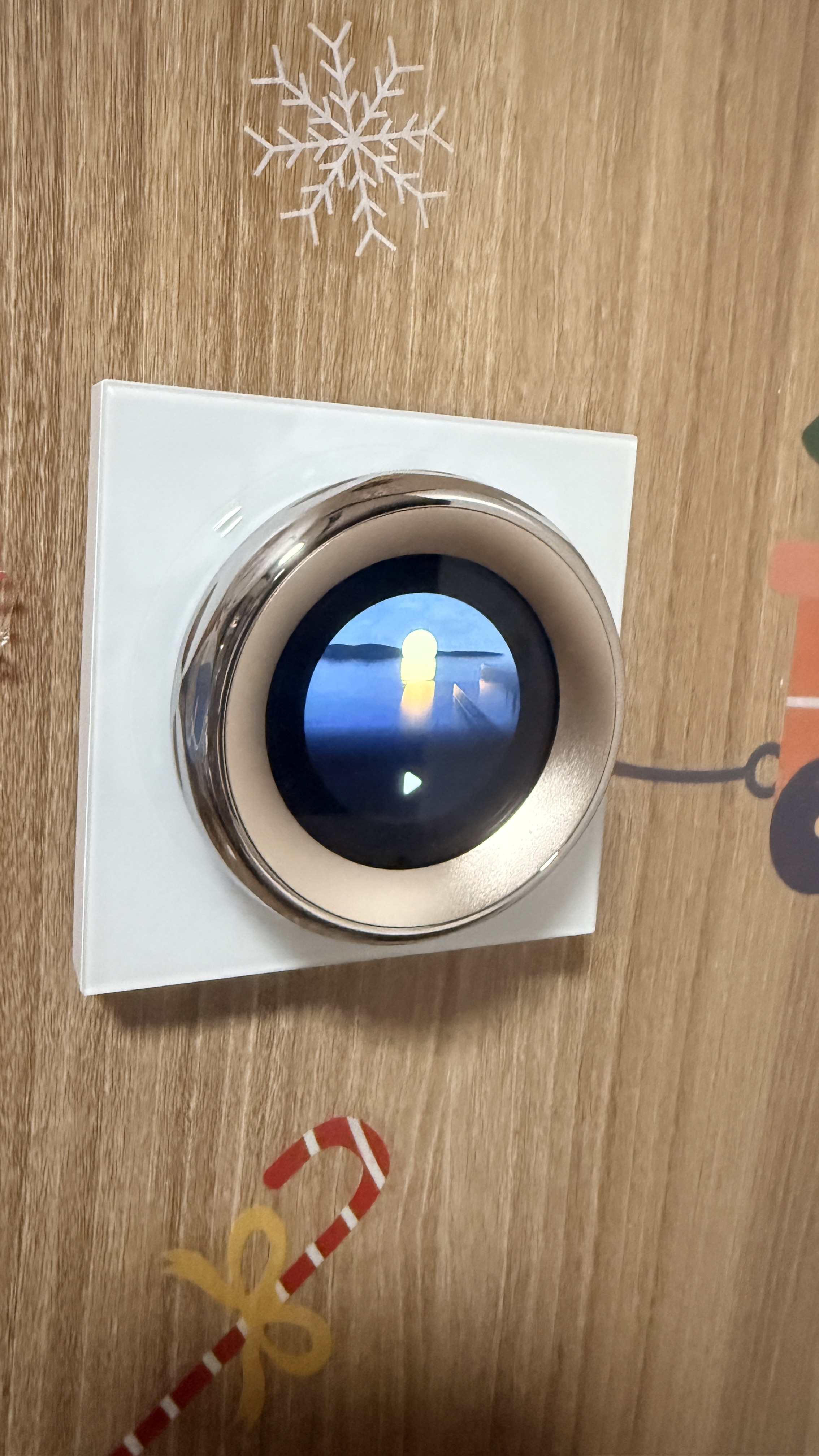
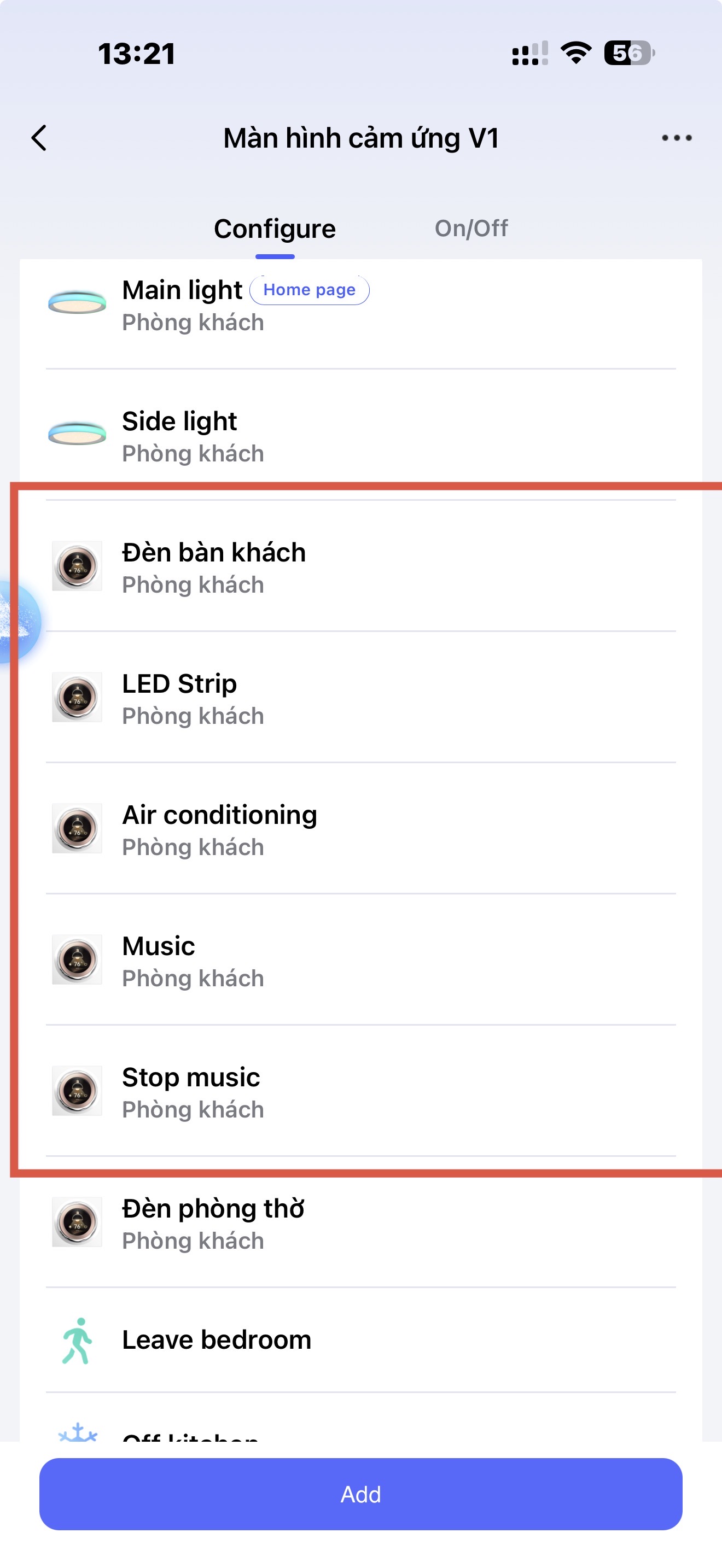
Suddenly, my v1 switch does not display the names of these 5 wireless switches. I tried to restart this V1 but not success.
Hi there, it looks like you’re experiencing a support-related issue. We’ve automatically created a support ticket for you and will reach out via the forum email within the next two business days.
If other members have any suggestions or insights on this topic, feel free to share!
3 Likes
I don’t actually have a Mgic Knob so just going off my general experience.
A plain restart usually doesn’t fix this kind of thing because it just reloads whatever’s cached locally — it doesn’t force the app to re-push the switch names back down to the device. In the app, try removing and re-adding just one of the 5 switches from the Knob’s linked list (not the whole device), see if that one comes back named correctly. If it does, that’s your fix, just tedious — repeat for the other 4. If it doesn’t, the sync is broken at a deeper level and it’s a support-ticket problem.
Did anything change right before this started? App update, one of the switches getting renamed or re-paired? That’d help narrow down whether this is a one-off glitch.