Hello,
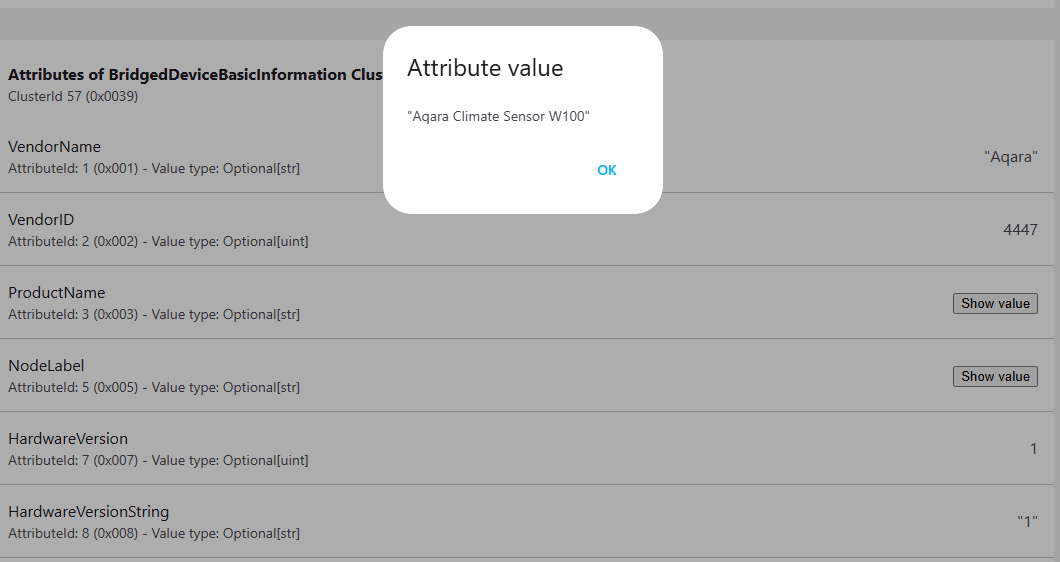
I paired my Climate Sensor W100 (Zigbee mode) with my Hub M3 .
Could you also support Matter tags when using the Climate Sensor W100 via the Matter bridge mode with M3 hub?
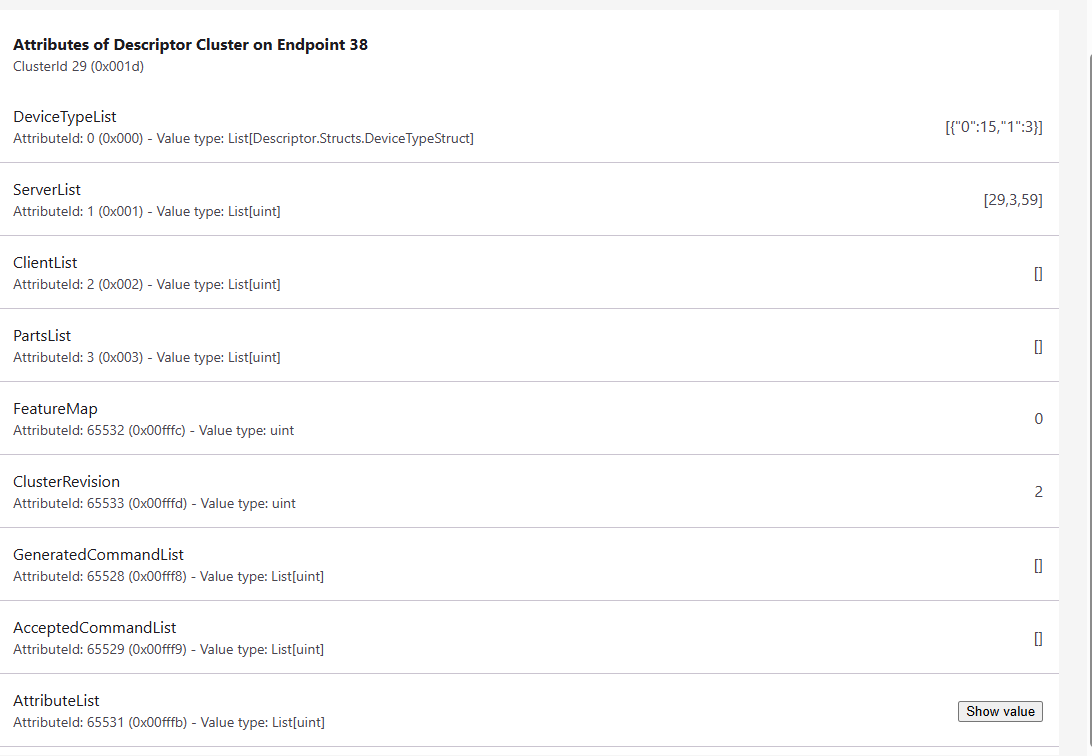
The tags appear correctly when paired directly with a Matter controller but not in this mode.
EP list:
Endpoint 34
Device Type(s): Bridged Node / Thermostat / Power Source
Endpoint 35
Device Type(s): Bridged Node / Power Source
Endpoint 36
Device Type(s): Temperature Sensor
Endpoint 37
Device Type(s): Humidity Sensor
Endpoint 38
Device Type(s): Generic Switch
Endpoint 39
Device Type(s): Generic Switch
Endpoint 40
Device Type(s): Generic Switch
Regards
2 Likes
@ludovic_boue Hi there! I’m sorry, but I couldn’t find any relevant information regarding whether the Climate Sensor W100 supports Matter tags when used via the Matter bridge mode with the M3 hub. This situation shows that our current knowledge base might be lacking in this area.
However, this is a great opportunity for our community to collaborate! If anyone else in the community has experience or knowledge related to this issue, please share your insights. It would be really helpful.
I’m committed to seeing improvements in our knowledge resources so that we can better answer questions like this in the future. If you have any suggestions or ideas for improvement, please submit them through manual customer service feedback.
Let’s work together to make our Aqara Smart Home community even better!
1 Like
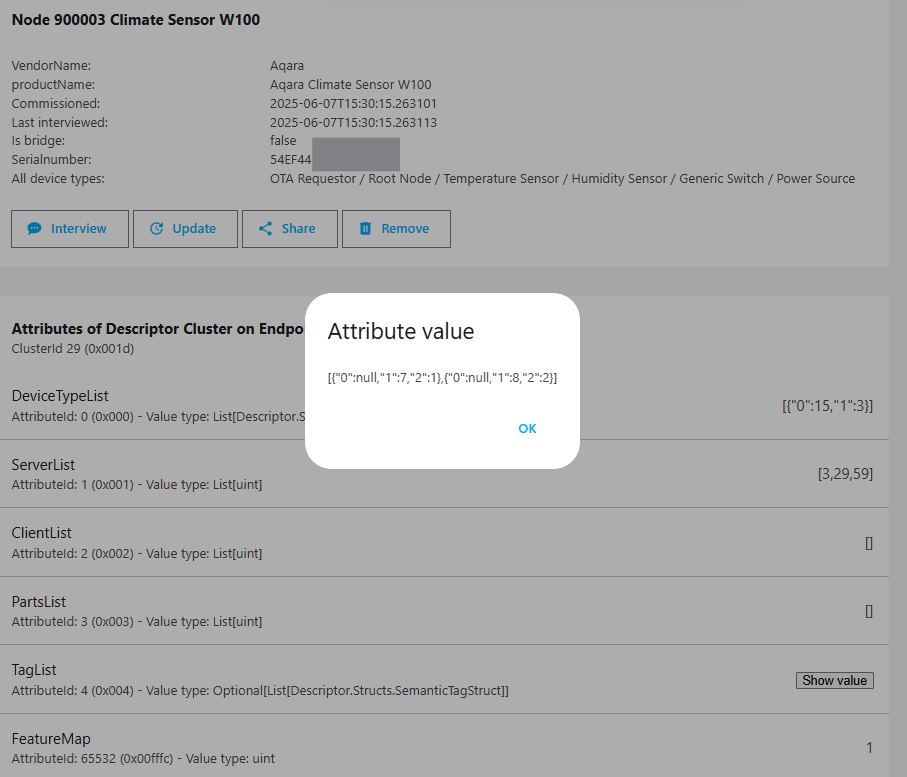
When paired directly with a Matter controller we have the TagList attribute for each button Endpoint:
For first button:
[{"0":null,"1":7,"2":1},{"0":null,"1":8,"2":2}]
2 Likes
@ludovic_boue That’s really great sharing! This information is quite valuable as it shows the details of the TagList attribute when the Climate Sensor W100 is paired directly with a Matter controller. It helps us better understand the functionality in this configuration. Thank you so much for taking the time to share this with the community.
If you have any other findings or experiences related to Aqara products, please don’t hesitate to share them with us. We always love to learn from our users’ real - world experiences. And if you have any suggestions or recommendations for improvement, you can submit them through manual customer service feedback.
1 Like
Will you be adding this soon?
@ludovic_boue I’m sorry, but I couldn’t find relevant information regarding whether Matter tags for the Climate Sensor W100 in bridge mode with the M3 hub will be added soon. Our current knowledge base doesn’t cover this specific update plan.
This is a great topic for community collaboration—if any members have insights or experiences related to this, feel free to share! If you have suggestions for improvement, please submit them through manual customer service feedback. Let’s keep the discussion going to make our community more helpful for everyone.
Not fixed with Aqara M3 4.5.20 version.
@ludovic_boue Thanks for sharing the update that the issue isn’t fixed in Aqara M3 4.5.20 version—it’s really helpful for the community to know the current status. If you’d like to provide feedback on this, you can Contact the Aqara Home App Customer Service Team (Home > Help & Feedback > Customer Service) or scan the QR code:
. This will be more efficient. If you do not have an Aqara Home account, “Please
click here” to create a ticket.
Could this be added to the 2026 roadmap?