Hello Aqara Friends,
Today we would like to introduce our latest Aqara Edge Hub M300.
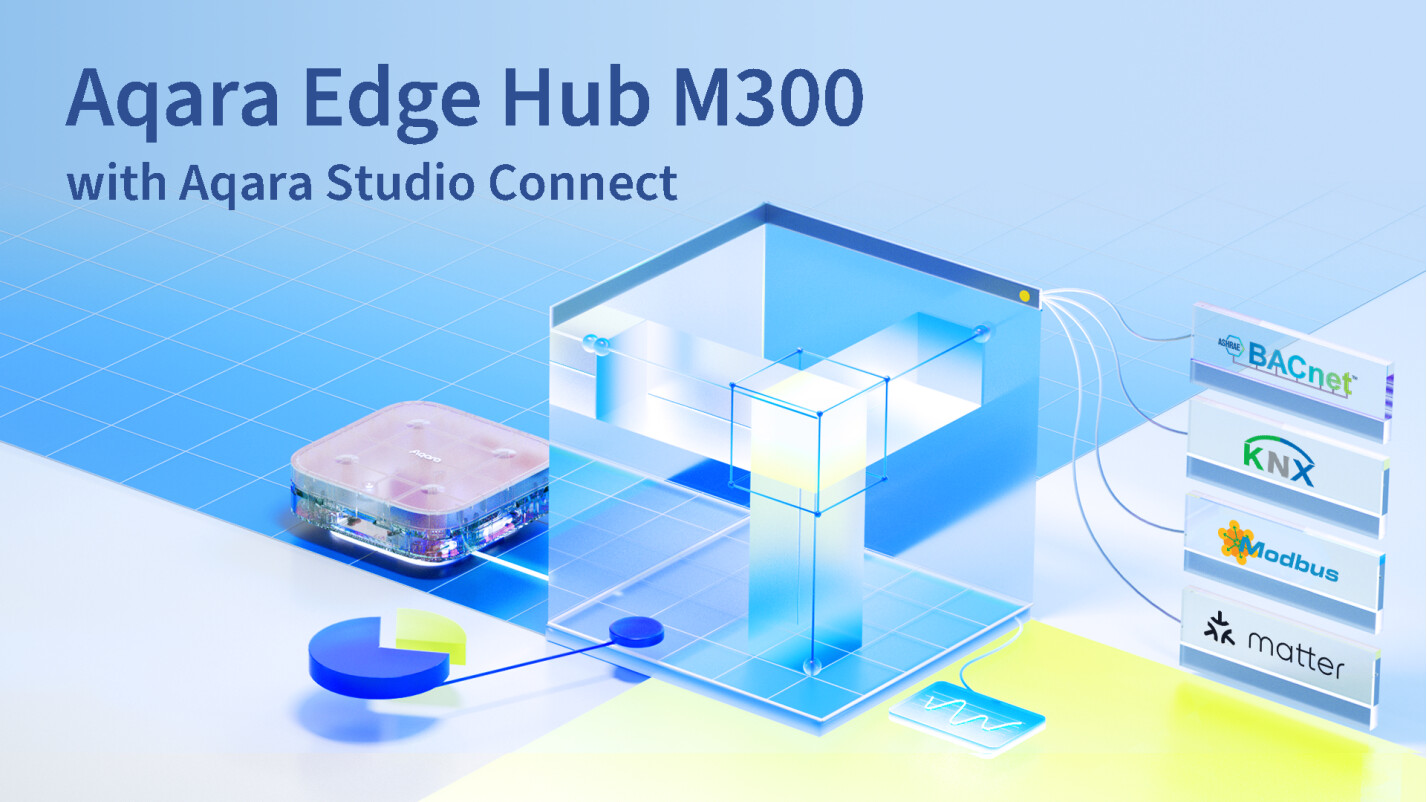
The new Aqara Edge Hub M300 with Aqara Studio Connect is the latest and most powerful professional-grade hub Aqara has developed yet. It has all the benefits of being a compact hub, while still able to manage system-wide multi-protocol smart home setups. Aqara Studio Connect enables installers and integrators to incorporate both consumer-grade smart home devices (the entire Aqara product line and Matter-enabled devices) as well as professional building system protocols (such as BACnet IP, KNX IP, Modus TCP) on one platform. With its flow-based automation editor, large and complicated multi-protocol systems can be unified, controlled, and edited on the web-based interface.
Device and System Integration
Aqara Studio Connect unifies devices from multiple systems into one singular automation platform. It centrally manages Aqara’s own product portfolio alongside third-party devices across Matter (Wi-Fi, Thread, Ethernet), professional bus protocols (BACnet IP, KNX IP, Modbus TCP), and even Home Assistant integrations. This allows installers to build advanced automations, monitor real-time data, and manage HVAC and energy systems, all locally through an intuitive visual editor.
At the same time, Aqara Studio bridges these devices outward, exposing their functions to external platforms such as KNX, Control4, Josh AI, Apple Home, Google Home, SmartThings, Siri, Alexa, and Google Assistant. This dual approach means you can either run Aqara Studio as a complete automation system, or use it to extend and enrich existing ecosystems with broader device compatibility.
Professional Configuration with Consumer Usability
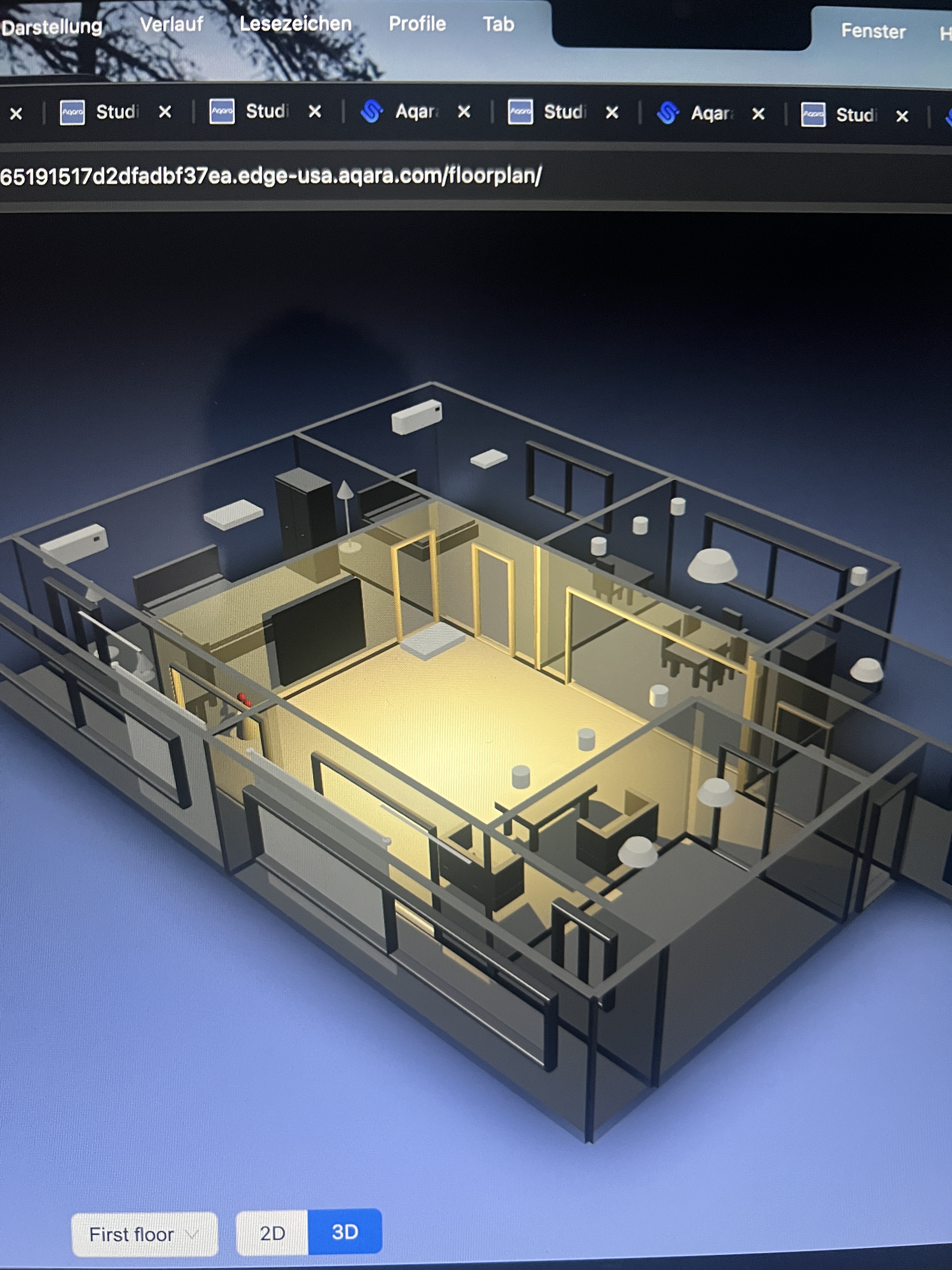
Aqara Studio’s web-based interface is designed for system integrators, facility managers, and B2B project teams. Its’ visual interface can build conditional triggers, schedule tasks, link scenes and manage the HVAC and electric appliances in a smart home. This enables fast and convenient configuration of complex automation systems without additional software installation. With access capabilities for remote troubleshooting and an intuitive flow-based automation editor with fully configurable device types, professionals can deploy sophisticated smart home setups and maintain complete system control through role-based permissions.
The configured devices are displayed and controllable via the familiar Aqara Home mobile app, allowing end users to control their systems through an intuitive consumer interface they can easily understand and operate. This dual-interface approach provides professionals with enterprise-grade configuration tools while delivering end users a polished, user-friendly experience for daily operation and monitoring.
Reliable Hardware and Software
Equipped with RJ-45 and USB-C ports, the hub can be powered via PoE for stability or USB for installation convenience. It includes a UPS power backup and a microSD slot for additional system and device log storage. With local and cloud backup systems, as an edge hub operations will continue even during outages via local control. Aqara provides professional lifecycle support through regular updates and comprehensive technical assistance.