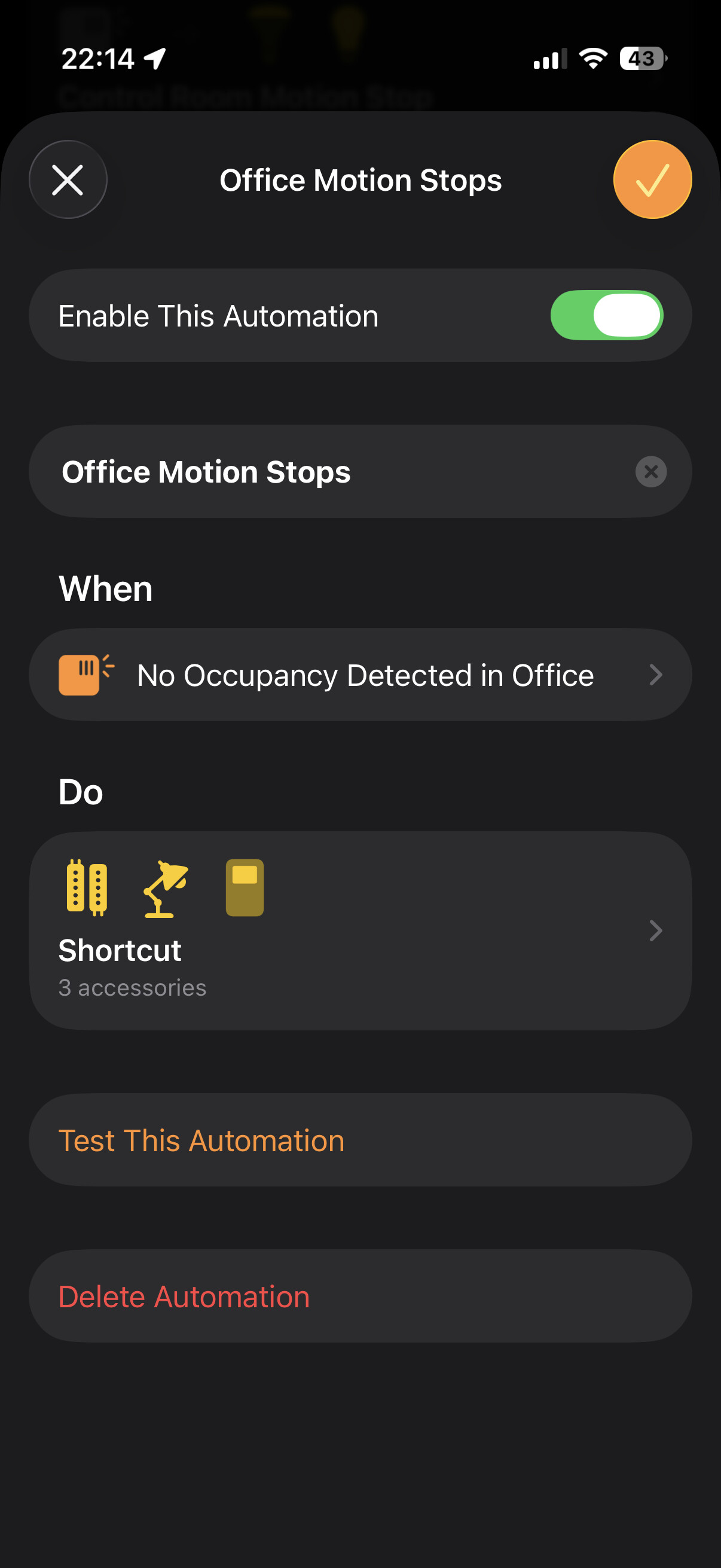
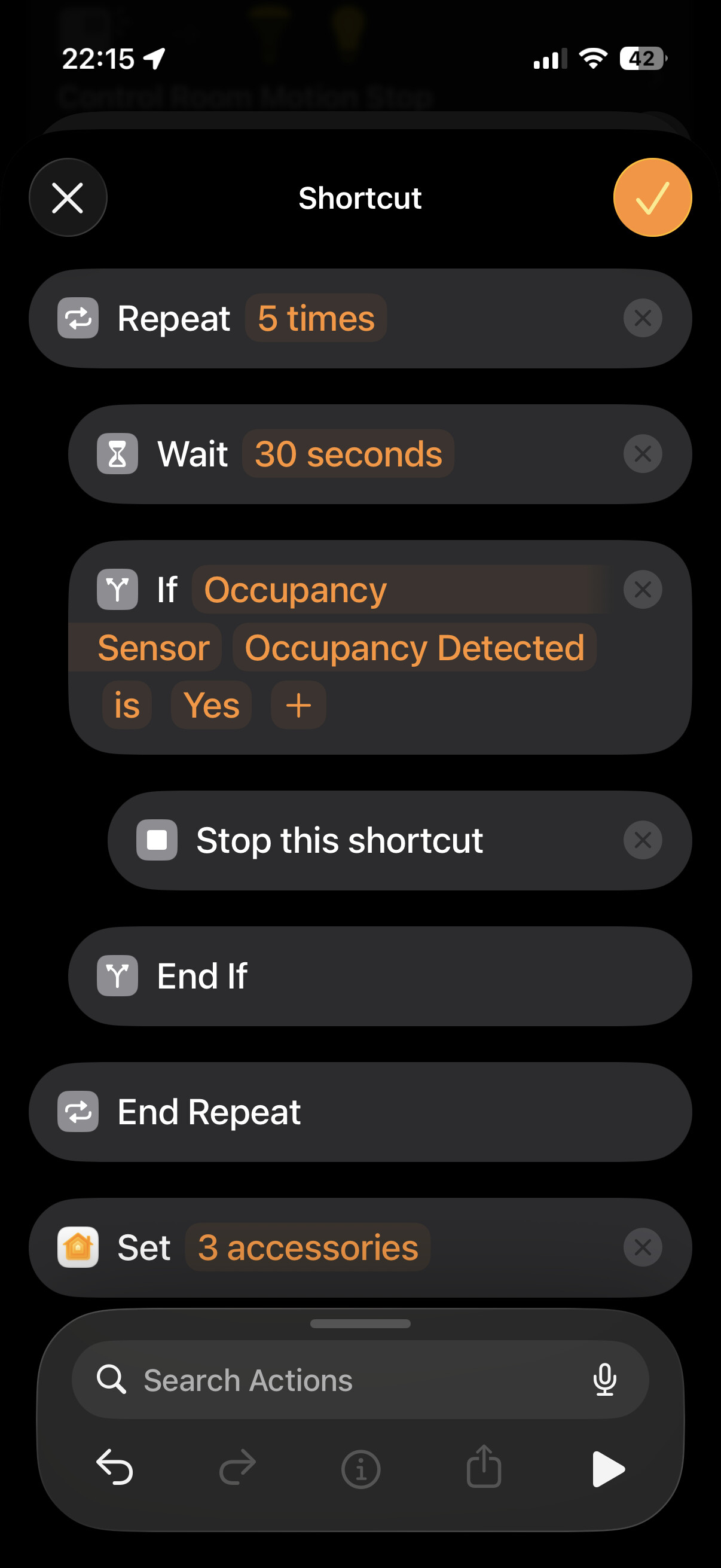
My G410 Doorbell is installed and seems to be working fine. I have paired it with Apple Home as I have my FP300 presence sensor. I have defined an automation that runs from sunset to sunrise based on the doorbell detecting motion. When it does, it is supposed to turn on the outside front door lights. I have another automation that is supposed to turn the lights off when motion is no longer detected.
The motion detected automation does not function properly and I don’t know how to isolate the problem. The automation is turning on the light even when no motion has been detected. The no motion automation turns the light off but they come right back on.
I have a similar pair of automations tied to the motion sensor in the FP300 that is in my office. Upon motion detection, it turns on the lights in my office. Shortly after I leave the office, the lights turn out.
I have no idea how to debug this automation tied to the doorbell motion sensor. Any help would be greatly appreciated. If this is the wrong forum, please point me in the right direction. Thanks!
Here is a possible explanation based on the different technologies used:
FP300: PIR (Infrared) + mmWave (Radar)
G410: PIR + mmWave + Camera Image Analysis
My guess is the following: As you described, the light turns back on immediately after switching off. I know this behavior from other cameras (like the G5 Pro with PIR + Camera Image Analysis). It seems that the camera interprets the switching off of the light itself as a motion event. This immediately re-triggers the automation, which turns the light back on.
Since you cannot easily add a delay or duration in standard Apple Home Automations to filter this out, this becomes a problem.
If that is what is happening, that makes the motion sensor in the G410 totally unusable for automation purposes. Is there any other way with the G410 to sense a presence that would work like the FP300 does in my office?
I am afraid there is no way to do this in Apple Home neither via Face or Person Detection nor via a delay or duration timer. The best solution is to set up an automation using the Aqara Home app as it gives you the option to specify when a lingerer/face is detected.