I have multiple Aqara M3 hubs and have exposed my IR devices to Matter via scenes (specifically for my ceiling fans). However, every time I trigger a scene, the IR command seems to broadcast from every M3 hub simultaneously. Is there a way to specify or restrict which hub should send the IR signal?
2 Likes
Hello, welcome to the forum. Theoretically, the signal is sent from the gateway on which you registered IR. How can a gateway that has not been trained (IR command added) send a signal that it does not know.
1 Like
The issue is that I have identical setups in three different rooms: each room has an M3 hub and a ceiling fan. I’ve ‘learned’ the IR commands on each hub locally, resulting in six scenes exposed to Matter for Home Assistant to control.
While the Aqara app correctly triggers the specific hub for each fan, Home Assistant seems to trigger the IR command across all three hubs simultaneously. It appears the Matter bridge is broadcasting the signal rather than targeting the specific device.
1 Like
In the Aqara app, I create identical IR settings on different gateways, when creating automation, I use the remote control with the corresponding room (IR1, IR2…).
Unfortunately, I don’t use HA, so I can’t give you any advice.
1 Like
Hello! Unfortunately, my setup is completely different to yours, so I can’t try this out on site. However, I will try to help you.
Are all the M3 hubs integrated separately into Home Assistant (HA) via the Matter server add-on? Are the IR devices all displayed as individual entities?
As an alternative, you could try Advanced Matter Bridging. To do this, create a scene in the Aqara Home app that performs the desired actions, then synchronise the scene via Matter. The scenes should then appear as switches in HA.
1 Like
Thanks for the reply. I am currently using the Matter Advanced Bridging method, where each IR action is an Aqara scene synchronized via Matter and appearing as a switch in Home Assistant.
In the Aqara app, I’ve noticed that when selecting the ‘Execution Device’ for these Matter scenes, only one M3 hub can be chosen. If I try to select a different hub for a specific scene, I get a warning stating: ‘Switching the execution device will update all scenes to the new device.’ > This essentially forces all six switches to be linked to a single M3 hub.
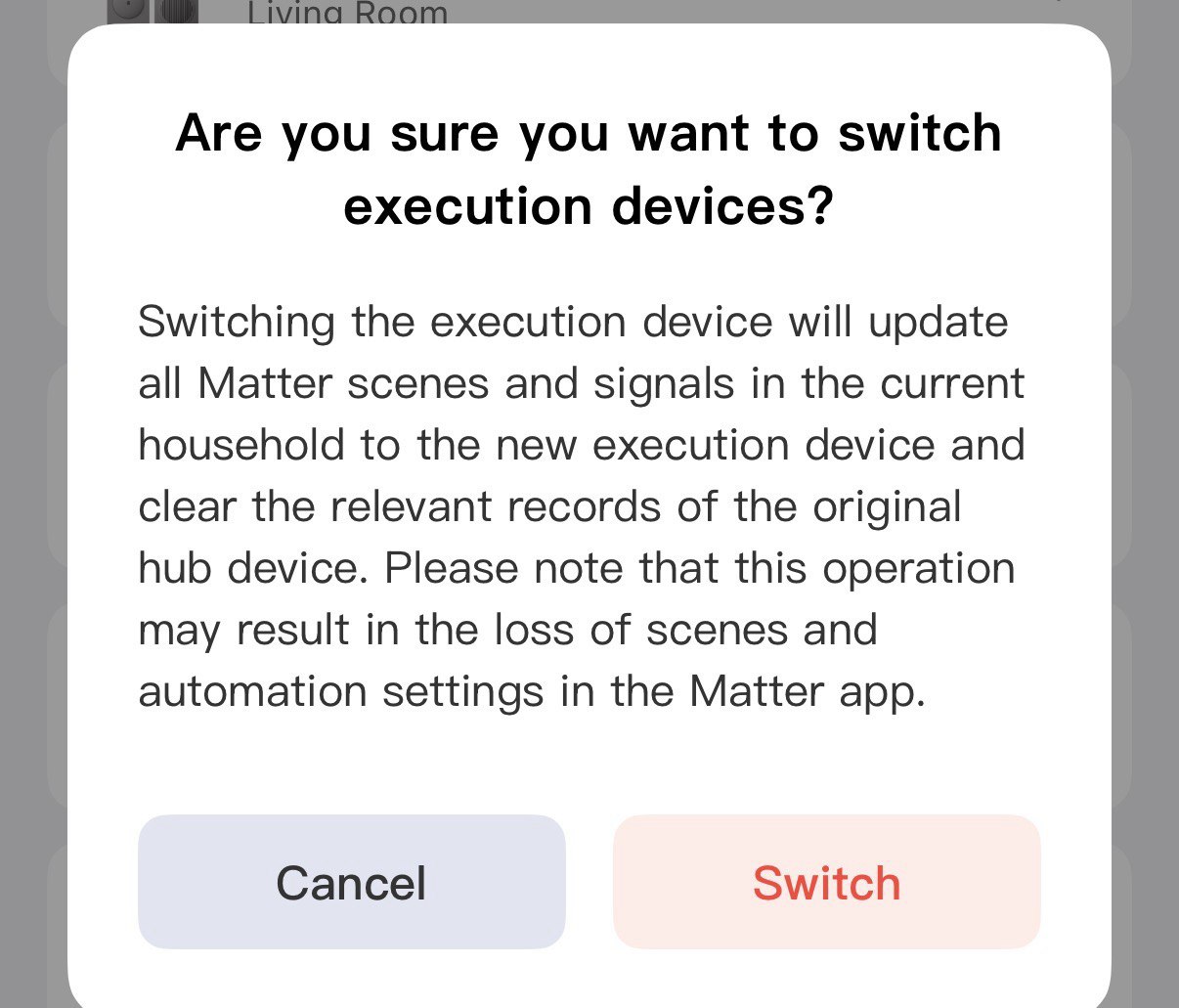
However, this still doesn’t explain why the IR commands are triggering across all three hubs simultaneously when activated via Home Assistant. It’s starting to feel like a limitation or a bug within the Matter implementation itself
A Matter Controller acts as the central brain and security manager of your network, responsible for onboarding devices and sending local control commands. Because Matter uses isolated security environments known as “Fabrics,” you generally require a separate primary controller for each ecosystem you wish to use (e.g., one for Apple Home and another for Google Home).
In the Aqara ecosystem, specifically with the Hub M3, multiple controllers can form a cluster; if the primary hub fails, a secondary hub automatically takes over to ensure your system keeps running. The warning message you saw cautions against manually switching the “Execution Device” because doing so changes the unique identifiers of your bridged devices. This mainly affects third-party platforms like Home Assistant, where such a switch breaks existing automations by making the devices appear as completely new hardware.
Regarding the IR commands, I would be interested to know exactly what that looks like in your Home Assistant. Please take a look at the nodes under “Matter Server” → every bridge (hub) should be listed there, and if you click on one, the bridged devices should be displayed. Does each hub always have exactly one IR device as an endpoint there? Or does one bridge (hub) have all IR devices as endpoints?
The limitation is that I can’t select individual hubs for specific scenes
So all my bridged devices are appearing under one hub under “Connected Devices”
The truth is that I actually have more hubs: a 4th M3 hub and G5 Pros.
I wonder if it would help if I un-cluster the M3s, giving each hub its own Matter fabric connection to Home Assistant.
1 Like
Why do you want to disconnect the hub? Just leave it in Home Assistant and add the other hubs via Matter. I think in that case, each hub should have its devices listed as separate endpoints, but the scenes will still originate from the primary hub.
1 Like