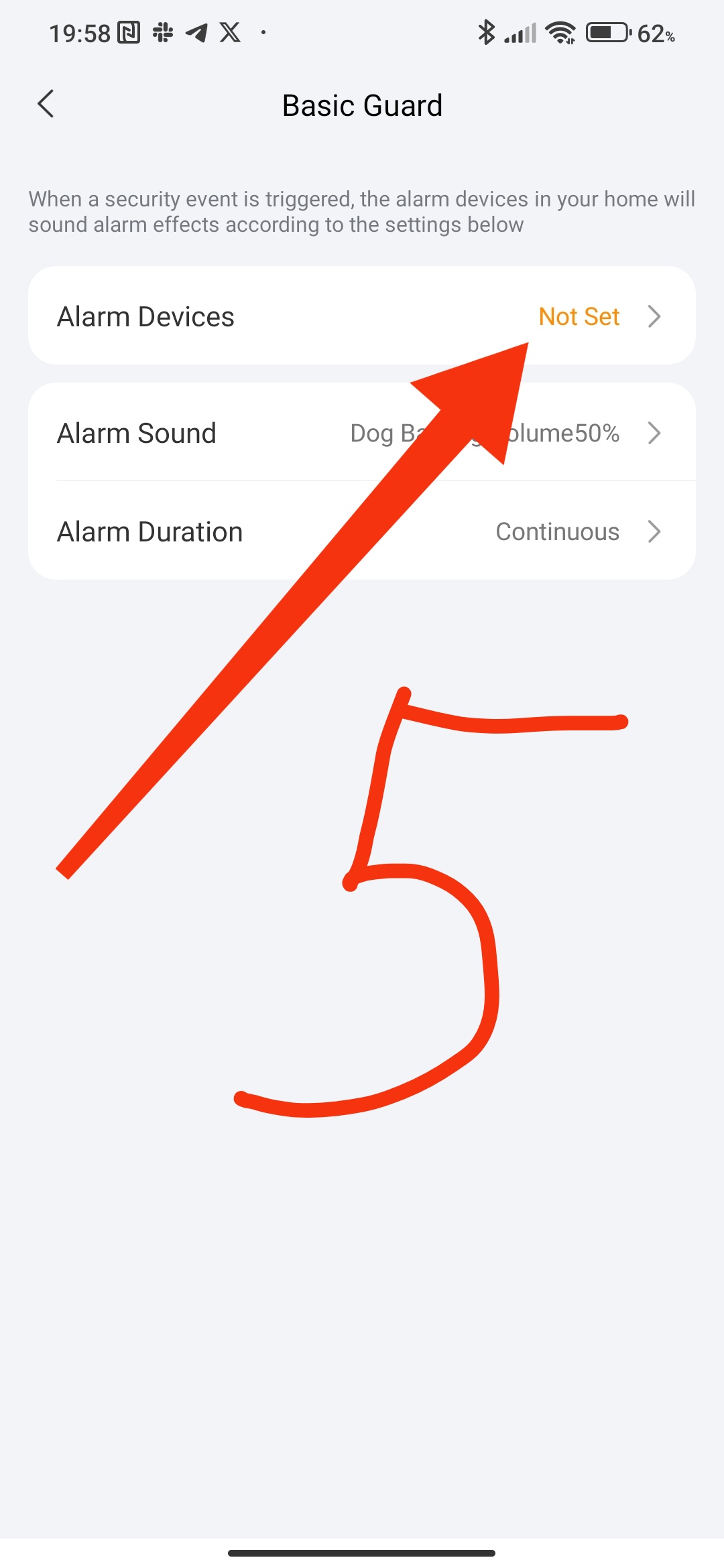
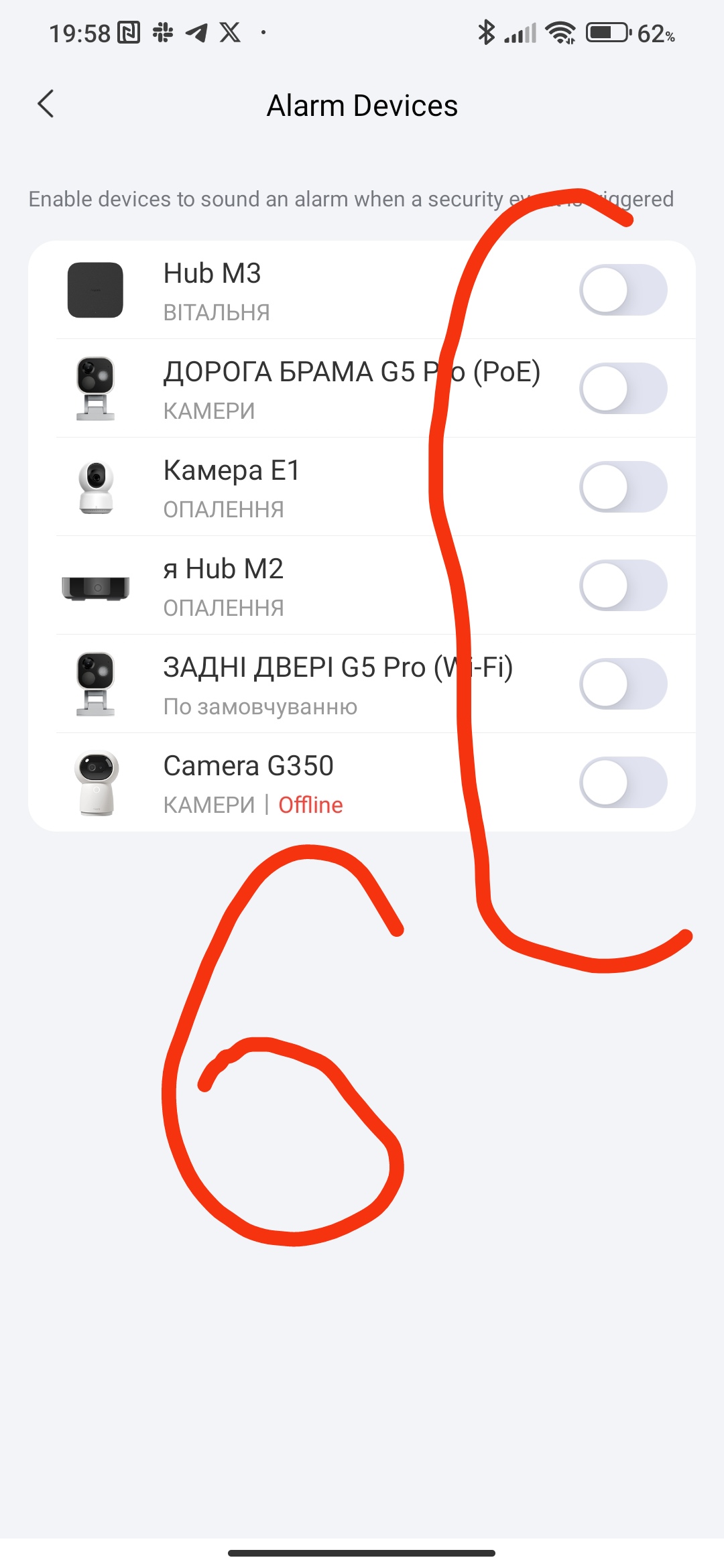
I’ve got a temp sensor alarm configured to send email and alerts when the temp exceeds a certain degree. I also have an alert sent to the M2 Gateway. When the alarm triggers, where do I mute the alarm on the Gateway? I’ve gone thru every menu option I could find.
Hi there, can you help with this? @Expert
When am alarm is triggered there is an option to dismiss the alarm.
I shall trigger one to find out exactly where and repost here if someone does not beat me.
Perhaps instead of an alarm you could just use a notification alert instead?
Hi @mgodfrey you can make an automation with this rule
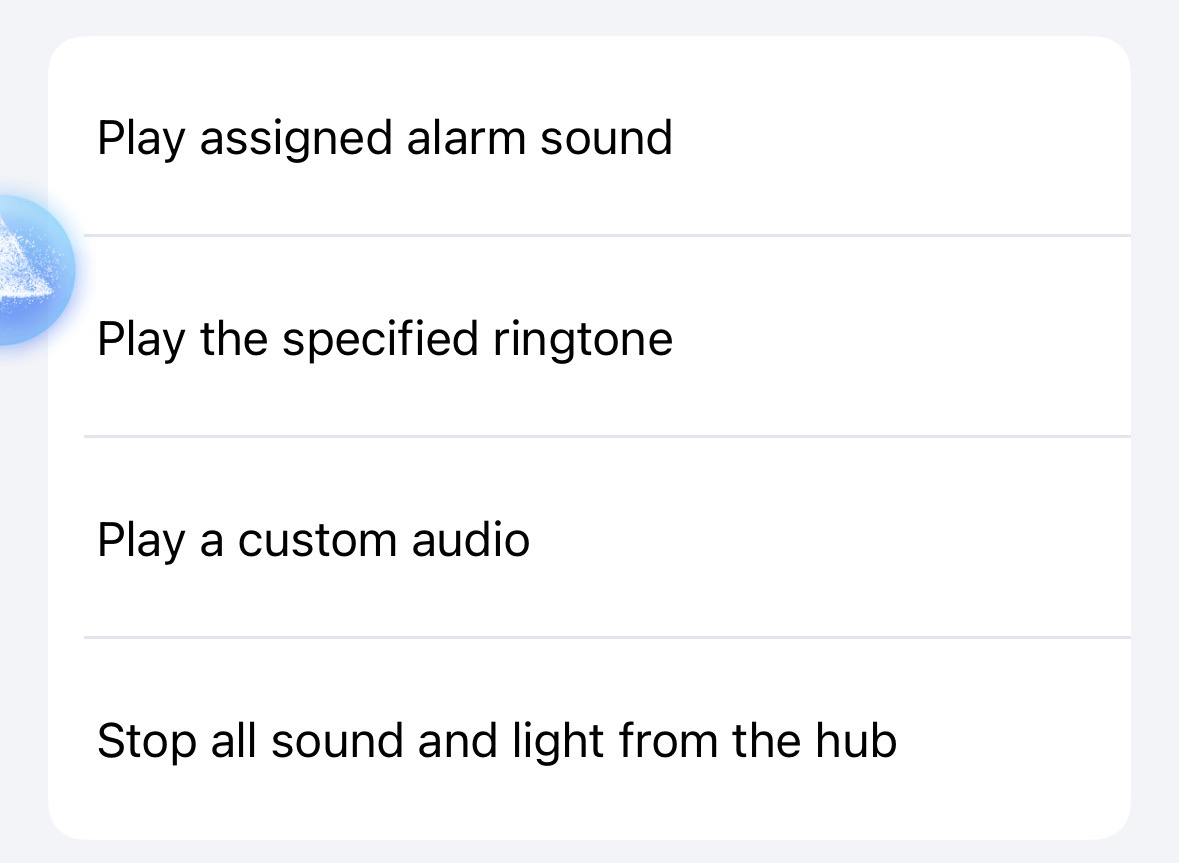
I think this should be available in automation settings under M2
Or you should be able to press the link button at M2 to manually switch sound / alarm off
1 Like
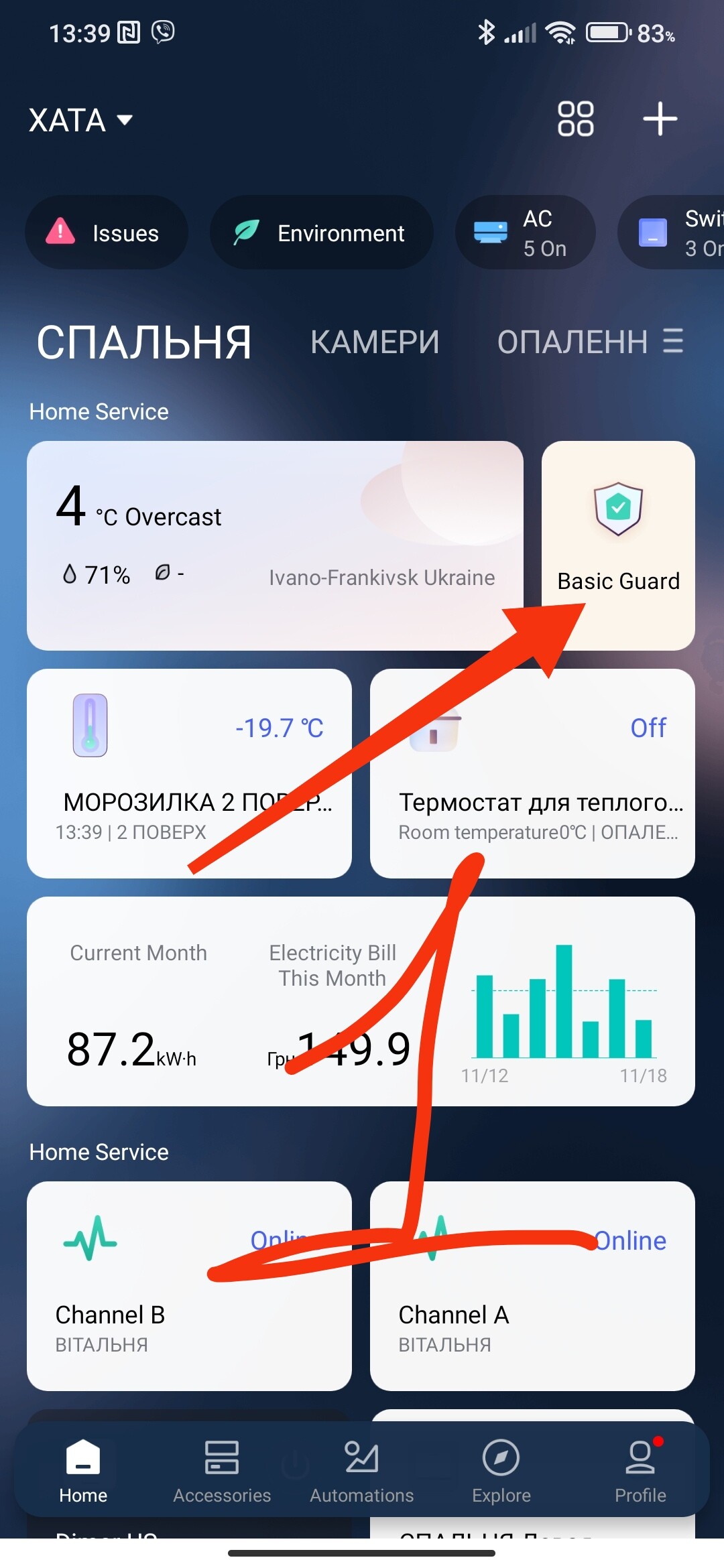
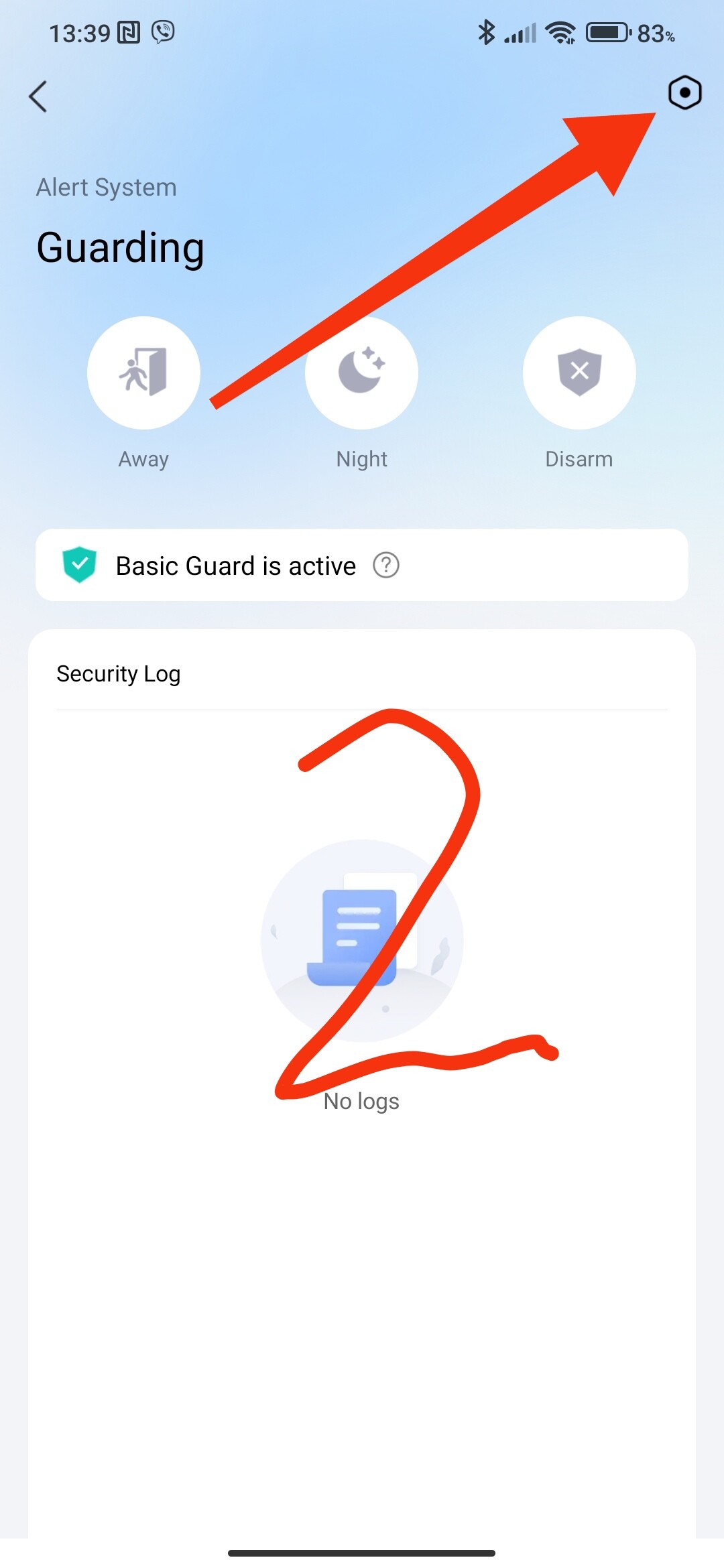
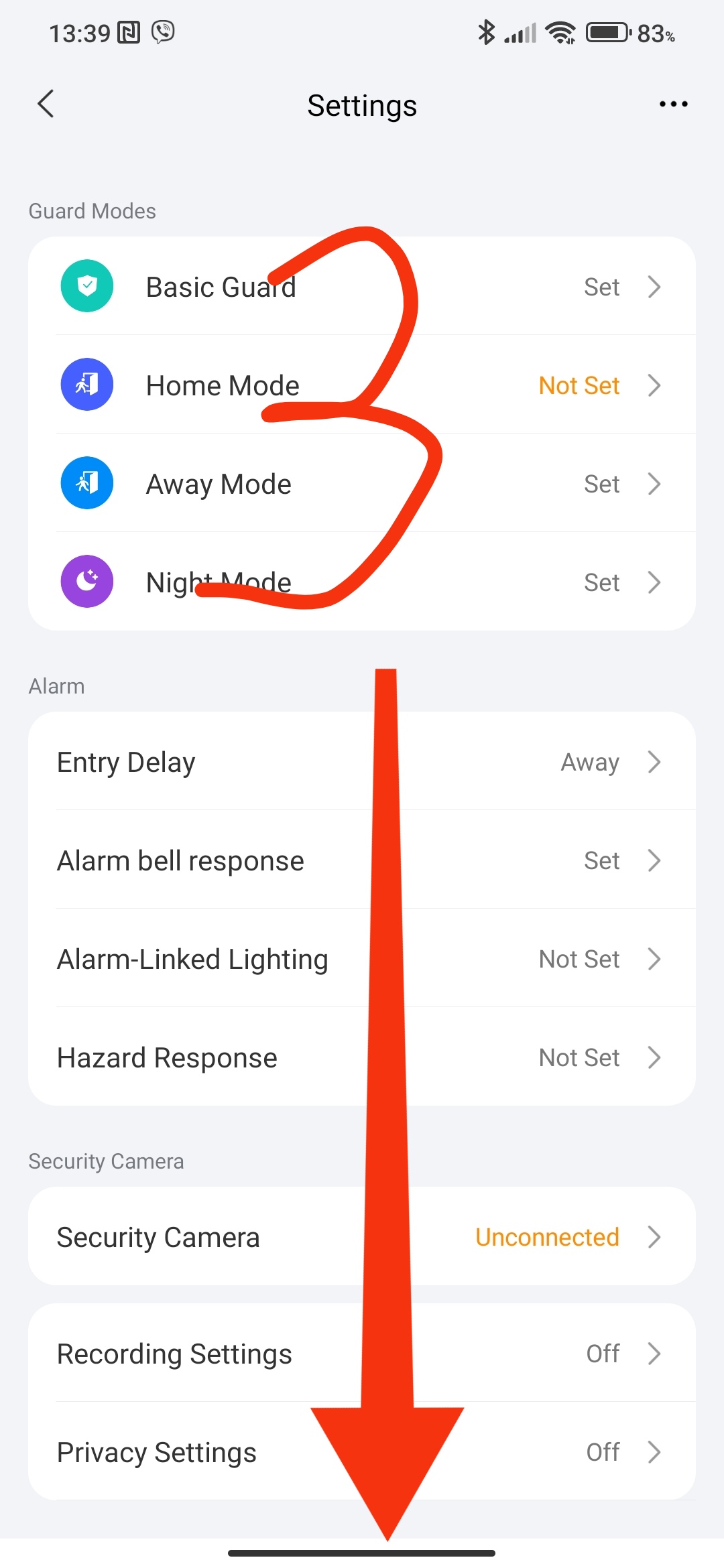
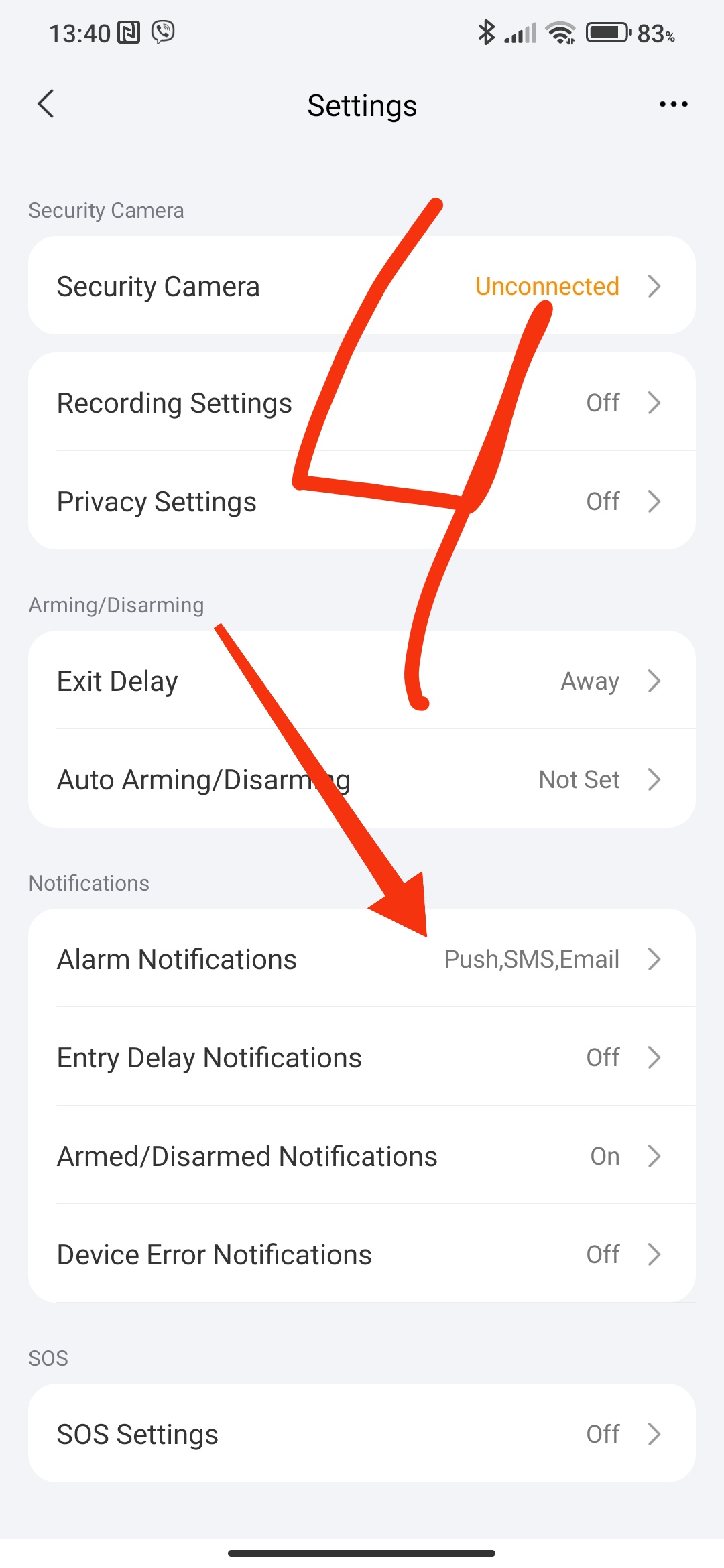
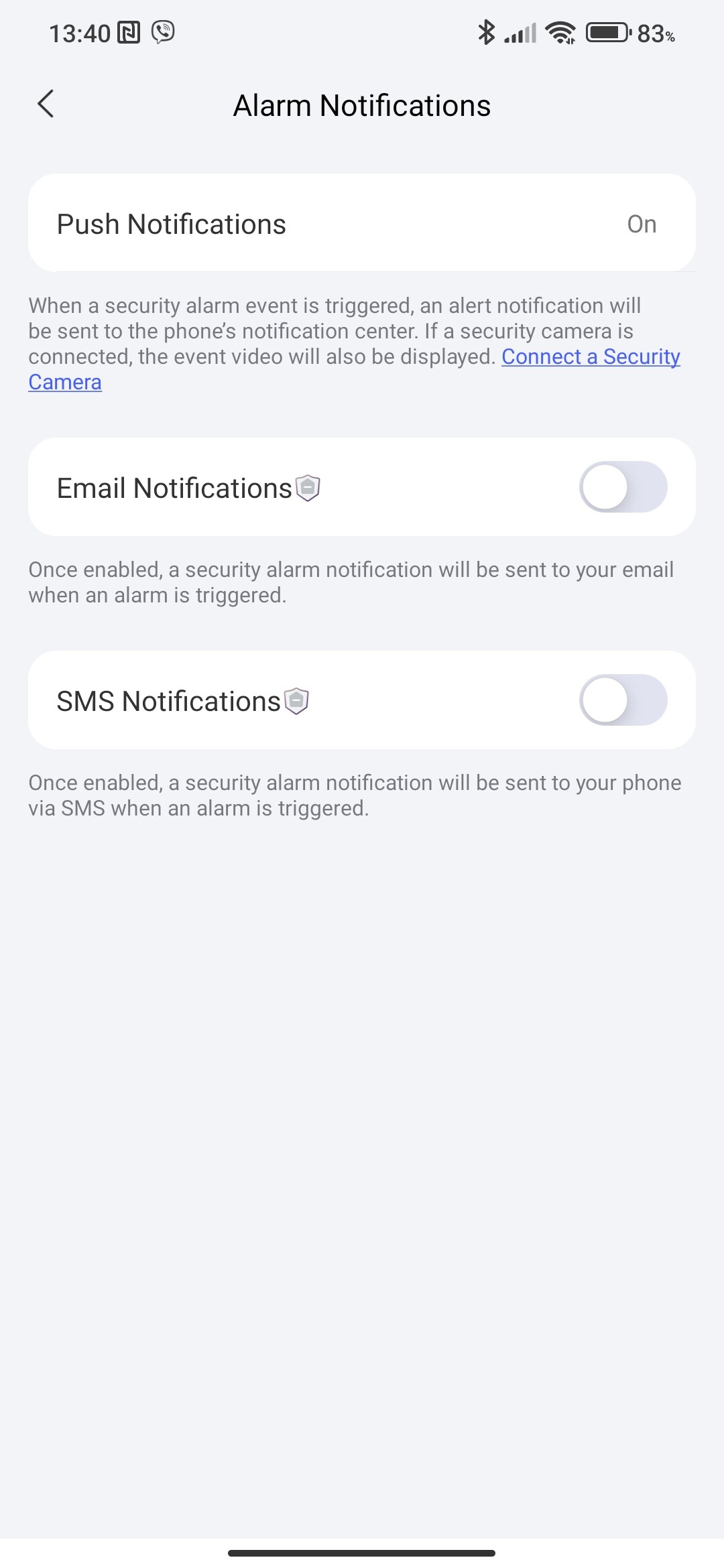
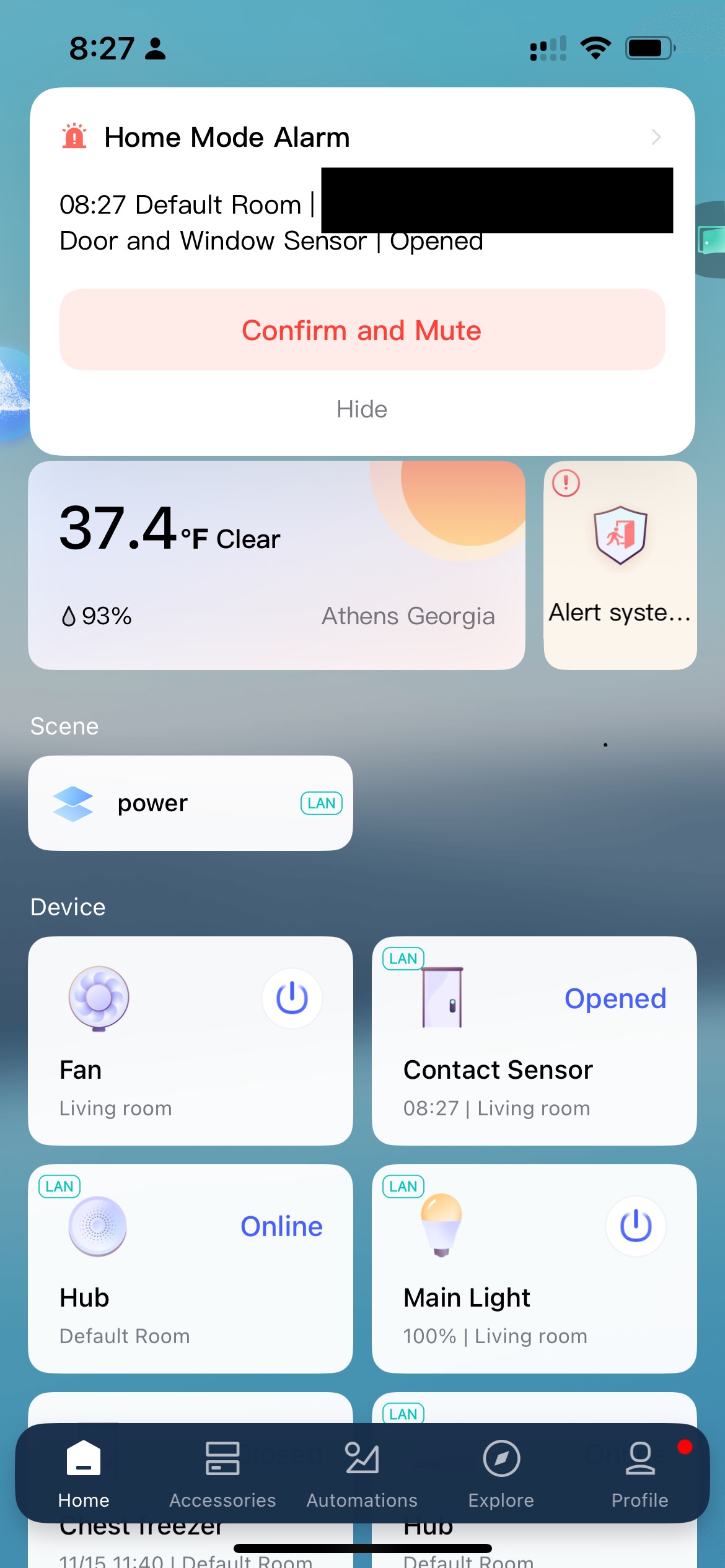
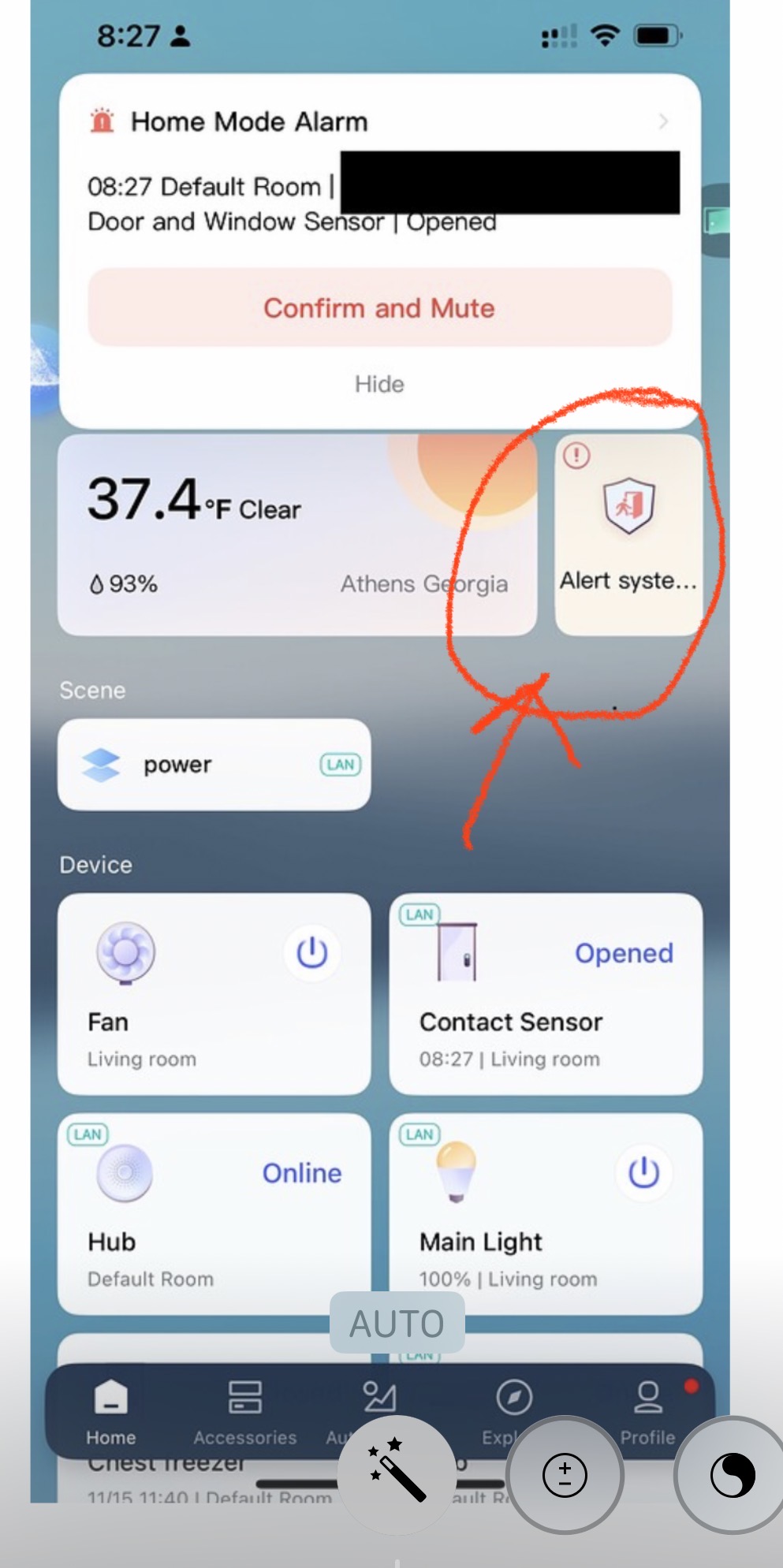
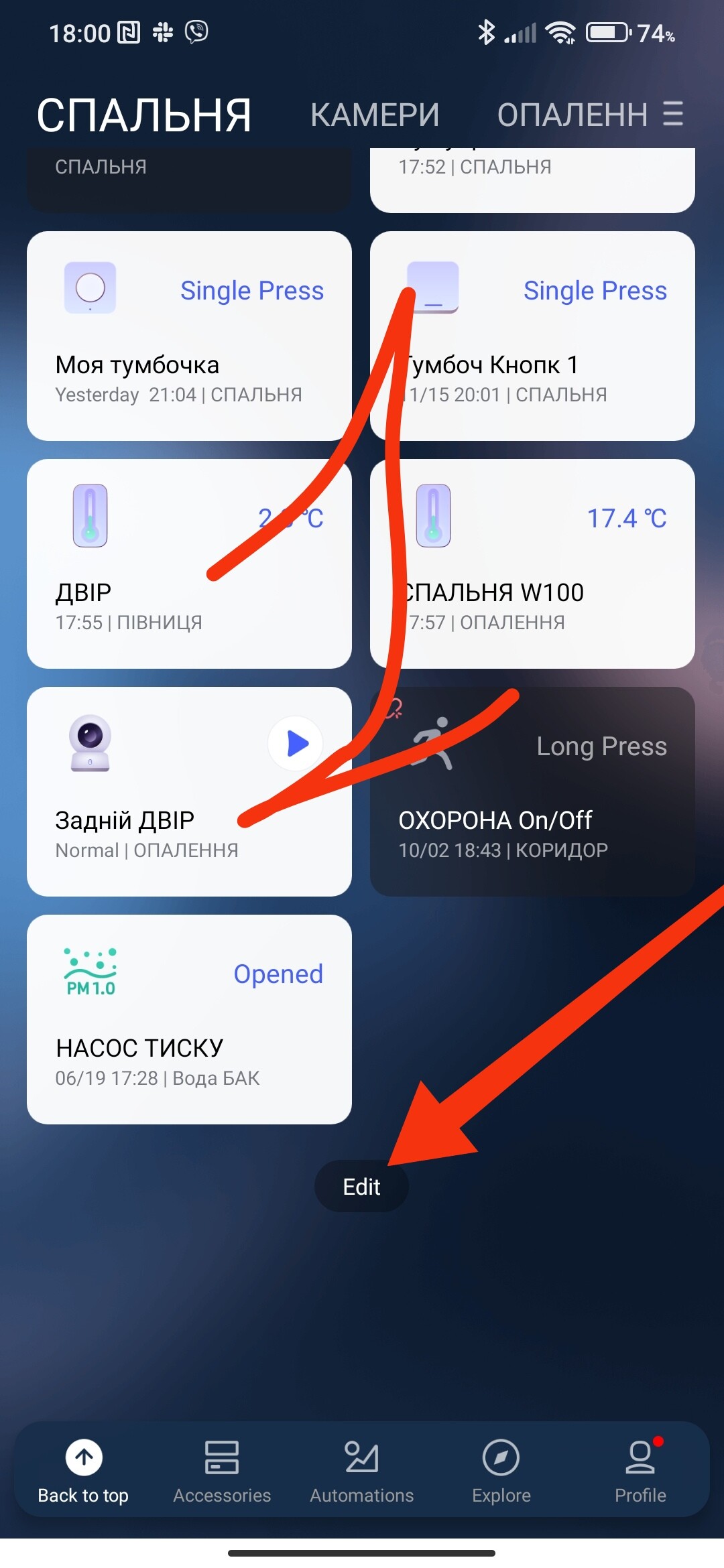
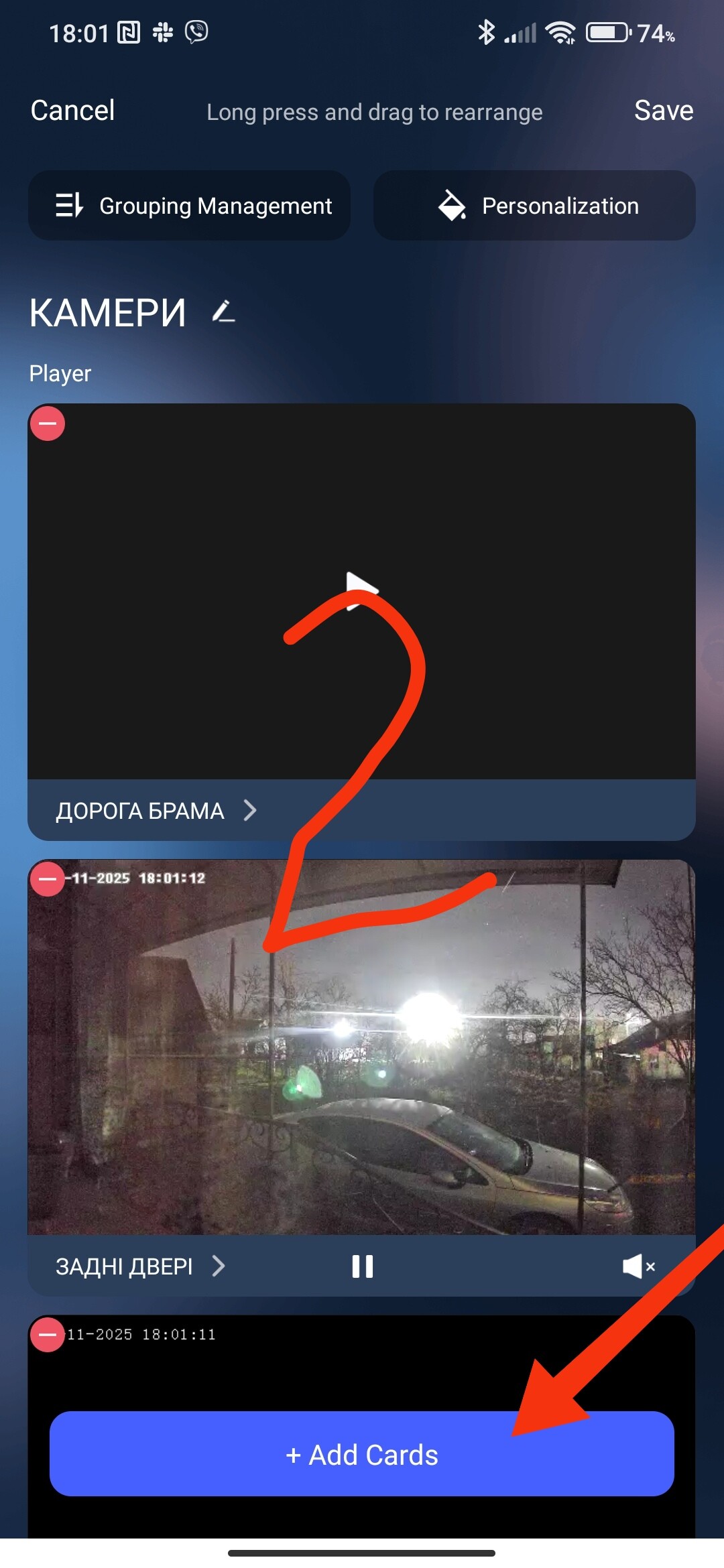
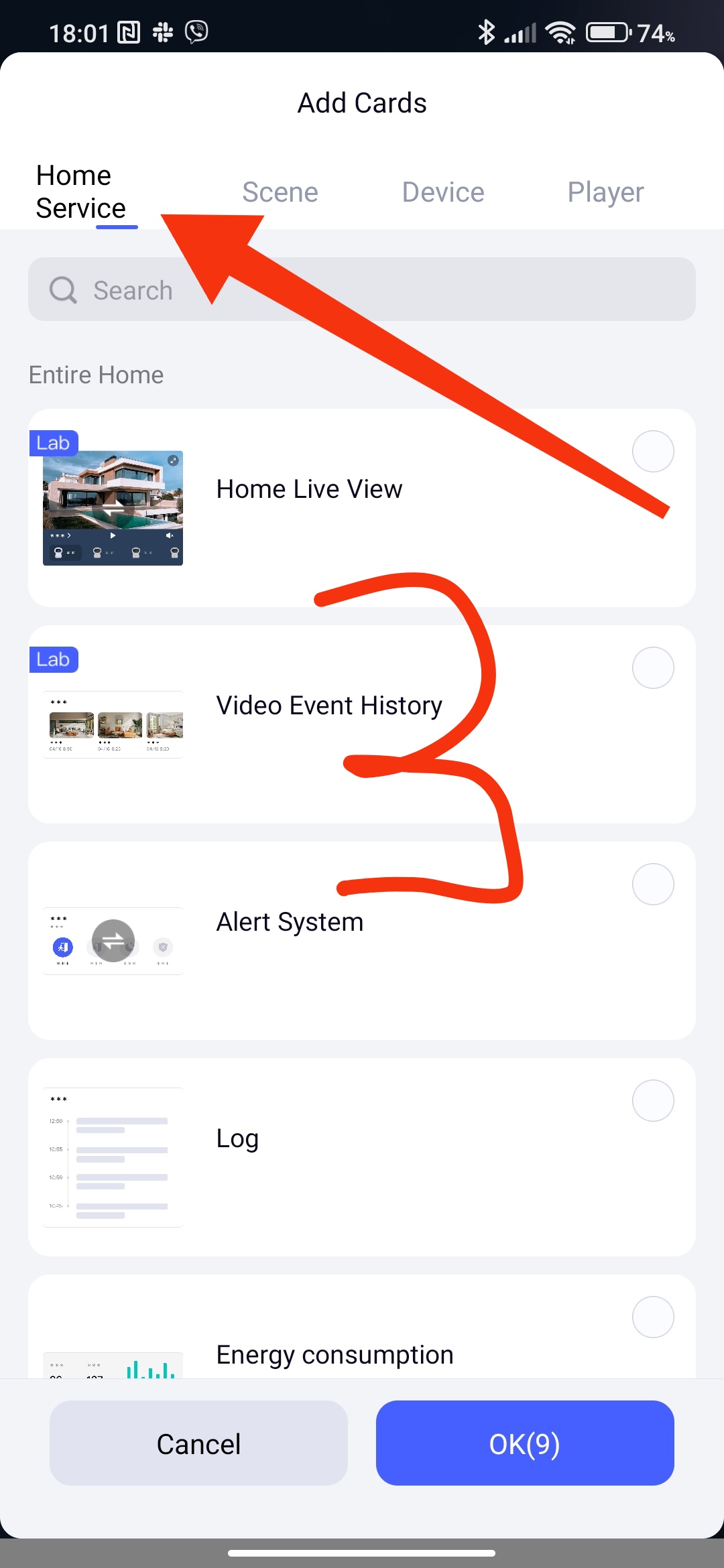
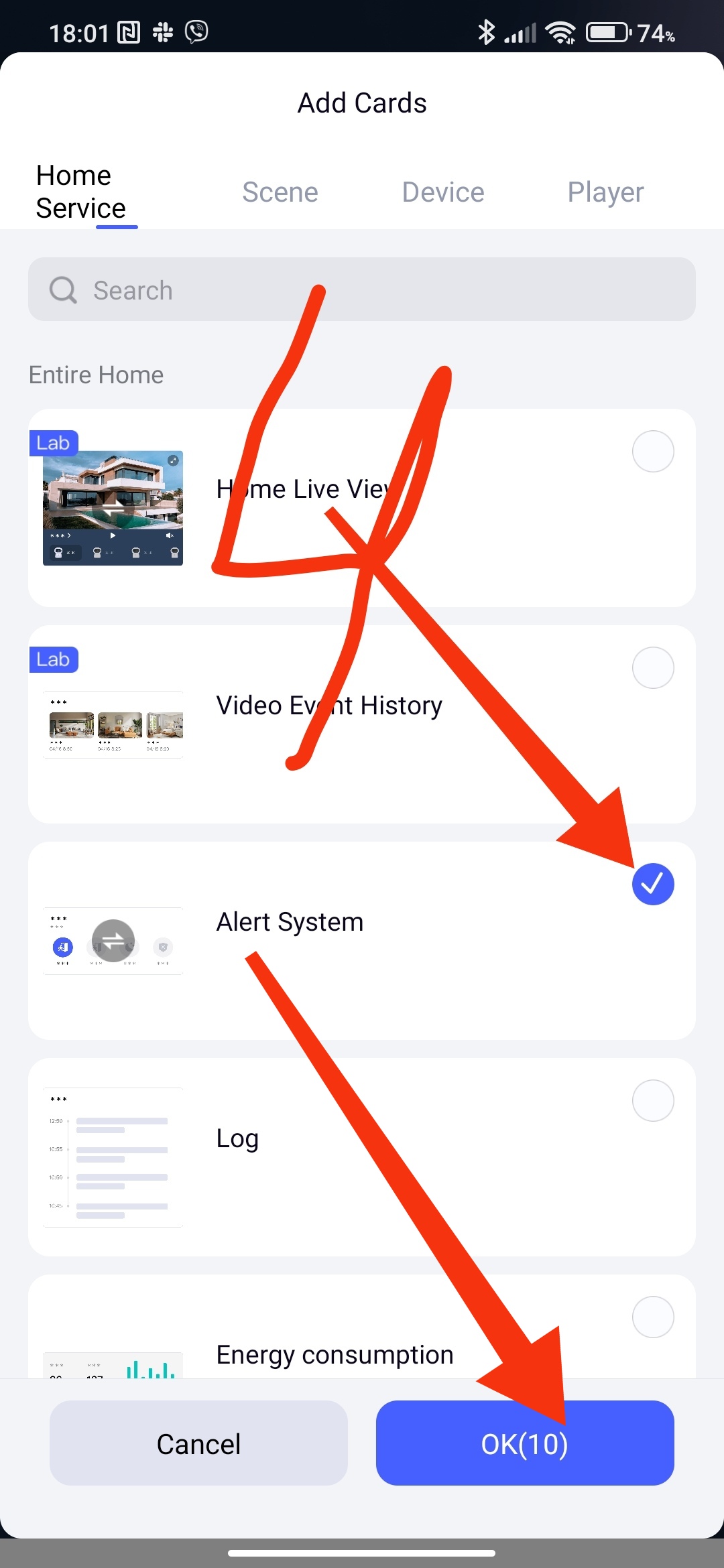
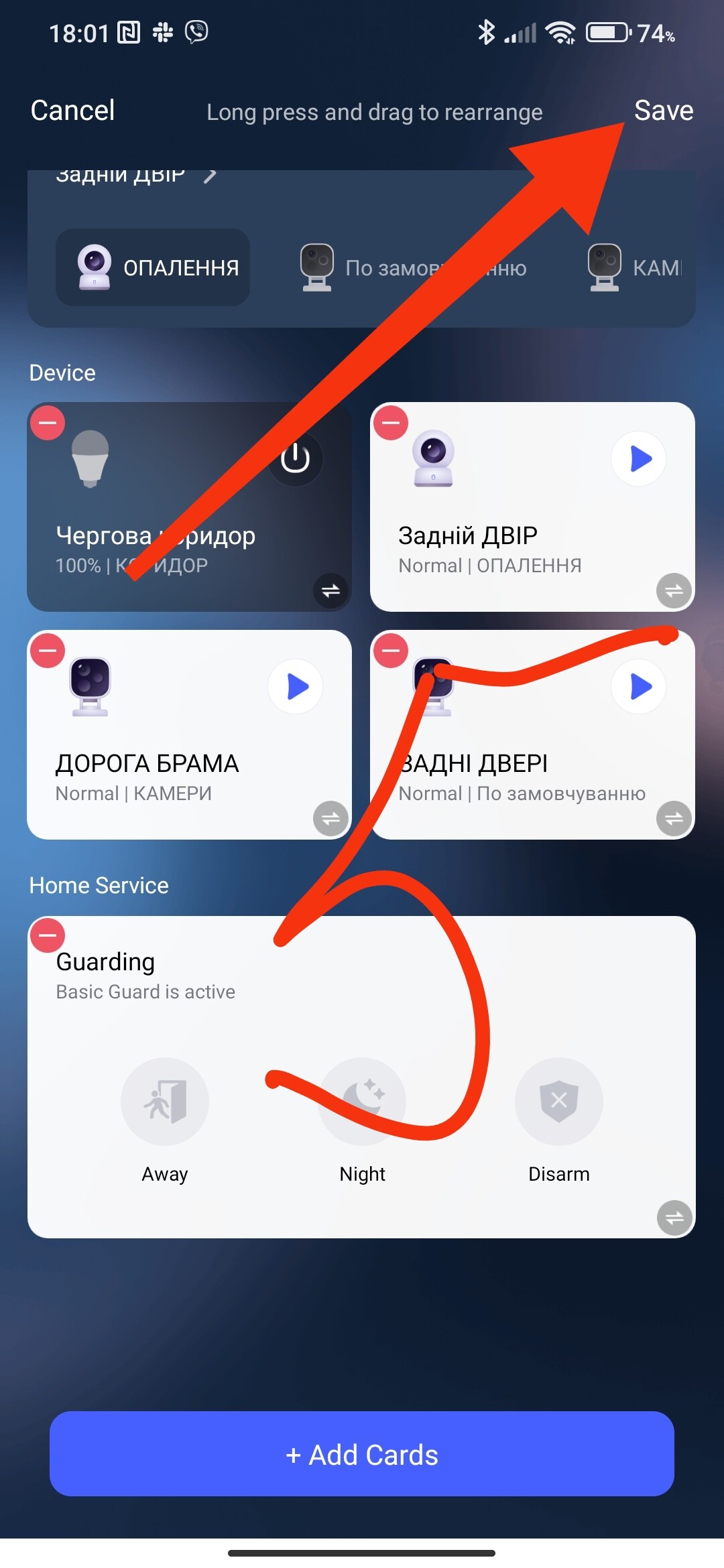
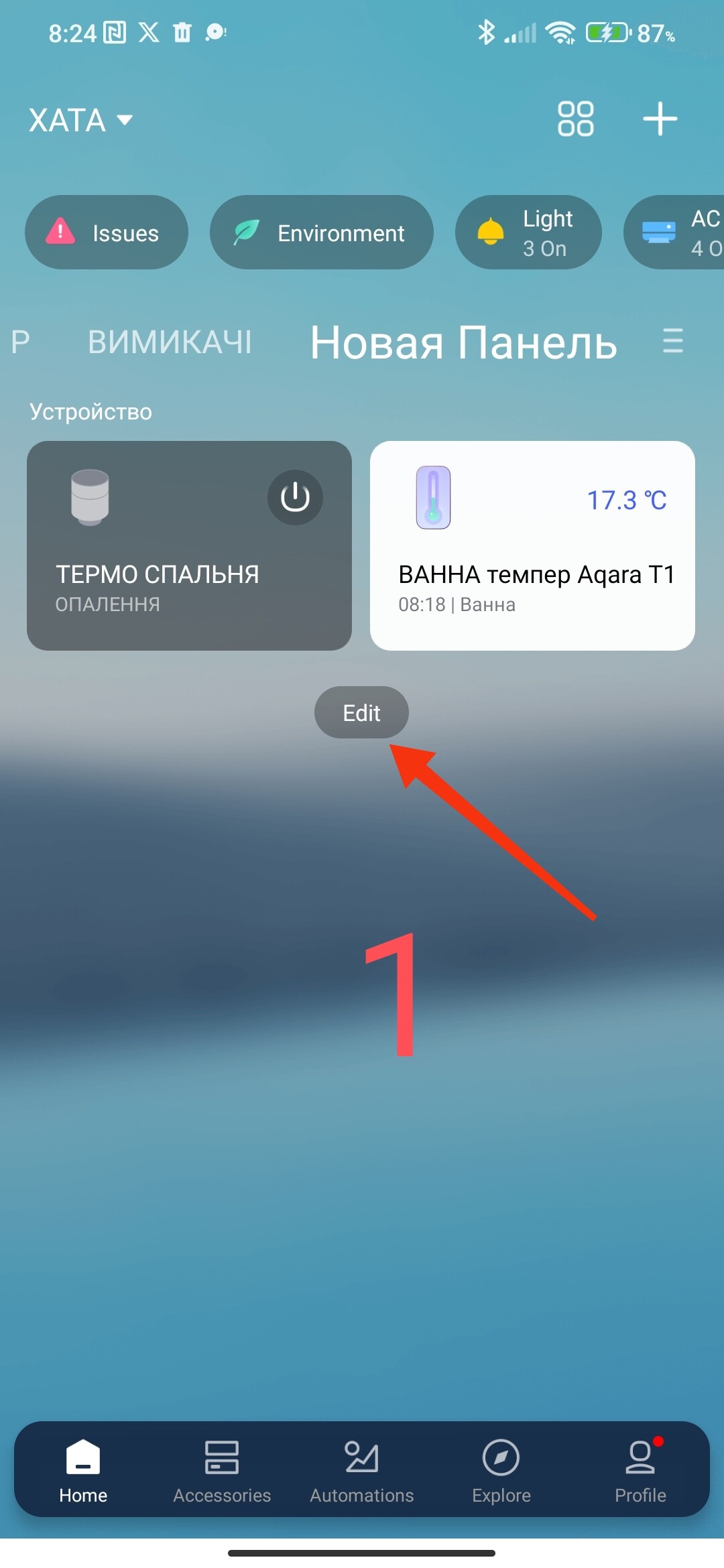
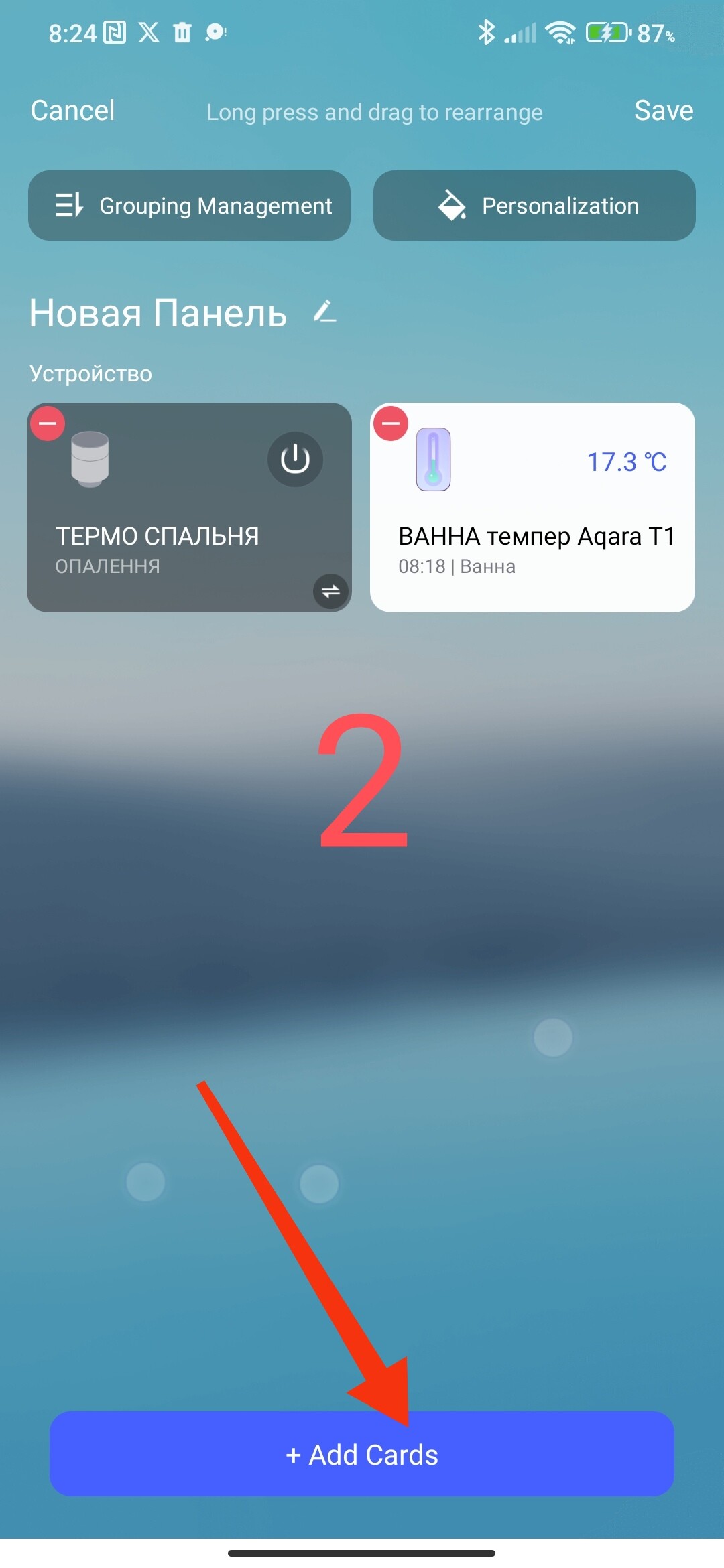
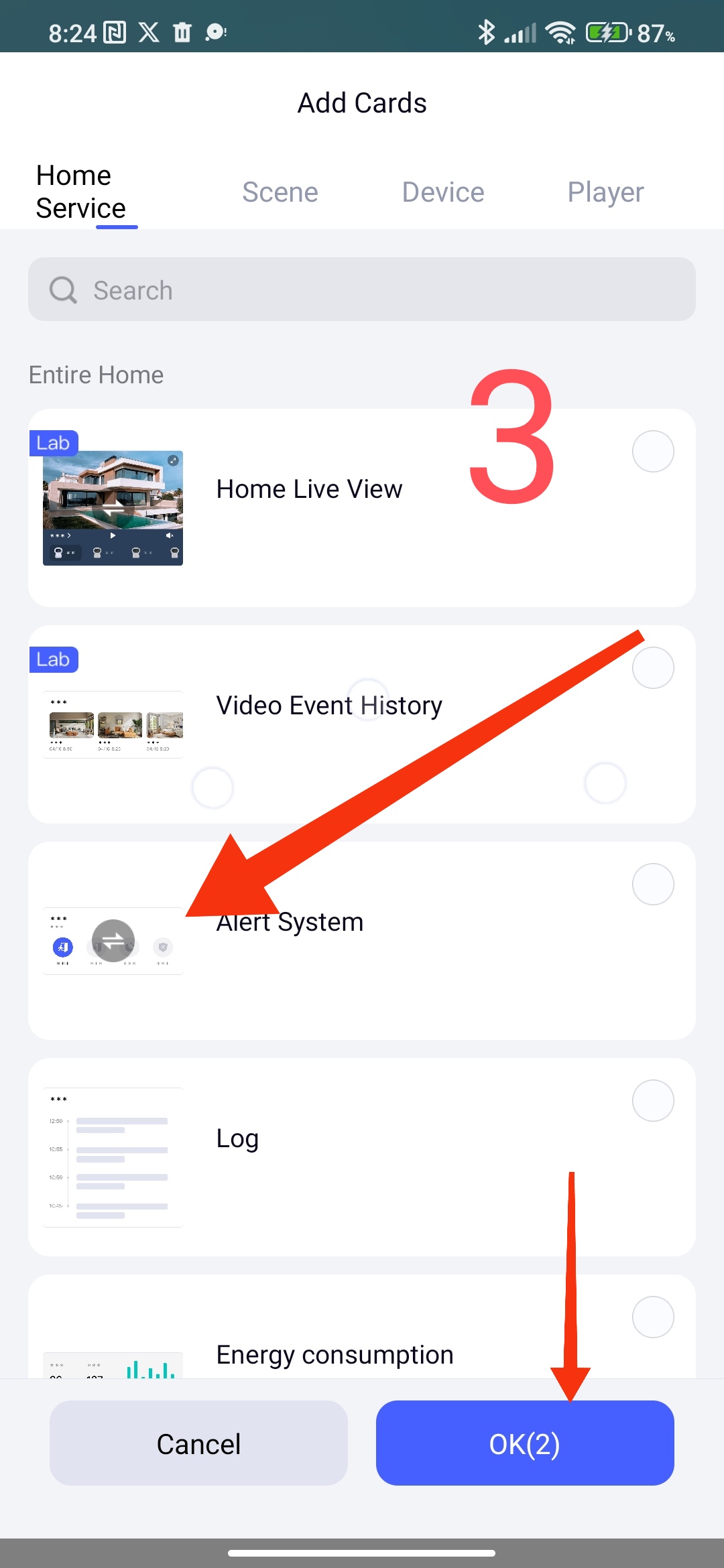
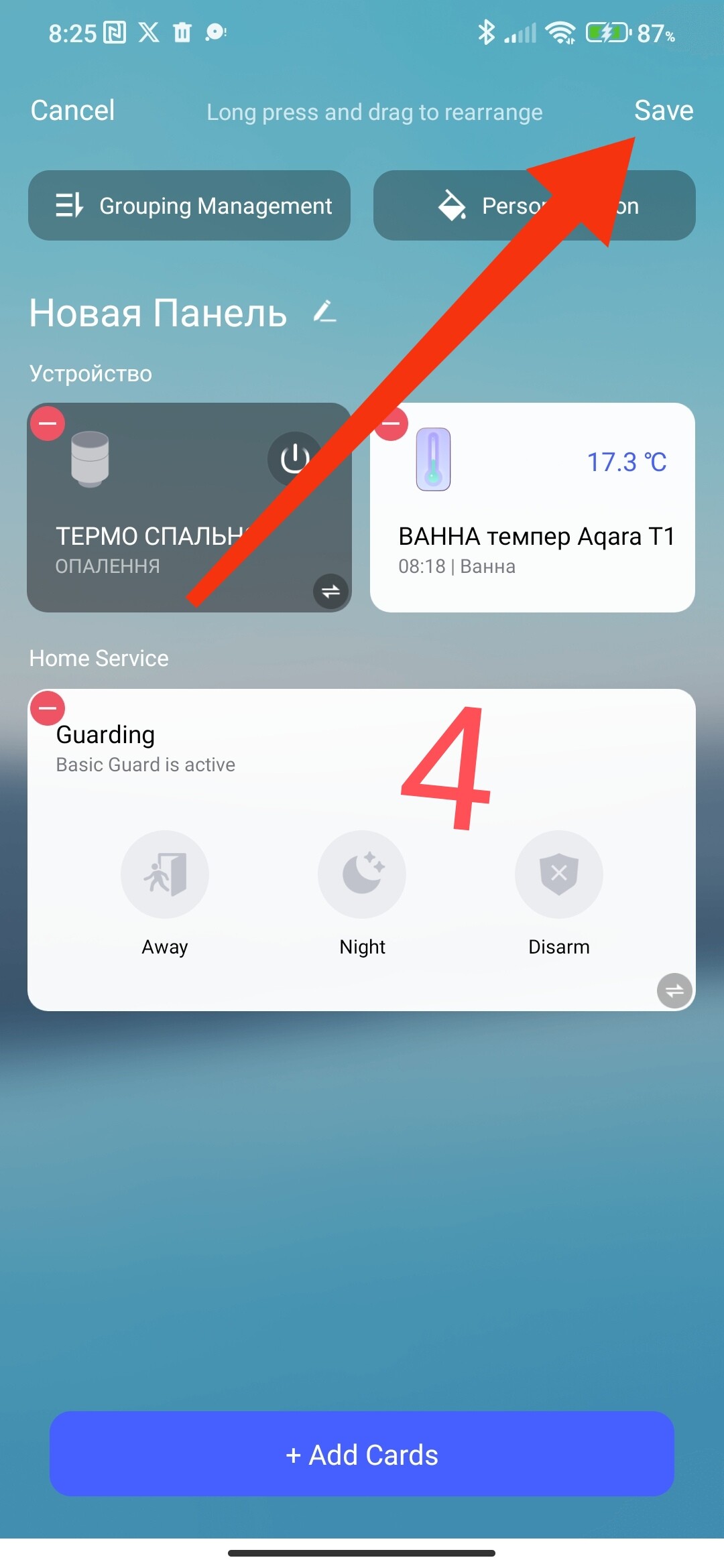
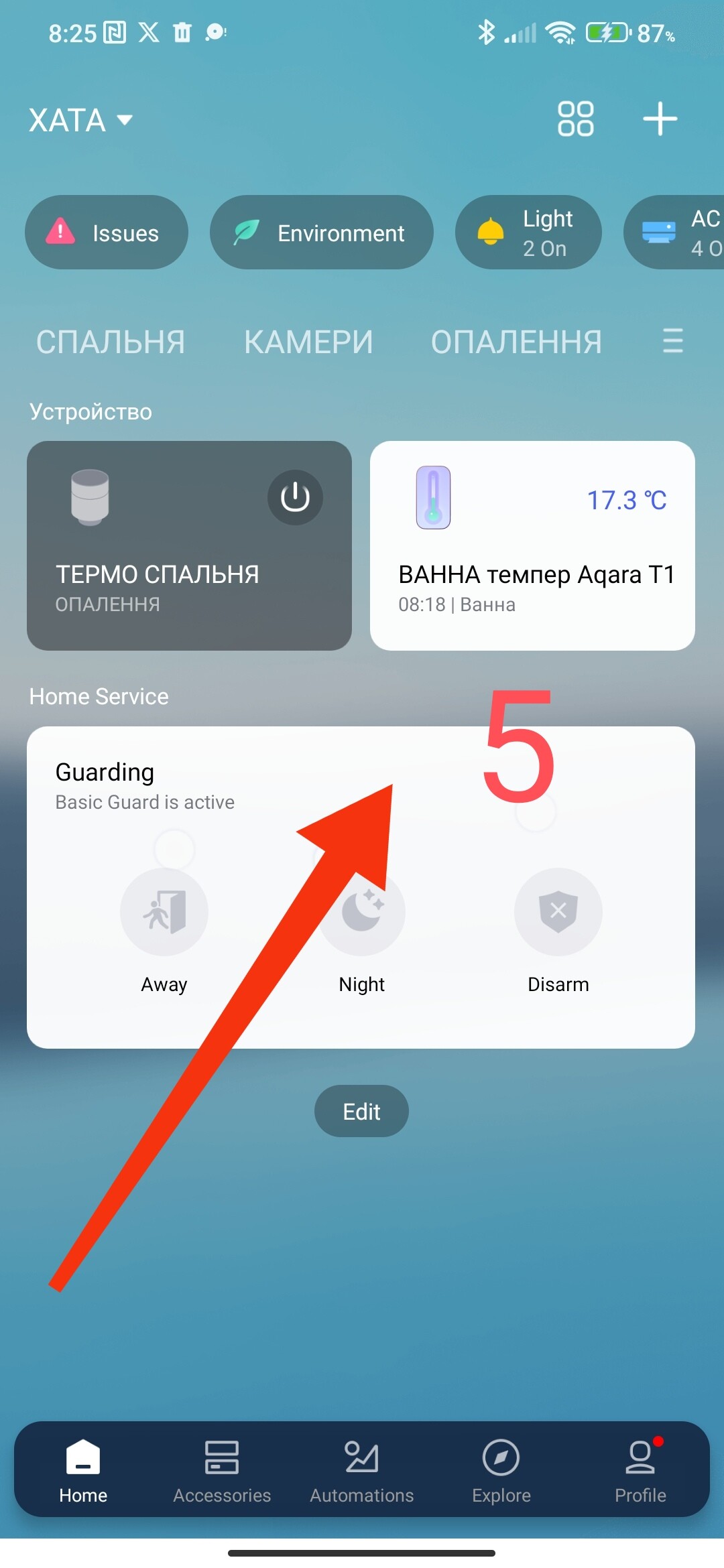
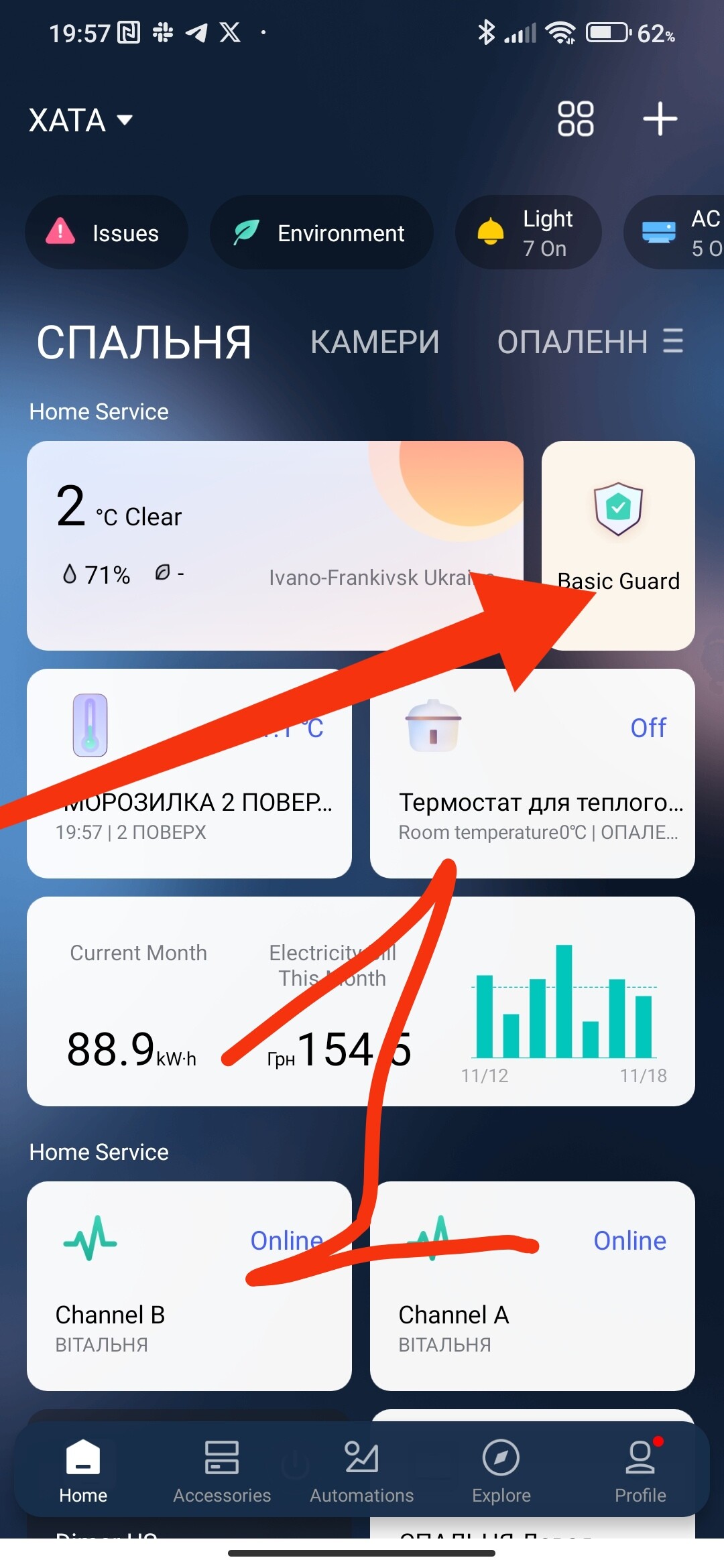
I thought its there by default, but you can edit the dashboard by hitting the hamburger menu and then adding cards and tapping Alert System.
But regardless of this card, you don’t see the pop-up when the alarm is going off?
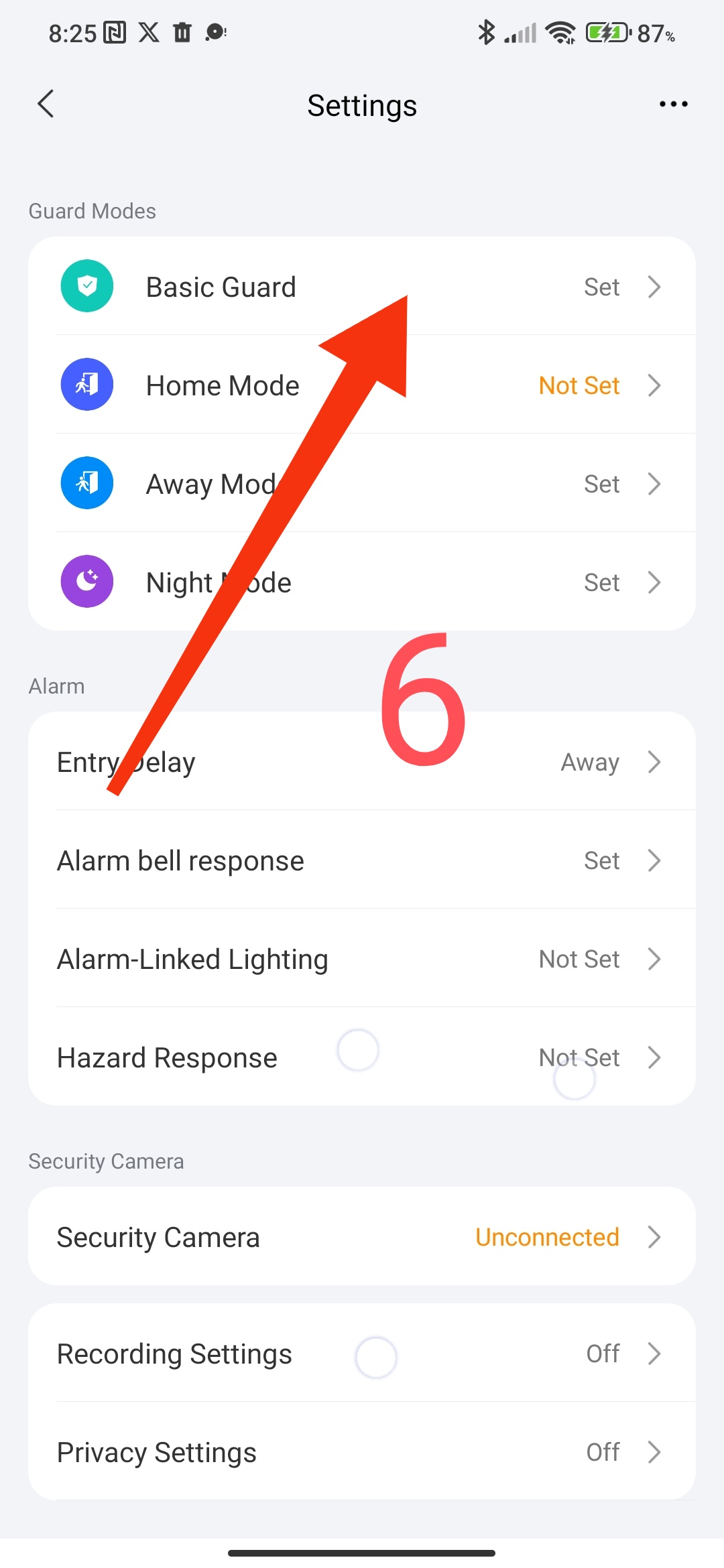
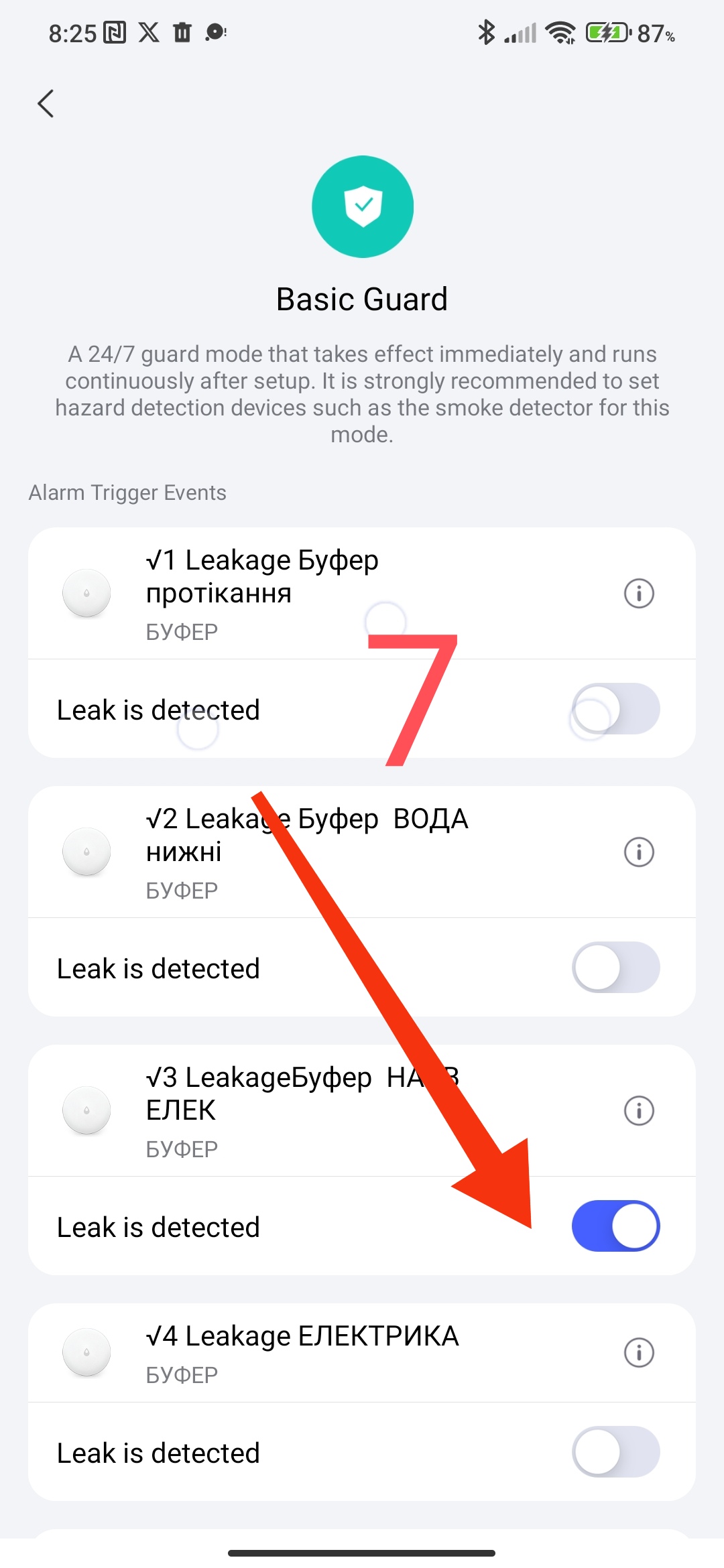
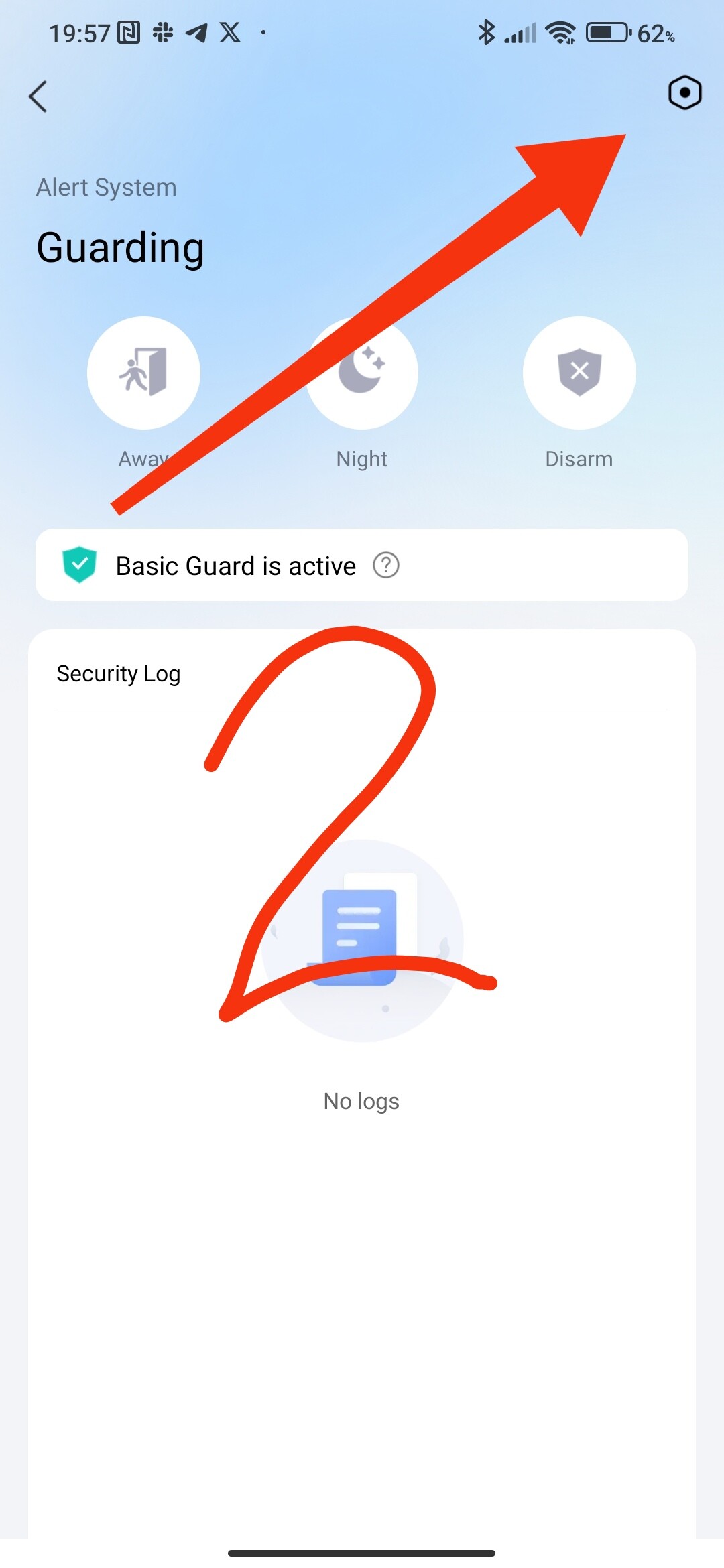
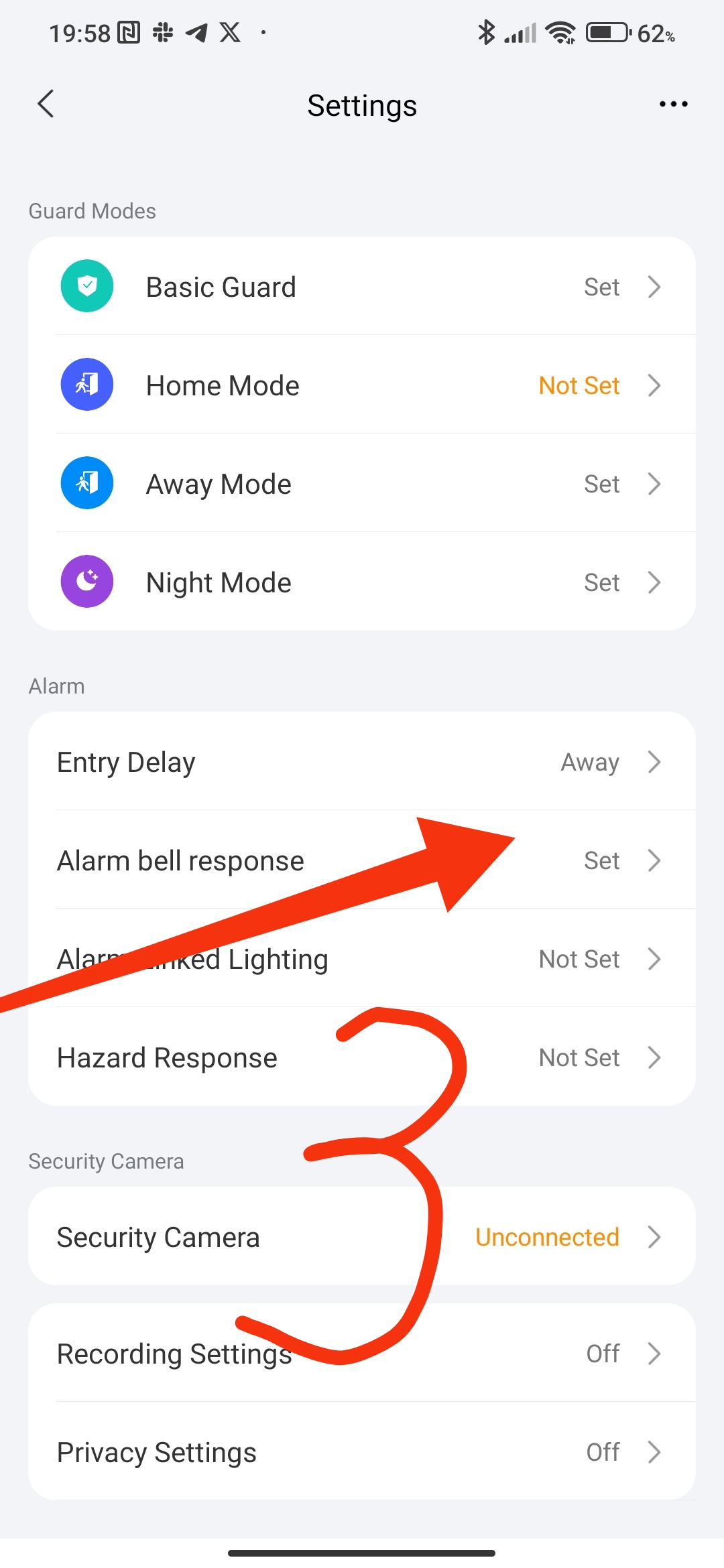
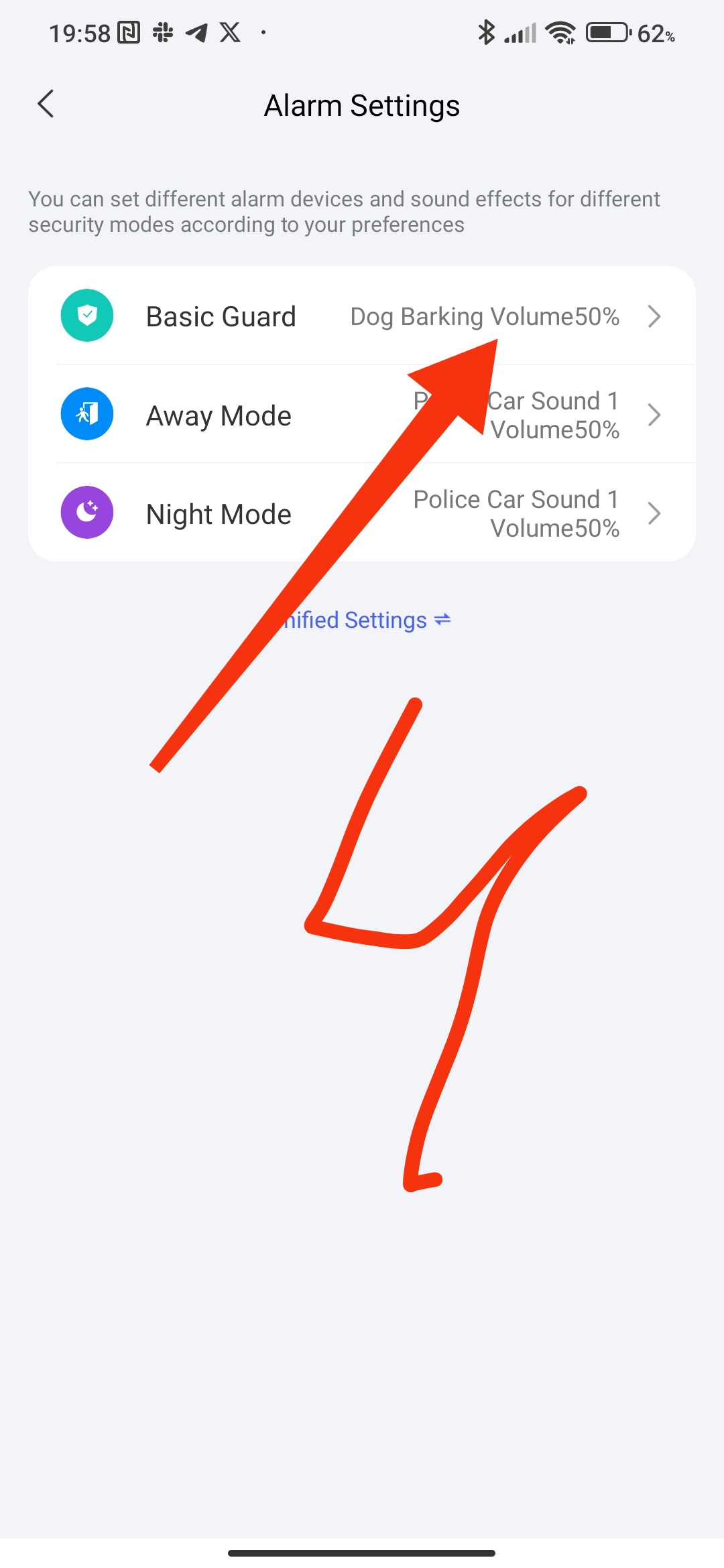
And as others have pointed out - is the alarm the response that you are looking for? Or do you just want to be notified? If you want to disable the alarm completely, you also do it in this setting. Tap that card, click the setting icon in the top right, and turn off the sensor under the different modes.