It took a while, but I got my hands on the Aqara Floor Lamp T1 at the beginning of the month. First of all, I’d like to thank for the opportunity to try it out in Early Access.
The lamp comes in a stylish, flat box and requires some assembly. The assembly isn’t difficult, you just tear off the protective stickers, slide the parts into one another, tighten screws that were hidden under the stickers with the attacked tool, and push in the rubbery strip with lights. It’s a very straightforward process, but I would personally make some changes: I would add writing on the stickers that they should be removed, and definitely add a little bit of sticker without glue at the end for easier removal. I have thin fingers, and I had a problem removing the stickers from the light strip groove. Making the sticker a bit longer, with a bit of it sticking out for easier grab definitely would improve the experience, especially for people with thicker fingers.
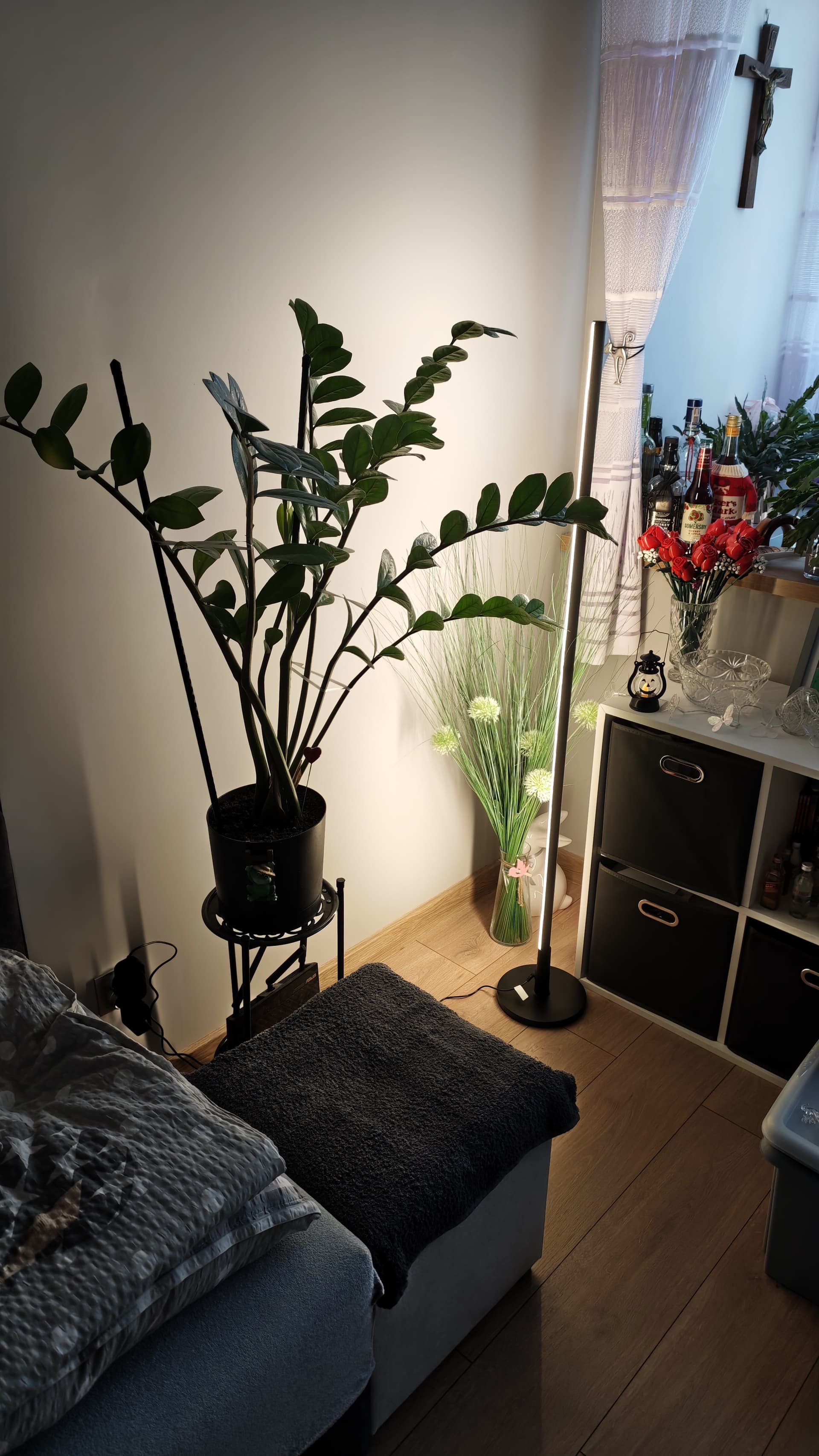
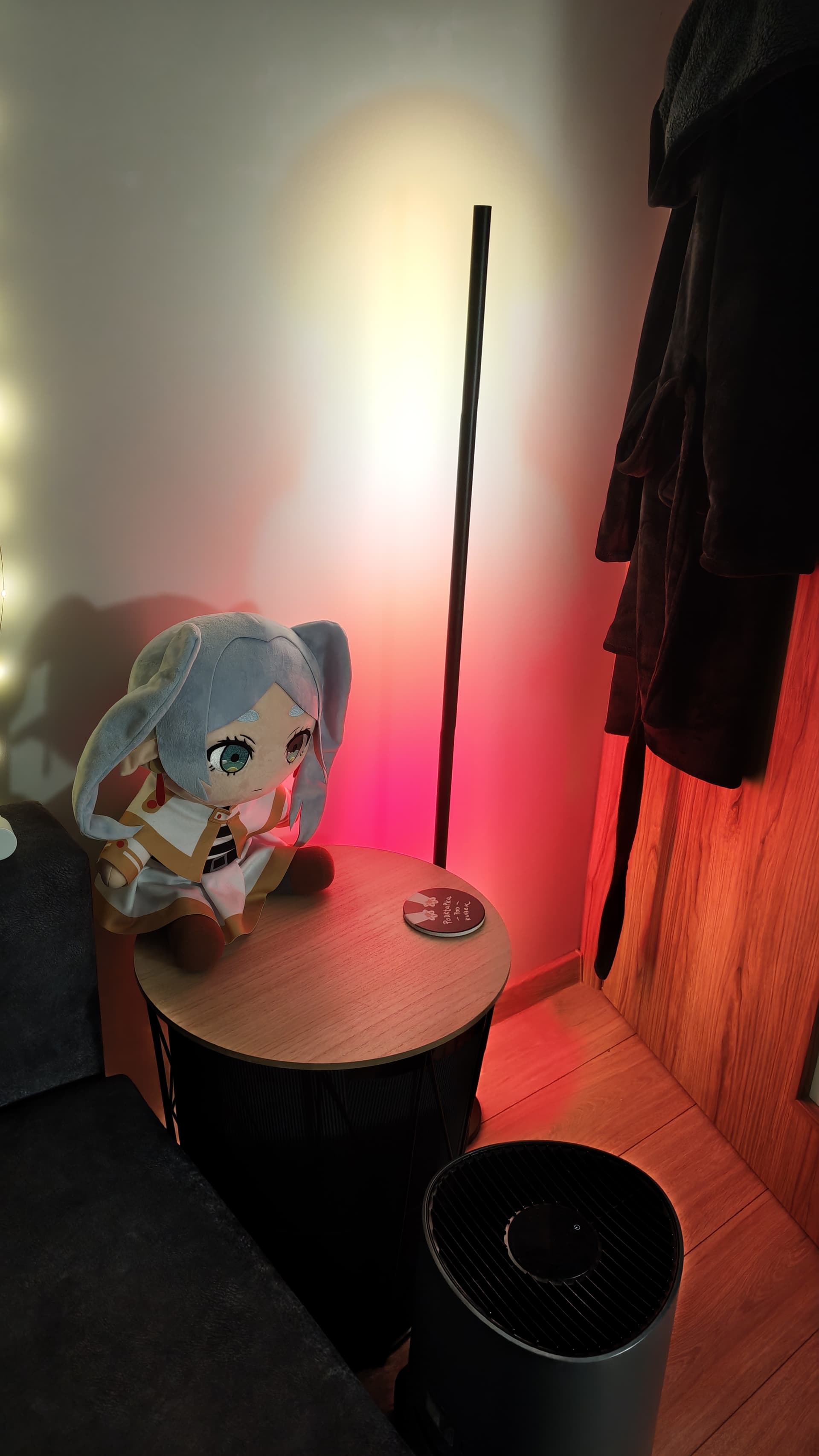
After the assembly, the whole construction is nice and robust, it doesn’t topple, and you can easily move it around grabbing it by the body. The sleek, black body makes it look stylish, and if you look closely, you can see a small Aqara logo on the cap at the top. The light is nicely diffused, you can’t see separate leds, or segments, and the light is properly bright. This is a sort of ambient light, it should be facing the wall and the reflected light creates beautiful effects. It would definitely look beautiful if you put two of these lamps on the sides of your TV in your salon.
Matter integration with Aqara app, or Google Home or Home Assistant is easy and quick. You need to remember that you can only make the most of the lamp if you connect it with your Aqara app. There’s a bunch of configuration options waiting for you there, as well as a wide range of presets, that you can clone and edit for yourself. The presets can then be synced up to other matter networks. Unfortunately, the process isn’t perfectly intuitive, but once you manage to do it, the presets appear as virtual switches in Home Assistant. I think this option would use some more work, and maybe an option to automatically sync new presets to the Matter network. Among the configuration, there are some surprises - you can manually edit the light-up curve, so you can make your lamp turn on and off gradually, or immediately, just the way you like it. Another surprise is the possibility to turn off segments separately from the presets. Additionally, the lamp has “music sync”, so you can turn it into a music visualiser during parties. Aqara got you covered with themes for various scenarios, which is actually a good start and quite helpful. Even if you don’t like a certain aspect of the proposed theme, you can clone it and change details to your liking. I think the most useful themes are designed for evening, morning and night. You should probably take a good look at the first two, because they utilize gradual brightness change over the span of 30 minutes. This option will definitely be useful for your own automations.
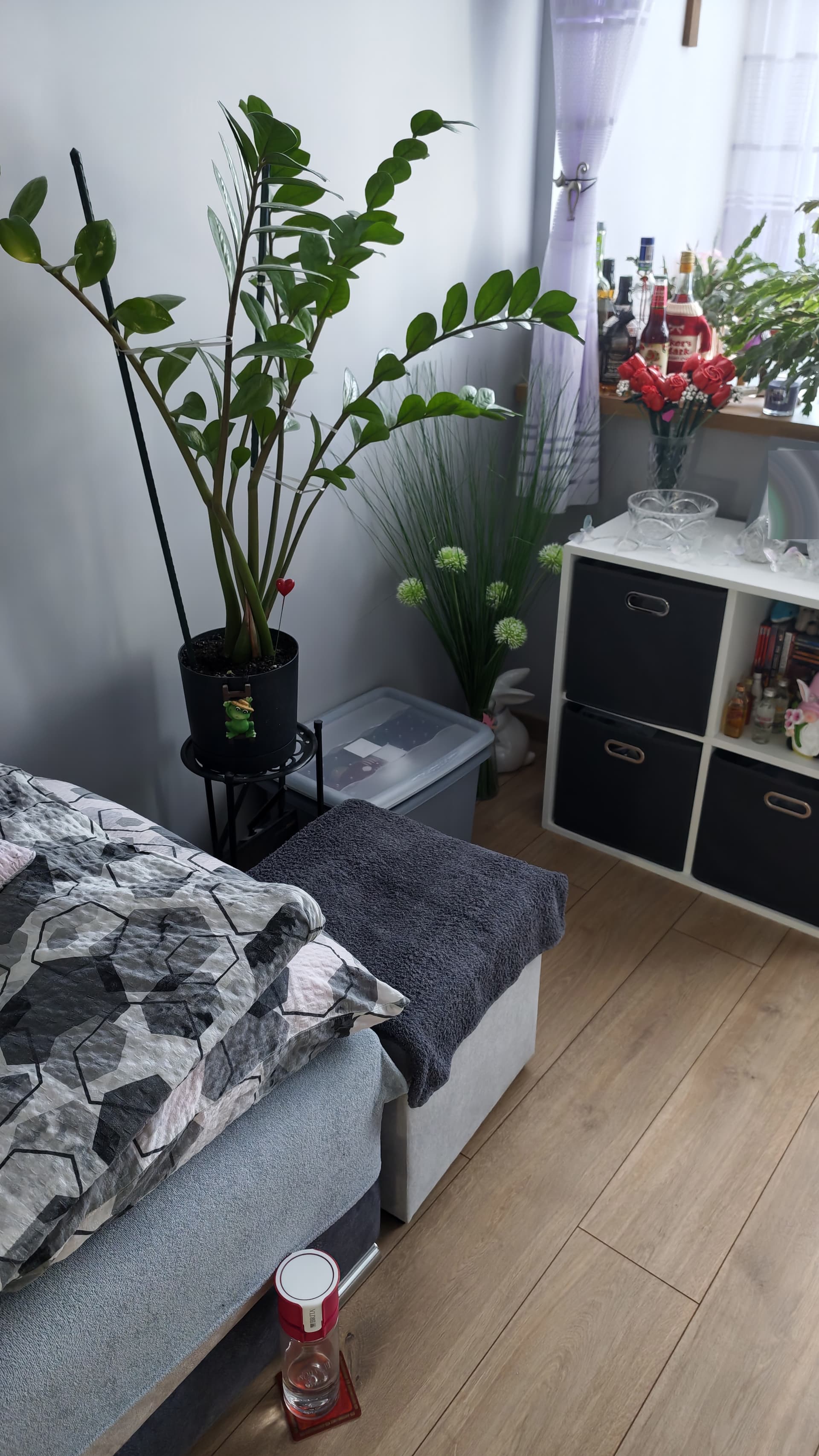
Before:
After:
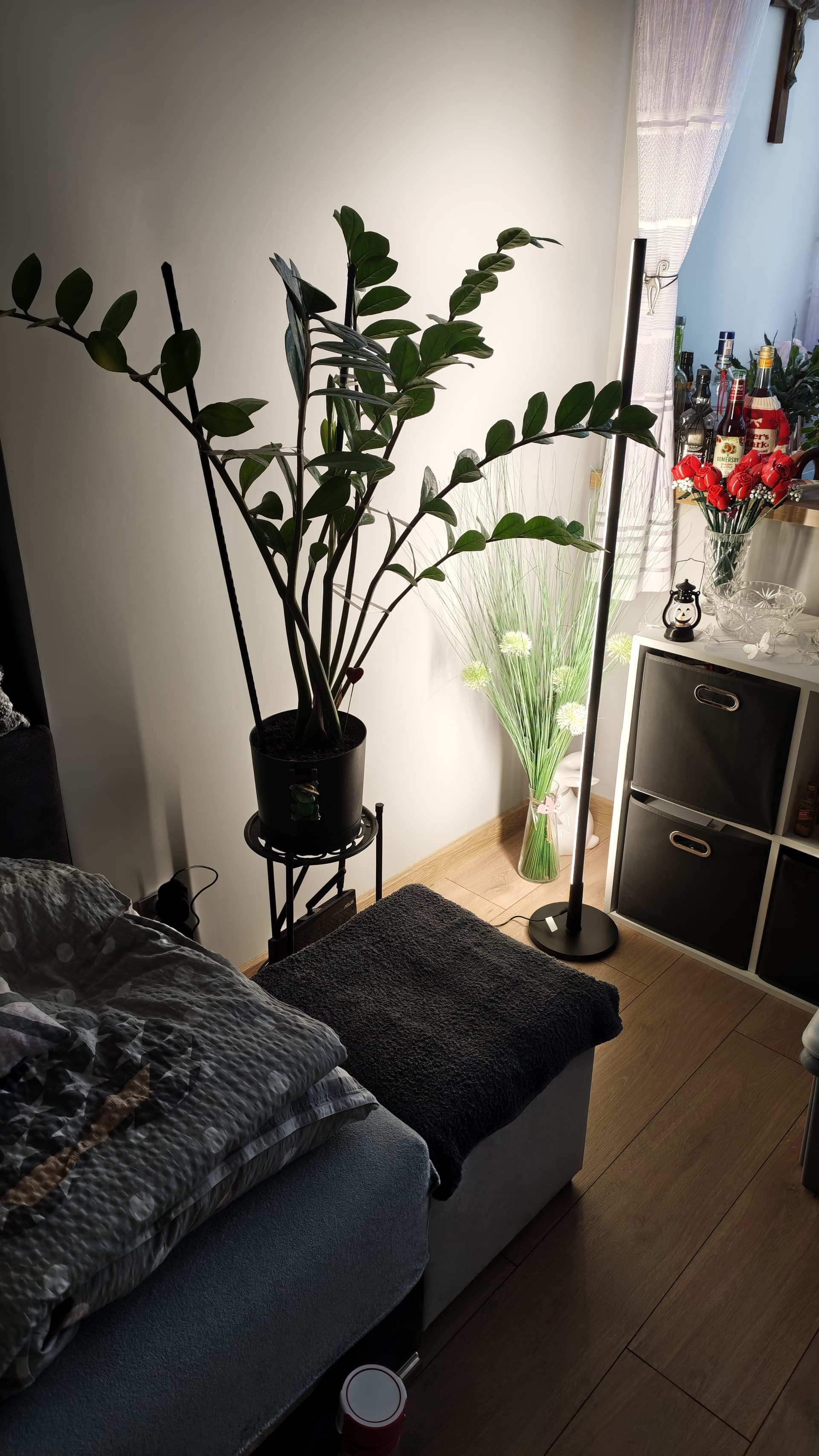
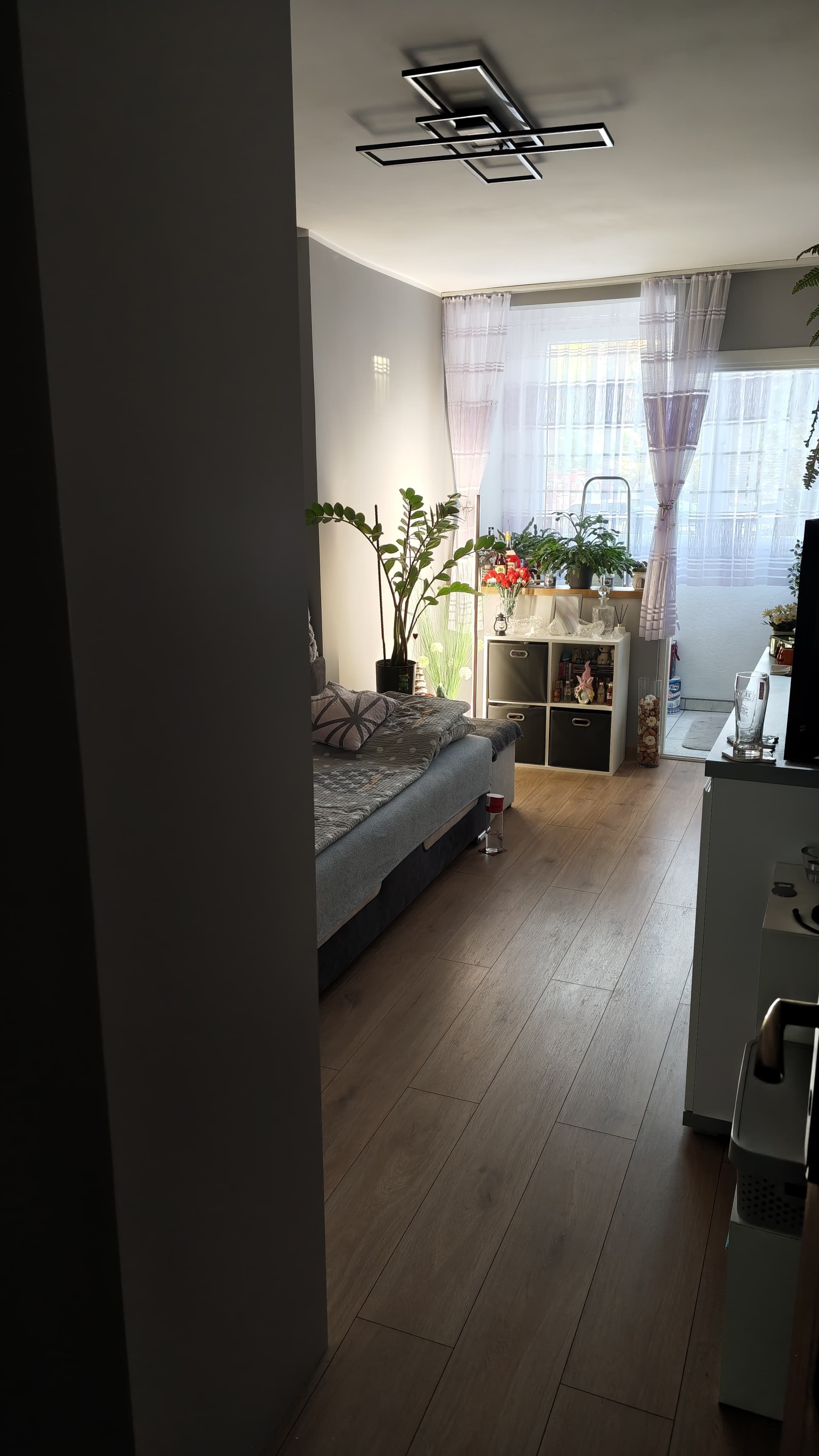
But it looks equally good in different
spots:
 It’s always awesome to see hands-on Early Access feedback, especially with such specific and actionable suggestions.