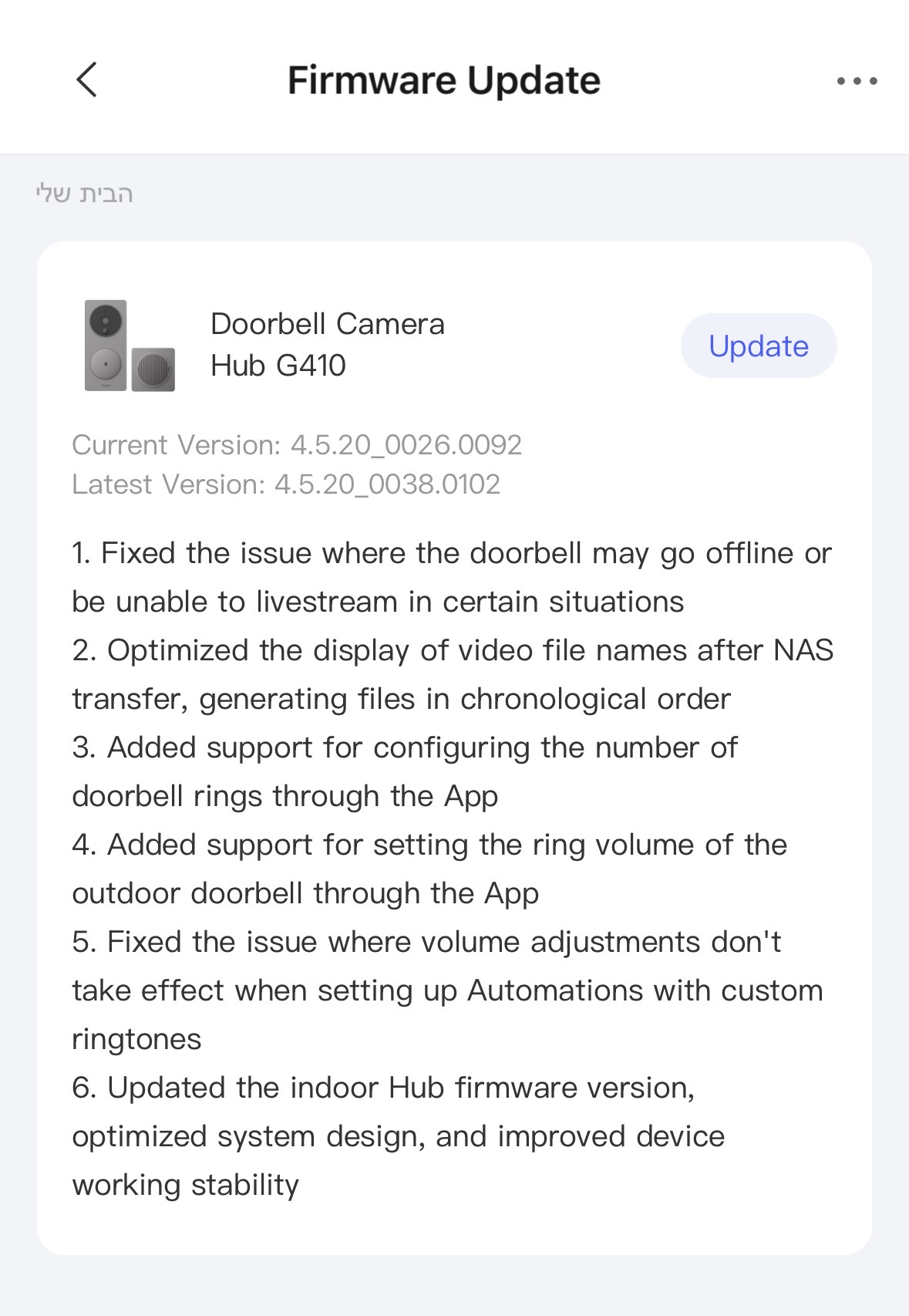
New Version: 4.5.20_0038.0102
8 Likes
@eran1 Thanks for sharing the latest firmware version (4.5.20_0038.0102) of the Aqara Doorbell G410! It’s always great to stay updated on device improvements. If you notice any new features, performance optimizations, or changes after updating, feel free to share more details here—other community members would definitely appreciate it! 
2 Likes
I’m not able to update my g410 to the latest firmware. Even though it has downloaded and uploaded successfully, the latest firmware does not appear. Any advice on this?
1 Like
@adib_jasman You seem to be experiencing an issue with updating the G410 firmware. You can contact customer support for assistance. Contact the Aqara Home App Customer Service Team (Profile> Help & Feedback > Customer Service) or scan the QR code:

This will be more efficient. If you do not have an Aqara Home account, “Please click here” to create a ticket.
1 Like
Shame it doesn’t include Doorbell to Call 
2 Likes
It was also announced for mid-April, and it’s not even April yet 
Hopefully it will happen! Deadlines like that usually get pushed back.
1 Like
Oh I hadn’t herd that.
I’ll sit on my hands for a little longer then!
Thanks for the reply
1 Like
Is anybody else experiencing connectivity issues after updating to the latest firmware? It seems my doorbell performed better during the day with the older firmware. It performs okay at night but I believe the issue may be heat related.
Upon using the doorbell for a couple of days now it’s definitely a connectivity issue with HomeKit. The doorbell used to connect much faster prior to the latest firmware update. I’m finding I need to go into the aqara app and start a stream and then go back into HomeKit for it to work. very frustrating!
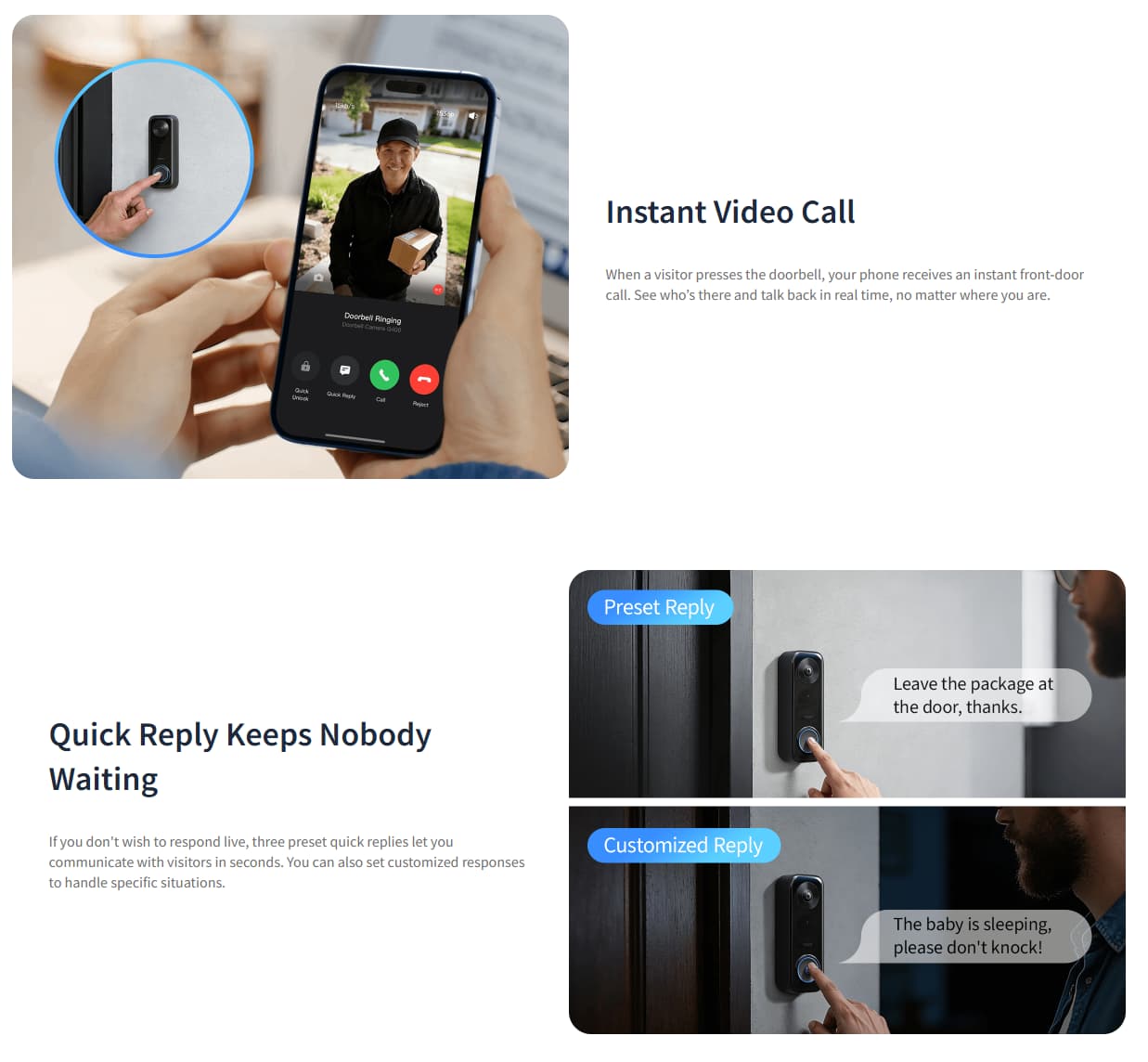
Hi guys, would you mind to elaborate what “Doorbell to Call” entails? Apparently I didn’t get the memo on that! Thanks!
Hi. Aqara calls this Instant Video Call, which means that when someone rings the doorbell, you’ll receive a call on your smartphone.
Image source: Aqara Doorbell Camera G400 (Wired): PoE/Hard-wired Outdoor Camera
2 Likes
Got it, thank you for your quick reply! I just opened another thread where I’m curious about 2-way audio via Home Assistant. Have you by chance heard something about that in unofficial/official communication? I’ve been following that topic for roughly 3months now but haven’t found any solution to that.
Outdoor sound not playing after the firmware update. Is this a known issue or anyone else experienced this?
Device volume is set to 95%
Also in the release notes it was mentioned there’s a way to change volume of outdoor unit? How to do that? Is that the device volume? I believe the device volume was there even before the firmware update.
April’s now been and gone and still no Instant Video Call
It was to be expected. Deadlines are often missed with software. However, we don’t know if the firmware is already being rolled out in waves and if it’s simply not our turn yet. For now, we’ll just have to wait until the holidays are over.
2 Likes
Doesn’t fix the camera going offline in certain situations for me, I updated to this version when it first came out and everyday there are times where I can’t load up the live stream, mostly happens in the morning when the sun hits the camera, but can happen other times as well.
1 Like
New firmware released and still no Instant Video Call