English:
Hey @AqaraOfficial and the Aqara Community,
In the last few days my Multi-State Sensor P100 has arrived and I had some time to try it out.
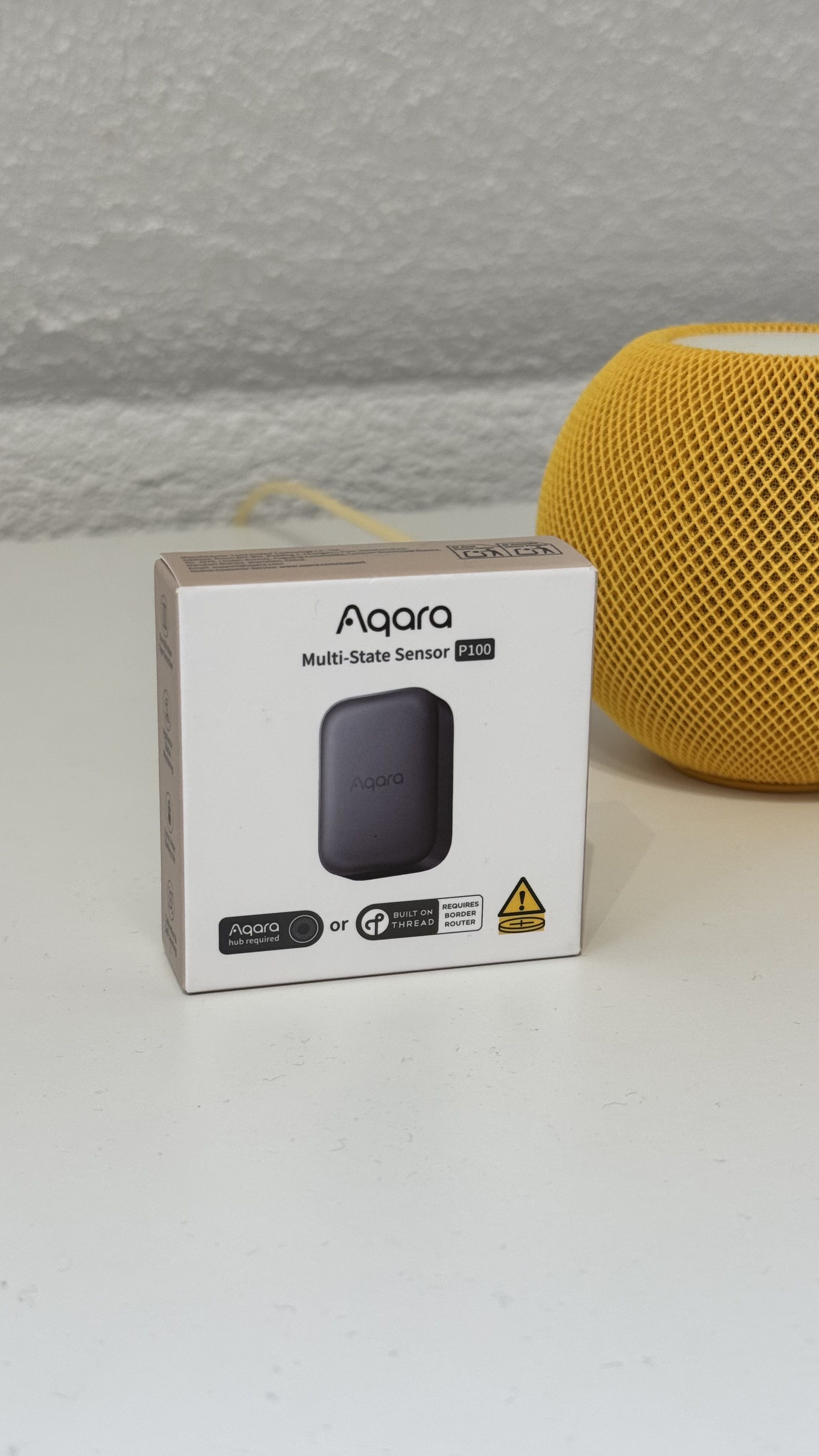
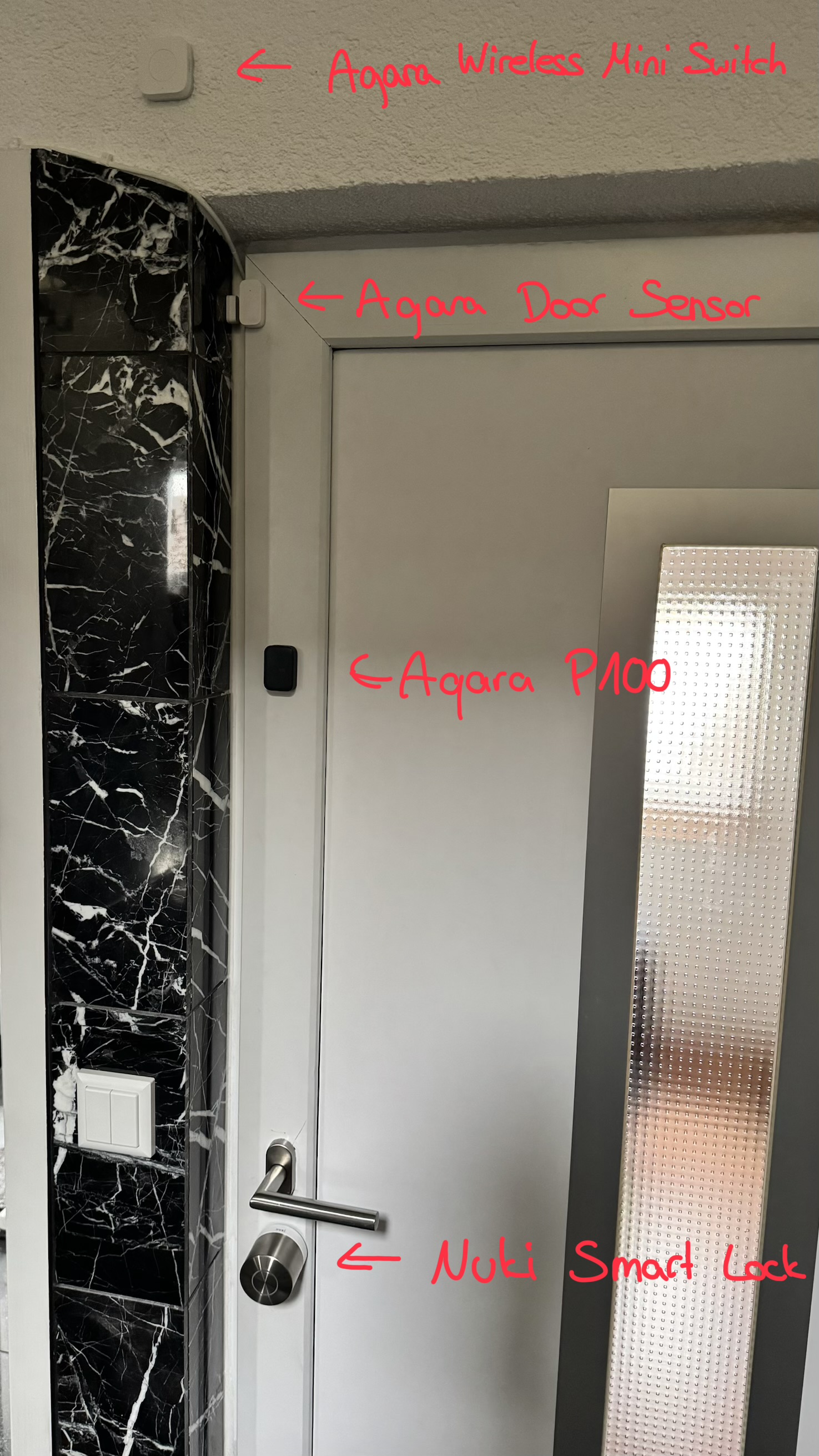
I connected the P100 via Zigbee to the Aqara Hub M3 and use it as a “doorbell”, because our bells in the house are broken. My goal is that when someone knocks at the door, to play a sound on the Hub M3. The knock detection does not yet work perfectly, but it will definitely detect when knocking, and quite reliably. What is important to me is that it recognizes the knocking, no matter in which corner the door is knocked.
In the next few days I want to upload a video here to show how I use the P100 in my smart home.
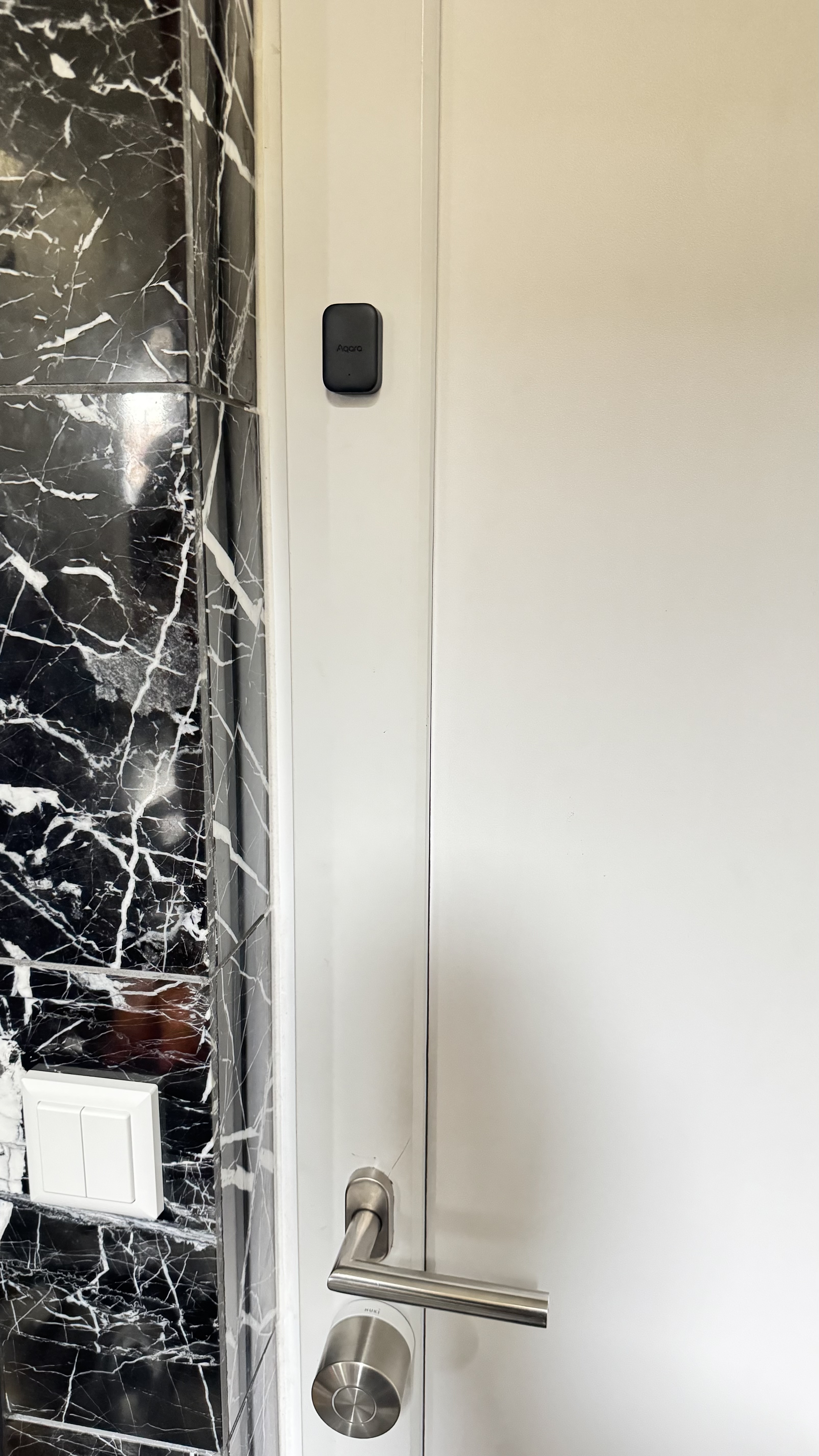
Here is a picture of the P100:
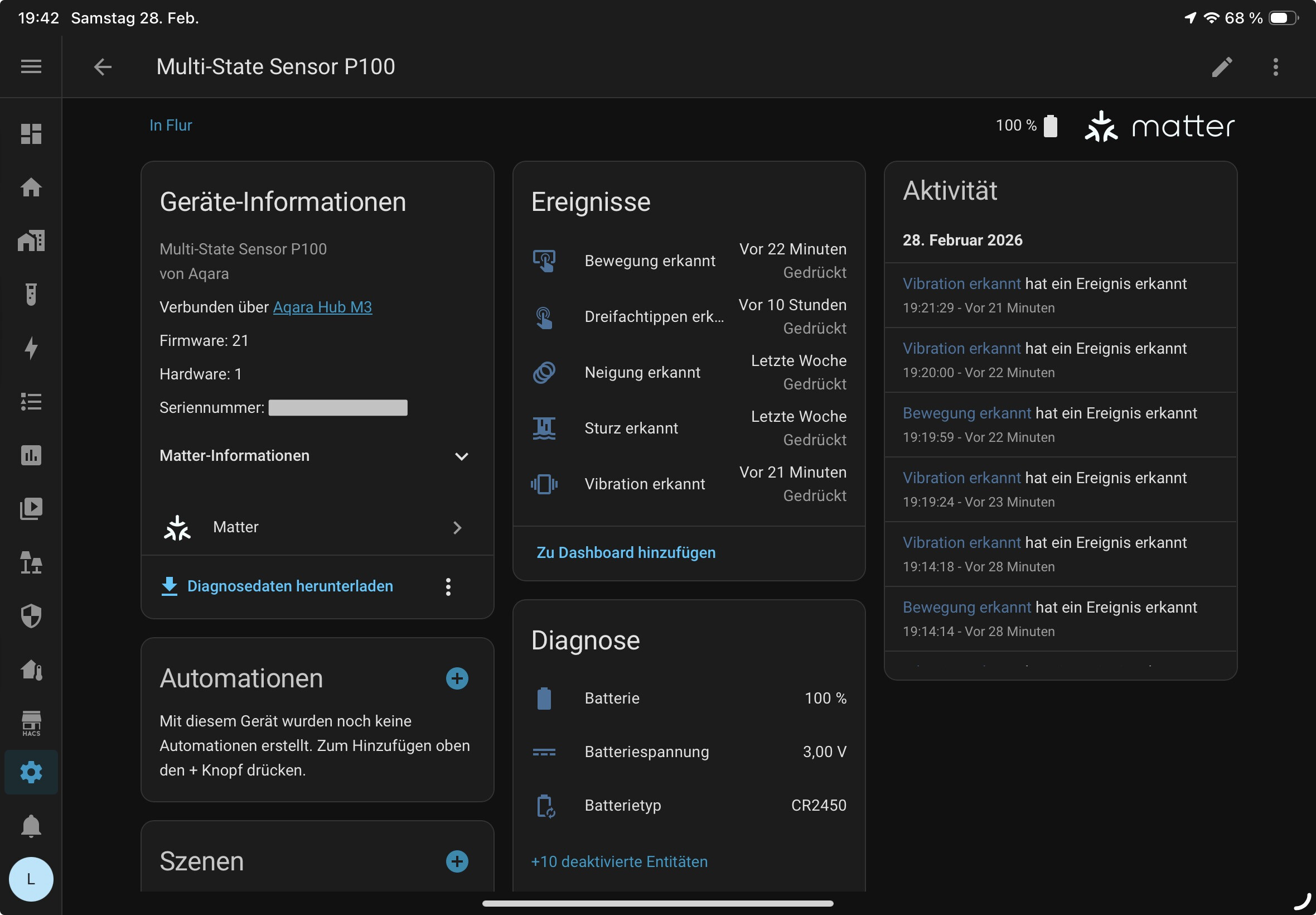
In Apple Home and in Home Assistant, the P100 is unfortunately not displayed as a sensor or motion sensor as I wished, but as a button, with five buttons. This then depends on which detection types were previously activated in the Aqara app. In Home Assistant, you have the possibility to change the type of sensor.
At this point in time, I have activated three detection types:
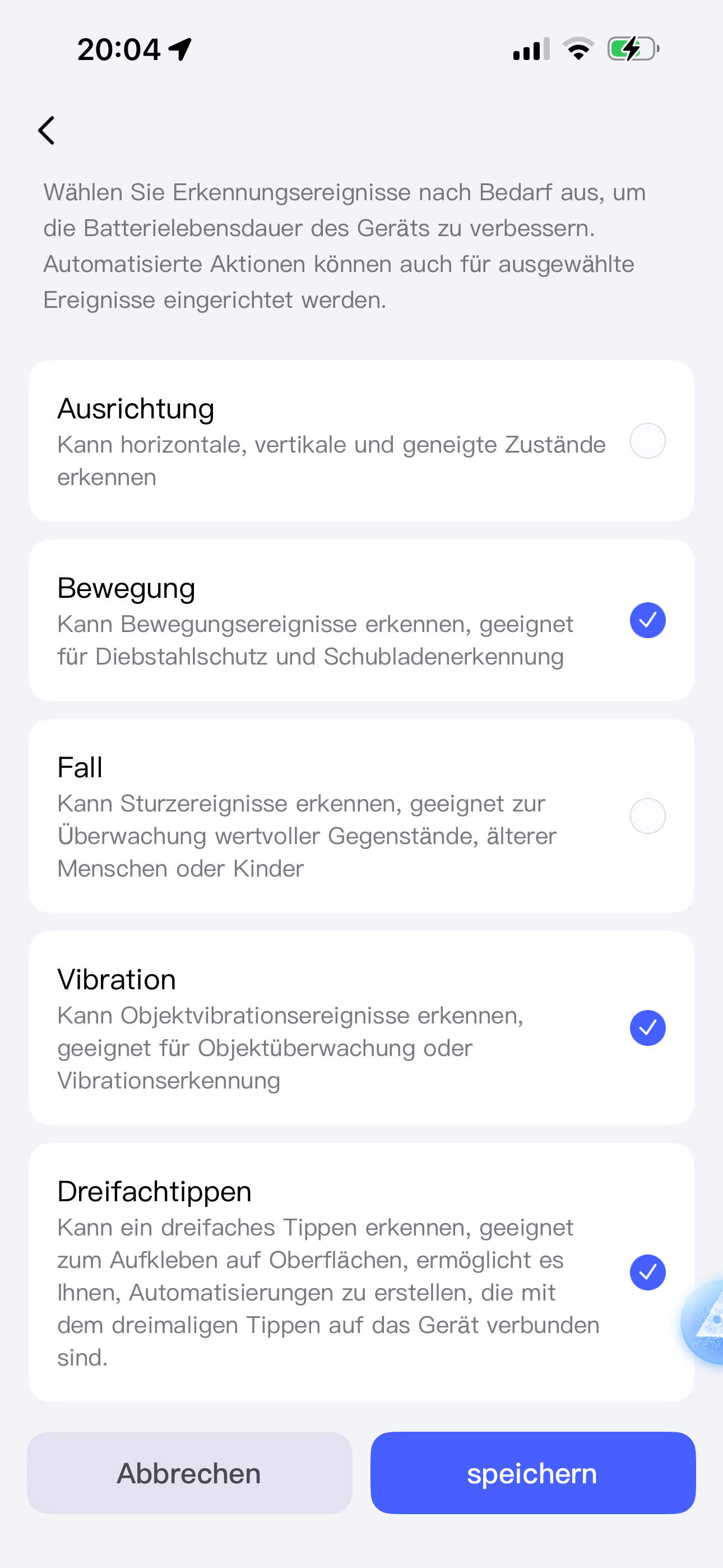
This will then appear in Apple Home as follows:
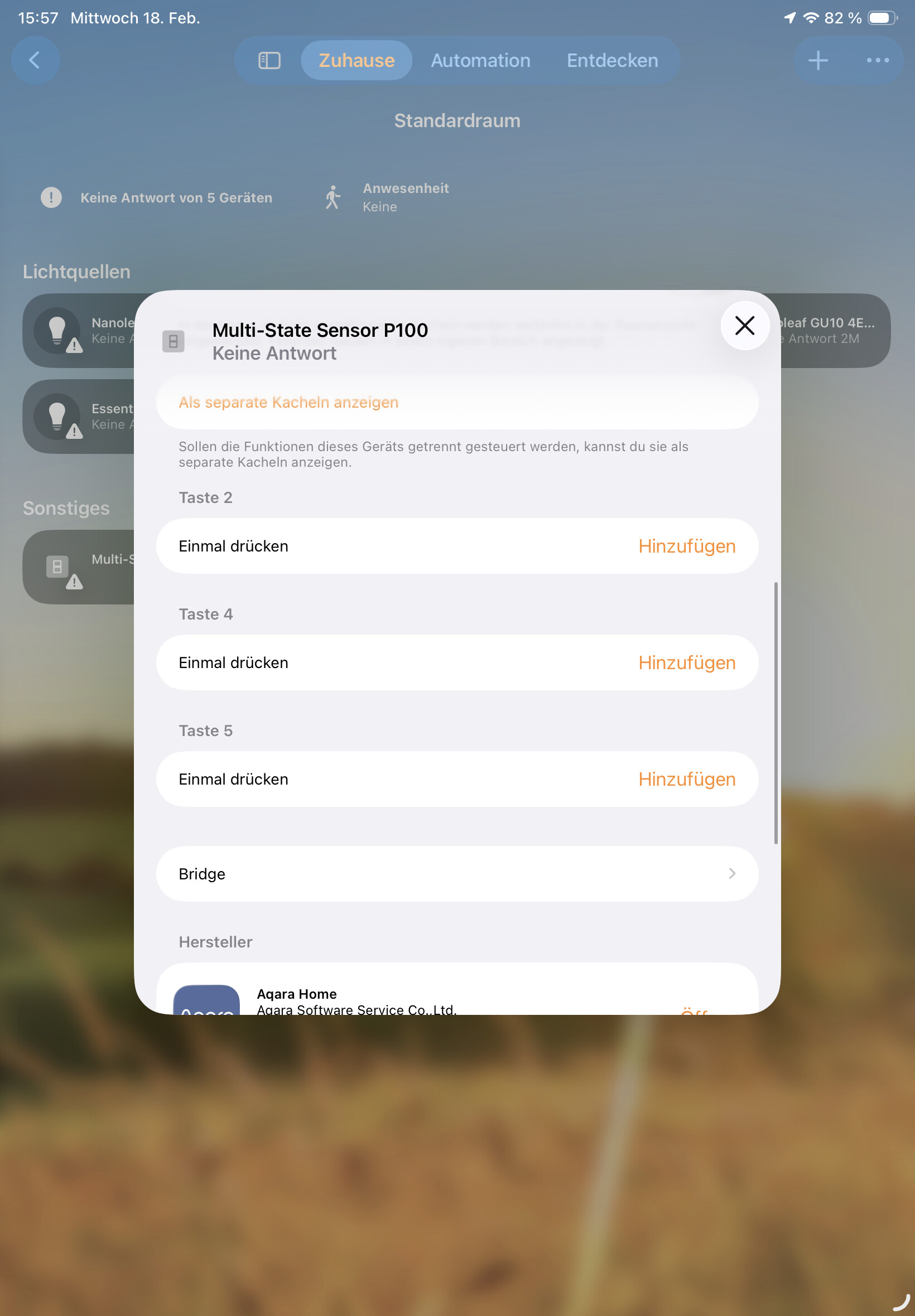
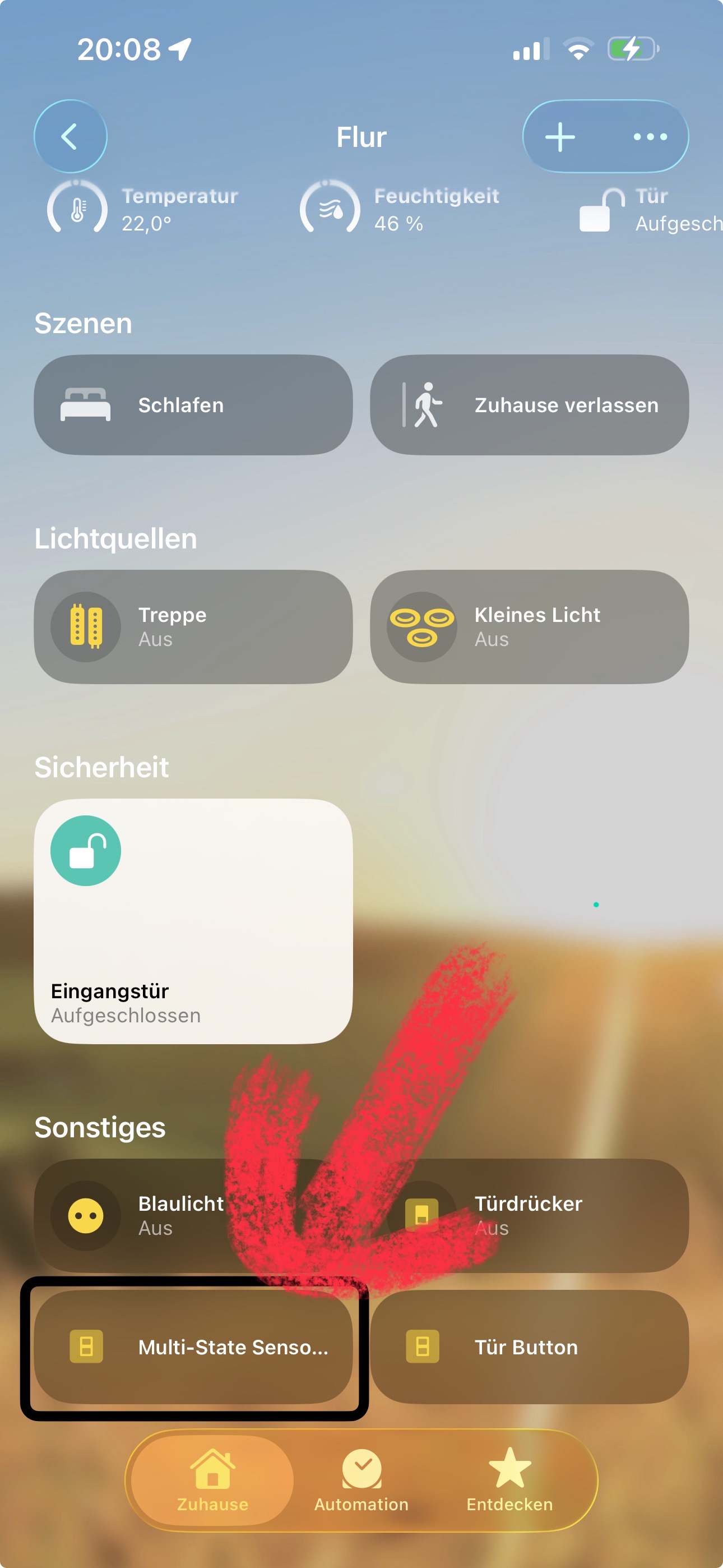
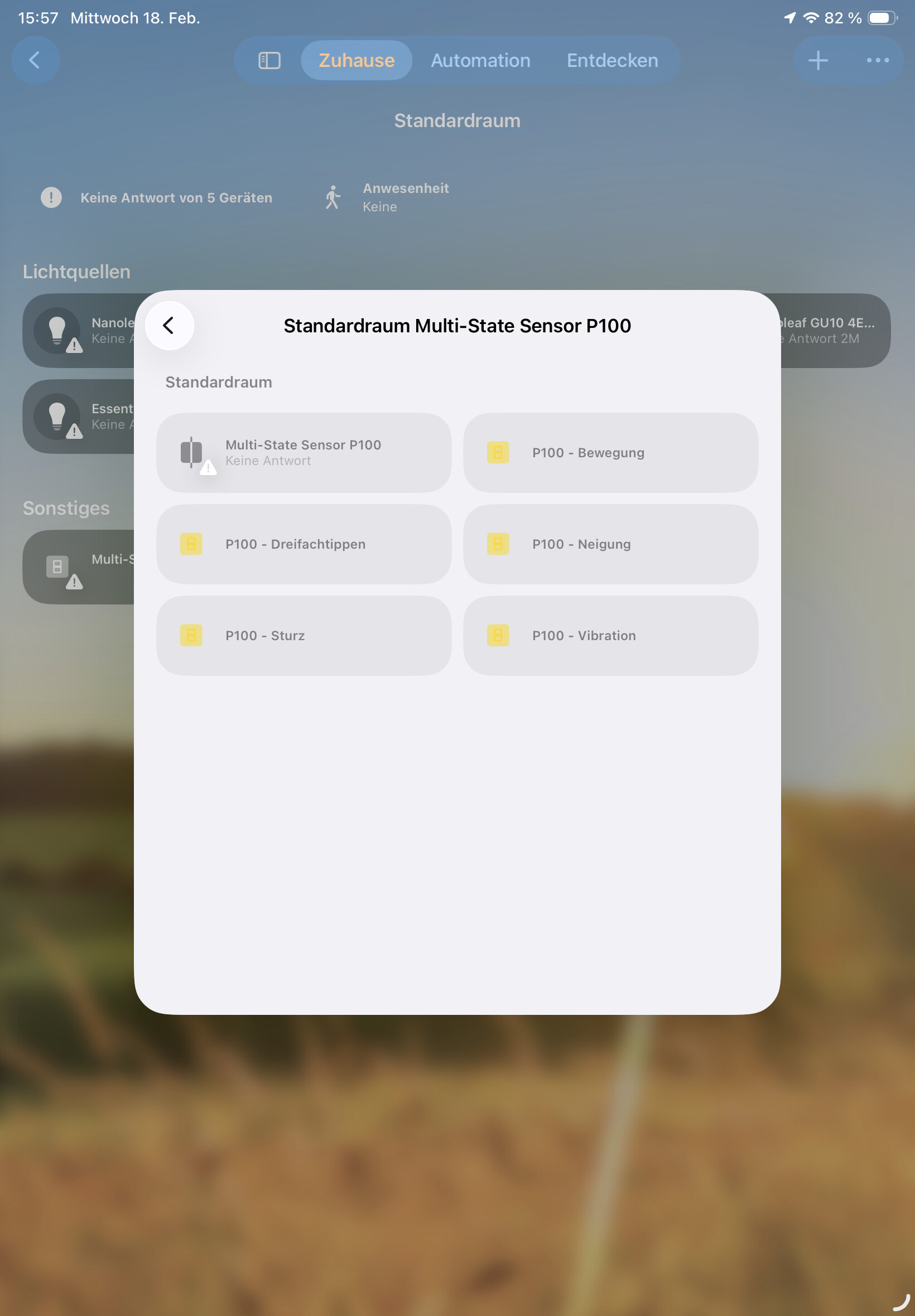
Simply ignore the offline sign, this is because it was previously set up as a door/window sensor and this is now offline. After some time, the contact sensor will disappear from the list.
In Home Assistant, the P100 appears as follows:
In the next few days I want to try a few automations in Apple Home, Home Assistant and Aqara Home.
So far I have only created one about the Aqara Home:
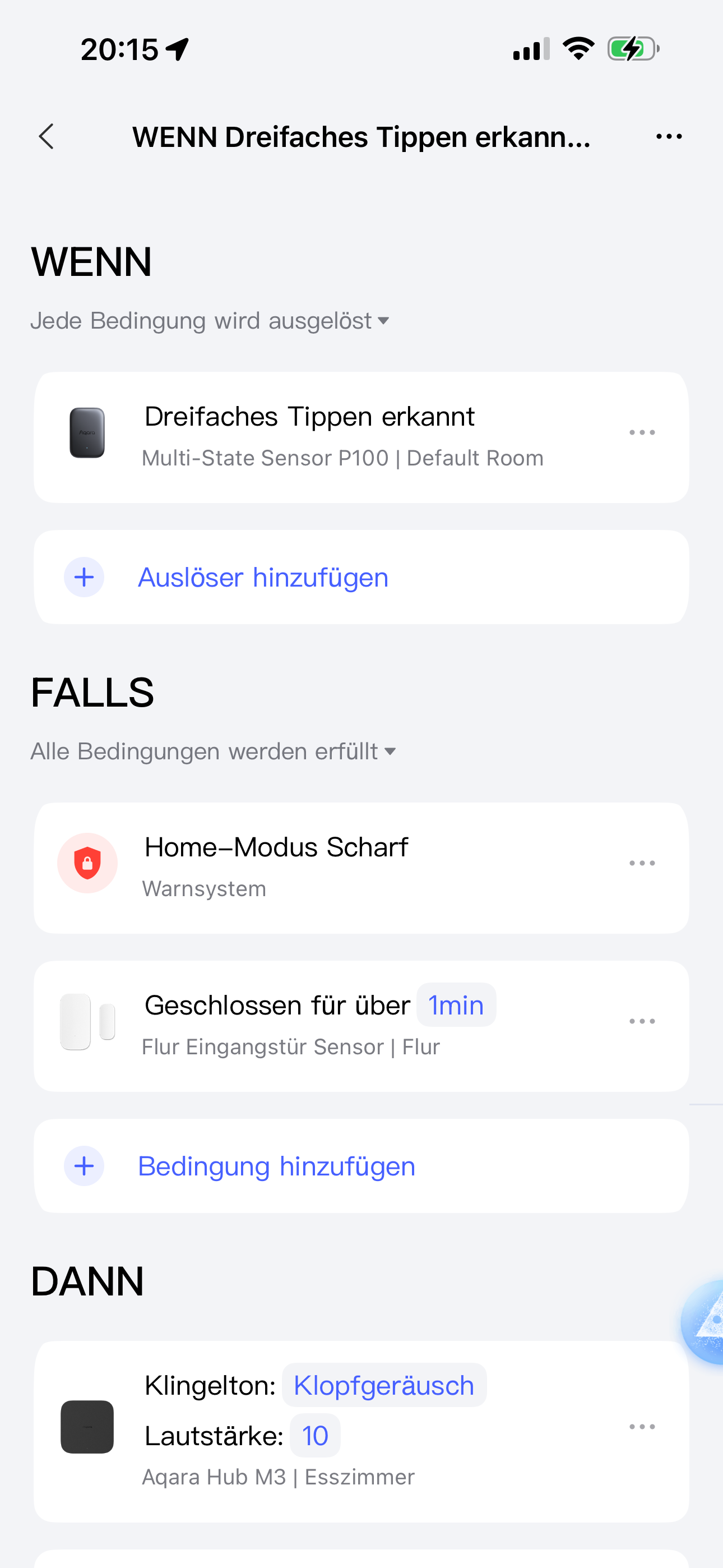
This plays a knocking noise on the Hub M3 when a knock is detected (The Hub M3 is loud enough, which is why a volume of “10” is completely sufficient). As an additional condition, I have added that the door must be closed for at least one minute to avoid false triggers and that this is the alarm mode at home, as it does not bring anything when it rings at night or when we are not at home.
——————————————————
German:
Hey Aqara und die Aqara Community,
In den letzten Tagen ist mein Multi-State Sensor P100 angekommen und ich hatte etwas Zeit ihn auszupacken und zu testen.
Ich persönlich habe den P100 über Zigbee mit dem Aqara Hub M3 verbunden und nutze den P100 als “Türklingel”, weil unsere Klingeln im Haus leider kaputt ist. Mein Ziel ist, dass wenn jemand klopft, ein Ton auf dem Hub M3 abzuspielen. Die Klopferkennung funktioniert noch nicht perfekt, aber es erkannt auf jeden Fall, wenn geklopft wird, und das ganz zuverlässig. Was mir wichtig ist, dass es das Klopfen erkennt, egal in welcher Ecke an der Tür geklopft wird.
In den nächsten Tagen will ich noch ein Video hier hochladen, um zu zeigen wie ich den P100 in meinem Smart-Home nutze.
Hier ist schonmal ein Bild vom P100:
In Apple Home und in Home Assistant wird der P100 leider nicht als Sensor oder Bewegungssensor wie ich es mir gewünscht habe angezeigt, sondern als Button, mit fünf Tasten. Das hängt dann davon ab, welche Erkennungsarten in der Aqara App vorher aktiviert wurden. In Home Assistant hat man aber die Möglichkeit die Art vom Sensor zu ändern.
Zum jetzigen Zeitpunkt habe ich drei Erkennungsarten aktiviert:
Das wird dann wie folgt in Apple Home angezeigt:
Das offline Zeichen einfach mal ignorieren, das liegt daran, dass davor als Tür-/Fenster Sensor eingerichtet war und dieser jetzt offline ist. Nach einiger Zeit verschwindet der Kontaktsensor dann aus der Liste.
In Home Assistant wird der P100 wie folgt angezeigt:
In den nächsten Tagen will ich noch ein paar Automationen in Apple Home, Home Assistant und Aqara Home ausprobieren.
Bis jetzt habe ich nur eine über die Aqara Home erstellt:
Diese spielt ein Klopfgeräusch auf dem Hub M3 ab, wenn ein Klopfen erkannt wird (Der Hub M3 ist laut genug, weshalb eine Lautstärke von „10“ völlig ausreicht). Als zusätzliche Bedingung habe ich hinzugefügt, dass die Tür seit mindestens einer Minute geschlossen sein muss um Fehl Auslöser zu vermeiden und dass das der Alarm Modus auf Zuhause ist, da es nichts bringt wenn es nachts klingelt oder wenn wir nicht zuhause sind.