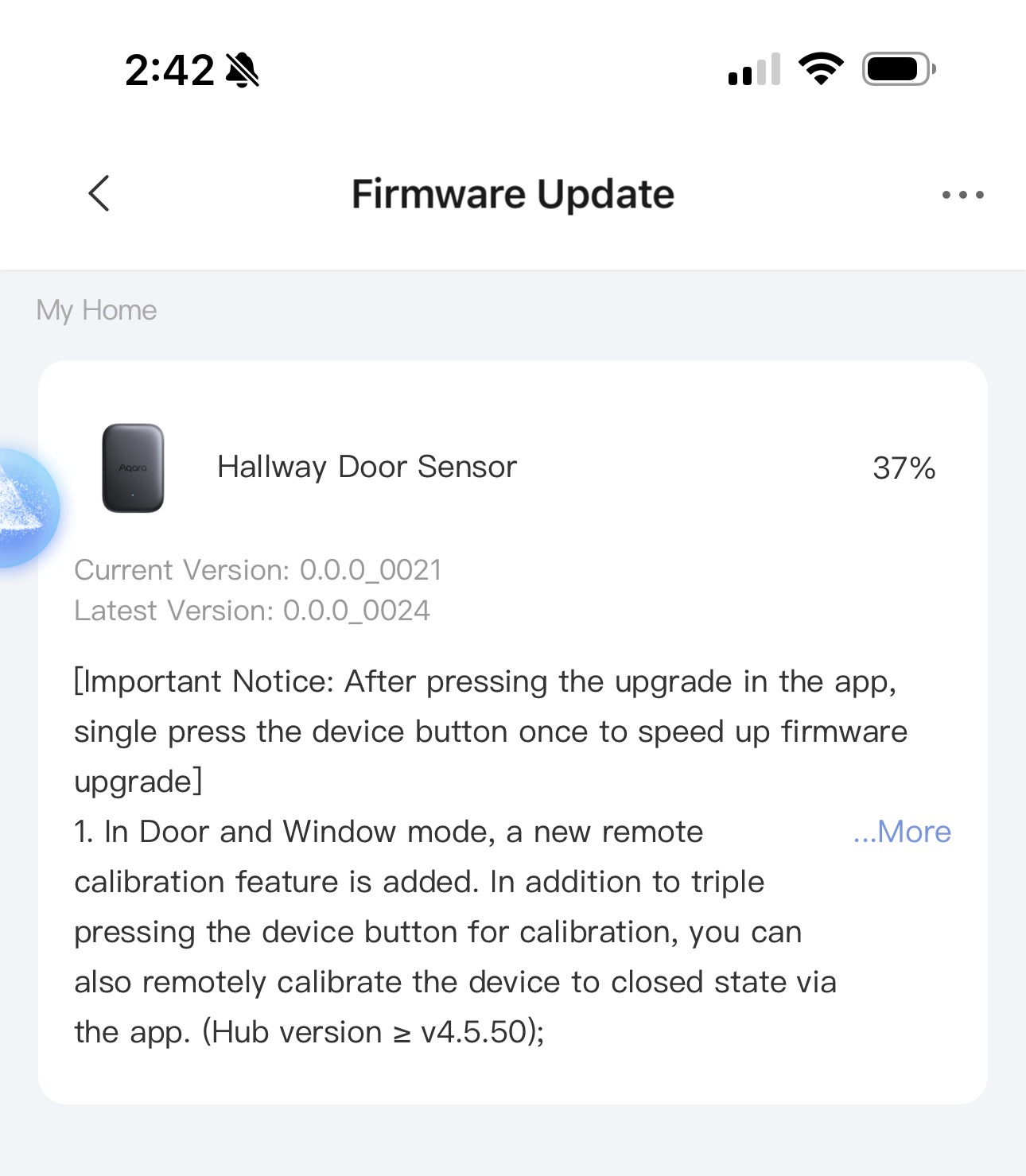
It’s really great that the sensor can now be calibrated remotely. That means you no longer have to lock kids inside closets if you’ve mounted the sensor inside and don’t fit in yourself to press the calibration button while the door needs to be closed 

good news 
I actually tested it on a sensor that showed the incorrect open state after updating the FW. It worked perfectly! One small caveat, the remote calibration option is a bit hard to find. It is a small link in the “Function Settings > Device Calibration > Remote Calibration”
Just updated. Thanks for the heads up!
The remote calibration is a great addition!
I’ve pressed the remote calibration blue link many times. What it does is take me to a pop-up window to confirm the calibration, but nothing happens.
The configuration or commands for low-power devices can only be issued when the device communicates with the hub (about once an hour). Before the next communication, the app actually doesn’t know whether the device has completed calibration, so it just prompts you to wait for the calibration to take effect. You can check after about an hour to see if the device has returned from the open state to the closed state to determine if the calibration worked. (Usually, other configurations prompt you to press a button to sync immediately, but this is basically the same as pressing three times to initiate calibration directly. )