I hope somebody might help.
I have a G410 installed (with the Home Guardian multi-device subscription), but would like to extend the lingerer detection range.
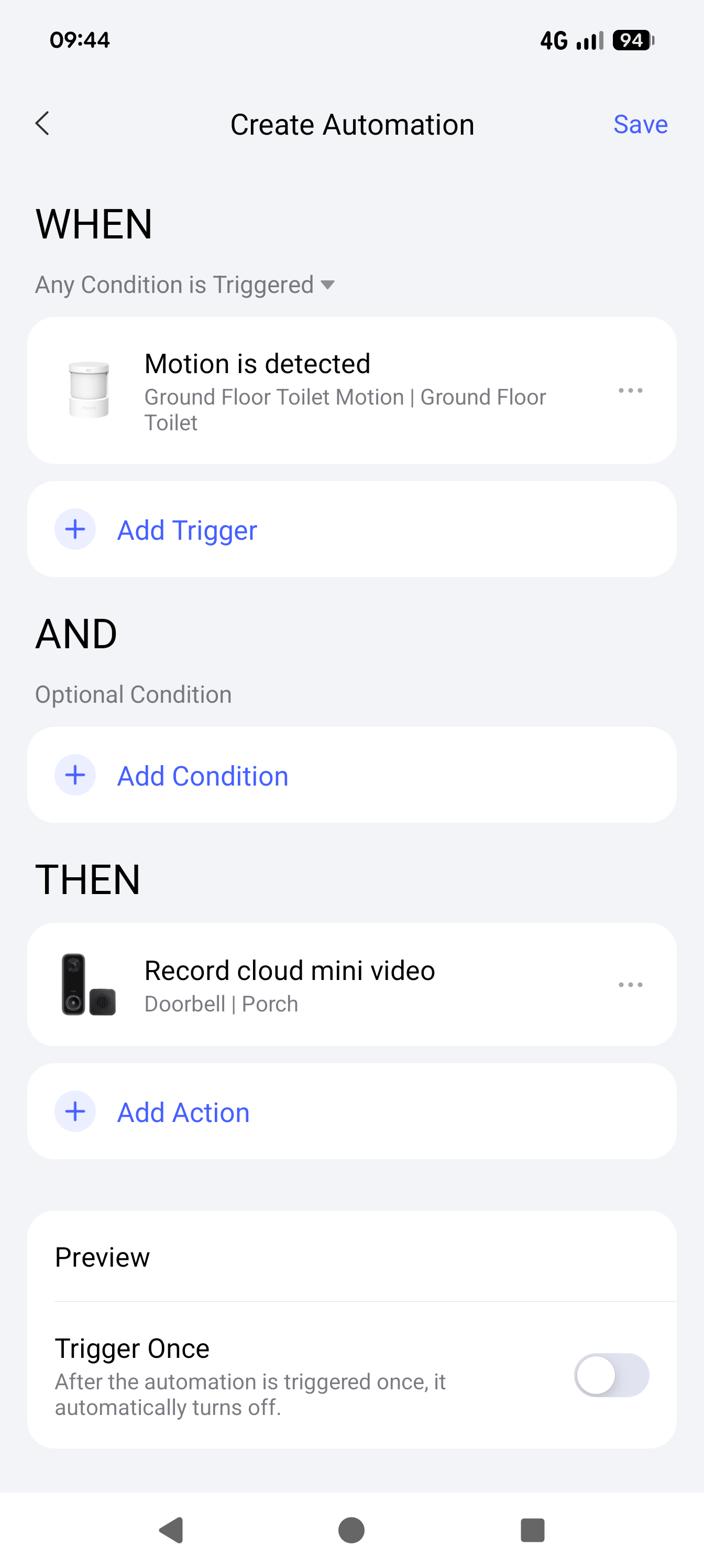
Is it possible to use a P1 motion sensor to trigger an identifiable ‘event’ in the G410 video stream recording?
If so, how?
Please forgive me if my terminology or explanation is inadequate.
There is an option to start recording the camera for how long it would go? I’m not sure but you can trigger this from an event from a different device. I’ve en
David
Forgive my ignorance, but in my proposed setup, it is possible/likely that either of the two devices (P1 &G 410) will trigger a recording within the same time frame. Thus, someone triggers recording via motion sensor, and then almost immediately moves into the range of the G410 camera. Or, vice-versa.
Is this viable?
A further question: I have a 256Gb memory card in the G410 sounder, and I have the multi-device Home Guardian subscription.
Is the G410 recording continuously to the to the cloud?
I have set the G410 camera to record continuously.
How can I view the video (either local or from the cloud) for a specific, non-event, time?
You are correct and you can either go through the camera recoding using the events or by literally scrubbing the video.
When opening your doorbell at the bottom there is a section called playback.
If you select playback you can view the playback either locally or through the cloud, If you select locally you can literally scroll through the feed to however far back your SD card will take you.
I’ve highlighted the controld for cloud / local playback.
Another thing you can do is to associate events from other devices and record on the timeline of the video, so if the motion sensor detects motion it’s recorded on the video timeline as the motion event. Its called Integrated Events
David
Many thanks for the speedy response.
I don’t think that the G410 camera is recording continuously to the cloud. When I try to view the cloud playback, l see events identified in red, and the rest of the timeline is without colour. (I took a screenshot but don’t see a way to insert the screenshot into this posting). I seem to be able to view only the video from the events. Elsewhere the time counter increments rapidly, but the displayed image does not change.
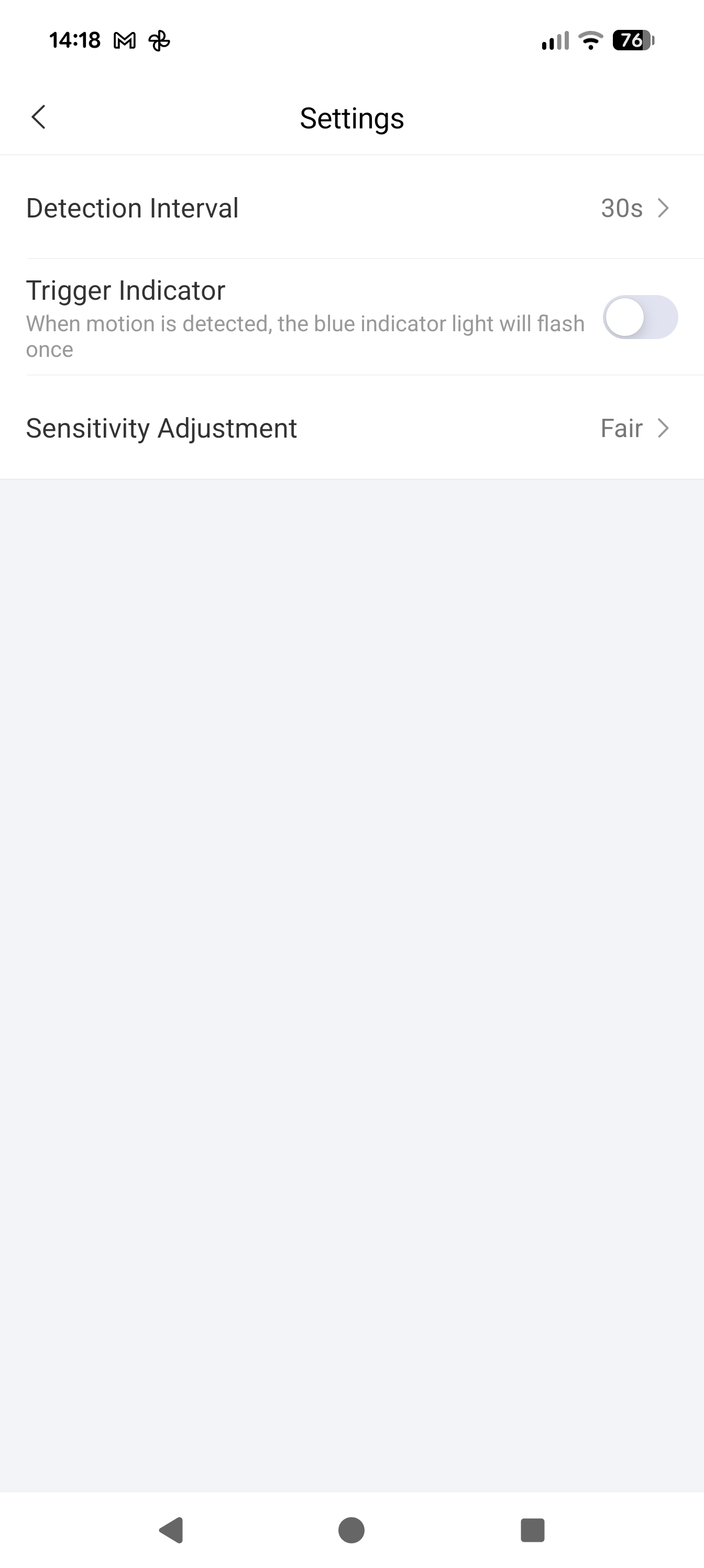
Does the P1 sensor have a light to indicate that motion has been detected? If so, can that light be suppressed?