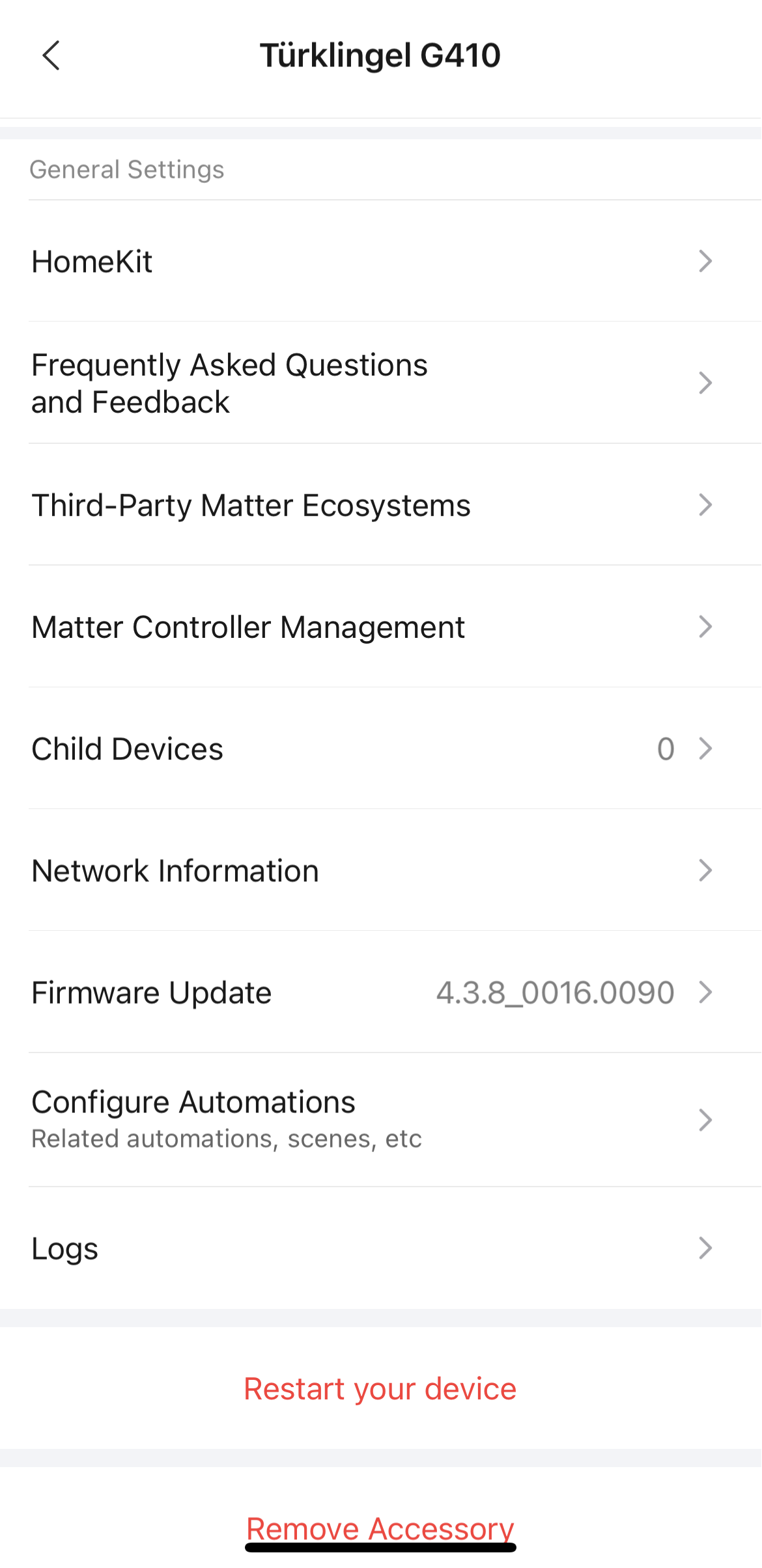
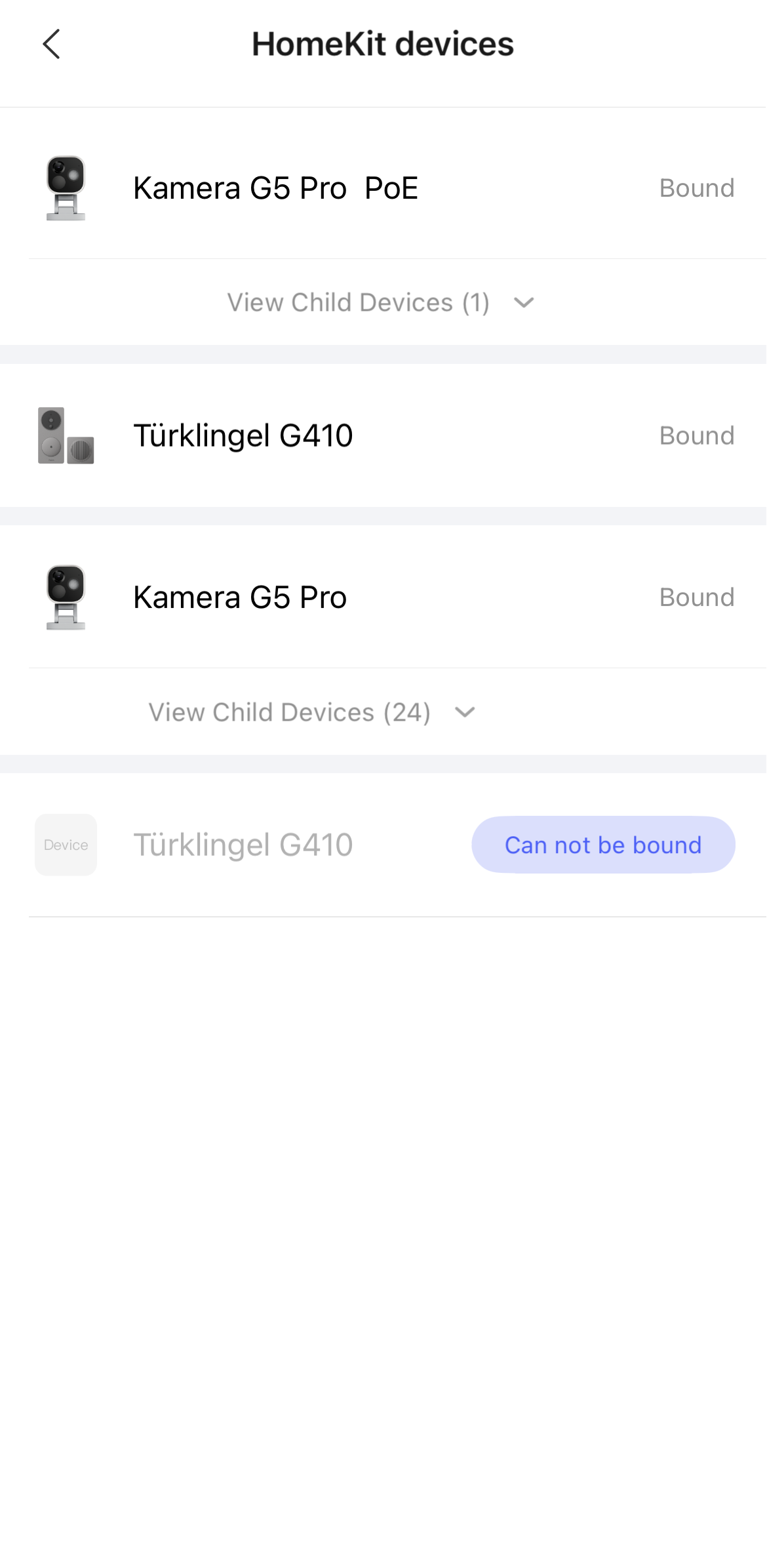
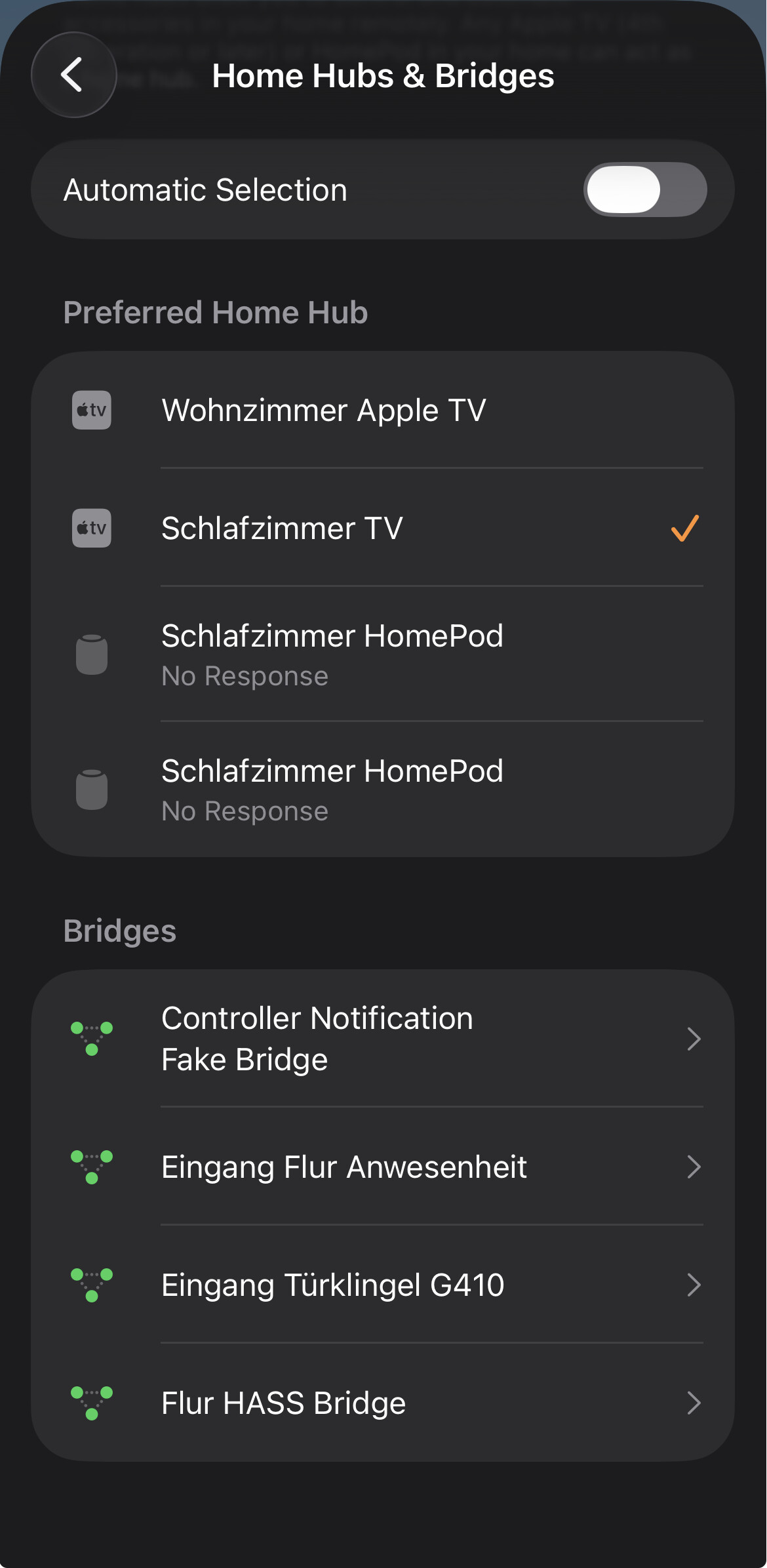
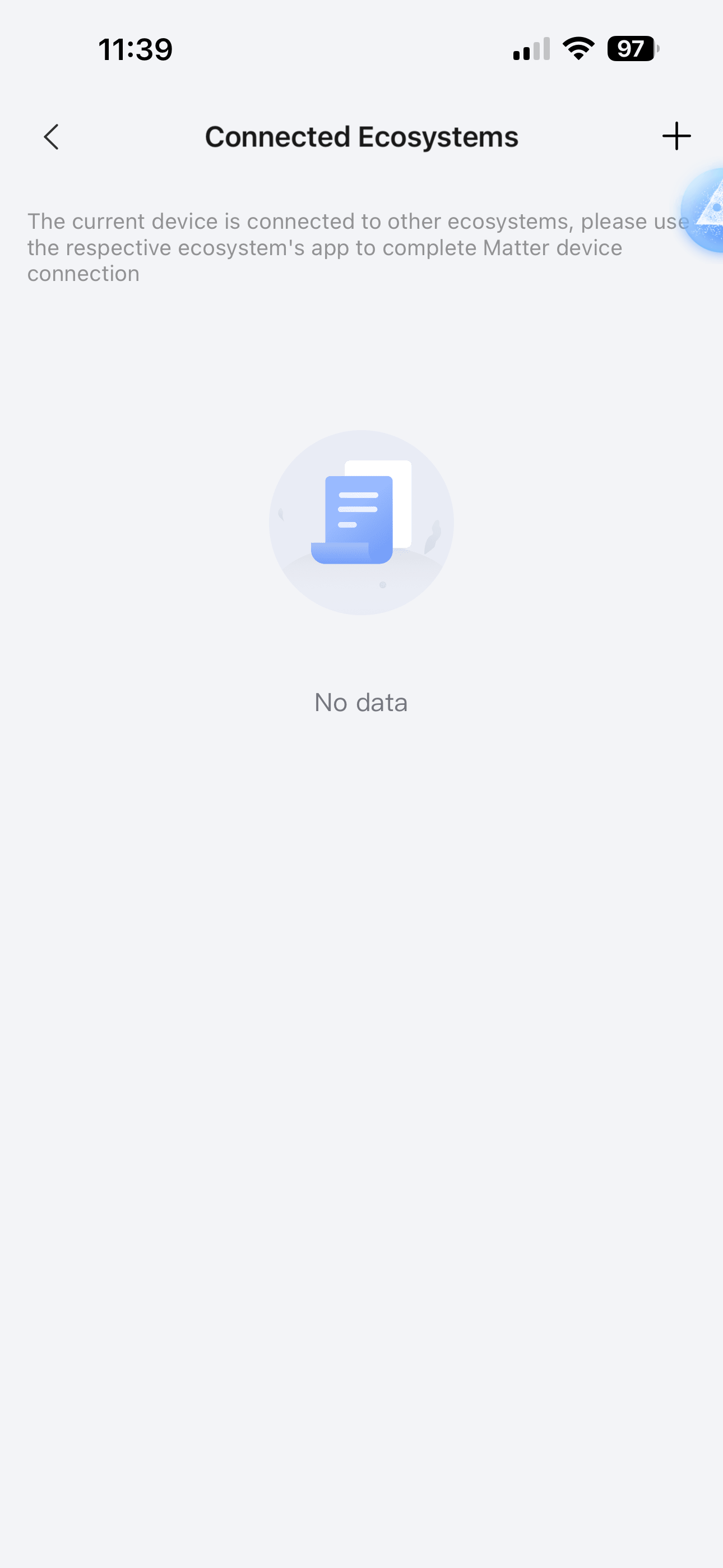
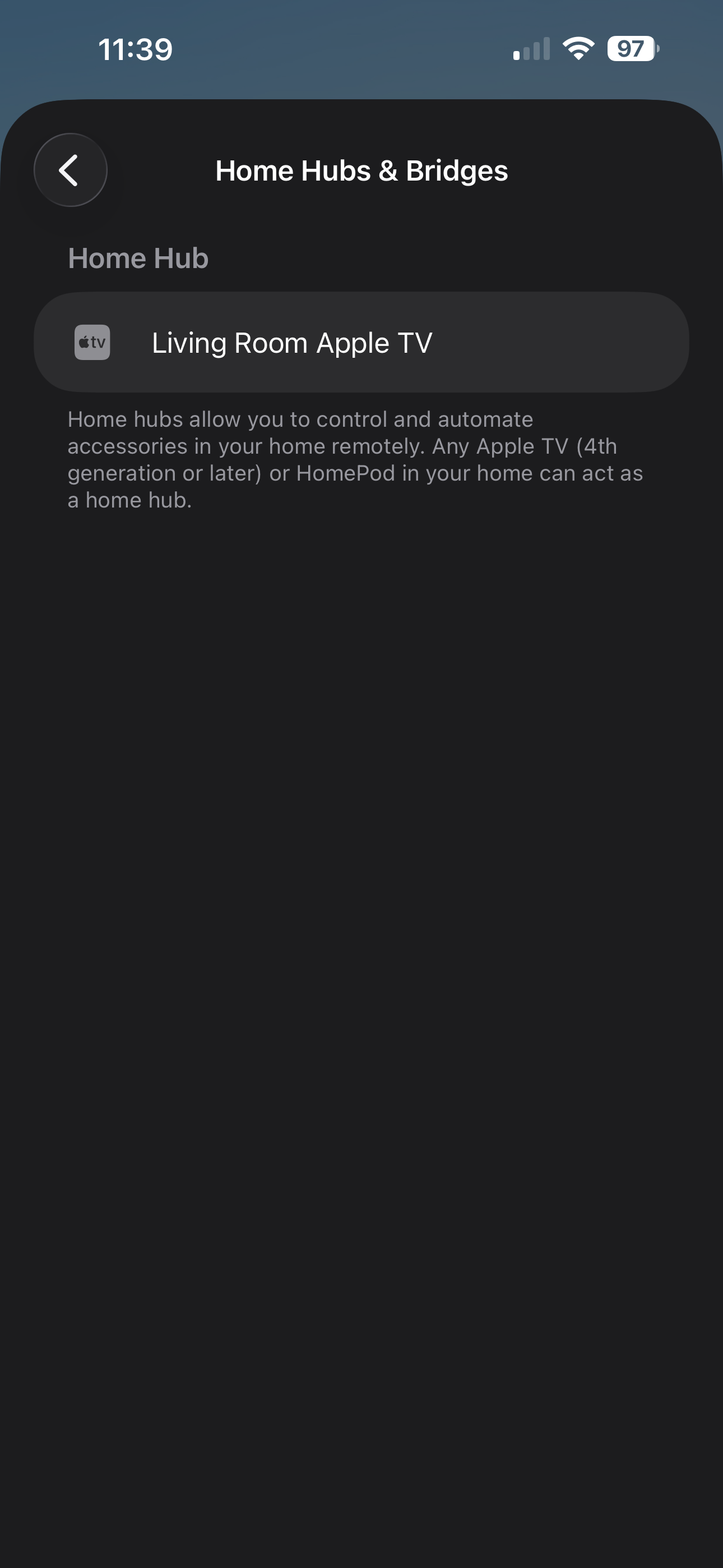
I recently purchased the G410 doorbell. I was able to connect it to the Aqara app but not able to add it in Apple home app. Tried adding it through the Aqara app as well as the home QR code on the chime. Tried on 2.4 as well as 5ghz connection. Any help will be really appreciated. Thank you.
Select „HomeKit“. If you can see the „Add“ button, the hub is not connected to Apple Home via HomeKit. To add it, press the button. After adding it, it should look like this:
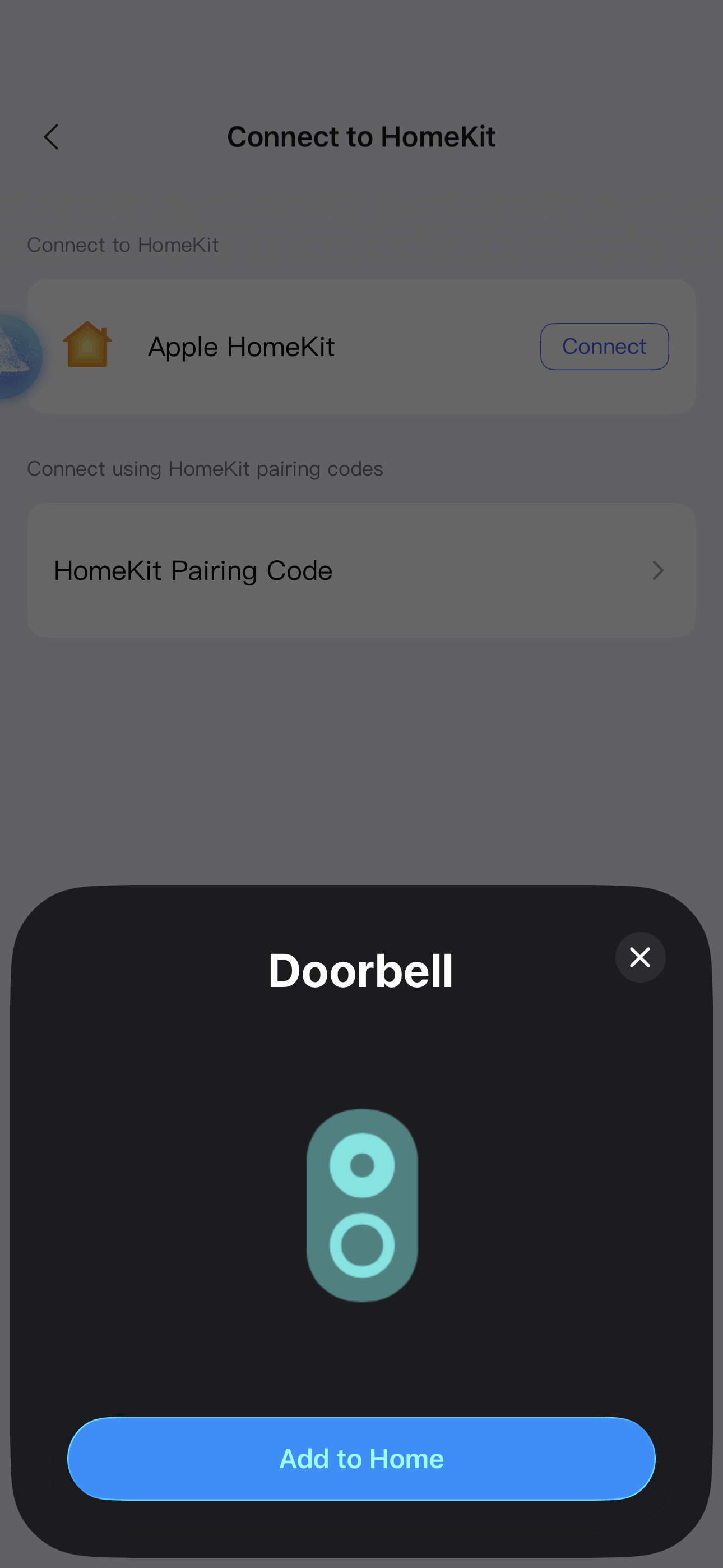
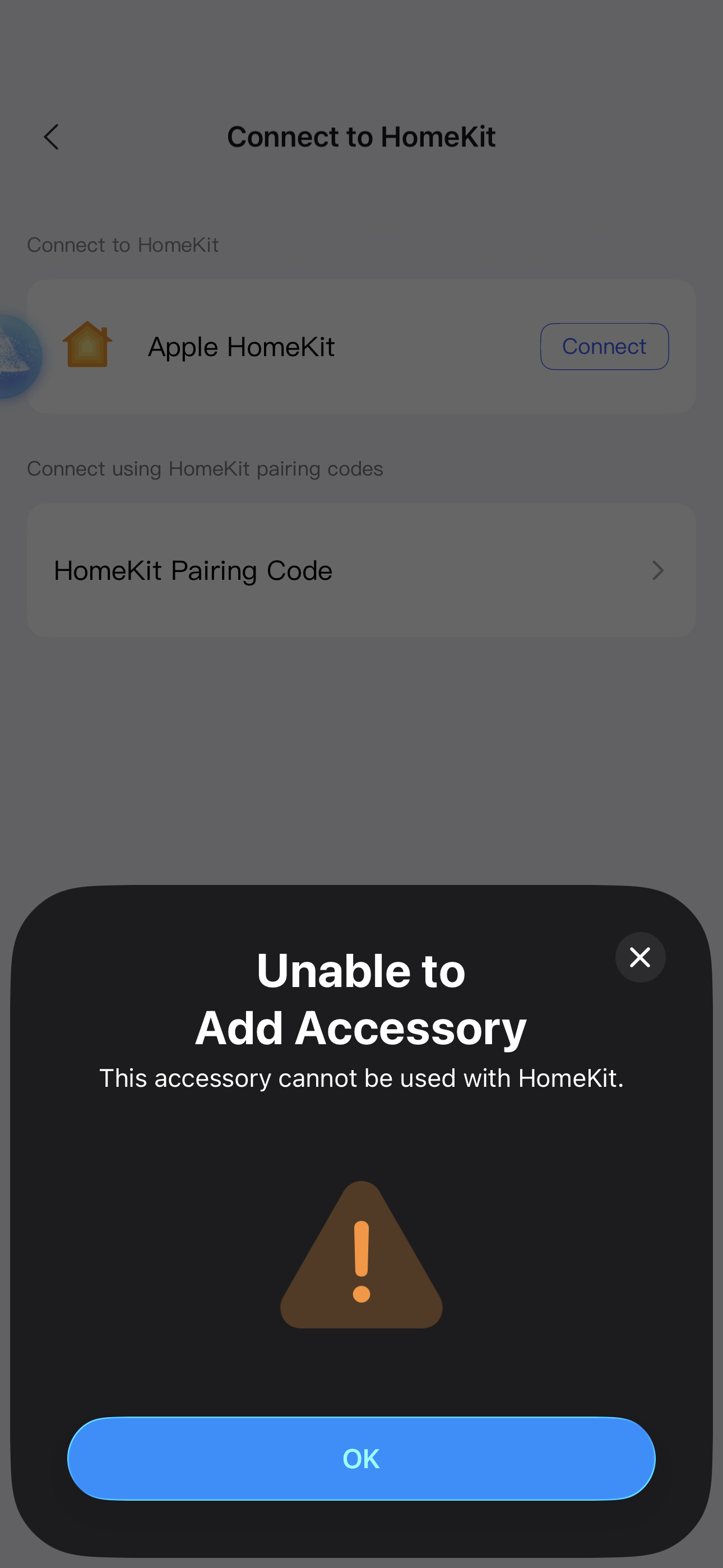
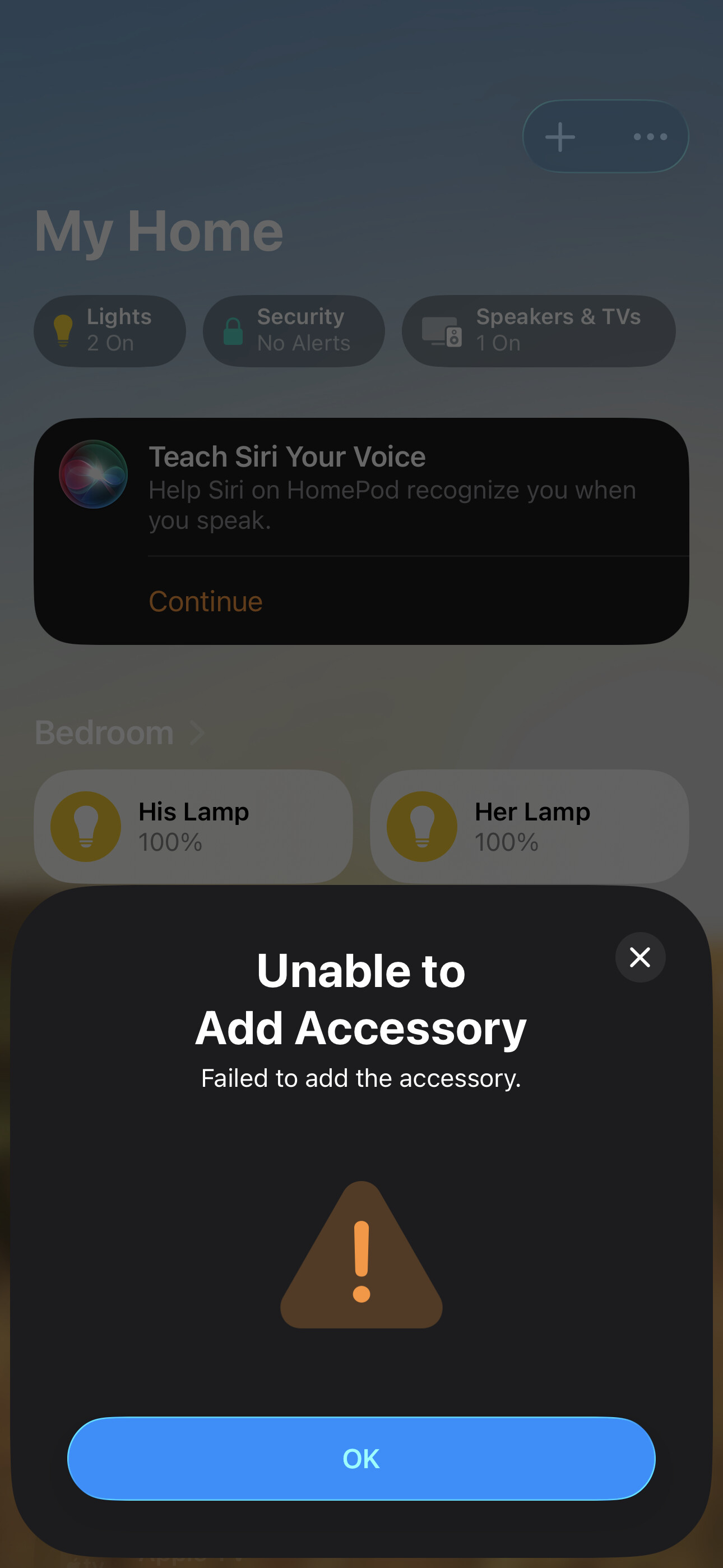
try that. When I click connect in HomeKit, I get an option to connect the doorbell. Once I select it I get an error that this accessory cannot be used with homekit. I have attached the pictures. Added a picture when I try adding it via home app too.
Hi @Automation_home sometimes a restart of your complete smart home ( router , hubs -Apple TV - Aqara hubs g410) can help and solve things. Did you tried that already? Unplug and plug in after a little time - first router , then Apple TV / home pods and then Aqara hubs
Do you use wifi repeaters? This process may fail if the doorbell connects to the repeater.
You also need to have IPv6 enabled on the router. And if you use any kind of device isolation, then disable it, because it filters the network traffic and will affect HomeKit
I had the reverse problem with one of the other devices. The device was in HomeKit but not in the Aqara app. I had to restart the device to put it in discover mode, and then scan the QR code. I believe if you restart the device from the Aqara app it will put into discover mode. Otherwise, I think just disconnecting the chime hub from power to restart will put back in discover mode.