I have a problem in the Aqara Home app. I recently received a new Aqara Multi-State Sensor P100 and wanted to use it as a vibration sensor because my Aqara Vibration Sensor simply stopped working for no reason.
I use my P100 sensors via Zigbee to get more functions.
I first had the new P100 set up via Thread, but then switched to Zigbee. First of all, the problem that the Aqara Hub M3 did not want to include him in the Aqara system. At some point after 10 attempts it worked out.
When I searched for the P100 in Home Assistant, I noticed that the “old” (i.e. the one where it was already learned) P100 was replaced by the “new one”.
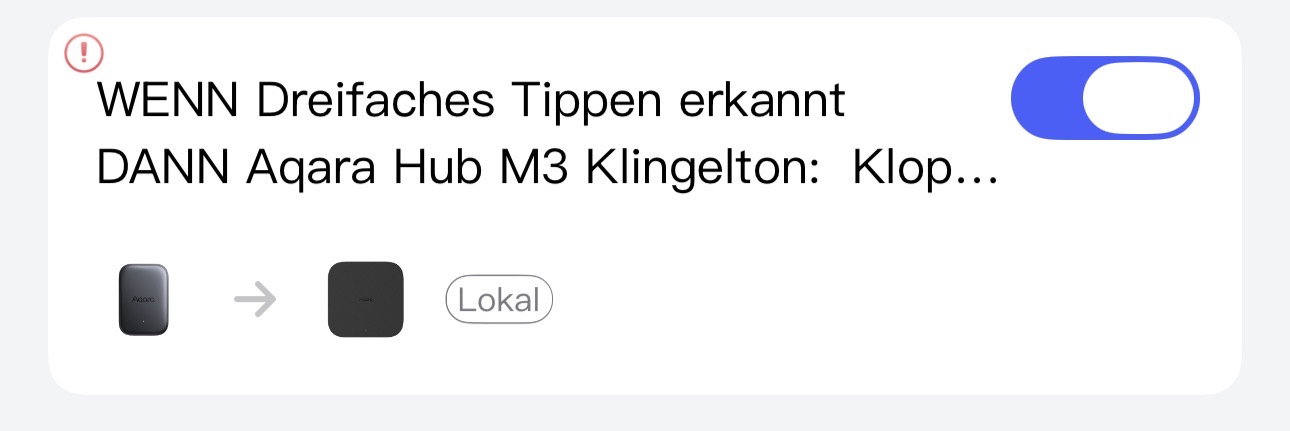
Means: Automations broken
Now I have tried to relearn the P100 that I had in use before, but the Aqara Hub M3 is on strike again and does not want to record any new P100 sensors anymore.
The Aqara Hub M3 always brings "Failed to add Accessory. Please try again
Firmware Details
Aqara Home:
iPhone: v7.0.1 from TestFlight
iPad: v6.1.6 from App Store
Hi there, it looks like you’re experiencing a support-related issue. We’ve automatically created a support ticket for you and will reach out via the forum email within the next two business days.
If other members have any suggestions or insights on this topic, feel free to share!
Can you check in the M3 main settings page to see if you have accidental device deletion on. I had a problem trying to connect the p100 once until I turned that off, reset the p100 and tried again.
With the Purpose-specific triggers and conditions, you can also use sensors assigned to a room; this should prevent your automations from becoming broken. Here’s a video (available in German and English):
Hi there, as this issue has already been resolved with our support team via email, we’ll be closing this topic on the forum as well. If you have any further questions or run into any other issues, please feel free to reply directly to our support email. Thanks for your support and understanding!
Ich hab grad gesehen, dass ich den Sensor einfach neu auswählen kann (wenn ich ihn eingerichtet bekomm) und es dann wieder funktioniert. Aber ja mit den Zweckbezogenen Auslösern wollte ich auch noch experimentieren.
Ich halte halt Automationen im Aqara Ecosystem in Aqara Home und Apple Ecosystem in Apple Home. Und alles was bisschen komplizierter / komplexer ist, bekommt Home Assistant.
When you open the AQARA app, click on the accessories tab in the bottom, clicks the M3 and scroll to the bottom where it says accidental removal protection. This will allow you to shut it off.