I can film it again later on my phone, but I can assure you that the binding process is exactly the same there.
1 Like
May I sincerely apologise for giving you the incorrect information before. I was tired and rushing about. I should have checked more thoroughly before answering your post. @DEChrisE is an excellent person to help with this. To add to what he has already said, if you cannot get it sorted with Chris, I have a reset process that completely resets everything and sometimes helps, but it’s a very last resort.
2 Likes
This is the binding process on my phone.
I also tried to remove and insert the U200’s battery, but it does not bind.
Try to add it with the matter code.
1 Like
Tried that as well, but does not work.
Is “Active Wi-Fi devices may communicate with each other” enabled in the FritzBox under Wi-Fi → Security?
And are the smartphone and the hub on the same 2.4 GHz Wi-Fi network? Check this under “Known Wi-Fi devices in the wireless network.”
Under WLAN → Radio Channel, disable “Automatically control WLAN devices between frequency bands and between multiple FRITZ! products in the mesh.”
Are there any other network devices involved? Additional routers, switches, repeaters, etc.?
Also check mDNS, as it looks like the discovery has failed. Install this app:
Then check if you can see the Hub under matter._tcp., _hap._udp. or _meshcop._udp.
The fritzbox settings are already as you described.
My mobile device and the M100 Hub are both connected directly to the 2.4ghz wifi of the fritzbox.
I installed the mDNS app and the hub is found only under _meshcop._udp
Since you can only see the Hub under “_meshcop”, this perfectly explains the error message “The LAN cannot connect to the Primary Matter Controller.” For this to work, the Hub must also appear under “_matter”
This leads me to believe that the issue is not your network configuration. Since mDNS works (proven by the fact that _meshcop is visible), the network is fine. The problem is likely the Hub itself not broadcasting the Matter service correctly.
I would suggest performing a full factory reset on the Hub to try and force the service to (re)start.
Could you also check two things?
- What is your exact Firmware Version?
- Since the M100 supports Ark 2.0: Can you see any settings regarding “Matter Controller Management” or “Primary Hub” in the app? If so, is the M100 listed as the Primary Controller there? I think there needs to be a label that says “current”.
The firmware version of the M100 is: 4.3.9_0015.0017
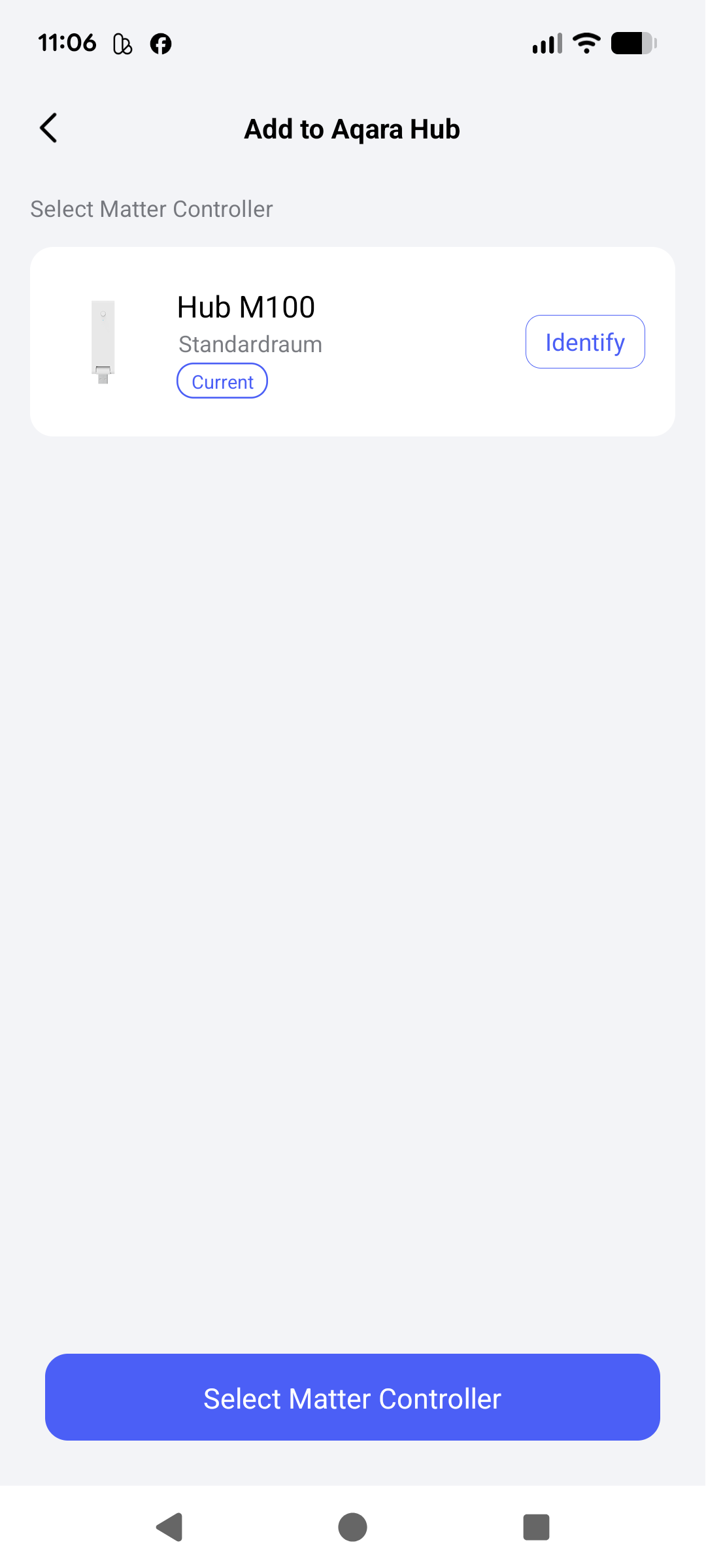
I can choose Matter Controller, where the M100 is already chosen as current matter Controller.
An sich sollte ja alles passen bei dir - bin jetzt auch schon gespannt an was es wirklich hakt bei dir… Ein IOS device hast du nicht zufällig zur Hand?
While adding the U200, could you also check whether the hub is under
_matterc. or _matterd. in the mDNS app?
Perhaps I was too quick to assume that it was the hub. Sorry.
1 Like
Woohoo!! I got it connected.
I hard resetted the hub again and then it showed up with a _matter entry in the mDNS app.
Then it was possible to get the connection process further but I had to recreate the thread network again to get it finally connected.
Thank you so much for your continued help!
3 Likes