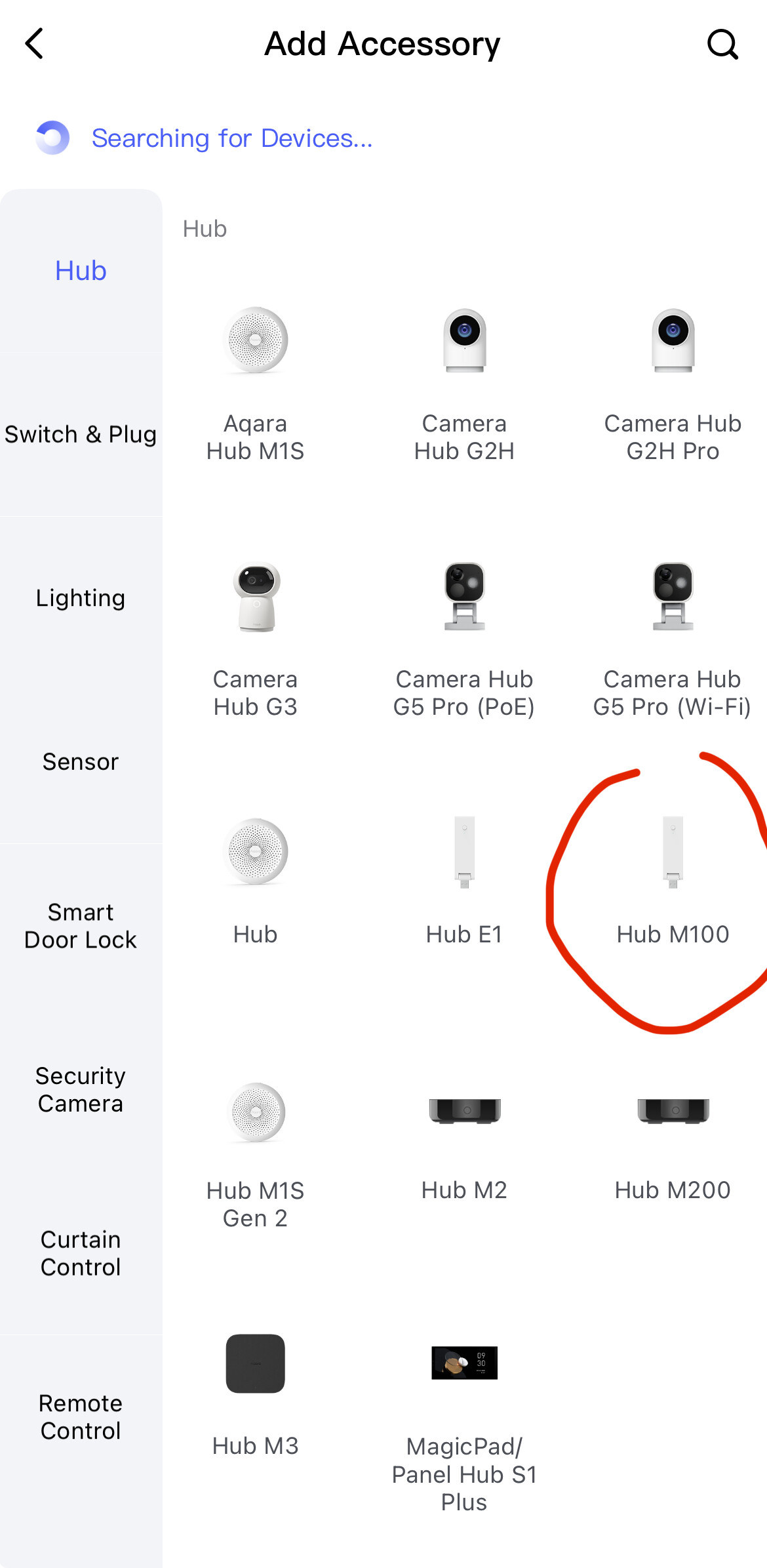
I recently received an Aqara U200 lock and an Aqara Hub M100.
Both can be added to the Aqara app individually, but I’d like to connect the lock to the hub as well, so I can access it even when I’m outside of Bluetooth range. I’m now unsure if this is even possible with the small hub. Currently, I don’t have any other Matter/Thread devices and I’m trying to add the Hub M100 as an Aqara Hub in the U200’s settings within the Aqara app. Unfortunately, I’ve been trying unsuccessfully for hours. I either get error 10028 or the message “The LAN cannot connect to the Primary Matter Controller.”
The U200 and the hub are maybe 0.5 meters apart. 5 GHz Wi-Fi is disabled, and IPv6 is enabled on my Fritz!Box. I’ve also reset both devices numerous times. I’m completely stumped as to what the problem might be. Or am I completely on the wrong track with the Hub and do I actually need an M3 or a proper Matter device like a HomePod etc.?
Hi there, U200 connects to the M3 Hub, not the M100 unfortunately, this is why you are having difficulties. It does start in the manual and on the AQARA website that the M3 hub is the hub that you can use with the U200 smart lock.
Aqara sells the U200 with the M100 as a set, even though it’s not possible to connect the two devices together??
What’s the point of the M100 if you buy it with the lock?
I also find it quite absurd that the connection process in the app doesn’t indicate anywhere that this connection isn’t working. Instead, I can even select the M100 as a controller and only get cryptic error messages that seem to have absolutely nothing to do with it.
Hi there, I am unsure why it won’t connect fully with the M100, what I would suggest is to contact the AQARA support team. You can email them at support@aqara.com and there may be able to guide you better than I can. I wish you every success with getting this problems sorted and I’m sorry that I am unable to resolve it for you. I hope you have an amazing day though.
Sorry. I really didn’t mean to offend you. Thanks for your quick help!
I’ve contacted support and asked for clarification. I really like the lock itself, but having to buy another hub for the online functionality when it’s sold with one doesn’t make sense to me.
No no, you didn’t offend me sorry if I came across like that. The only reason I’m directing you there is because December is my busiest month (I make bespoke furniture) and I want you to get the best help possible as quickly as possible. My apologies for not being able to fully resolve your issue. Hope you have an amazing day
Thanks for the confirmation.
Would it be possible for you to describe how you did the pairing process?
Did you just use the M100 or additional Apple or Google or some other thread hardware?
The M100 Hub is a Matter controller and thread border router. The U200 works via Matter-over-Thread and has Bluetooth. Everything you need to get it working is there.
First, you need to add the hub under “Add Accessory” in the Aqara Home app and then the U200. Not under the U200 settings.
Unfortunately, I’ve already done several times exactly what you described.
The M100 Hub is correctly added and working. Only the connection between the M100 and the U200 keeps failing.
My Fritz!Box settings are exactly as you described. Aqara support also recommended renewing the hub’s network thread. That didn’t help either.
I’ve restarted all devices, including the Fritz!Box, multiple times and also reset the Aqara devices several times, but I always end up back at the connection process. After the M100 Hub is displayed as the primary controller I can connect to, I get the error message that the LAN cannot connect to the primary controller.
Hi,
I also supposed the m100 should work flawless with the U200.
Maybe if you can show us a video of the binding process, we can see something and help.
Is the U200 already bound to another Matter hub?
The hub and smart lock are running the latest firmware.
I only tried it on the tablet so I could film it.
Otherwise, I try it with my mobile phone, with the exact same result.
Both devices have Bluetooth.
I press the set button to connect, but it has no effect.
OK, sometimes put out the battery of the lock and put it in during binding helped in earlier (beta) firmware.
Want send me a video when try to bind it by your phone?
 sorry if I came across like that. The only reason I’m directing you there is because December is my busiest month (I make bespoke furniture) and I want you to get the best help possible as quickly as possible. My apologies for not being able to fully resolve your issue. Hope you have an amazing day