Hello! I’m brand new to this forum (and aqara products). We are moving into a brand new house on Wednesday and will be leaving our ecobee behind for the new owners of our current home.
I took the opportunity to see what else was out there for smart thermostats and found the aqara one. I am super excited about the integration with Apple HomeKit and especially the adaptive temperature feature. I am wondering how best to set it up for a 2 story home? The bedrooms and my craft space are upstairs and the rest of the living space is downstairs.
6 Likes
Hello, welcome to the forum. There is too little information about the heating system for your home. Please provide more information about the type of heating, the heating system…
5 Likes
I responded to this but don’t see my response anywhere? We have forced air gas heat and a/c. The original thermostat is downstairs in the middle of an open floor plan. We have been told there are dampers we can adjust seasonally.
Hi @expert. Please help. Thank you.
1 Like
Hey and welcome @pamelaoryshchyn .
Please give us more infos
Which land are you located
Show us the heating system ( wiring)
Do you just make your heating system smart or also , lights, door , doorbell…?
So we can help you better , if we have more and detailed infos. Each home is unique 
2 Likes
Hello, and a warm welcome to the forum from me as well! It might be helpful to know where you’re from, since heating systems and Aqara solutions vary across Europe, the UK, the U.S., China, and other countries.
1 Like
Hello and thank you! I’m in Oregon, USA. My house has a gas forced air furnace and a central a/c unit.
1 Like
Hello and thank you! I would like to eventually add a doorbell and lock as well. I live in Oregon, USA. I believe I do have a c wire.
1 Like
Hi Pamela! Welcome to the forum.
It sounds like your set up is that the thermostat is downstairs, but you want to optimize climate for the upstairs as well.
I would pair the W200 with Temperature & Humidity sensors. You can use the simple temp sensors or even use the FP300 presence sensors which offer the additional benefit of Presence and Light detection.
With the sensors enabled you can then choose which sensor to have drive the climate. So for example, the sensor upstairs could provide the readings for the thermostat to know whether it has reached your desired temperature. You can also average multiple sensors together across the house, or use different sensors based on schedules (or further automation like presence).
Most of this is done in Aqara’s ecosystem, as Apple’s Adaptive Temperature gives you fewer options based on presence. So within Aqara’s app you can set the rules for which sensors are used and when, while Adaptive Temperature handles the thresholds and presence based automations.
7 Likes
Ok so check the U400 door lock and
G400 or G410 for a smart door bell
If you need help, please show us your doorbell with wiring and the door lock unit
2 Likes
Thank you, this is very helpful. There is one sensor that has a screen on it to read temp as well. Would it be a good idea to put that one upstairs in the hallway so that we can see what the temp is there or does the main thermostat show what temp is being read at the sensors?
2 Likes
Yes, this is the W100. You can use this with the W200 and it even has buttons so you can adjust the thermostat remotely.
The main thermostat does show the temp from the selected sensor.
1 Like
maybe you can help. I have a W200 and a W100. I want the W200 to use the room temperature form the W100 at certain times - basically night. I setup the system to use the w100 as the sensor during the smart schedule and selected Set Data Source to my w100. the W200 absolutely ignores the whatever the W100 is showing and sets the temperature to whatever it wants! No rhyme or reason - sometimes it leaves my A/C running for hours, sometimes it doesn’t turn it on at all no matter what the temp is in the room where the W100 is located. Yes the w100 is readable, the battery is good and the w200 can “see” it. Any advice?
What is the temp difference between the room where the W200 is and where the W100 is? Also, could you share a couple screenshots of your smart schedule and data source?
I’m running (2) W200s with a combination of W100s and FP300s (presence sensor with temp and humidity) and have never had an issue so this is an odd one. We’ll do our best to assist.
Thank you!
1 Like
In this set up, the W100 is going to provide the current temperature, not the target temperature. So in this scenario, it will use the source data from your W100 to understand the temperature of the room and then use whatever target temperatures are set in your smart schedule.
Separately, if you want the W100 to control the W200’s set points, you need to configure that in the W100 settings.
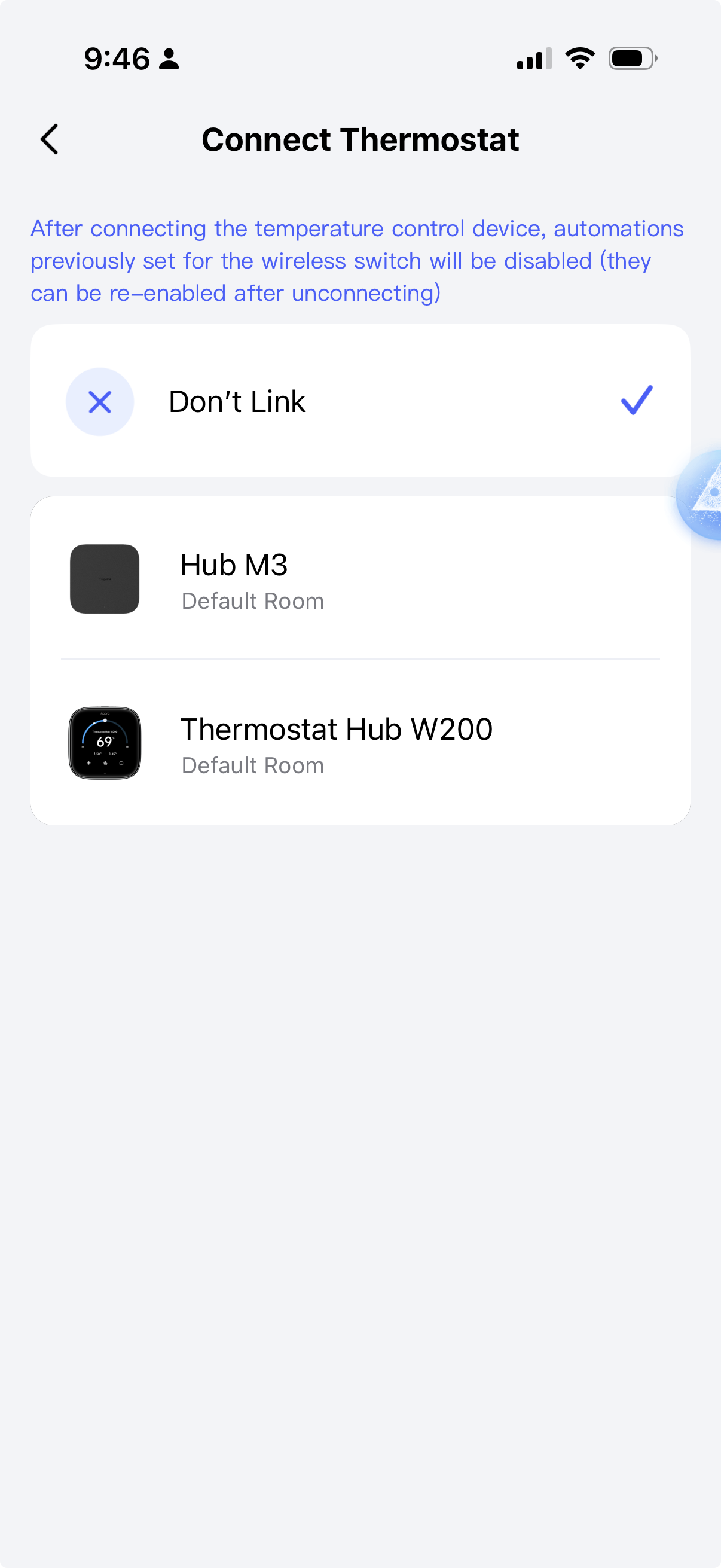
If you share some screenshots of your schedule & preset settings we may be able to identify any issues. Also, if you can show us a time when the thermostat is set to a temperature different from the one set in the schedule. Curious by how much it’s off.
And one last question - are you using the thermostat in any other ecosystems or automations that could be overriding the schedule?