Hi
I have a Relay T2 set up to control a garage door as follows:
Dry contact pulse mode
Jumper removed
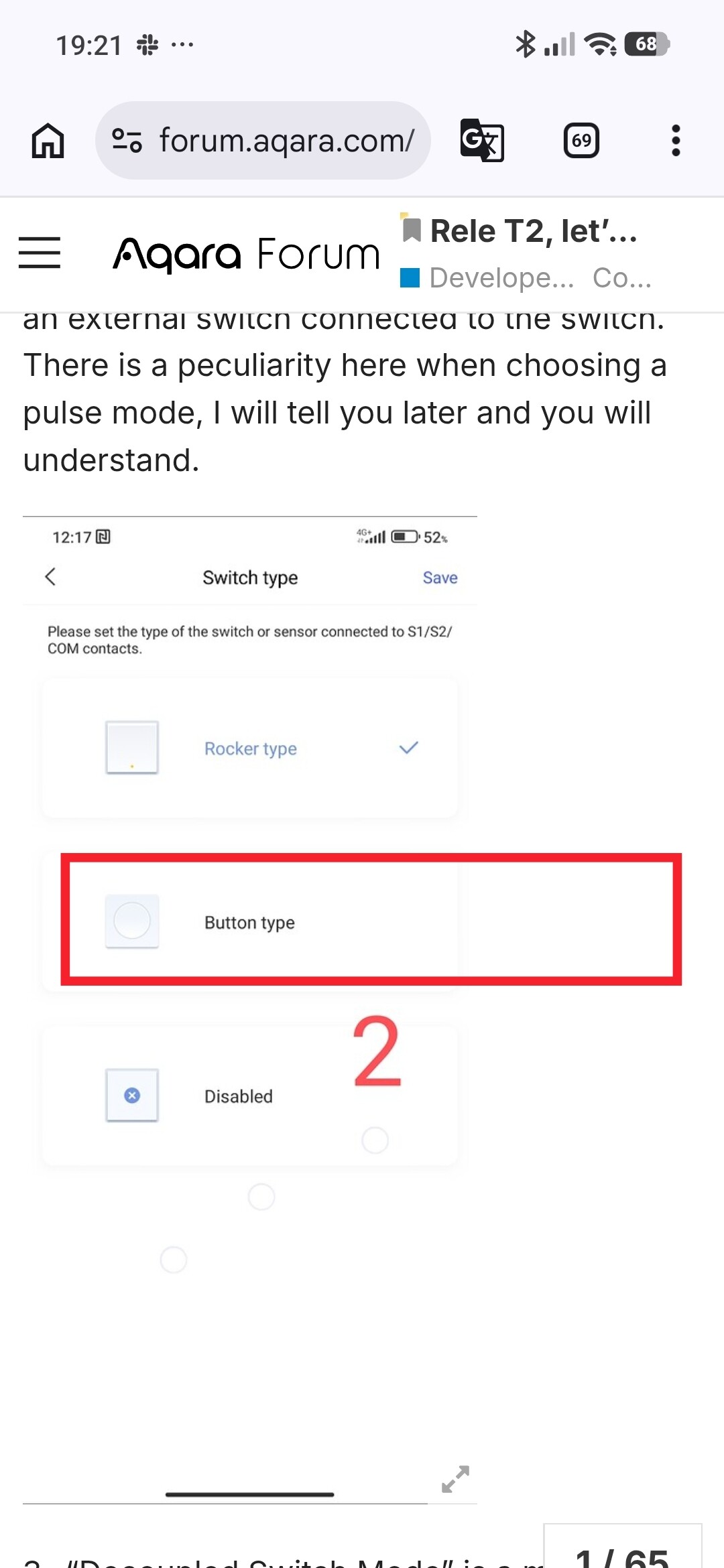
Switch Type = Rocker
Decoupled both switches
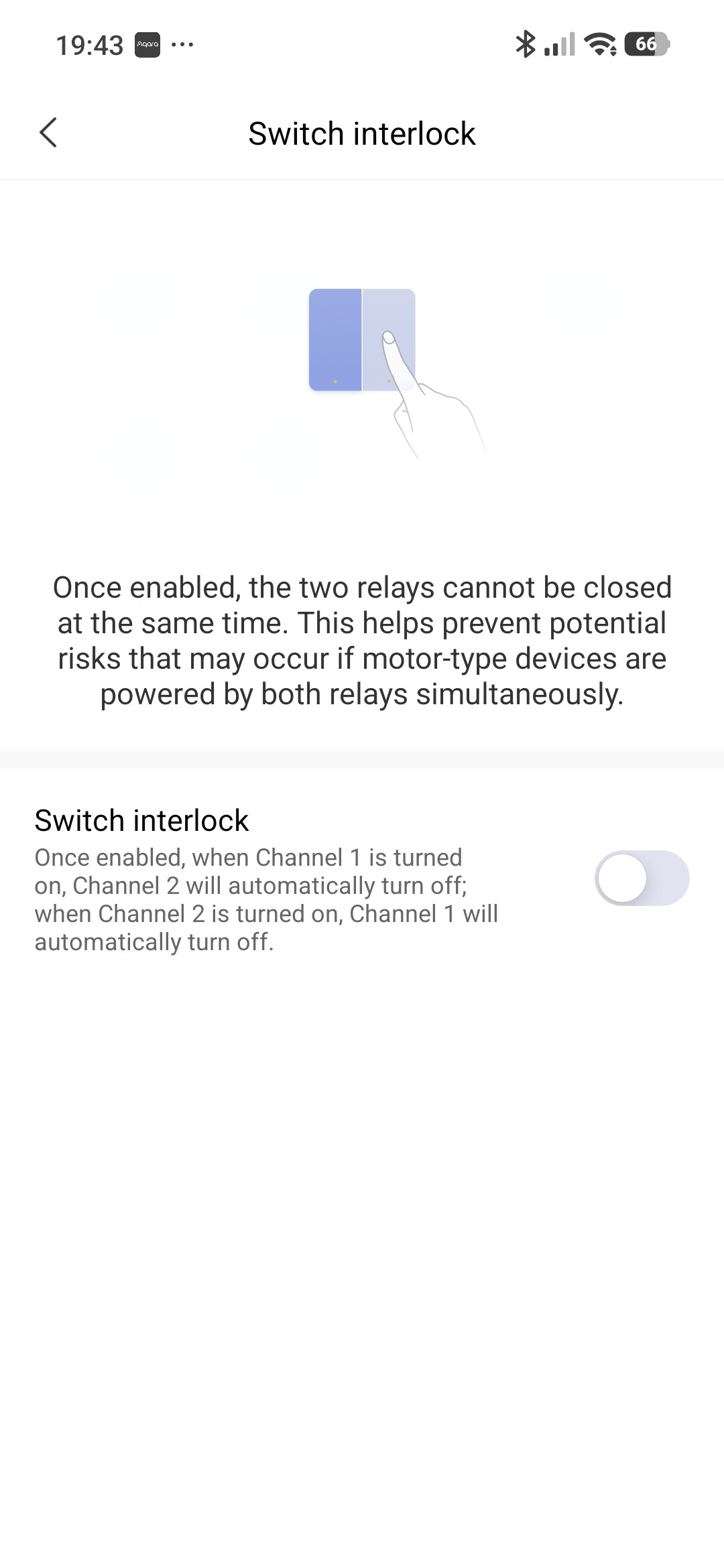
Interlock off
door closed reed switch attached to S1/COM
Garage door connected to L1
Aqara App 6.1.3 (Android)
Connected by Zigbee to G410 Doorbell Hub
From what I’ve read so far, I should be able to set the T2 in “Garage Door” mode in the " More Settings" page of the app.
More settings is not exposed in the app.
Even though I have S1 and S2 set to be decoupled, it seems like they are behaving as though they are still coupled.
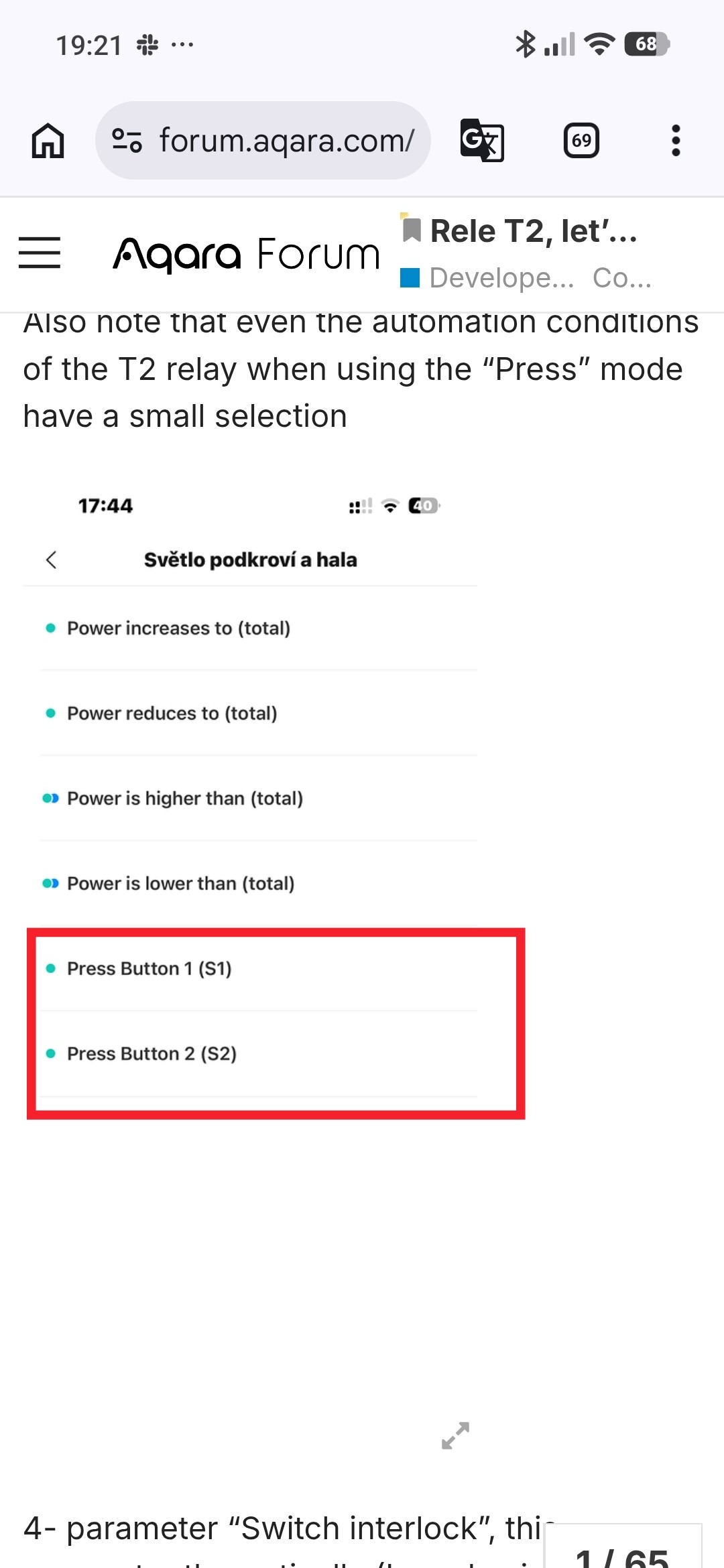
I don’t have S1 or S2 showing up as triggers in Automation.
I have been playing with Home Assistant Matter and HomeKit integration, however I have backed all of that out and factory reset the G410 Hub.
My imediate goal it to have the T2 show up as a garage door on the Aqara App with the state (Open/ Closed) shown.
Hi there, it looks like you’re experiencing a support-related issue. We’ve automatically created a support ticket for you and will reach out via the forum email within the next two business days.
If other members have any suggestions or insights on this topic, feel free to share!
Hello, welcome to the forum. The T2 relay has this feature: if you set it in pulse switch mode, then there is no On/Off switch trigger in the automation.
It looks like this is an issue with the G410 hub only.
I’ve tried all the tricks in the book, but still no access to the more settings / garage door setting.
I’m hoping aqara will put out a g410 firmware update to address this.
In the meantime I’ve ordered a switchbot unit, we’ll see how that works.
Kind of unfortunate as I was trying to keep things all zigbee or thread for compatibility and simplicity.
The primary issue is I have no indication anywhere in the system of the status of S1 (reed switch).
I can’t see S1 in any of the automation settings.
The card status (dark or light background) starts dark, then goes light after the first activation, then stays that way.
Several posts indicate there is a more settings page that allows for setting the mode to Garage Door etc. I thought that may change the behavior, but it’s not the primary issue.
I have checked the reed switch with a multimeter and tried a jumper on s1 to validate the wiring,
Hi there, as this issue has already been resolved with our support team via email, we’ll be closing this topic on the forum as well. If you have any further questions or run into any other issues, please feel free to reply directly to our support email. Thanks for your support and understanding!