Using a door/window sensor to indicate end of clothes dryer cycle. Sensor is automatically included in sensor (zone?) in Apple Home. Is there a way to remove this sensor from the security zone?
You can configure the Alam System in the Aqara app. There you can include or exclude each sensor. If you would like me to show you how, please write again.
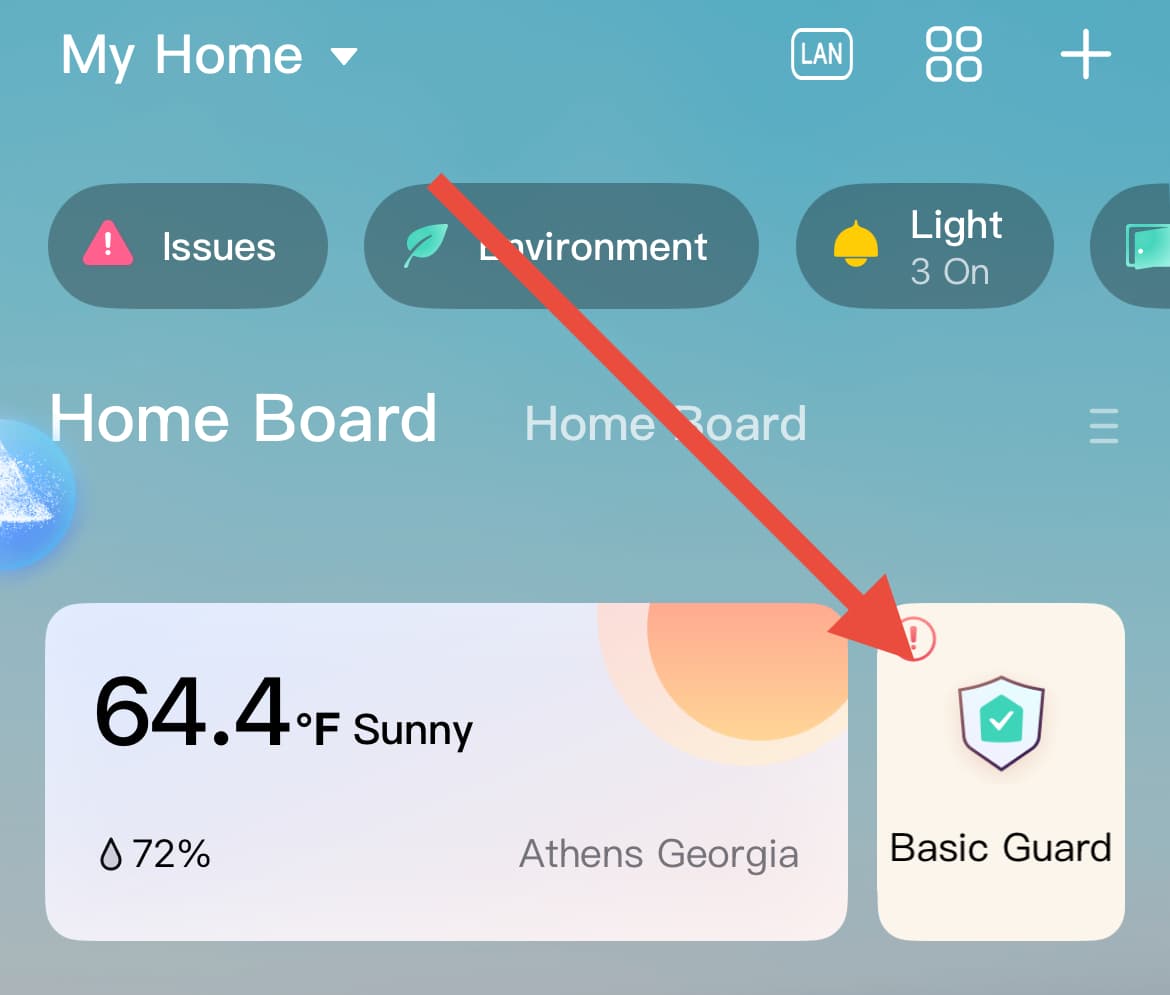
In the Aqara app Home screen, click on the “guard” button.
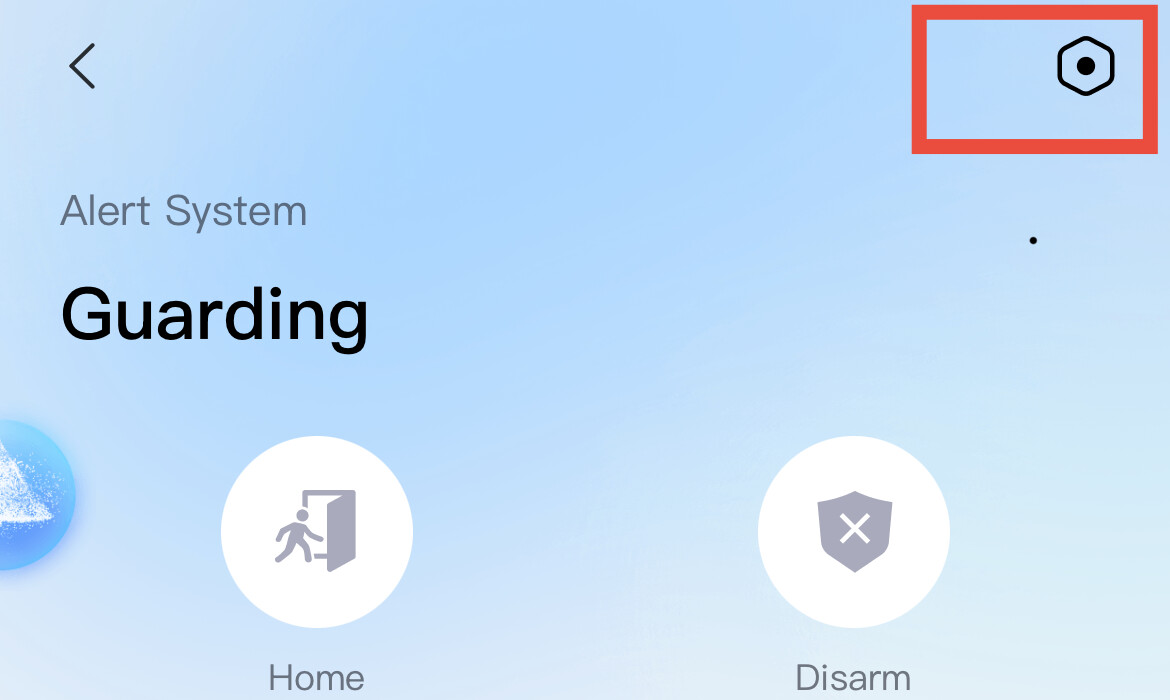
Then settings
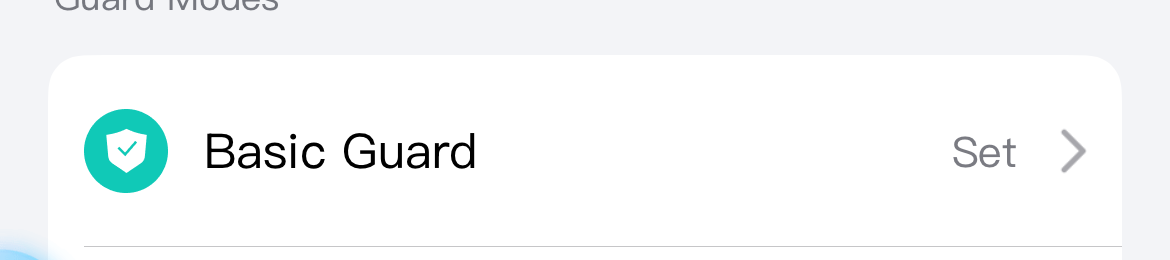
Then choose the mode to enable or disable specific devices:
2 Likes
I cannot locate the Alarm System in the Aqara app. Do I need to be subscribed to Home Guard to see it?
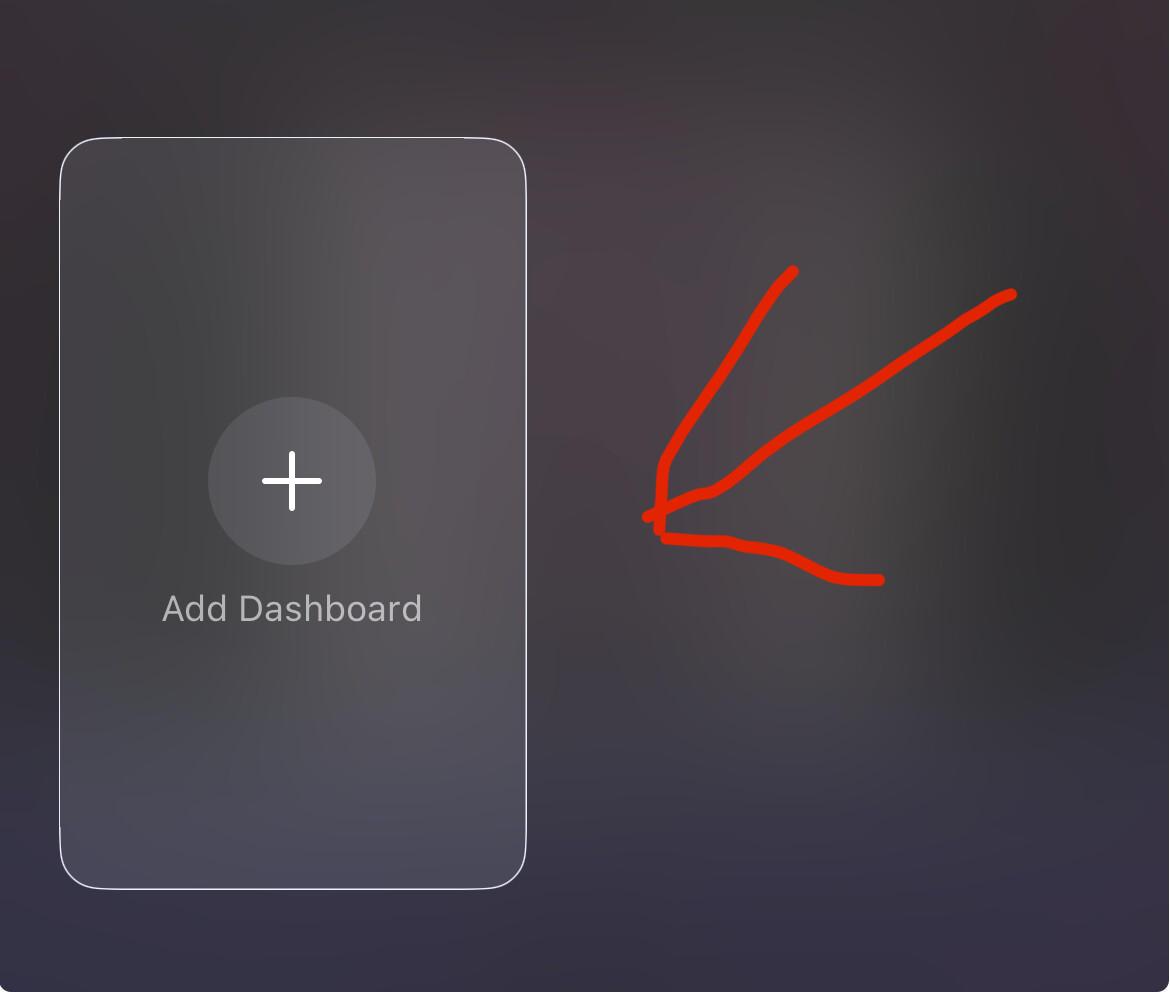
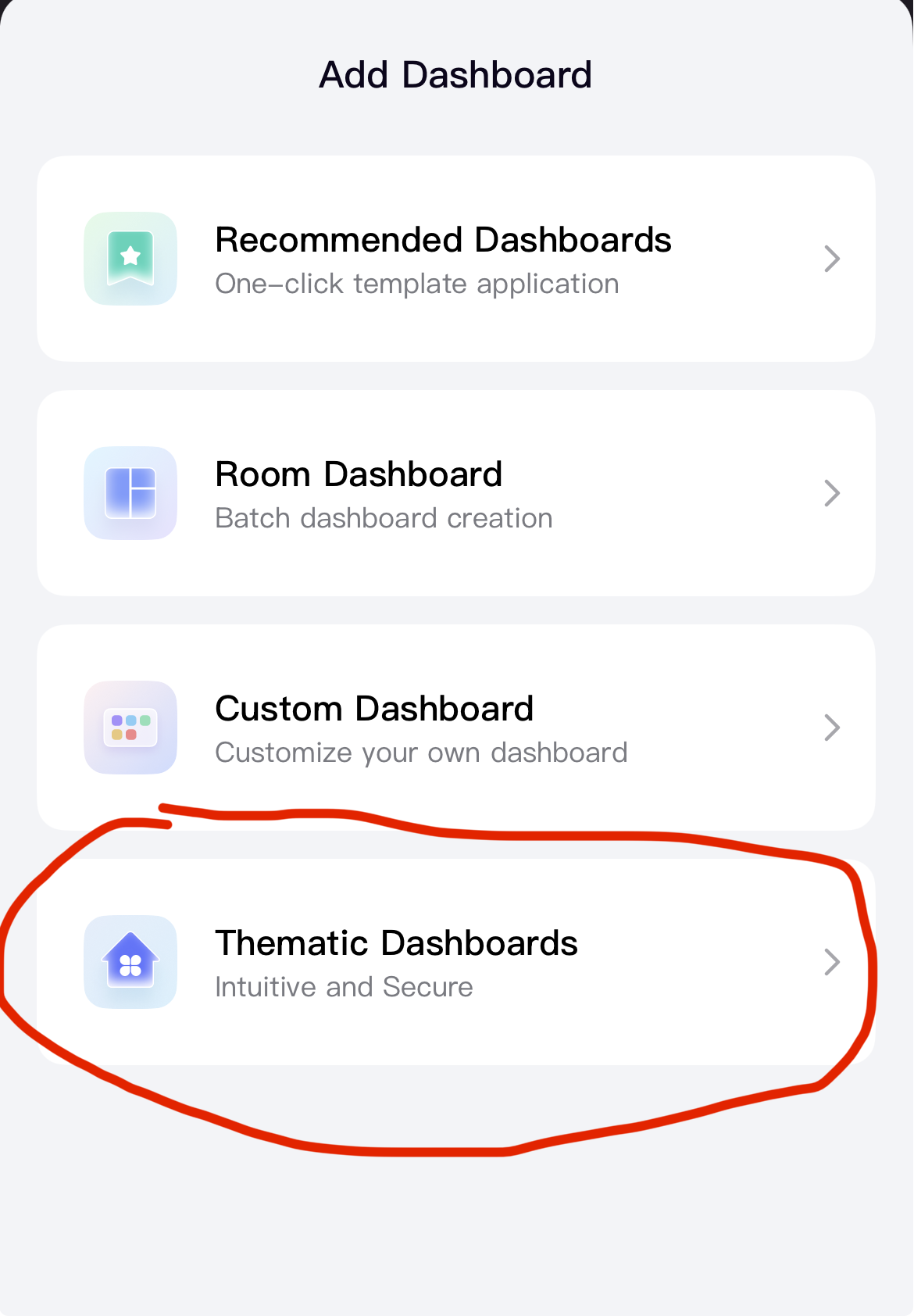
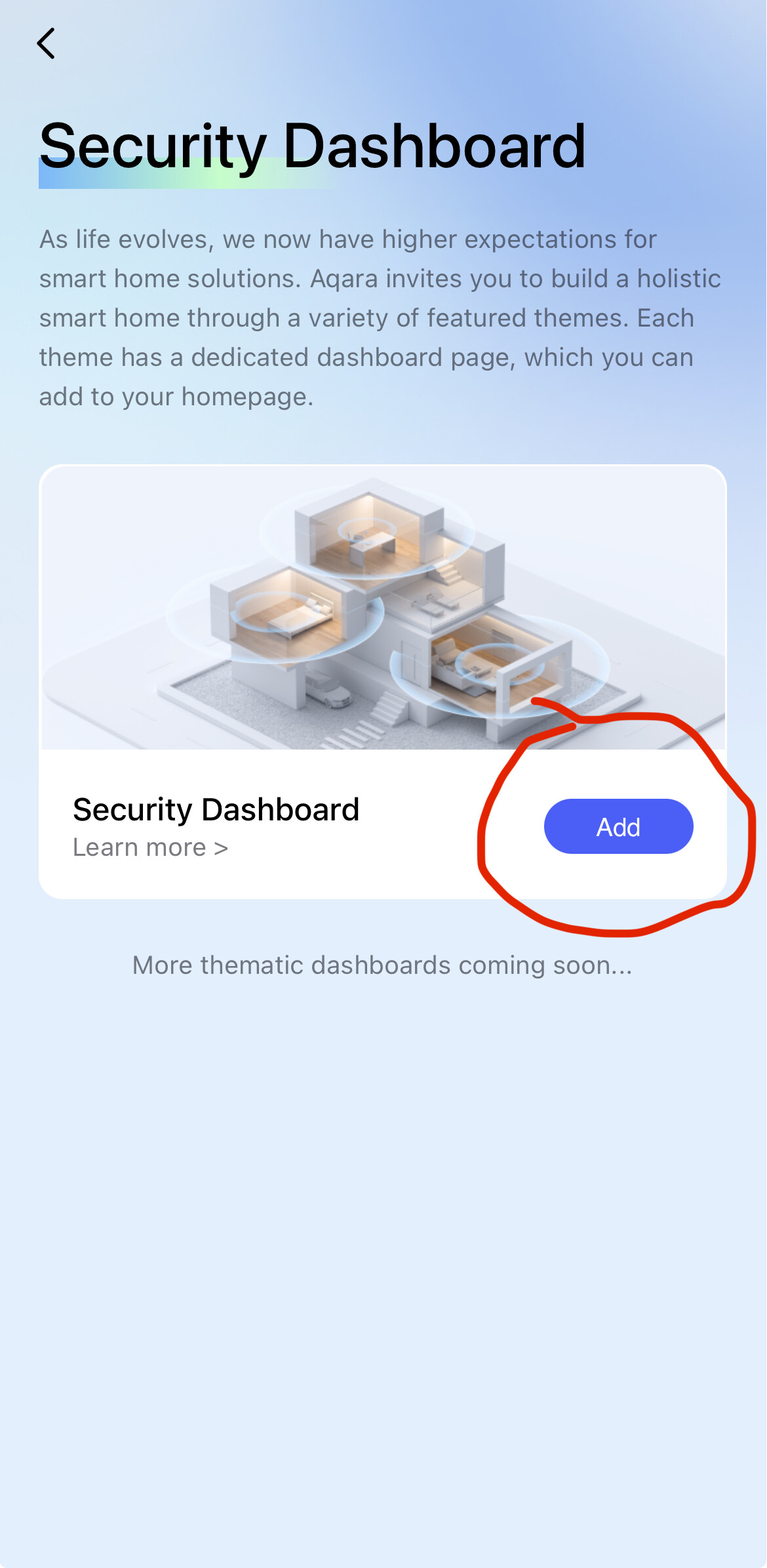
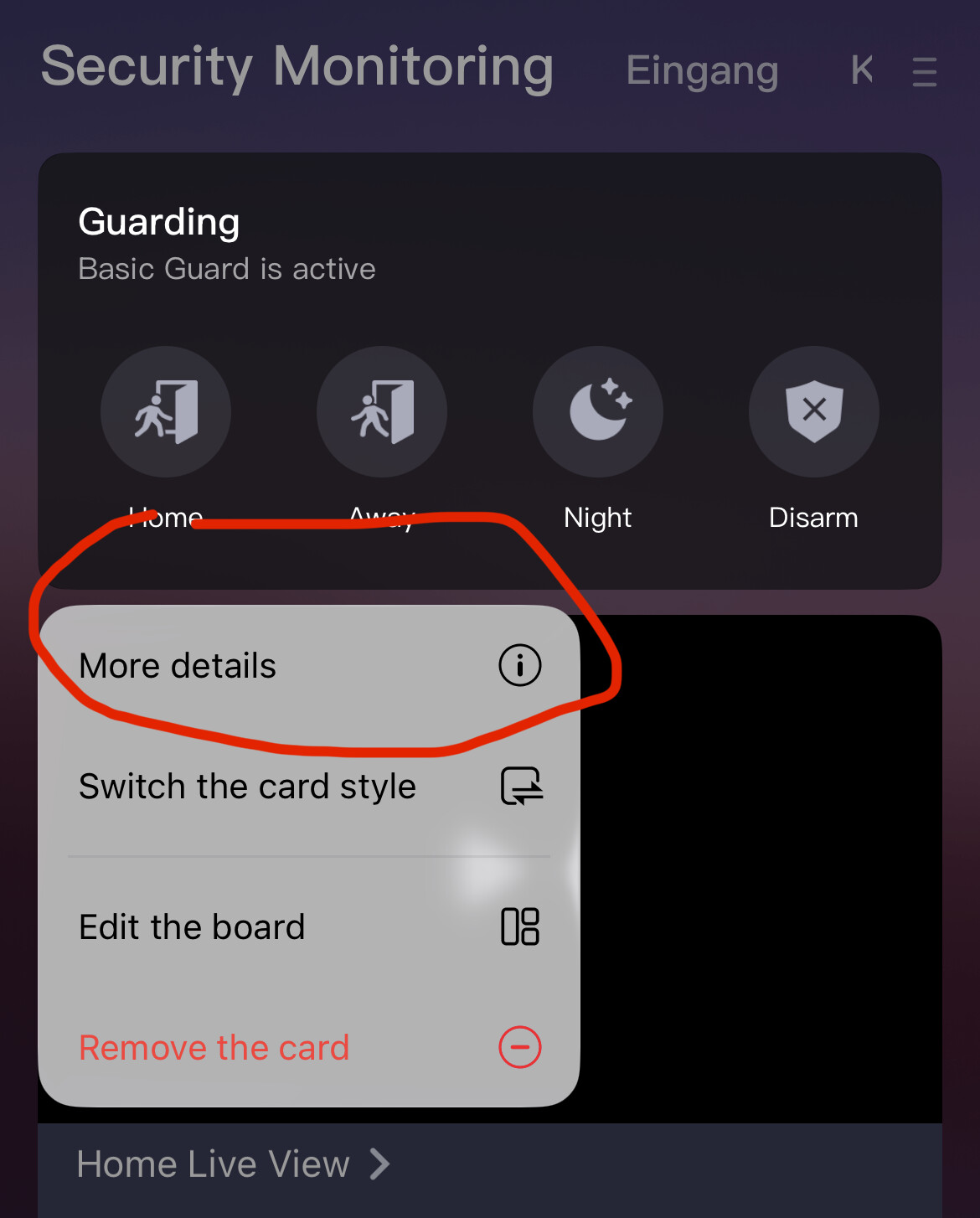
Thank you. I have followed your procedure and end up at a window requiring a subscription for home security.
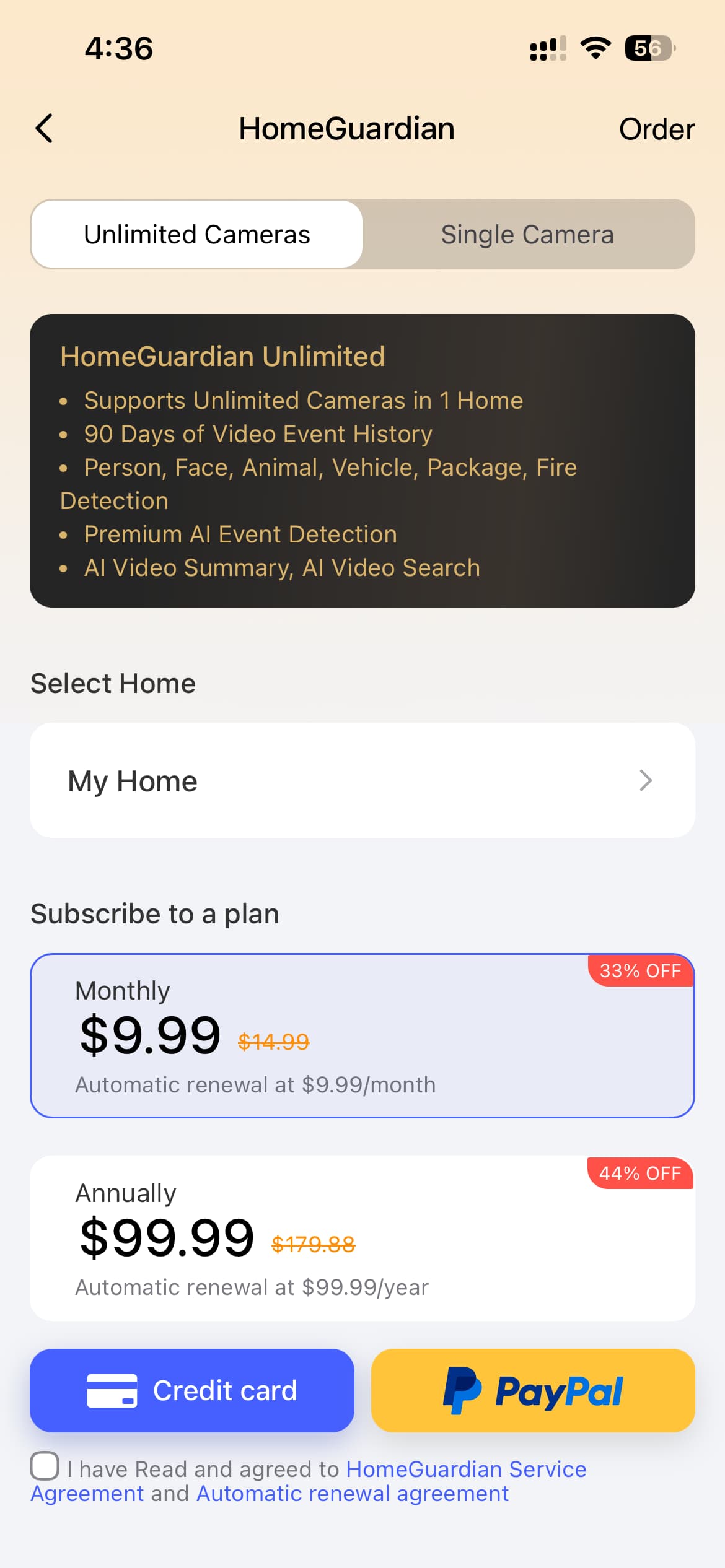
I am really interested in getting the Apple Home to not classify the open/closed sensor as “security”. I would like to get the open/closed sensor to just be a normal accessory.
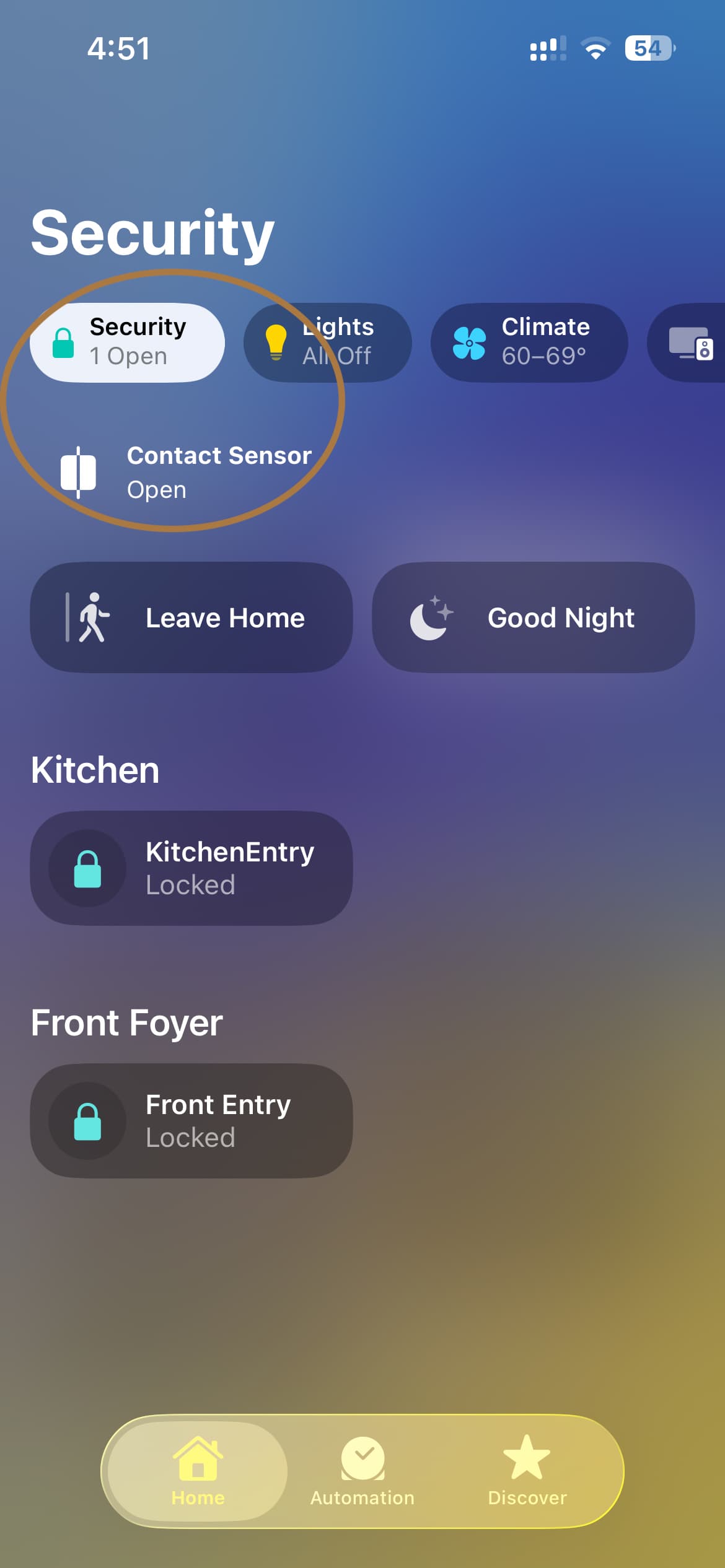
You took a wrong turn somewhere 
You ended up at the camera subscriptions.
Did you add the dashboard as shown in the pictures?
 Start from the beginning. And follow the pictures exactly.
We just discussed this topic with temperature sensors. This is not possible in the Apple Home app. These sensors cannot be displayed as a separate card. The Apple Home app is very limited.
You don’t need a subscription for this. It’s under Basic guard settings.
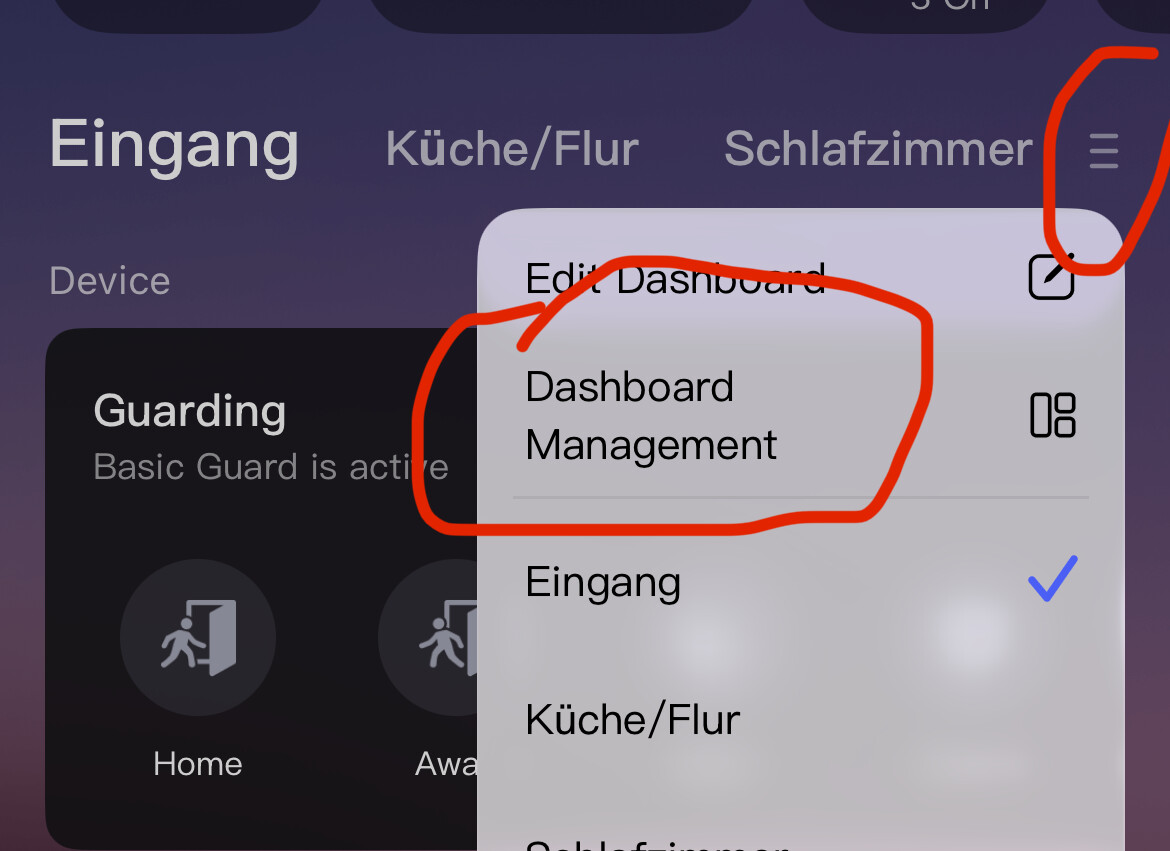
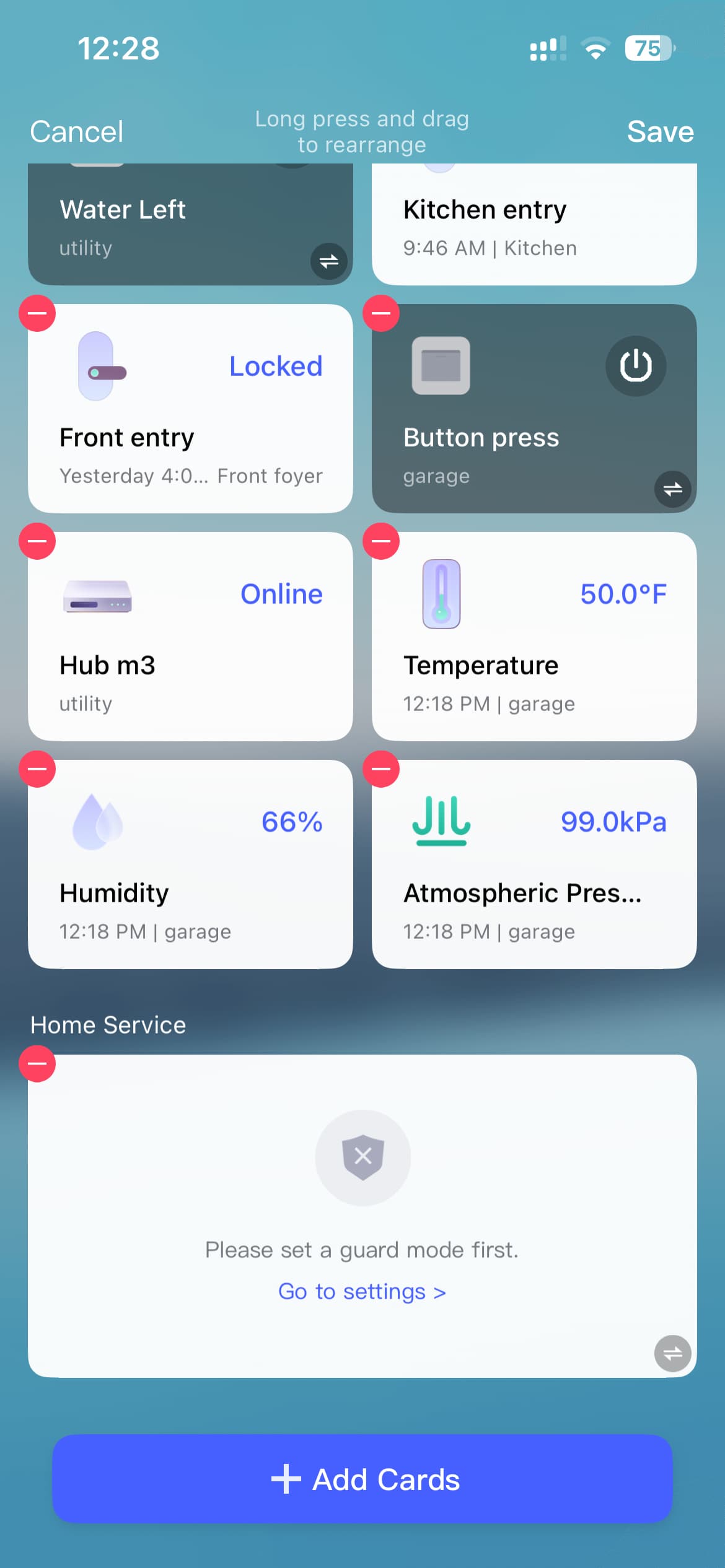
On your Home screen click the hamburger menu, then edit dashboard, then “Add Cards”, then “Alert System.” Then follow the steps from my previous reply.
1 Like
I cannot locate the “Basic Guard” button on any of the screens.
I have been attempting to follow the your suggestions and those of JohnD suggestions.
I eventually did get to a “Home Service” and it needs to have the guard mode set. When I go to that setting, I enter into a series of screens for setting up the Aqara Alert System. In those screens, I cannot see the door open/close sensor.
At that point I am confused.
I simply want the door open/close sensor to be an ordinary accessory in the Apple Home app…not a “security” accessory.
1 Like
What do you see when you click edit dashboard? Can you share a screenshot?
And what do you see when you click on the Guard mode under Home Services?
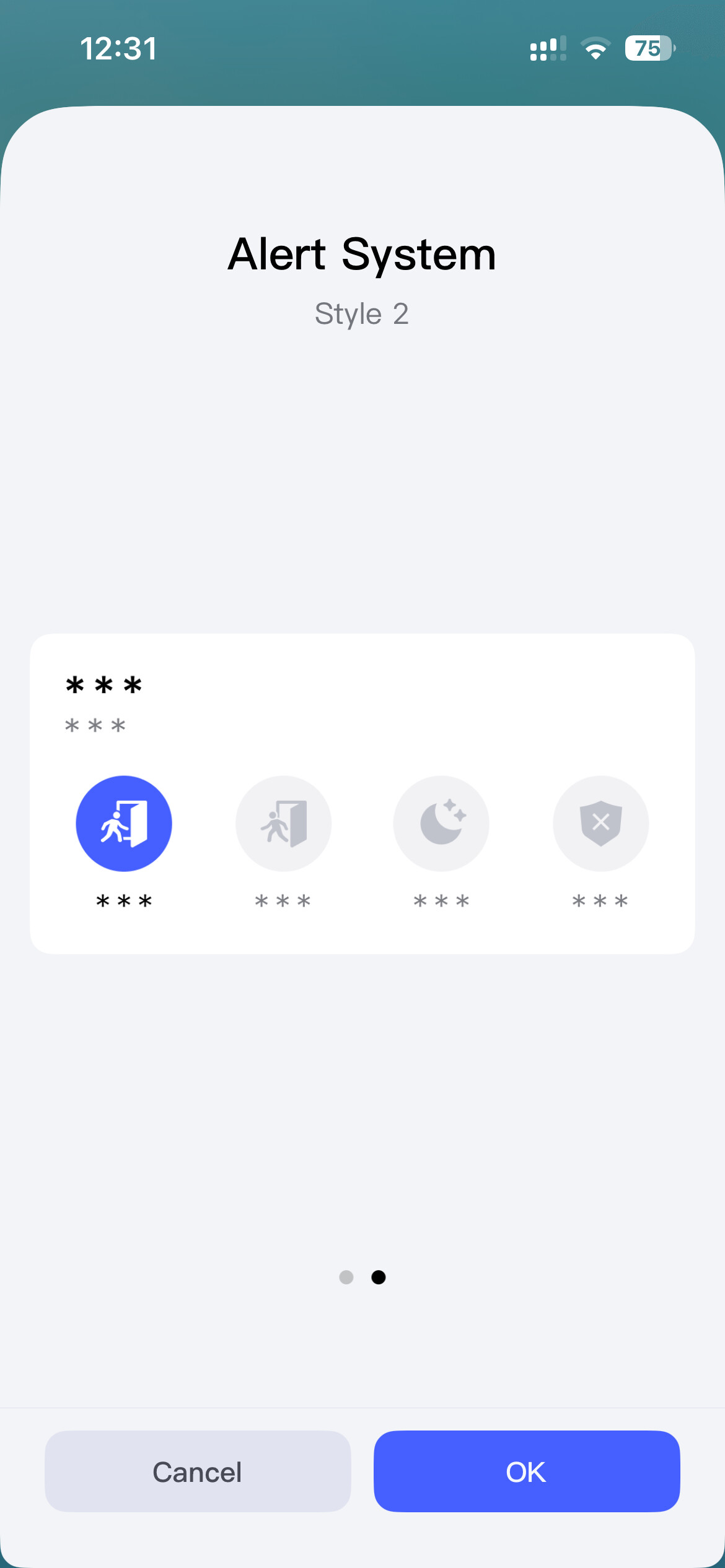
Now add that to your homescreen (swipe left to get the smaller widget) and then click into it and go to settings.
Did this work for you?
Yes. I did get the Home Service/Guarding to appear on the Main screen. And I did get the open/close sensor to be a trigger. thanks for your help. I think I can get the open/close sensor to trigger a light.
2 Likes
Glad to hear!