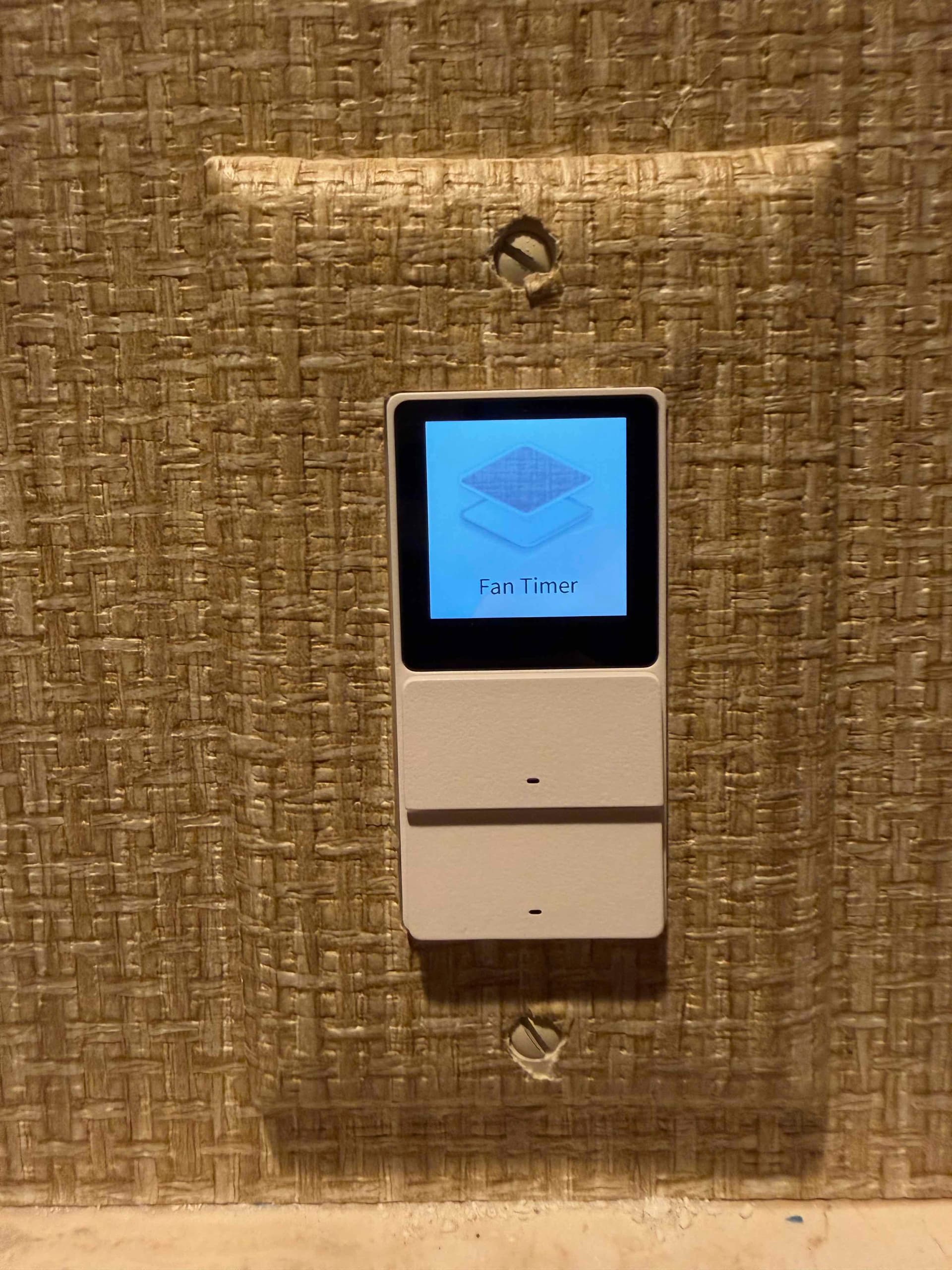
I have a Touchscreen Switch S100 and I use the touchscreen switches to launch different scenes.
In the scene definition I have set different icons for the scene, for instance the scene which launches the fan has the fan icon. But when the scene is linked to the switch, the icon does not appear. Instead there is an icon appears that shows some sort of stack.
My enhancement request is to make it so the icon I selected for the scene appears on the screen.
For reference, this is the icon displayed on the screen. I want it to instead display the fan icon associated with the scene.
There is an important reason for this: as the icons on the screen are stored locally on the device, having too many icons would consume memory. We can only select a limited number of icons to map to specific functions; the icon you have selected corresponds to the default icon. In other words, if no icon can be matched, this icon will be displayed.
1 Like
Ok, I understand.
It would be nice if it were possible to load and save a single icon, but your explanation makes sense