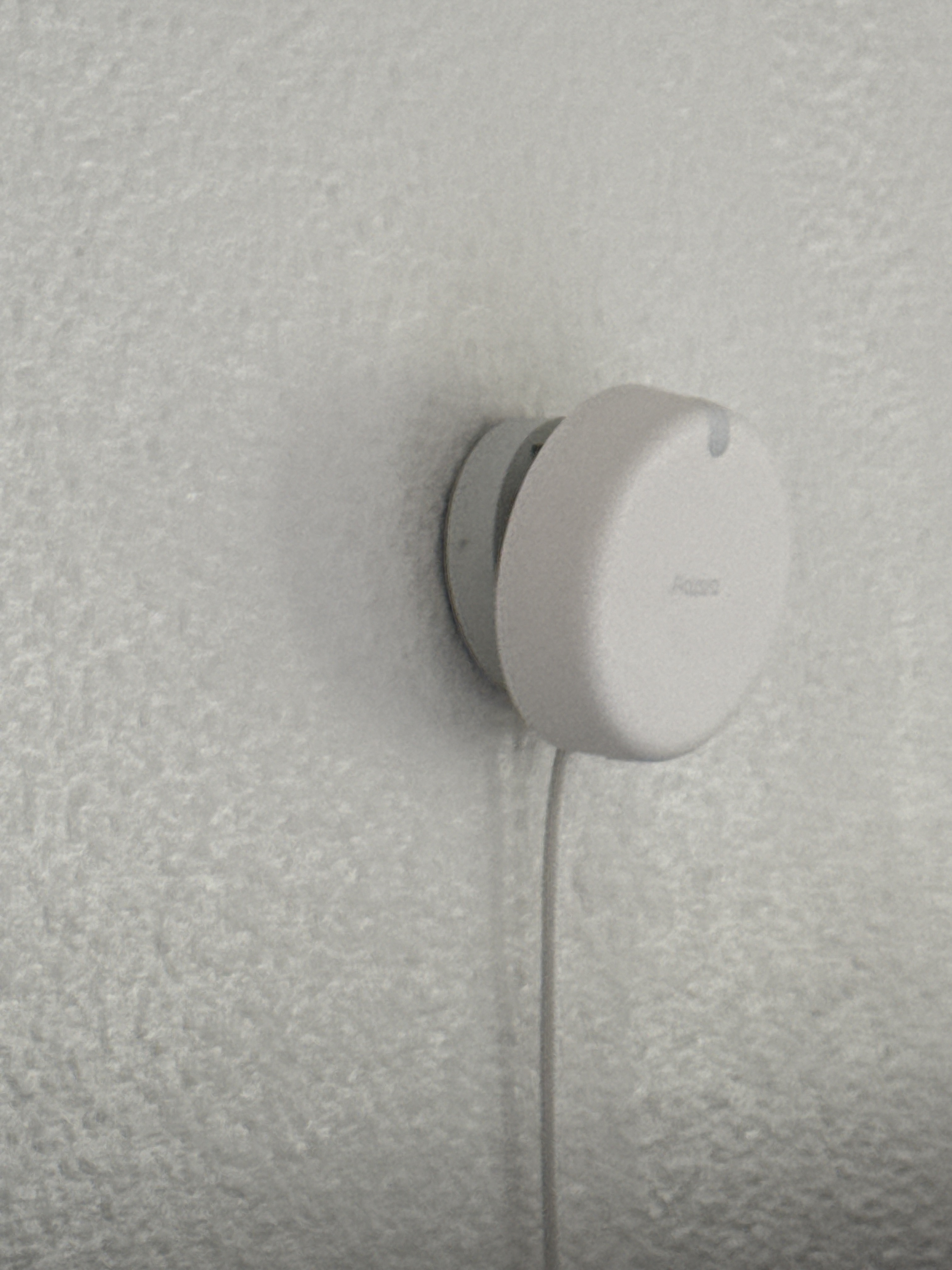
Here’s a look at how I’m using Aqara together with Apple in my home:
I’ve set up the Aqara Presence Sensor FP2 with my Apple TV 4K (128 GB) acting as the central hub in my living room.
This setup gives me two main automations that I really enjoy:
• Lights on demand – Whenever I enter the room or sit on the sofa, the lights come on automatically.
• Effortless TV control – Sitting down on the couch also triggers the TV to turn on, so everything feels smooth and hands-free.
It’s a small change, but it really makes my living room feel much smarter and more comfortable. Everything is handled directly through Apple Home, so I don’t even have to think about it anymore.
With Apple’s newest updates announced this year, I’m excited about how these integrations could grow even further – especially imagining Aqara sensors working with new Apple features right out of the box.
@Jankins That’s really cool! Thanks so much for sharing your experience of integrating the Aqara Presence Sensor FP2 with Apple TV 4K in your living room. Your setup sounds amazing, and it’s great to see how these two technologies can work together seamlessly to create such convenient and smart automations.
The “Lights on demand” and “Effortless TV control” features you’ve implemented truly enhance the comfort and intelligence of your living space. It’s wonderful that you can enjoy these hands-free experiences directly through Apple Home.
Your excitement about the potential growth of these integrations with Apple’s new updates is definitely shared by many in the community. The possibilities for future combinations of Aqara sensors and new Apple features are really exciting to imagine.
Keep up the great work, and we’d love to hear more about any new setups or improvements you make in the future! If you have any suggestions or recommendations for improvement, you can submit feedback manually through customer service.
@Jankins What a fantastic setup you’ve shared! It’s wonderful to see how the Aqara Presence Sensor FP2 integrates seamlessly with your Apple TV 4K to create such intuitive automations—lights on demand and effortless TV control really do make daily life feel that much smarter and more comfortable.
Your experience aligns with how the FP2 is designed to work with Apple HomeKit: detection zone settings (which likely power your “enter the room or sit on the sofa” triggers) can be set in the Aqara Home App and synced with HomeKit, and having a home hub like Apple TV 4K ensures reliable local control . It’s great that everything runs smoothly through Apple Home, making the whole system feel effortless.
It’s exciting to think about how future Apple updates might expand these integrations—your vision of Aqara sensors working with new features right out of the box is something many of us in the community are looking forward to too.
Thanks for taking the time to share your setup and photos—real-world examples like this help others get inspired to create their own smart living spaces. We’d love to hear more about any future tweaks or new automations you add!
@Jankins What a great share! It’s awesome to see how you’ve integrated the Aqara Presence Sensor FP2 with Apple TV 4K to create such seamless automations—lights and TV turning on as you enter or sit down sounds like the epitome of “smart living” done right.
Your setup aligns with the FP2’s strengths: it supports up to 30 detection zones, which likely helps fine-tune the “sitting on the sofa” trigger, and it syncs smoothly with Apple Home, automatically creating occupancy sensors when added (you can even sync zone names via app settings) . It’s clear you’ve leveraged its presence detection capabilities to make daily life more effortless.
Thanks for sharing your experience—visuals included! It’d be fantastic to hear more details down the line, like how you set up the specific zones or any tips for others looking to replicate this. Here’s to even more integrations with Apple’s updates—exciting times ahead!
@Jankins What a great share! It’s awesome to see how you’ve integrated the Aqara Presence Sensor FP2 with Apple TV 4K to create such seamless, hands-free automations—those lights and TV controls sound like they add so much convenience to your daily life.
Your setup aligns with how the FP2 is designed to work with Apple Home: when added to Apple Home, the sensor’s detection zones sync automatically, creating occupancy sensors that can trigger exactly the kind of automations you’ve set up (like your lights and TV). This makes the integration feel really intuitive, which you’ve clearly nailed .
Thanks for taking the time to share your experience and photos—hearing real-world setups helps the community get inspired! If you ever have more details to add (like how you fine-tuned the detection zones or any tips for others), we’d love to hear them. Here’s to even more smart living wins with Aqara and Apple!
It’s even simpler than that. Adding the device to the Apple Home app is all that’s necessary. HomeKit handles the connection to the Apple TV (or HomePod) under the hood.
I did initially just add the Apple TV to Home like any other device, but afterwards I went into the Home settings to make sure the Apple TV was being used as the preferred home hub instead of the HomePod.
The main reason was that the Apple TV is connected via Ethernet, which I generally consider more stable than Wi-Fi.
That said, in everyday use I honestly didn’t notice any real difference compared to when the HomePod was acting as the hub. Automations behaved the same in both cases, so it was more of a conscious preference than a strict requirement.