Hi everyone,
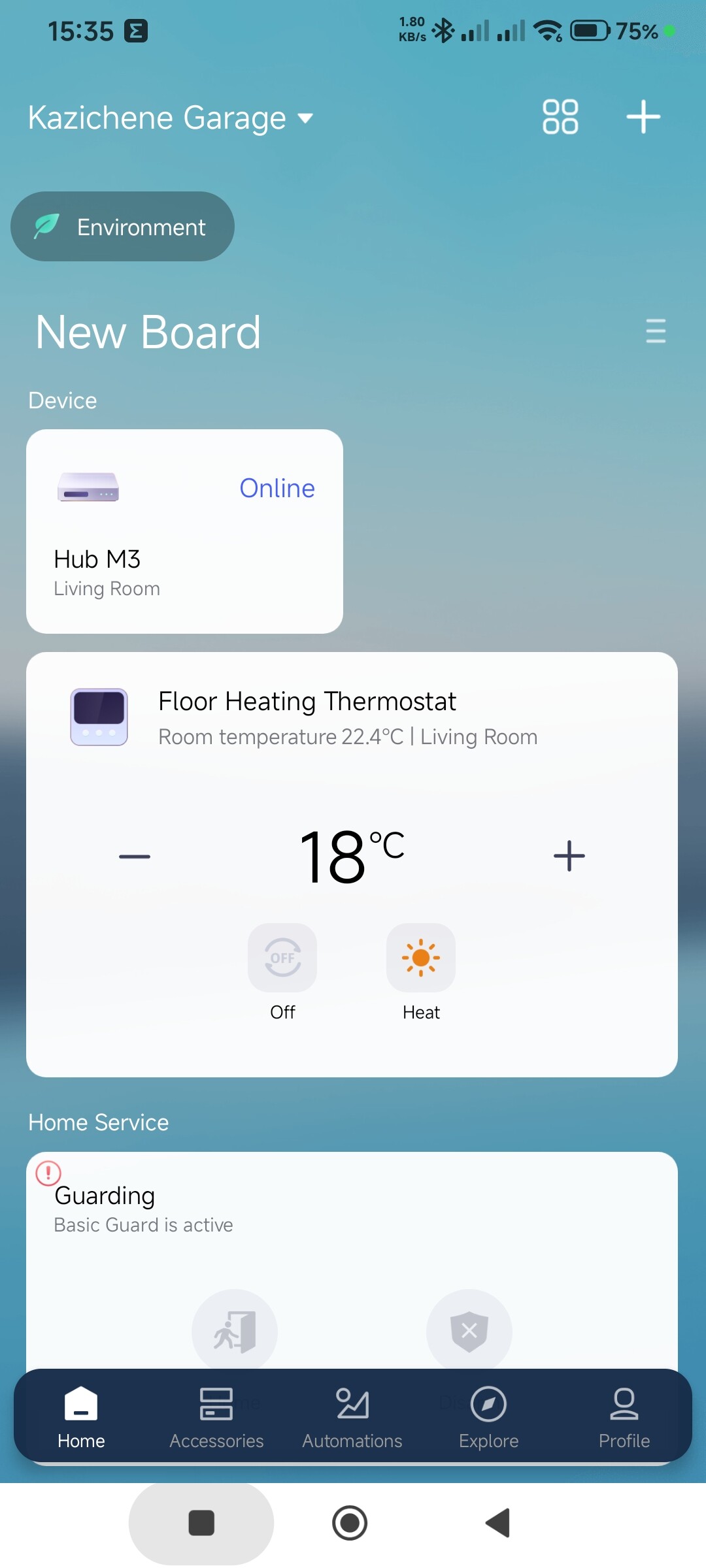
I recently bought the Aqara Floor Heating Thermostat W500 and connected it to my water-based floor heating.
-
The thermostat is running in Zigbee mode.
-
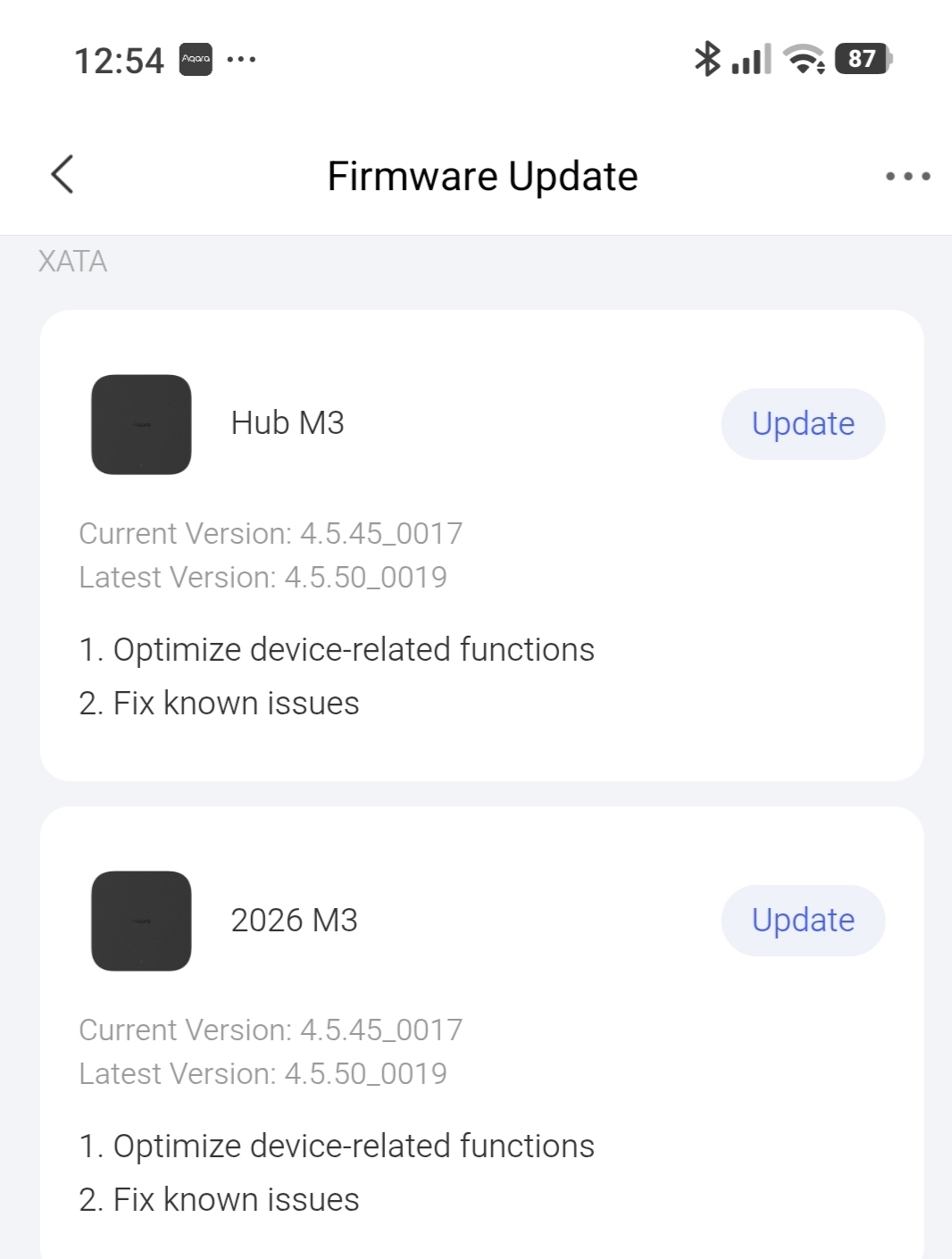
It is connected to Aqara Hub M3 /EU version/. Both are updated.
-
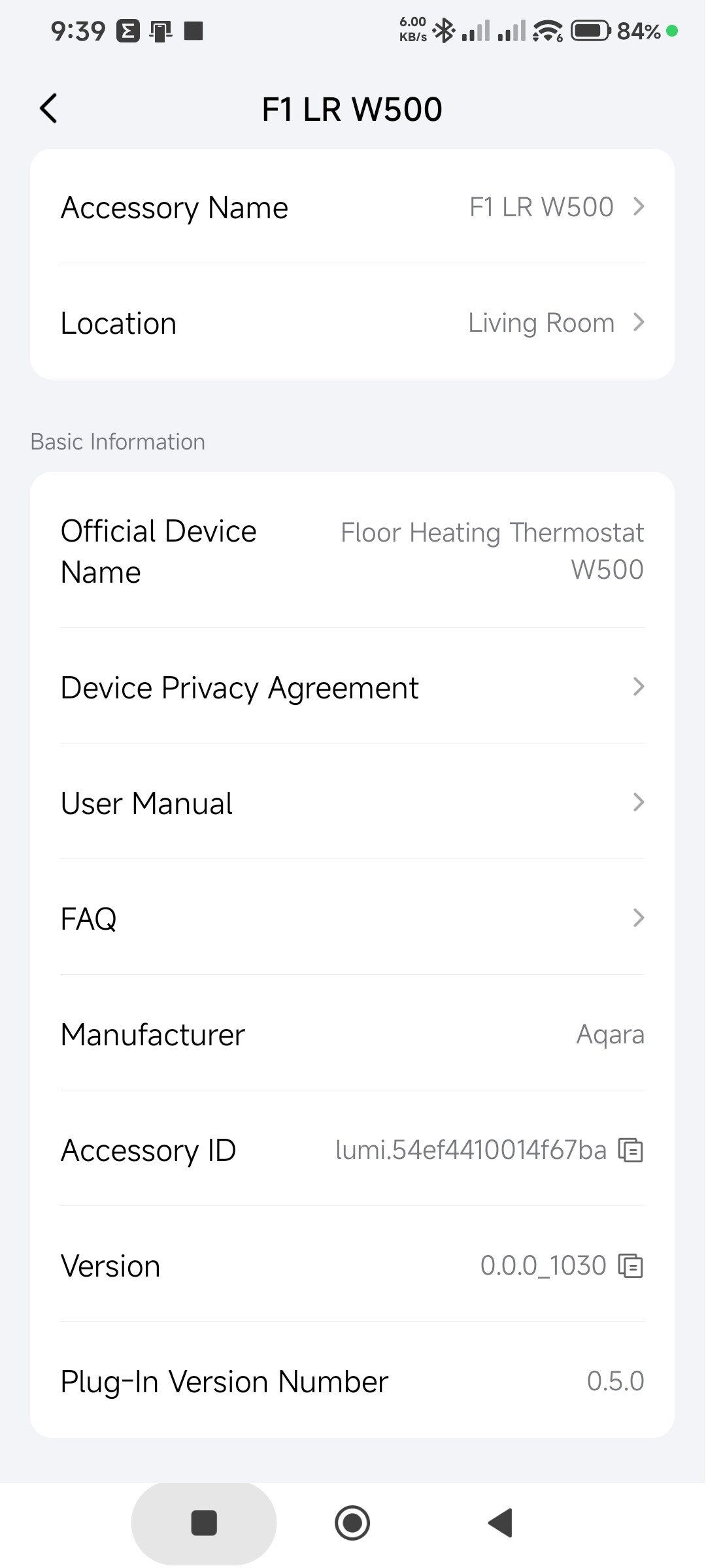
Thermostat version is 0.0.0_1030
-
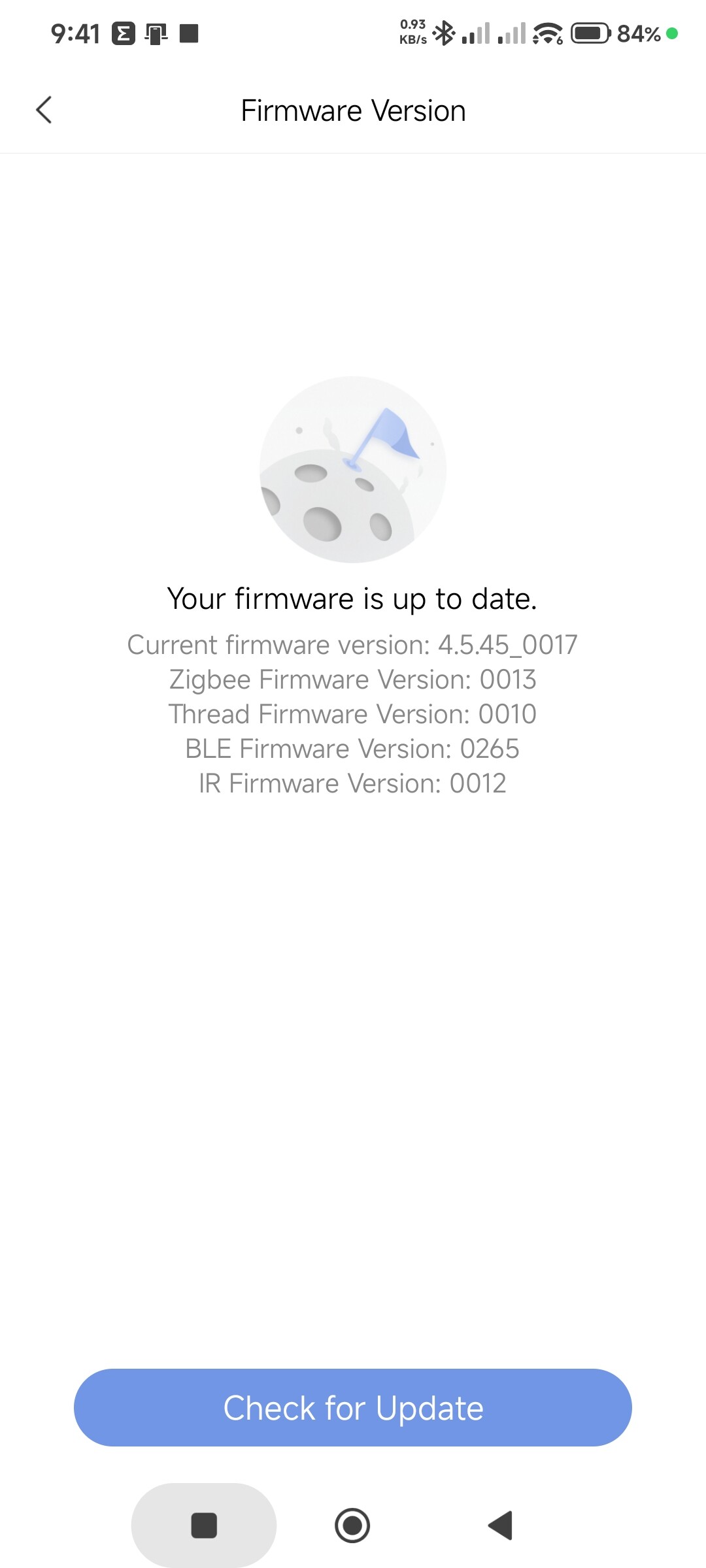
Hub version is 4.5.45_0017
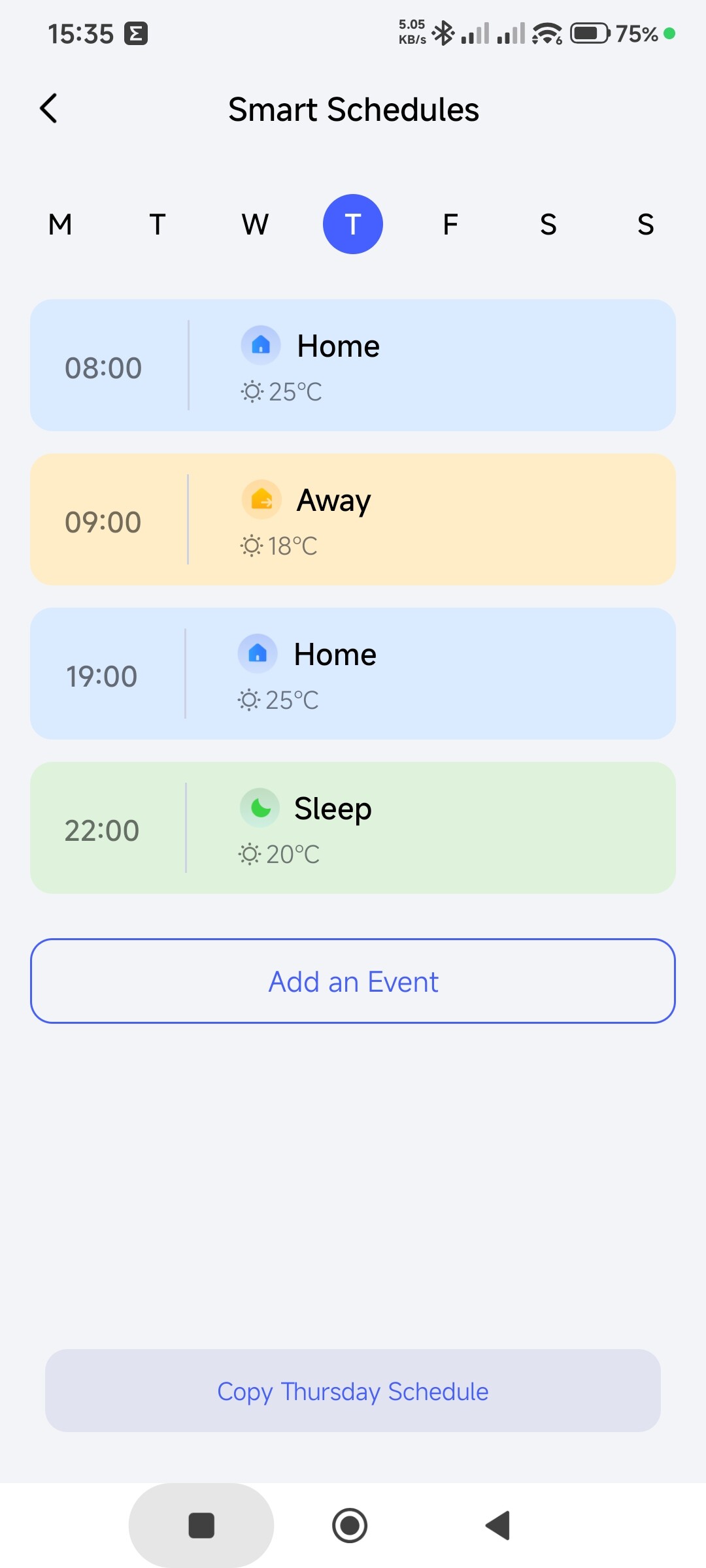
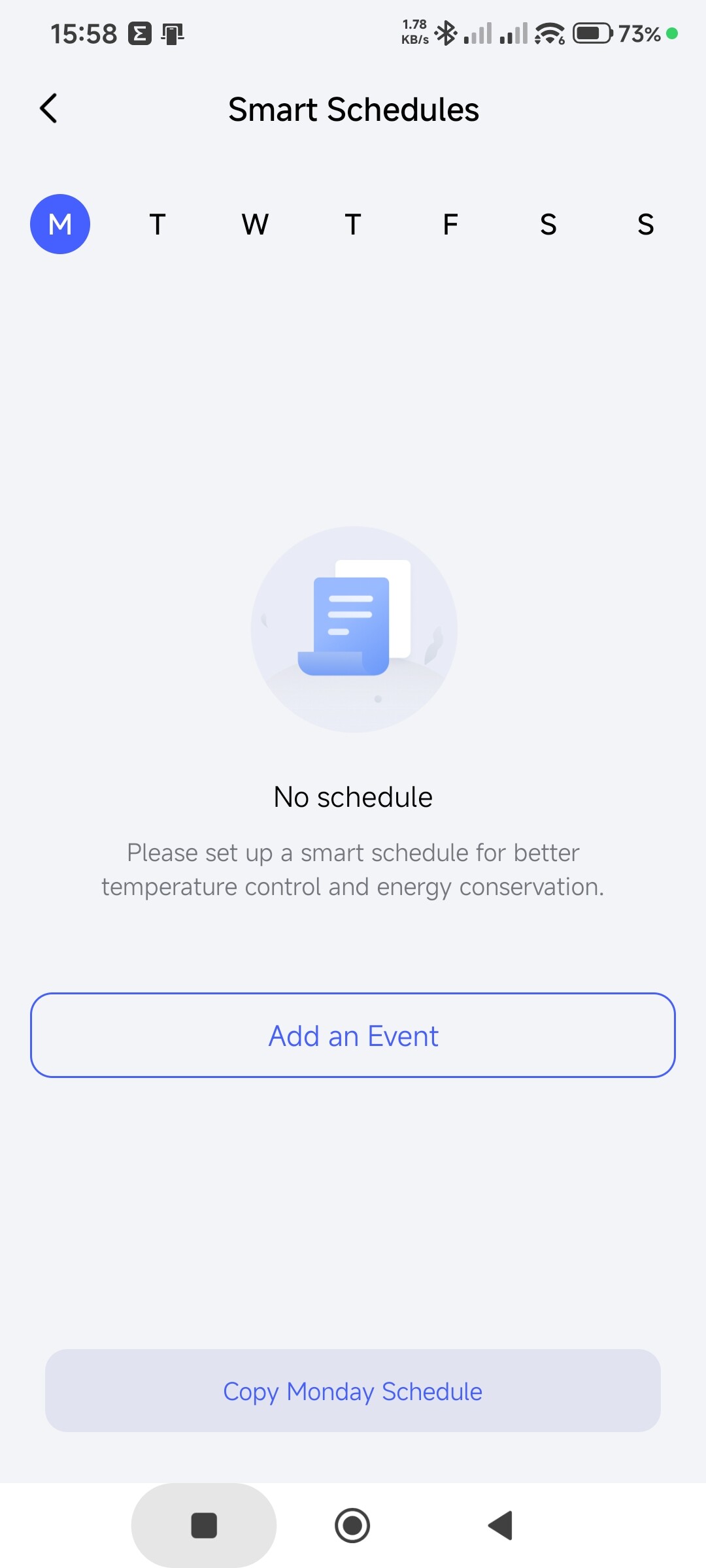
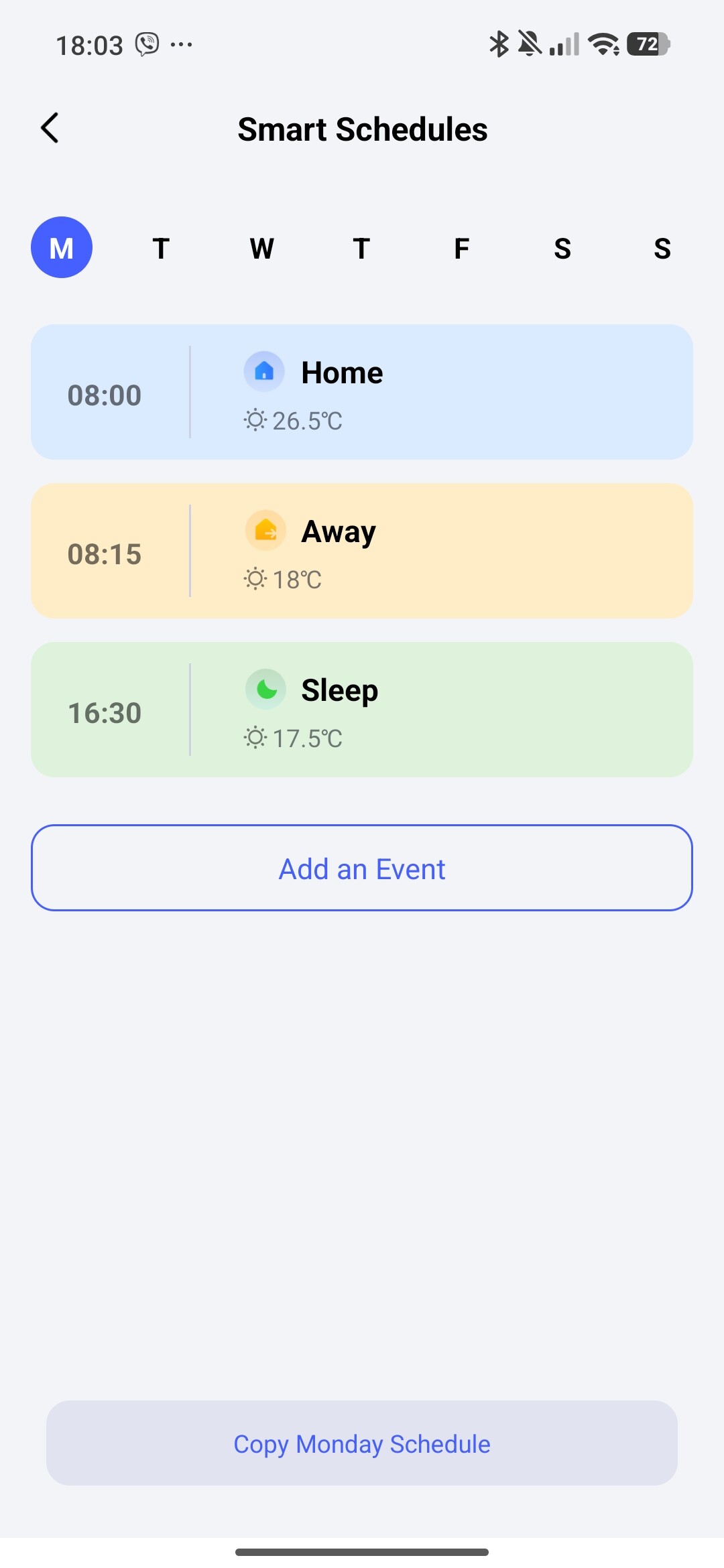
I’m facing issue with Smart Schedules feature. They constantly disappear.
The behavior is the following:
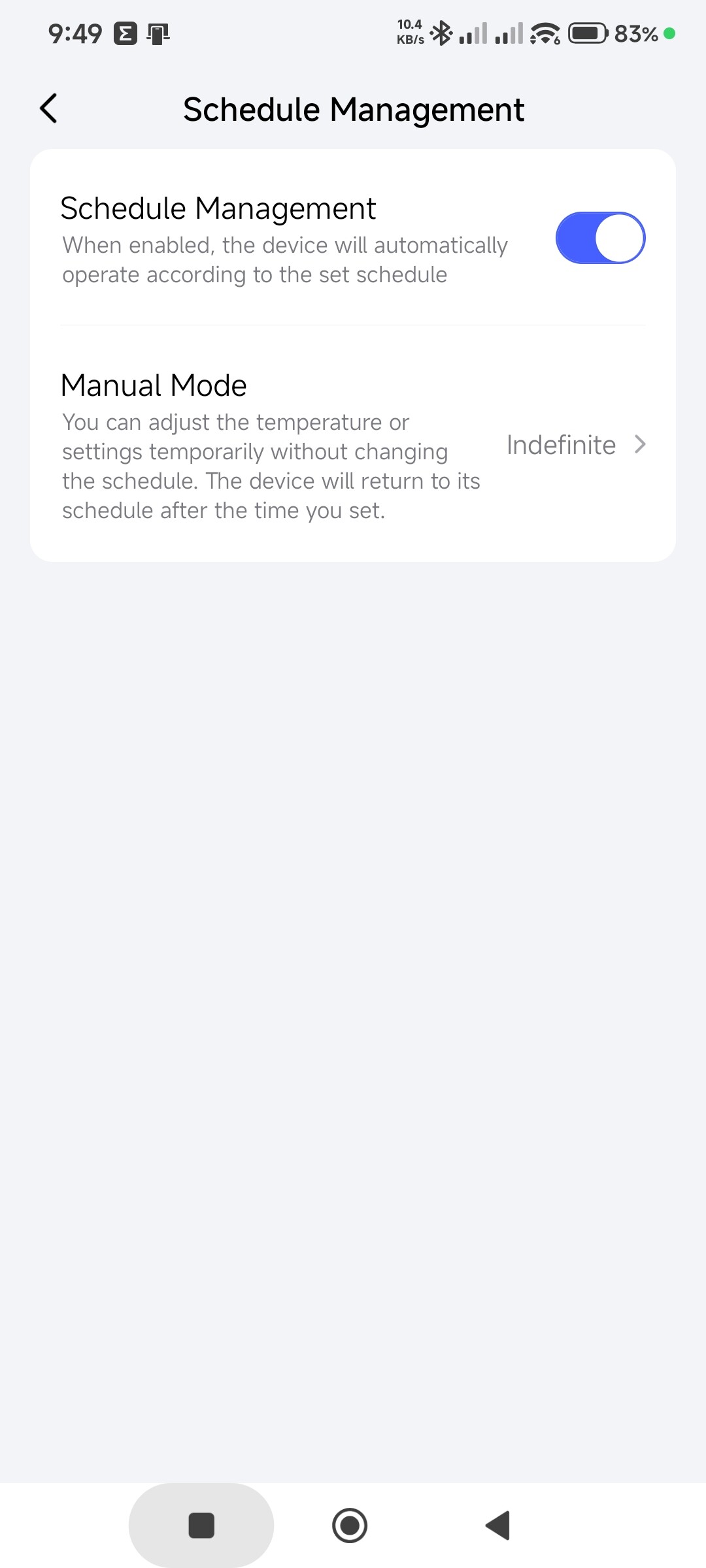
- Enabling Smart Schedules option
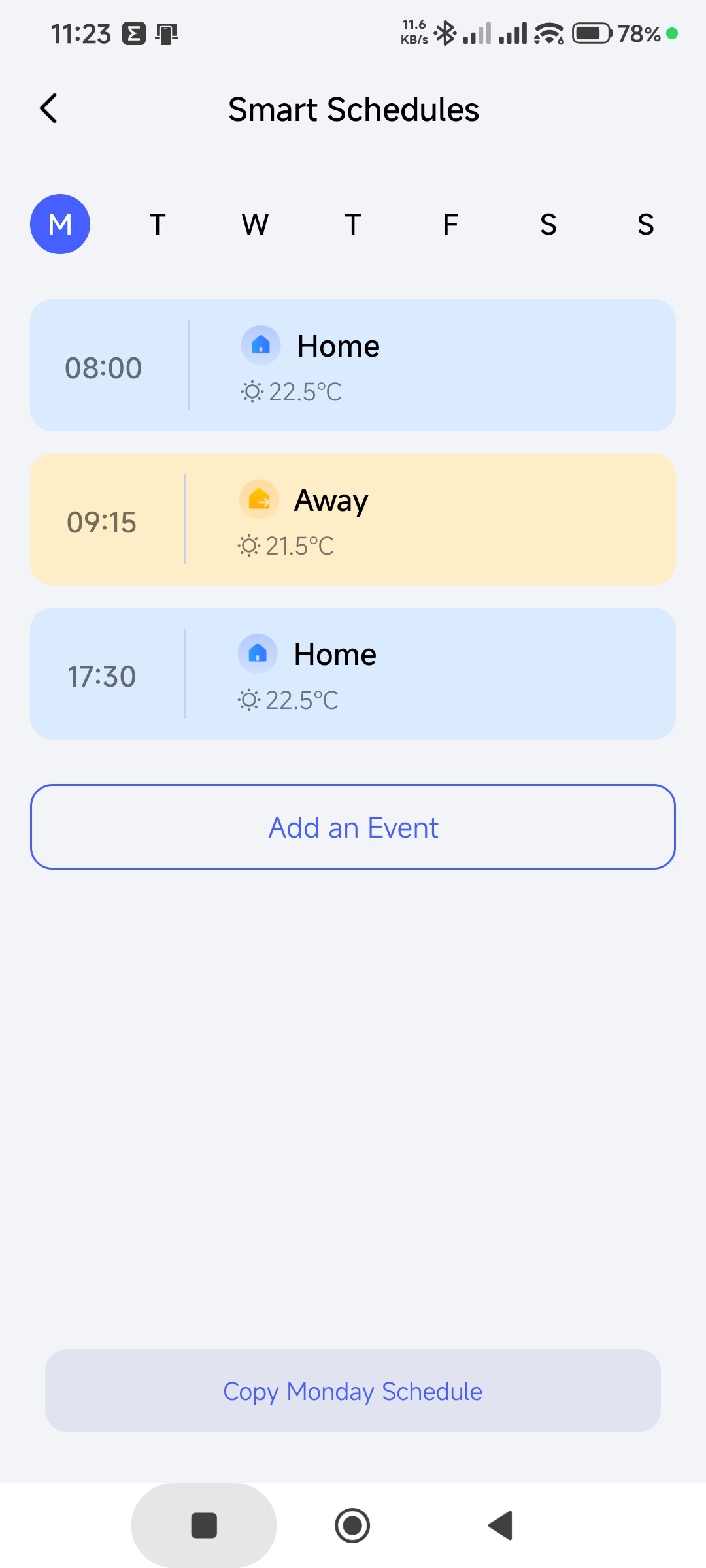
- Creating some Smart Schedule
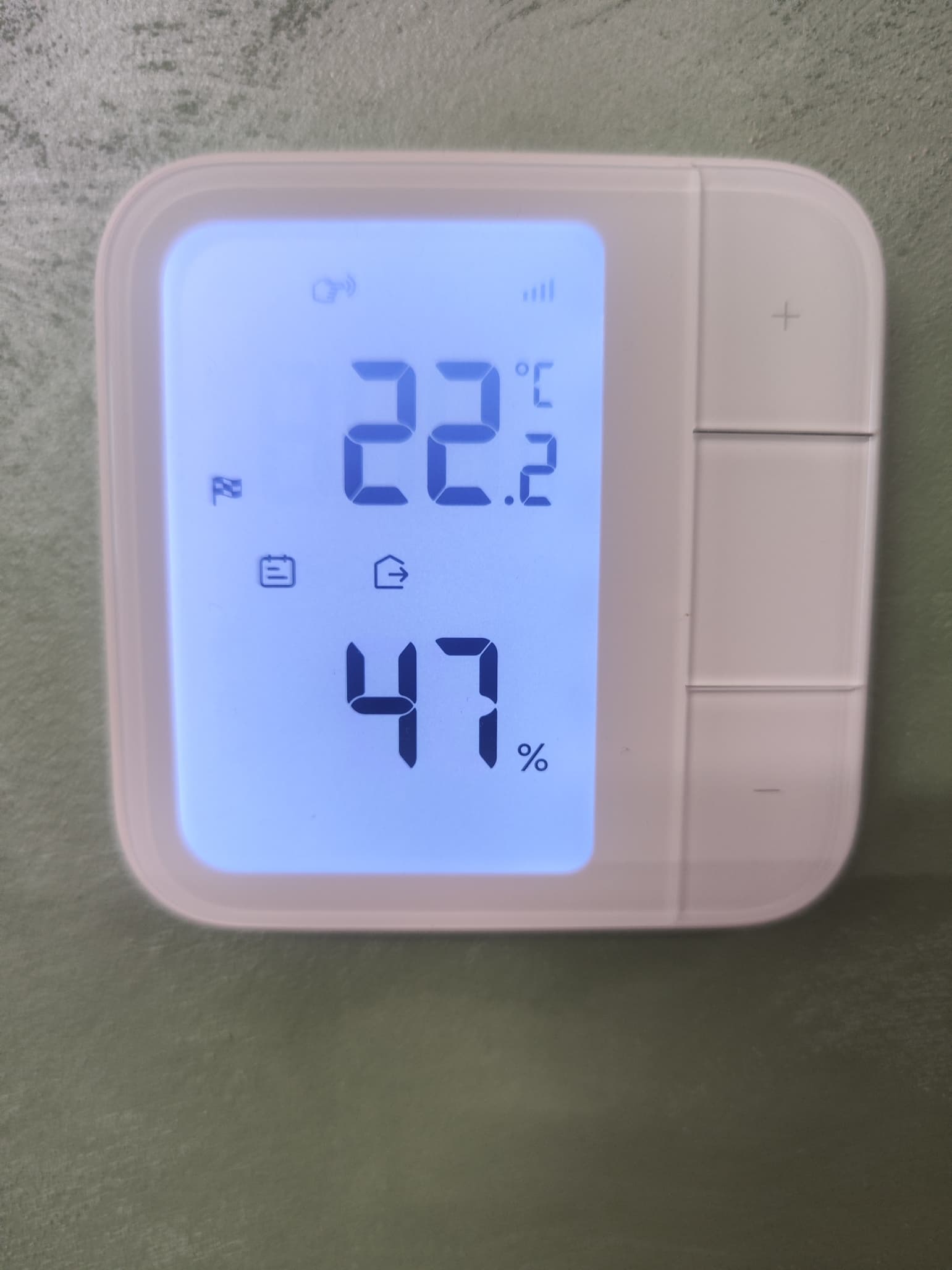
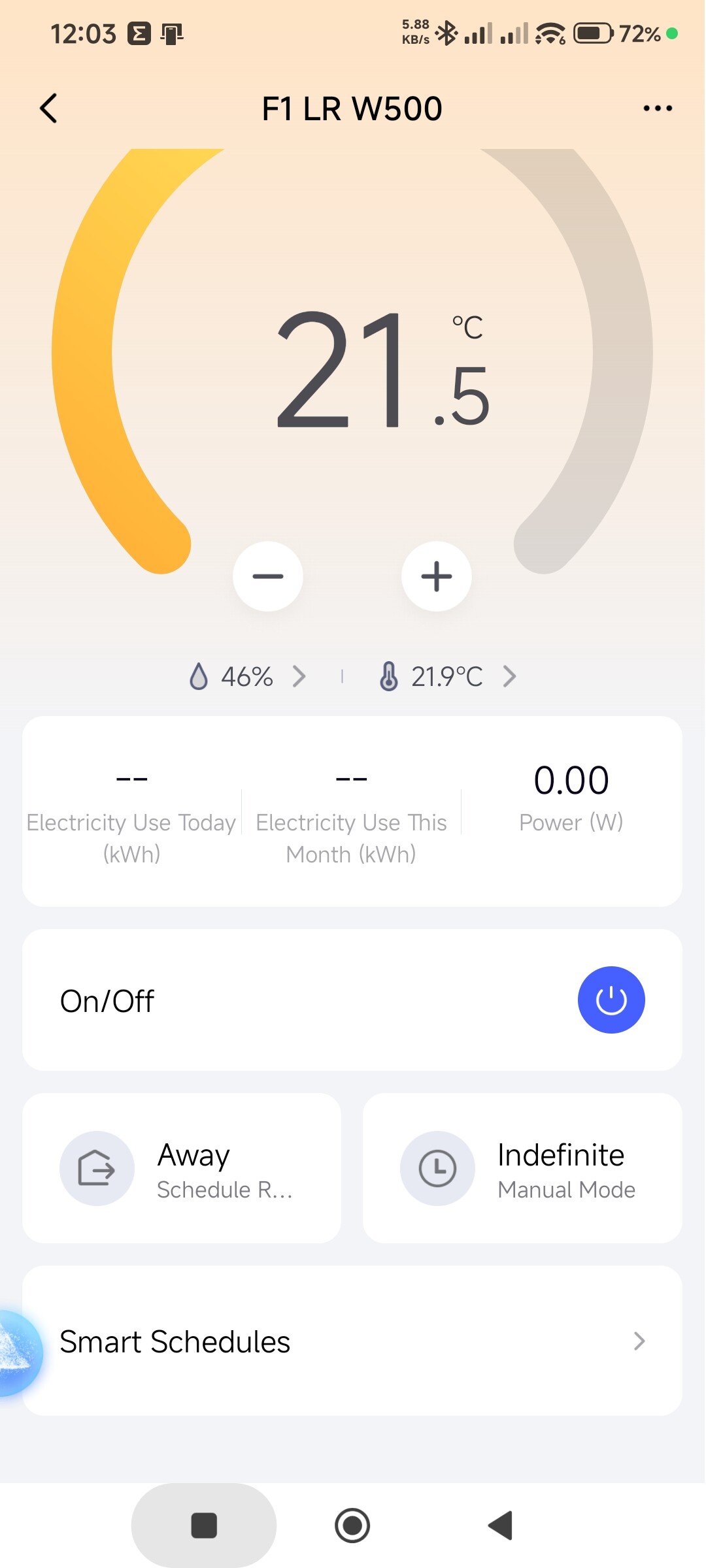
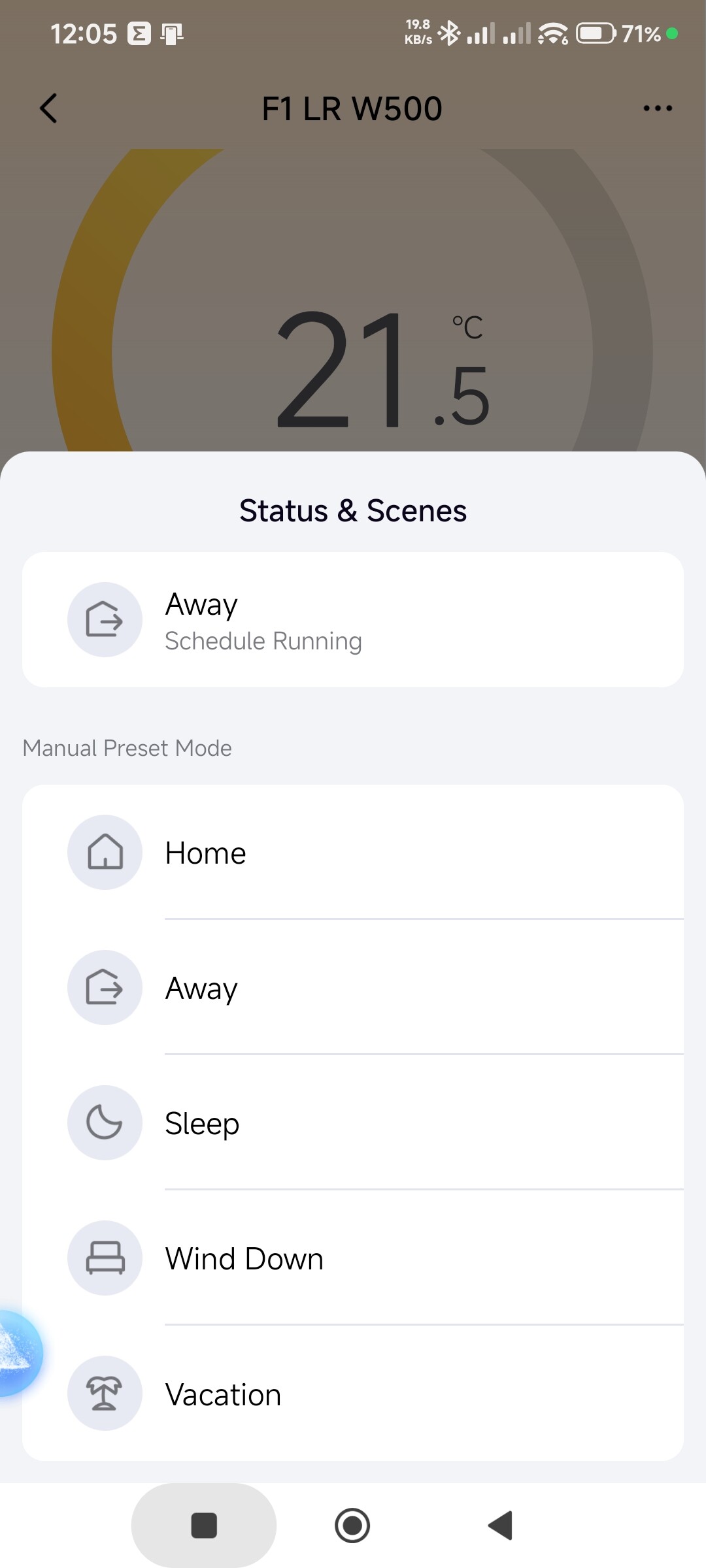
- Observing the status of the Schedule in the W500 thermostat and in the app
/After Smart Schedule set-up - before exit the app/
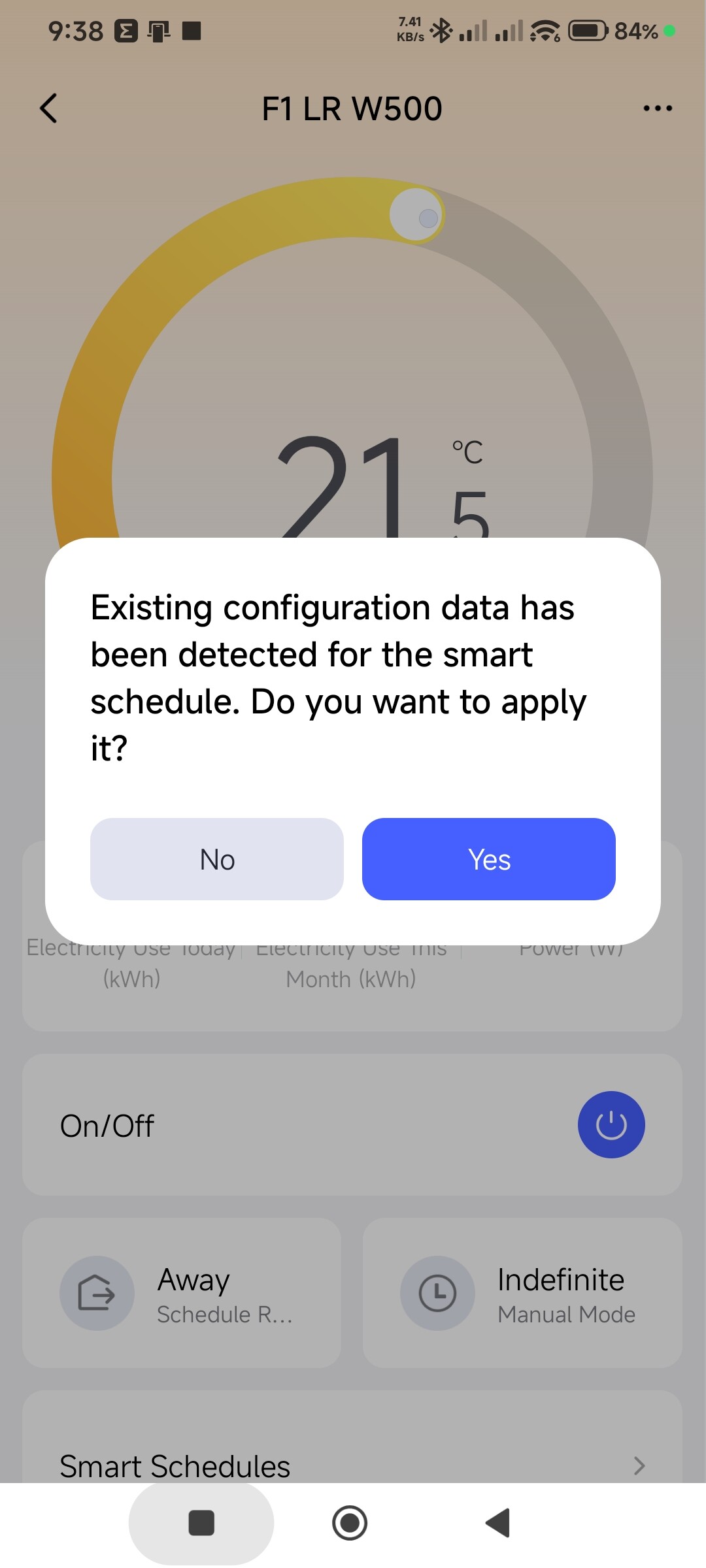
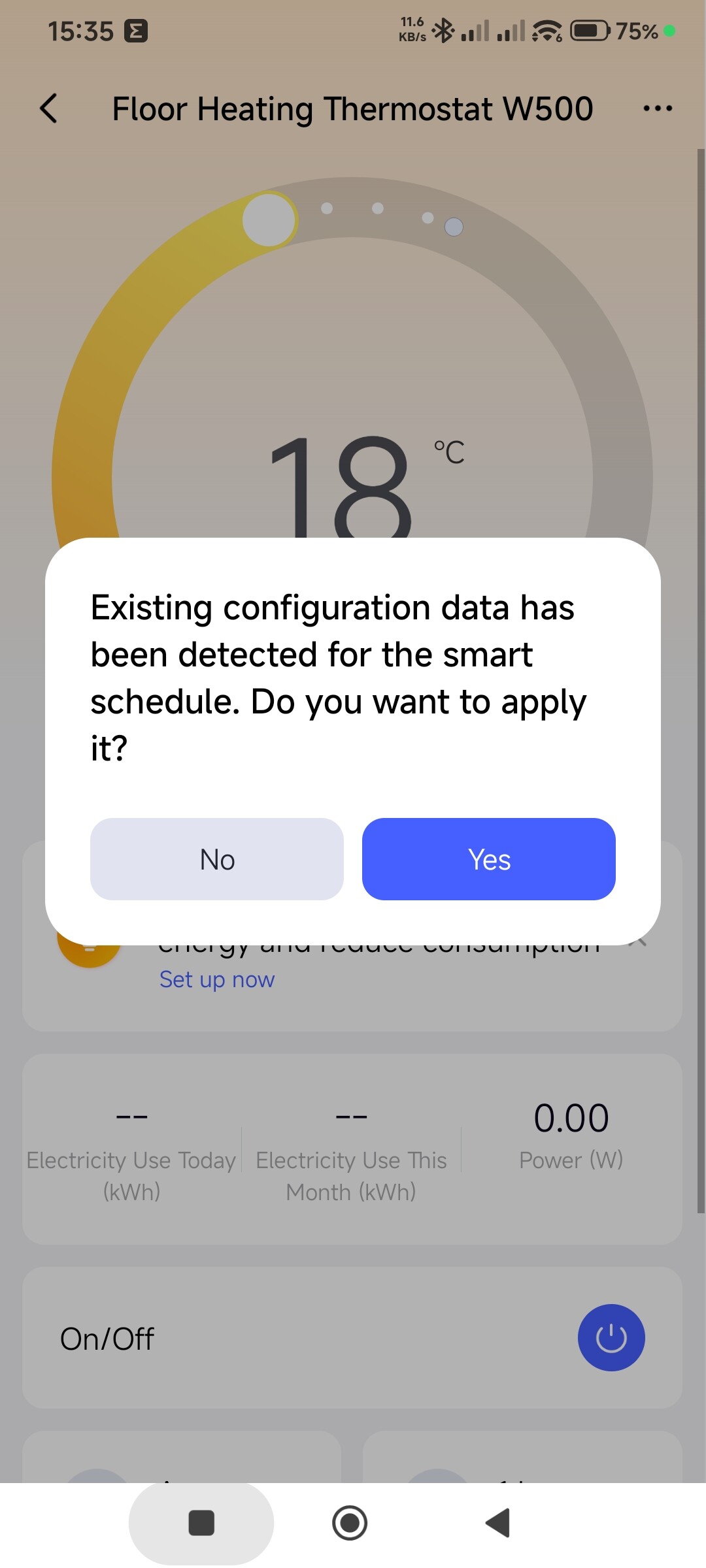
- Exit than immediate re-enter in the Aqara App - here the message about “Existing configuration data has been detected for the smart schedule….” appears
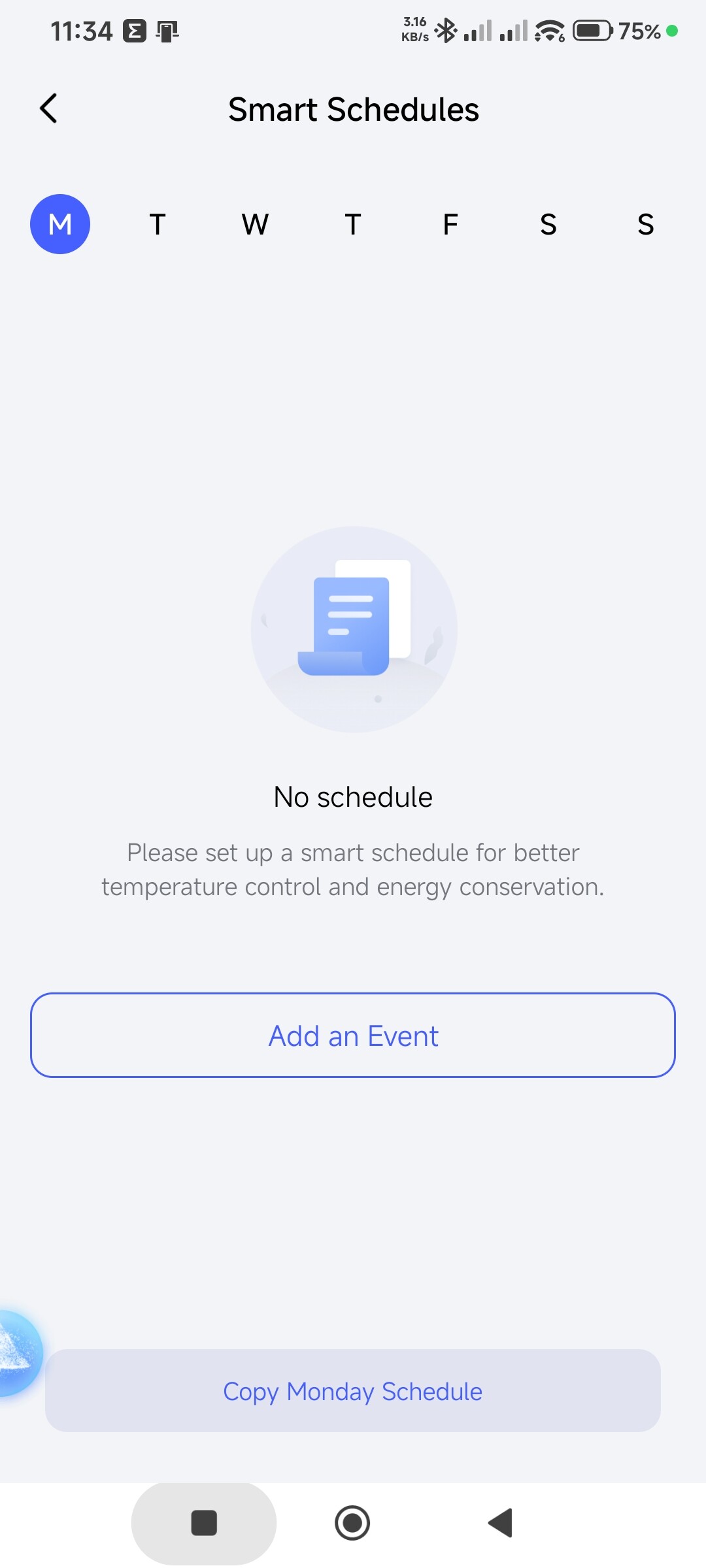
- No matter what I’m selecting YES or NO the Smart Schedules are missing. They just disappear.
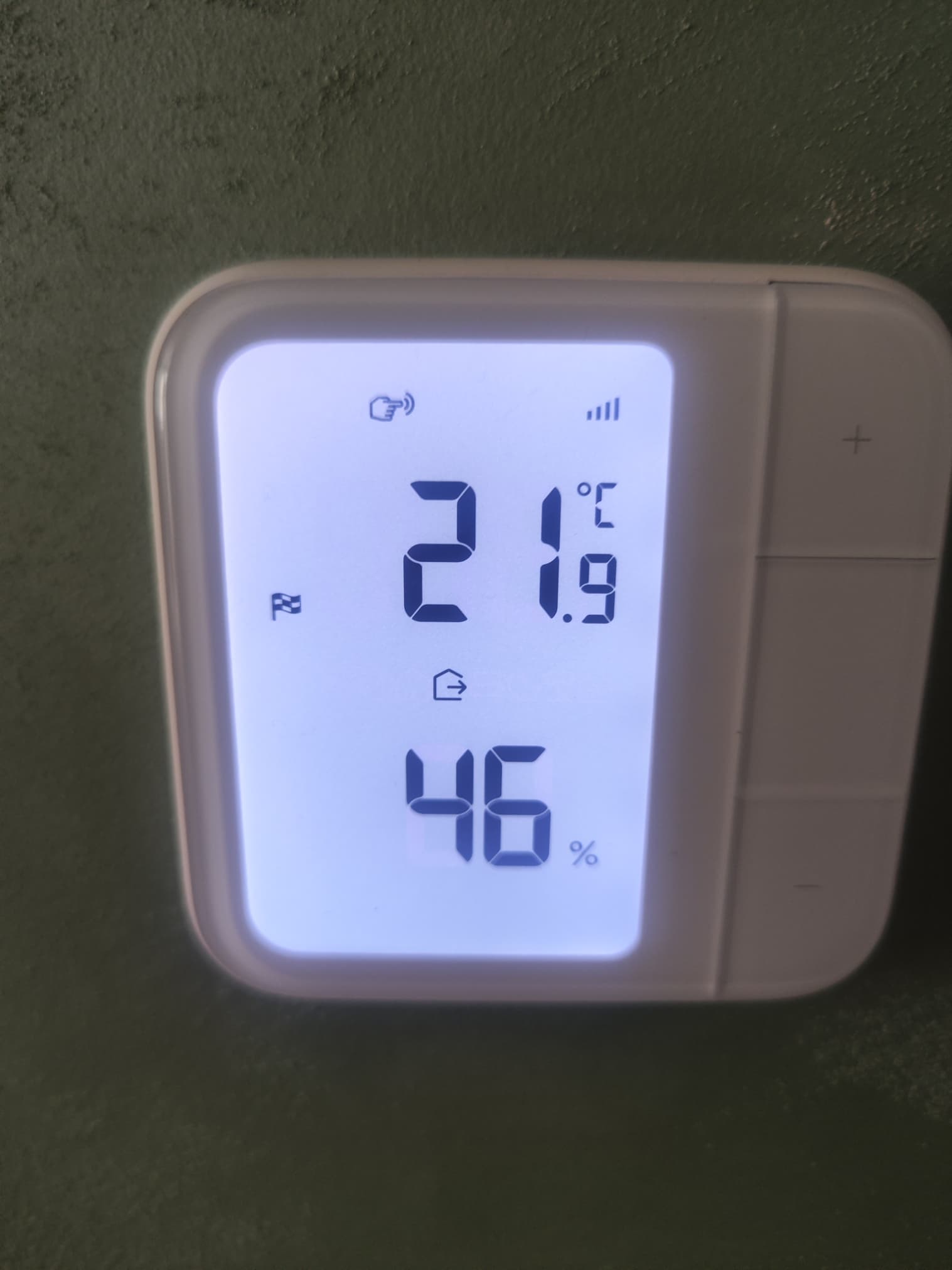
- Also, nonmatter what I’m selecting YES or NO on the thermostat display the Icon Indicating Smart Schedule disappears immediately after I make a choice Y/N in the Aqara app.
If I select Yes, the correct Smart Schedule for the current hour is applied, in that case - Away.
- Inside the Aqara App every time I’m entering the app I receive the message - Existing configuration data has been detected for the smart schedule …
And the Smart Schedules are missing.
Am I doing something wrong? Maybe I can’t understand the app behavior?!?
I had plans to buy in total 13 Aqara W500 thermostats, but luckily, I get only 1 for test instead all of them
6 Likes
Welcome to the community!
@Expert Could you help with this? Thanks!
4 Likes
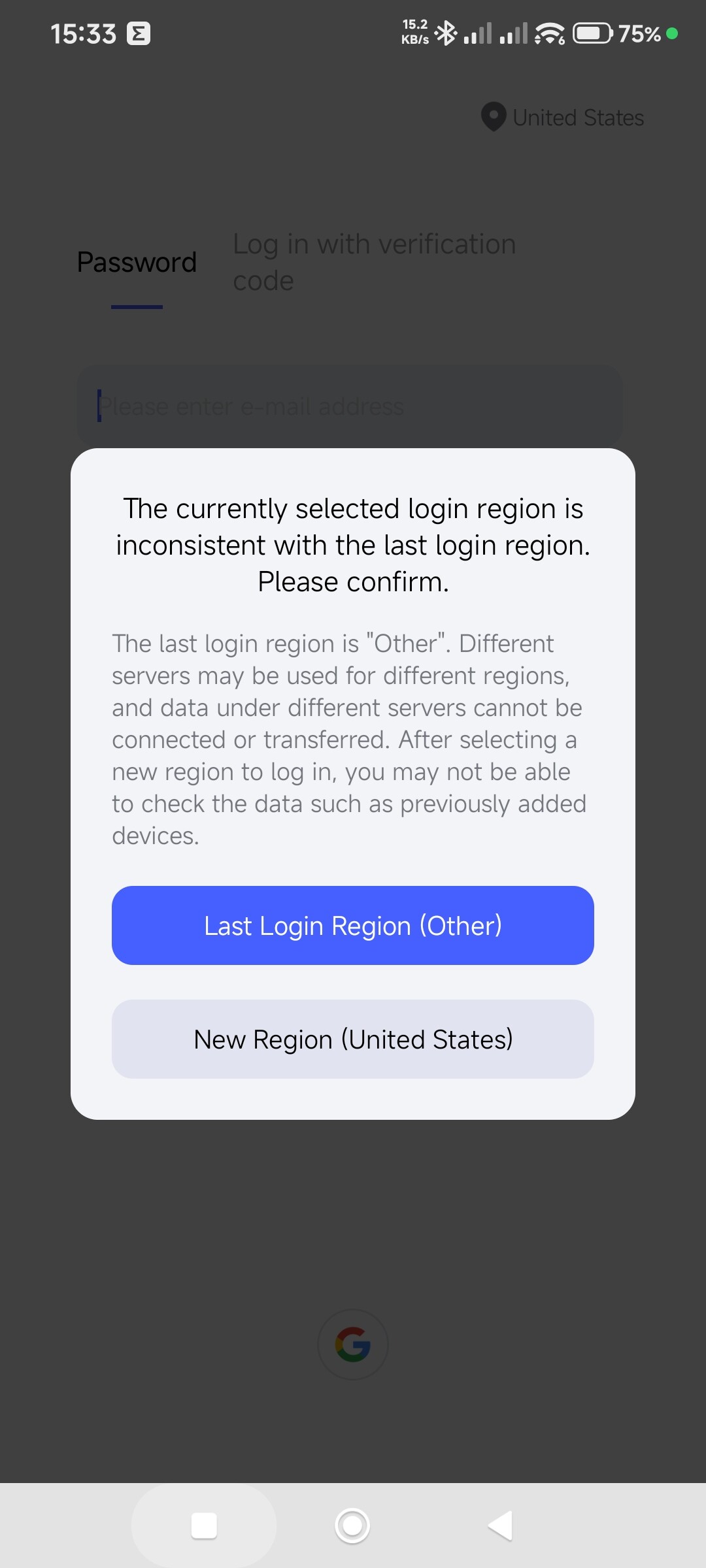
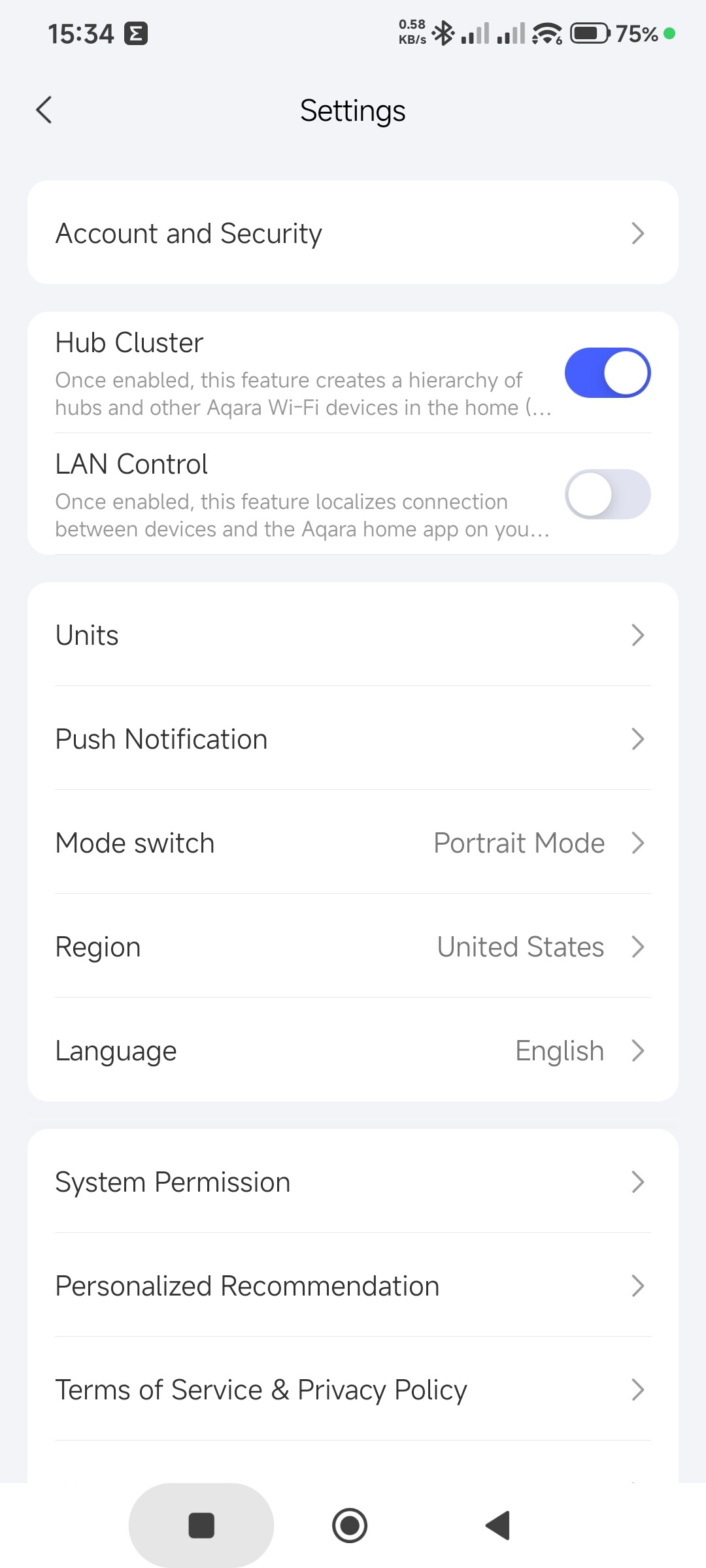
I don’t have the W500, but using smart schedules with W200. This feels like it could be a bug. Is the Aqara app up to date? And just for information, what region is your Aqara account bound to?
Have you tried resetting the W500?
A few things I would try:
- Delete ALL schedules and disable Smart Schedules completely
- Remove the thermostat from the M3
- Reboot the M3 hub
- Re-add the thermostat fresh
- Before enabling Smart Schedules, make sure:
- timezone is correct
- region/server is correct
- no automations/scenes are attached to the thermostat at this point
- Create one simple schedule first (single temperature change) to test, then add others one at a time.
The goal in testing would be to isolate the issue.
I’d definitely report this to Aqara support with your screenshots because this looks reproducible.
4 Likes
Hi, @XT-XianTang.
Please pay attention to this problem. It’s back again😢. Maybe it’s related to the APP app like last time.
I tested it, it appeared for me too.
Thank you.
6 Likes
Hi there, as this issue has already been resolved with our support team via email, we’ll be closing this topic on the forum as well. If you have any further questions or run into any other issues, please feel free to reply directly to our support email. Thanks for your support and understanding!
3 Likes
Hello Everyone,
What I have done so far:
- I restarted all devices multiple times — router, hub, thermostat.
- I checked for software and firmware updates — everything is updated to the latest available versions.
- I changed the region, starting with nearby countries — Greece, Germany, then UK and USA — but with zero results. I also tried SAR but received a message that the device — the thermostat — is not supported there.I removed the hub from the account along with the thermostat and added them back, this time adding the thermostat in Matter mode — but Smart Schedules are not supported there either.
- I returned the hub and thermostat back to Zigbee mode.
- I tried with my work smartphone, my older son’s smartphone and my wife’s smartphone. All these devices are different but behave in exactly the same way — Smart Schedules do not work and are not supported.
- I even tried with my younger son’s tablet, but the Aqara app kept freezing or crashing. I eventually managed to log in, but there too Smart Schedules do not work and are not supported.
I have made two videos and uploaded them to YouTube. They show how the schedules are deleted right after responding to the message in the Aqara app about existing schedules. Regardless of the answer — Yes or No — the schedules disappear from the thermostat display and from the app.
Here are the videos:
- 1-st One
https://youtu.be/92QbuRdbI7o?si=vZ9wUrpyTh724sTb
- 2-nd One
https://youtube.com/shorts/Fas6GVHhW98?si=uIC-ec4eEBadg_UA
My conclusion is that with the Aqara W500 I have made a mistake. The thermostat has nothing special about it except its price. It works as an ordinary wireless thermostat and is not even compatible with Tuya. Overall there is nothing Smart about it, only Remote.
I am considering returning it next week, together with the hub, to the store where I purchased it, on the basis that it was an online order and I have the right to return within 30 days. If the retailer wishes to withhold part of the amount paid, I will argue that these devices do not support the advertised functions and features.
6 Likes
Hello, did you contact support?
4 Likes
The forum bot seems to think this case has been resolved. That doesn’t seem true, right @punchev?
It seems like you’ve done a lot of testing and would be within your right to return it. It could be a bug, but only Aqara can address that. Us forum users are just here to try and help.
One thing I do want to comment on as it may solidify your opinion. You said:
This is true. Aqara’s devices are not based on the Tuya system, so you should not expect them to work together directly without a unifying ecosystem.
5 Likes
Hello, I think I understand the problem. It appeared recently, when using Android. I set up a smart schedule using an iPhone and everything worked fine. Fig. 1.
Sorry for the inconvenience, I will personally raise this issue with the support service. I recommend that you also make this request.
5 Likes
Indeed they conatcted me after my previous post here.
They asked me all the things that I had alredy described here.
It seems that they sending tempalte mails.
However I informed them as replay to the our mail correspondence about my findings.
5 Likes
I also sent a request. They won’t answer me based on the template. 
You may have the APP application installed on your iPhone. I installed the schedule there. Now it is visible on Android as well.
4 Likes
@coletti.robert ,
For me the devices are not operatable at all.
I bought them from offical for Bulgaria retailer.
Watch my videos and if you can point out what I’m doing wrong - OK, I`ll commit my mistake, but I think the advertised functionalities simply don’t work.
5 Likes
Actually, iPhones are not widespread in Bulgaria due to their high price for a large part of the population, so there is not a single one in my family. On another note, Aqara devices are not cheap at all by local standards, but that is a different topic. The idea of buying one or two iPhones just to control thermostats seems to me slightly… well, insane, to be honest.
2 Likes
Please, let’s take a time out (weekends). Believe me, everything will be fine.
2 Likes
My wife just has one iPhone and sometimes I use it for work. The whole system in the family lives on Android.
1 Like
Hello.
I want to try to help.
Do the following.
- Removed the Aqara home W500 from the app.
- Press the button on the W500 quickly 10 times. (Off will light up). This is a factory reset.
- We turn off (remove the voltage) the W500.
- We remove the APP from the Android phone.
- We reboot the phone.
- We install the APP.
- We add the W500 to the smart home.
I experimented like this myself and everything worked.
A separate suggestion is the new firmware for the M3 gateway (4.5.50_0019). Update the gateway before installing the W500.
1 Like
Hello @gafich10 ,
I’m not able to find the mentioned by you update version ***"…19.
I’m currently on version ****…17=
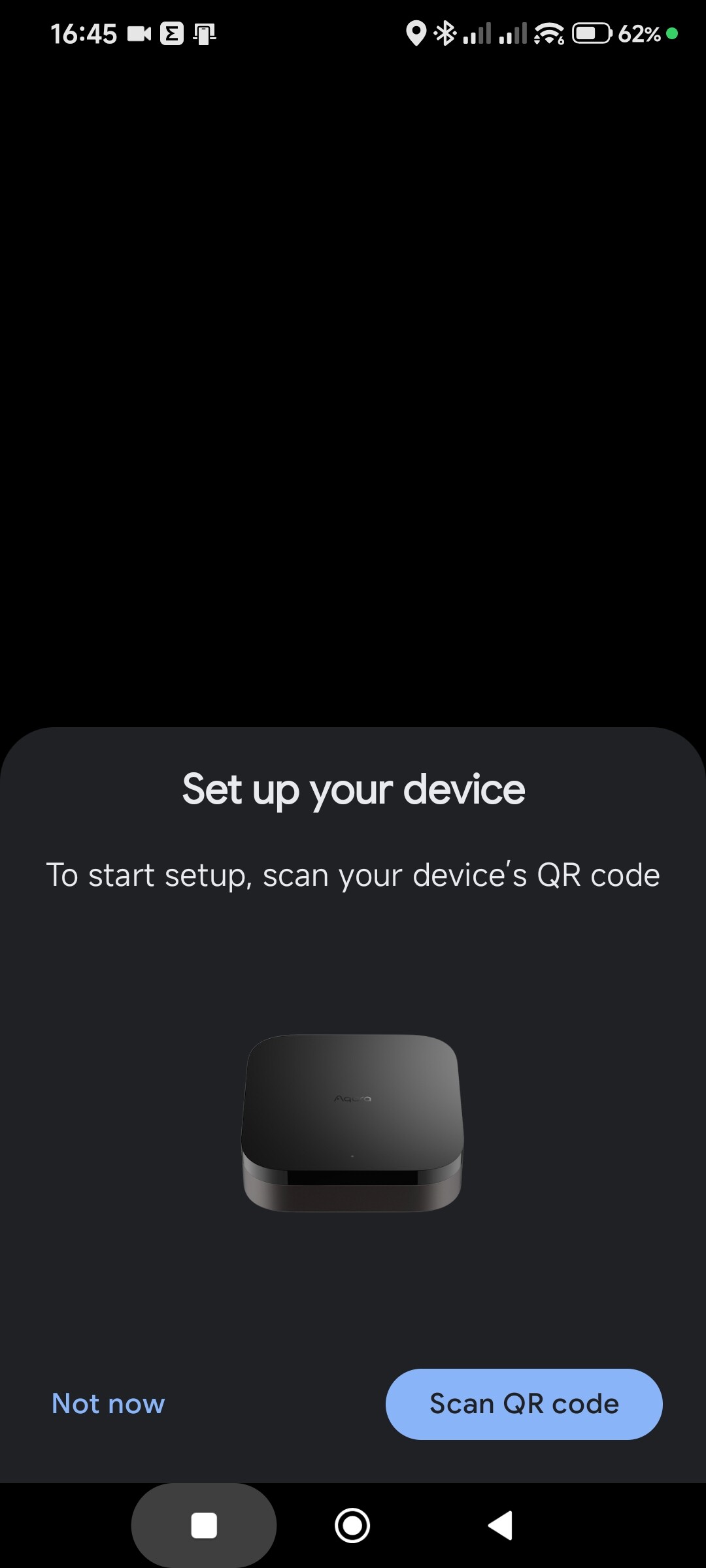
And there is sonething strange … Im constantly receivig pop-up to add the M3 Hub as Matter device on my smartphone … also the rest of my family too when they are conneted to our home network.
I add M3 to Google Home … but it still pop-ups
Why the hell?
Hello, the update is coming to users in batches. So it will be available to you later.
1 Like
Hi, @Expert, what do you think about this behavior of the M3 gateway?
Clarification, the M3 is connected to the router by cable.
That’s definitely strange with the M3- sounds little to me like its somehow in hanging still in an installation mode