Smoke Detector can't be paired to M3 Hub

I have two homes and in each home I have M3 hub and a few Aqara devices.
I bought the Aqara smoke detector for each of my homes but in both homes when I put the smoke detector in pairing mode nothing happens - i.e the Hub does not even see it.
Also - when I use the Add accessory option in the app - in the list of Aqara devices I can select the Smoke detector is even listed.

Does anyone have any suggestion on how I pair the smoke detector to the hub?

1 Like

Hi , what for an error message appears?

1 Like

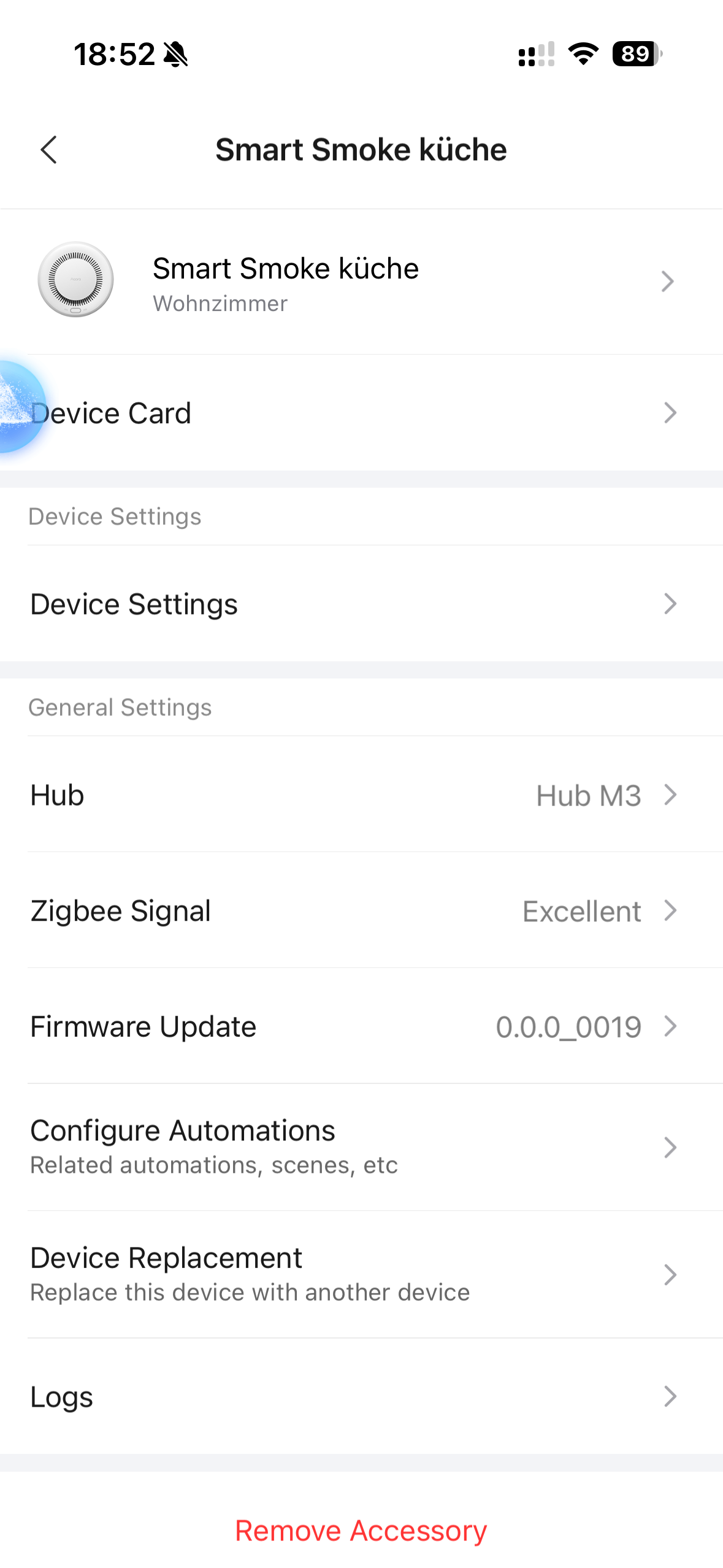
I’ve just checked my smoke detector, it’s successfully added to M3 under Europe server (Germany)

4 Likes

There is no error message.
If I put the smoke detector into pairing mode the Aqara app just “keep searching” for devices without ever finding one.

" in the list of Aqara devices I can select the Smoke detector is even listed."

This should have read: in the lost of Aqara device I can’t select the Smoke detector. It’s not even listed.

If I scan the QR code on the back during the installation attempt I get a message on my phone saying the Installation code is unrecognizable.

Well you can try to bring smoke detector into pairing mode and press M3 button for 3 times

2 Likes

Hmmmm

That’s interesting - because it did work and the smoke detector paired with the hub!
Thanks for the advise.
Still wondering why the smoke detector isn’t even listed in the accessory list.

1 Like

Glad I could help you.
Sometimes the accessories lists are not up to date or that device isn’t official released for that country… but great it works finally :crazy_face: :x2fozabcpx9xrbxmdpseb3_61:
2 Likes